
Shynloc Brand Identity Sheet
Generates a polished one-page visual identity system for a futuristic AI-driven logo concept, suitable for brand guideline presentations.
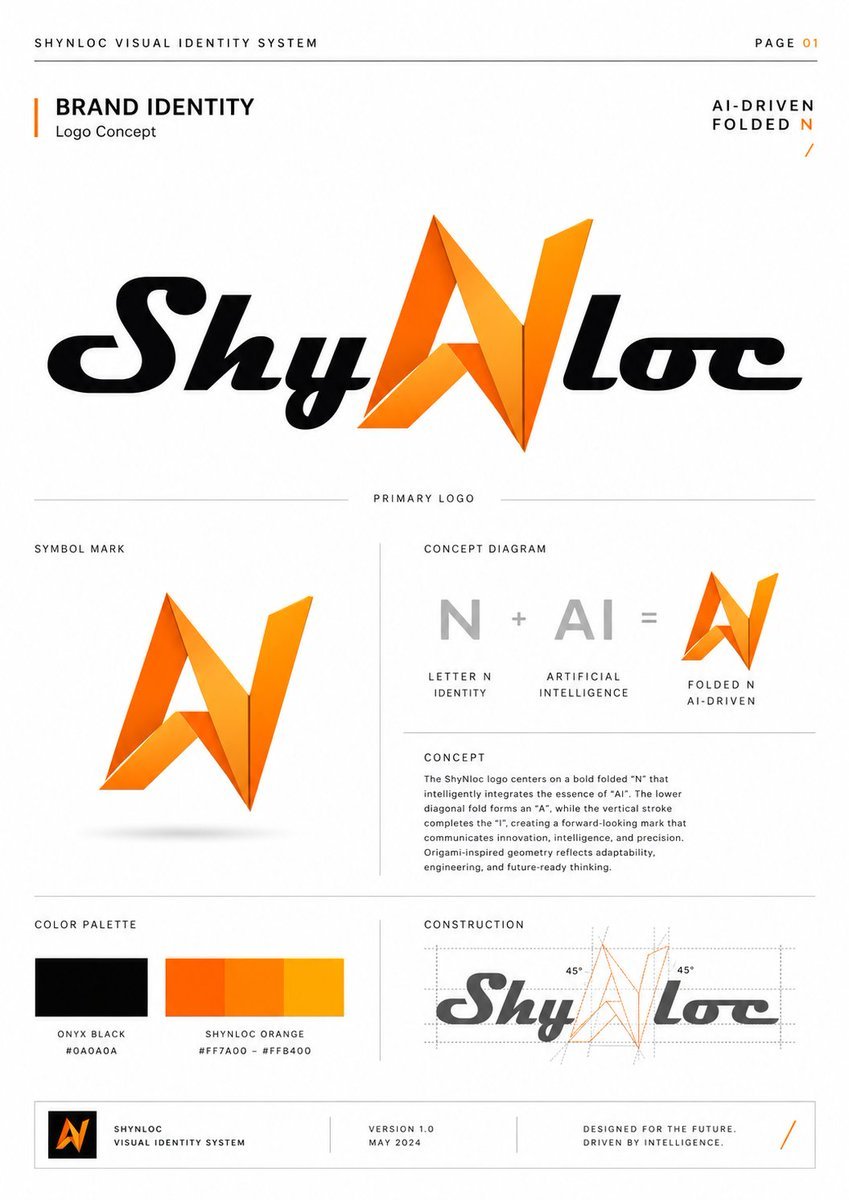
- Prompt included
- Model and format preset
- Free template
The prompt behind this image
Copy the exact prompt behind Shynloc Brand Identity Sheet, or open it in the studio and make it yours.
- Type
- clean corporate visual identity presentation sheet
- Format
- single page brand identity guideline, page 01, portrait orientation
- Brand › Name
- {argument name="brand name" default="Shynloc"}
- Brand › System Title
- {argument name="system title" default="SHYNLOC VISUAL IDENTITY SYSTEM"}
- Brand › Tagline
- {argument name="tagline" default="AI-DRIVEN FOLDED N"}
- Brand › Logo Concept
- a futuristic wordmark where the central letter N is transformed into a folded origami-like angular symbol that also reads as AI, using black italic script lettering for the surrounding word and bright orange gradient folded geometry for the N
- Style › Background
- pure white with generous negative space
- Style › Layout
- minimal Swiss grid, thin light gray divider lines, uppercase micro typography, premium brand-book aesthetic
- Style › Typography
- bold sans-serif section headers, small widely spaced uppercase captions, clean body copy
- Style › Colors
- black, white, gray, vivid orange gradient
- Layout › Header › Position
- top edge
- Layout › Header › Left Text
- SHYNLOC VISUAL IDENTITY SYSTEM
- Layout › Header › Right Text
- PAGE 01
- Layout › Header › Divider
- thin horizontal gray rule across the page
- Layout › Hero Section › Position
- upper half center
- Layout › Hero Section › Title Block
- BRAND IDENTITY with subtitle Logo Concept and a vertical orange accent bar
- Layout › Hero Section › Right Label
- AI-DRIVEN FOLDED N with a small orange slash
- Layout › Hero Section › Primary Logo
- large centered Shynloc wordmark; black glossy italic custom lettering, orange folded N in the middle, labeled PRIMARY LOGO underneath
- Layout › Sections › 0 › Title
- SYMBOL MARK
- Layout › Sections › 0 › Position
- middle-left
- Layout › Sections › 0 › Count
- 1
- Layout › Sections › 0 › Items
- standalone orange folded N symbol with sharp triangular facets, subtle shadow below
- Layout › Sections › 1 › Title
- CONCEPT DIAGRAM
- Layout › Sections › 1 › Position
- middle-right
Raw JSON
{"type":"clean corporate visual identity presentation sheet","format":"single page brand identity guideline, page 01, portrait orientation","brand":{"name":"{argument name=\"brand name\" default=\"Shynloc\"}","system title":"{argument name=\"system title\" default=\"SHYNLOC VISUAL IDENTITY SYSTEM\"}","tagline":"{argument name=\"tagline\" default=\"AI-DRIVEN FOLDED N\"}","logo concept":"a futuristic wordmark where the central letter N is transformed into a folded origami-like angular symbol that also reads as AI, using black italic script lettering for the surrounding word and bright orange gradient folded geometry for the N"},"style":{"background":"pure white with generous negative space","layout":"minimal Swiss grid, thin light gray divider lines, uppercase micro typography, premium brand-book aesthetic","typography":"bold sans-serif section headers, small widely spaced uppercase captions, clean body copy","colors":"black, white, gray, vivid orange gradient"},"layout":{"header":{"position":"top edge","left text":"SHYNLOC VISUAL IDENTITY SYSTEM","right text":"PAGE 01","divider":"thin horizontal gray rule across the page"},"hero section":{"position":"upper half center","title block":"BRAND IDENTITY with subtitle Logo Concept and a vertical orange accent bar","right label":"AI-DRIVEN FOLDED N with a small orange slash","primary logo":"large centered Shynloc wordmark; black glossy italic custom lettering, orange folded N in the middle, labeled PRIMARY LOGO underneath"},"sections":[{"title":"SYMBOL MARK","position":"middle-left","count":1,"items":["standalone orange folded N symbol with sharp triangular facets, subtle shadow below"]},{"title":"CONCEPT DIAGRAM","position":"middle-right","count":3,"labels":["N, Letter N Identity","AI, Artificial Intelligence","Folded N, AI-Driven"],"content":"gray N plus gray AI equals orange folded N icon"},{"title":"CONCEPT","position":"below concept diagram","count":1,"body text":"The logo centers on a bold folded N that intelligently integrates the essence of AI. The lower diagonal fold forms an A, while the vertical stroke completes the I, creating a forward-looking mark that communicates innovation, intelligence, and precision. Origami-inspired geometry reflects adaptability, engineering, and future-ready thinking."},{"title":"COLOR PALETTE","position":"bottom-left","count":2,"swatches":["Onyx Black #0A0A0A","Shynloc Orange #FF7A00 – #FFB400"]},{"title":"CONSTRUCTION","position":"bottom-right","count":1,"content":"small grayscale wordmark with the orange N overlaid by dotted construction grid, angular guide lines, and two 45° annotations"}],"footer":{"position":"bottom boxed strip","count":4,"items":["small black square logo tile containing the orange folded N","SHYNLOC VISUAL IDENTITY SYSTEM","VERSION 1.0 / MAY 2024","DESIGNED FOR THE FUTURE. DRIVEN BY INTELLIGENCE. with orange slash"]}},"rendering":"crisp vector graphic design, high-resolution brand guideline mockup, perfectly aligned grid, thin rules, precise spacing, professional agency presentation, no photo texture, no people","customization":{"primary color":"{argument name=\"primary color\" default=\"vivid orange gradient #FF7A00 to #FFB400\"}","secondary color":"{argument name=\"secondary color\" default=\"onyx black #0A0A0A\"}"}}How to use Shynloc Brand Identity Sheet in 3 steps
- 1Upload ImagePNG, JPG or paste
Add your photo
Upload the photo the template builds on. The prompt, model and format are already set.
- 2…a portrait of your subject in softgolden-hour light, 85mm…
Personalize
Edit the subject and creative details for your destination.
- 3Generate
Generate
Press Generate — your image is created in PicX Studio, so you can compare it with the original and refine one variable at a time.
More like this
Templates with the same subject, style or setup. Open one to see its prompt.

Brand Sticker Sheet Monoline Vector

Luxury Fashion Campaign Typography Poster System

Premium Fashion Editorial Campaign Poster System

Isometric Brand Store Diorama

Moss Logo Minimalist Brand Flat Lay
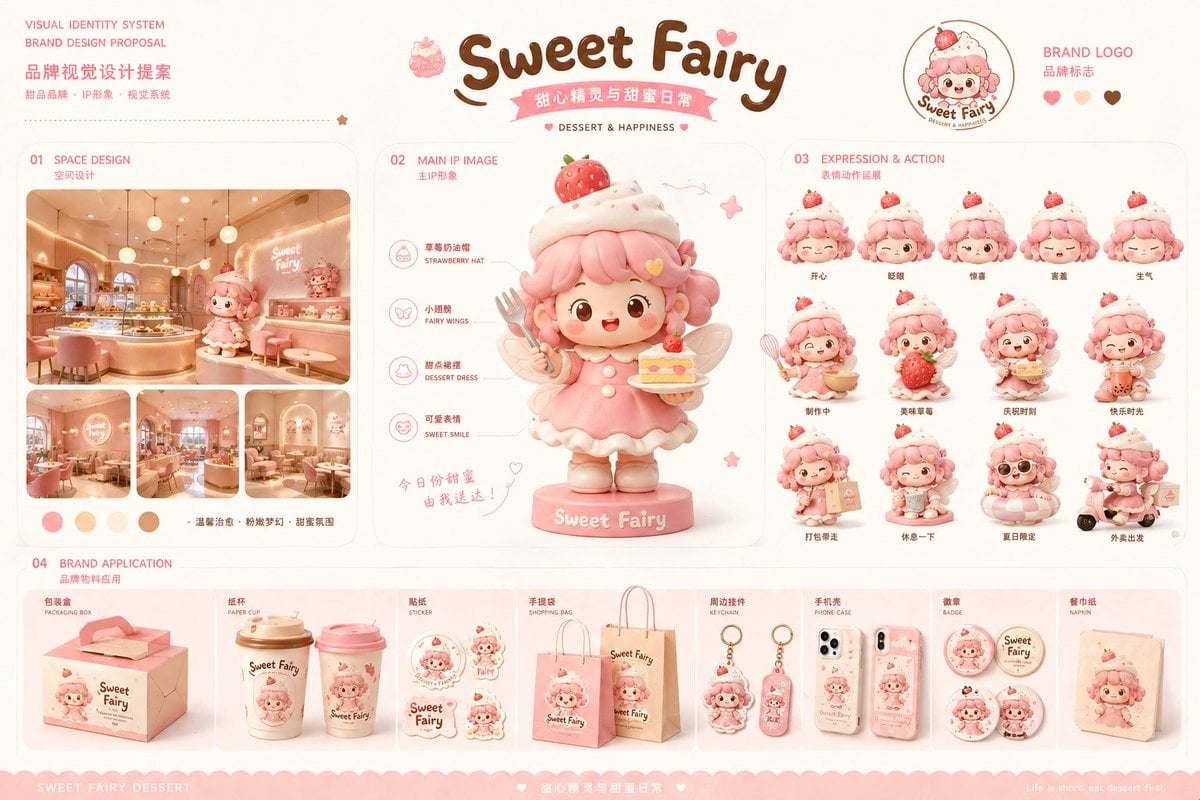
Dessert Brand Visual Identity Proposal Board
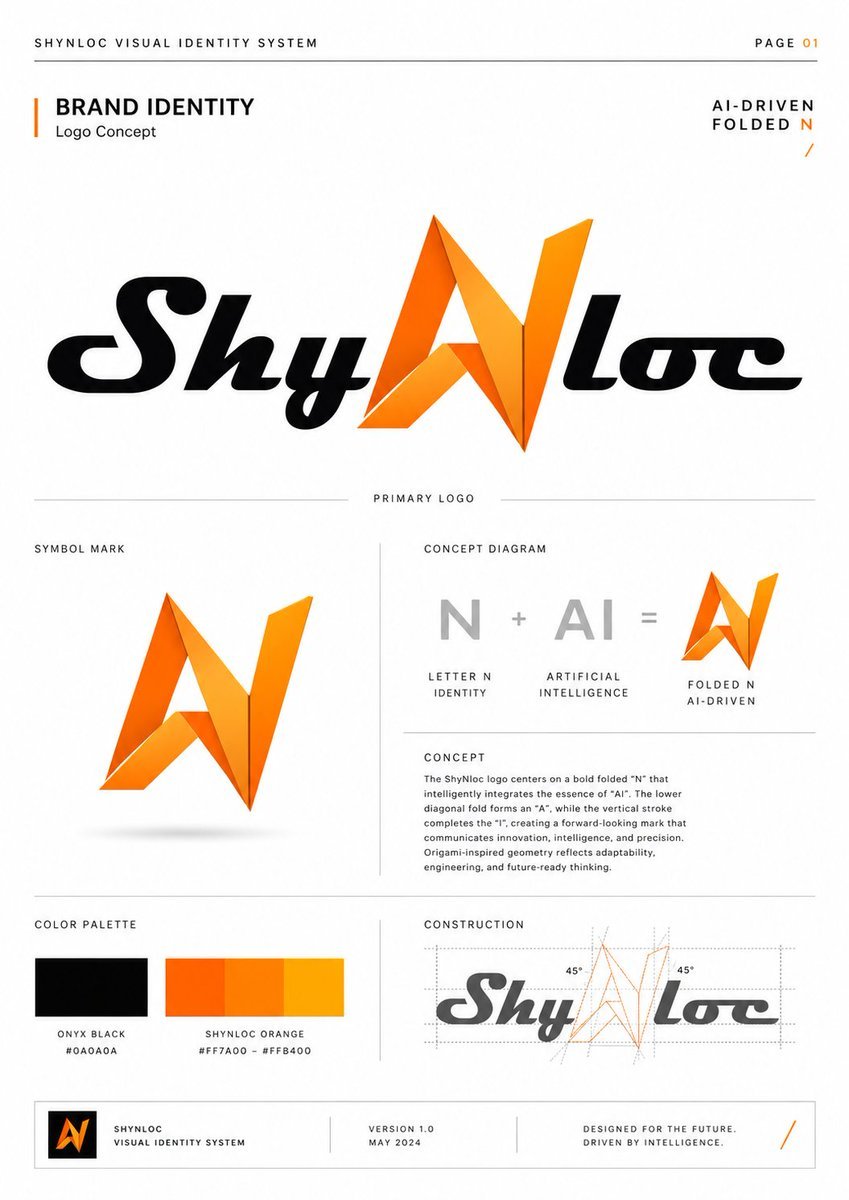
Shynloc Visual Identity Board
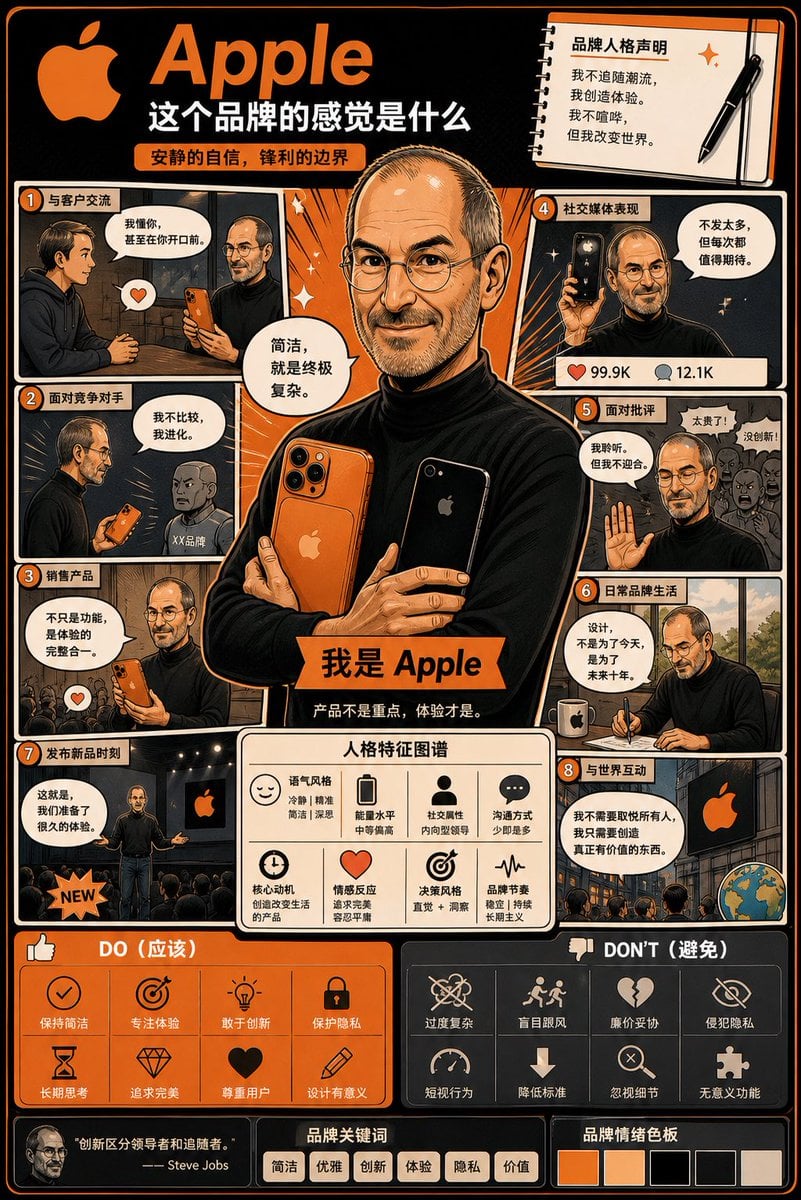
Manga Style Brand Identity Infographic
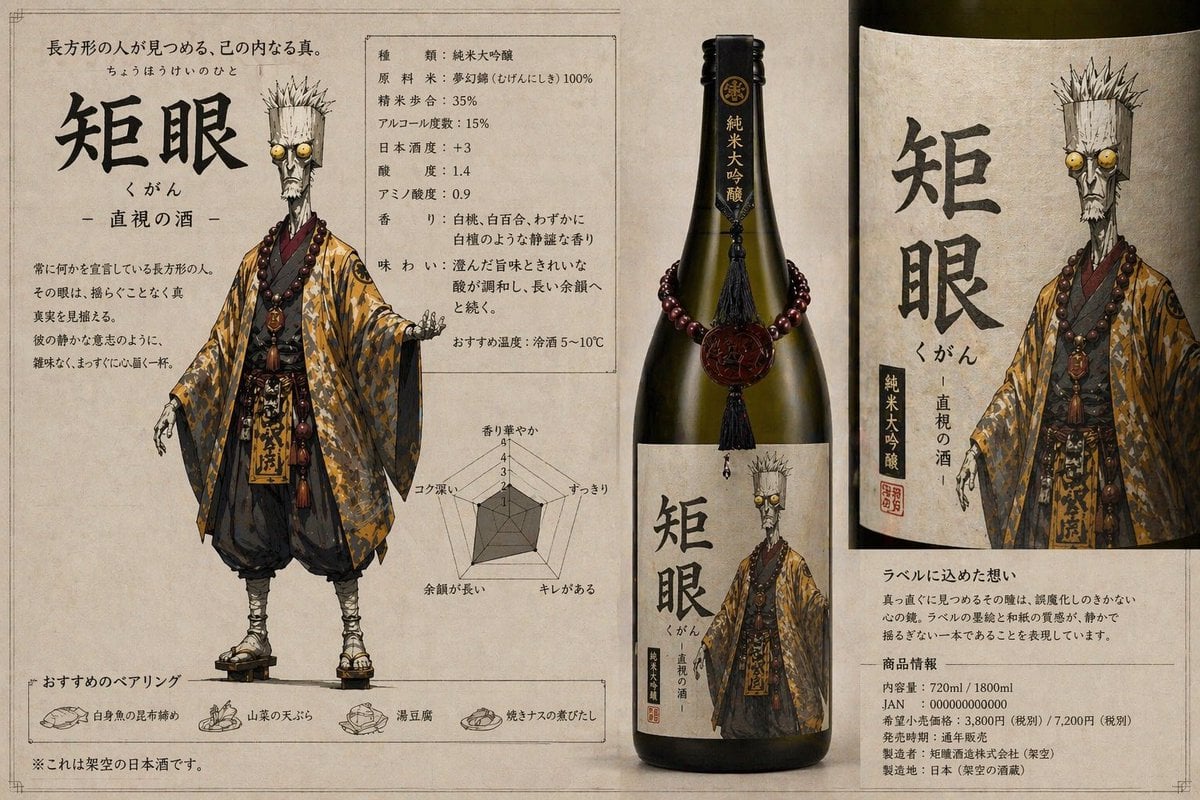
Character-Based Brand Identity Design
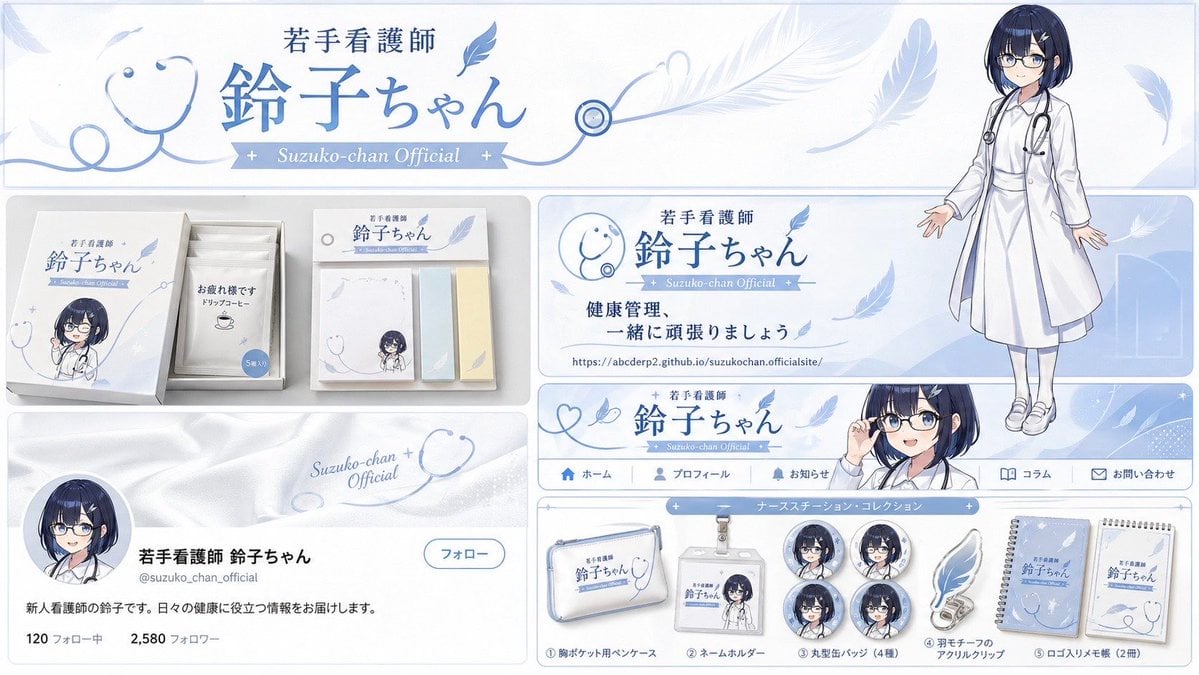
Brand Identity Design Board

Dancer Character - Four View Reference Sheet

Movement Sheet - Dance Reference (Seedance 2.0)
Make it yours
Shynloc Brand Identity Sheet works as-is. These are the safest ways to change it without losing the look.
Swap the setting
Keep the rest of the prompt and replace the location block. The current setting is “pure white with generous negative space”.
Change one field
Copy a single group, rewrite it, and generate again so you can see what that field is doing.
Keep the frame, change the subject
Hold the composition and light of Shynloc Brand Identity Sheet, then swap wardrobe, props or the person for a new take.
| If the result… | Why | Fix |
|---|---|---|
| The result drifts from the preview | Too many fields changed at once. | Reuse Shynloc Brand Identity Sheet as-is first, then change one group — subject, light, or setting. |
| GPT Image 2 ignores part of the JSON | Some models flatten or skip nested keys. | Keep the same values and paste them as a short paragraph instead. |
More GPT Image 2 templates
Other prompts made for GPT Image 2.

Six VTuber Japanese Logo Sheet

Realistic Portrait of Woman and Deer

The Vista Modular Condo Poster

AI Model Routing Comparison Infographic

2.5D Anime Art Board

Isometric Productivity Desk Scene

New York Double Exposure Poster

Four-Panel AI Landscape Comparison

Japanese Tatami Lifestyle Magazine Cover

NESCAFÉ Coffee Map Poster
More image prompts
Fresh picks from across the catalog.
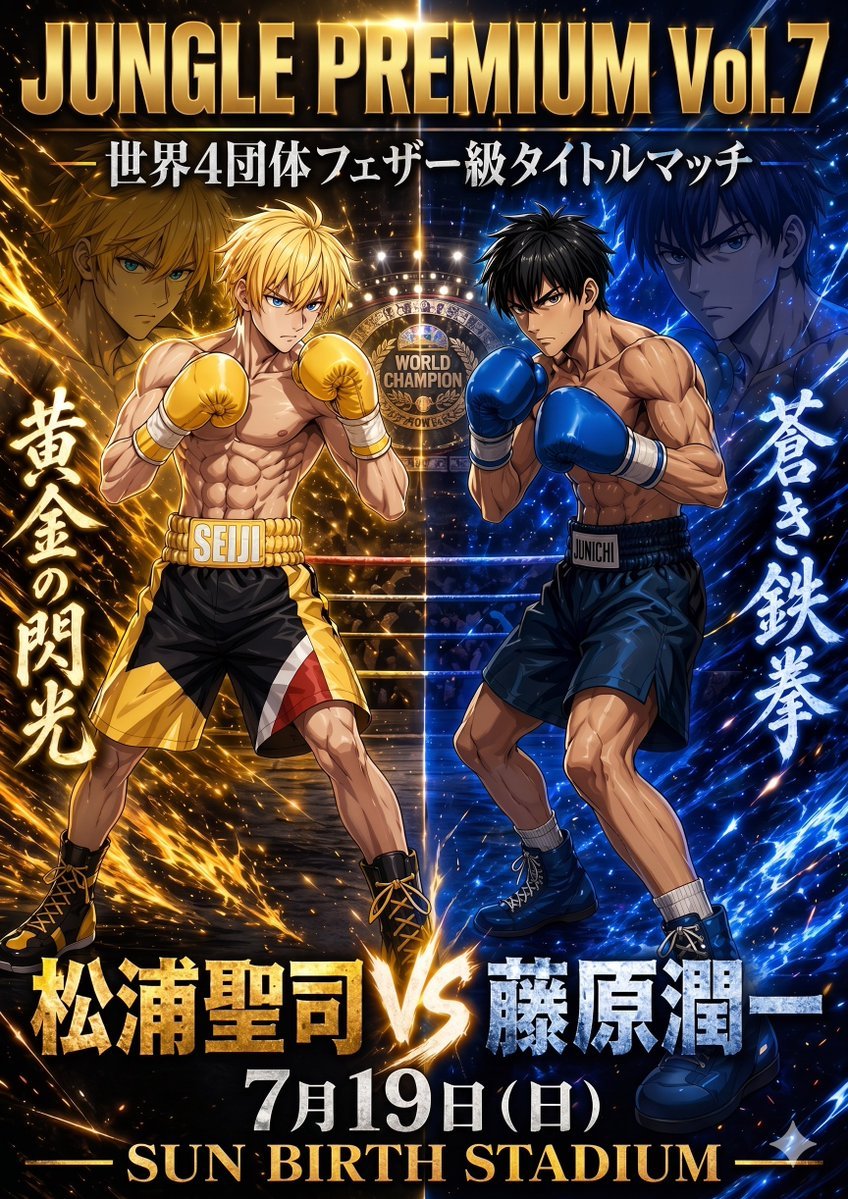
Anime Boxing Title Match Poster

Japanese Summer Festival Poster
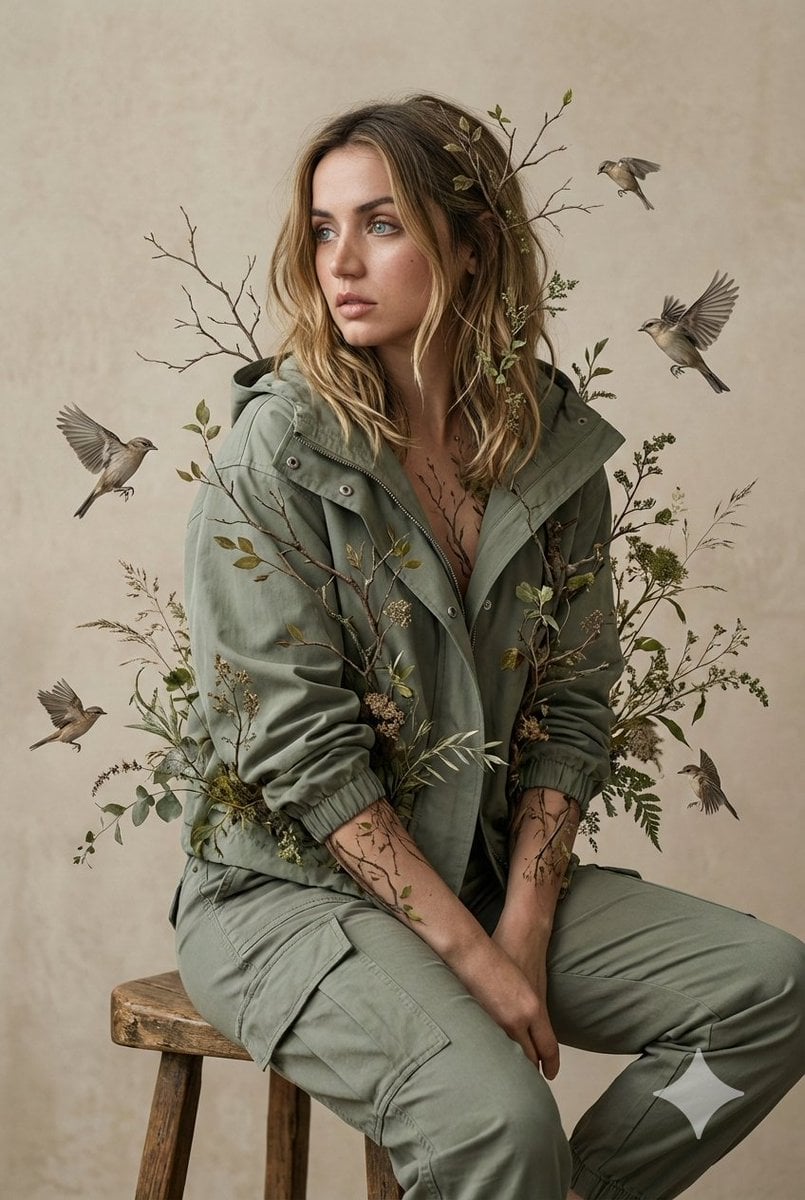
Nature-Human Fusion Editorial Portrait Prompt
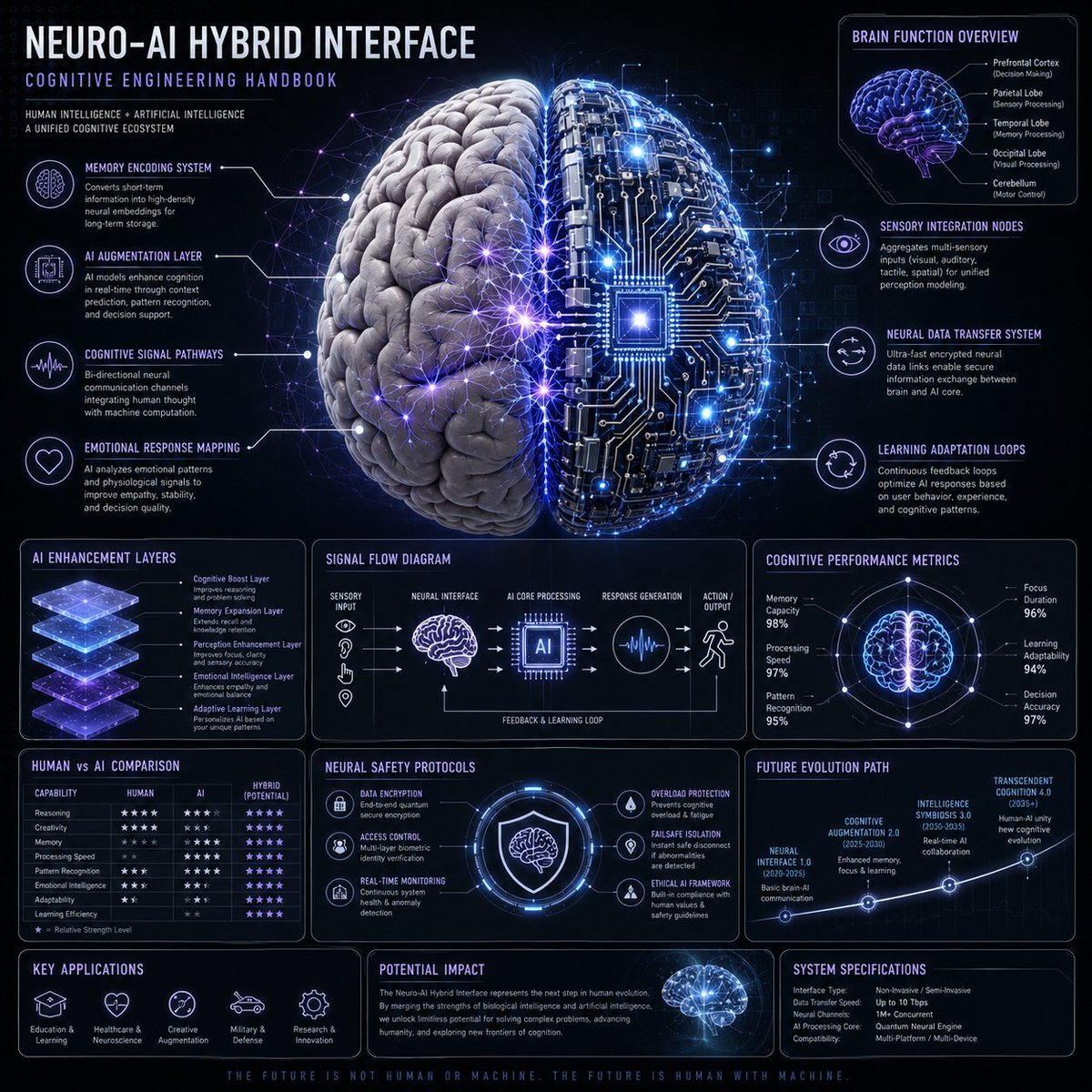
Neuro-AI Hybrid System Infographic

Pixar Style Identity Preservation
Candid iPhone Night Portrait
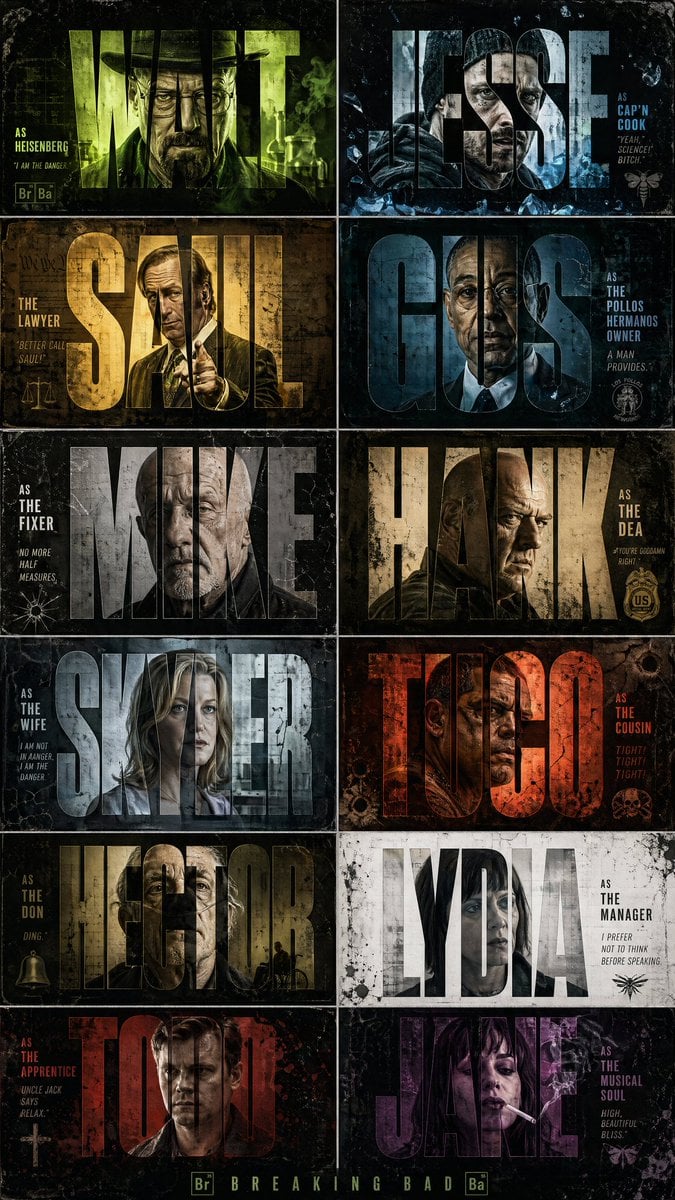
Breaking Bad Stylized Poster Design
Hyper-realistic close-up of a woman's face being 'maintained' by miniature aesthetic doctors
Generating a boxing match image between two specific people

Censored Café Selfie Portrait
Browse template categories
Shynloc Brand Identity Sheet questions
How do I use the Shynloc Brand Identity Sheet template?
Add your photo if the template asks for one, edit the prompt if you like — the template's model and format are already selected — and press Generate. Your version opens in PicX Studio.
Can I customize the Shynloc Brand Identity Sheet template?
Yes. You can change the subject, setting, lighting, mood, format, and available model controls before creating your image.
Is the Shynloc Brand Identity Sheet template free?
Opening and editing this template is free. Generating uses credits, shown on the Generate button when you are signed in.
Which AI model should I use?
Start with GPT Image 2, which is the model associated with this template. You can compare another compatible model for a different finish.
Looking for something else? Browse all templates.

Your photo, any look
Thousands of ready templates for every top image and video model, from one credit balance.