
Pixar Style Identity Preservation
A highly technical prompt for transforming a reference photo of a child into a 3D Pixar-style portrait while maintaining exact facial identity and pose.
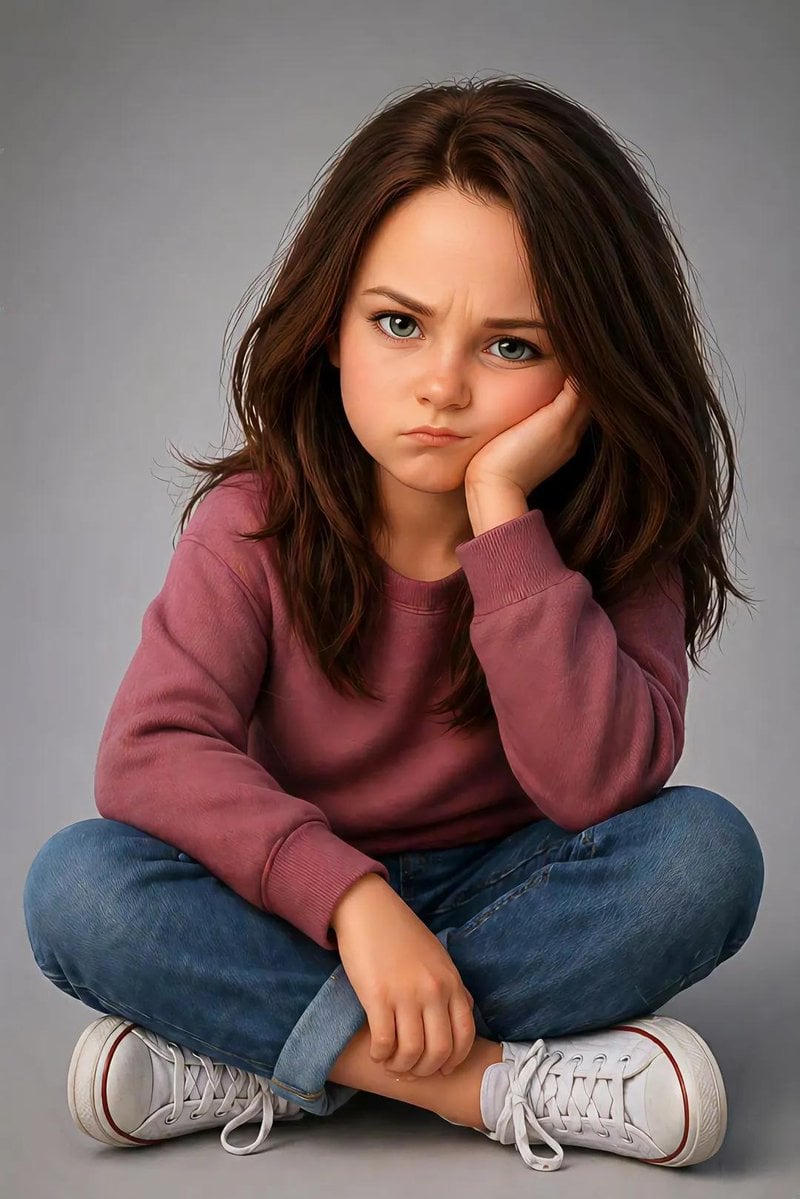
- Prompt included
- Model and format preset
- Free template
The prompt behind this image
Copy the exact prompt behind Pixar Style Identity Preservation, or open it in the studio and make it yours.
Create an image using the uploaded image. Ultra-detailed, hyper-realistic, 3d pixar portrait of a {argument name="gender" default="young child"}, preserving the exact facial identity, structure, and proportions from the reference image with high fidelity. Pose (must match exactly): Child is sitting on the floor with legs crossed. One elbow is resting on the knee, with the hand supporting the side of the face (cheek pressed into palm). The other hand rests relaxed near the ankle or shin. Head slightly tilted forward. Expression is mildly annoyed, pouting, or bored with furrowed brows and subtle frown. Eye contact directed toward camera. Body proportions: Natural child proportions with slightly stylized softness. Maintain realistic anatomy, no exaggeration. Face & expression: Preserve original eye shape, nose structure, lips, and skin tone. Expression should reflect subtle frustration or impatience (pout, slight brow tension). Hair: {argument name="hair style" default="medium to long natural hair, slightly tousled, soft volume"} Clothing: Casual modern outfit: Random color long-sleeve sweater or similar soft fabric top Denim jeans (rolled cuffs optional) Clean white sneakers Lighting: Soft studio lighting, evenly diffused, gentle shadows under chin and body, smooth skin rendering without over-processing. Background: Minimal clean studio backdrop (light grey or soft neutral tone), seamless and distraction-free. Details: Highly detailed skin texture, realistic fabric folds, natural hair strands with subtle flyaways, crisp focus, 8k resolution feel. Camera: Eye-level perspective, centered framing, shallow depth of field but subject fully sharp. Vertical portrait composition, full frame height emphasis, cinematic poster layout.
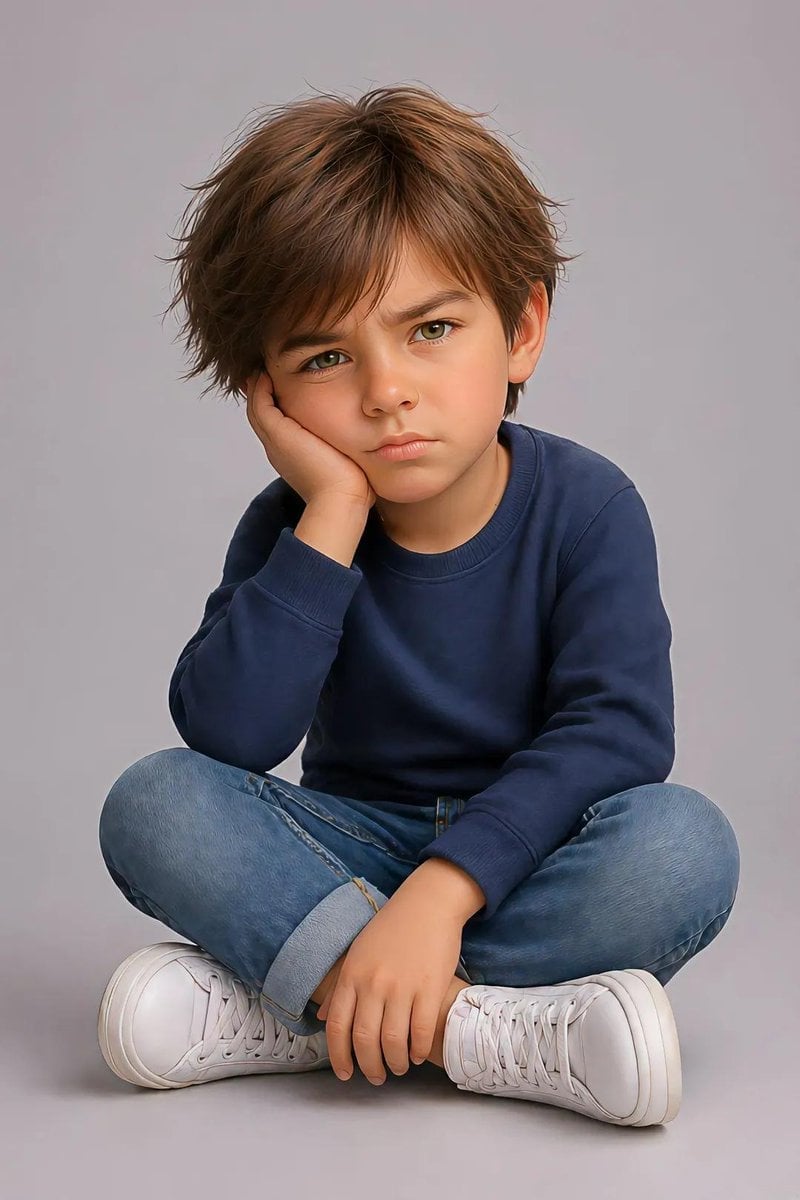
Reference images included
Pixar Style Identity Preservation needs input media to work. They load alongside the prompt when you open it in the studio.
How to use Pixar Style Identity Preservation in 3 steps
- 1Upload ImagePNG, JPG or paste
Add your photo
Upload the photo the template builds on. The prompt, model and format are already set.
- 2…a portrait of your subject in softgolden-hour light, 85mm…
Personalize
Edit the subject and creative details for your destination.
- 3Generate
Generate
Press Generate — your image is created in PicX Studio, so you can compare it with the original and refine one variable at a time.
More like this
Templates with the same subject, style or setup. Open one to see its prompt.

Felt & Knit 3D Character — Photo-Exact Face, Pixar-Quality Plush Figurine
Cyberpunk Identity Preservation Portrait

CGI 3D Finale Fireworks

CGI 3D Garden Maze

CGI 3D Rooftop Concert

CGI 3D Bicycle Coast

CGI 3D Castle Gate

CGI 3D Kitchen Chaos

CGI 3D Carnival Ride

CGI 3D Rainy Bus Stop

CGI 3D Space Dock

CGI 3D Cafe Morning
Make it yours
Pixar Style Identity Preservation works as-is. These are the safest ways to change it without losing the look.
Change one field
Copy a single group, rewrite it, and generate again so you can see what that field is doing.
Keep the frame, change the subject
Hold the composition and light of Pixar Style Identity Preservation, then swap wardrobe, props or the person for a new take.
| If the result… | Why | Fix |
|---|---|---|
| The result drifts from the preview | Too many fields changed at once. | Reuse Pixar Style Identity Preservation as-is first, then change one group — subject, light, or setting. |
| The model over-stylizes the scene | The prose prompt leaves finish and camera underspecified. | Add one camera or lighting sentence and stay on GPT Image 2. |
More GPT Image 2 templates
Other prompts made for GPT Image 2.

Six VTuber Japanese Logo Sheet

Realistic Portrait of Woman and Deer

The Vista Modular Condo Poster

AI Model Routing Comparison Infographic

2.5D Anime Art Board

Isometric Productivity Desk Scene

New York Double Exposure Poster

Four-Panel AI Landscape Comparison

Japanese Tatami Lifestyle Magazine Cover

NESCAFÉ Coffee Map Poster
More image prompts
Fresh picks from across the catalog.
Gothic Stipple Art Poem Visualization
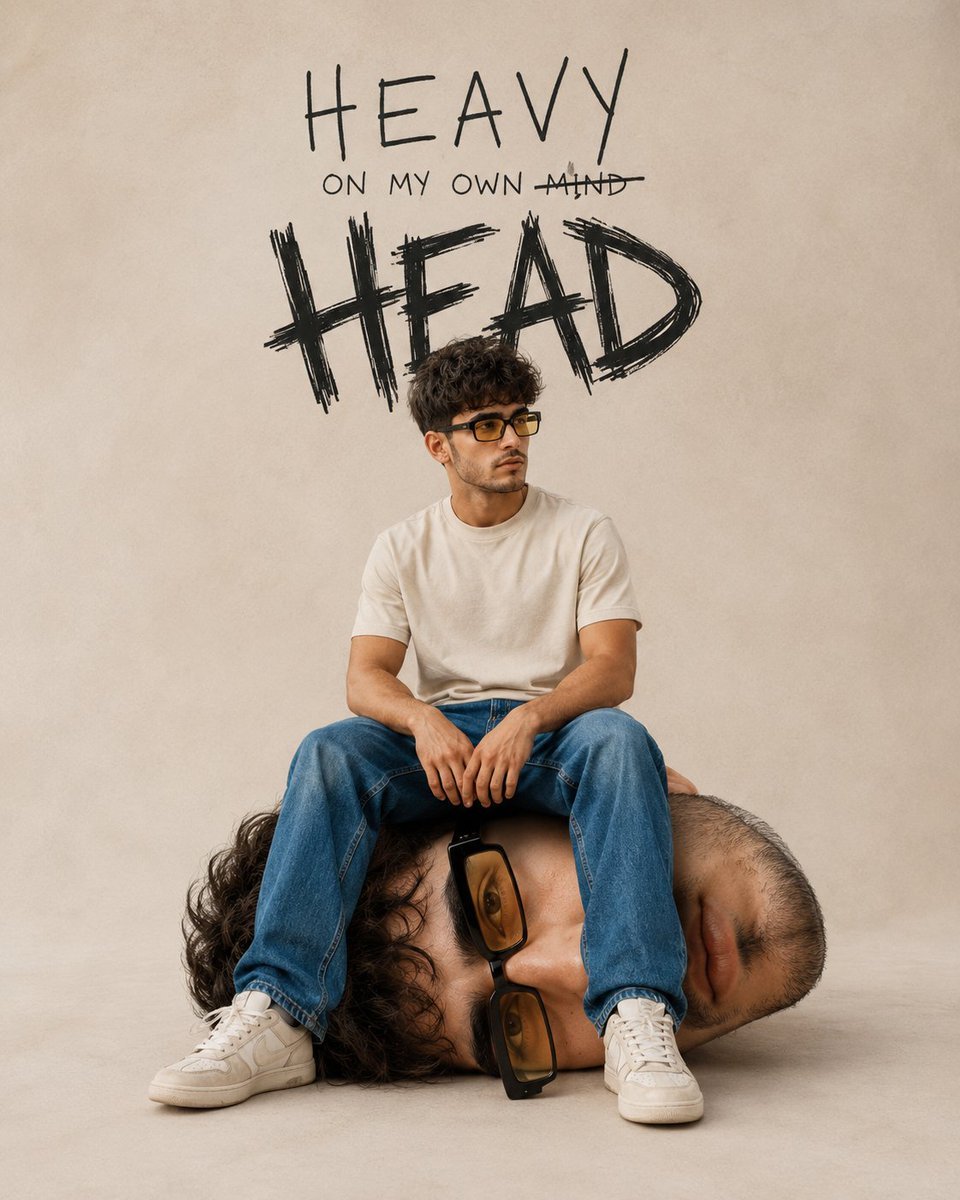
Surreal Conceptual Mind Portrait
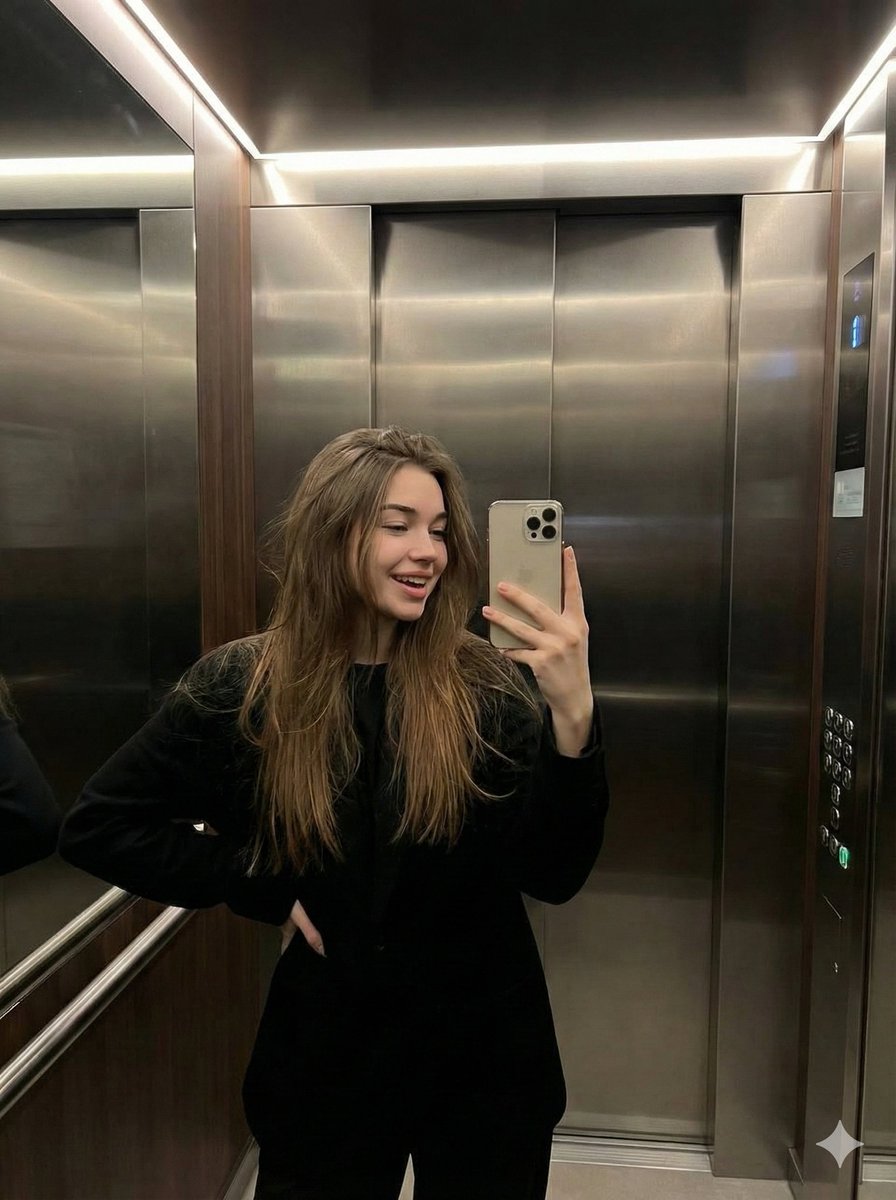
Candid Elevator Mirror Selfie
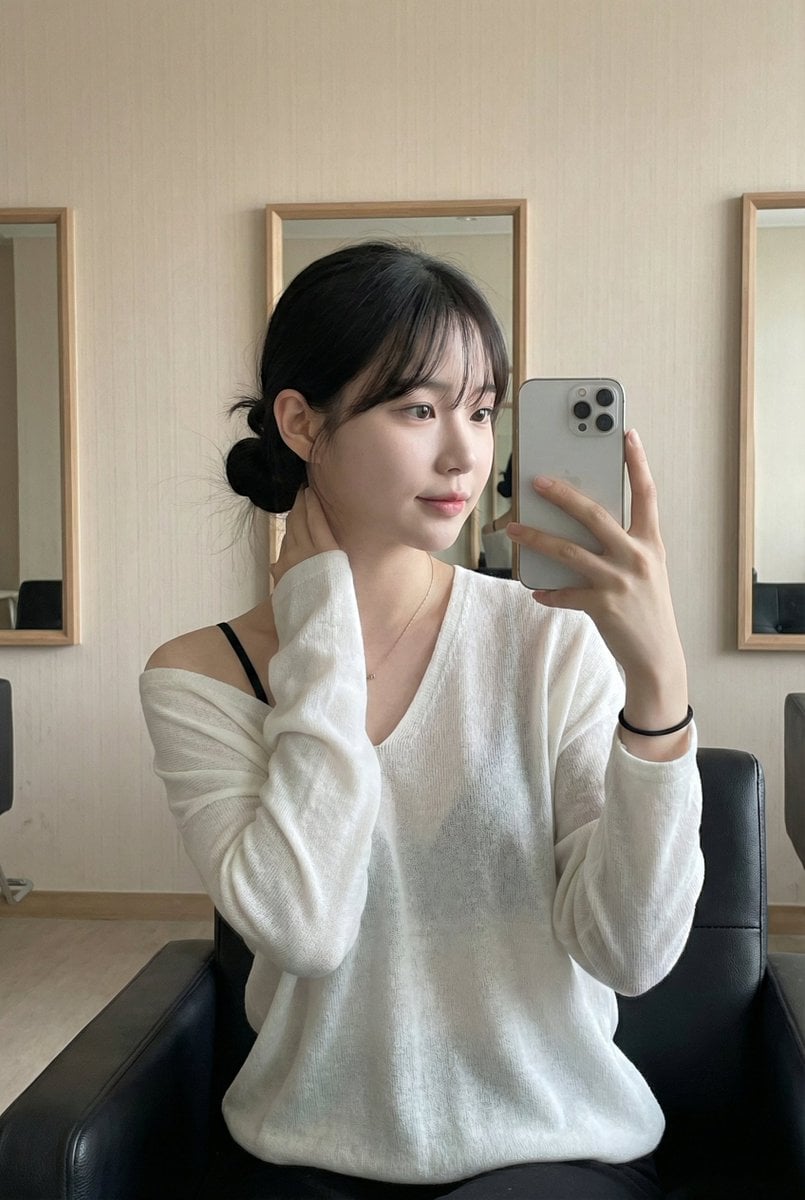
Atmospheric Indoor Mirror Selfie with 'Pure and Desire' Aesthetic
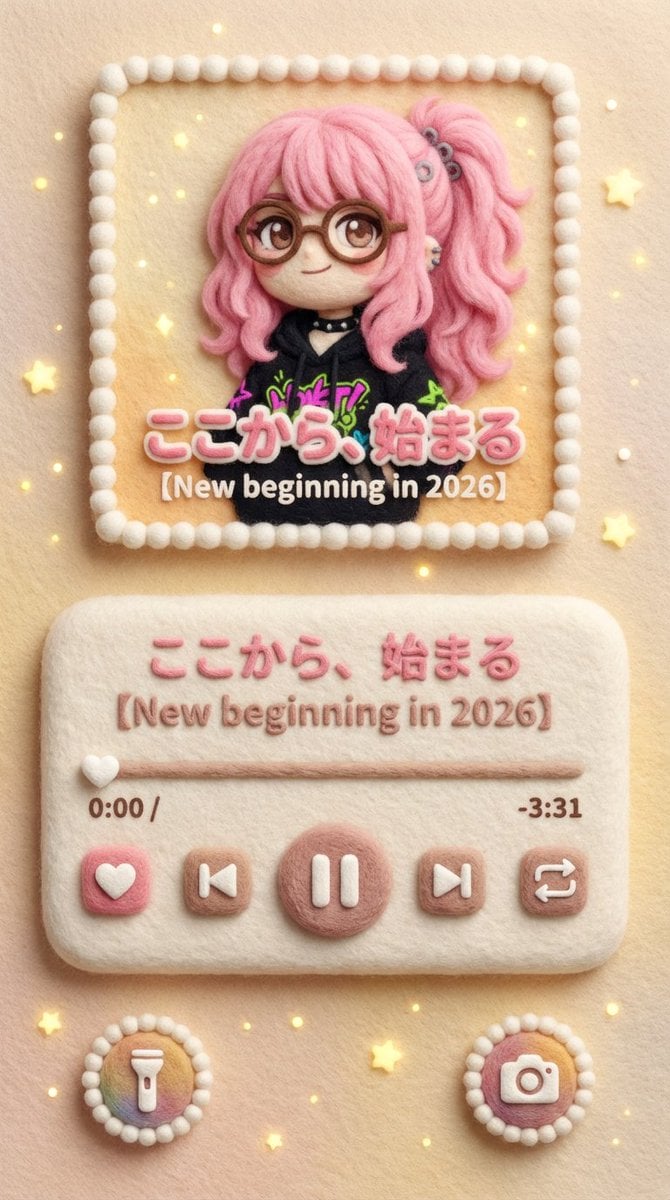
Felted Wool Smartphone Lock Screen Music Player
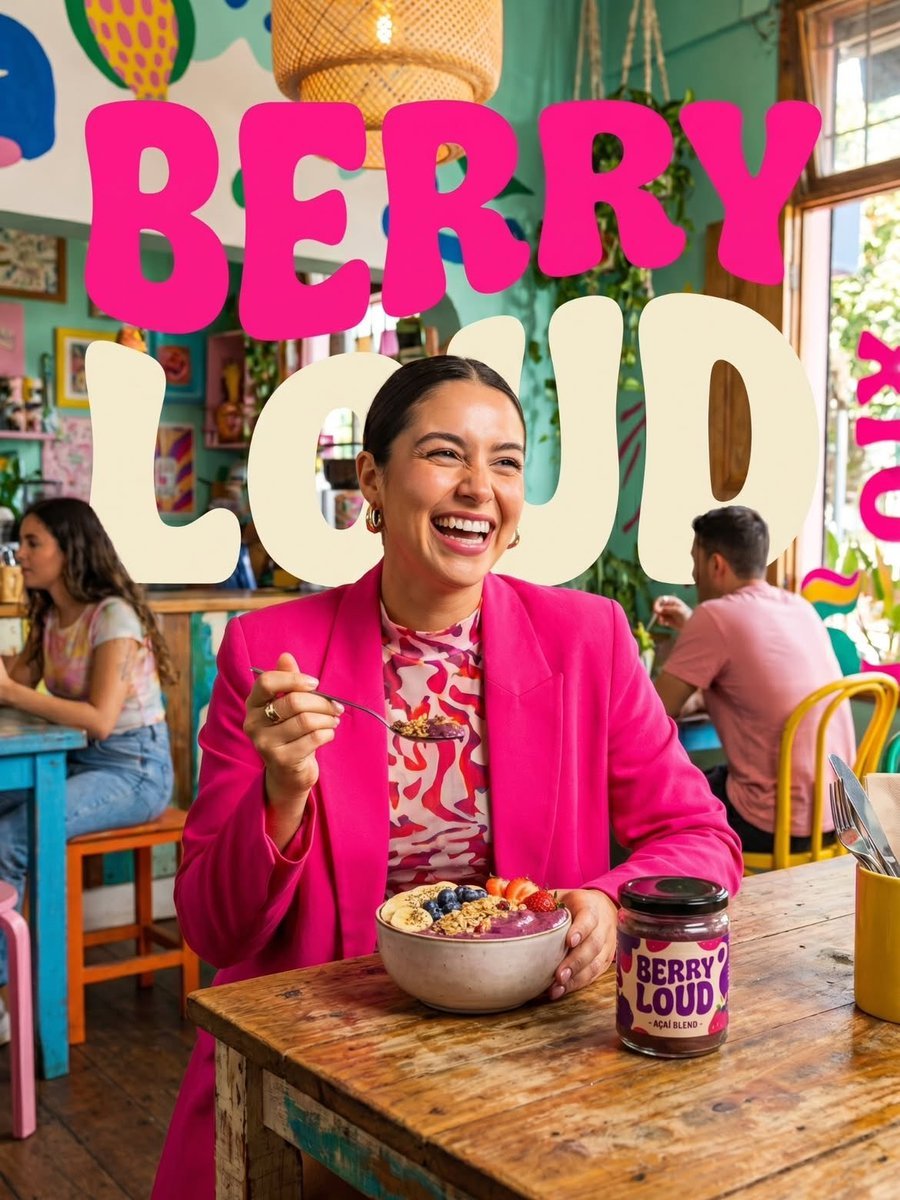
Berry Loud Food Advertisement
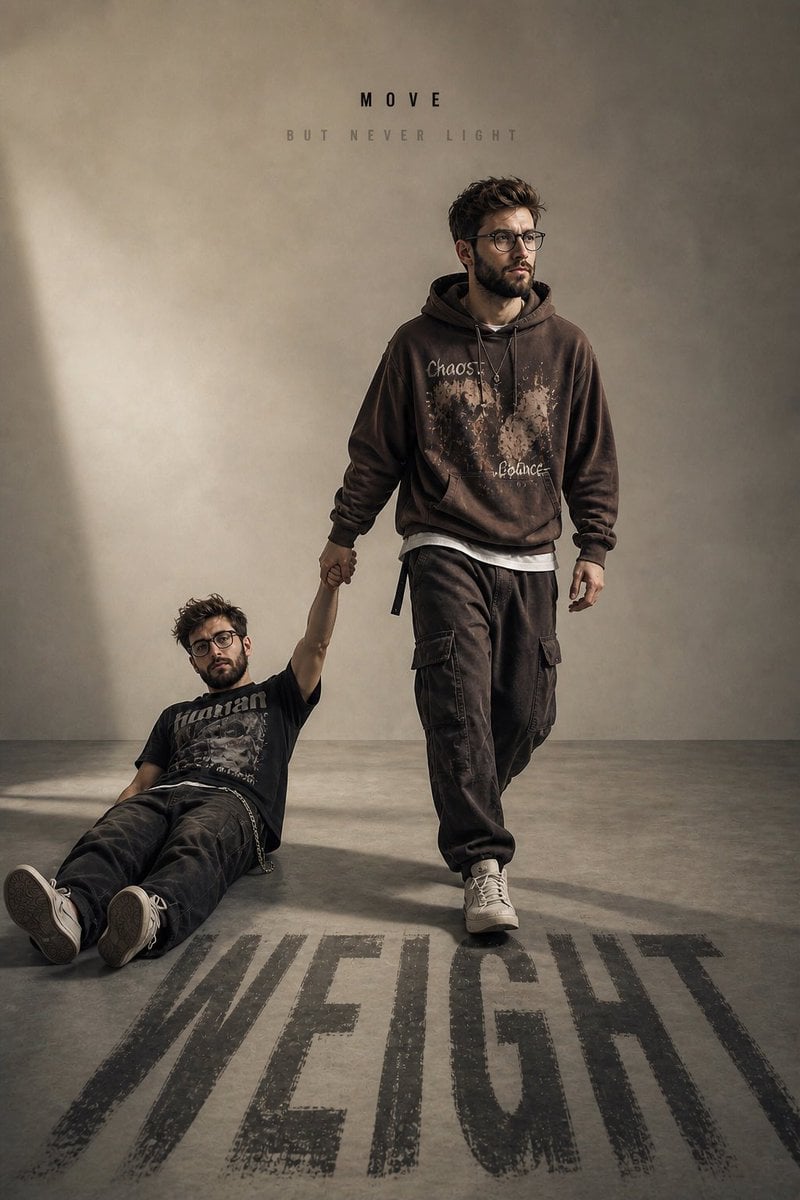
Emotional Burden Surrealist Portrait
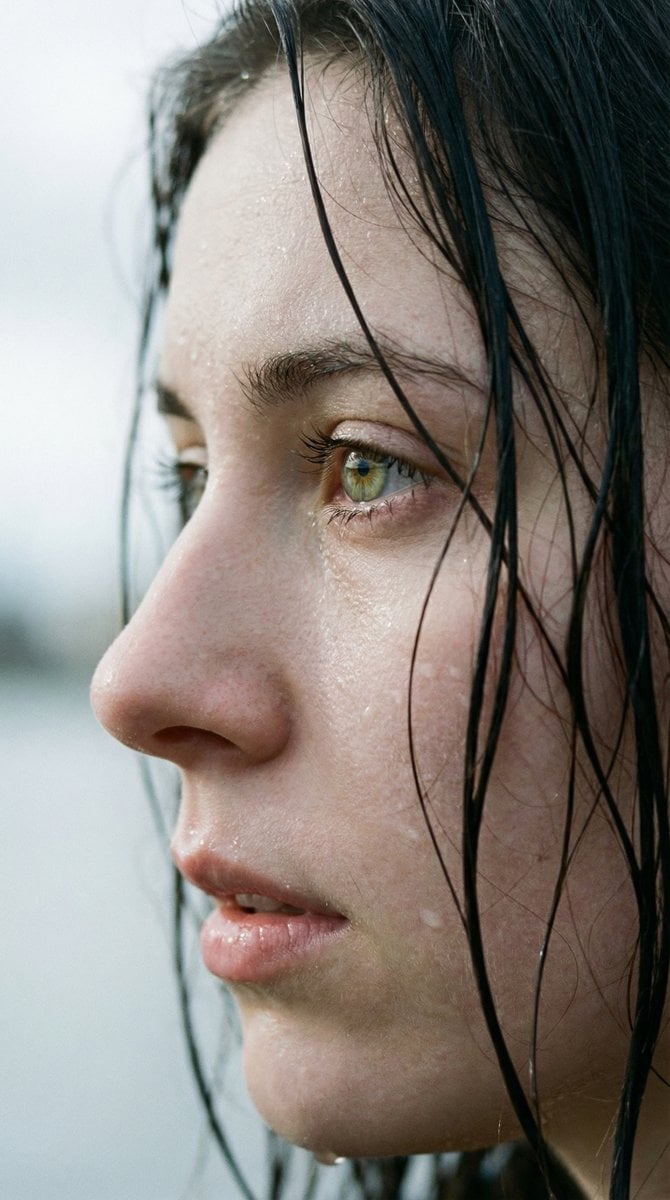
Extreme Wet Close-Up Portrait with Realistic Water Droplets
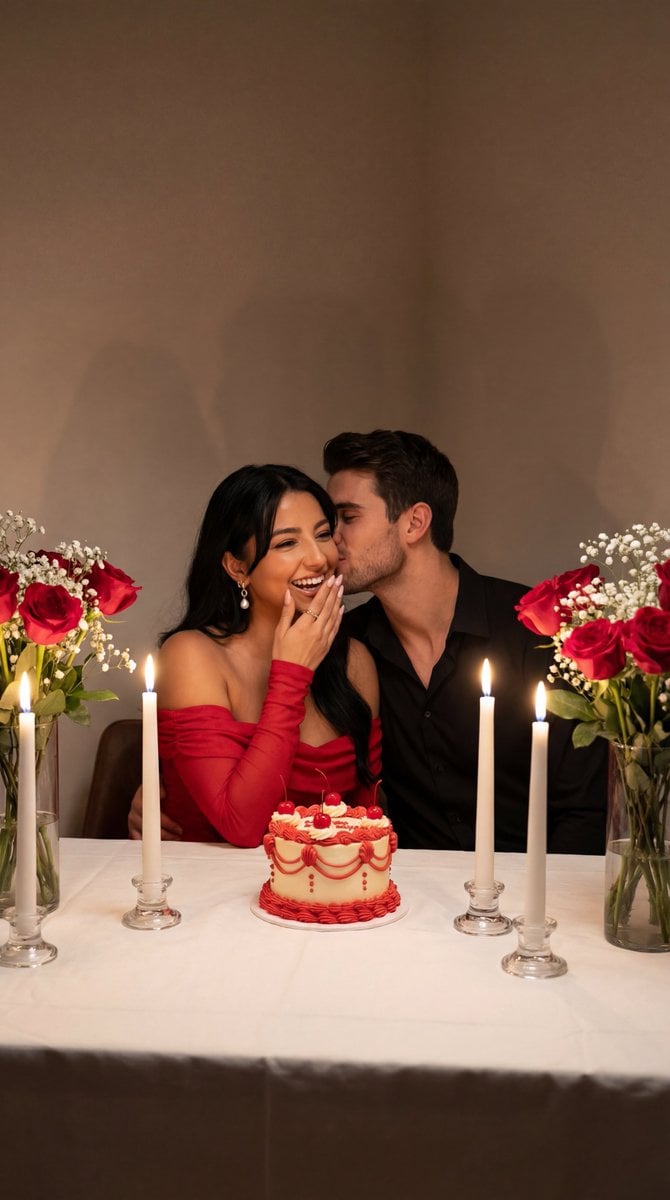
Ultra-Photoreal Candlelight Dinner Scene with Couple
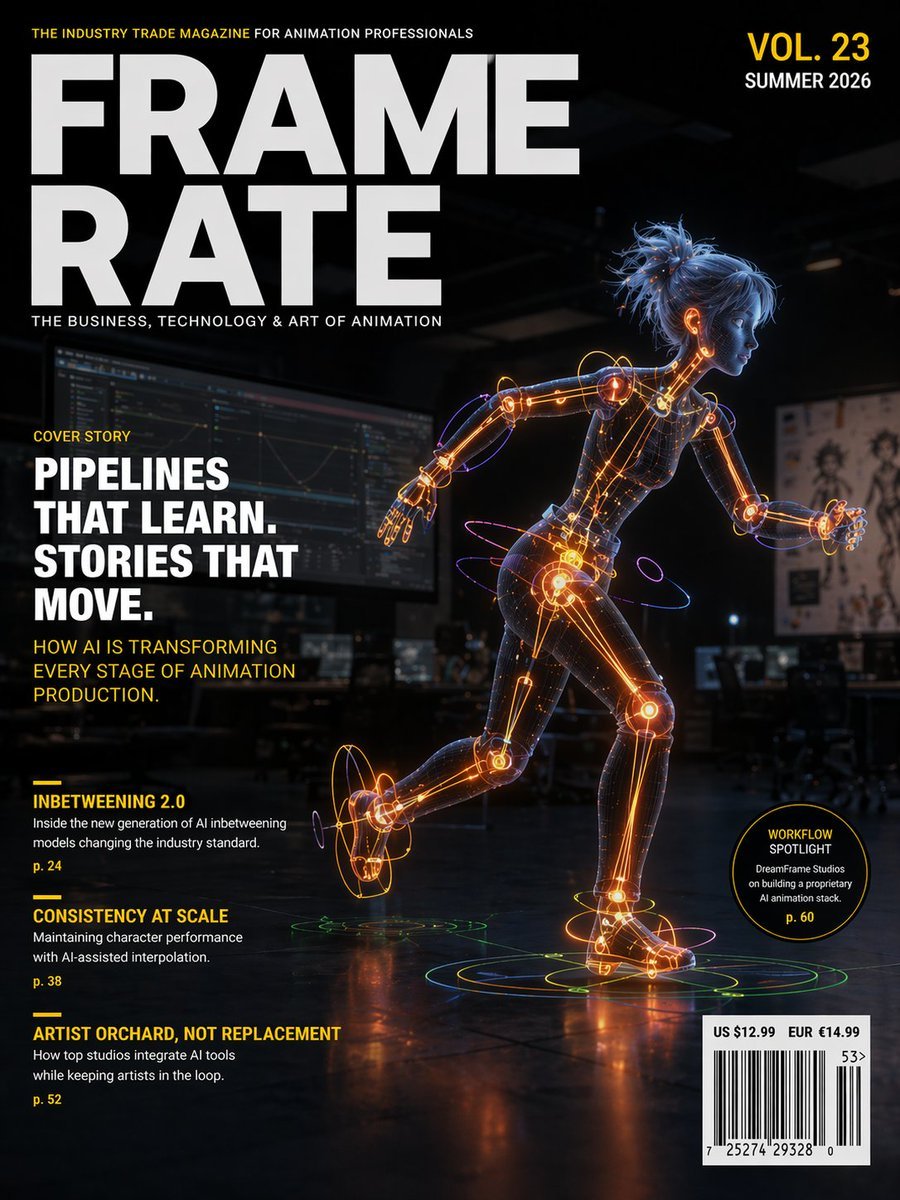
Futuristic Animation Trade Magazine Cover
Browse template categories
Pixar Style Identity Preservation questions
How do I use the Pixar Style Identity Preservation template?
Add your photo if the template asks for one, edit the prompt if you like — the template's model and format are already selected — and press Generate. Your version opens in PicX Studio.
Can I customize the Pixar Style Identity Preservation template?
Yes. You can change the subject, setting, lighting, mood, format, and available model controls before creating your image.
Is the Pixar Style Identity Preservation template free?
Opening and editing this template is free. Generating uses credits, shown on the Generate button when you are signed in.
Which AI model should I use?
Start with GPT Image 2, which is the model associated with this template. You can compare another compatible model for a different finish.
Looking for something else? Browse all templates.

Your photo, any look
Thousands of ready templates for every top image and video model, from one credit balance.