
Felted Wool Smartphone Lock Screen Music Player
A complex, multi-section prompt for Nano Banana Pro (Lovart) designed to generate a visual representation of a smartphone lock screen music player UI, entirely rendered in the texture of felted wool/needle felting.
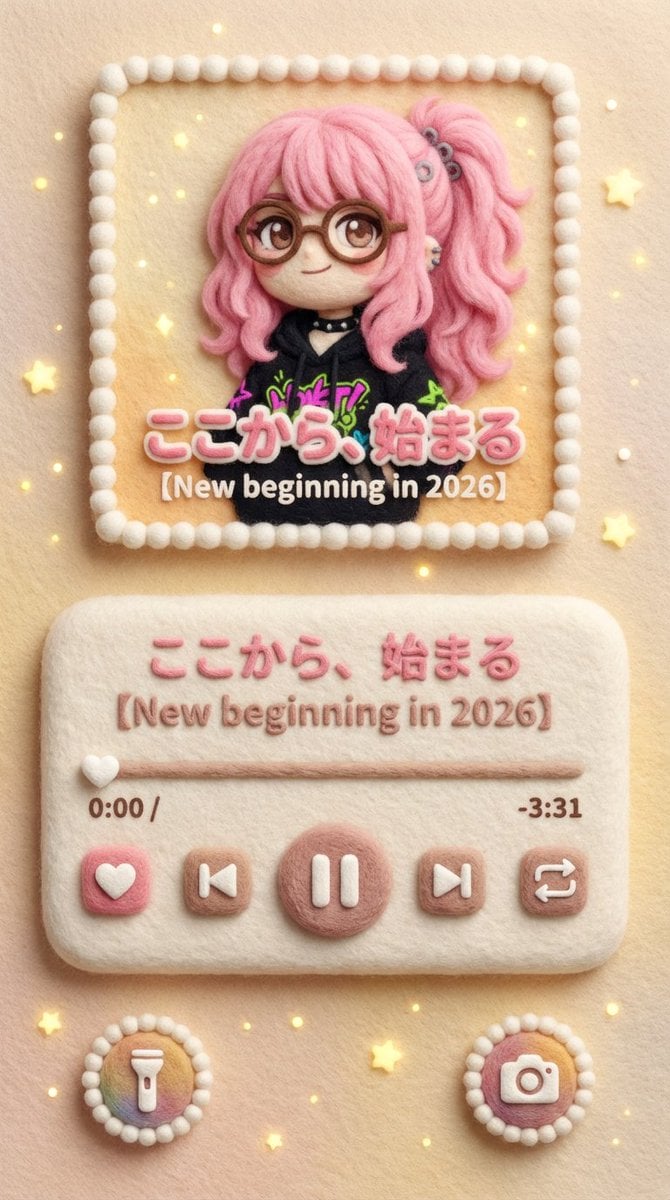
- Prompt included
- Model and format preset
- Free template
The prompt behind this image
Copy the exact prompt behind Felted Wool Smartphone Lock Screen Music Player, or open it in the studio and make it yours.
###(スマホのロック画面 × 羊毛フェルト音楽プレイヤー) スマートフォンのロック画面に表示される音楽プレイヤーUIを再現したビジュアル。 画面比率は縦長(スマホ画面比率)、正面から見たフラットな構図。 全体は羊毛フェルト/ニードルフェルトで作られたような 立体感のある手作り質感。 UI・文字・アイコン・枠線まですべてフェルト素材。 画面構成(ロック画面レイアウト) 上部:アルバムアート表示エリア ロック画面中央上には、 iOS / Android のロック画面音楽プレイヤーのような 正方形に近いアルバムアート表示枠が配置されている。 このアルバムアート部分は【入力画像】これです。 差し替える画像の内容・画風は自由 (写真、イラスト、街並み、キャラクターなど)。 ただし、最終的な出力では すべて羊毛フェルト・フェルト刺繍風に再変換される。 ・輪郭はややぼかされ ・色は柔らかく混ざり ・繊維の凹凸が見える 元画像のスタイル差は残さず、 質感だけを完全に統一する。 中央:音楽プレイヤーUI アルバムアートの下には スマホロック画面特有の 音楽プレイヤー操作エリア。 ・曲タイトル表示 ・アーティスト名表示 ・再生バー(進行状況) ・再生 / 一時停止ボタン ・前へ / 次へボタン すべてが 丸みのあるフェルトボタンとして配置されている。 再生バー上のテキストは 「{argument name="再生バーテキスト" default="ここから、始まる"}」 曲名・シリーズ名部分は 「{argument name="曲名" default="【New beginning in 2026】"}」 時間表示: 0:00 / -3:31 文字も数字も 刺繍やフェルトで縫われたような質感。 下部:ロック画面風ショートカット 画面下部には ロック画面にあるような 丸いショートカットアイコン。 ・ライト(懐中電灯) ・カメラ などが ふわふわしたフェルト製アイコンとして左右に配置される。 雰囲気・色・光 背景の自動カラーマッチングルール(重要) アルバムアート【入力画像】の 主な色調・雰囲気・明度を自動的に解析し、 画面全体の背景カラーに反映させる。 音楽プレイヤーUI(アルバム表示・操作部分)以外の 背景エリア全体は、 アルバムアートと色の世界観を共有する。 背景表現は以下のいずれか、または組み合わせ: ・アルバムアートの主色を使った単色フェルト背景 ・アルバムアートの色を抽出したやさしいグラデーション ・アルバムアートの背景を抽象化・簡略化した フェルト調の派生パターン 背景はあくまで控えめで、 プレイヤーUIとアルバムアートを邪魔しない。 ただし色の統一感によって、 画面全体が1つのアルバム世界観として成立する。 どの配色パターンでも、 背景素材は必ず 羊毛フェルト/ニードルフェルトの質感を保持する。 背景表現は以下のいずれか、または組み合わせ: ・アルバムアートの主色を使った単色フェルト背景 ・アルバムアートの色を抽出したやさしいグラデーション ・アルバムアートの背景を抽象化・簡略化した フェルト調の派生パターン 背景はあくまで控えめで、プレイヤーUIとアルバムアートを邪魔しない。 ただし色の統一感によって、画面全体が1つのアルバム世界観として成立する。 どの配色パターンでも、背景素材は必ず羊毛フェルト/ニードルフェルトの質感を保持する。 小さな光の粒(やさしい点光)が ロック画面の装飾として散りばめられている。 光は 夜のスマホ画面のように控えめで柔らかい。 全体の印象は ・かわいい ・やさしい ・静か ・触れたくなる **「フェルトでできたスマホロック画面」**という世界観。
How to use Felted Wool Smartphone Lock Screen Music Player in 3 steps
- 1
Open
The prompt is already in the box next to the preview, with the template's model and format selected.
- 2…a portrait of your subject in softgolden-hour light, 85mm…
Personalize
Edit the subject and creative details for your destination.
- 3Generate
Generate
Press Generate — your image is created in PicX Studio, so you can compare it with the original and refine one variable at a time.
More like this
Templates with the same subject, style or setup. Open one to see its prompt.

Our Song was on a Cassette
Underground Club Music Poster Portrait
Pastel Kitten Café iPhone Lock Screen
Anime Countryside iPhone Lock Screen
Smartphone Screen Mockup
Immersive Music Player UI Poster

Floating Woman Above Cityscape with Notifications
Augmented Reality Music Player Portrait

Nano Banana Pro 2.0 — 3x3 Travel Profile Grid
Nano Banana 2 Portrait Gemini

Paris Travel Collage Grid - Face Reference

Identical Baseball Players Lineup
Make it yours
Felted Wool Smartphone Lock Screen Music Player works as-is. These are the safest ways to change it without losing the look.
Change one field
Copy a single group, rewrite it, and generate again so you can see what that field is doing.
Keep the frame, change the subject
Hold the composition and light of Felted Wool Smartphone Lock Screen Music Player, then swap wardrobe, props or the person for a new take.
| If the result… | Why | Fix |
|---|---|---|
| The result drifts from the preview | Too many fields changed at once. | Reuse Felted Wool Smartphone Lock Screen Music Player as-is first, then change one group — subject, light, or setting. |
| The model over-stylizes the scene | The prose prompt leaves finish and camera underspecified. | Add one camera or lighting sentence and stay on Nano Banana 2. |
More Nano Banana 2 templates
Other prompts made for Nano Banana 2.

Photorealistic Leaf Shaped Like a Dragon

K-Pop Idol Portrait Grid for Rapid Selection

Poetic Rain Forest Portrait During Golden Hour

Urban Street Portrait with Cartoon Inner Self Duo

Candid Nighttime Photo with Cat Prompt

High-Concept 3D Diorama Generation Prompt

Cinematic Futuristic Studio Portrait Template

Skincare Editorial Photography Collage Prompt

Hyper-Realistic Commercial Product Photography (Splash Effect)

Hyper-Realistic Nightclub Portrait Prompt
More image prompts
Fresh picks from across the catalog.
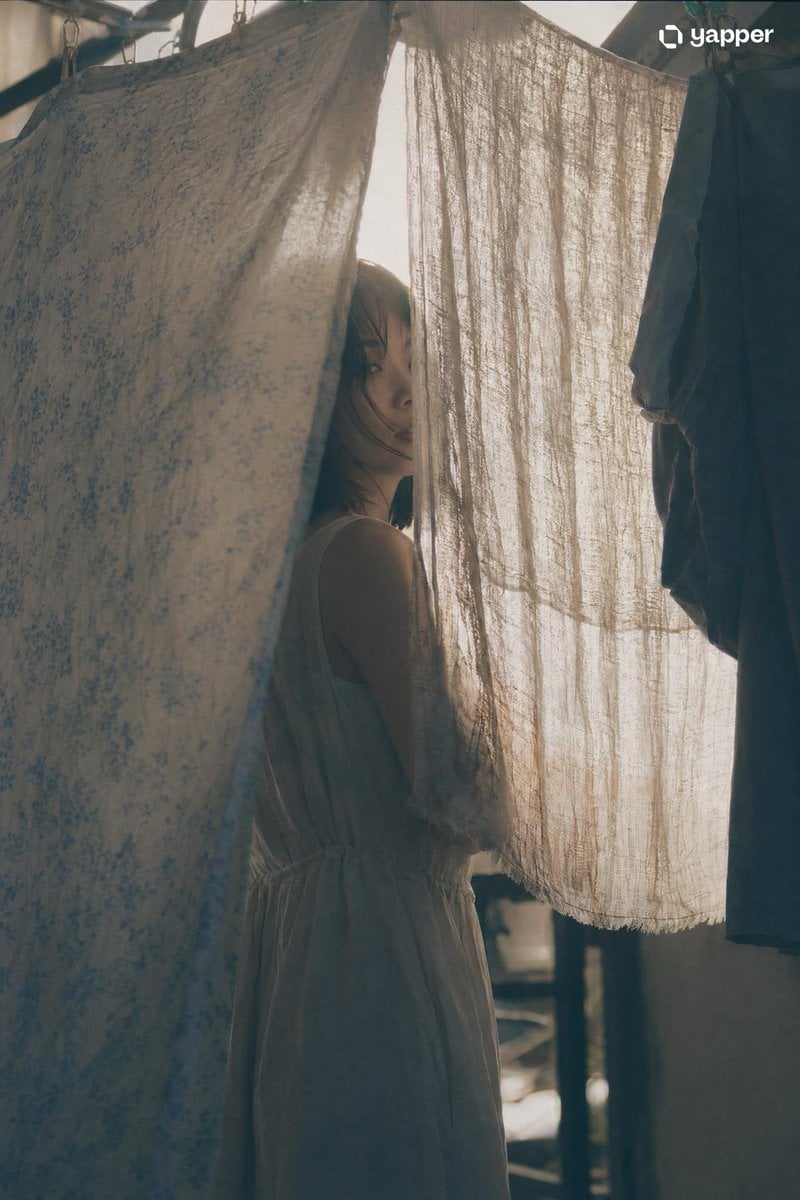
Japanese Film Aesthetic Portrait
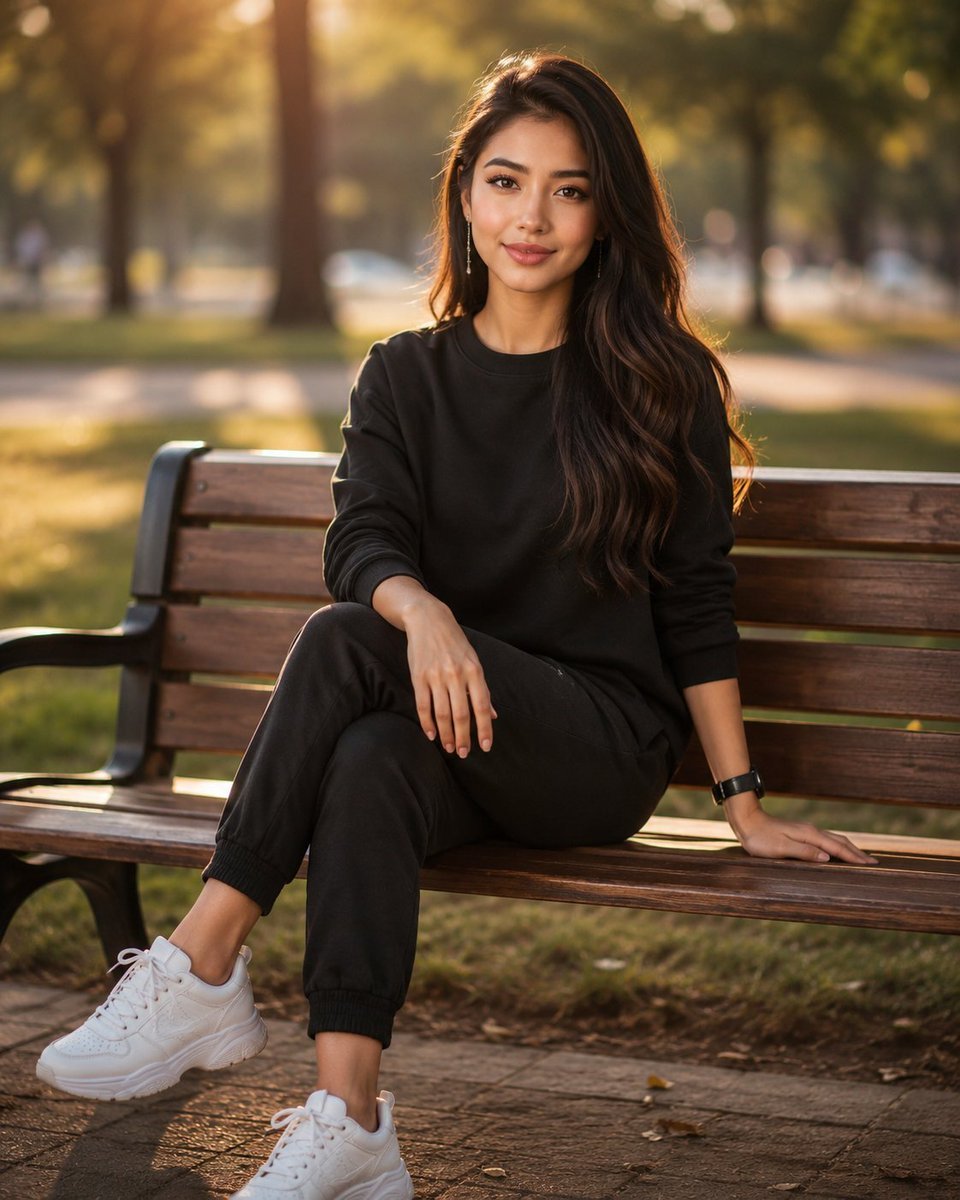
Golden Hour Park Portrait

Cinematic Engineering Infographic of USS Abraham Lincoln

Pixel Art Games with Nano Banana Pro Are
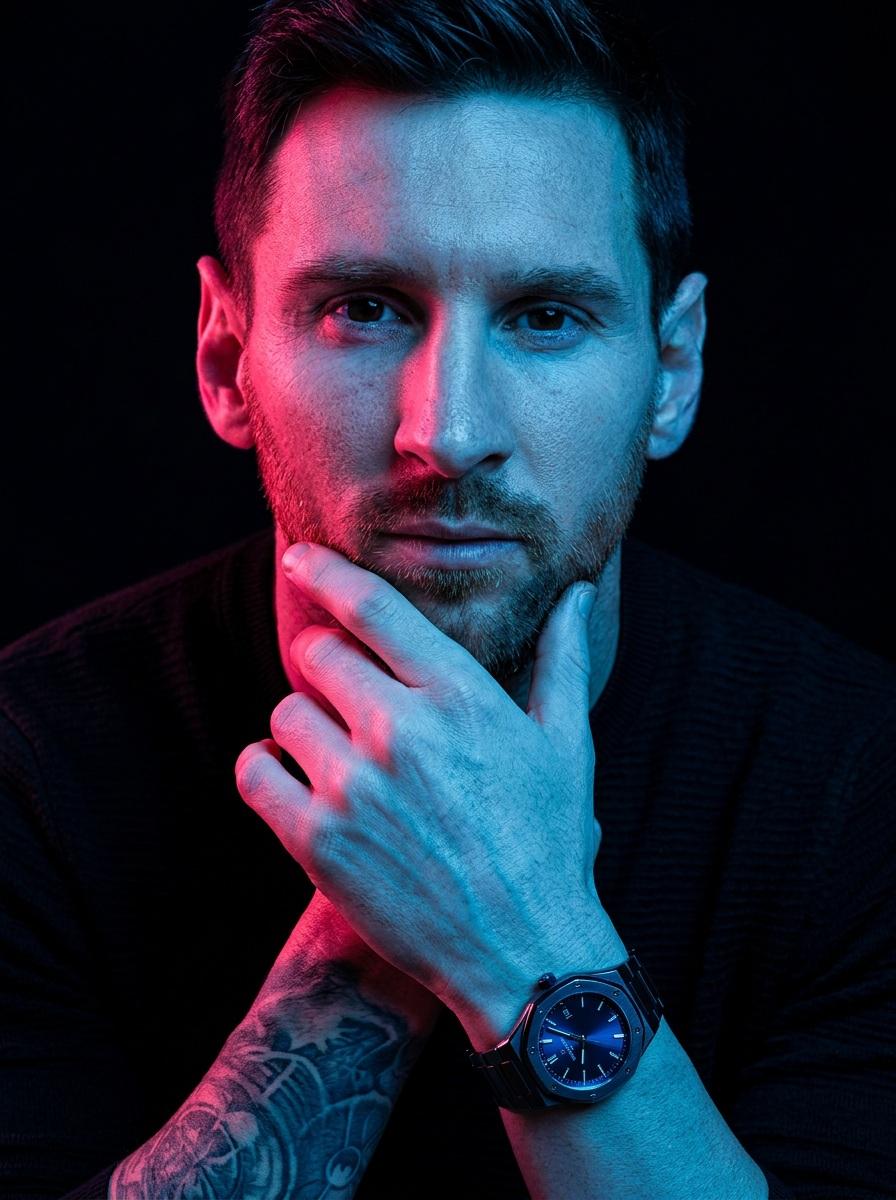
Hyper-Stylized Dual-Tone Neon Portrait Prompt
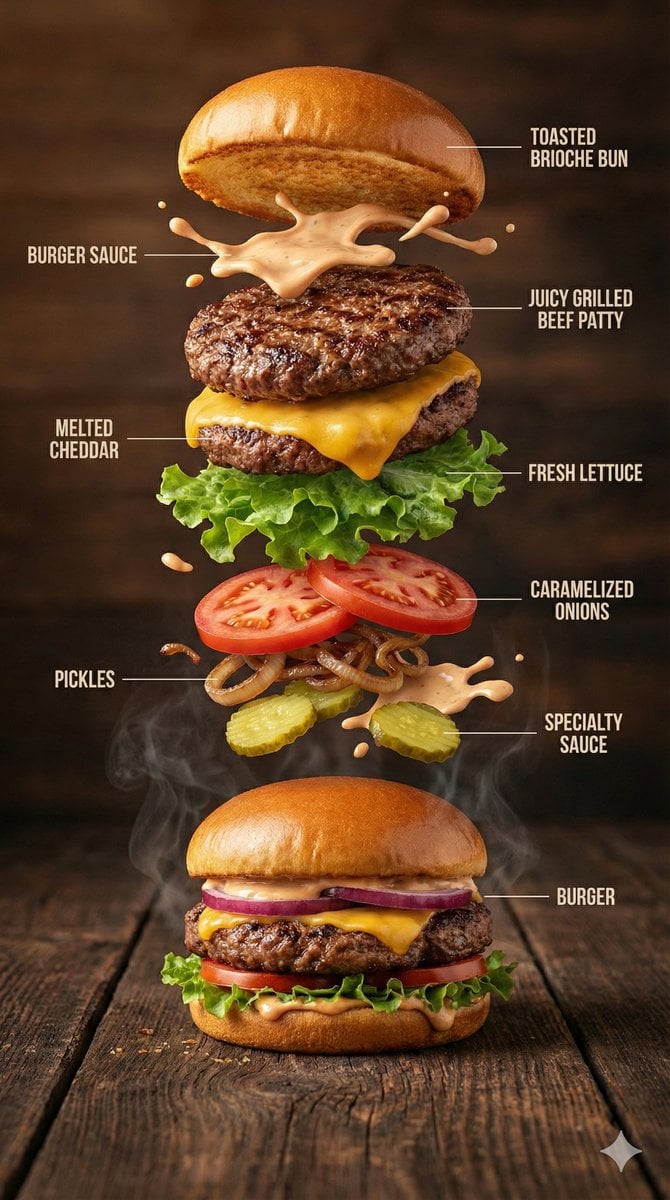
Hyper-Realistic Gourmet Burger Infographic
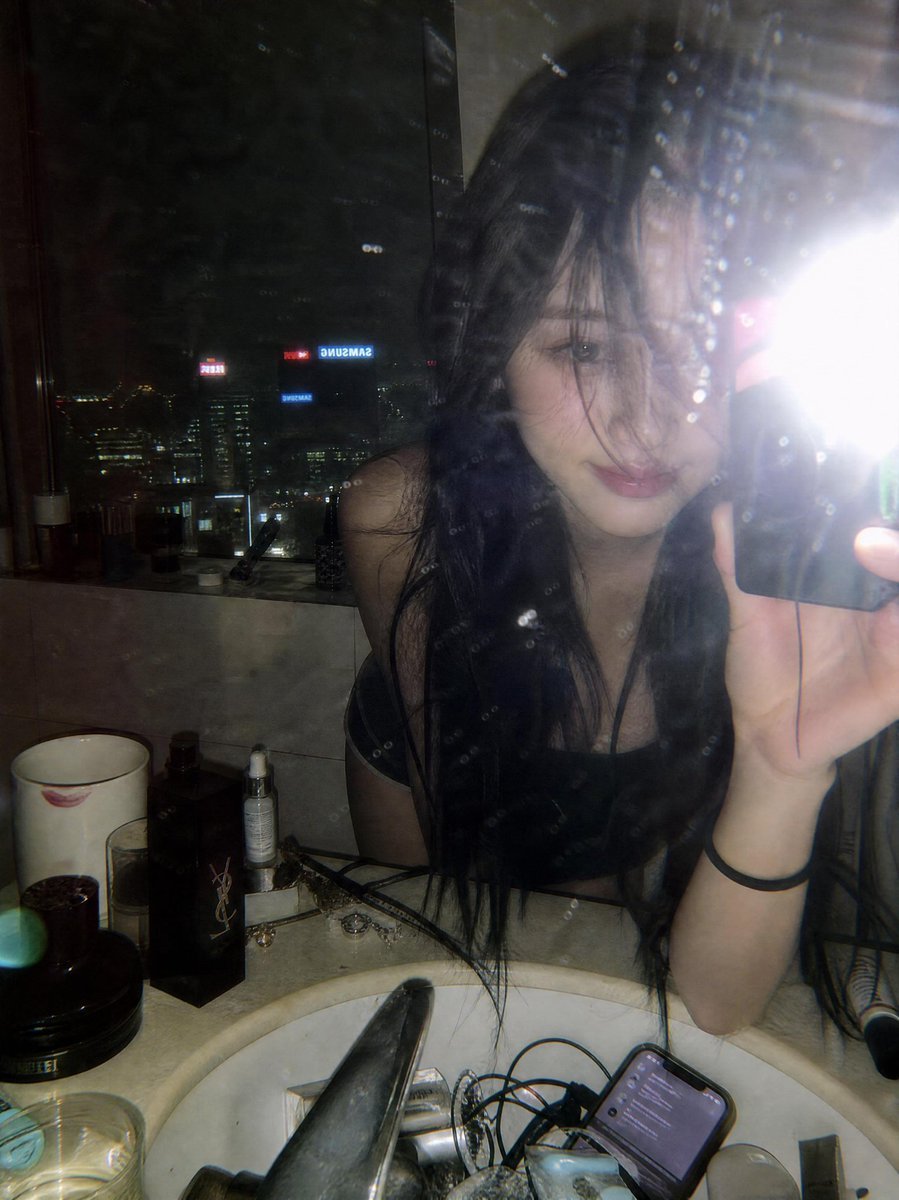
Late Night Luxury Mirror Selfie
Korean Text Art with Emphasis Marks

Introspective Cinematic Fine-Art Portrait

Chibi Friends on Sparkling Water
Browse template categories
Felted Wool Smartphone Lock Screen Music Player questions
How do I use the Felted Wool Smartphone Lock Screen Music Player template?
Add your photo if the template asks for one, edit the prompt if you like — the template's model and format are already selected — and press Generate. Your version opens in PicX Studio.
Can I customize the Felted Wool Smartphone Lock Screen Music Player template?
Yes. You can change the subject, setting, lighting, mood, format, and available model controls before creating your image.
Is the Felted Wool Smartphone Lock Screen Music Player template free?
Opening and editing this template is free. Generating uses credits, shown on the Generate button when you are signed in.
Which AI model should I use?
Start with Nano Banana 2, which is the model associated with this template. You can compare another compatible model for a different finish.
Looking for something else? Browse all templates.

Your photo, any look
Thousands of ready templates for every top image and video model, from one credit balance.