
Immersive Music Player UI Poster
A premium concept poster showcasing a futuristic immersive music player interface on a smartphone, ideal for app redesign presentations, portfolio shots, and social media design reveals.
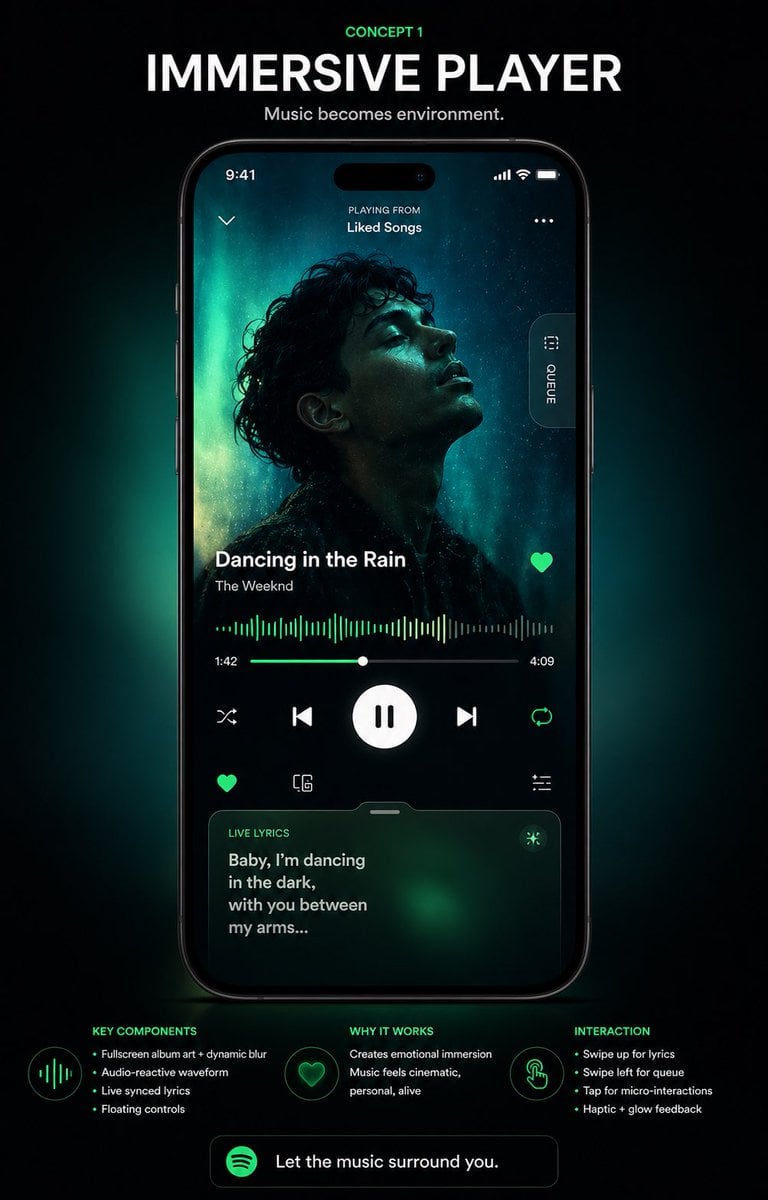
- Prompt included
- Model and format preset
- Free template
The prompt behind this image
Copy the exact prompt behind Immersive Music Player UI Poster, or open it in the studio and make it yours.
- Type
- music app UI concept poster
- Style
- premium futuristic mobile app showcase, dark mode, cinematic product presentation, Spotify-inspired green neon glow, high contrast, sleek glassmorphism, polished tech advertising aesthetic
- Format
- vertical poster with centered smartphone mockup on a black background
- Headline › Kicker
- CONCEPT 1
- Headline › Title
- IMMERSIVE PLAYER
- Headline › Subtitle
- Music becomes environment.
- Device › Type
- modern black smartphone
- Device › Position
- center
- Device › Screen › App
- immersive music player
- Device › Screen › Status Bar › Time
- 9:41
- Device › Screen › Status Bar › Icons Count
- 3
- Device › Screen › Top Area › Left Icon Count
- 1
- Device › Screen › Top Area › Center Text Lines
- 2
- Device › Screen › Top Area › Texts
- PLAYING FROM, Liked Songs
- Device › Screen › Top Area › Right Icon Count
- 1
- Device › Screen › Artwork › Shape
- large full-screen background portrait with a centered square album cover overlay
- Device › Screen › Artwork › Subject
- moody silhouette portrait of a curly-haired singer against teal aurora-like lighting
- Device › Screen › Artwork › Dominant Colors
- deep black, teal, emerald green, cyan glow
- Device › Screen › Side Tab › Count
- 1
- Device › Screen › Side Tab › Label
- QUEUE
- Device › Screen › Side Tab › Orientation
- vertical pill button on right edge
- Device › Screen › Track Info › Song Title
- {argument name="song title" default="Dancing in the Rain"}
- Device › Screen › Track Info › Artist Name
- {argument name="artist name" default="The Weeknd"}
- Device › Screen › Track Info › Favorite Icon
- true
Raw JSON
{"type":"music app UI concept poster","style":"premium futuristic mobile app showcase, dark mode, cinematic product presentation, Spotify-inspired green neon glow, high contrast, sleek glassmorphism, polished tech advertising aesthetic","format":"vertical poster with centered smartphone mockup on a black background","headline":{"kicker":"CONCEPT 1","title":"IMMERSIVE PLAYER","subtitle":"Music becomes environment."},"device":{"type":"modern black smartphone","position":"center","screen":{"app":"immersive music player","status_bar":{"time":"9:41","icons_count":3},"top_area":{"left_icon_count":1,"center_text_lines":2,"texts":["PLAYING FROM","Liked Songs"],"right_icon_count":1},"artwork":{"shape":"large full-screen background portrait with a centered square album cover overlay","subject":"moody silhouette portrait of a curly-haired singer against teal aurora-like lighting","dominant_colors":["deep black","teal","emerald green","cyan glow"]},"side_tab":{"count":1,"label":"QUEUE","orientation":"vertical pill button on right edge"},"track_info":{"song_title":"{argument name=\"song title\" default=\"Dancing in the Rain\"}","artist_name":"{argument name=\"artist name\" default=\"The Weeknd\"}","favorite_icon":true},"playback":{"waveform":"audio-reactive neon green waveform spanning the width","time_labels":["1:42","4:09"],"progress_slider":true,"main_controls":{"count":5,"items":["shuffle","previous","large play/pause button","next","repeat"]},"secondary_controls":{"count":4,"items":["favorite","device or connect icon","settings or sliders icon","small utility icon row integrated above lyrics card"]}},"lyrics_card":{"title":"LIVE LYRICS","text":"{argument name=\"lyric text\" default=\"Baby, I’m dancing in the dark, with you between my arms...\"}","style":"rounded translucent card with green atmospheric glow","bottom_position":true}}},"layout":{"sections":[{"title":"KEY COMPONENTS","position":"bottom left","count":4,"labels":["Fullscreen album art + dynamic blur","Audio-reactive waveform","Live synced lyrics","Floating controls"]},{"title":"WHY IT WORKS","position":"bottom center","count":2,"labels":["Creates emotional immersion","Music feels cinematic, personal, alive"]},{"title":"INTERACTION","position":"bottom right","count":4,"labels":["Swipe up for lyrics","Swipe left for queue","Tap for micro-interactions","Haptic + glow feedback"]}],"footer_cta":{"count":1,"text":"{argument name=\"cta text\" default=\"Let the music surround you.\"}","icon":"green circular music app logo"}},"lighting":"soft emerald backglow radiating behind the phone, subtle vignette, luminous edges, premium showroom feel","color_palette":["black","charcoal","white","Spotify green","emerald","teal"],"quality":"high-end UI case study render, sharp typography, realistic device reflections, clean spacing, presentation-ready Behance/Dribbble poster"}How to use Immersive Music Player UI Poster in 3 steps
- 1Upload ImagePNG, JPG or paste
Add your photo
Upload the photo the template builds on. The prompt, model and format are already set.
- 2…a portrait of your subject in softgolden-hour light, 85mm…
Personalize
Edit the subject and creative details for your destination.
- 3Generate
Generate
Press Generate — your image is created in PicX Studio, so you can compare it with the original and refine one variable at a time.
More like this
Templates with the same subject, style or setup. Open one to see its prompt.

Neon Glitch Cyber Symbiote Music Poster
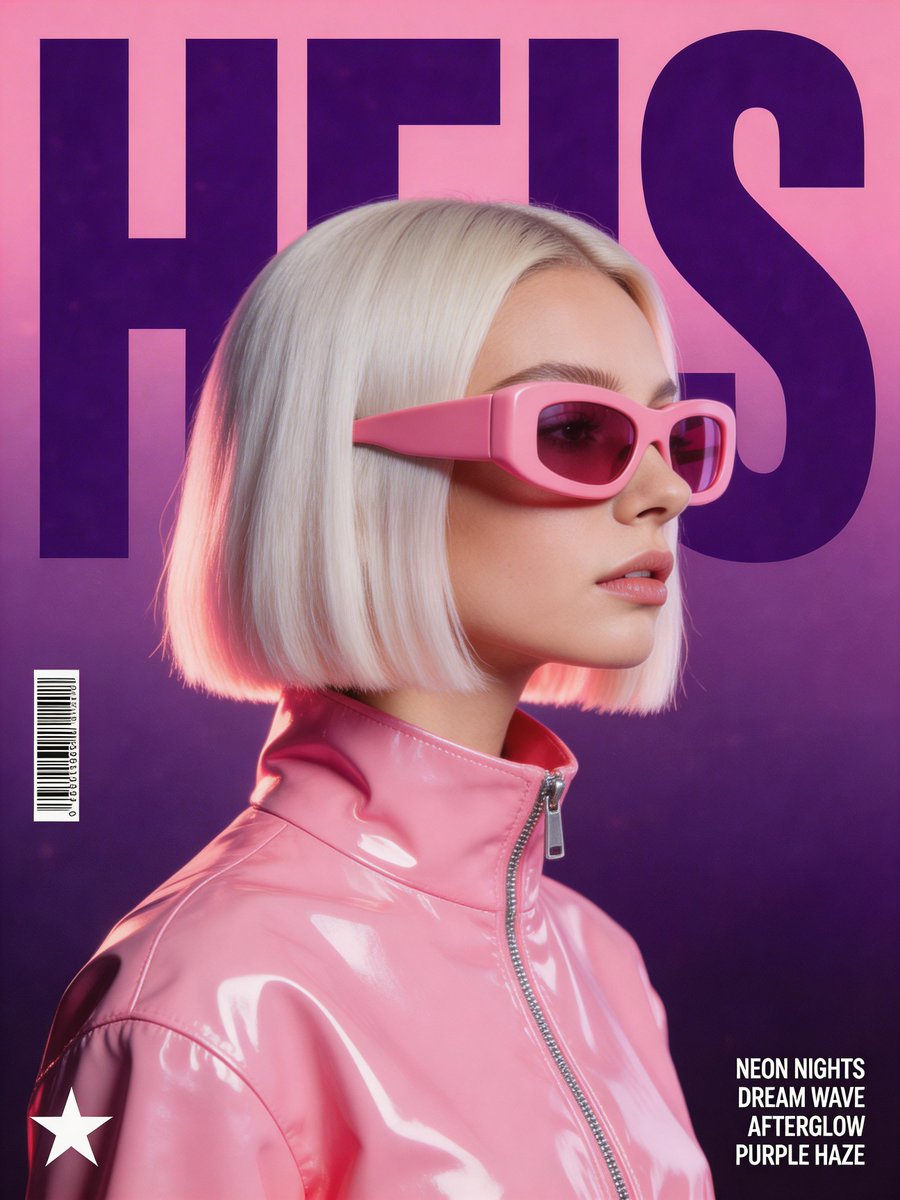
Synthwave Retro Superhero Music Poster

Luxury Sliced Wordmark Player Poster

Legendary Player Fragmented Editorial Poster

Clean Minimalist Player Editorial Poster

Gpt2 Youtube Thumbnail Anime Music Bootcamp Promo Poster

Our Song was on a Cassette

Japan Travel Brochure Poster

Cartoon TV Show Poster Pack

Trendy Cafe Drink Promo Poster

Urban Fashion Editorial Collage Streetwear Poster

Premium Fashion Editorial Cover Layout System
Make it yours
Immersive Music Player UI Poster works as-is. These are the safest ways to change it without losing the look.
Swap the light
One lighting change is enough to compare takes. Current light: “soft emerald backglow radiating behind the phone, subtle vignette, luminous edge”.
Change one field
Copy a single group, rewrite it, and generate again so you can see what that field is doing.
Keep the frame, change the subject
Hold the composition and light of Immersive Music Player UI Poster, then swap wardrobe, props or the person for a new take.
| If the result… | Why | Fix |
|---|---|---|
| The result drifts from the preview | Too many fields changed at once. | Reuse Immersive Music Player UI Poster as-is first, then change one group — subject, light, or setting. |
| GPT Image 2 ignores part of the JSON | Some models flatten or skip nested keys. | Keep the same values and paste them as a short paragraph instead. |
More GPT Image 2 templates
Other prompts made for GPT Image 2.

Six VTuber Japanese Logo Sheet

Realistic Portrait of Woman and Deer

The Vista Modular Condo Poster

AI Model Routing Comparison Infographic

2.5D Anime Art Board

Isometric Productivity Desk Scene

New York Double Exposure Poster

Four-Panel AI Landscape Comparison

Japanese Tatami Lifestyle Magazine Cover

NESCAFÉ Coffee Map Poster
More image prompts
Fresh picks from across the catalog.
Ultra Realistic Juicy Cheeseburger

Frozen Valley of Fallen Titans Concept Art

Spanish Archaeology Magazine Cover

untitled

Radiant Angel in Golden Clouds

Japanese Ink Illustration Style
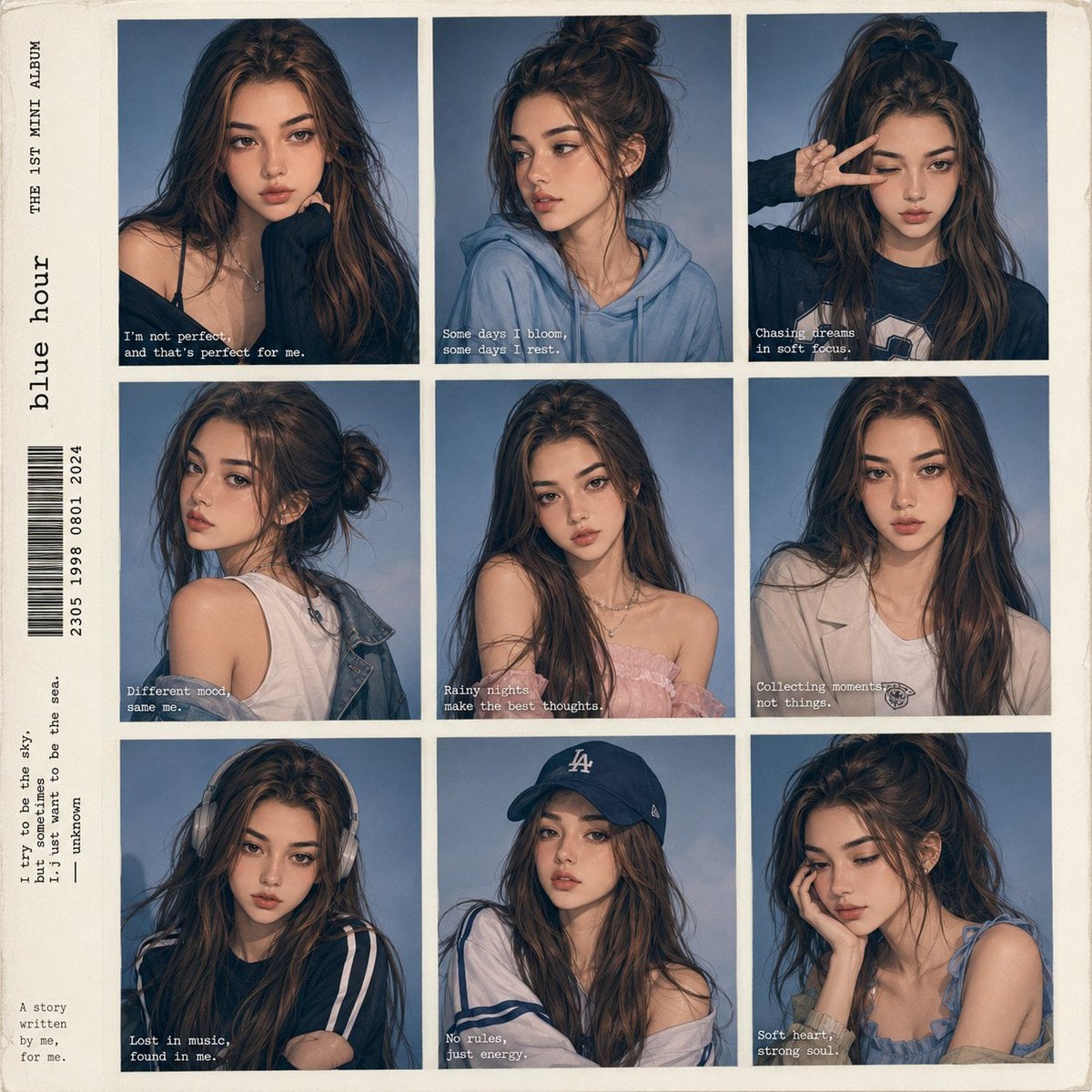
Anime Style K-Pop Collage
Wide-Angle Car Selfie Replication Prompt

Anime Woman at Sunset Beach

Bruce Lee sparring with Yoda in a dojo
Browse template categories
Immersive Music Player UI Poster questions
How do I use the Immersive Music Player UI Poster template?
Add your photo if the template asks for one, edit the prompt if you like — the template's model and format are already selected — and press Generate. Your version opens in PicX Studio.
Can I customize the Immersive Music Player UI Poster template?
Yes. You can change the subject, setting, lighting, mood, format, and available model controls before creating your image.
Is the Immersive Music Player UI Poster template free?
Opening and editing this template is free. Generating uses credits, shown on the Generate button when you are signed in.
Which AI model should I use?
Start with GPT Image 2, which is the model associated with this template. You can compare another compatible model for a different finish.
Looking for something else? Browse all templates.

Your photo, any look
Thousands of ready templates for every top image and video model, from one credit balance.