
Pastel Kitten Café iPhone Lock Screen
Generates a dreamy pastel iPhone lock screen wallpaper featuring a cute kitten in a sunlit watercolor café window scene with desserts and iOS UI overlays.
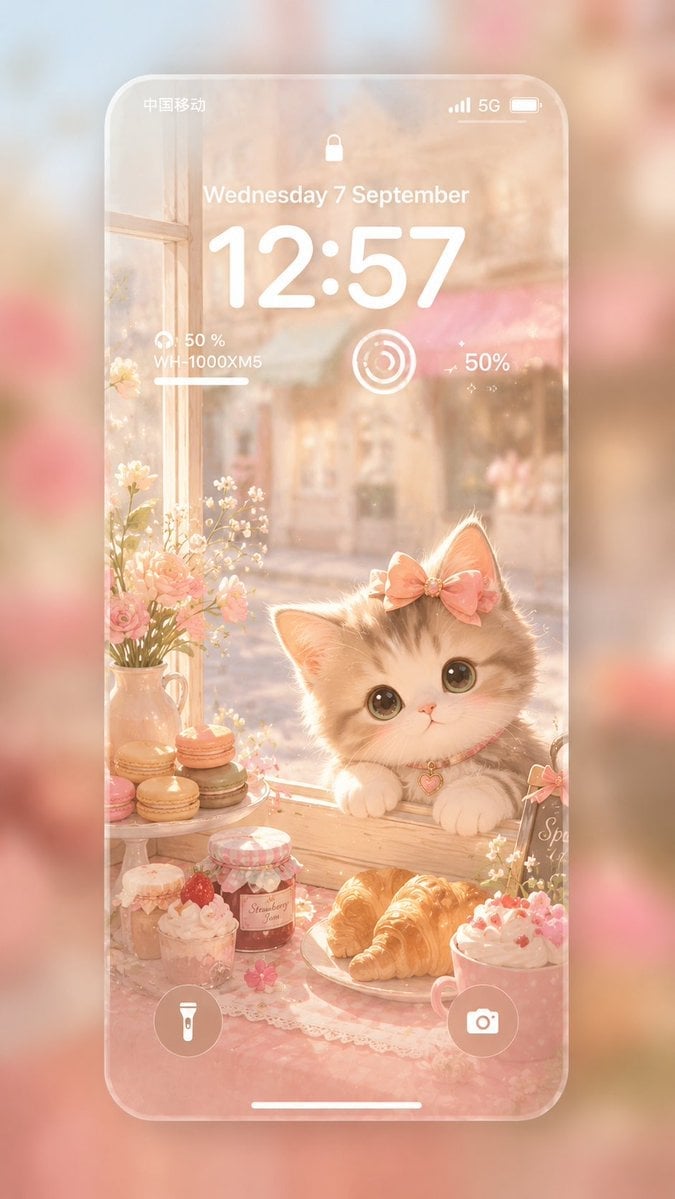
- Prompt included
- Model and format preset
- Free template
The prompt behind this image
Copy the exact prompt behind Pastel Kitten Café iPhone Lock Screen, or open it in the studio and make it yours.
Create a vertical 9:16 ultra-soft iPhone lock screen wallpaper showcase in a dreamy pastel iOS aesthetic. Show a translucent rounded-corner iPhone screen floating over a heavily blurred warm pink-and-cream background. Inside the phone, paint a soft Japanese watercolor café window scene in flat 2D with glowing morning sunlight, peach, blush pink, ivory, and honey-gold tones. The main subject is an adorable fluffy kitten with cream-and-gray fur, huge glossy eyes, tiny pink nose, paws resting on a wooden windowsill, wearing a pink bow on one ear and a pink collar with a small heart charm. Surround the kitten with a cozy dessert still life: exactly 8 visible food and drink items including 3 stacked pastel macarons on a small stand, 1 strawberry jam jar, 1 whipped cream dessert cup with strawberry, 1 croissant plate with 2 croissants counted as one plate item, 1 pink whipped drink or dessert cup, and 1 small jar or cup at the lower left. Add exactly 2 floral décor elements: a ceramic pitcher bouquet of small white flowers and pink roses on the left, and tiny white blossoms near the right edge. Include a softly blurred street or bakery exterior beyond the window for depth. Overlay realistic white iOS lock screen UI on top of the illustration: status bar with Chinese carrier text “中国移动” on the left, cellular bars, “5G”, and battery icon on the right; small lock icon centered near the top; date text “Wednesday 7 September”; very large time “12:57”; a small headphone battery widget on the left reading “50 %” and “WH-1000XM5” with a short progress line; a circular activity-style widget in the center; a “50%” text widget on the right with tiny sparkle marks; bottom flashlight and camera circular buttons; and a thin white home indicator bar. Use frosted glass transparency for the phone frame and UI, soft bloom, gentle haze, delicate bokeh, rounded Apple-inspired minimal design, healing atmosphere, no harsh outlines, no extra text, no watermark. Allow customization of {argument name="time" default="12:57"}, {argument name="date" default="Wednesday 7 September"}, {argument name="main animal" default="fluffy cream-and-gray kitten"}, {argument name="dessert theme" default="pink café pastries and macarons"}, and {argument name="color palette" default="peach blush ivory honey gold"}.
How to use Pastel Kitten Café iPhone Lock Screen in 3 steps
- 1Upload ImagePNG, JPG or paste
Add your photo
Upload the photo the template builds on. The prompt, model and format are already set.
- 2…a portrait of your subject in softgolden-hour light, 85mm…
Personalize
Edit the subject and creative details for your destination.
- 3Generate
Generate
Press Generate — your image is created in PicX Studio, so you can compare it with the original and refine one variable at a time.
More like this
Templates with the same subject, style or setup. Open one to see its prompt.

Korean Cafe Courtyard Gold Frame Mirror Selfie

Outdoor Cafe Portrait — White Ruched Top Nano Banana
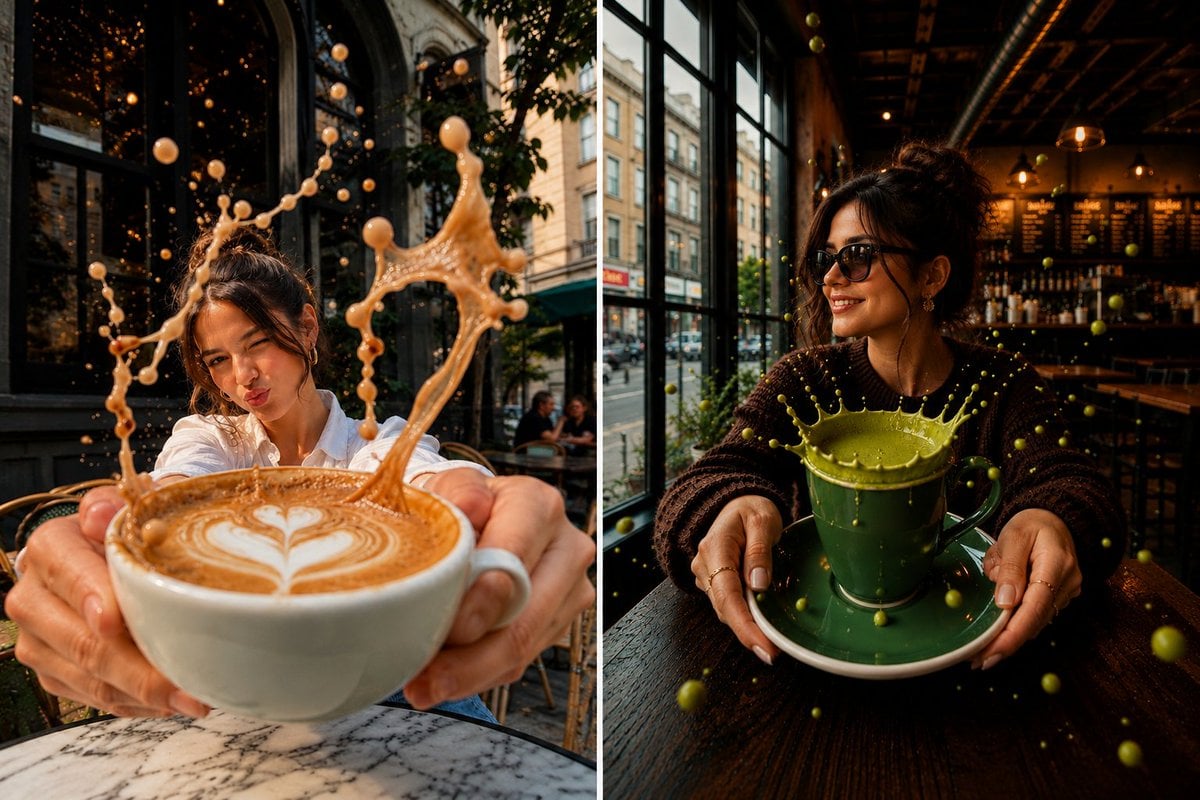
Surreal Split-Screen Coffee Café Scene

Eid al-Adha Cute Chaos — Fisheye Selfie with Farm Selfie, Mosque & Animals

Cute Layered Paper Cut Chibi Girl

Layered Paper Cut Illustration Template

Premium Vintage Travel Poster Landscape

Quiet Minimalist Anime Style Guide
Premium Vintage Travel Poster Landscape

Pastel Fantasy Pagoda Mountain Landscape
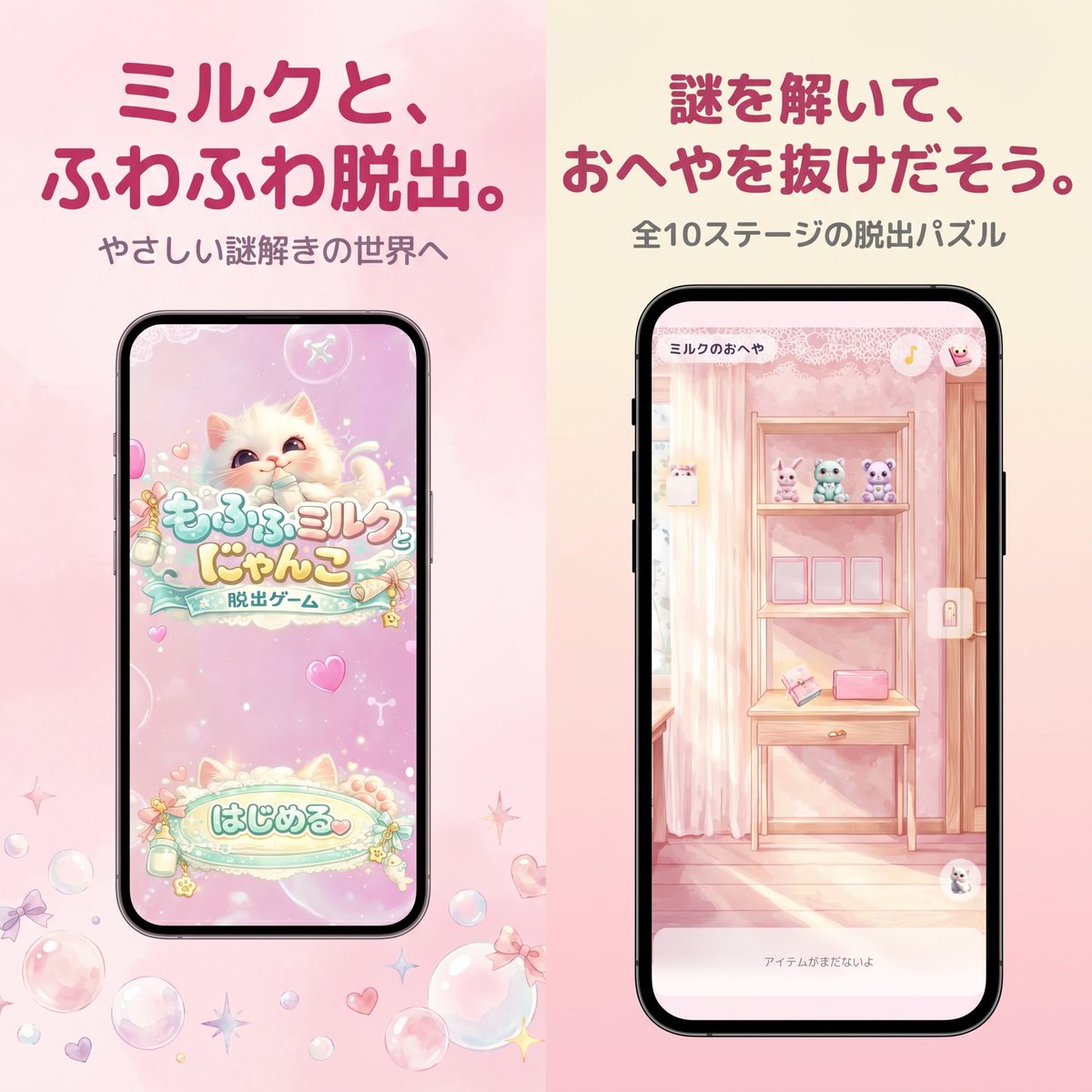
Pastel Japanese Mobile Game Store Screenshot

4x4 Grid - Candid Nostalgic Vacation Selfies
Make it yours
Pastel Kitten Café iPhone Lock Screen works as-is. These are the safest ways to change it without losing the look.
Change one field
Copy a single group, rewrite it, and generate again so you can see what that field is doing.
Keep the frame, change the subject
Hold the composition and light of Pastel Kitten Café iPhone Lock Screen, then swap wardrobe, props or the person for a new take.
| If the result… | Why | Fix |
|---|---|---|
| The result drifts from the preview | Too many fields changed at once. | Reuse Pastel Kitten Café iPhone Lock Screen as-is first, then change one group — subject, light, or setting. |
| The model over-stylizes the scene | The prose prompt leaves finish and camera underspecified. | Add one camera or lighting sentence and stay on GPT Image 2. |
More GPT Image 2 templates
Other prompts made for GPT Image 2.
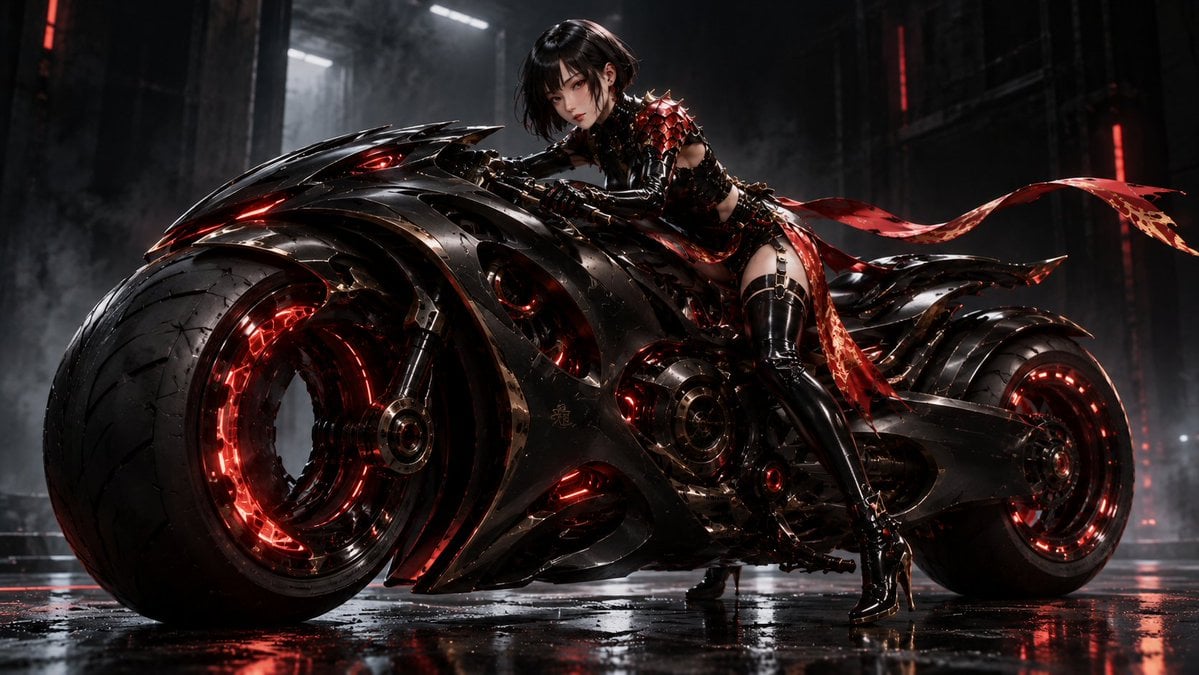
Futuristic Void Fang Mech
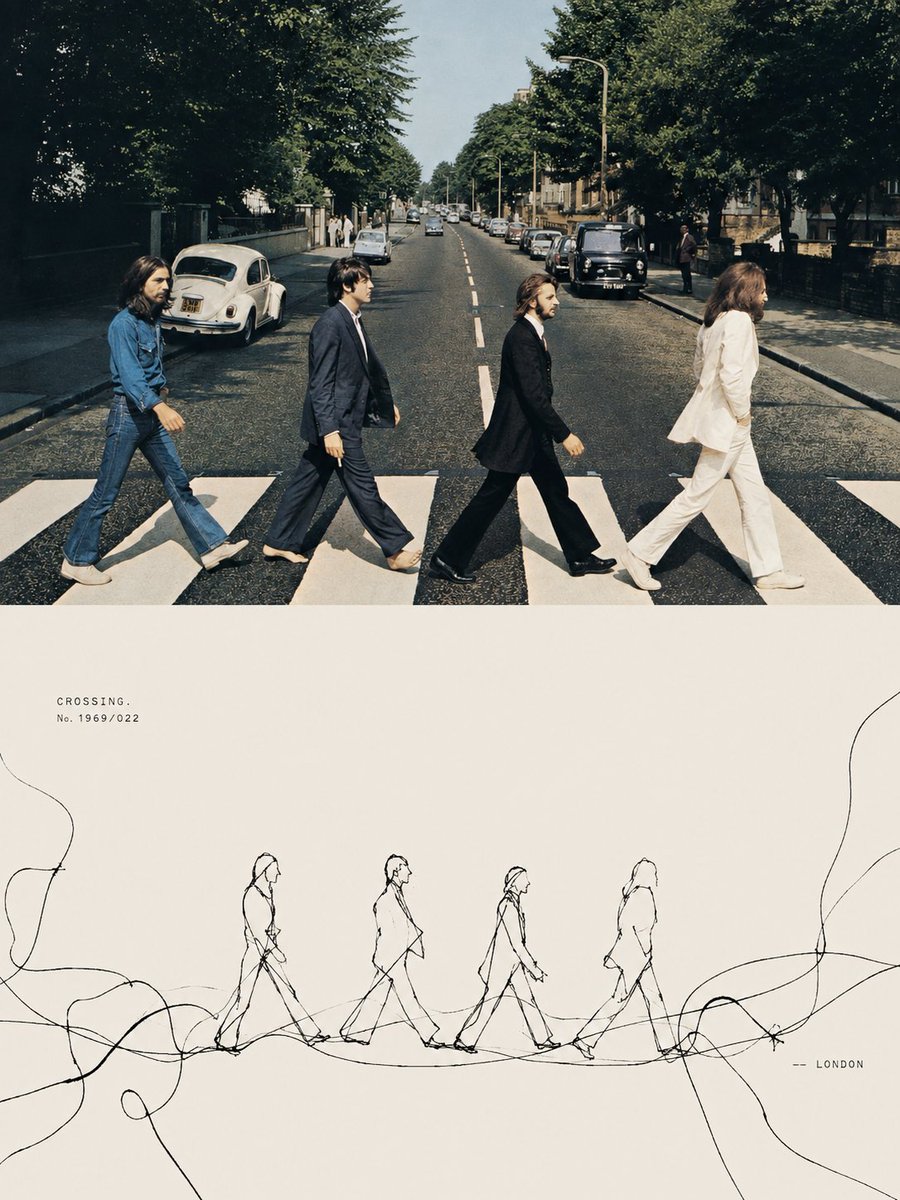
Tension Line Art Concept Poster
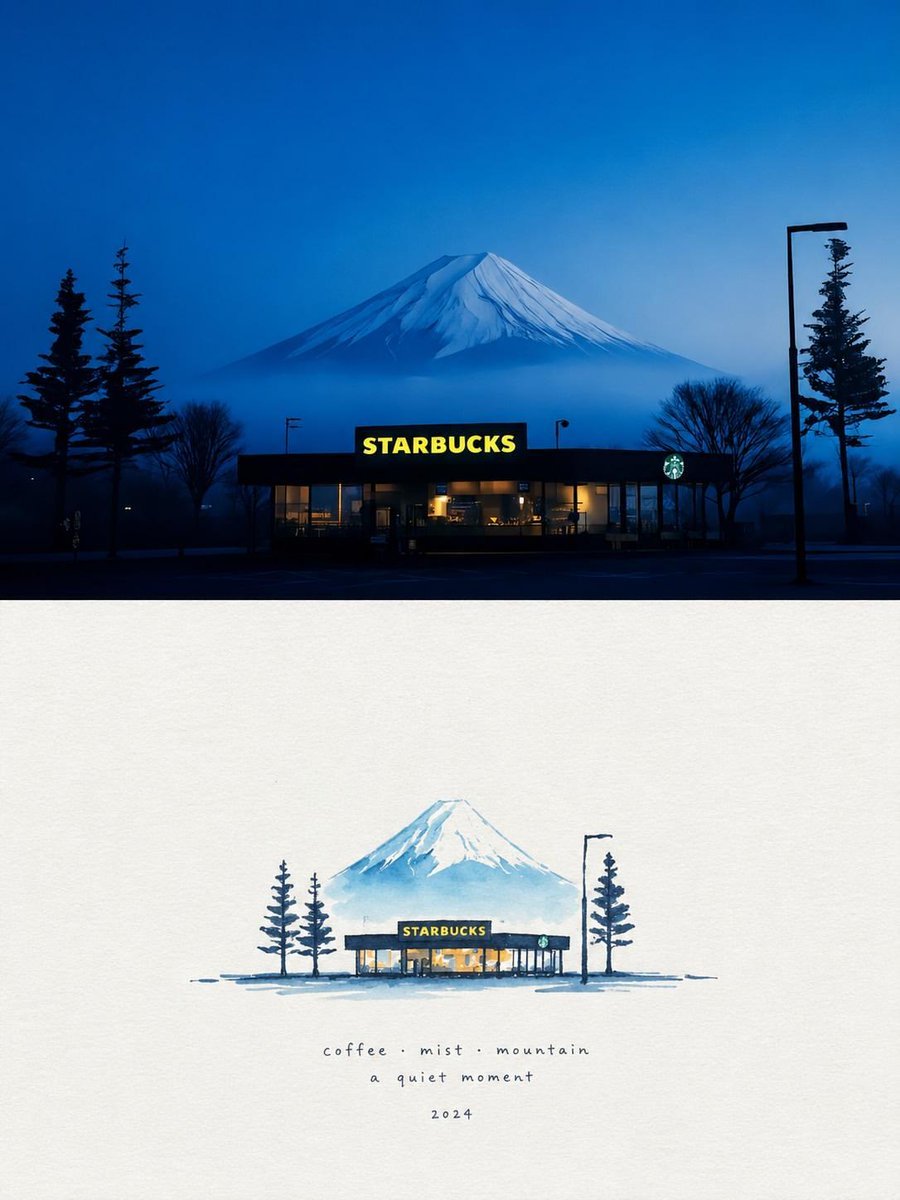
Starbucks Mountain Watercolor Comparison

Six VTuber Japanese Logo Sheet

Luxury ABKR Portrait Poster

Rainy Night Vintage Diner Portrait
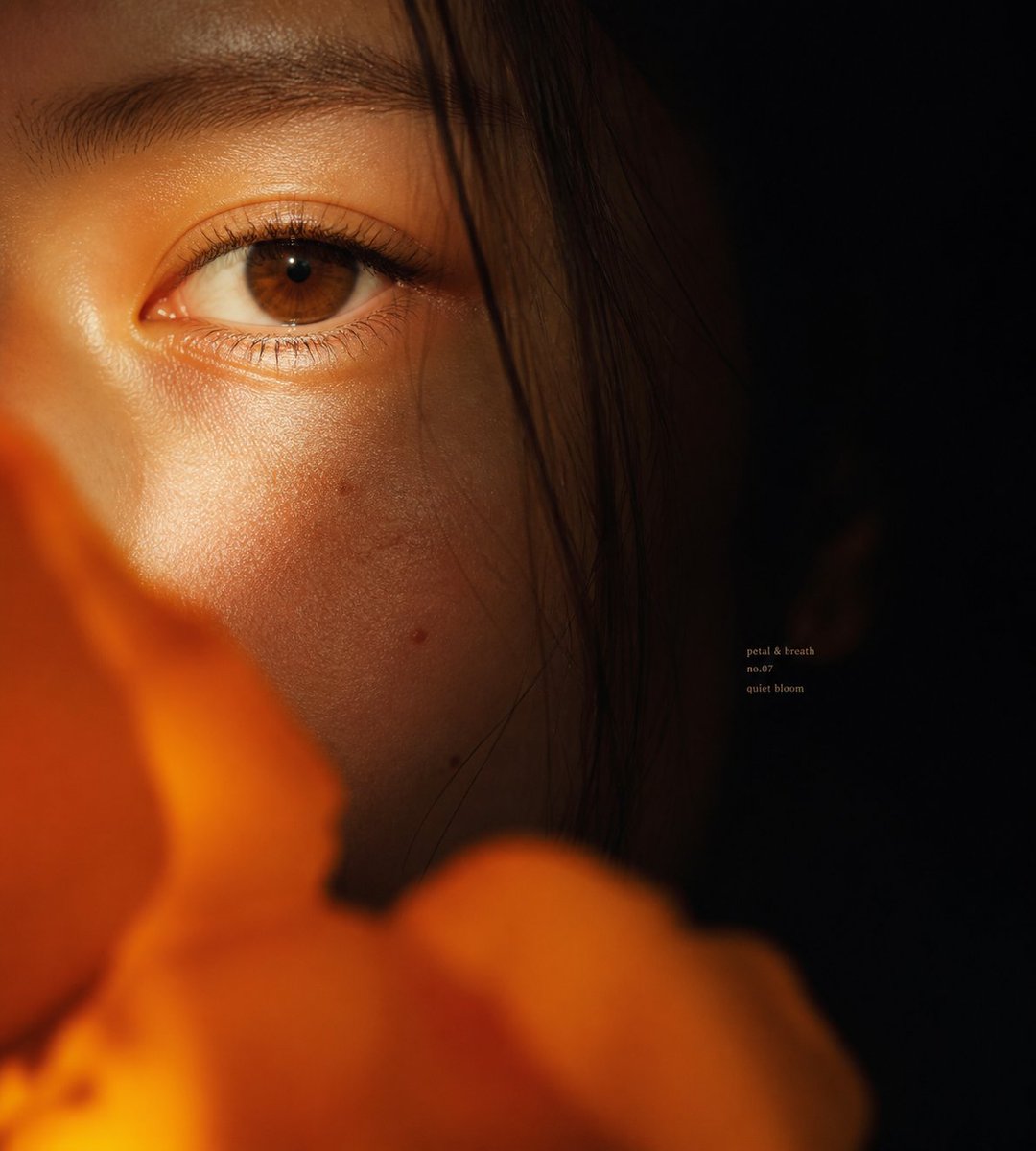
Intimate Flower Petal Macro Portrait
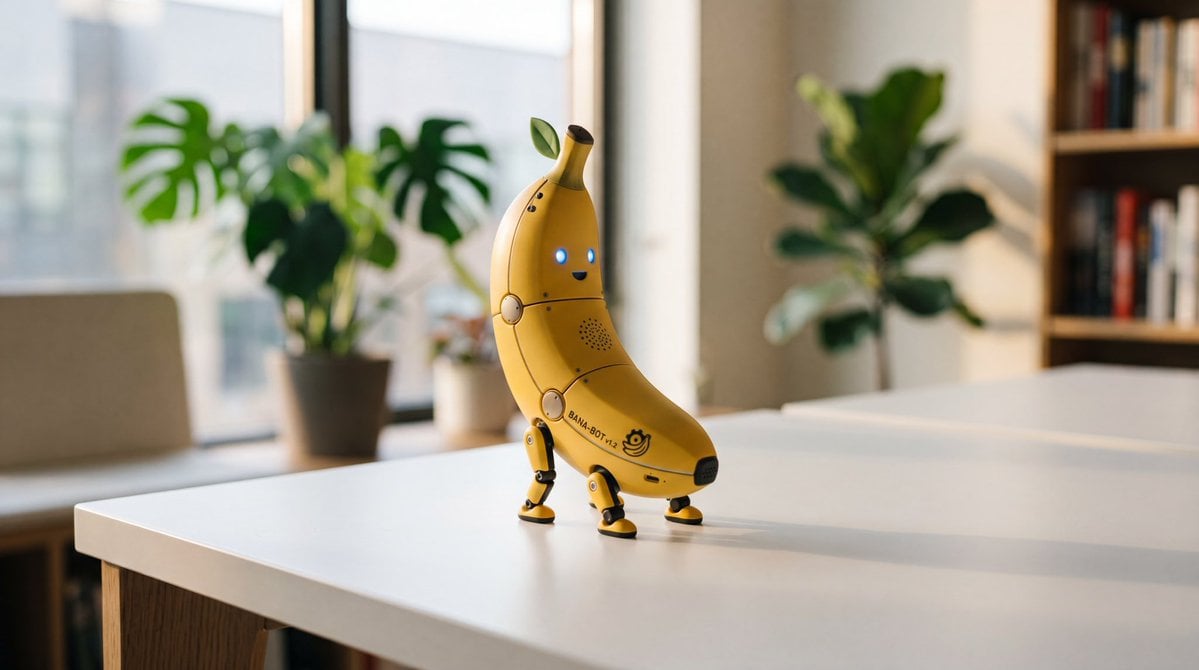
Cute Banana Robot on Table
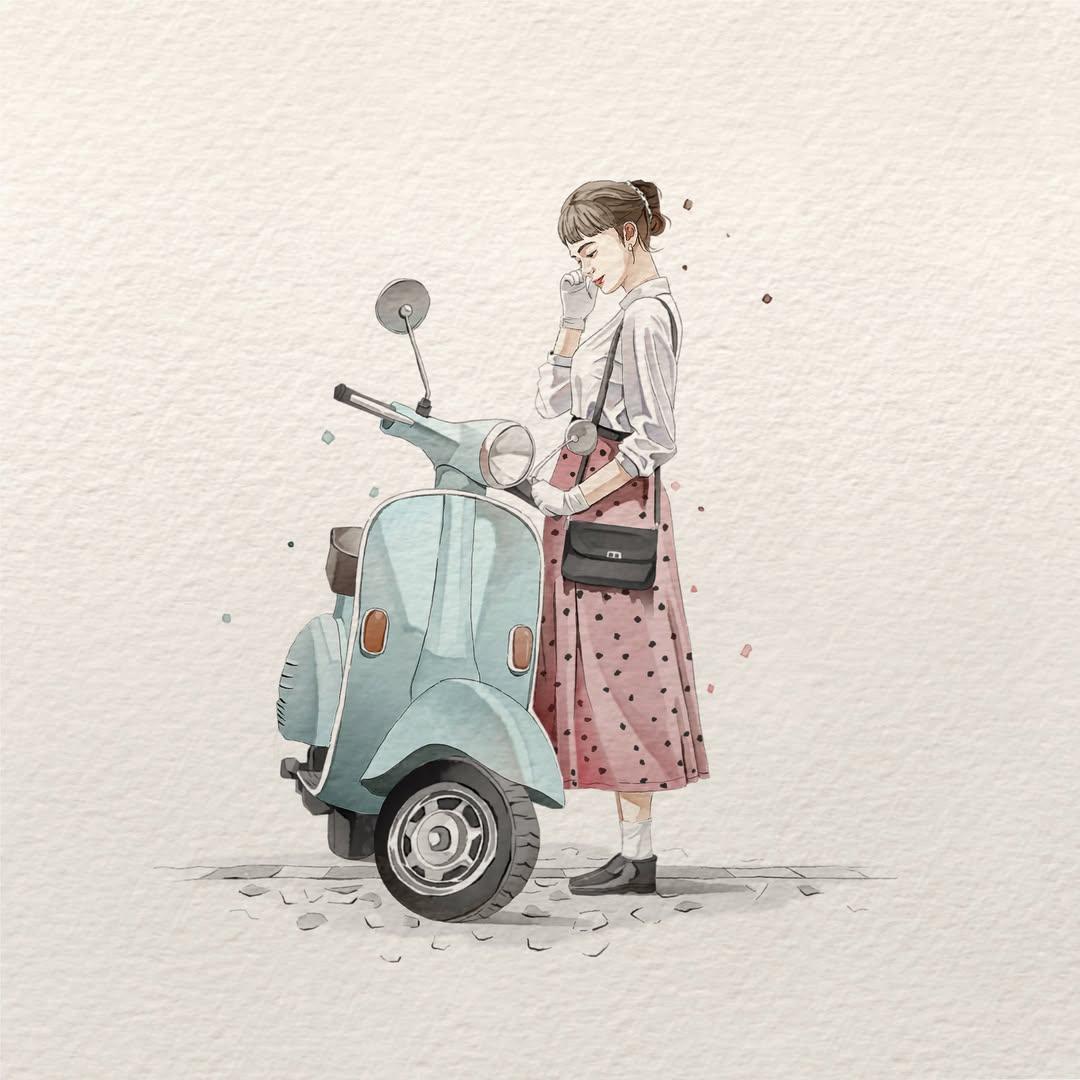
Watercolor Fashion Illustration Aesthetic

Sunlit Orchard Girl With Apples
More image prompts
Fresh picks from across the catalog.
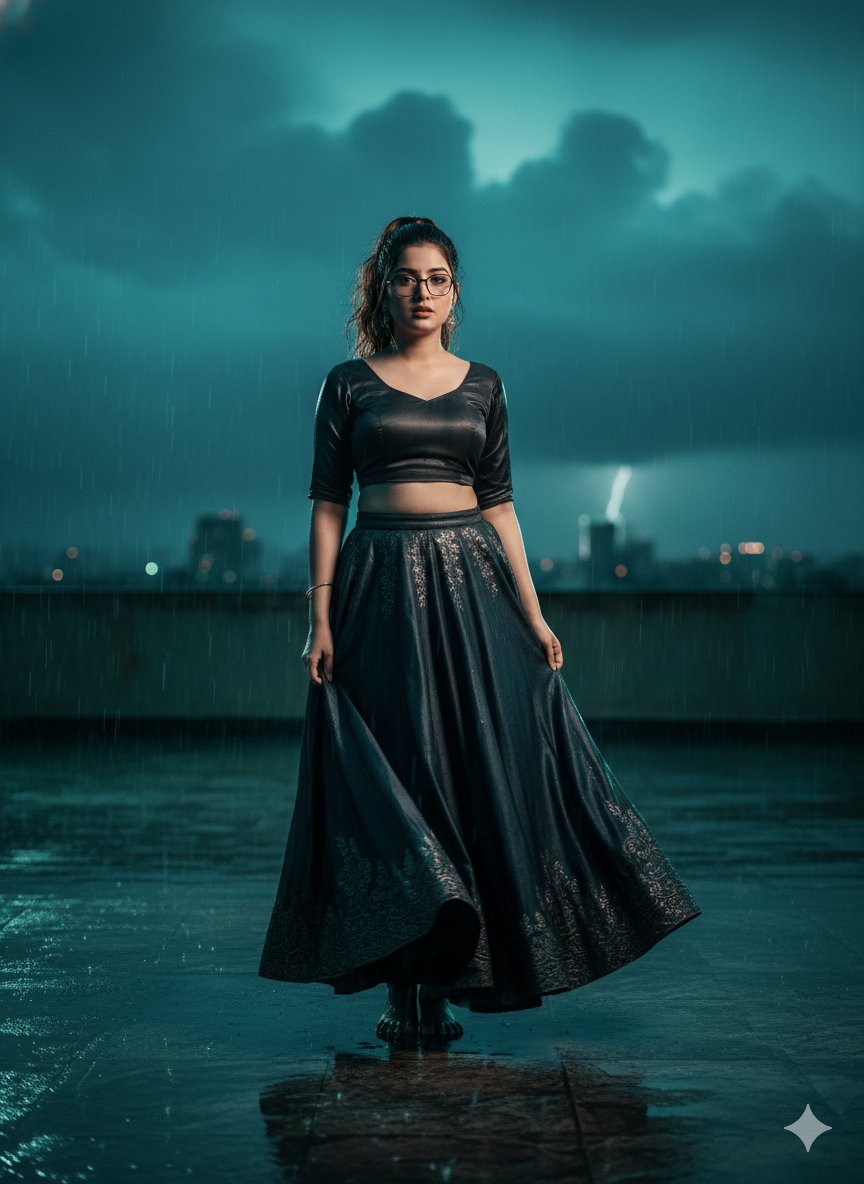
Hyper-Realistic Cinematic Bollywood Poster in Monsoon
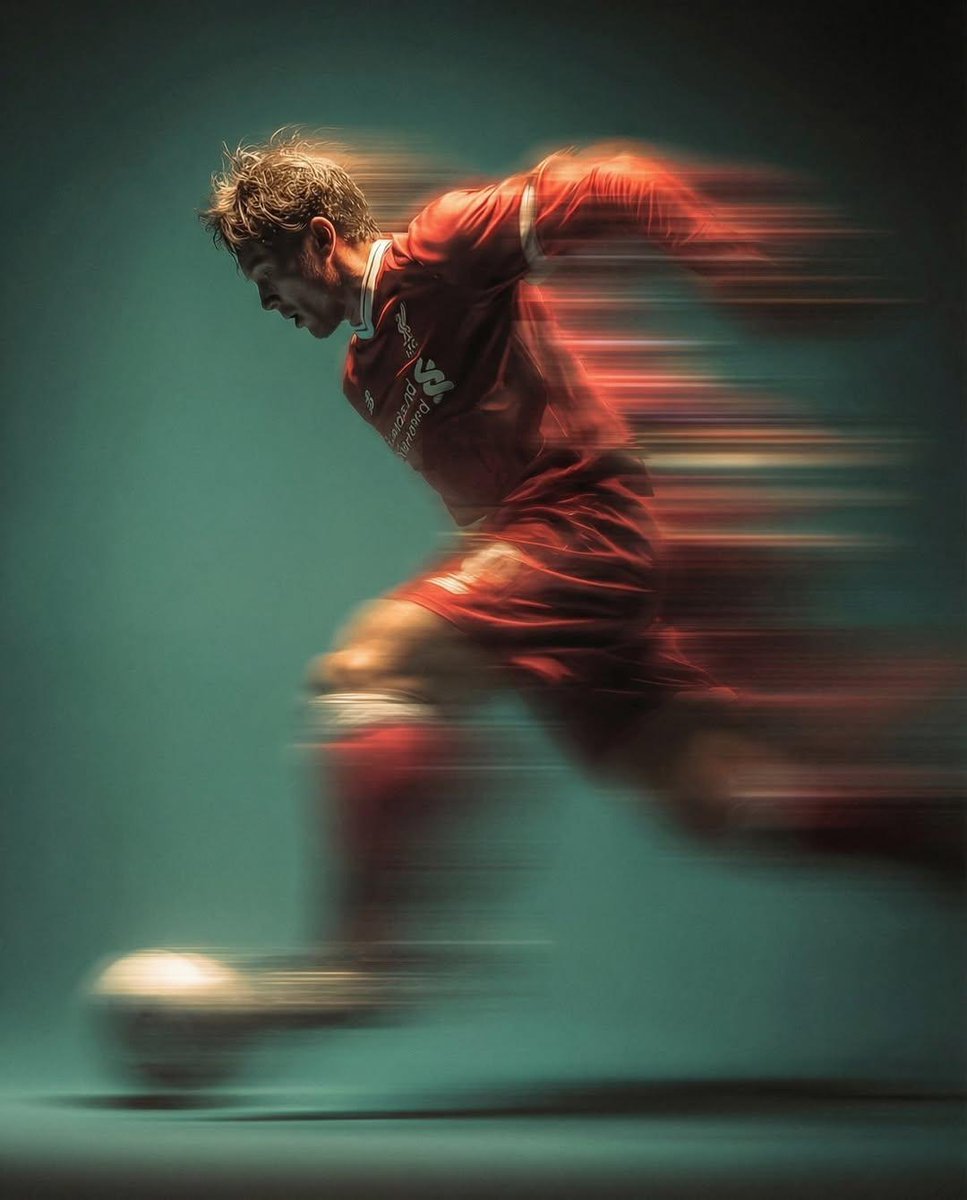
Panning shot of a soccer player kicking a ball
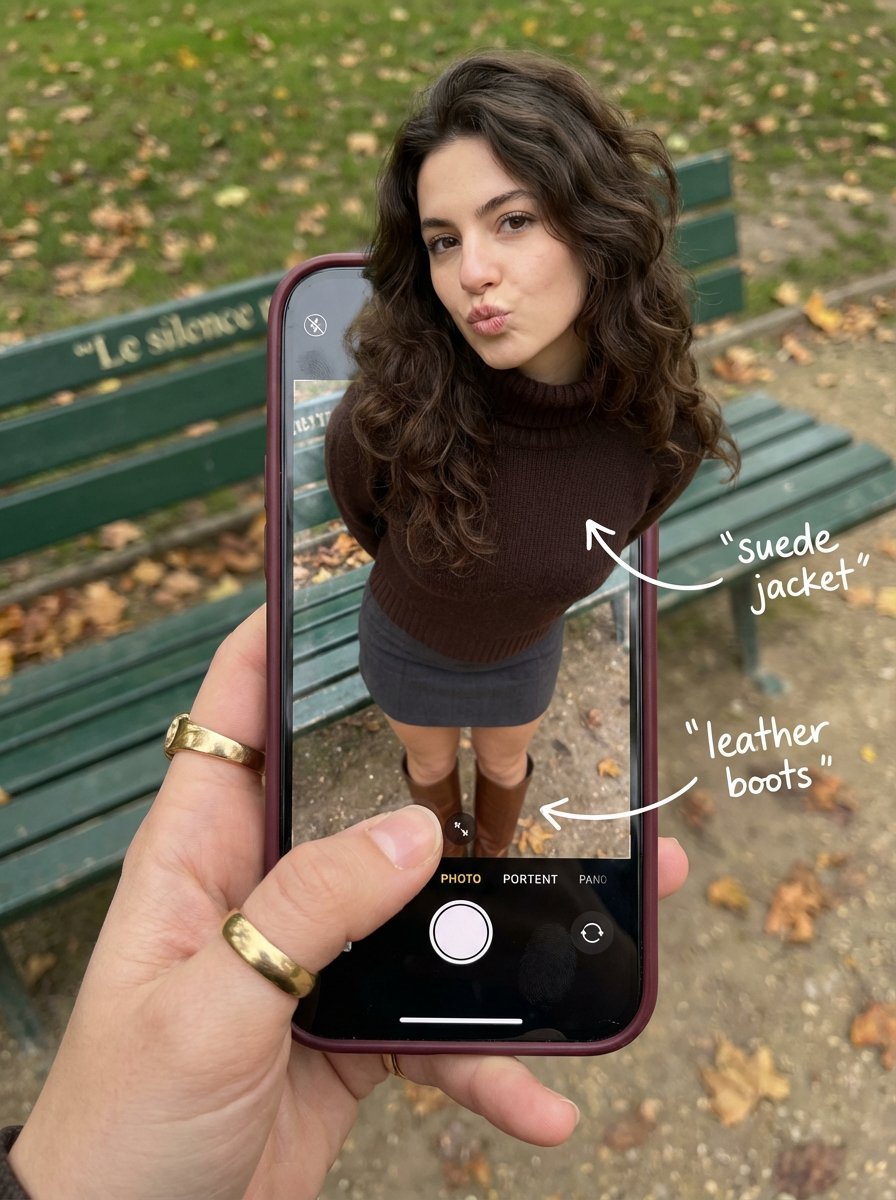
Outfit Pop-Out Phone Illusion Portrait
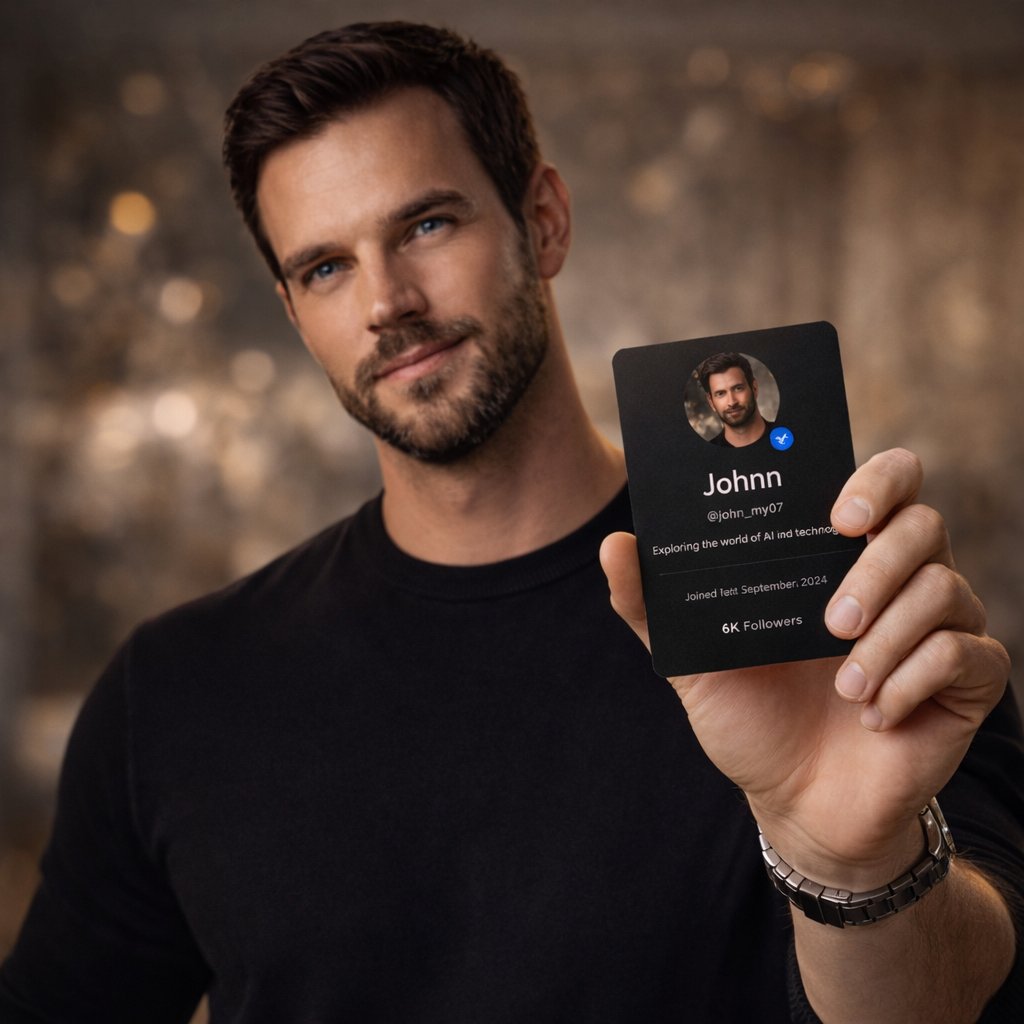
High-End Editorial Photoshoot of a Social Media Profile Card
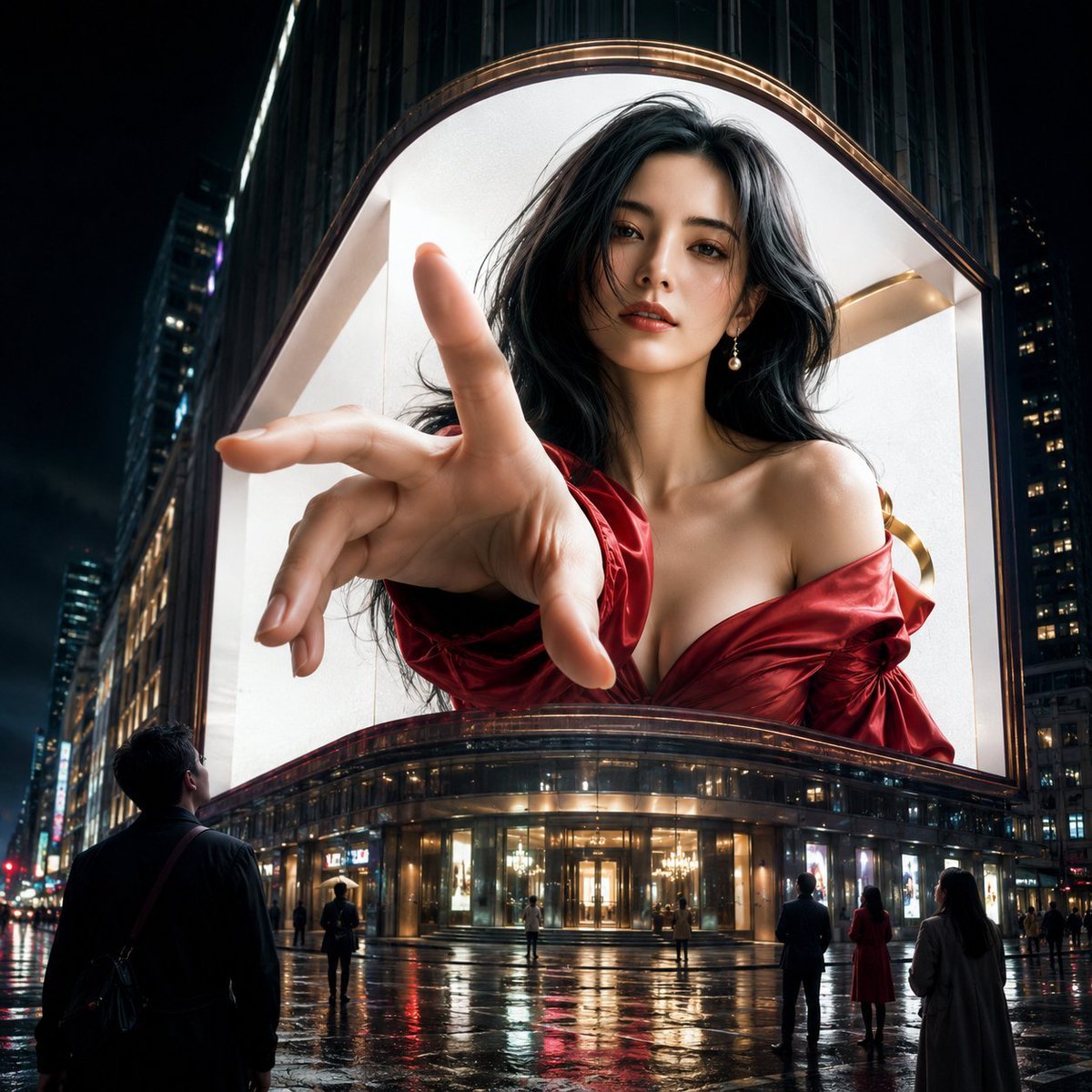
Anamorphic 3D Fashion Model Billboard
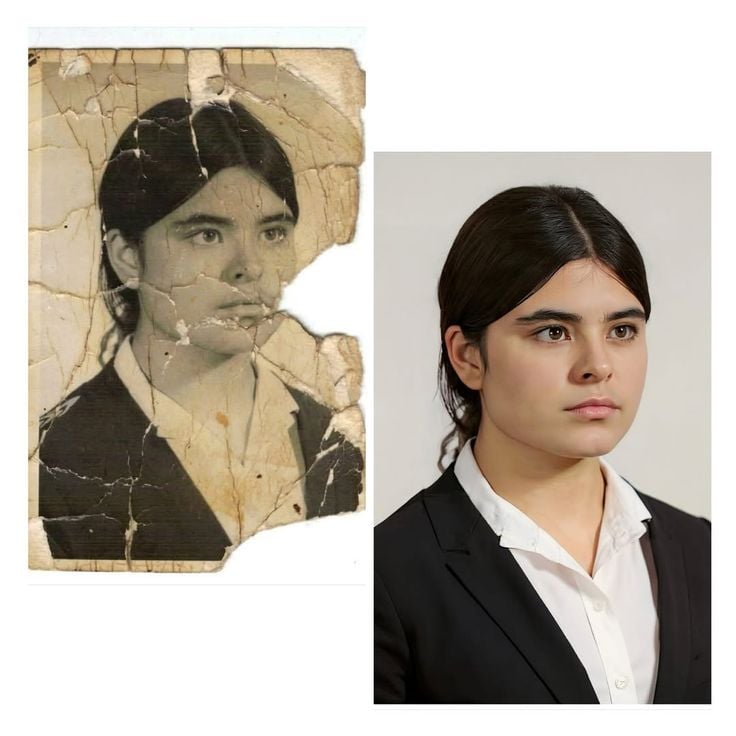
Advanced Image Restoration and Upscale Prompt
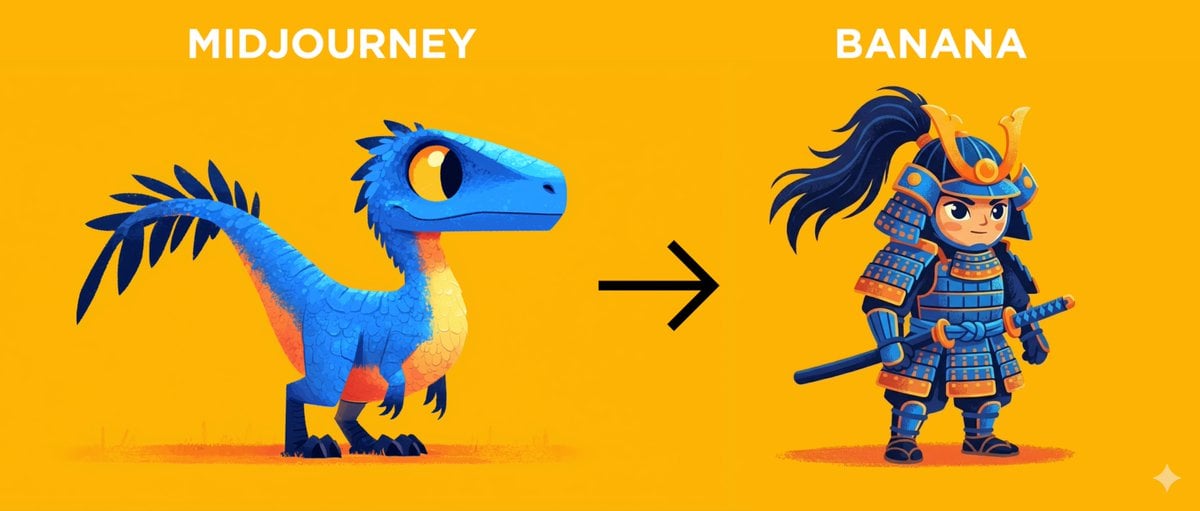
Midjourney Style Transfer for Samurai Image
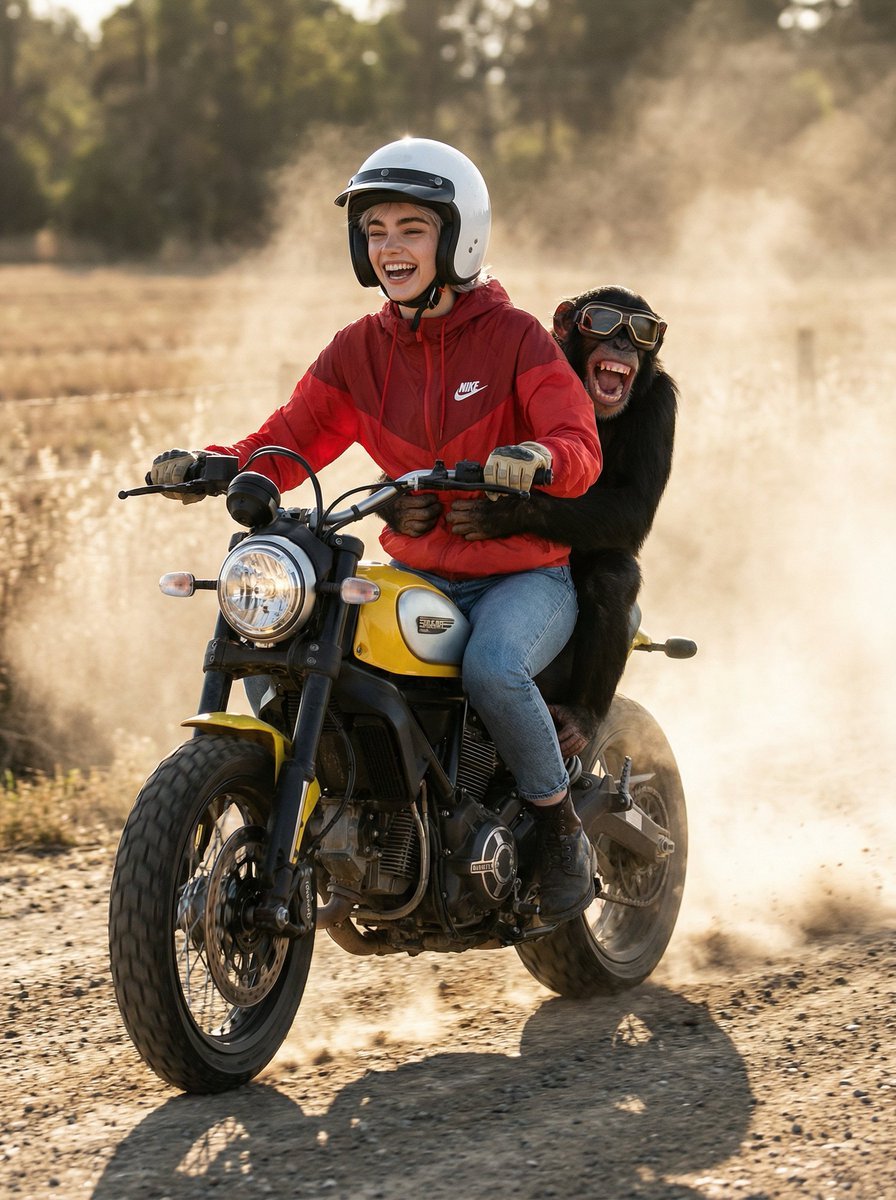
Cinematic Action Photo and Video Prompt (Woman and Chimpanzee on Motorcycle)
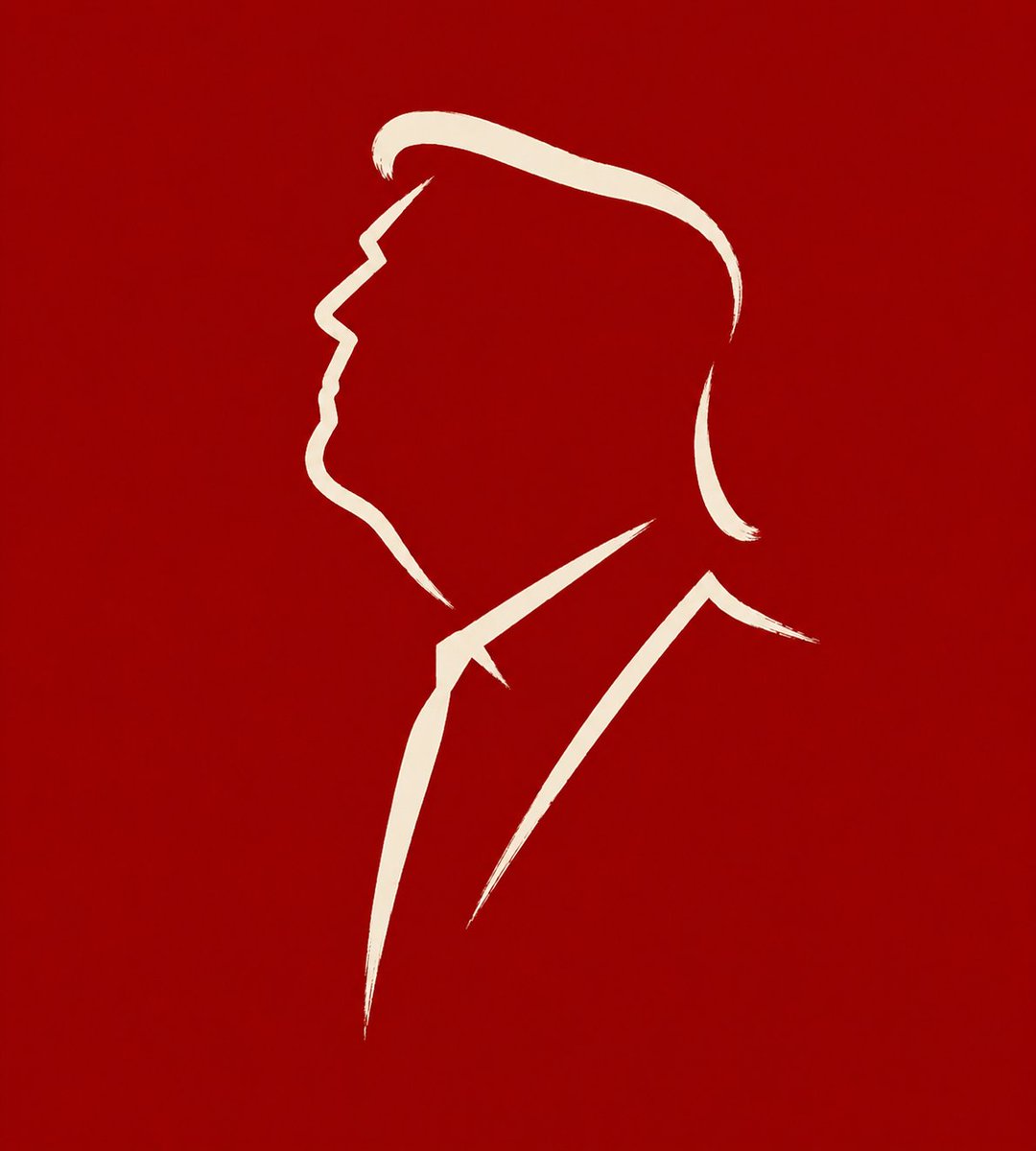
Minimalist Cave Painting Style Avatar
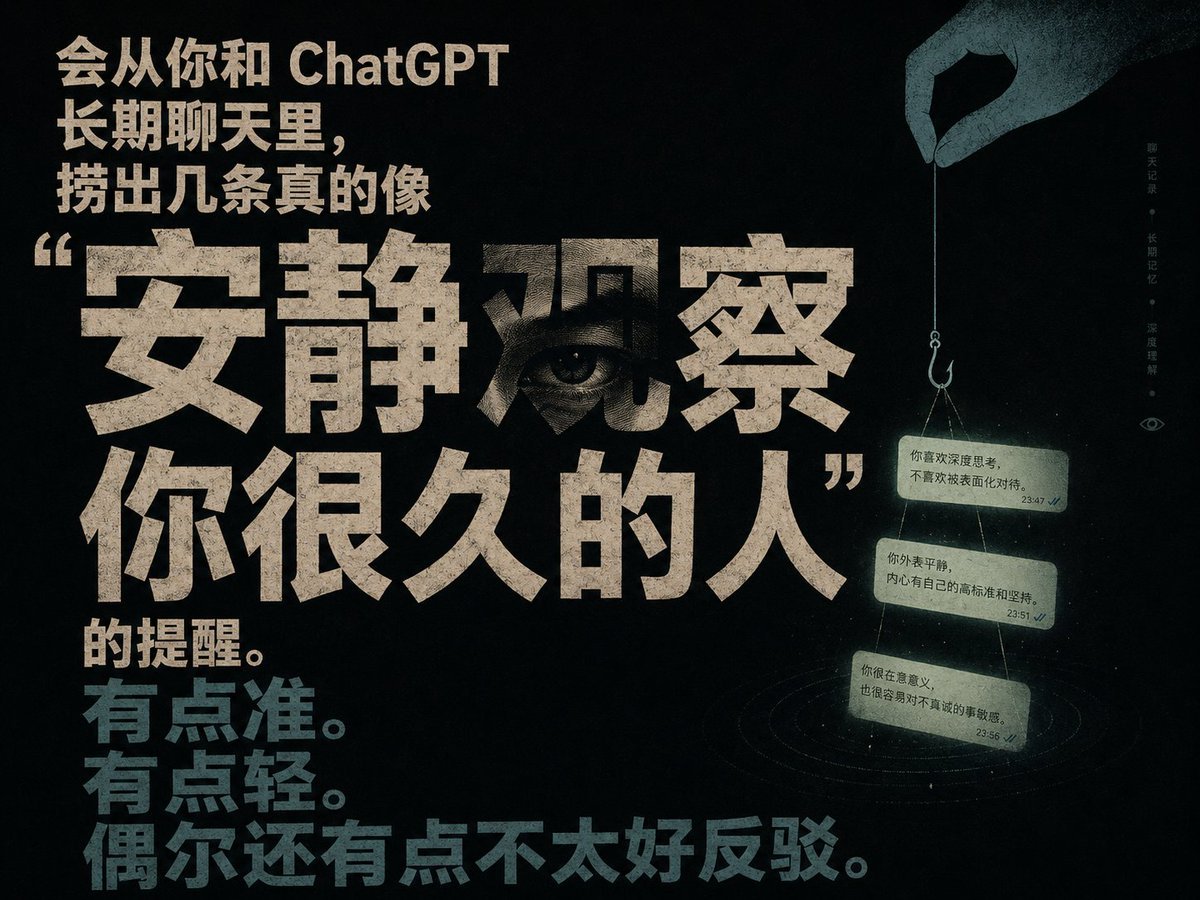
Quiet Observation ChatGPT Memory Poster
Browse template categories
Pastel Kitten Café iPhone Lock Screen questions
How do I use the Pastel Kitten Café iPhone Lock Screen template?
Add your photo if the template asks for one, edit the prompt if you like — the template's model and format are already selected — and press Generate. Your version opens in PicX Studio.
Can I customize the Pastel Kitten Café iPhone Lock Screen template?
Yes. You can change the subject, setting, lighting, mood, format, and available model controls before creating your image.
Is the Pastel Kitten Café iPhone Lock Screen template free?
Opening and editing this template is free. Generating uses credits, shown on the Generate button when you are signed in.
Which AI model should I use?
Start with GPT Image 2, which is the model associated with this template. You can compare another compatible model for a different finish.
Looking for something else? Browse all templates.

Your photo, any look
Thousands of ready templates for every top image and video model, from one credit balance.