
Outfit Pop-Out Phone Illusion Portrait
A complex prompt designed to create a hyper-realistic optical illusion where a woman appears to step out of a smartphone screen.
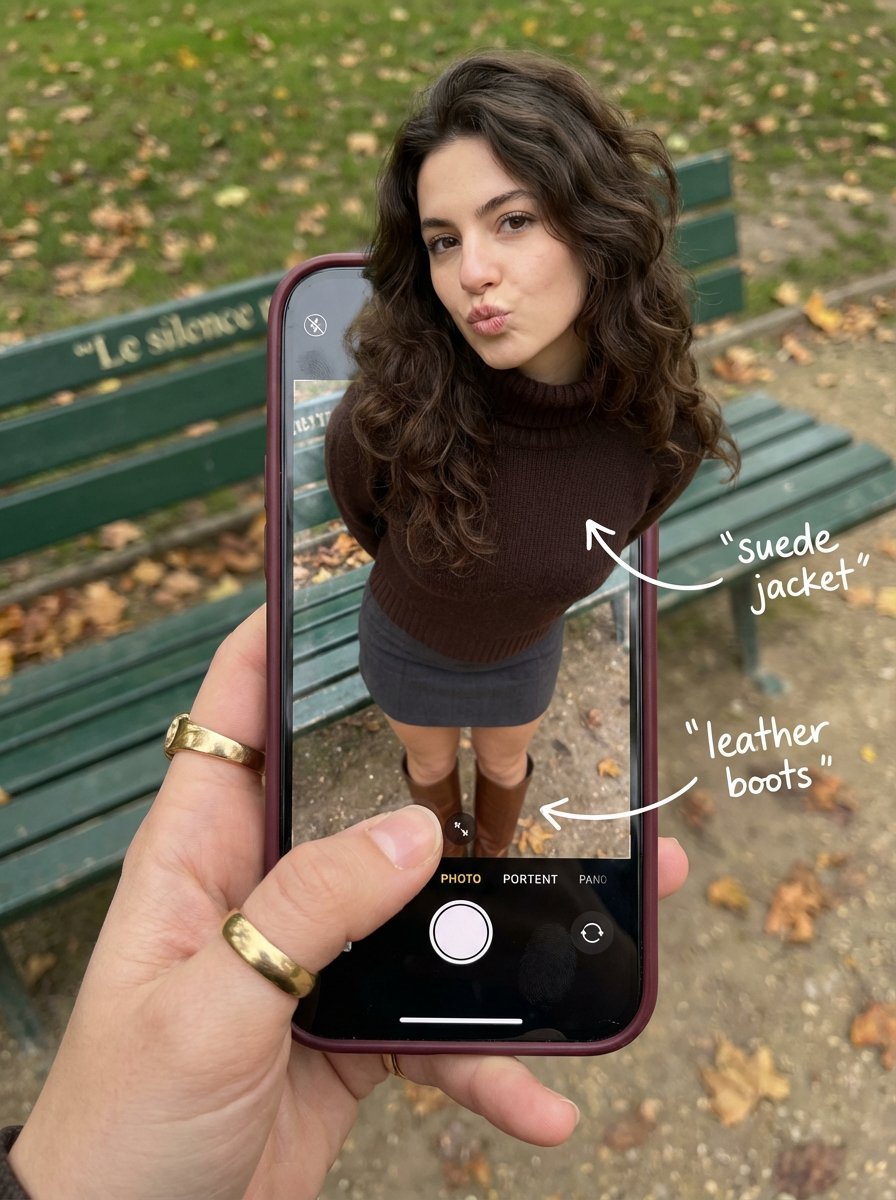
- Prompt included
- Model and format preset
- Free template
The prompt behind this image
Copy the exact prompt behind Outfit Pop-Out Phone Illusion Portrait, or open it in the studio and make it yours.
{ "subject": { "description": "A hyper-realistic optical illusion photograph. A young Caucasian woman appears to be stepping out of a smartphone screen held in a hand. The screen displays the camera interface, capturing her boots, while her real upper body extends out of the phone into reality.", "mirror_rules": "Ensure the phone screen clearly shows the iOS Camera UI (shutter button, mode text). Handwritten annotations must be legible and not mirrored.", "age": "20s", "expression": { "eyes": { "look": "Alluring and playful", "energy": "Confident, direct", "direction": "Looking at the viewer" }, "mouth": { "position": "Blowing a kiss or pouting", "energy": "Chic and charming" }, "overall": "Lifelike, engaging interaction" }, "face": { "preserve_original": "false", "makeup": "Natural glam, matte foundation, defined European features", "features": "High nose bridge, double eyelids, defined jawline" }, "hair": { "color": "Dark brown", "style": "Long, loose waves, voluminous", "effect": "Realistic shine, wind-blown effect" }, "body": { "frame": "Petite but proportionally realistic", "waist": "Defined", "chest": "Covered by turtleneck", "legs": "Visible INSIDE the phone screen interface wearing boots", "skin": { "visible_areas": "Face, hands", "tone": "Fair Caucasian skin", "texture": "Ultra-realistic skin texture, visible pores, natural imperfections", "lighting_effect": "Soft daylight" } }, "pose": { "position": "Torso and head emerging vertically from the phone, legs displayed on the screen", "base": "Dynamic standing pose", "overall": "充满活力的随机姿势,让人感觉生命力满满" }, "clothing": { "top": { "effect": "精致的穿搭,High-quality textile photography" }, "bottom": { "type": "Mini Skirt and Leather Boots", "color": "Dark Grey (skirt), Brown (boots)", "details": "Boots visible on the screen beneath the UI elements" } } }, "accessories": { "jewelry": "Gold rings on the photographer's hand (foreground)", "device": "Smartphone with burgundy case. The screen is ACTIVE and DETAILED: it displays the IOS Camera App Interface (white circular shutter button at bottom, 'PHOTO' text).", "prop": "On the phone screen: White handwritten-style text overlays with arrows pointing to the outfit elements (e.g., text 'suede jacket' with arrow, 'leather boots' with arrow)." }, "photography": { "camera_style": "DSLR photography, Macro lens for phone details", "angle": "POV, High angle looking down at hand", "shot_type": "Composite photography", "aspect_ratio": "3:4", "texture": "Sharp screen pixels, fingerprint smudges on screen, realistic fabric texture", "lighting": "Overcast soft natural light", "depth_of_field": "Background bench blurred (Bokeh), Phone screen UI and subject sharp" }, "background": { "setting": "{argument name="background location" default="Parisian Park in Autumn"}", "wall_color": "Green bench, grey ground", "elements": [ "Green park bench w
How to use Outfit Pop-Out Phone Illusion Portrait in 3 steps
- 1
Open
The prompt is already in the box next to the preview, with the template's model and format selected.
- 2…a portrait of your subject in softgolden-hour light, 85mm…
Personalize
Edit the subject and creative details for your destination.
- 3Generate
Generate
Press Generate — your image is created in PicX Studio, so you can compare it with the original and refine one variable at a time.
More like this
Templates with the same subject, style or setup. Open one to see its prompt.
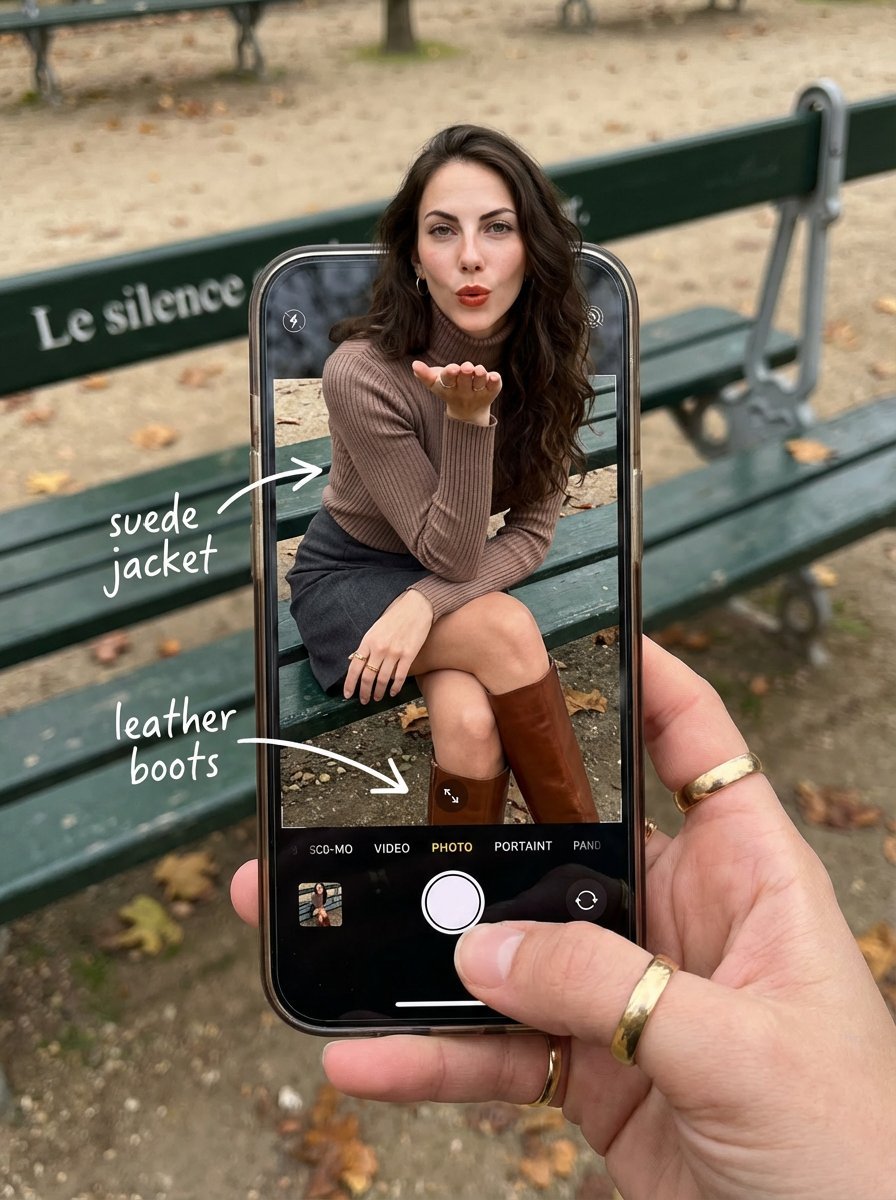
OOTD Breakdown Smartphone Pop-out Illusion
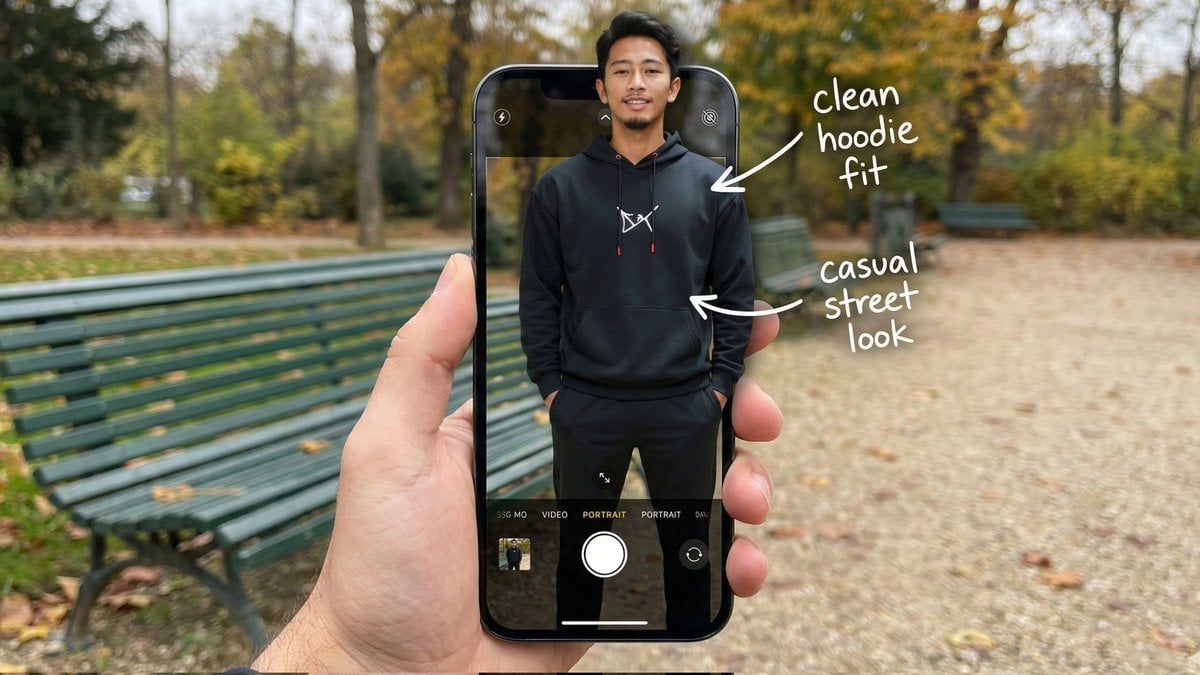
Hyper-Realistic POV Smartphone Pop-out Illusion in a Park
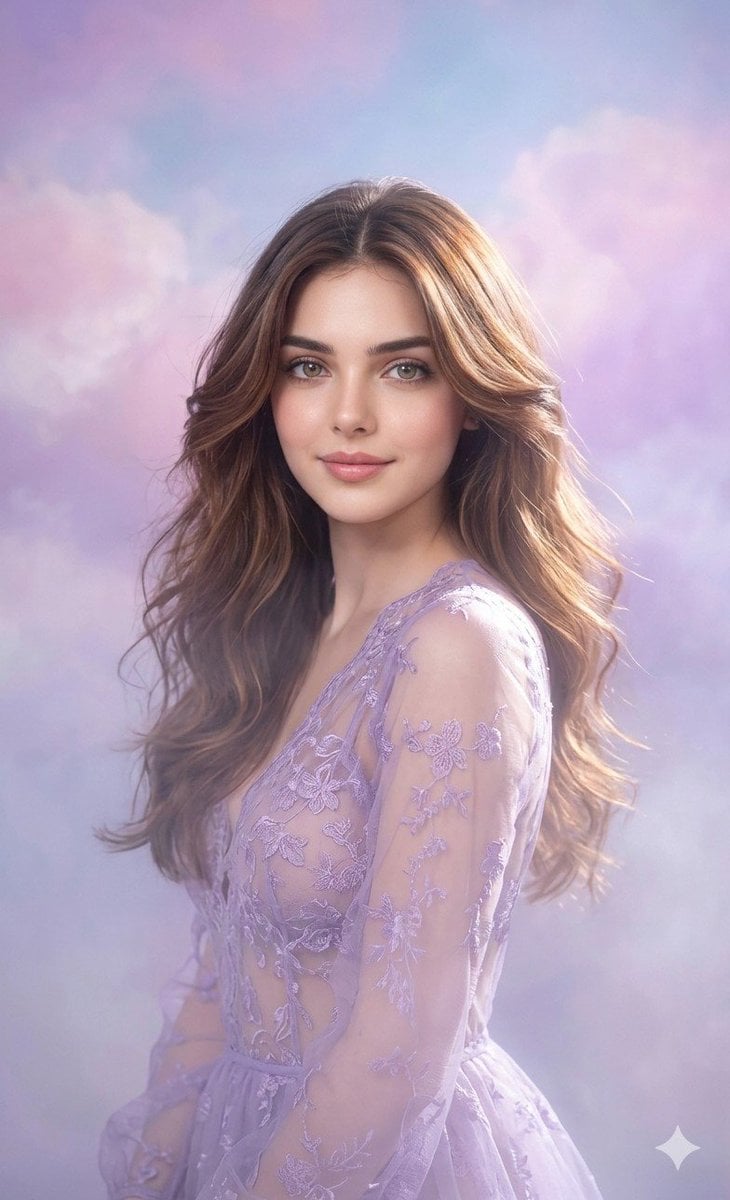
Lavender Outfit Fine-Art Portrait
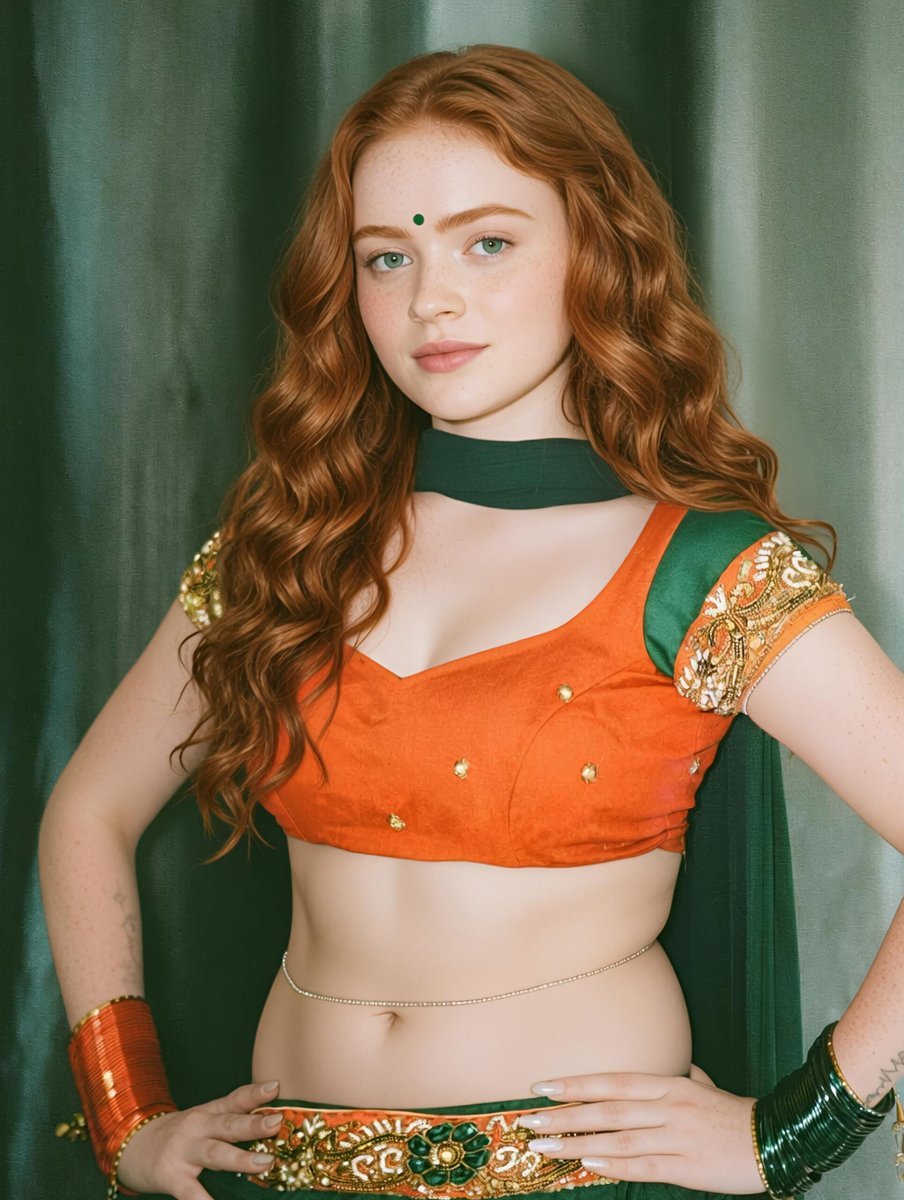
Traditional Indian Outfit Portrait
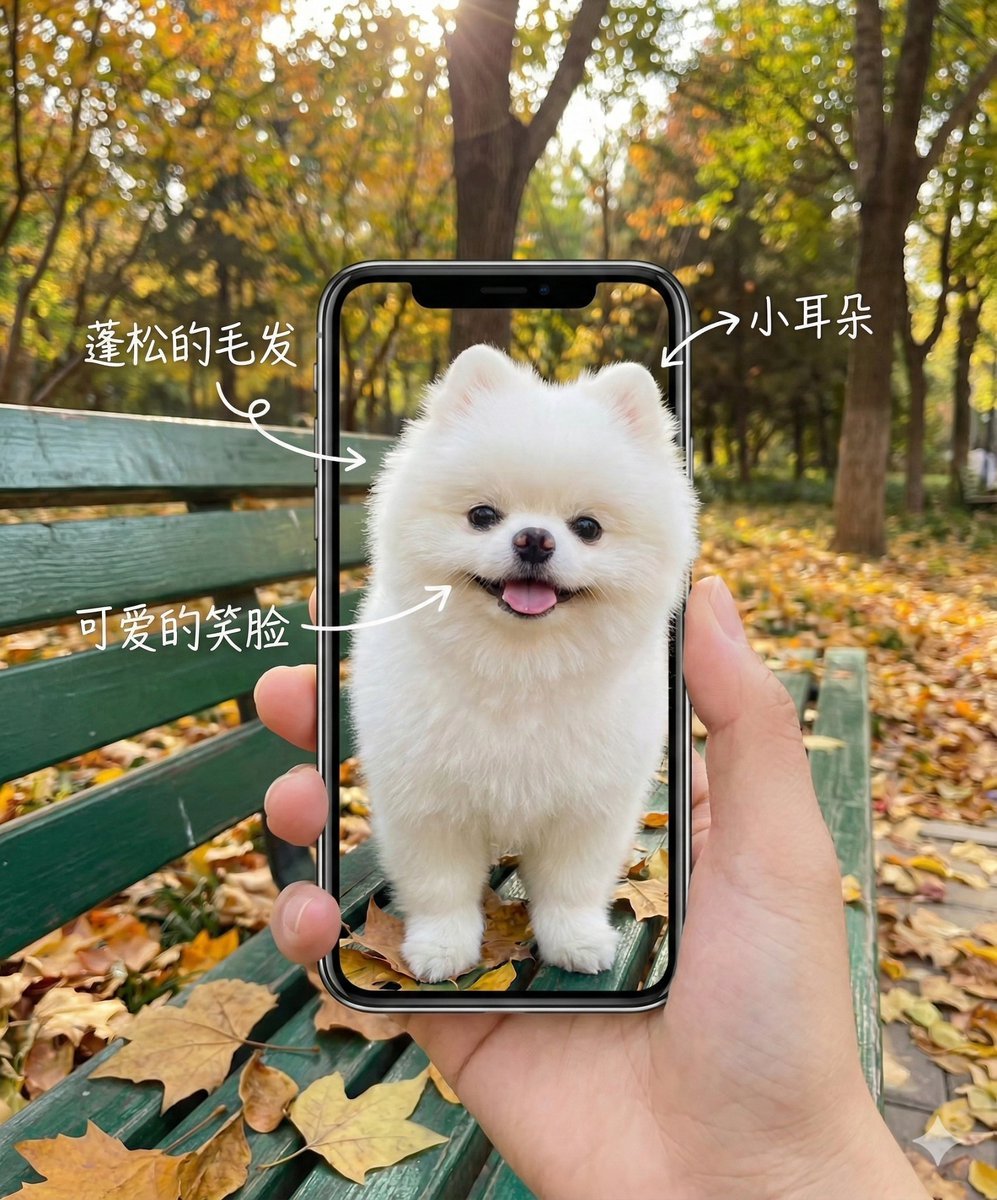
Smartphone Screen Illusion Portrait Template
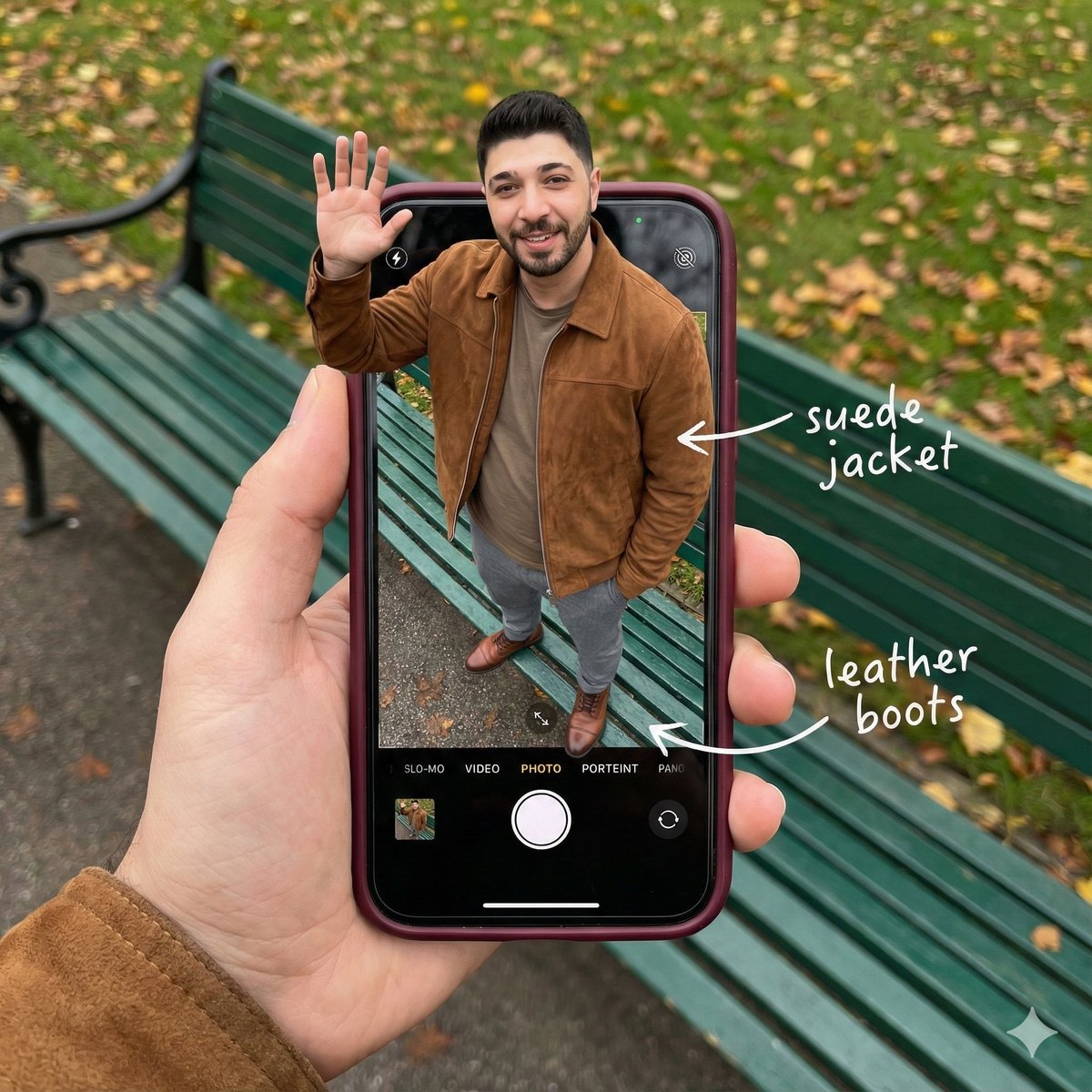
Smartphone Screen Stepping Out Optical Illusion Prompt

Black Outfit Portrait in Snowy Mountains
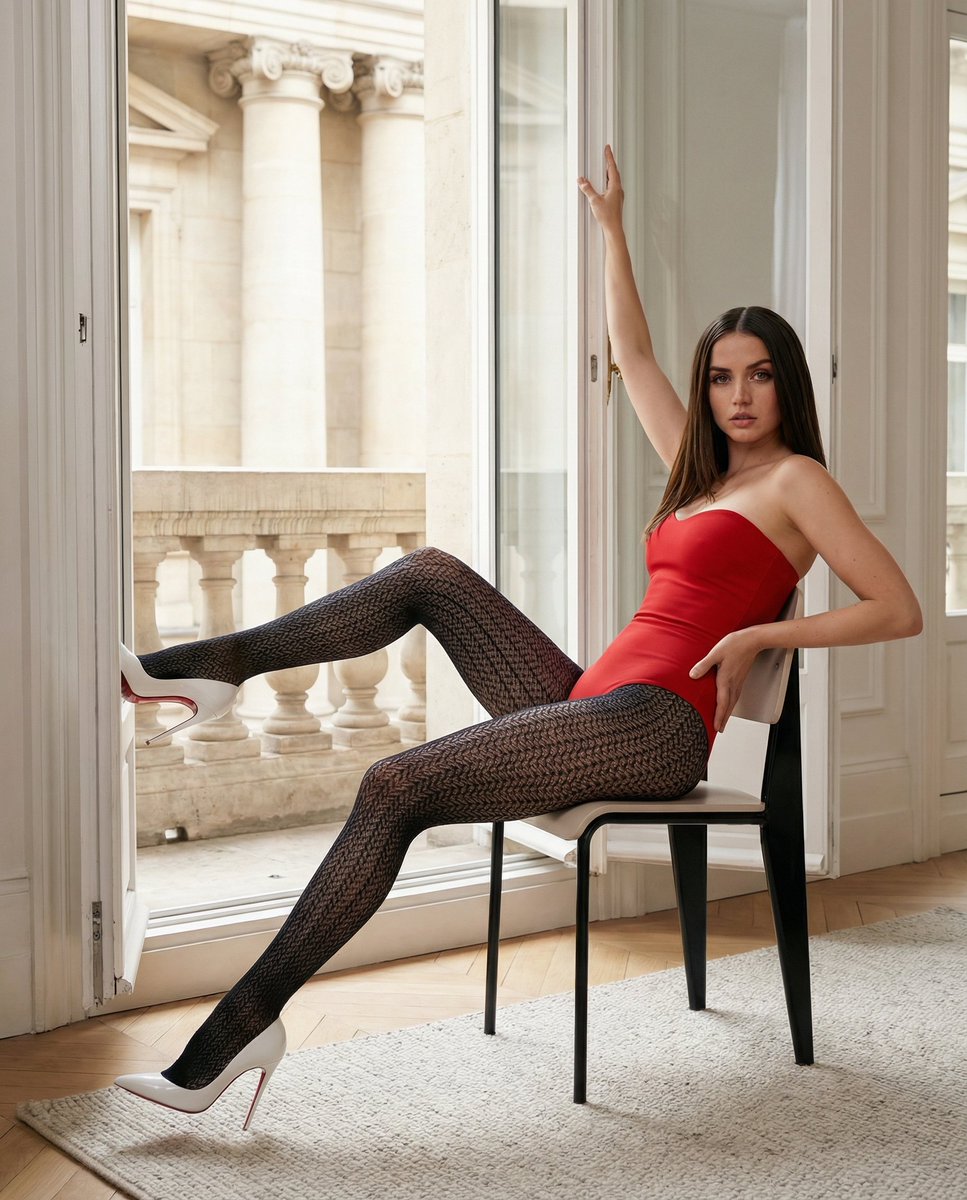
Structured Fashion Portrait in Paris with Detailed Pose and Outfit
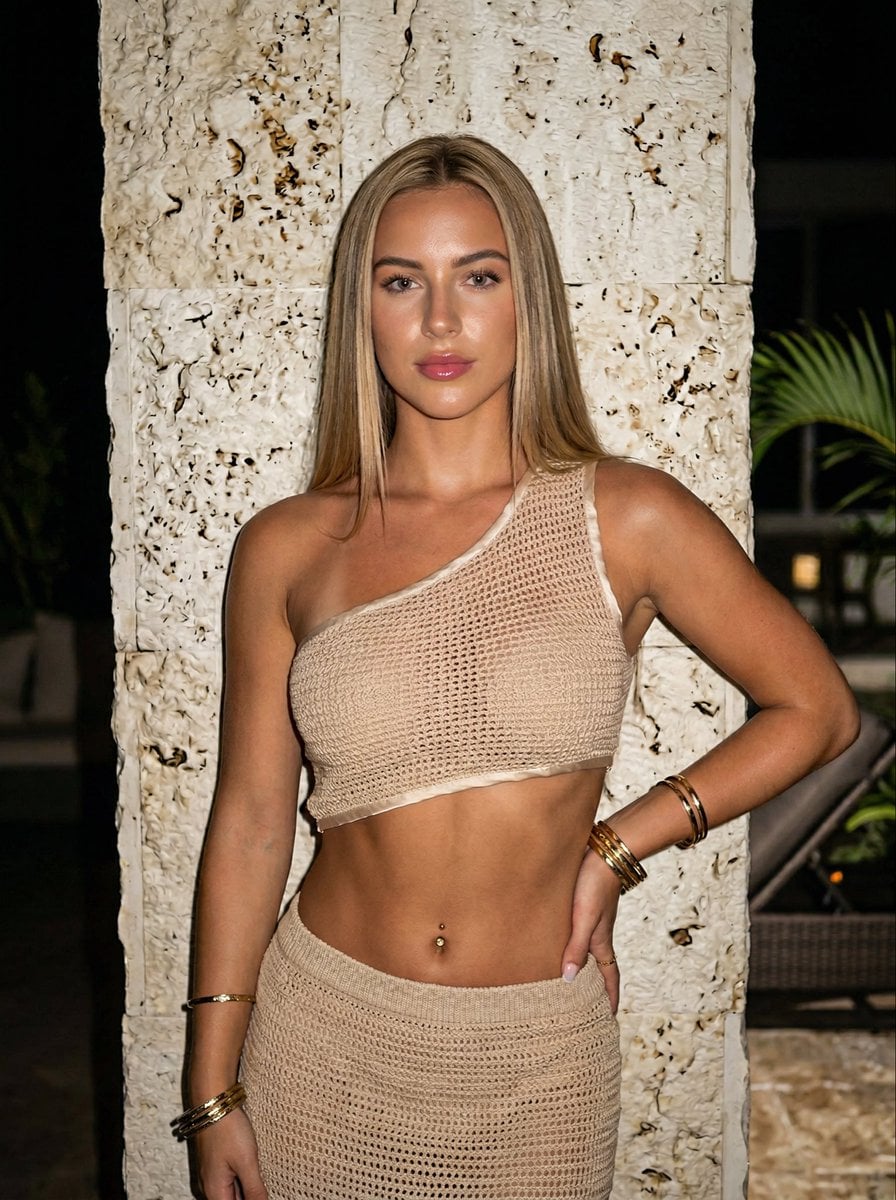
Ultra-realistic Portrait of a Blonde Woman in Crochet Outfit
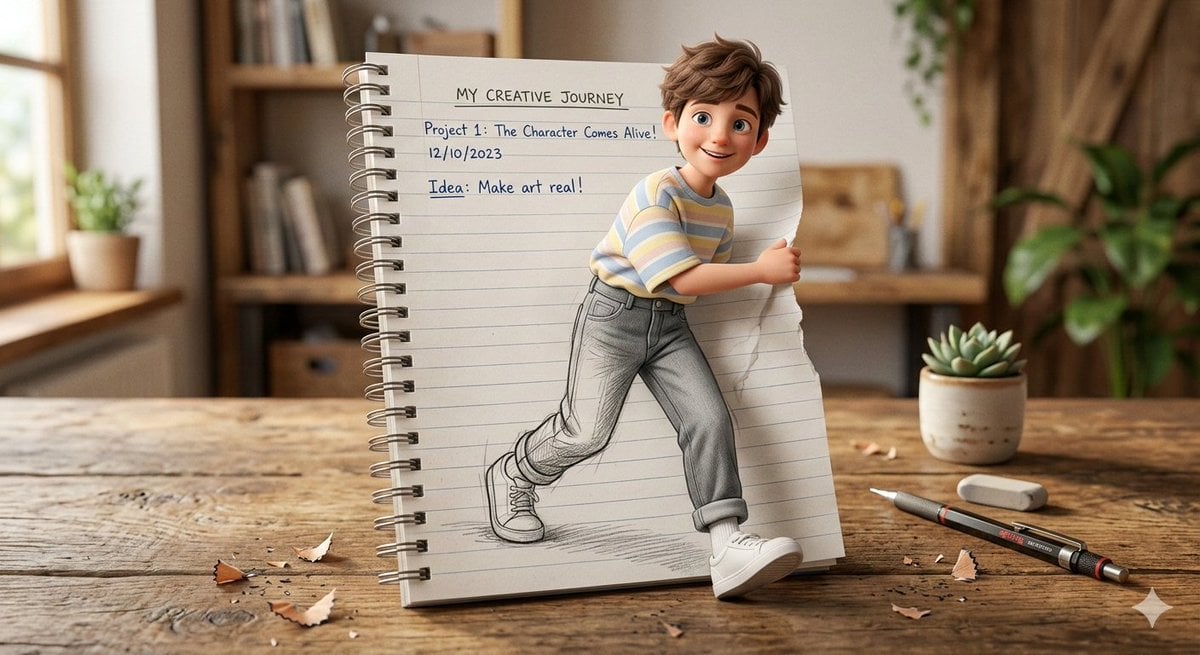
3D Pop-Out Illusion Artwork of a Boy from a Notebook
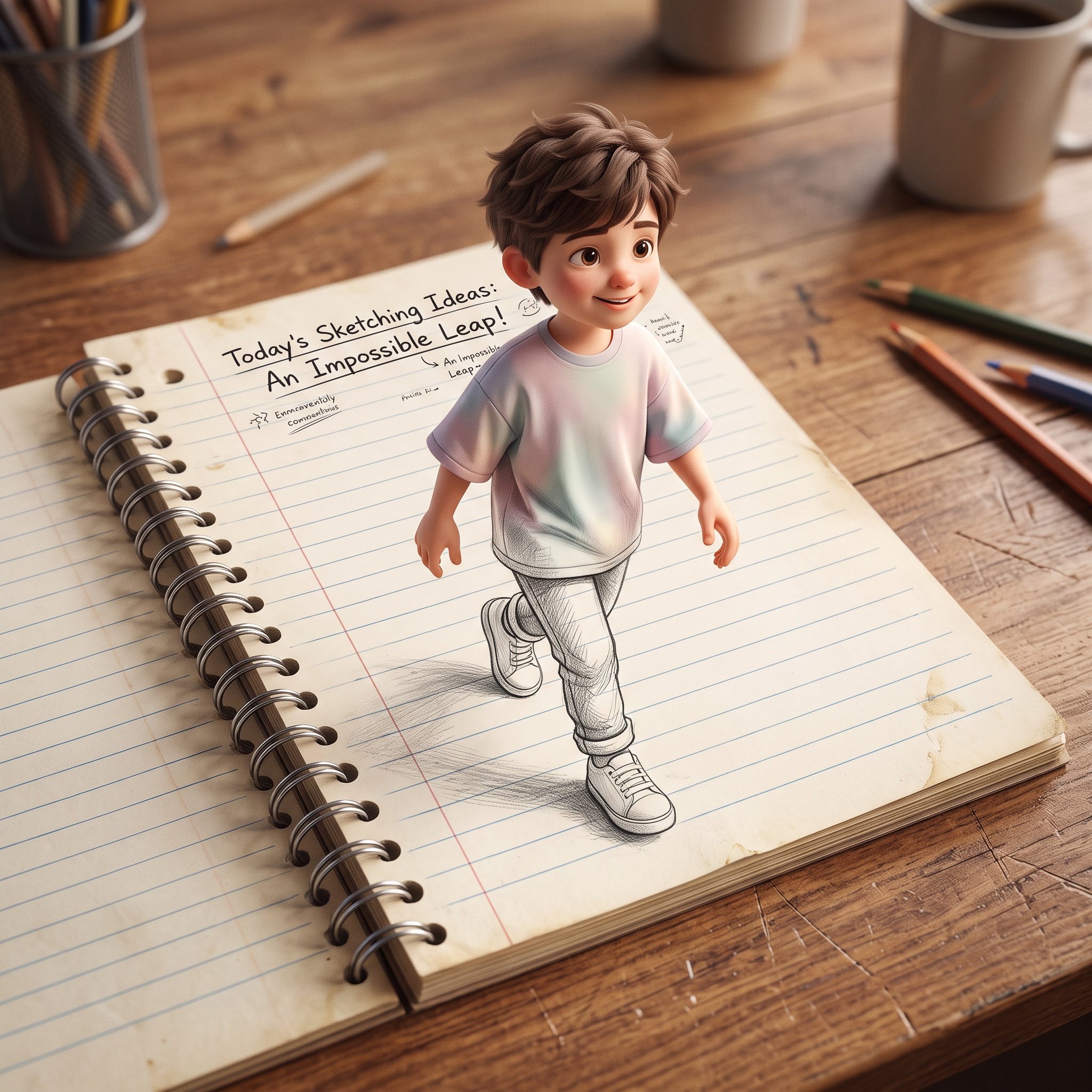
3D Pop-Out Illusion Artwork Prompt

Cinema Date Popcorn Realistic By Nano Ba
Make it yours
Outfit Pop-Out Phone Illusion Portrait works as-is. These are the safest ways to change it without losing the look.
Change one field
Copy a single group, rewrite it, and generate again so you can see what that field is doing.
Keep the frame, change the subject
Hold the composition and light of Outfit Pop-Out Phone Illusion Portrait, then swap wardrobe, props or the person for a new take.
| If the result… | Why | Fix |
|---|---|---|
| The result drifts from the preview | Too many fields changed at once. | Reuse Outfit Pop-Out Phone Illusion Portrait as-is first, then change one group — subject, light, or setting. |
| The model over-stylizes the scene | The prose prompt leaves finish and camera underspecified. | Add one camera or lighting sentence and stay on Nano Banana 2. |
More Nano Banana 2 templates
Other prompts made for Nano Banana 2.

Photorealistic Leaf Shaped Like a Dragon

K-Pop Idol Portrait Grid for Rapid Selection

Poetic Rain Forest Portrait During Golden Hour

Urban Street Portrait with Cartoon Inner Self Duo

Candid Nighttime Photo with Cat Prompt

High-Concept 3D Diorama Generation Prompt

Cinematic Futuristic Studio Portrait Template

Skincare Editorial Photography Collage Prompt

Hyper-Realistic Commercial Product Photography (Splash Effect)

Hyper-Realistic Nightclub Portrait Prompt
More image prompts
Fresh picks from across the catalog.

Storyboard Grid Generation Prompt

Female Android in Futuristic Space City
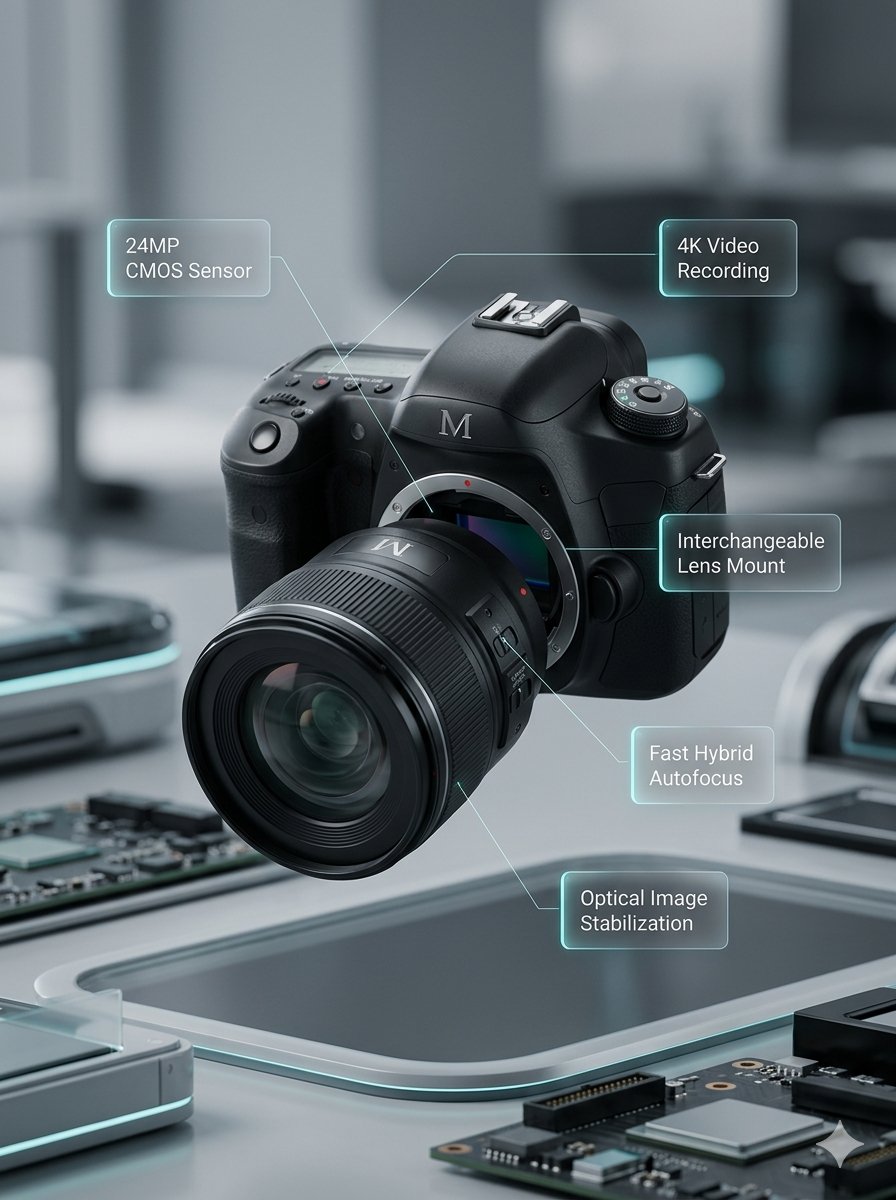
Deconstructed and Assembled M DSLR Camera Visualization
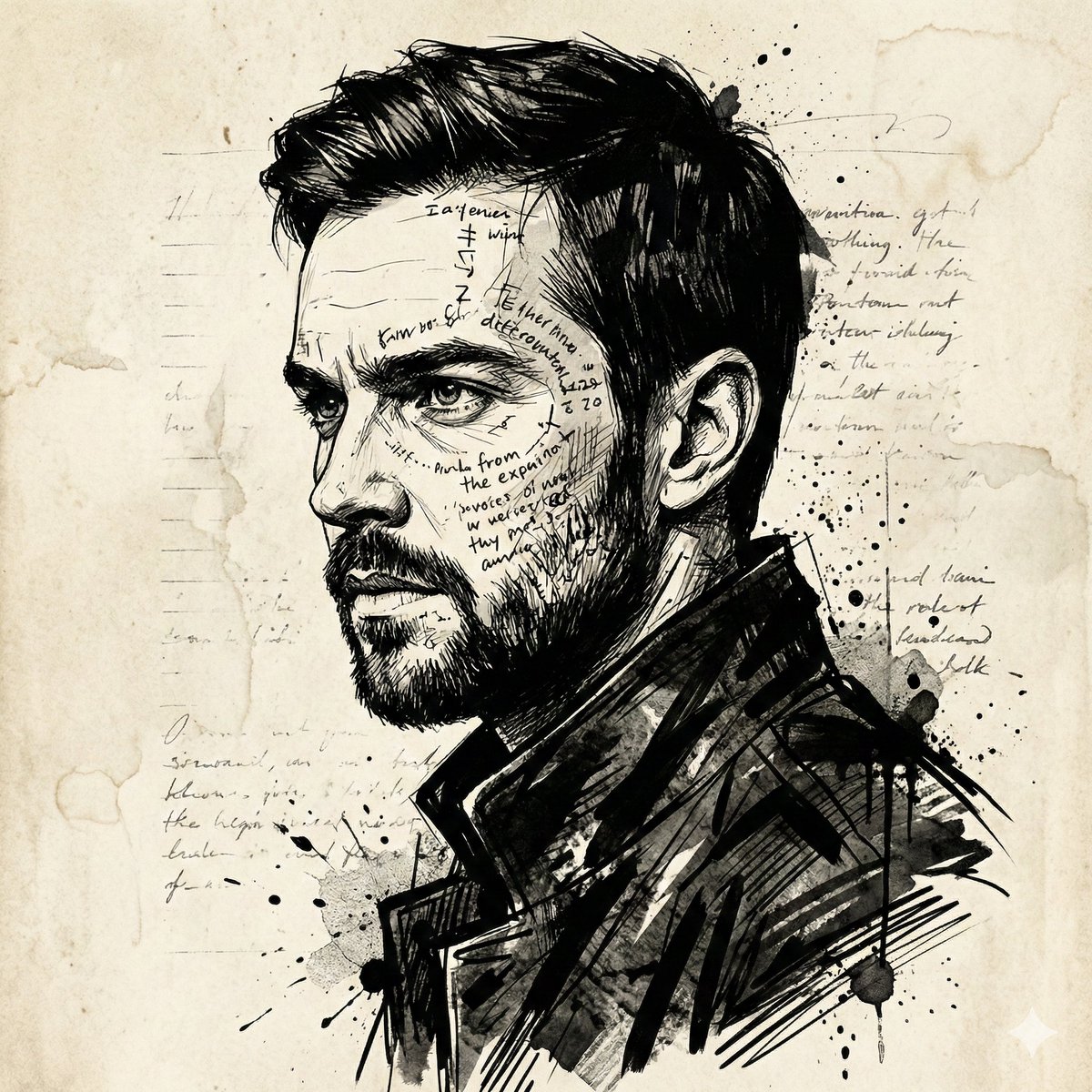
Intense Ink Sketch Portrait with Face Likeness
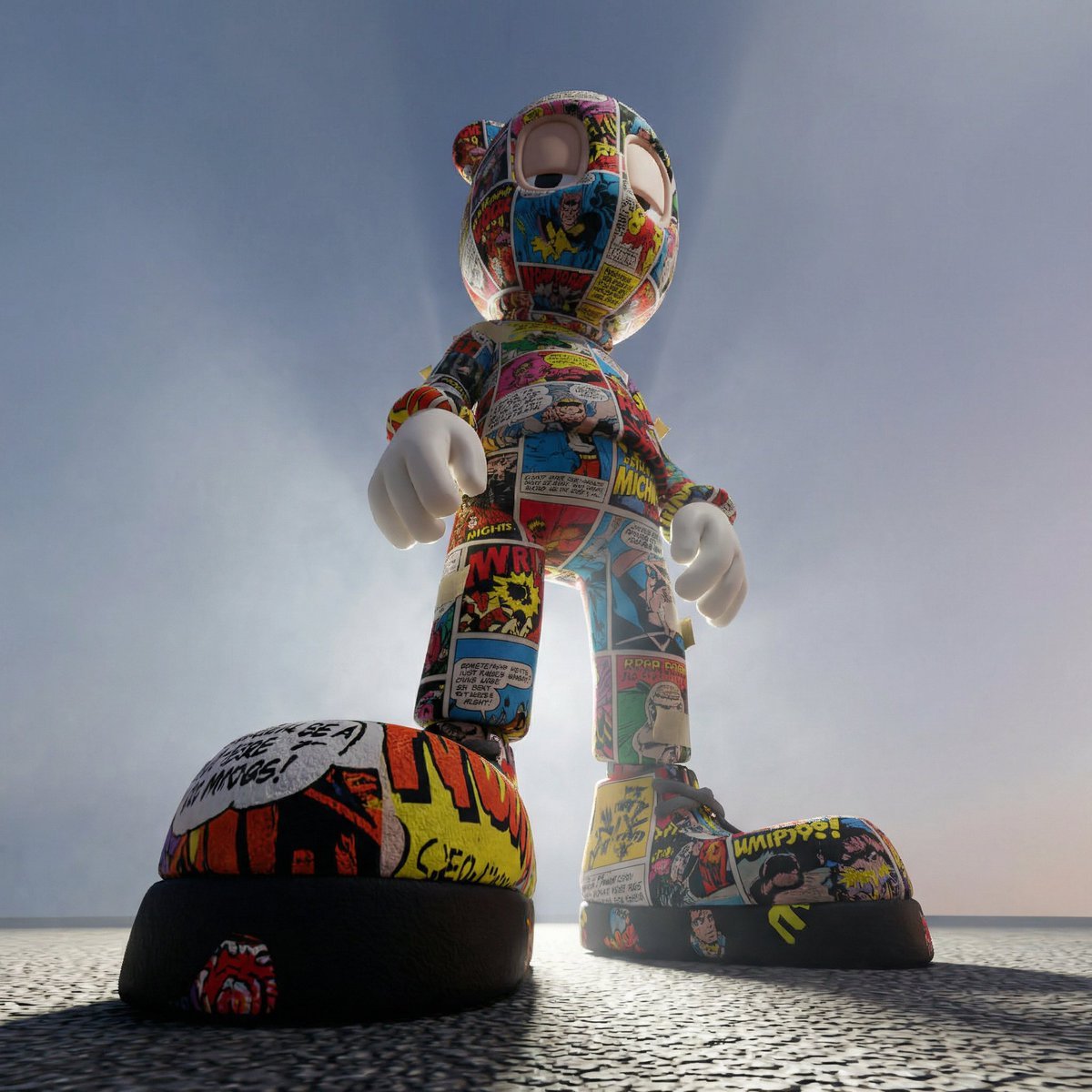
Worm's-Eye Perspective Character Shot (Likeness Preservation)
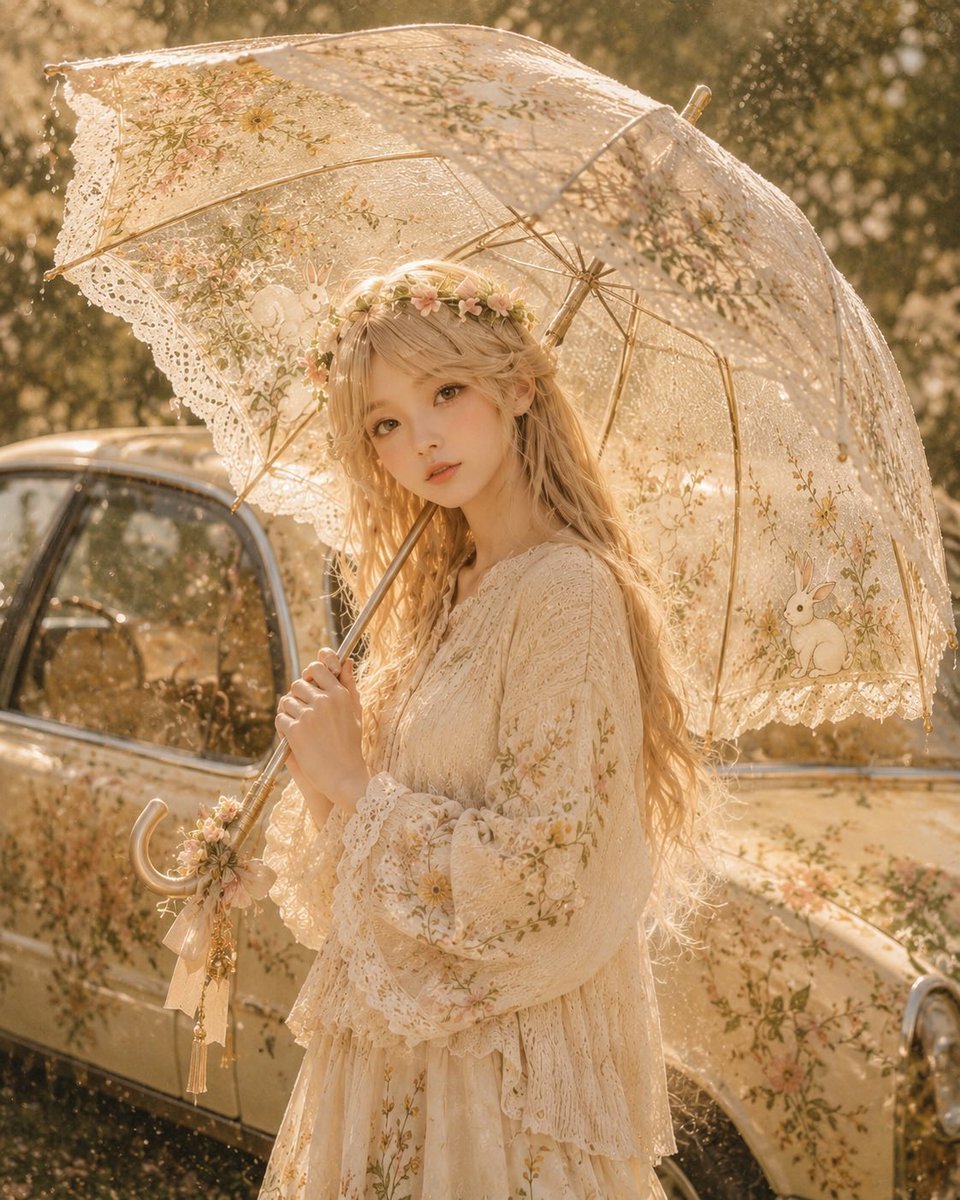
Character-Inspired Custom Umbrella Design
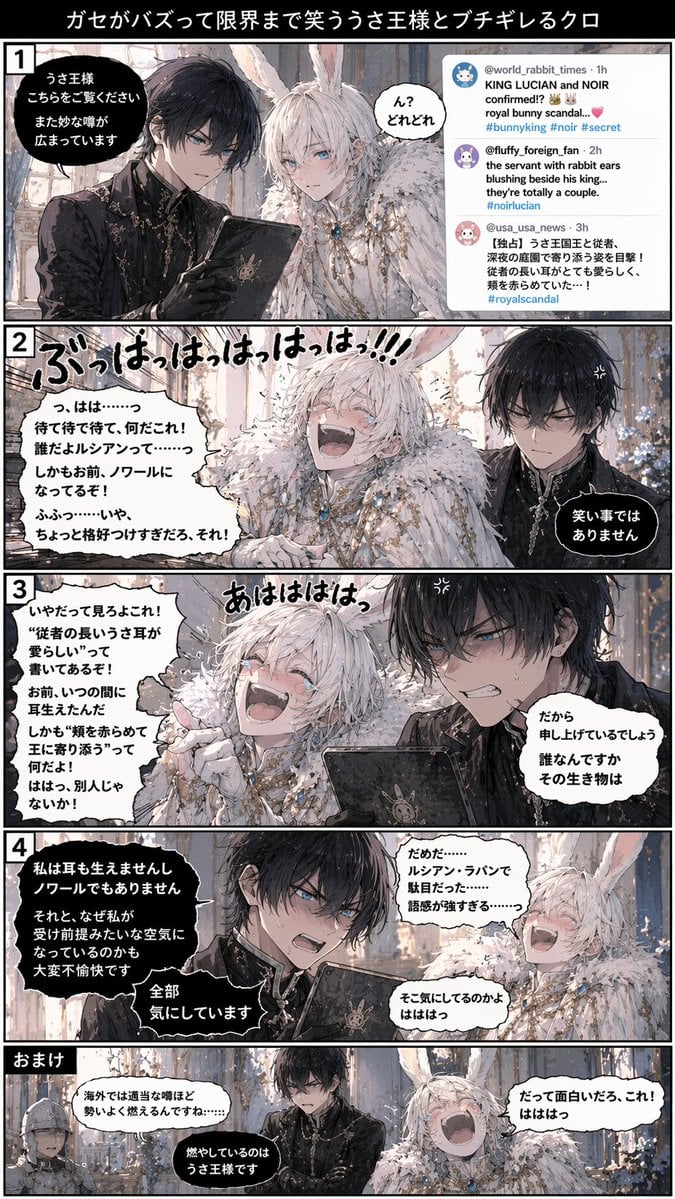
Vertical 5-Panel Anime Comic Strip
Cyber Imperial Floating Palace City

Extreme Ski Jump Action Shot (Cinestill Film Style)
Ultra-Detailed Gothic Lolita Fashion Portrait
Browse template categories
Outfit Pop-Out Phone Illusion Portrait questions
How do I use the Outfit Pop-Out Phone Illusion Portrait template?
Add your photo if the template asks for one, edit the prompt if you like — the template's model and format are already selected — and press Generate. Your version opens in PicX Studio.
Can I customize the Outfit Pop-Out Phone Illusion Portrait template?
Yes. You can change the subject, setting, lighting, mood, format, and available model controls before creating your image.
Is the Outfit Pop-Out Phone Illusion Portrait template free?
Opening and editing this template is free. Generating uses credits, shown on the Generate button when you are signed in.
Which AI model should I use?
Start with Nano Banana 2, which is the model associated with this template. You can compare another compatible model for a different finish.
Looking for something else? Browse all templates.

Your photo, any look
Thousands of ready templates for every top image and video model, from one credit balance.