
Cyber Imperial Floating Palace City
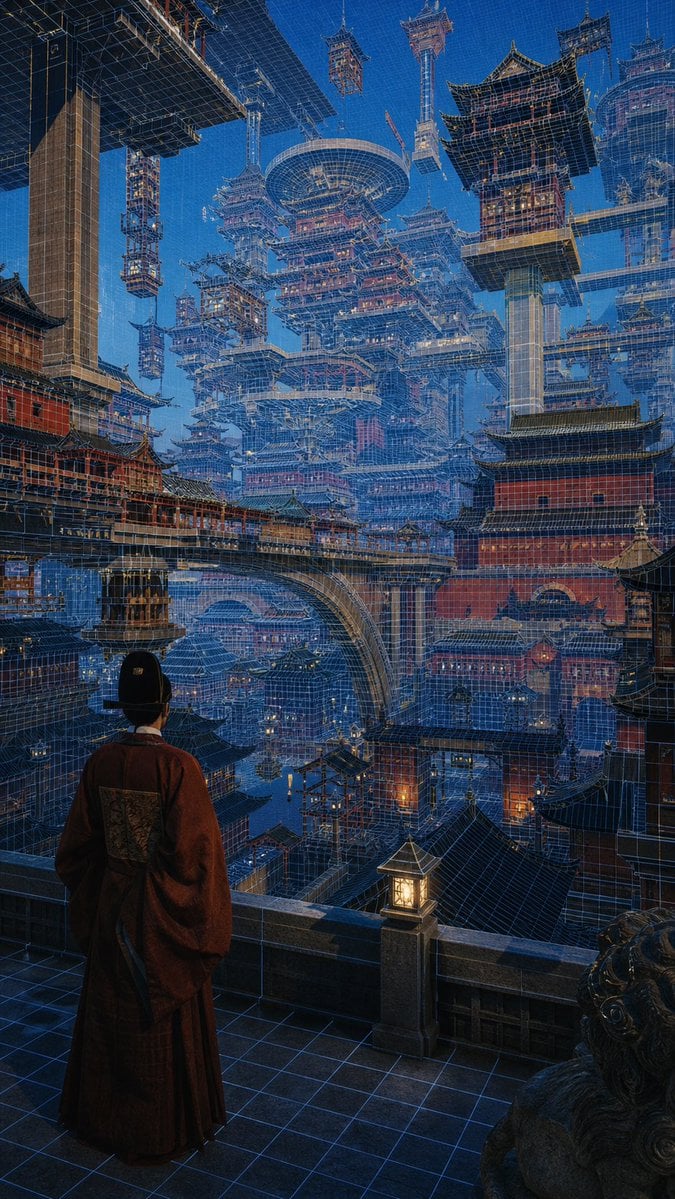
Generates a cinematic vertical fantasy cityscape blending ancient Chinese palace architecture with futuristic holographic blueprint megastructures.
- Prompt included
- Model and format preset
- Free template
The prompt behind this image
Copy the exact prompt behind Cyber Imperial Floating Palace City, or open it in the studio and make it yours.
Create a highly detailed vertical cinematic concept art scene of a lone {argument name="character role" default="ancient Chinese court official"} seen from behind, standing on a stone balcony at night and gazing over an immense futuristic megacity built from traditional East Asian palace architecture. The figure wears a dark red flowing robe and black official hat, framed in the lower left foreground beside a glowing square lantern and a carved stone guardian lion. The city is a vast layered maze of red palace walls, tiled pagoda roofs, bridges, towers, terraces, and suspended buildings, all interwoven with luminous blue holographic wireframe construction lines like an architectural blueprint overlay. Massive floating pagodas, cranes, scaffold-like towers, circular sky platforms, and elevated walkways fill the deep perspective, creating a surreal cyber-imperial capital that rises into a clear deep-blue evening sky. Use dramatic scale, dense architectural detail, cool blue ambient light with warm orange lantern accents, realistic painterly rendering, intricate linework, atmospheric depth, and a sense of awe and quiet contemplation. Style should combine {argument name="visual style" default="cyberpunk ancient Chinese architectural fantasy"}, ultra-detailed matte painting, cinematic lighting, sharp perspective, vertical 9:16 composition, no text, no logos.
How to use Cyber Imperial Floating Palace City in 3 steps
- 1Upload ImagePNG, JPG or paste
Add your photo
Upload the photo the template builds on. The prompt, model and format are already set.
- 2…a portrait of your subject in softgolden-hour light, 85mm…
Personalize
Edit the subject and creative details for your destination.
- 3Generate
Generate
Press Generate — your image is created in PicX Studio, so you can compare it with the original and refine one variable at a time.
More like this
Templates with the same subject, style or setup. Open one to see its prompt.
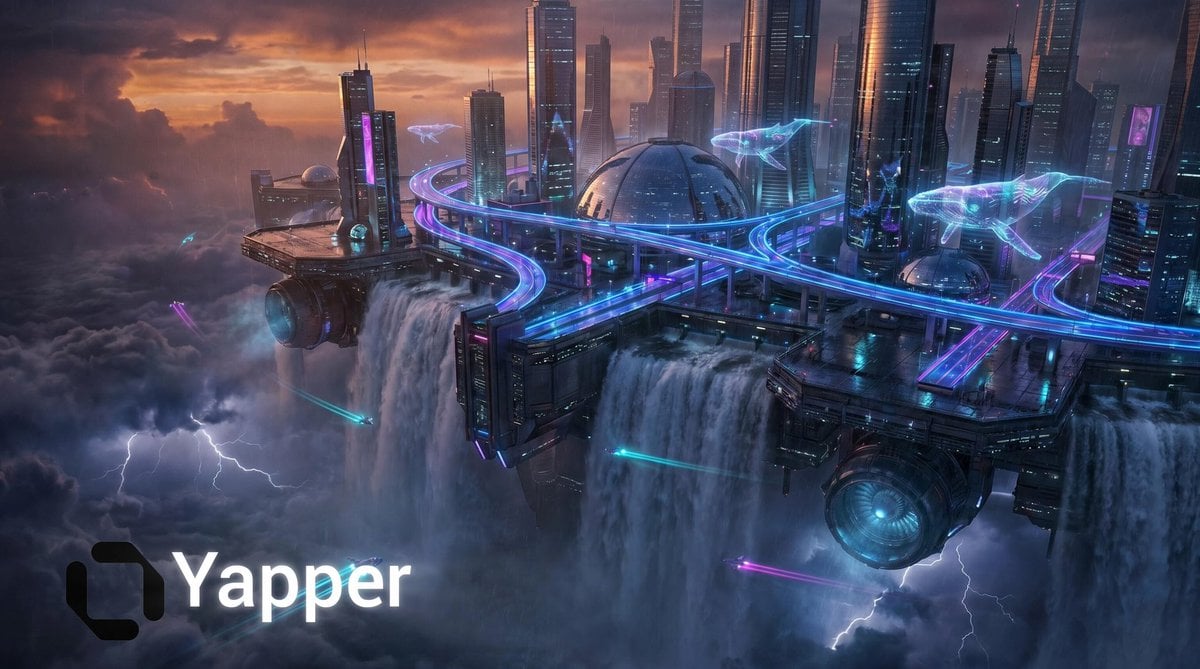
Cyberpunk Floating Megacity

Floating Woman Above Cityscape with Notifications

Cozy Knit Sweater Window Portrait

Minimalist Hand-Drawn Doodle Portrait
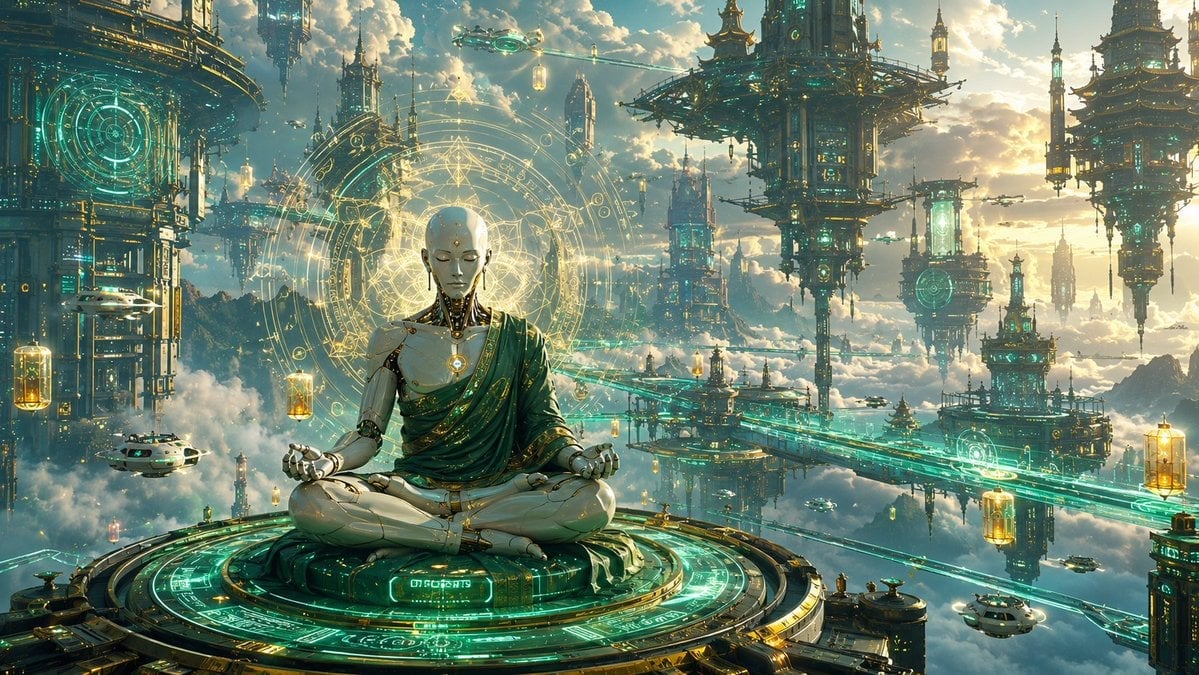
Cyberpunk Android Monk Sky City
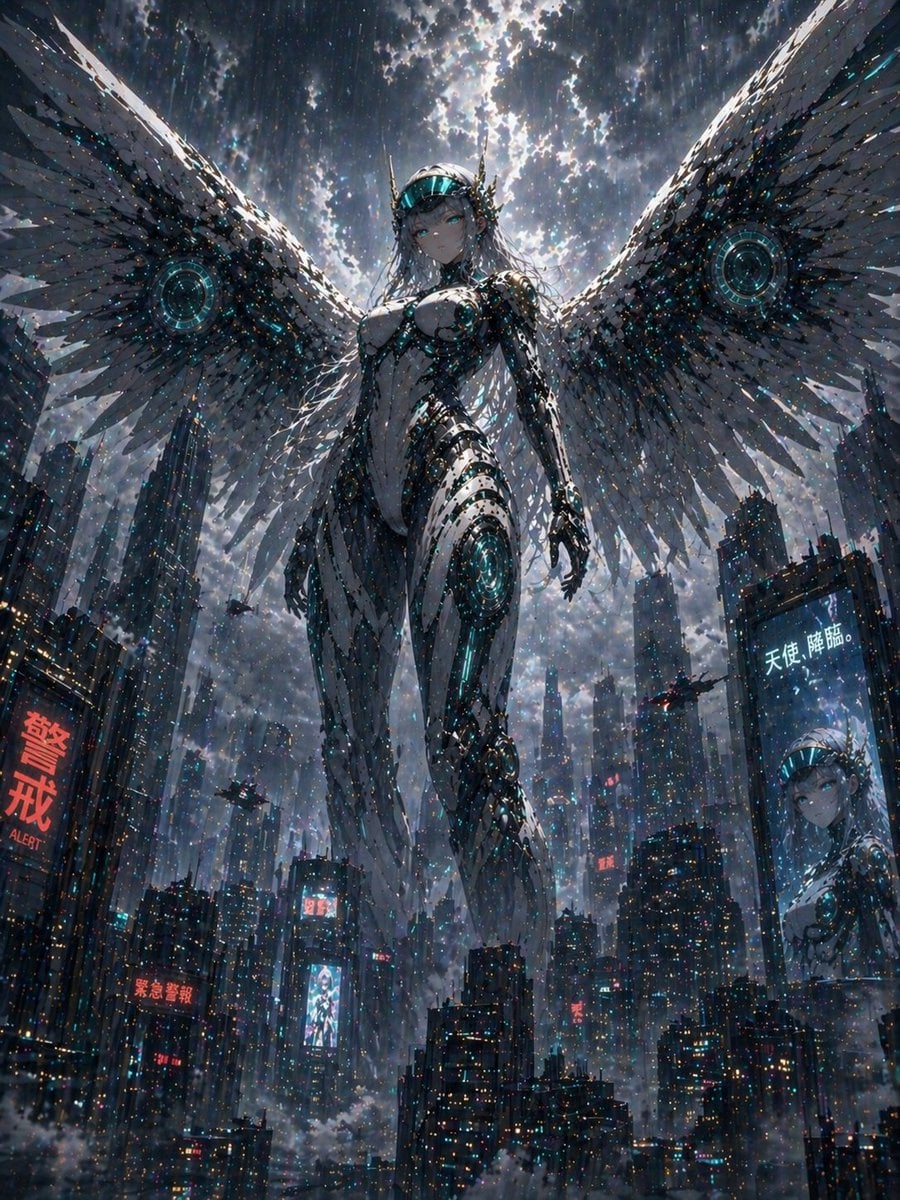
Cyberpunk Machine Angel Over Megacity
Gothic Cyberpunk Duo in Ruined City
Cyberpunk City Highway HDRI
Exploded Imperial Palace Hall Diagram
Cyberpunk Versailles Palace Generation

Nano Banana Pro 2.0 — 3x3 Travel Profile Grid
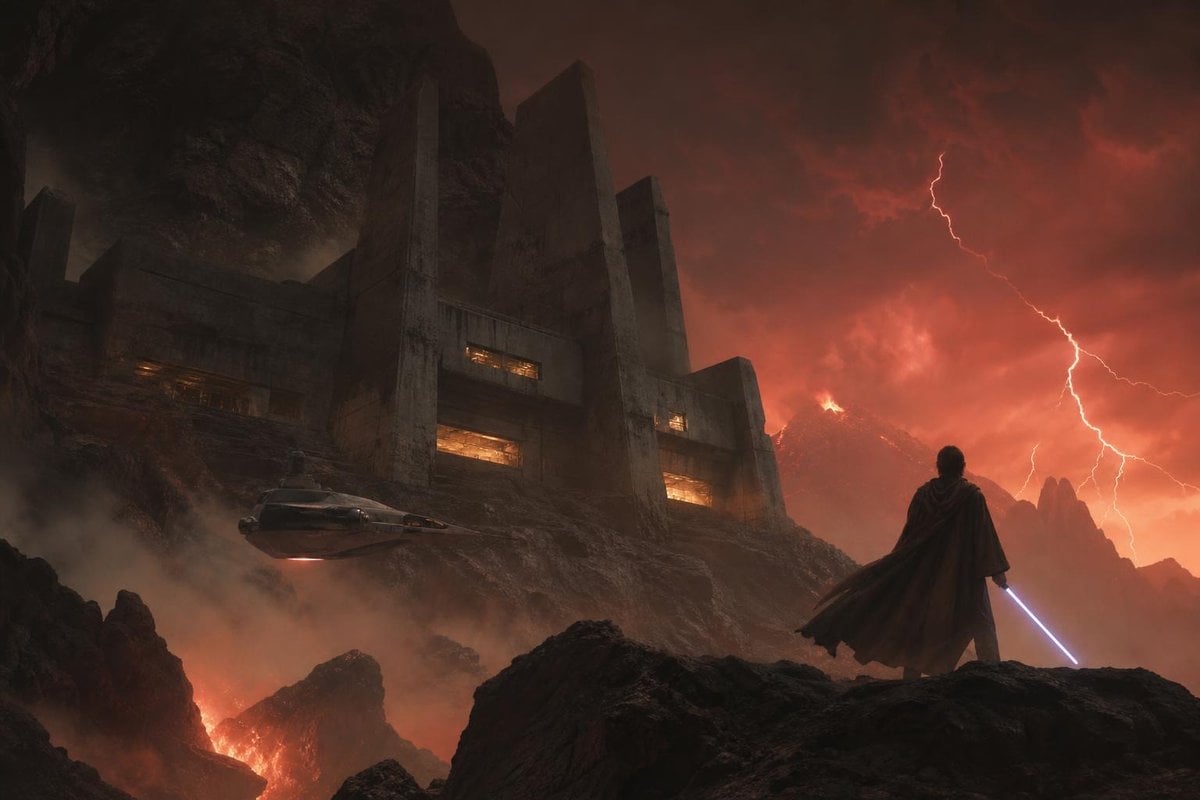
Imperial Research Bunker on Volcanic Planet
Make it yours
Cyber Imperial Floating Palace City works as-is. These are the safest ways to change it without losing the look.
Change one field
Copy a single group, rewrite it, and generate again so you can see what that field is doing.
Keep the frame, change the subject
Hold the composition and light of Cyber Imperial Floating Palace City, then swap wardrobe, props or the person for a new take.
| If the result… | Why | Fix |
|---|---|---|
| The result drifts from the preview | Too many fields changed at once. | Reuse Cyber Imperial Floating Palace City as-is first, then change one group — subject, light, or setting. |
| The model over-stylizes the scene | The prose prompt leaves finish and camera underspecified. | Add one camera or lighting sentence and stay on GPT Image 2. |
More GPT Image 2 templates
Other prompts made for GPT Image 2.

Six VTuber Japanese Logo Sheet

Realistic Portrait of Woman and Deer

The Vista Modular Condo Poster

AI Model Routing Comparison Infographic

2.5D Anime Art Board

Isometric Productivity Desk Scene

New York Double Exposure Poster

Four-Panel AI Landscape Comparison

Japanese Tatami Lifestyle Magazine Cover

NESCAFÉ Coffee Map Poster
More image prompts
Fresh picks from across the catalog.
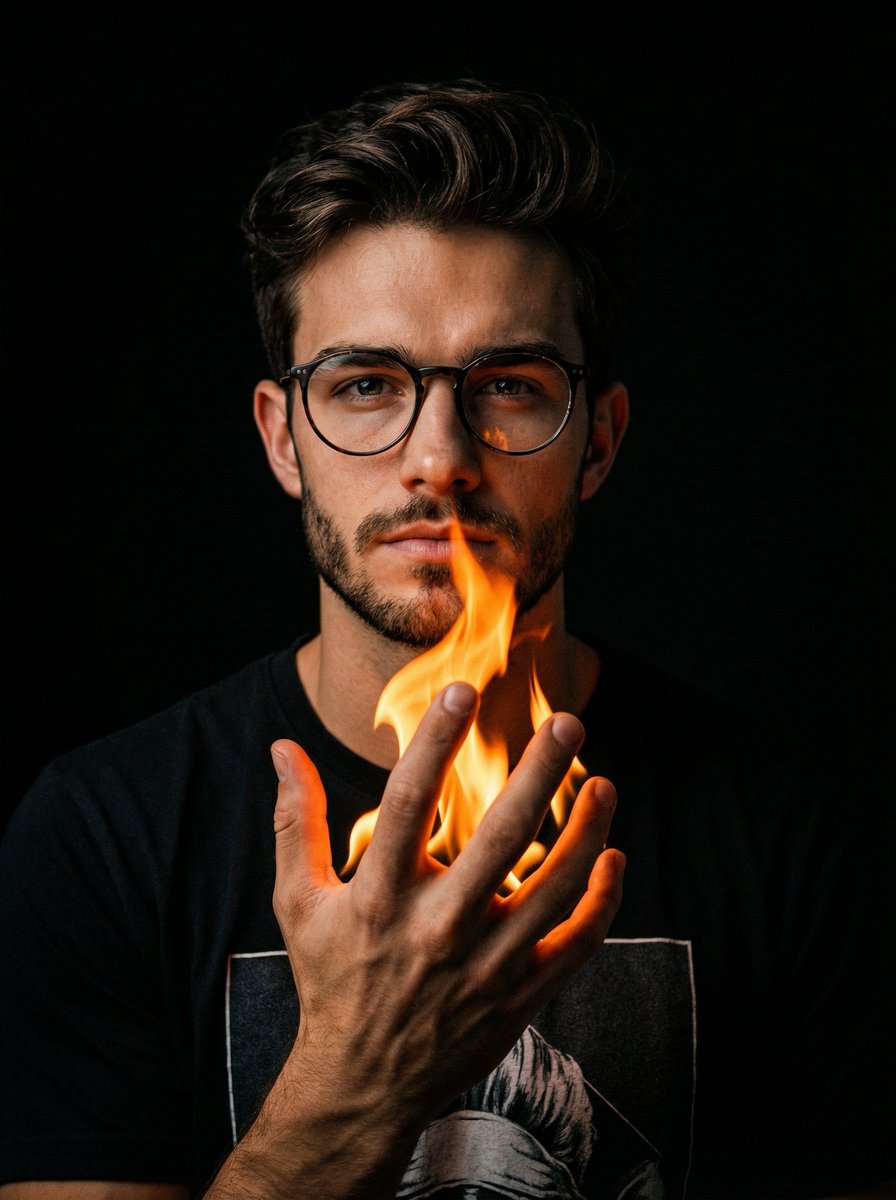
Cinematic Portrait with Fire in Hand
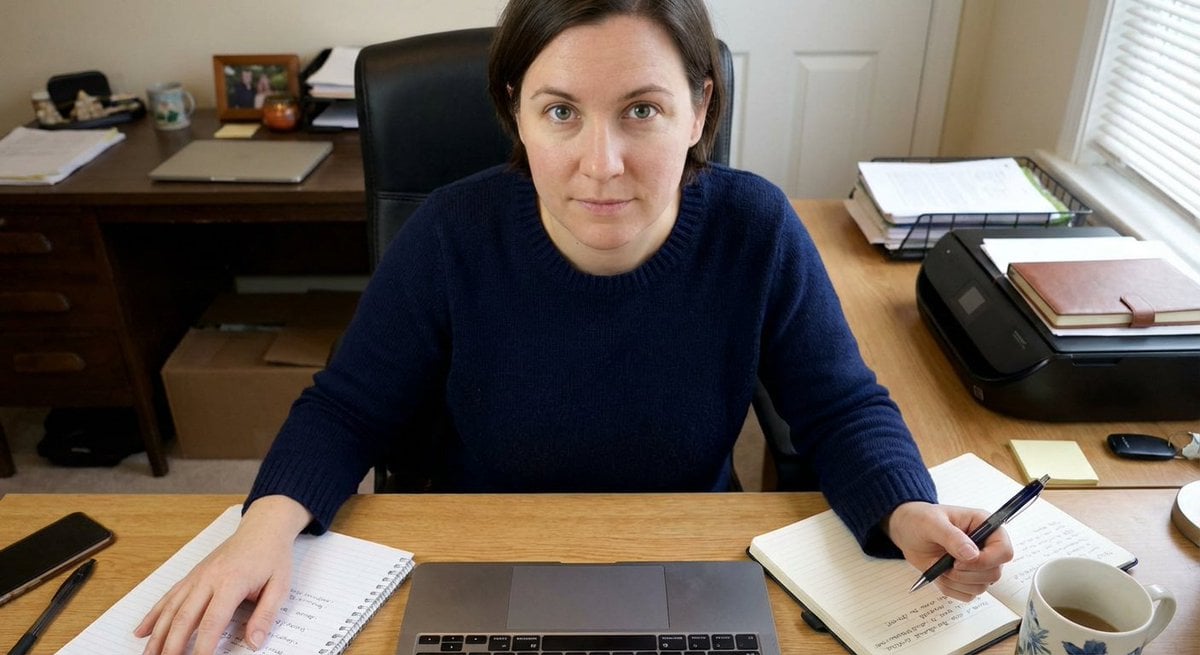
Forcing Left-Handed Writing
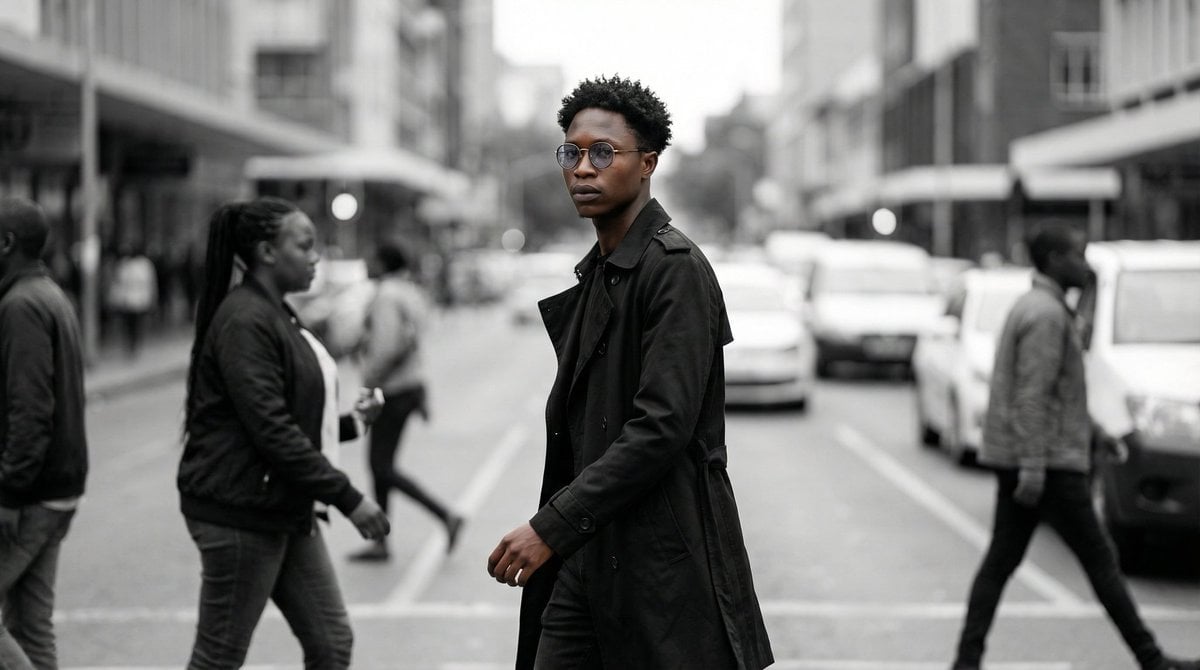
Cinematic Street Portrait
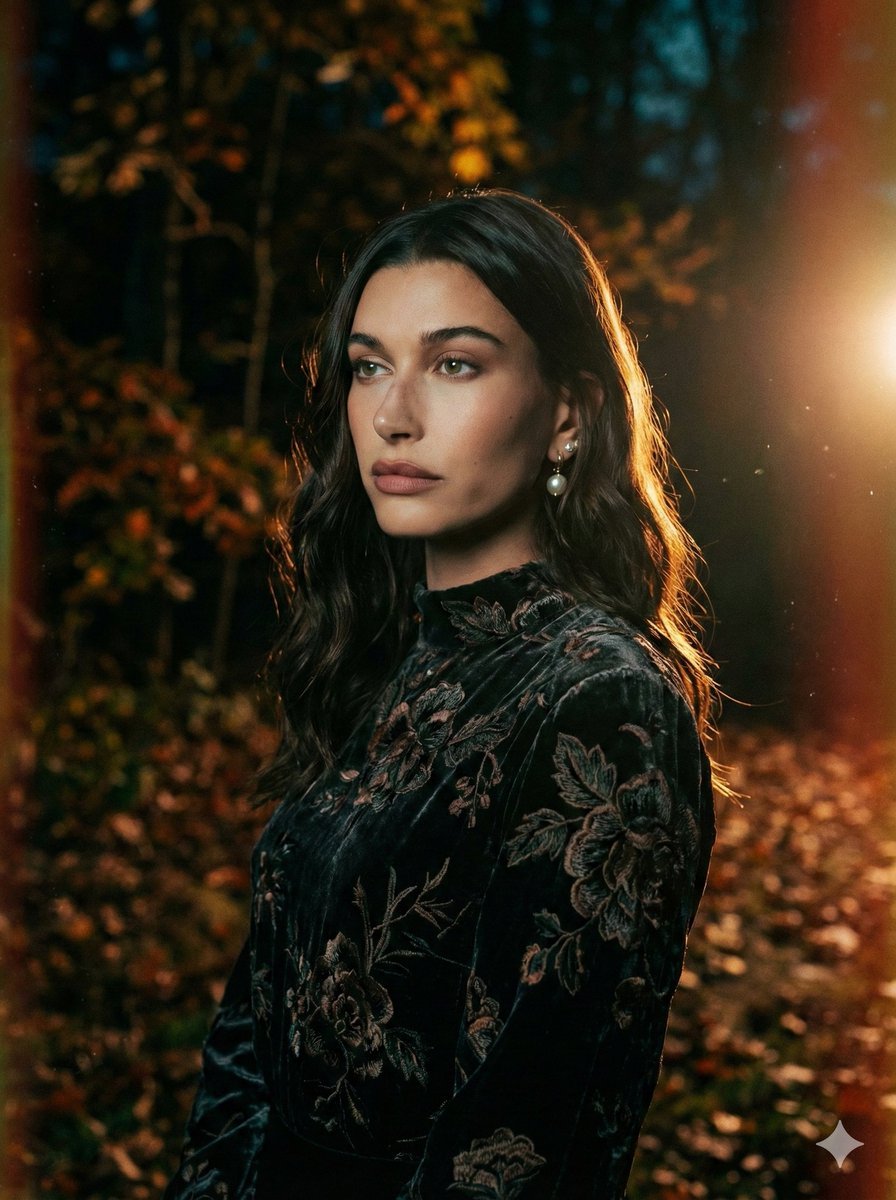
Cinematic Night Forest Editorial Portrait Prompt
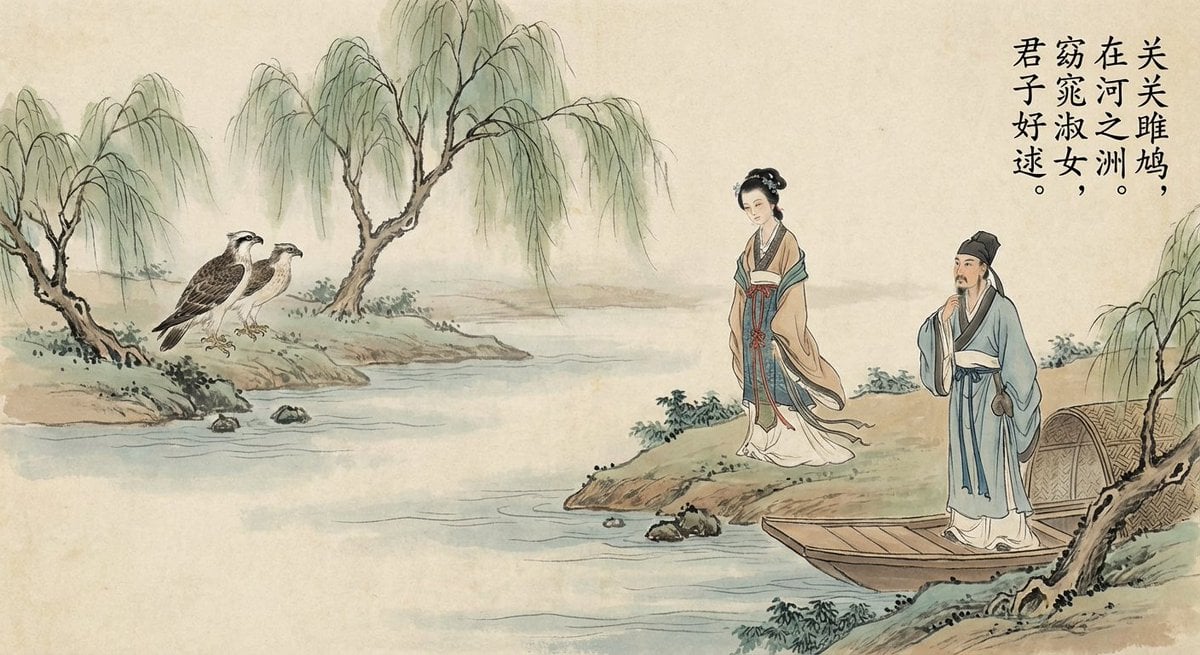
Nano Banana Pro brand hero image (another duplicate)

Durian Ripening Lifecycle Infographic
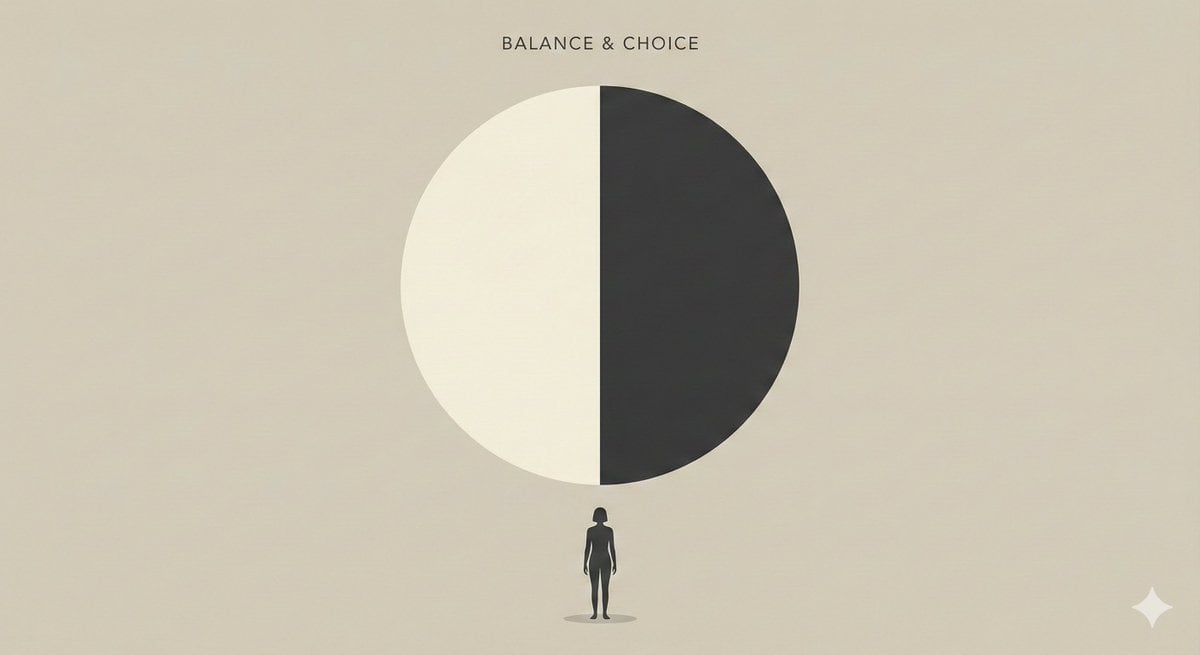
Minimalist Editorial Illustration Prompt
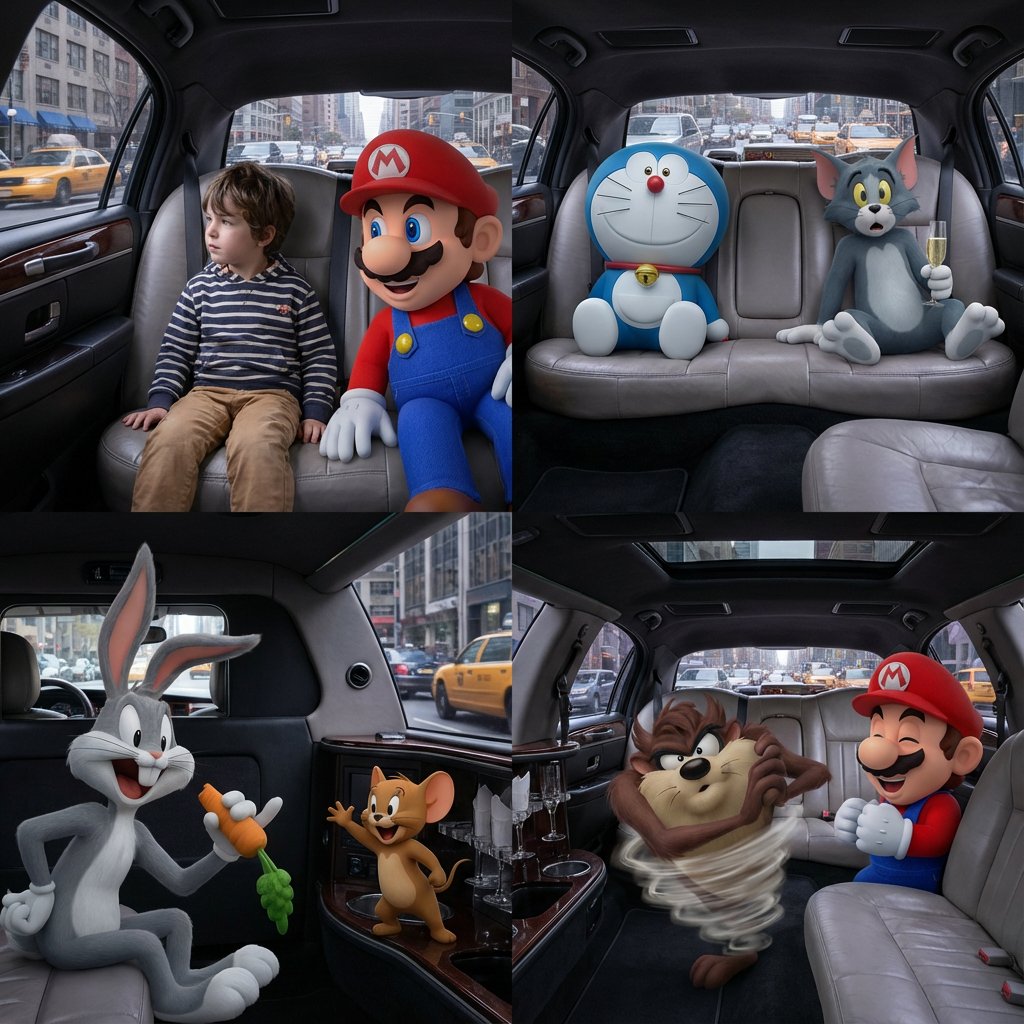
Four-Panel Composition Prompt with Location Context

High Fidelity Face Swap Task Definition

Image Generation of Umeboshi
Browse template categories
Cyber Imperial Floating Palace City questions
How do I use the Cyber Imperial Floating Palace City template?
Add your photo if the template asks for one, edit the prompt if you like — the template's model and format are already selected — and press Generate. Your version opens in PicX Studio.
Can I customize the Cyber Imperial Floating Palace City template?
Yes. You can change the subject, setting, lighting, mood, format, and available model controls before creating your image.
Is the Cyber Imperial Floating Palace City template free?
Opening and editing this template is free. Generating uses credits, shown on the Generate button when you are signed in.
Which AI model should I use?
Start with GPT Image 2, which is the model associated with this template. You can compare another compatible model for a different finish.
Looking for something else? Browse all templates.

Your photo, any look
Thousands of ready templates for every top image and video model, from one credit balance.