
Exploded Imperial Palace Hall Diagram
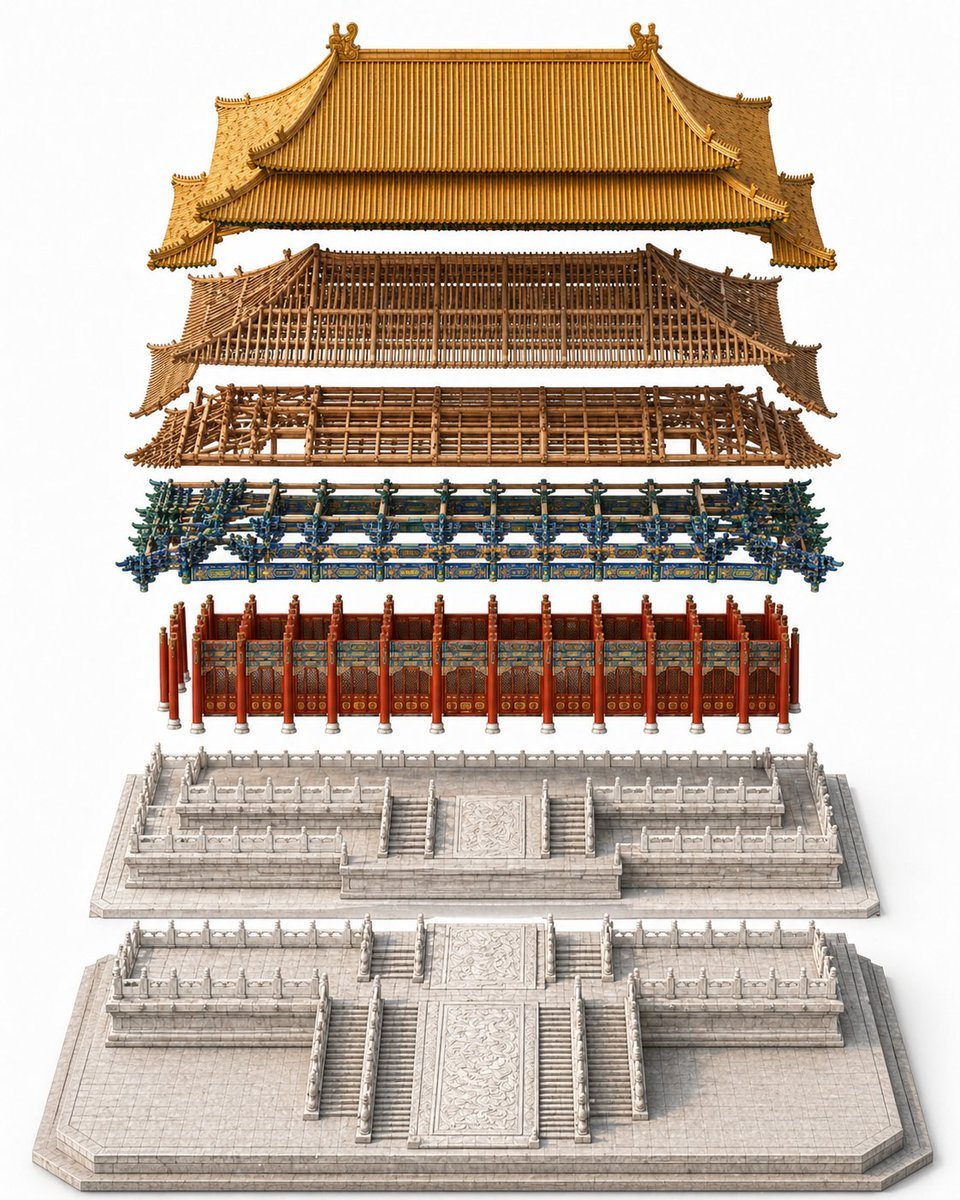
This prompt generates a clean, high-detail exploded view of a traditional Chinese palace hall for architectural visualization, heritage reference, or construction-sequence concept art.
- Prompt included
- Model and format preset
- Premium template
The prompt behind this image
Copy the exact prompt behind Exploded Imperial Palace Hall Diagram, or open it in the studio and make it yours.
A highly detailed exploded architectural assembly diagram of {argument name="building name" default="a grand imperial Chinese palace hall"}, shown in a clean studio setting on a pure white background. Use a centered, perfectly symmetrical composition with a slightly elevated isometric front view. The building is vertically separated into 6 clearly distinguishable construction layers, floating one above another with even spacing and precise alignment on the central axis. From bottom to top, show: 1) a large pale stone foundation platform with broad front stairs, carved central ramp, tiled paving, and perimeter edges; 2) a raised white marble terrace layer with multiple staircases, carved balustrades, and layered ceremonial platforms; 3) the main hall facade with a row of red lacquered columns, red doors and wall panels, and richly painted decorative bands; 4) an elaborate blue-green-gold dougong bracket set running across the width of the structure, dense and ornate; 5) a brown wooden roof frame and upper timber skeleton with visible beams, lattice structure, and curved eaves; 6) the finished imperial golden tiled roof floating at the top, with sweeping double-eaved silhouette, ridge ornaments, upturned corners, and finely ribbed tiles. Emphasize realistic materials: pale carved stone, lacquered red wood, painted brackets, raw timber framework, and glazed golden roof tiles. The image should feel like a museum-grade architectural construction explainer or premium reference plate, extremely crisp, elegant, and technical, but without labels, text, people, vehicles, tools, scaffolding, or surrounding buildings.
How to use Exploded Imperial Palace Hall Diagram in 3 steps
- 1Upload ImagePNG, JPG or paste
Add your photo
Upload the photo the template builds on. The prompt, model and format are already set.
- 2…a portrait of your subject in softgolden-hour light, 85mm…
Personalize
Edit the subject and creative details for your destination.
- 3Generate
Generate
Press Generate — your image is created in PicX Studio, so you can compare it with the original and refine one variable at a time.
More like this
Templates with the same subject, style or setup. Open one to see its prompt.
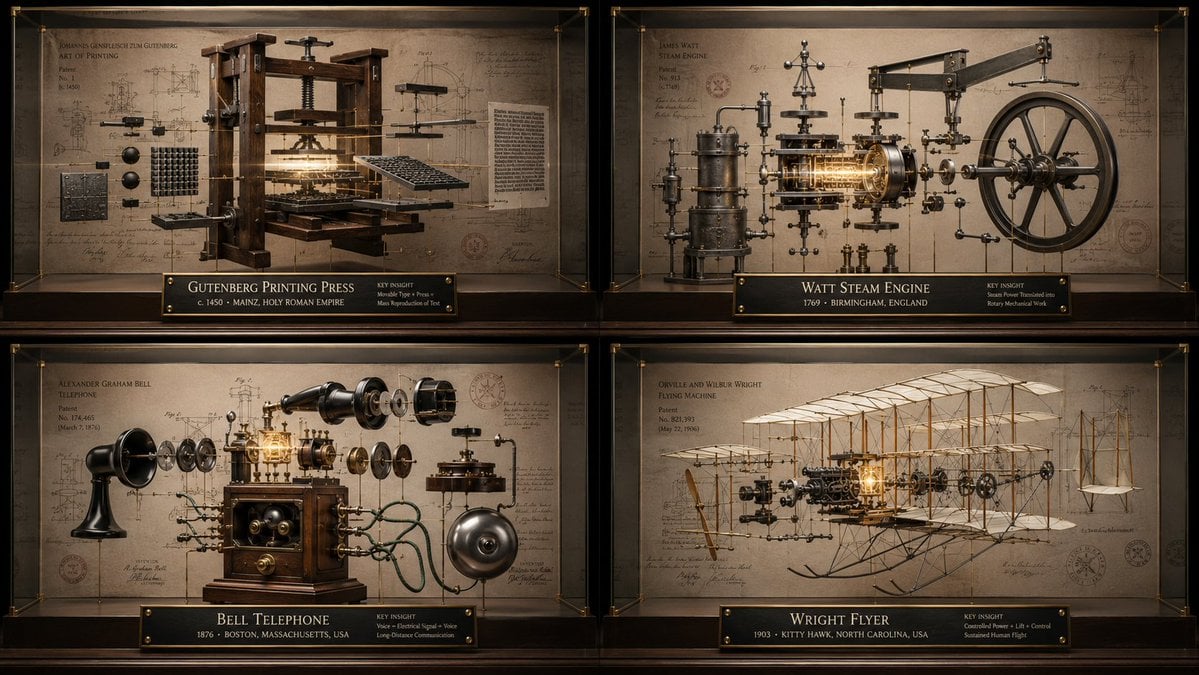
Innovation Reliquary Exploded Diagram
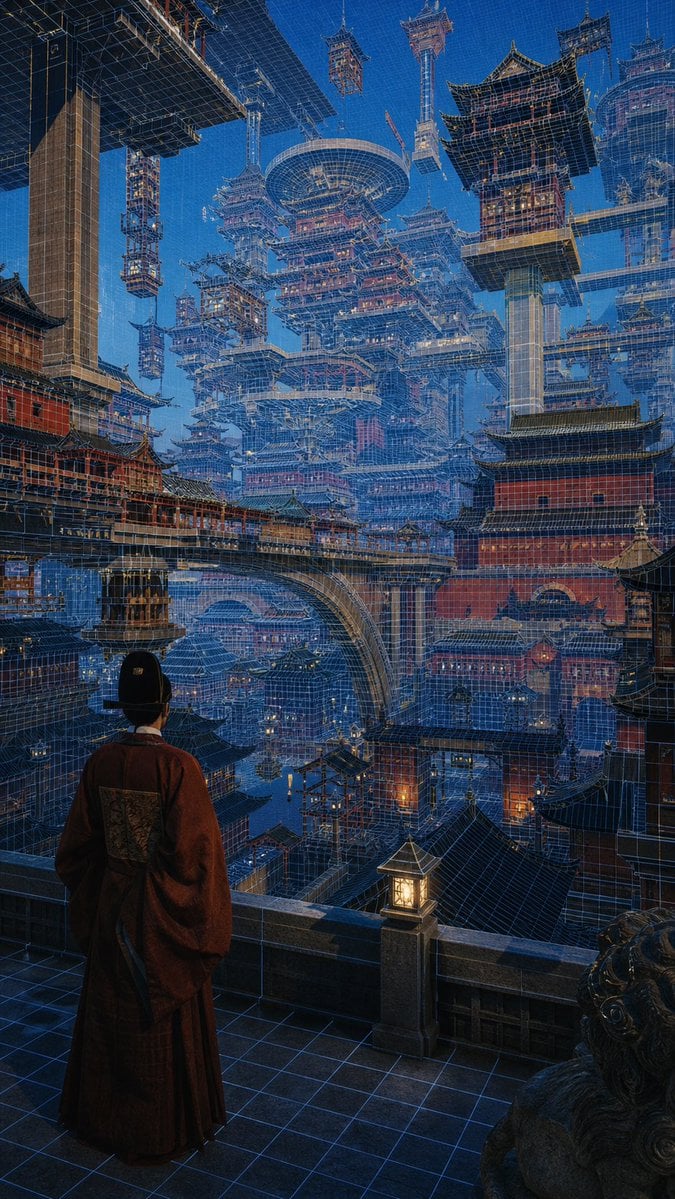
Cyber Imperial Floating Palace City
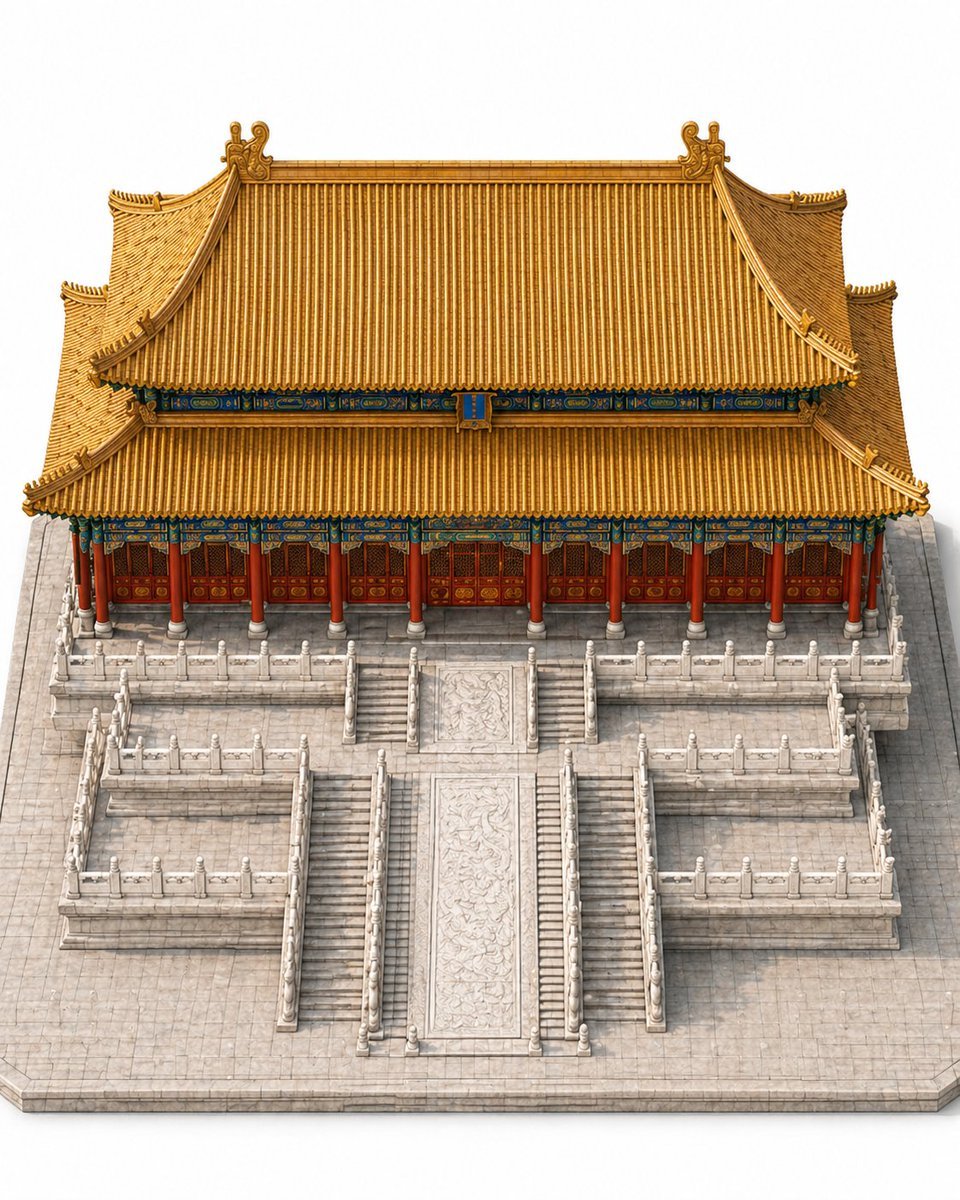
Imperial Chinese Hall Model Render
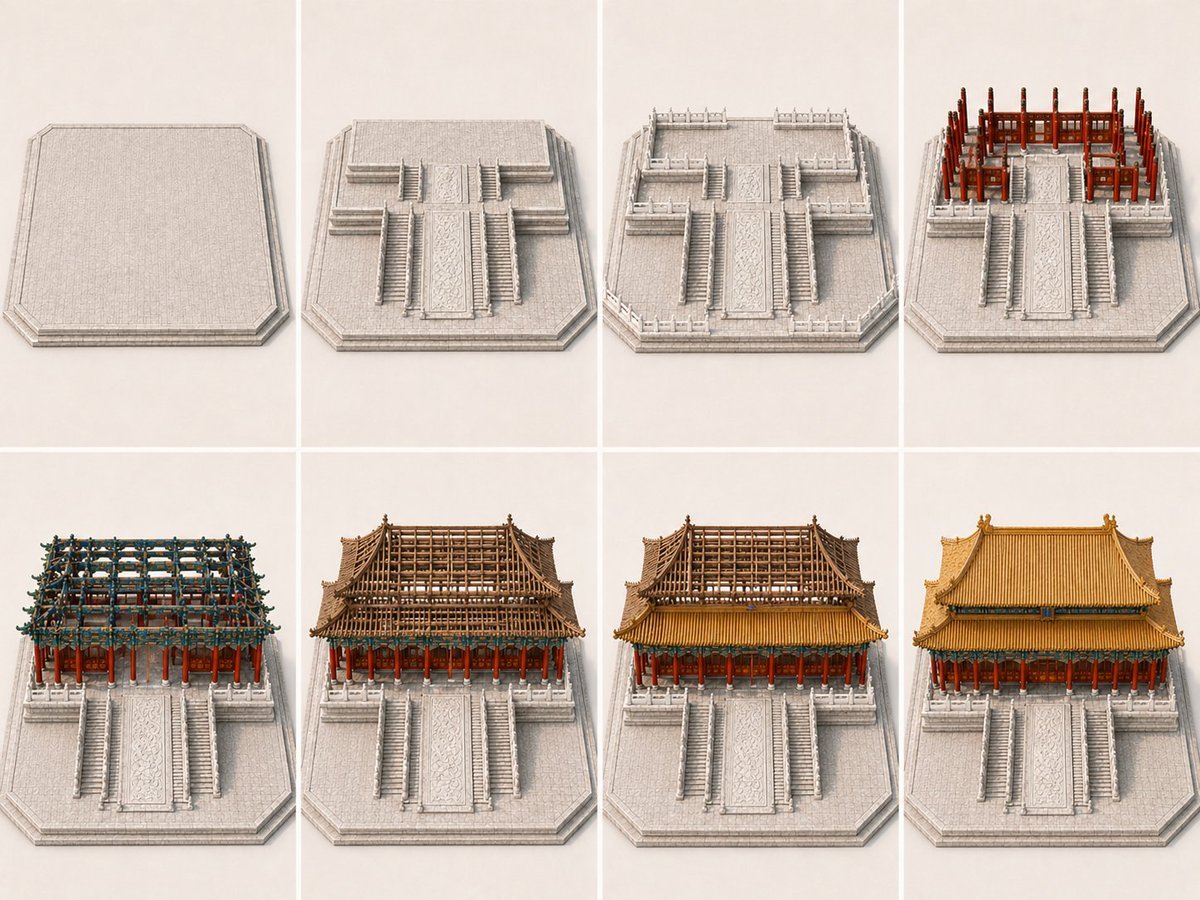
Panel Palace Hall Construction Board
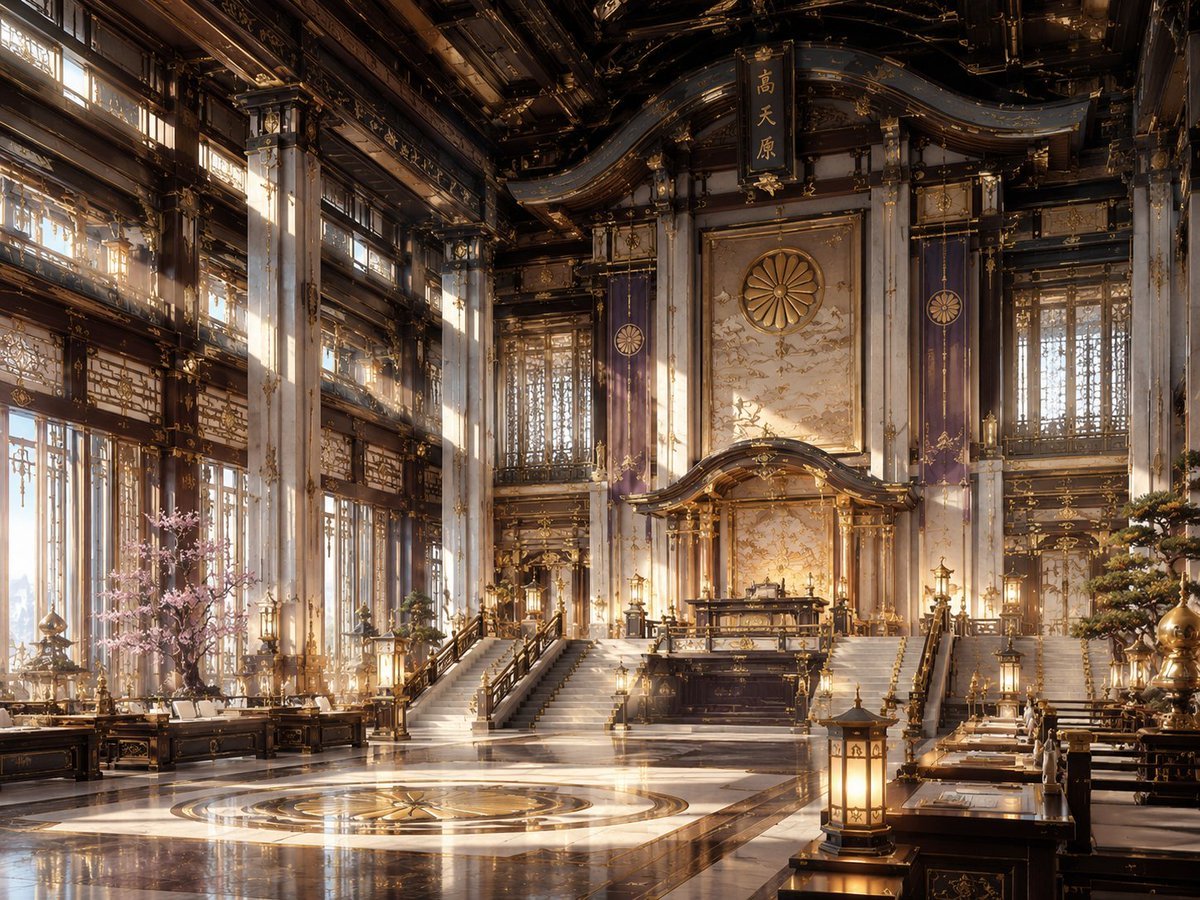
NeoNippon Imperial Throne Hall
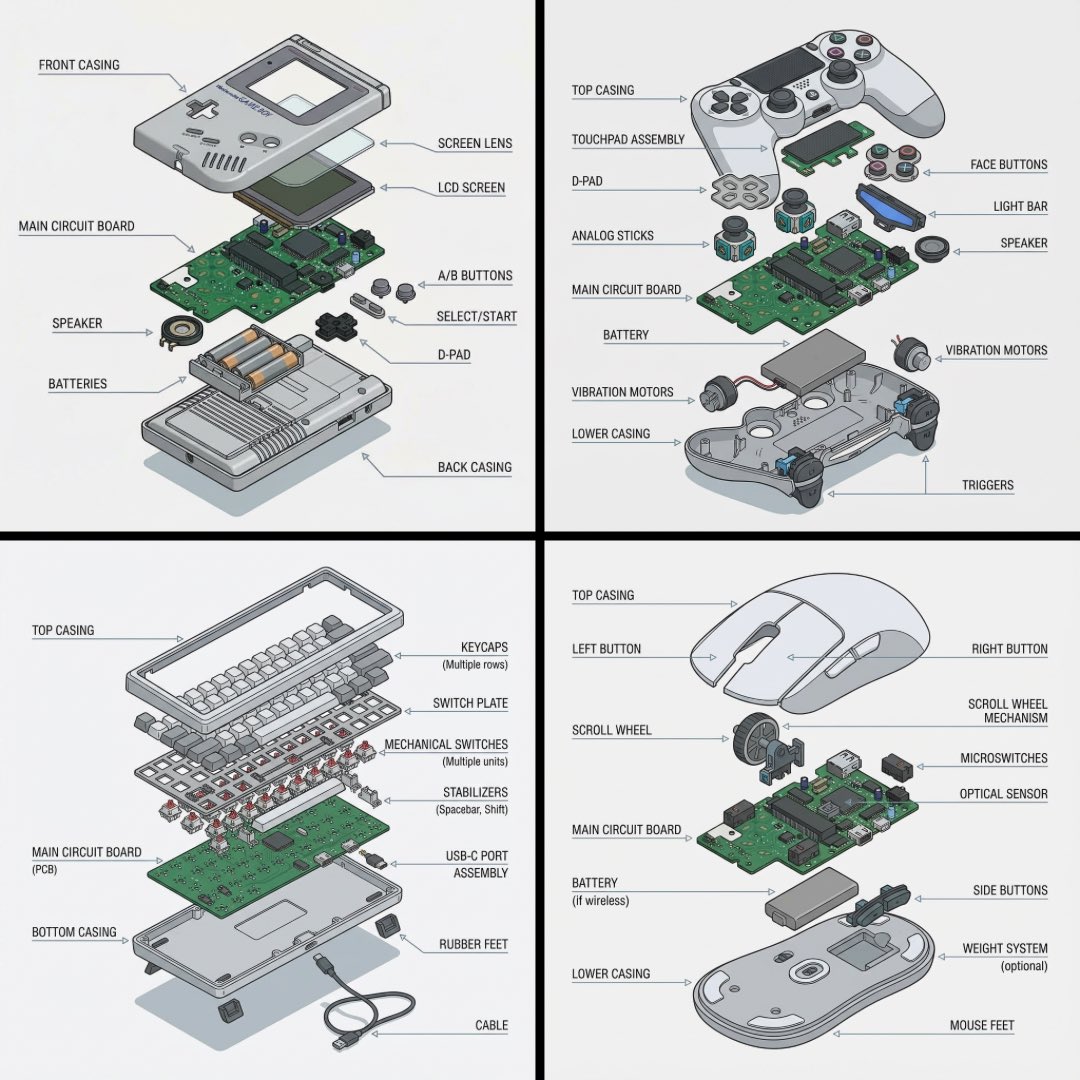
Technical exploded view diagram of a device
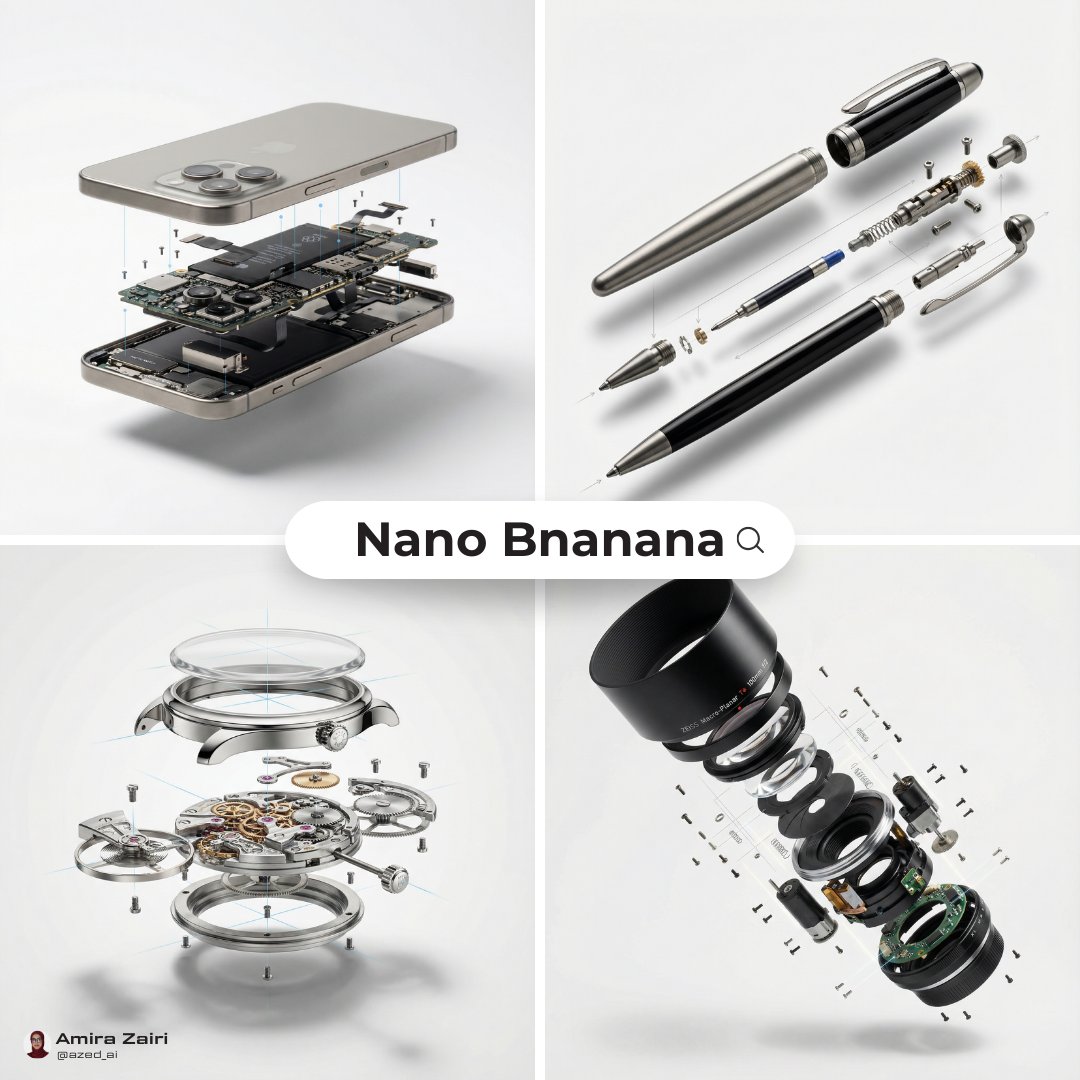
Exploded View Diagram Showing Internal Mechanical Structure
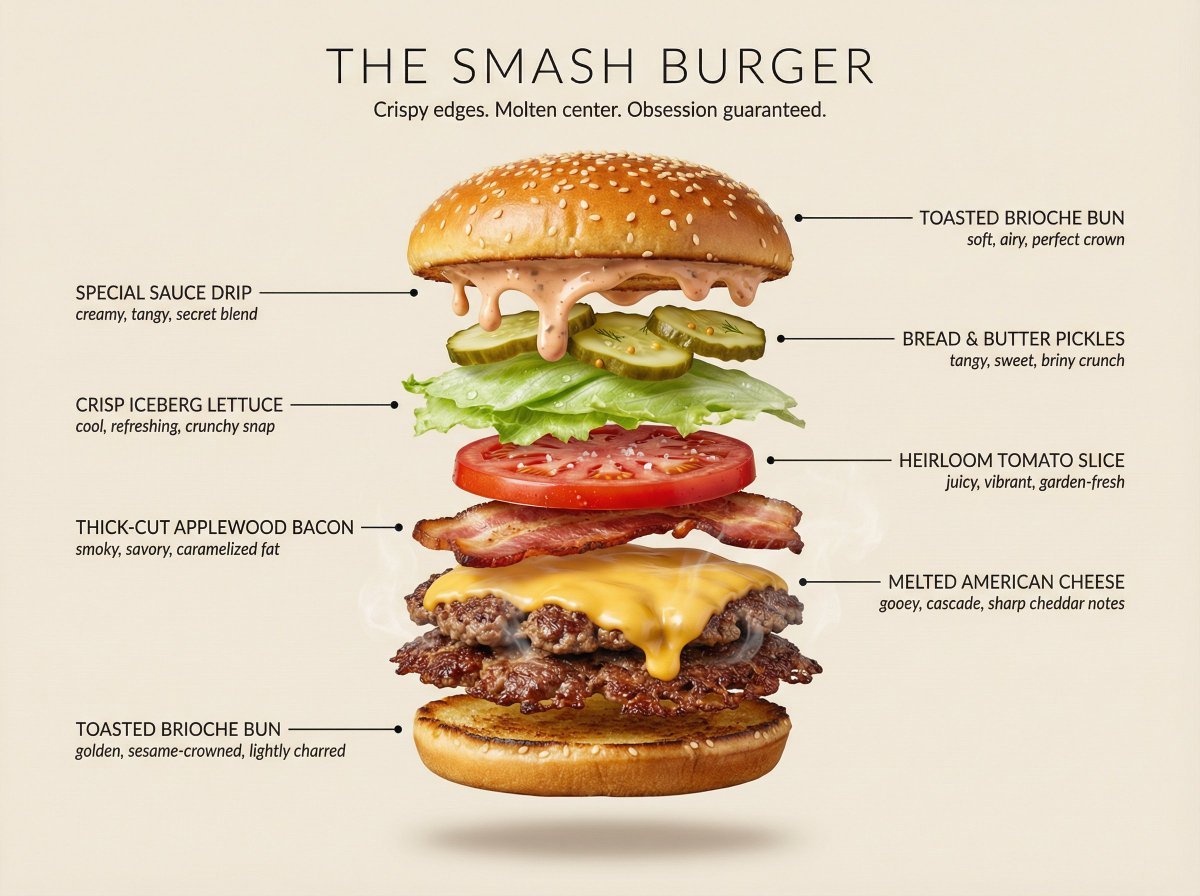
Hyperrealistic Exploded Ingredient Stack Diagram
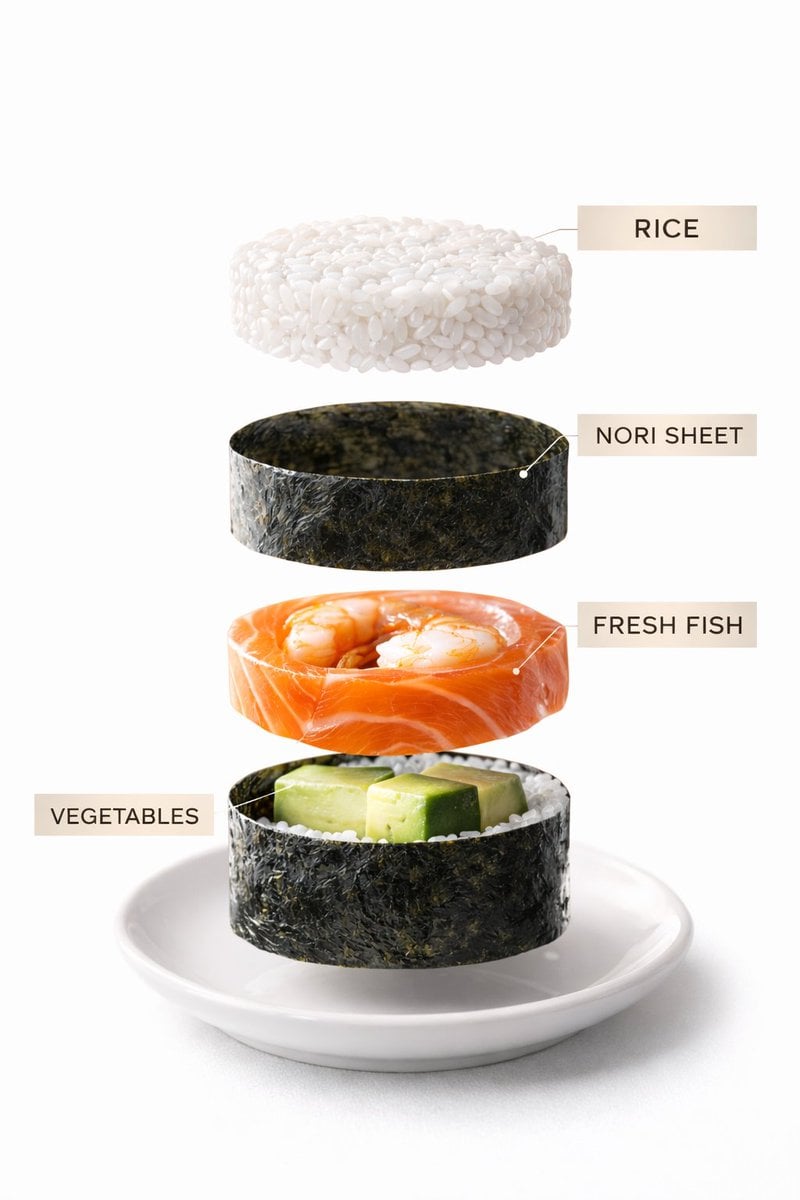
Sushi Commercial Photography and Exploded Diagram Prompt
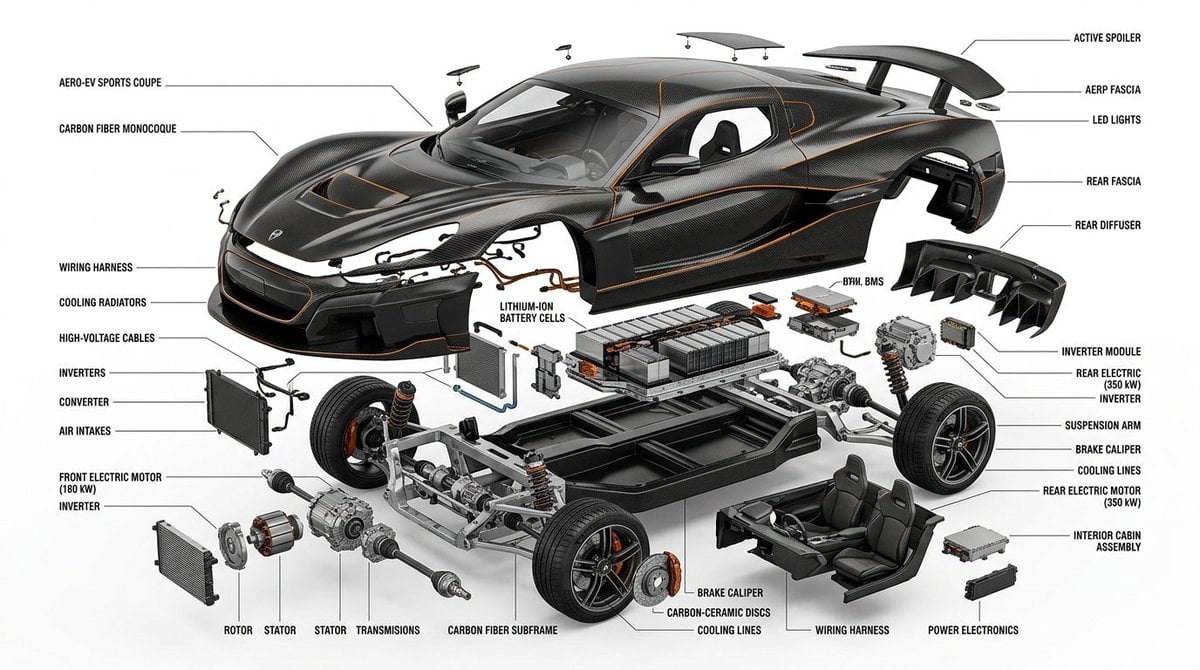
Exploded View Infographic Diagram Prompt
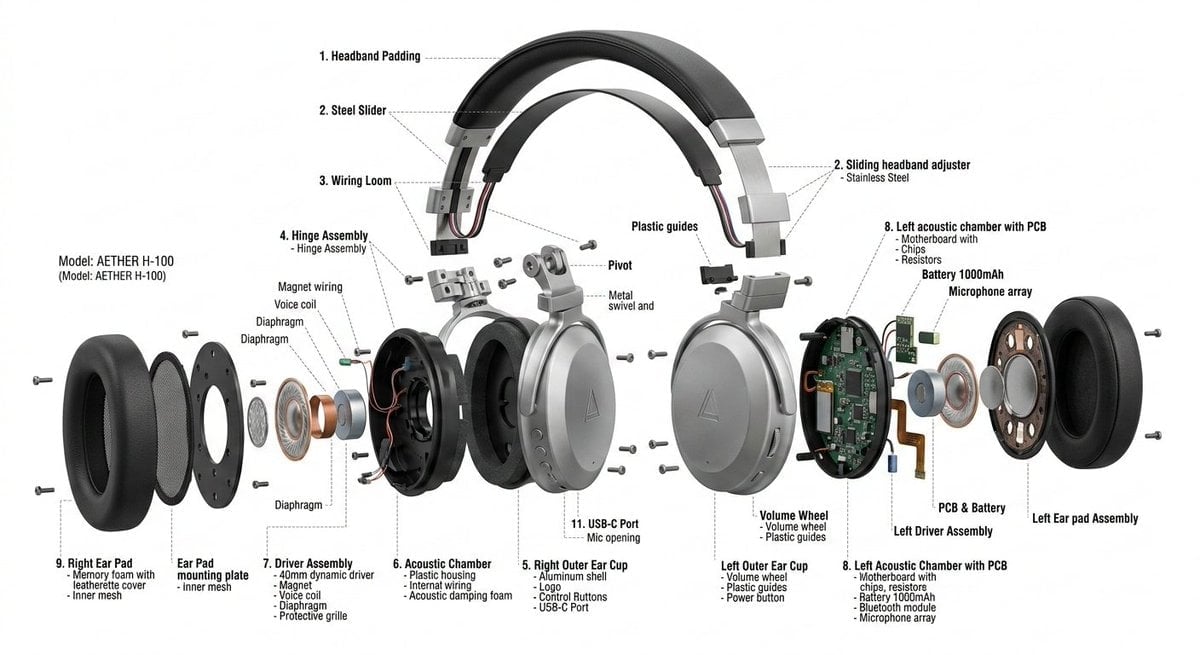
Exploded View Product Design Diagram Prompt
Imperial Research Bunker on Volcanic Planet
Make it yours
Exploded Imperial Palace Hall Diagram works as-is. These are the safest ways to change it without losing the look.
Change one field
Copy a single group, rewrite it, and generate again so you can see what that field is doing.
Keep the frame, change the subject
Hold the composition and light of Exploded Imperial Palace Hall Diagram, then swap wardrobe, props or the person for a new take.
| If the result… | Why | Fix |
|---|---|---|
| The result drifts from the preview | Too many fields changed at once. | Reuse Exploded Imperial Palace Hall Diagram as-is first, then change one group — subject, light, or setting. |
| The model over-stylizes the scene | The prose prompt leaves finish and camera underspecified. | Add one camera or lighting sentence and stay on GPT Image 2. |
More GPT Image 2 templates
Other prompts made for GPT Image 2.

Six VTuber Japanese Logo Sheet

Realistic Portrait of Woman and Deer

The Vista Modular Condo Poster

AI Model Routing Comparison Infographic

2.5D Anime Art Board

Isometric Productivity Desk Scene

New York Double Exposure Poster

Four-Panel AI Landscape Comparison

Japanese Tatami Lifestyle Magazine Cover

NESCAFÉ Coffee Map Poster
More image prompts
Fresh picks from across the catalog.

Playful Shaving Cream Mirror Selfie Prompt

Pastel Kitten Café iPhone Lock Screen

Moody Japanese Railway Crossing Portrait

Dark Anime Energy Drink Poster

Cinematic Action Shot with Suspended Projectiles
1915 Bengali newspaper page reconstruction

X Sairah 0 Google Gemini Nano Banana Pro

Long-Exposure Cinematic Street Photography Portrait

Minimalist Winter Fashion Portrait Prompt

High-Fashion Editorial with Newspaper Dress
Browse template categories
Exploded Imperial Palace Hall Diagram questions
How do I use the Exploded Imperial Palace Hall Diagram template?
Add your photo if the template asks for one, edit the prompt if you like — the template's model and format are already selected — and press Generate. Your version opens in PicX Studio.
Can I customize the Exploded Imperial Palace Hall Diagram template?
Yes. You can change the subject, setting, lighting, mood, format, and available model controls before creating your image.
Is the Exploded Imperial Palace Hall Diagram template free?
Opening and editing this template is free. Generating uses credits, shown on the Generate button when you are signed in.
Which AI model should I use?
Start with GPT Image 2, which is the model associated with this template. You can compare another compatible model for a different finish.
Looking for something else? Browse all templates.

Your photo, any look
Thousands of ready templates for every top image and video model, from one credit balance.