
NeoNippon Imperial Throne Hall
A detailed prompt for generating a cinematic fictional NeoNippon imperial palace interior with Japanese-inspired gilded architecture and warm volumetric light.
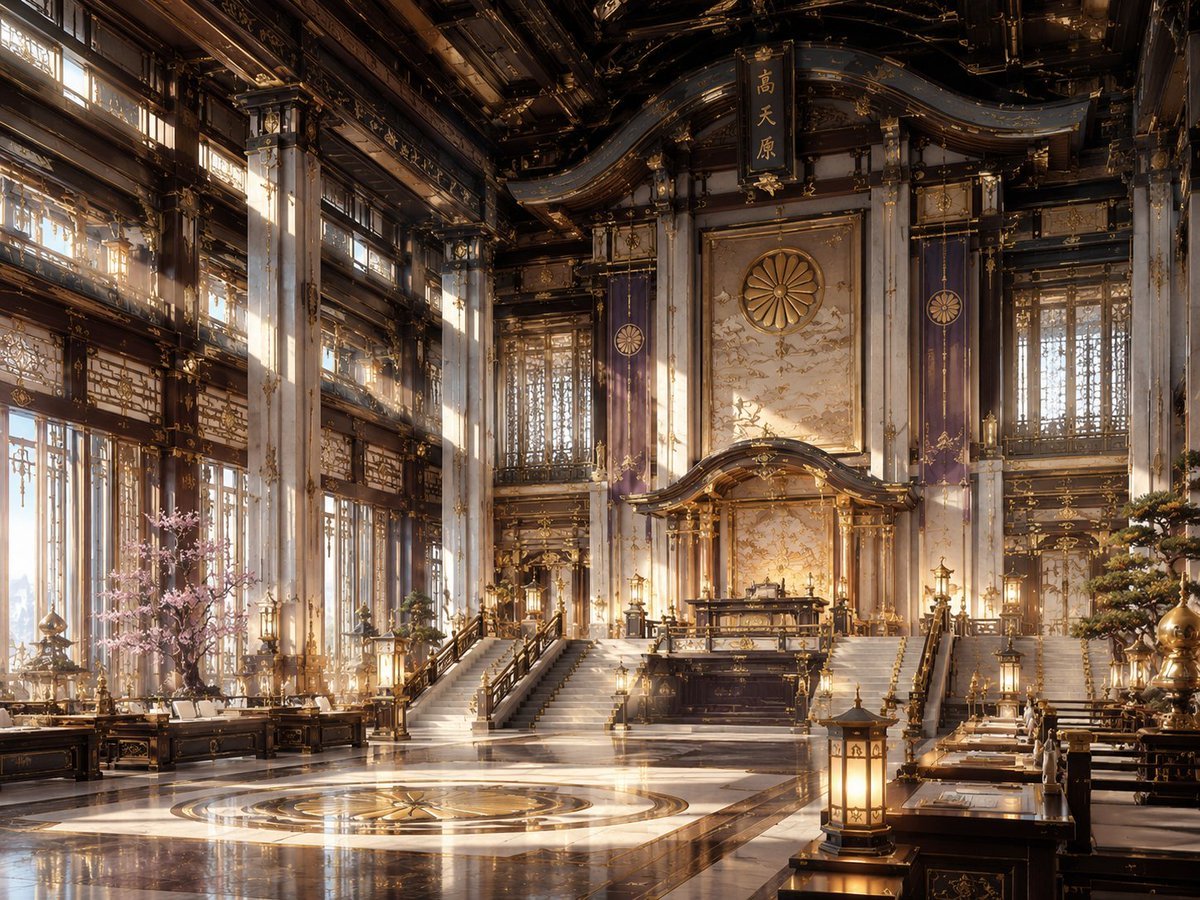
- Prompt included
- Model and format preset
- Free template
The prompt behind this image
Copy the exact prompt behind NeoNippon Imperial Throne Hall, or open it in the studio and make it yours.
Create a grand cinematic interior scene in a fictional aesthetic called {argument name="aesthetic name" default="NeoNippon"}: a vast imperial throne hall blending traditional Japanese shrine and palace architecture with futuristic luxury. The composition is a wide-angle 4:3 view from floor level, symmetrical and majestic, centered on an elevated ceremonial dais with a dark lacquer-and-gold altar or throne platform reached by two broad staircases. Behind it is a tall ornate wall panel with a large golden chrysanthemum crest, flanked by two vertical purple banners bearing circular imperial emblems; above the crest hangs a vertical black plaque with gold Japanese kanji. The hall has towering white marble columns with gold filigree, dark carved wooden beams, curved layered rooflines, intricate gilded lattice windows, hanging lanterns, polished black-and-white marble floors, and a circular gold medallion inlaid in the foreground floor. Count the main visible focal elements as: 1 central raised dais, 2 broad staircases, 1 large chrysanthemum crest, 2 purple banners, 1 hanging kanji plaque, 1 circular floor medallion, 1 pink cherry blossom tree on the left, 1 manicured pine or bonsai-like tree on the right, and multiple warm lanterns arranged symmetrically along desks, rails, and columns. Add long low lacquered tables and benches along both sides like a ceremonial council chamber, decorated with gold ornaments and papers. Use warm sunrise light streaming through tall windows on the left, visible dust motes and soft volumetric rays, glowing gold highlights, reflections on the glossy floor, and a palette of dark ebony wood, ivory marble, antique gold, royal purple, and soft sakura pink. Render as ultra-detailed architectural concept art, photorealistic yet slightly fantastical, no people, no modern signage, no watermark, no readable English text.
How to use NeoNippon Imperial Throne Hall in 3 steps
- 1Upload ImagePNG, JPG or paste
Add your photo
Upload the photo the template builds on. The prompt, model and format are already set.
- 2…a portrait of your subject in softgolden-hour light, 85mm…
Personalize
Edit the subject and creative details for your destination.
- 3Generate
Generate
Press Generate — your image is created in PicX Studio, so you can compare it with the original and refine one variable at a time.
More like this
Templates with the same subject, style or setup. Open one to see its prompt.
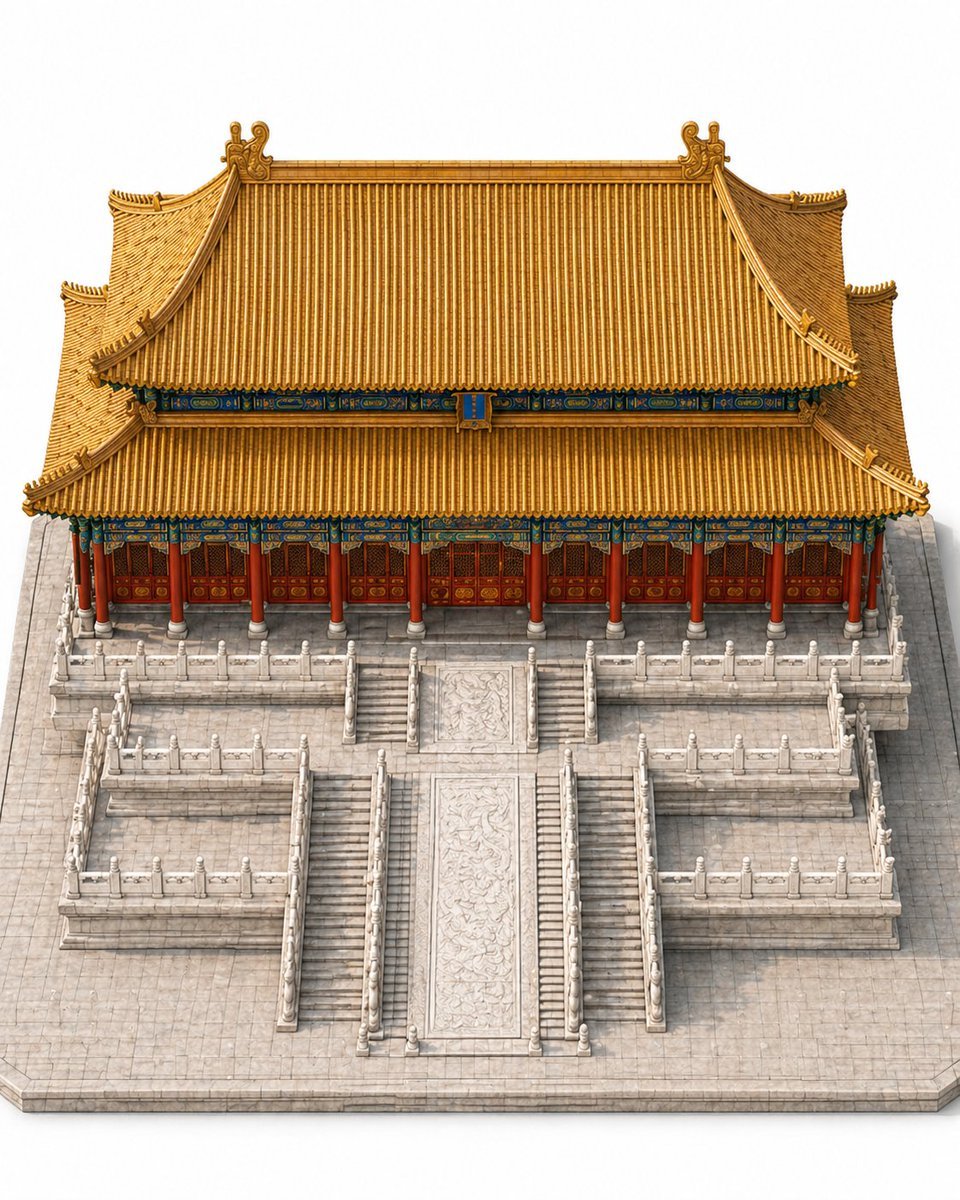
Imperial Chinese Hall Model Render
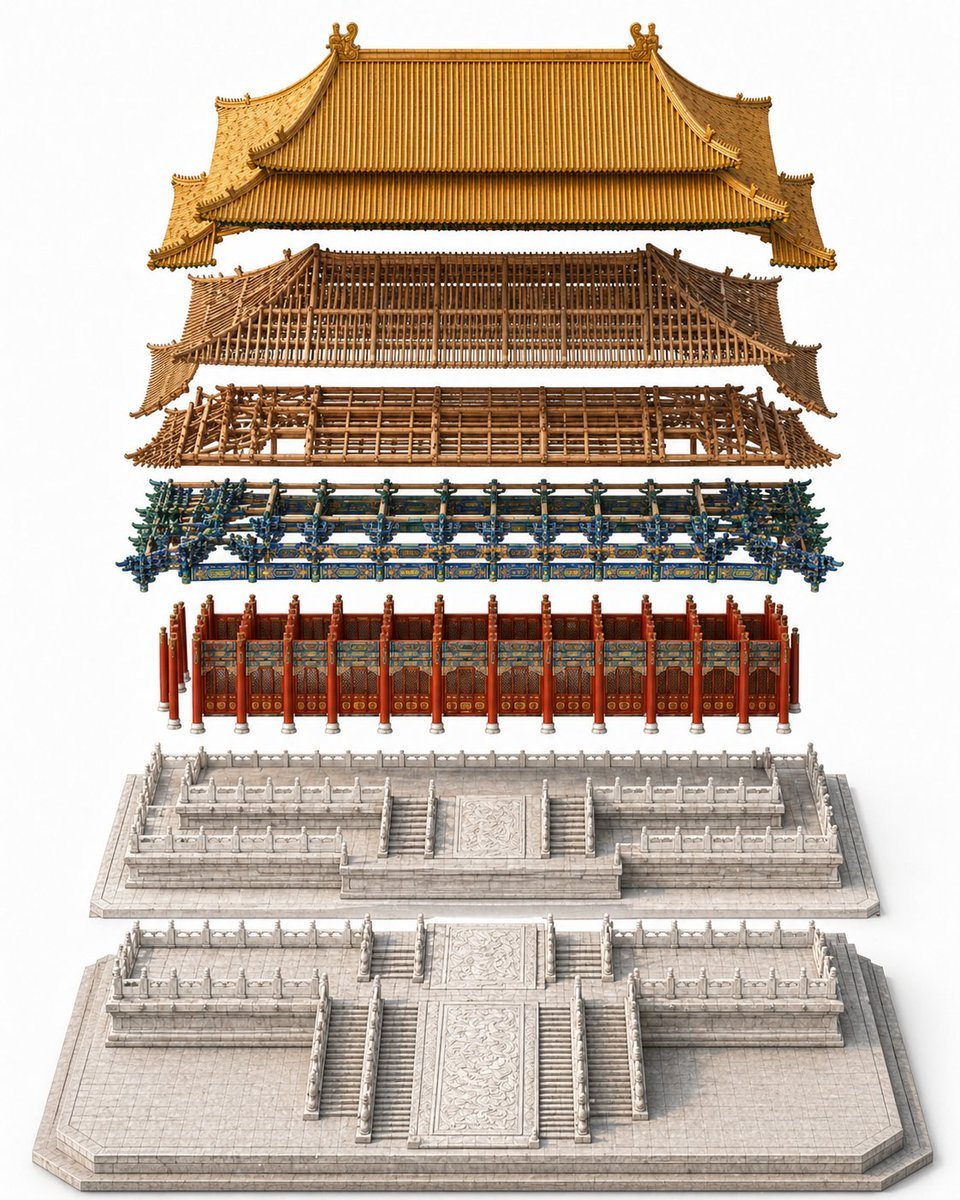
Exploded Imperial Palace Hall Diagram
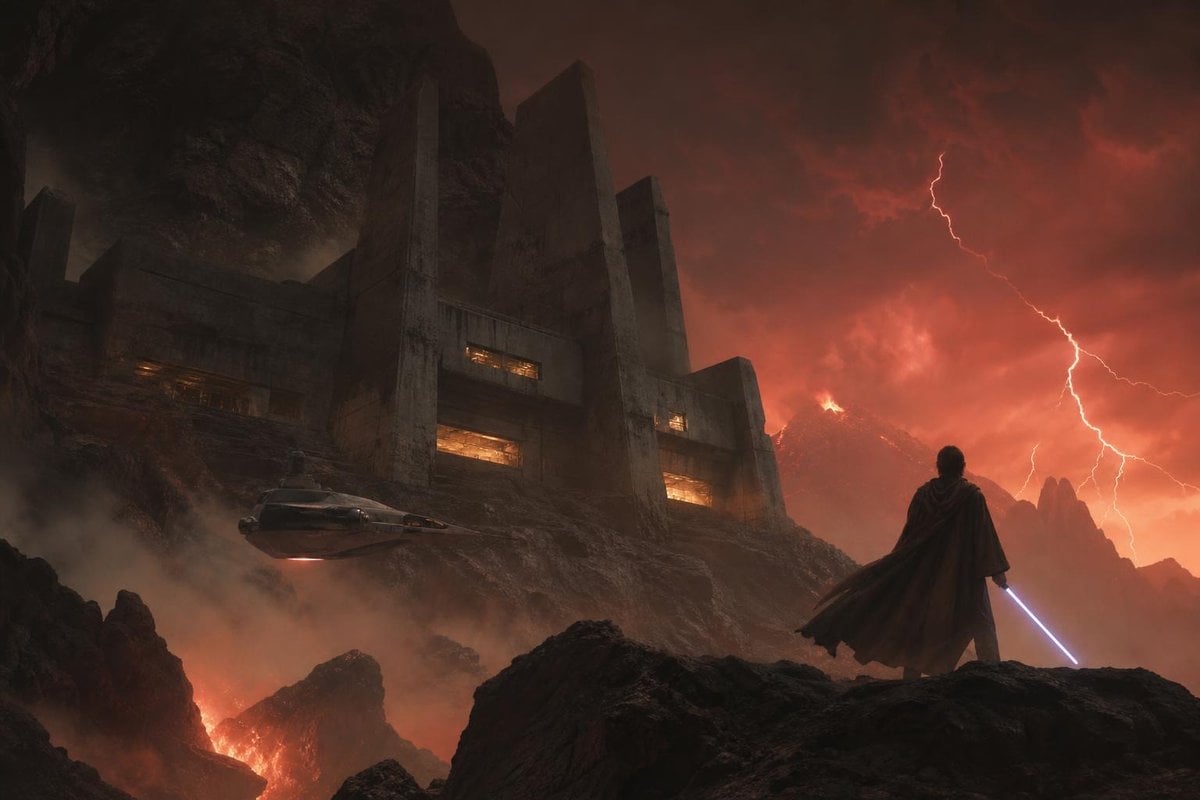
Imperial Research Bunker on Volcanic Planet
Imperial Princess with 10000 Yen
Surreal Gothic Hall with Floating Masks
Monolithic Dictionary Page Throne Art Photography
Dark Surrealist Shadow Throne Prompt
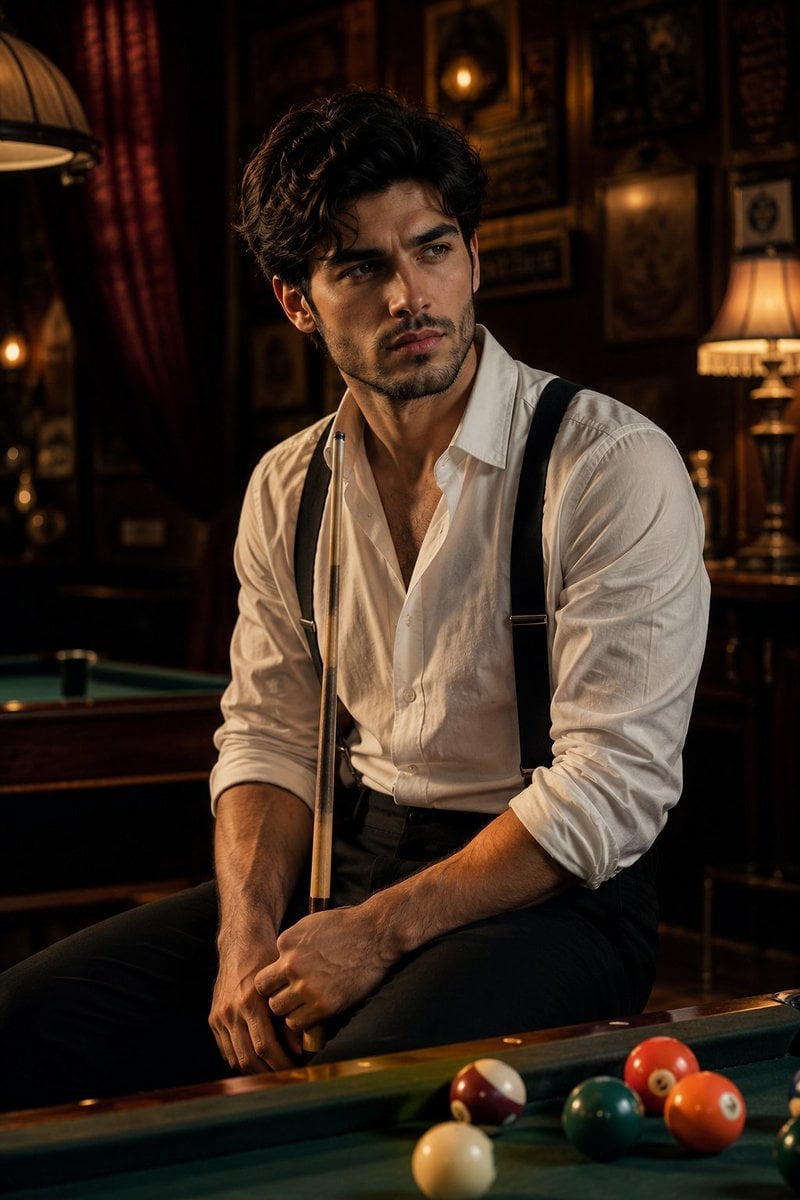
Vintage Billiards Hall Portrait
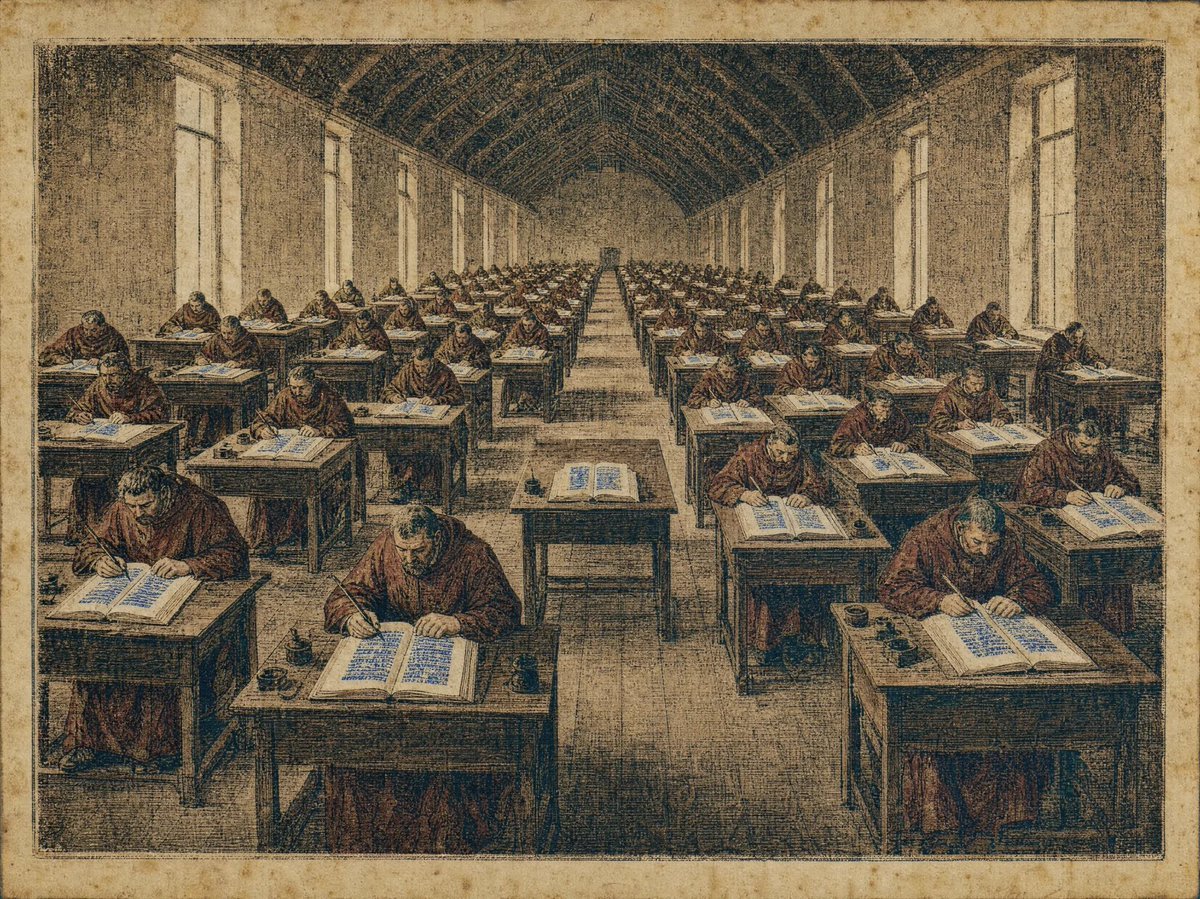
Medieval Scriptorium Hall
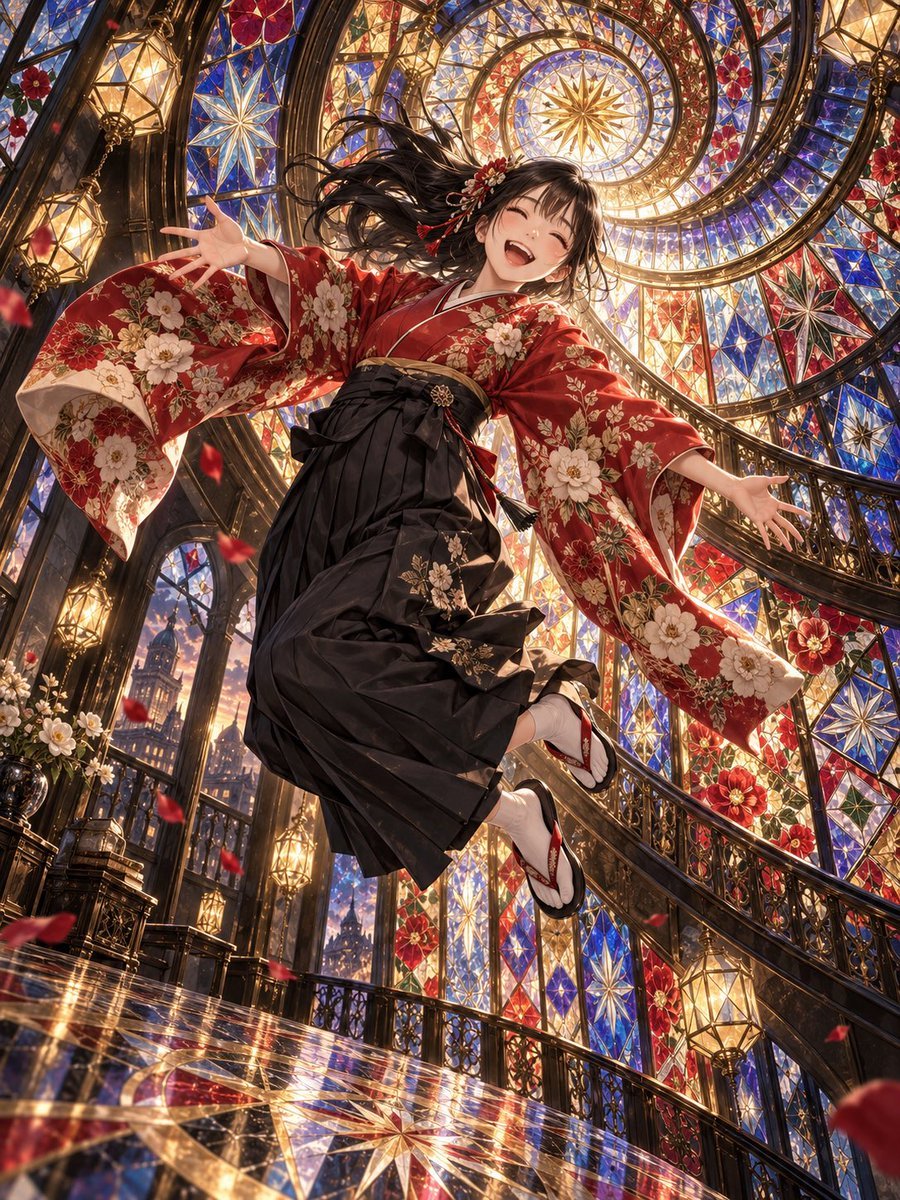
Floating Kimono Girl in Stained Glass Hall
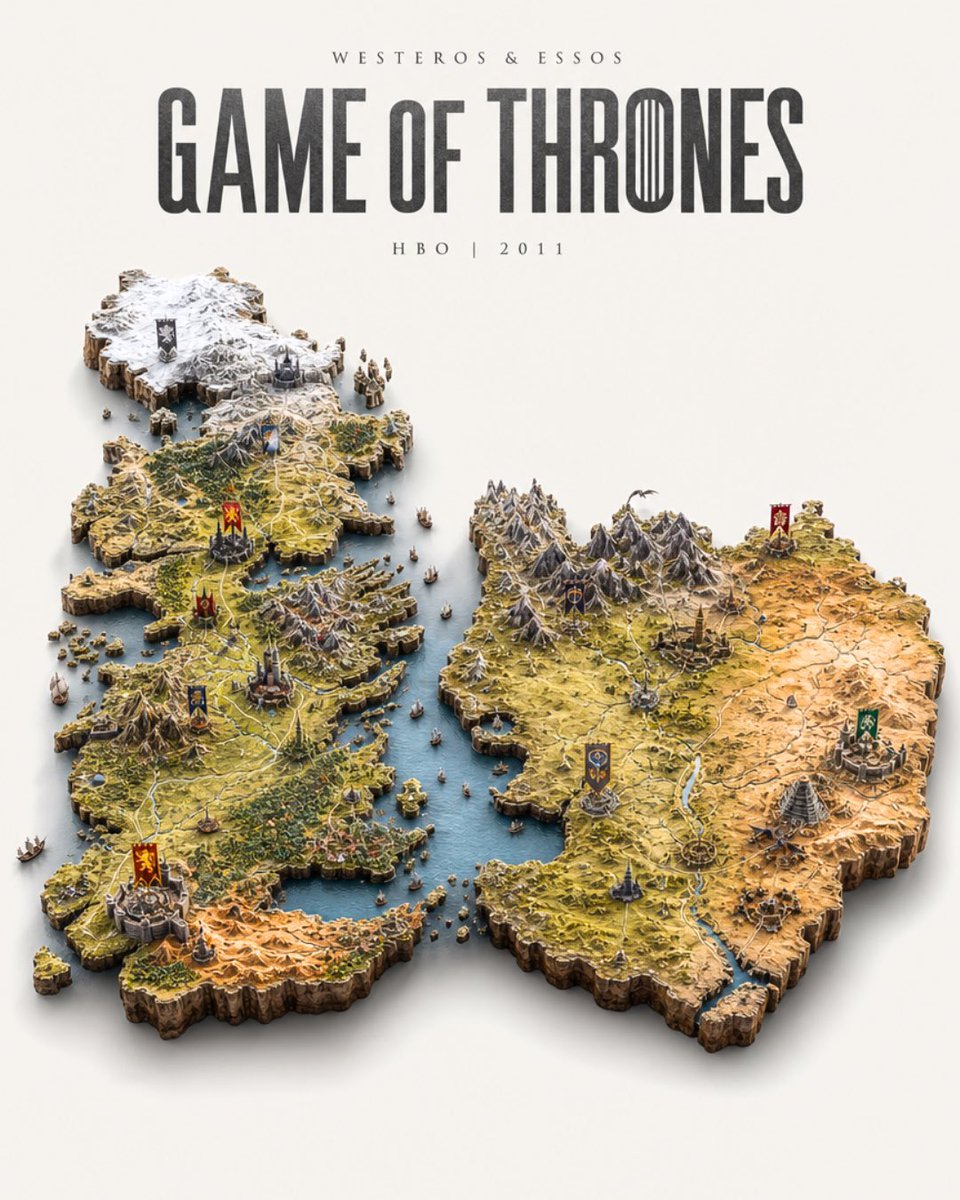
Game of Thrones Isometric Map Diorama

Billiards Hall Focused Portrait
Make it yours
NeoNippon Imperial Throne Hall works as-is. These are the safest ways to change it without losing the look.
Change one field
Copy a single group, rewrite it, and generate again so you can see what that field is doing.
Keep the frame, change the subject
Hold the composition and light of NeoNippon Imperial Throne Hall, then swap wardrobe, props or the person for a new take.
| If the result… | Why | Fix |
|---|---|---|
| The result drifts from the preview | Too many fields changed at once. | Reuse NeoNippon Imperial Throne Hall as-is first, then change one group — subject, light, or setting. |
| The model over-stylizes the scene | The prose prompt leaves finish and camera underspecified. | Add one camera or lighting sentence and stay on GPT Image 2. |
More GPT Image 2 templates
Other prompts made for GPT Image 2.

Six VTuber Japanese Logo Sheet

Realistic Portrait of Woman and Deer

The Vista Modular Condo Poster

AI Model Routing Comparison Infographic

2.5D Anime Art Board

Isometric Productivity Desk Scene

New York Double Exposure Poster

Four-Panel AI Landscape Comparison

Japanese Tatami Lifestyle Magazine Cover

NESCAFÉ Coffee Map Poster
More image prompts
Fresh picks from across the catalog.
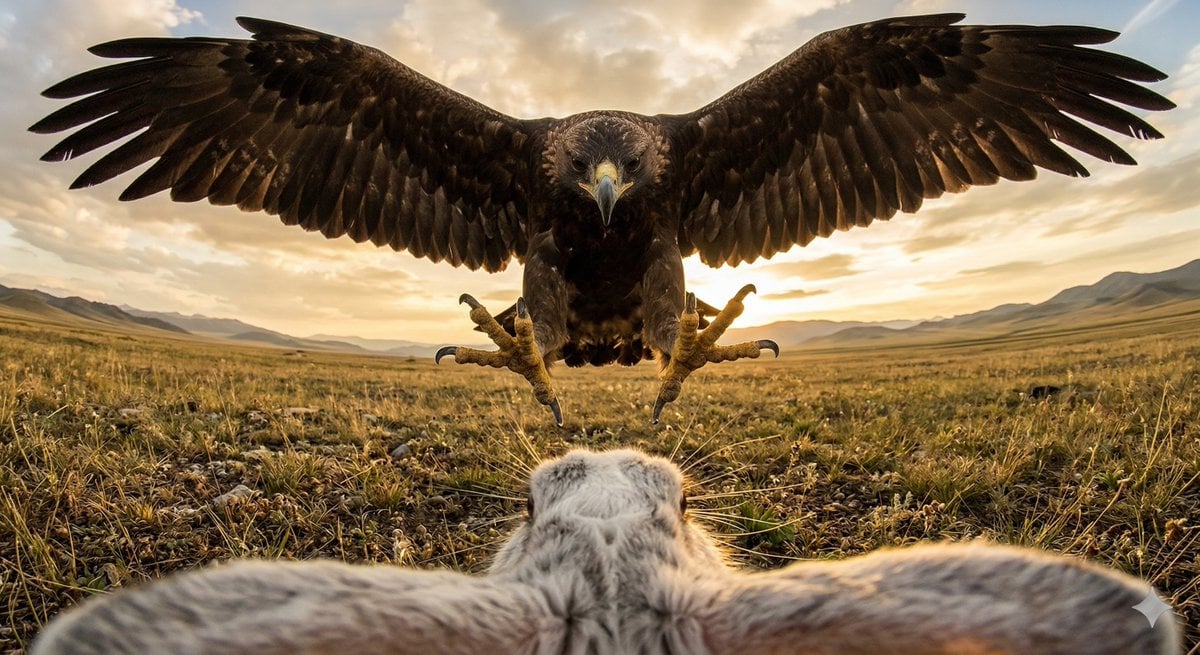
Ultra wide-angle cinematic photo of a rabbit and eagle

Rugged Cinematic Rain Portrait
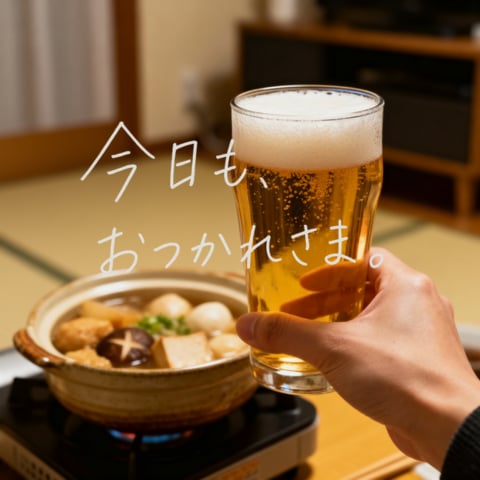
Cozy Beer Toast with Oden

Commercial Product Photography (CGI Advertising Composite)

Premium Product Campaign Poster Prompt

Cinematic City Explosion Chase

Disney-Pixar Style Hybrid Sloth-Dragon Creature
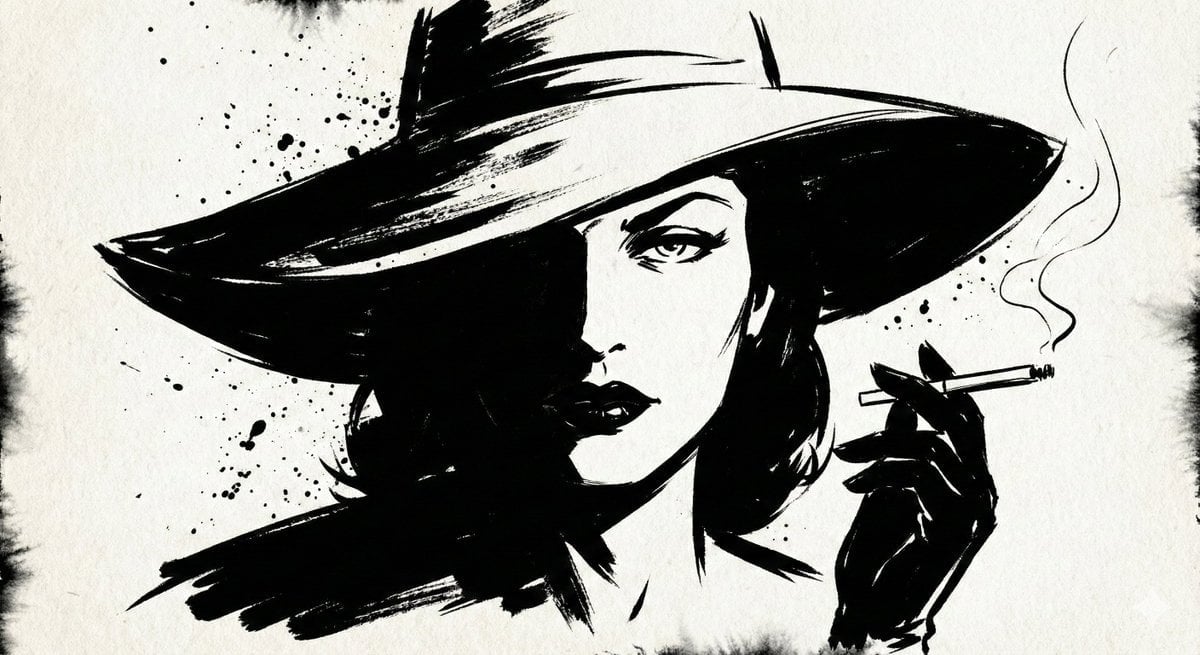
Ink Noir Portrait Generation Prompt
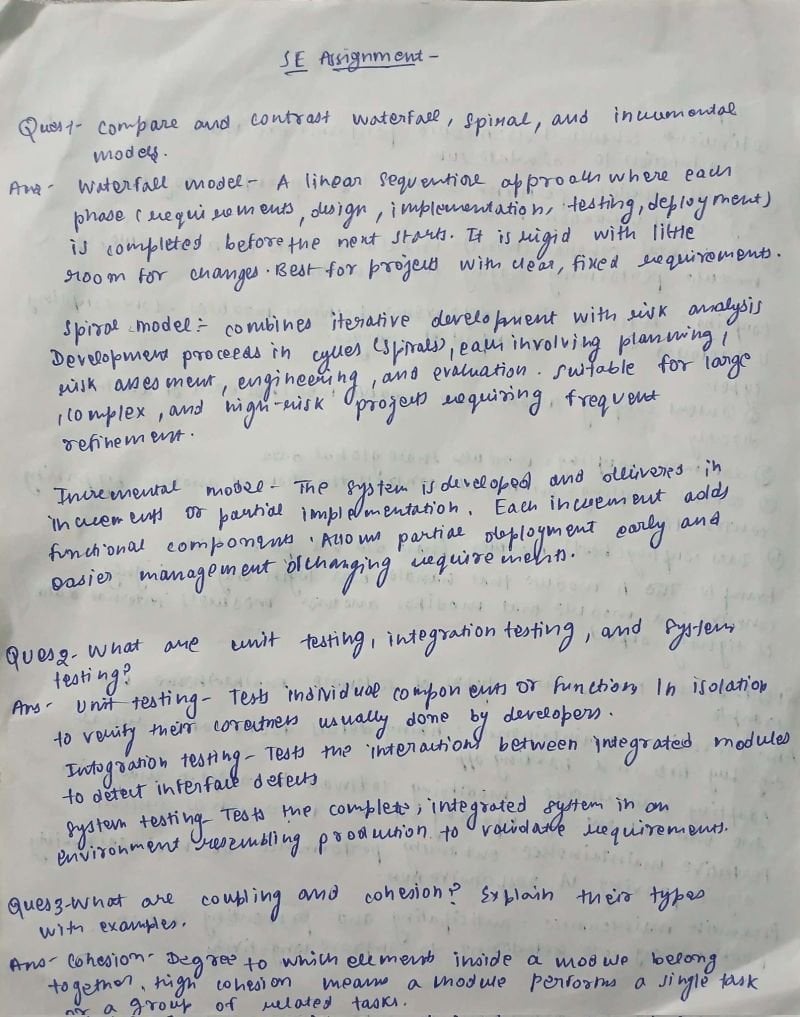
AI Solves Assignment from Handwriting and Blank Paper
Intimate Nighttime Bedroom Portrait (iPhone Style)
Browse template categories
NeoNippon Imperial Throne Hall questions
How do I use the NeoNippon Imperial Throne Hall template?
Add your photo if the template asks for one, edit the prompt if you like — the template's model and format are already selected — and press Generate. Your version opens in PicX Studio.
Can I customize the NeoNippon Imperial Throne Hall template?
Yes. You can change the subject, setting, lighting, mood, format, and available model controls before creating your image.
Is the NeoNippon Imperial Throne Hall template free?
Opening and editing this template is free. Generating uses credits, shown on the Generate button when you are signed in.
Which AI model should I use?
Start with GPT Image 2, which is the model associated with this template. You can compare another compatible model for a different finish.
Looking for something else? Browse all templates.

Your photo, any look
Thousands of ready templates for every top image and video model, from one credit balance.