
Imperial Chinese Hall Model Render
This prompt generates a clean isometric reference render of a traditional Chinese palace hall on a multi-tier marble platform, ideal for architectural visualization and build-sequence planning.
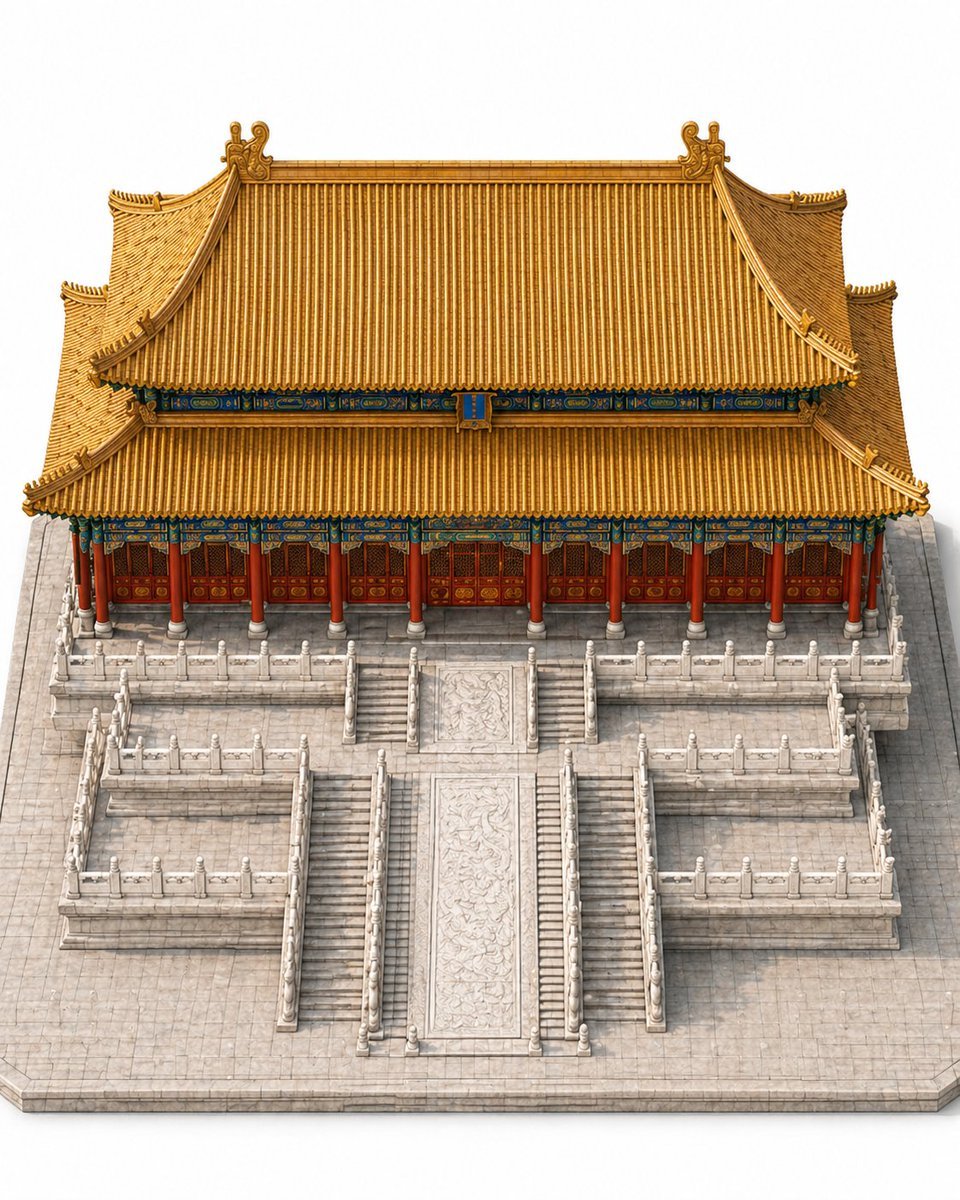
- Prompt included
- Model and format preset
- Free template
The prompt behind this image
Copy the exact prompt behind Imperial Chinese Hall Model Render, or open it in the studio and make it yours.
Create a highly detailed single-building architectural model image of a traditional Chinese imperial hall, resembling a Forbidden City palace throne hall, shown from an isometric slightly top-down view. The composition is perfectly centered and symmetrical, with the building occupying more than 70% of the frame. Show only the main building and its immediate stone platform environment on a clean light gray-white studio background, with no cityscape, no surrounding buildings, no people, no vehicles, no text, and no unrelated objects. The hall has a grand double-eaved hip roof with sweeping upturned corners, covered in rich golden-yellow glazed tiles, with ornate ridge decorations and curled roof ornaments at the top corners. Beneath the roof, include vivid blue-green and gold painted dougong bracket details running horizontally under both eaves. The facade is a long frontal elevation with 10 red cylindrical columns across the front, supporting the eaves above 9 red wooden door bays with intricate lattice panels and gold medallion details. The building sits on a tall pale stone platform complex with 3 terrace levels visible in front, all sharply symmetrical. Add a central monumental staircase aligned to the middle axis, with 1 wide carved marble ramp in the center and 2 narrower stair runs flanking it closely, plus additional symmetric side staircases descending from the upper terrace to the lower side platforms. Include white marble balustrades with posts and rails along all terrace edges and staircase sides. The central ramp should feature elaborate low-relief dragon-style stone carving. The stone base plaza should be light gray with subtle tile joints and crisp edges. Lighting is soft, even, and neutral, like a premium museum model render, emphasizing realistic materials and clean geometry. The image should feel like a polished standalone architectural reference render for AI construction animation.
How to use Imperial Chinese Hall Model Render in 3 steps
- 1Upload ImagePNG, JPG or paste
Add your photo
Upload the photo the template builds on. The prompt, model and format are already set.
- 2…a portrait of your subject in softgolden-hour light, 85mm…
Personalize
Edit the subject and creative details for your destination.
- 3Generate
Generate
Press Generate — your image is created in PicX Studio, so you can compare it with the original and refine one variable at a time.
More like this
Templates with the same subject, style or setup. Open one to see its prompt.
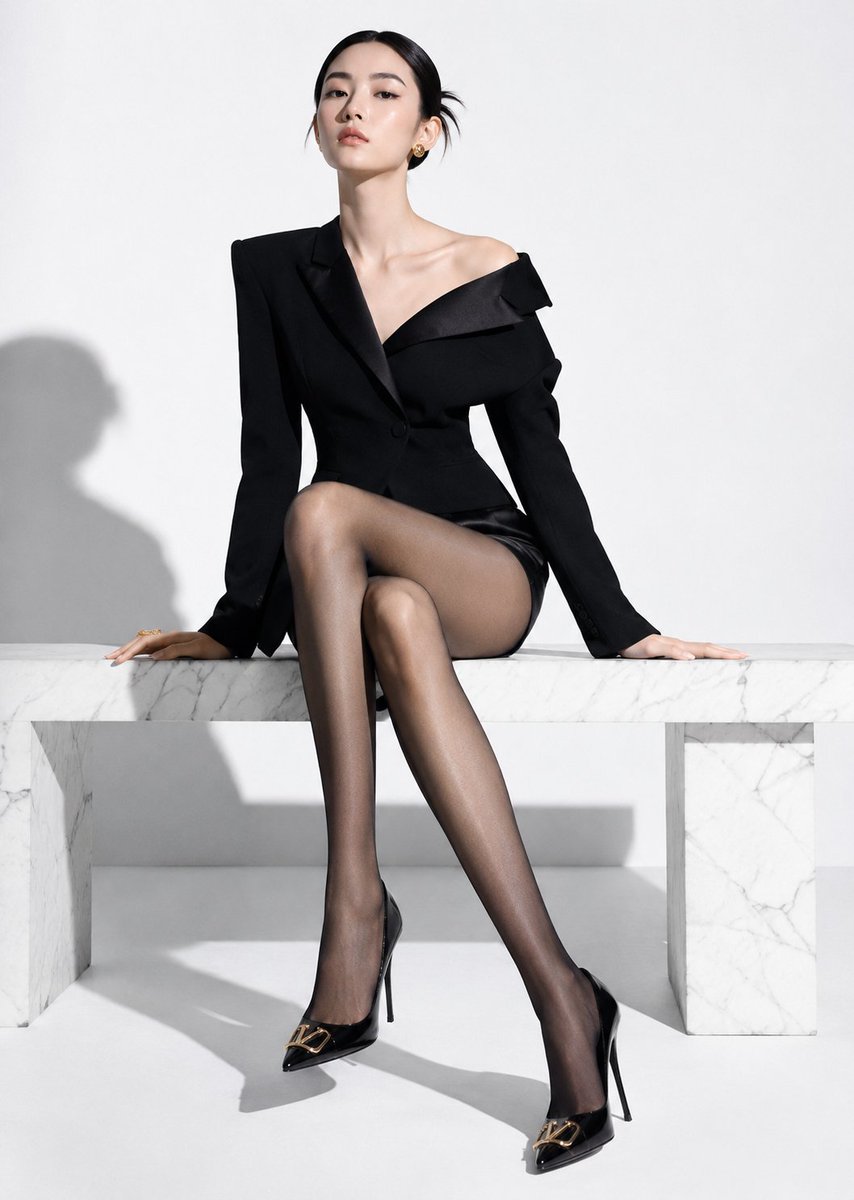
High-End Fashion Editorial Shoot with Chinese Model

Premium Vertical Product Campaign Poster
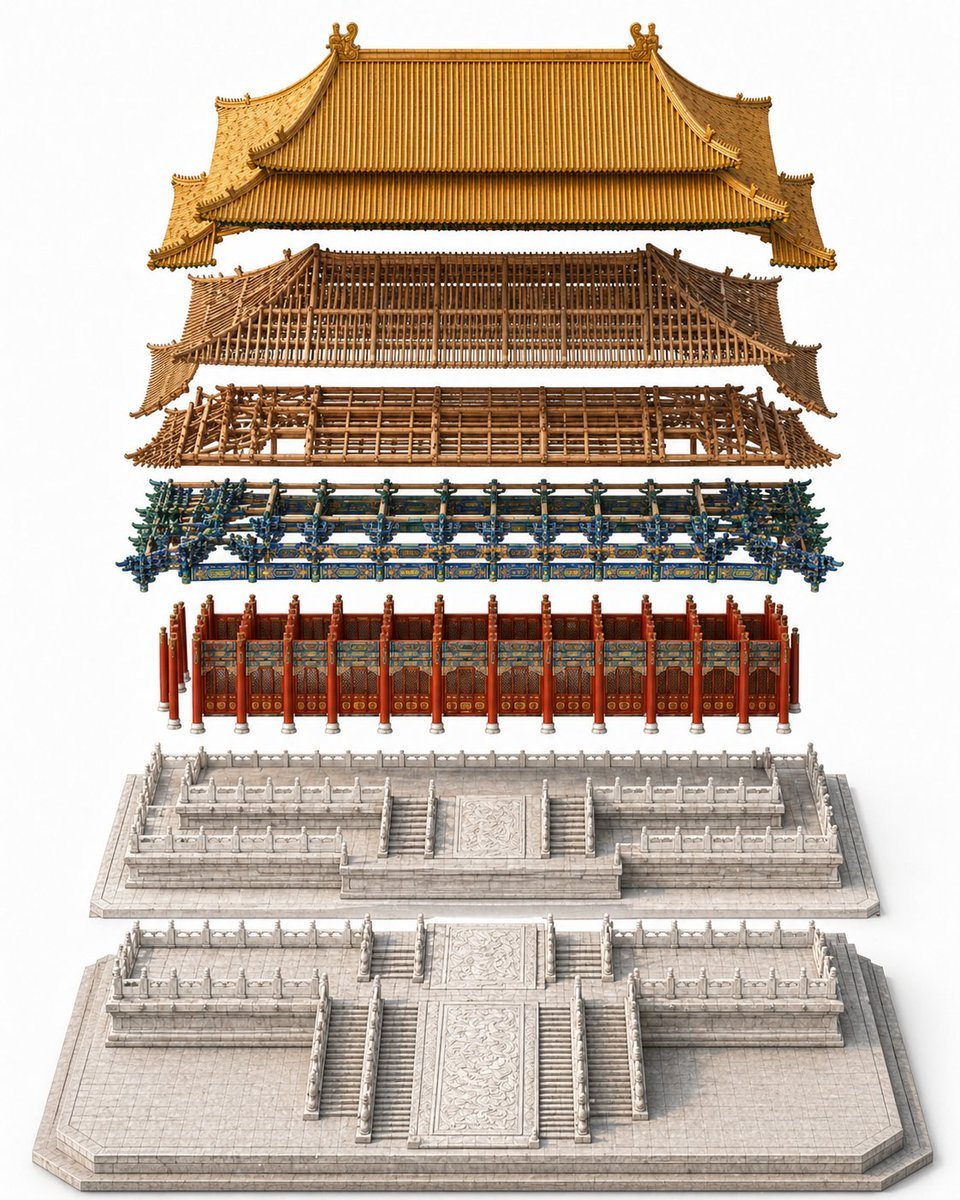
Exploded Imperial Palace Hall Diagram
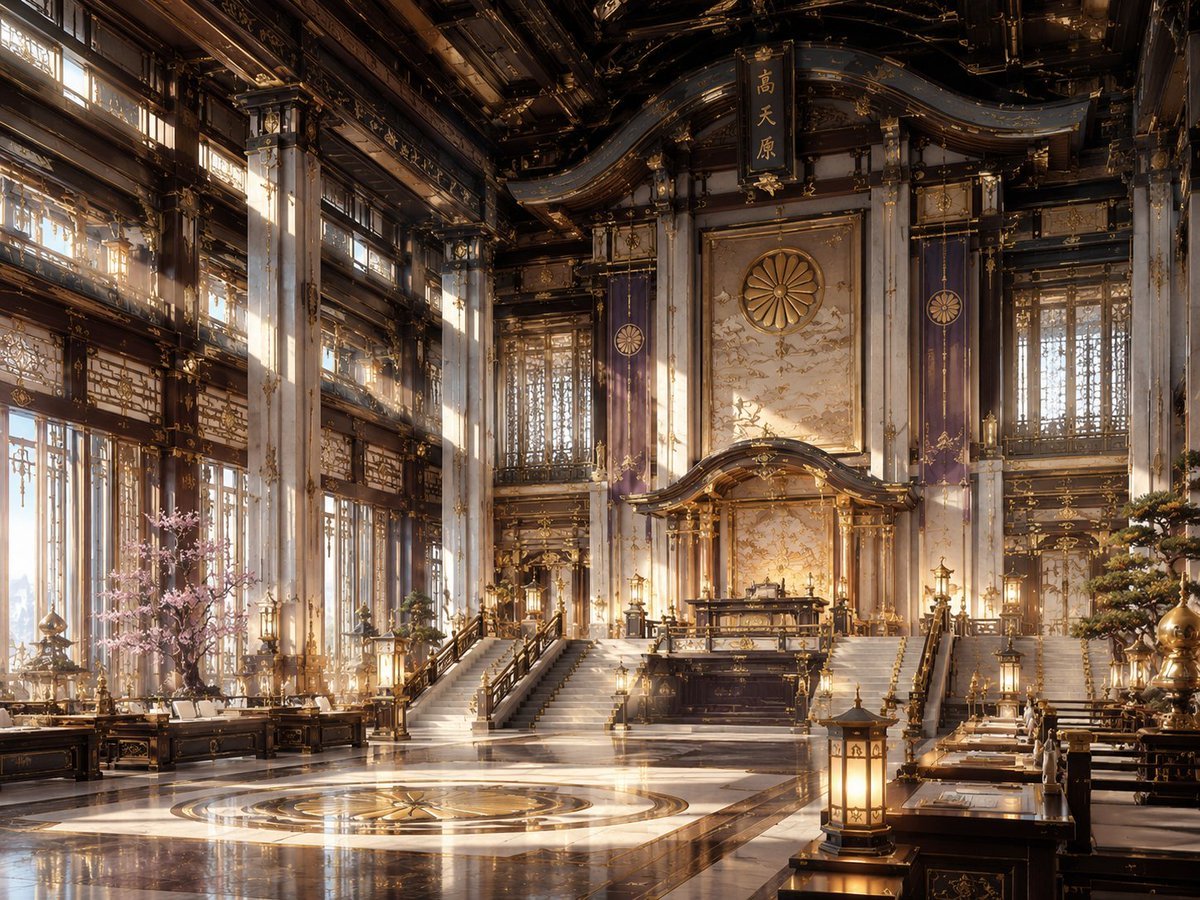
NeoNippon Imperial Throne Hall
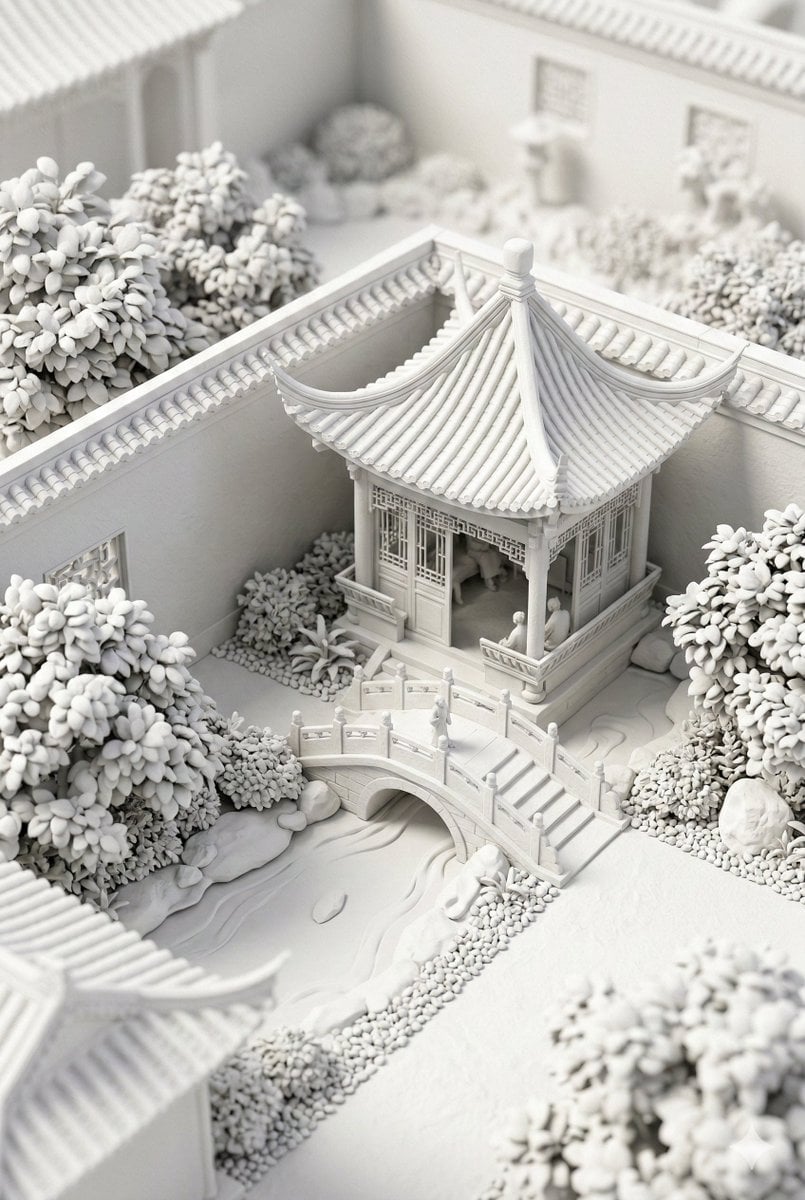
Chinese Garden Clay Render Prompt (Nano Banana 2)

敦煌纸雕飞天 — 3D Layered Paper Cutout

博物馆图鉴式汉服拆解图 — GPT-image-2
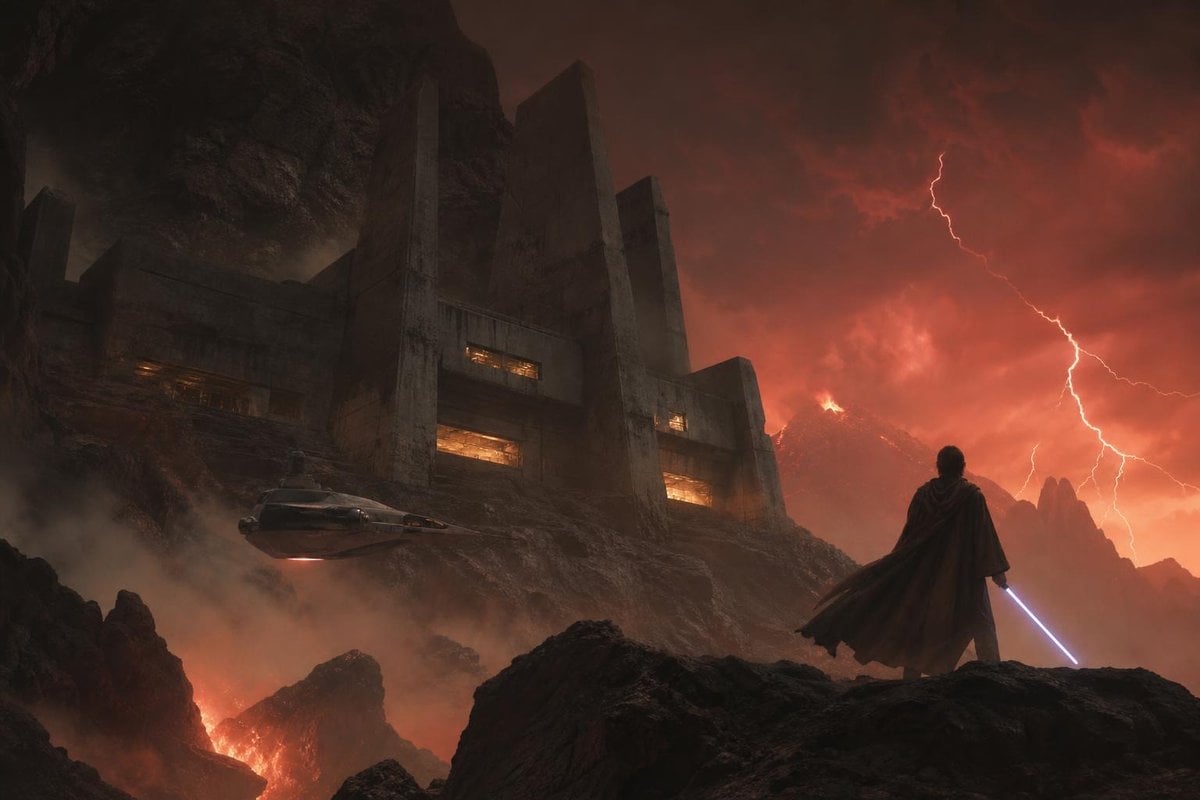
Imperial Research Bunker on Volcanic Planet
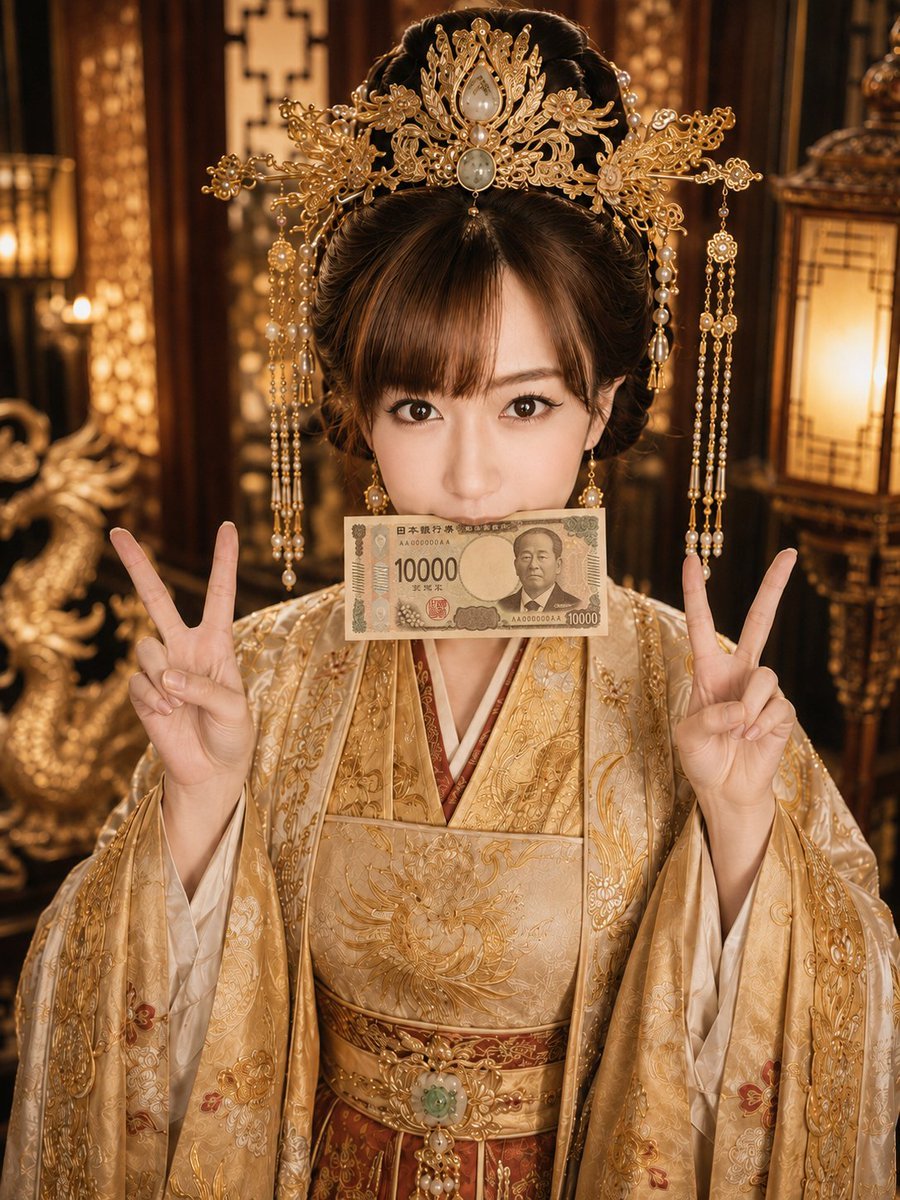
Imperial Princess with 10000 Yen
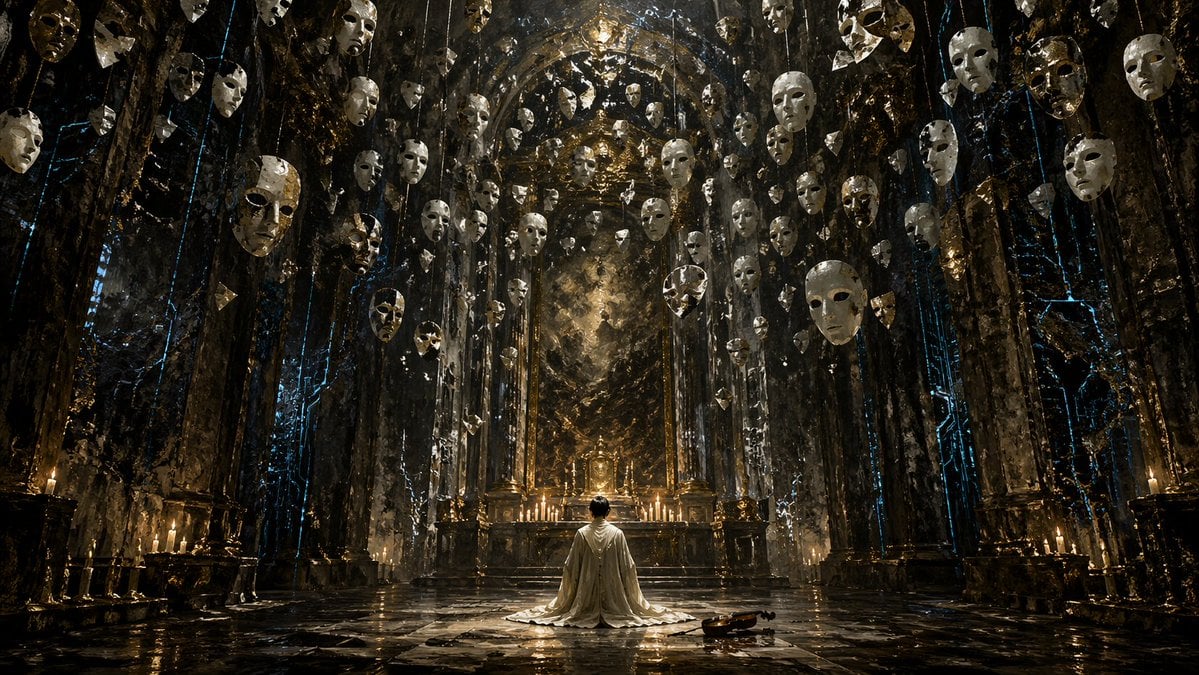
Surreal Gothic Hall with Floating Masks
Vintage Billiards Hall Portrait
Medieval Scriptorium Hall
Make it yours
Imperial Chinese Hall Model Render works as-is. These are the safest ways to change it without losing the look.
Change one field
Copy a single group, rewrite it, and generate again so you can see what that field is doing.
Keep the frame, change the subject
Hold the composition and light of Imperial Chinese Hall Model Render, then swap wardrobe, props or the person for a new take.
| If the result… | Why | Fix |
|---|---|---|
| The result drifts from the preview | Too many fields changed at once. | Reuse Imperial Chinese Hall Model Render as-is first, then change one group — subject, light, or setting. |
| The model over-stylizes the scene | The prose prompt leaves finish and camera underspecified. | Add one camera or lighting sentence and stay on GPT Image 2. |
More GPT Image 2 templates
Other prompts made for GPT Image 2.

Six VTuber Japanese Logo Sheet

Realistic Portrait of Woman and Deer

The Vista Modular Condo Poster

2.5D Anime Art Board

Isometric Productivity Desk Scene

New York Double Exposure Poster

Four-Panel AI Landscape Comparison

Japanese Tatami Lifestyle Magazine Cover

NESCAFÉ Coffee Map Poster

Cinematic Luxury Terrace Portrait
More image prompts
Fresh picks from across the catalog.

Futuristic Apple Campaign Concept
Tropical Island in a Puddle Prompt
Japanese Chalkboard Cleaning Sign
Seedance - Smooth Vlog
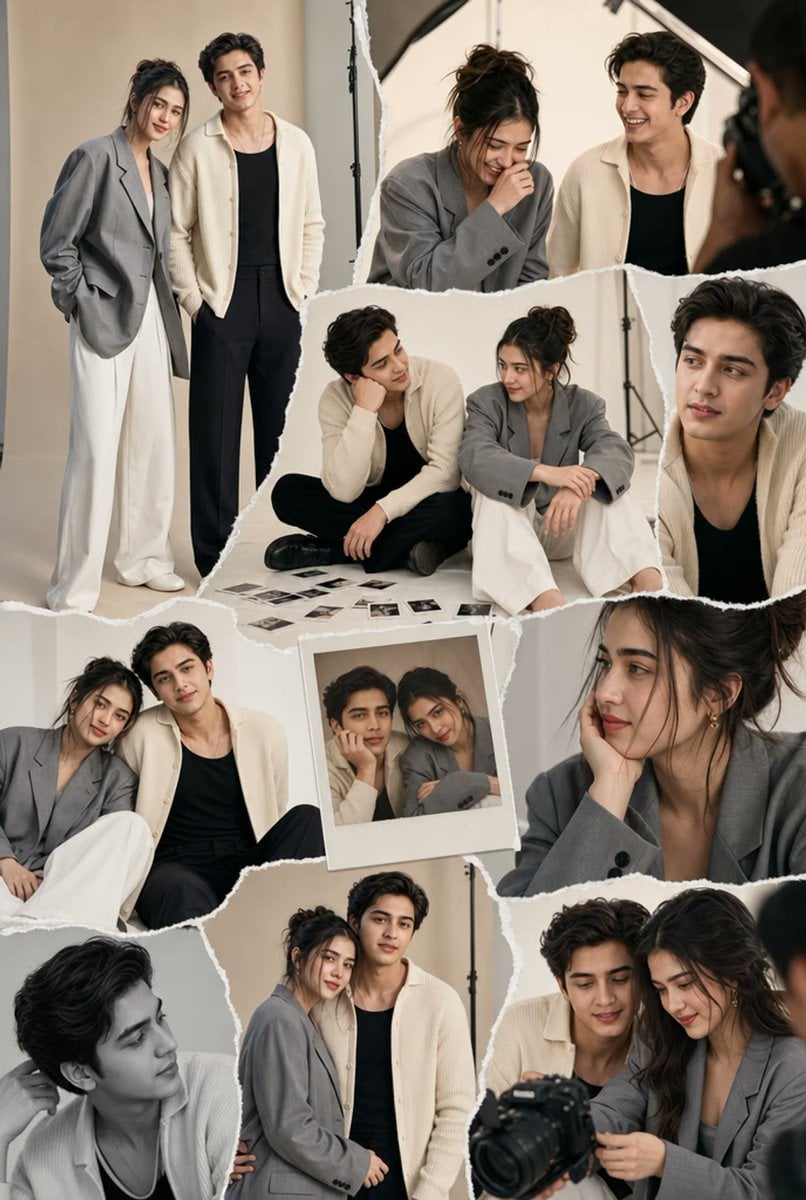
Torn-Paper Couple Studio Collage
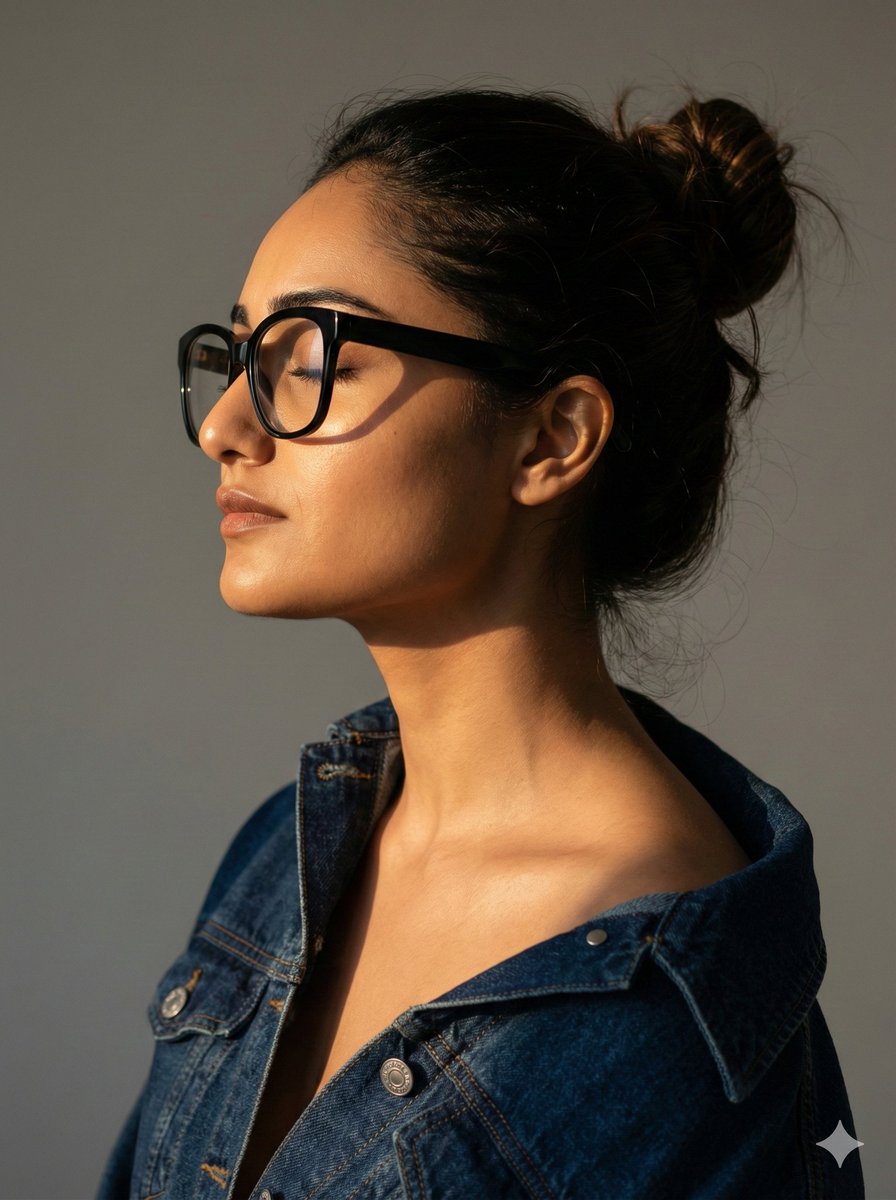
Cinematic Profile Portrait with Identity Preservation
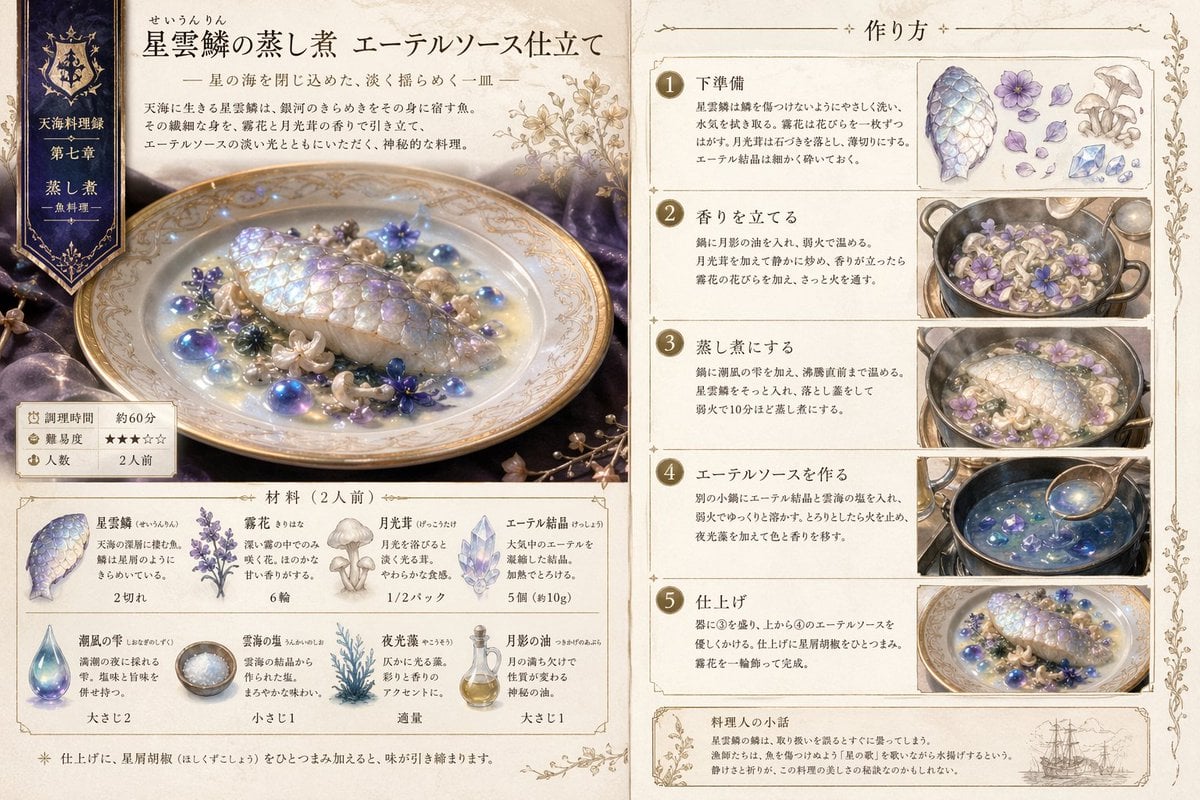
Fantasy Recipe Illustration
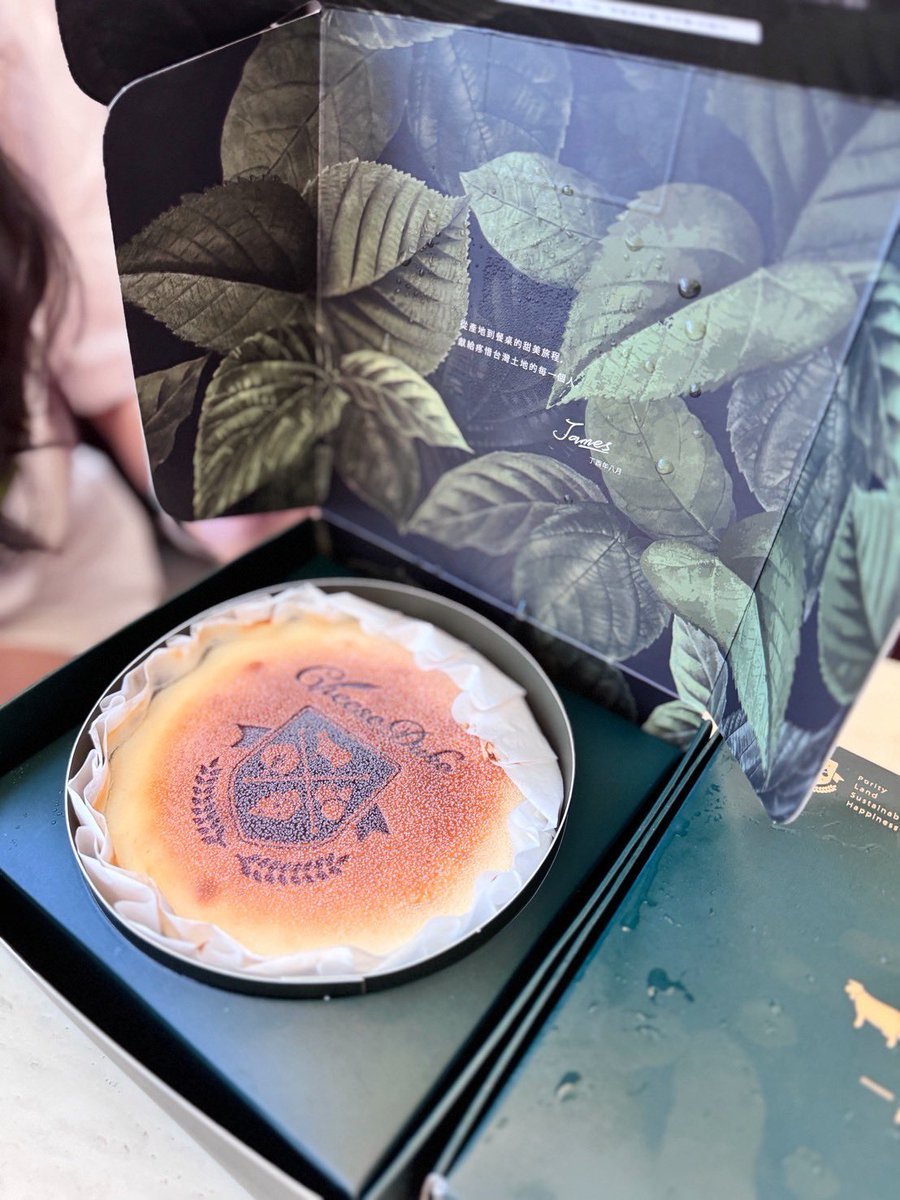
Professional cake advertising photo
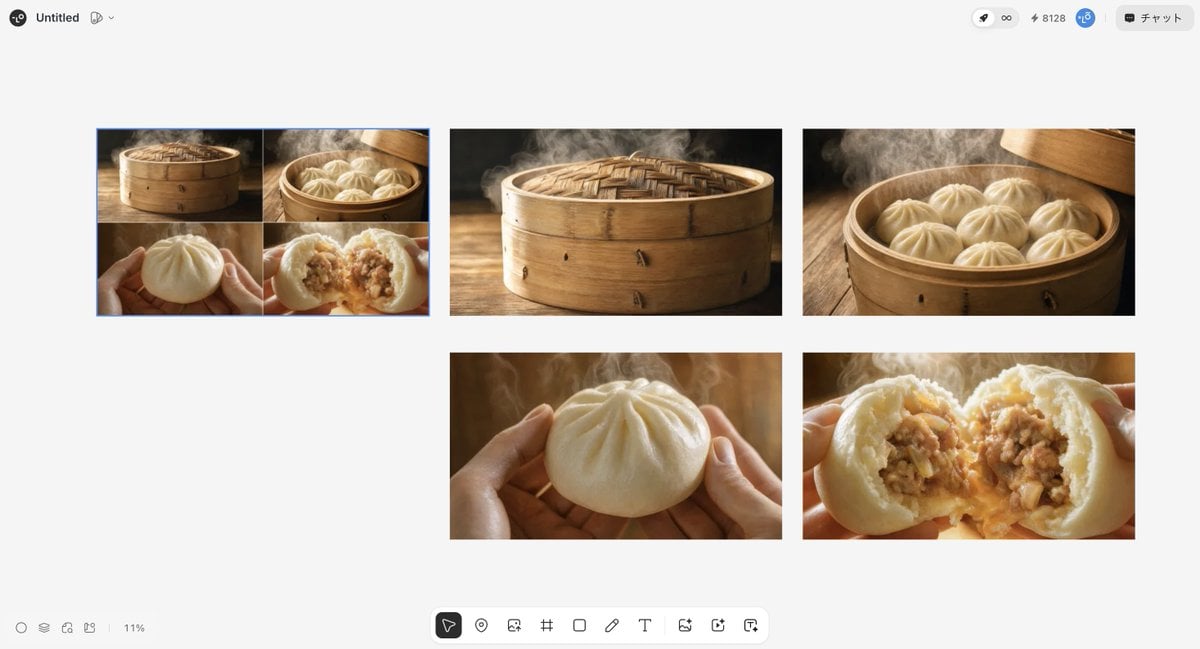
Luxury Steamed Bun Commercial Storyboard

Ultra-Realistic 8K Candid Street Portrait Prompt
Browse template categories
Imperial Chinese Hall Model Render questions
How do I use the Imperial Chinese Hall Model Render template?
Add your photo if the template asks for one, edit the prompt if you like — the template's model and format are already selected — and press Generate. Your version opens in PicX Studio.
Can I customize the Imperial Chinese Hall Model Render template?
Yes. You can change the subject, setting, lighting, mood, format, and available model controls before creating your image.
Is the Imperial Chinese Hall Model Render template free?
Opening and editing this template is free. Generating uses credits, shown on the Generate button when you are signed in.
Which AI model should I use?
Start with GPT Image 2, which is the model associated with this template. You can compare another compatible model for a different finish.
Looking for something else? Browse all templates.

Your photo, any look
Thousands of ready templates for every top image and video model, from one credit balance.