
Surreal Split-Screen Coffee Café Scene
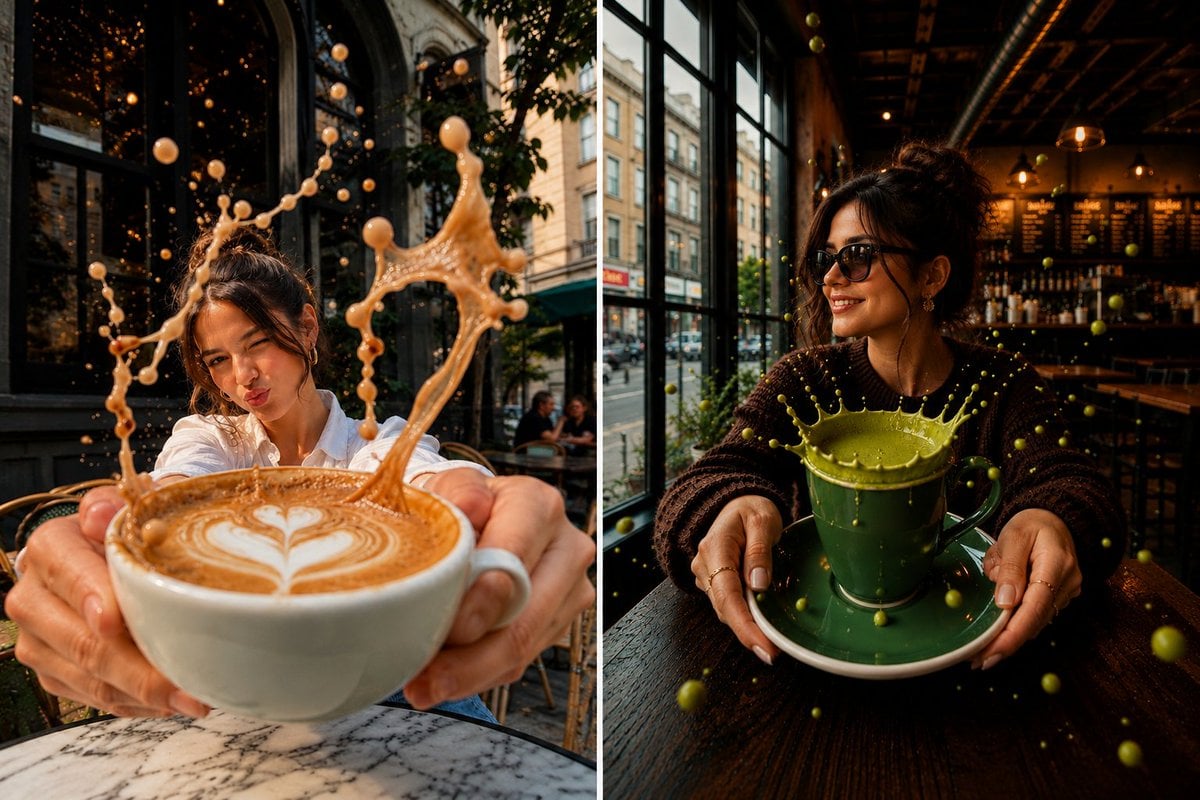
A photorealistic split-screen café image showing the same stylish woman with dramatic frozen coffee and matcha splashes.
- Prompt included
- Model and format preset
- Free template
The prompt behind this image
Copy the exact prompt behind Surreal Split-Screen Coffee Café Scene, or open it in the studio and make it yours.
Create a cinematic, photorealistic vertical split-screen café diptych showing the same stylish young woman in two surreal coffee moments, separated by a thin white divider down the center. Use a wide 3:2 canvas, ultra-realistic photography, dramatic warm golden-hour lighting, shallow depth of field, crisp foreground detail, motion-frozen liquid splashes, rich contrast, and a wide-angle close-up perspective. Left panel: Outside a stylish European street café, the woman wears a {argument name="left outfit" default="crisp white button-up shirt"} with her dark hair tied in a loose messy bun. She leans toward the camera with a playful pout, holding one oversized white cappuccino cup with both hands extremely close to the lens. The cup contains latte art shaped like a white heart in tan foam. A giant caramel coffee splash erupts upward from the cup in an elegant crown and looping arcs, with many suspended droplets frozen midair. The setting includes a round marble café table in the foreground, wicker café chairs, dark arched windows reflecting warm bokeh lights, leafy greenery, and a European city street in the background. Right panel: Inside a moody modern café or bar, the same woman wears a {argument name="right outfit" default="dark chunky knit sweater"}, oversized black sunglasses, small earrings, rings, and white manicured nails, with her hair in a loose messy bun. She smiles while holding one dark green ceramic cup on a matching saucer close to the camera. A vivid green matcha splash erupts from the cup like a circular crown, with many green droplets floating around her and across the table. The interior has tall black-framed windows showing a city street outside, warm pendant lights, wooden tables, a dark ceiling, and a softly blurred menu/bar area in the background. Discrete elements to include exactly: 2 side-by-side panels; 1 thin vertical white divider; 1 woman appearing in both panels; 2 total cups, one oversized white cappuccino cup on the left and one dark green matcha cup with saucer on the right; 2 main liquid splashes, one caramel coffee splash and one green matcha splash; 2 café environments, one outdoor European café and one indoor café/bar. No text, no logos, no watermark, no extra panels.
How to use Surreal Split-Screen Coffee Café Scene in 3 steps
- 1Upload ImagePNG, JPG or paste
Add your photo
Upload the photo the template builds on. The prompt, model and format are already set.
- 2…a portrait of your subject in softgolden-hour light, 85mm…
Personalize
Edit the subject and creative details for your destination.
- 3Generate
Generate
Press Generate — your image is created in PicX Studio, so you can compare it with the original and refine one variable at a time.
More like this
Templates with the same subject, style or setup. Open one to see its prompt.
Split-Screen Surreal Printmaking Design

Nano Banana - Paris Cafe Editorial
Split-Screen MR2 Touge Drive

NESCAFÉ Coffee Map Poster

Surreal Cat Astronaut — Humanoid Face Freefall
Split Screen Aging Effect

Surreal Monster Energy Coffee Advertisement
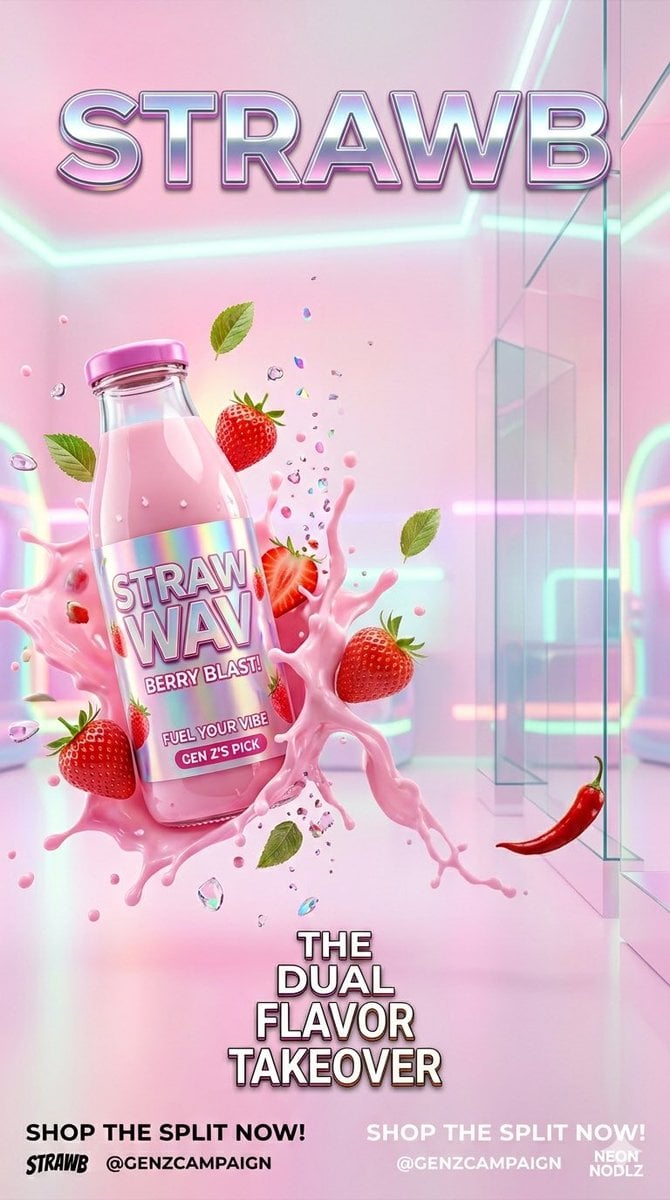
Gen Z Split Screen Advertising Poster

Bold Red Contrast Fashion Editorial Newspaper Room

Stylized Fashion Portrait Bold Color Contrast Editorial

Automotive Blueprint Split Composition

Blueprint Split Reality Archetype Prompt
Make it yours
Surreal Split-Screen Coffee Café Scene works as-is. These are the safest ways to change it without losing the look.
Change one field
Copy a single group, rewrite it, and generate again so you can see what that field is doing.
Keep the frame, change the subject
Hold the composition and light of Surreal Split-Screen Coffee Café Scene, then swap wardrobe, props or the person for a new take.
| If the result… | Why | Fix |
|---|---|---|
| The result drifts from the preview | Too many fields changed at once. | Reuse Surreal Split-Screen Coffee Café Scene as-is first, then change one group — subject, light, or setting. |
| The model over-stylizes the scene | The prose prompt leaves finish and camera underspecified. | Add one camera or lighting sentence and stay on GPT Image 2. |
More GPT Image 2 templates
Other prompts made for GPT Image 2.

Six VTuber Japanese Logo Sheet

Realistic Portrait of Woman and Deer

The Vista Modular Condo Poster

AI Model Routing Comparison Infographic

2.5D Anime Art Board

Isometric Productivity Desk Scene

New York Double Exposure Poster

Four-Panel AI Landscape Comparison

Japanese Tatami Lifestyle Magazine Cover

Brutalist Cogito Chinese Typography Poster
More image prompts
Fresh picks from across the catalog.
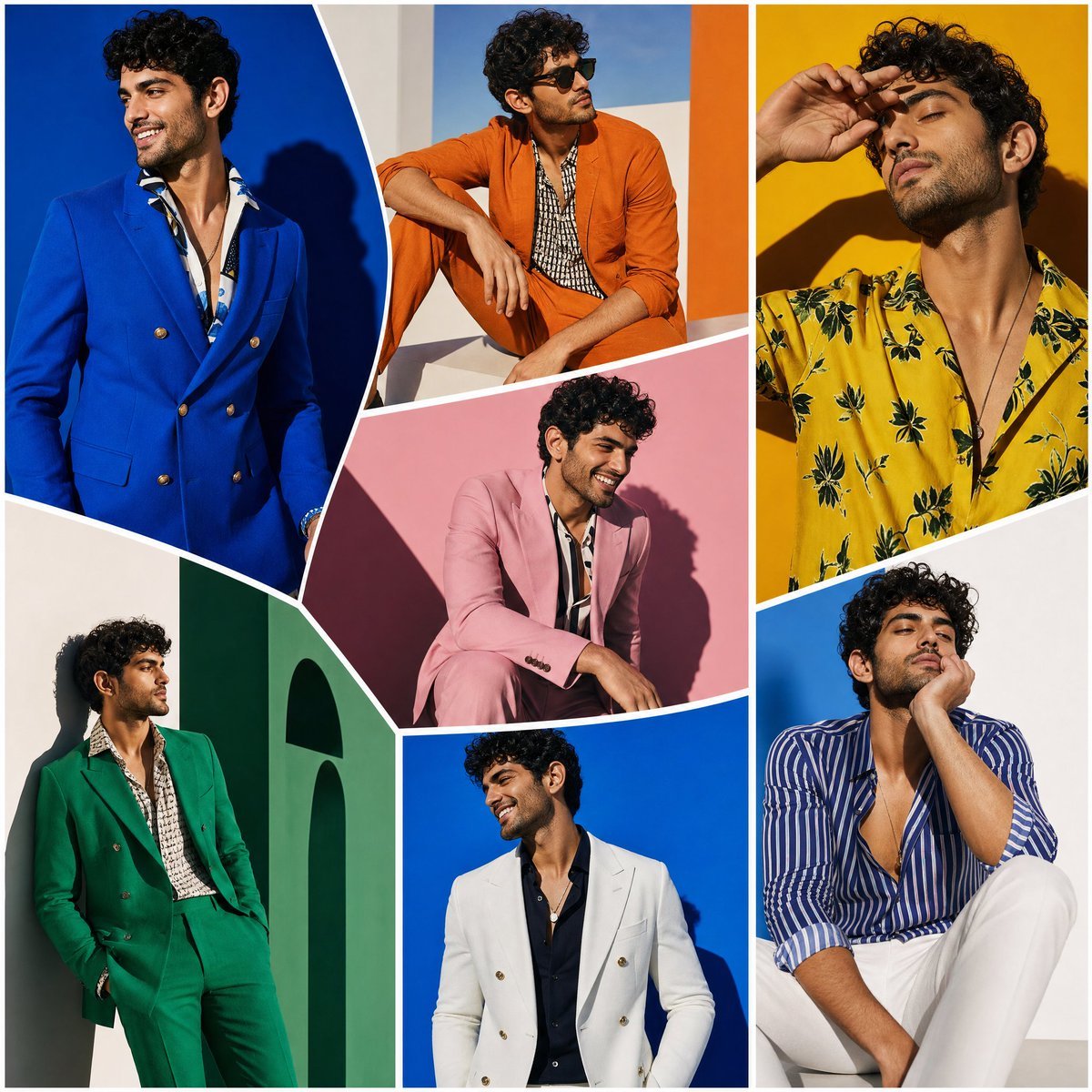
Modern Art Gallery Fashion Panels

untitled

Hero Shot Portrait in a Bookstore with Warm Lighting

Ice Kingdom Princess Fantasy Poster
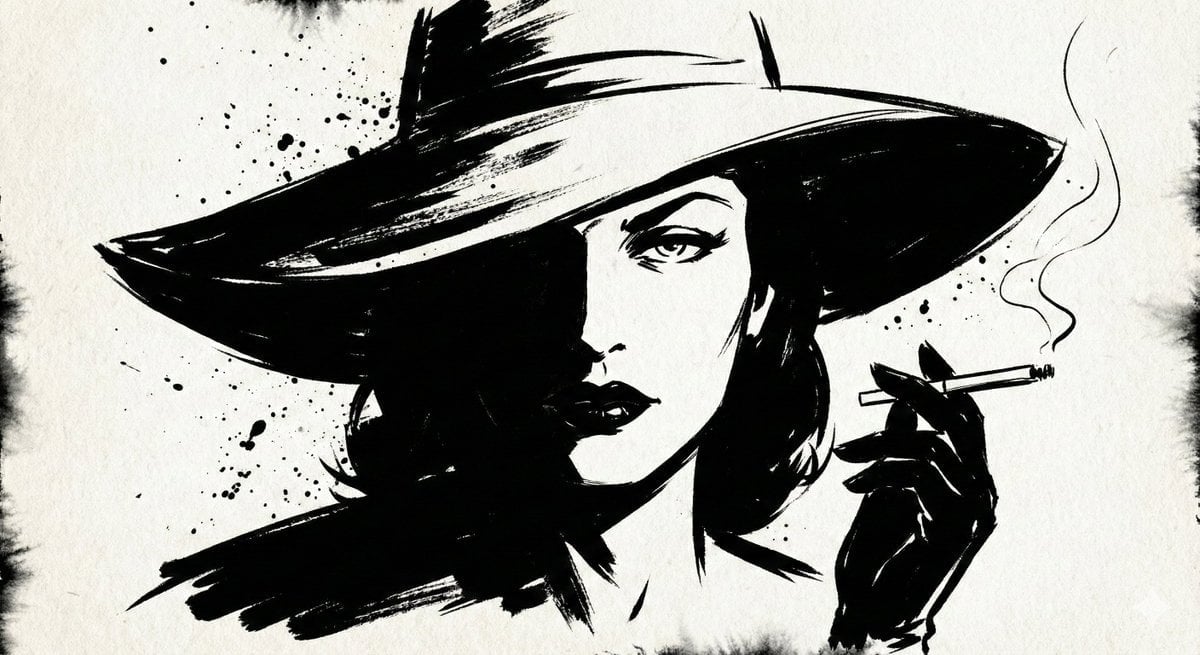
Ink Noir Portrait Generation Prompt
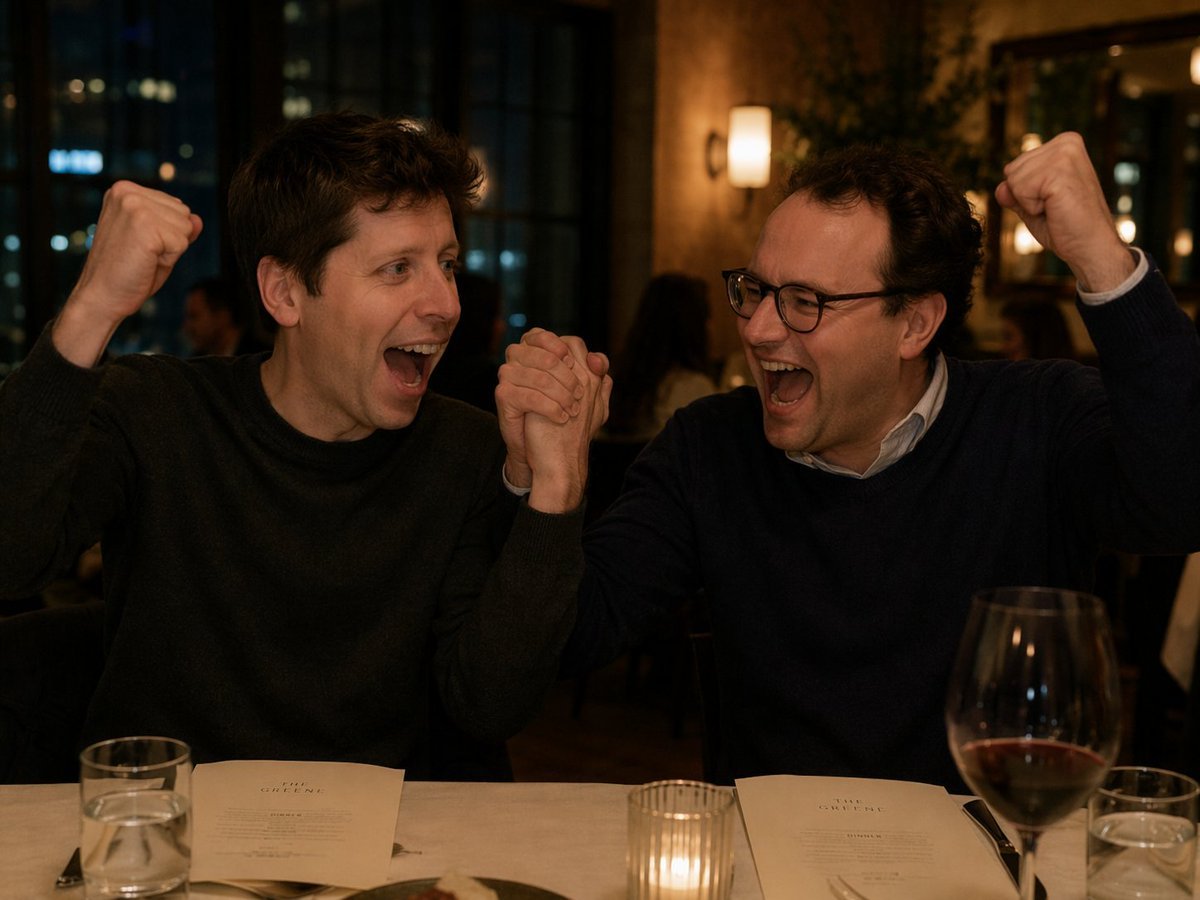
Two Men Celebrating at a Restaurant
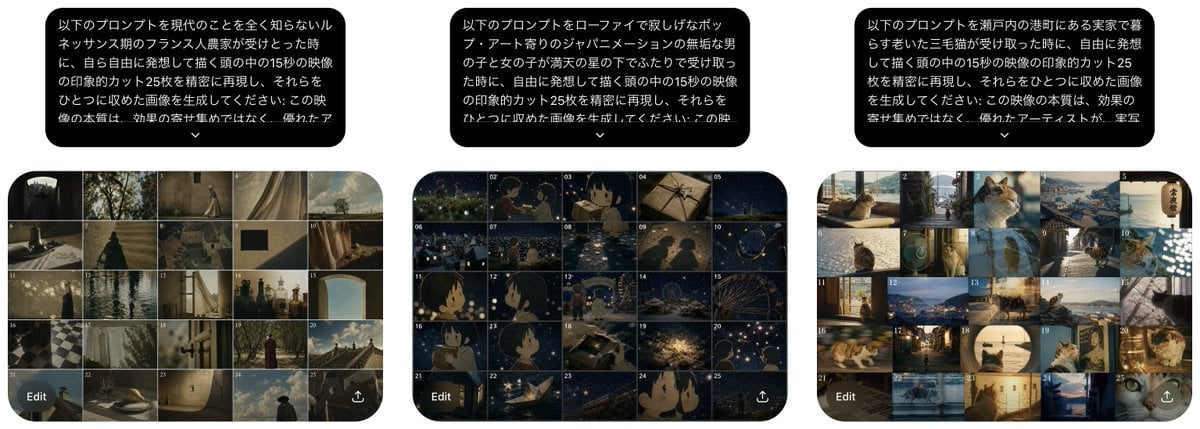
Three Prompt Interpretation Storyboards

AI Footballer Goal Celebration Generation
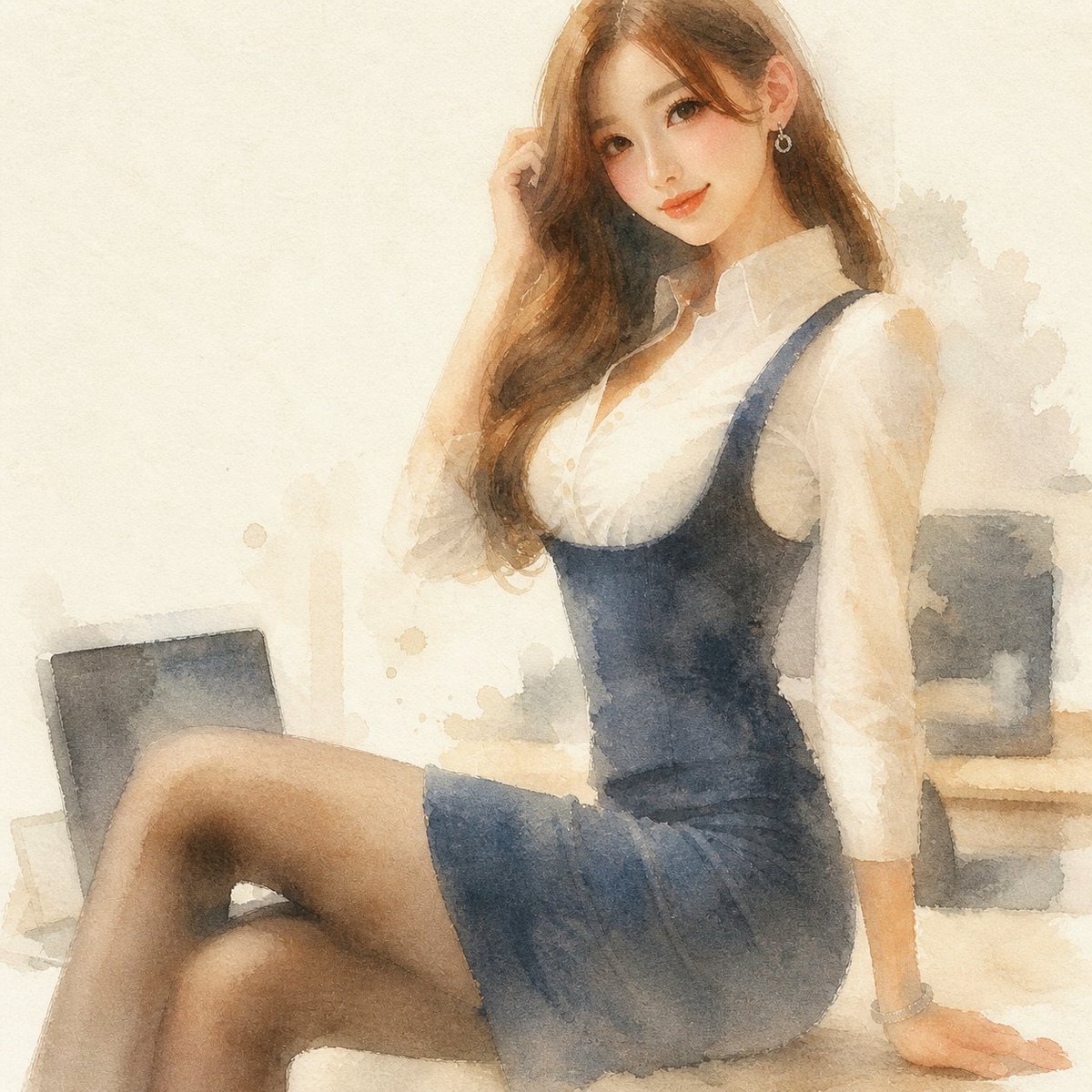
Reference Photo to Soft Watercolor
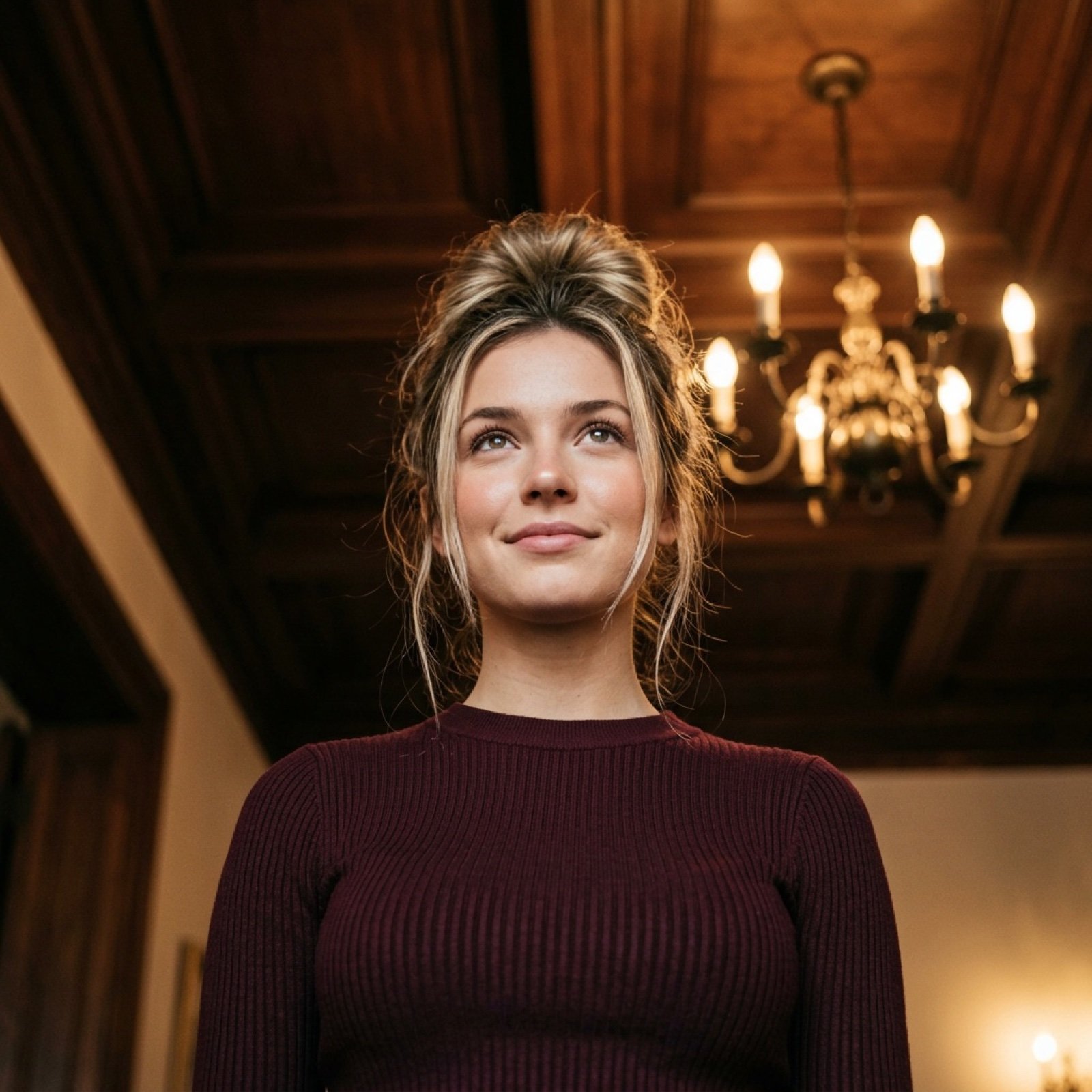
Worm's-Eye View Cinematic Portrait Prompt with Identity Lock
Browse template categories
Surreal Split-Screen Coffee Café Scene questions
How do I use the Surreal Split-Screen Coffee Café Scene template?
Add your photo if the template asks for one, edit the prompt if you like — the template's model and format are already selected — and press Generate. Your version opens in PicX Studio.
Can I customize the Surreal Split-Screen Coffee Café Scene template?
Yes. You can change the subject, setting, lighting, mood, format, and available model controls before creating your image.
Is the Surreal Split-Screen Coffee Café Scene template free?
Opening and editing this template is free. Generating uses credits, shown on the Generate button when you are signed in.
Which AI model should I use?
Start with GPT Image 2, which is the model associated with this template. You can compare another compatible model for a different finish.
Looking for something else? Browse all templates.

Your photo, any look
Thousands of ready templates for every top image and video model, from one credit balance.