
Pastel Japanese Mobile Game Store Screenshot
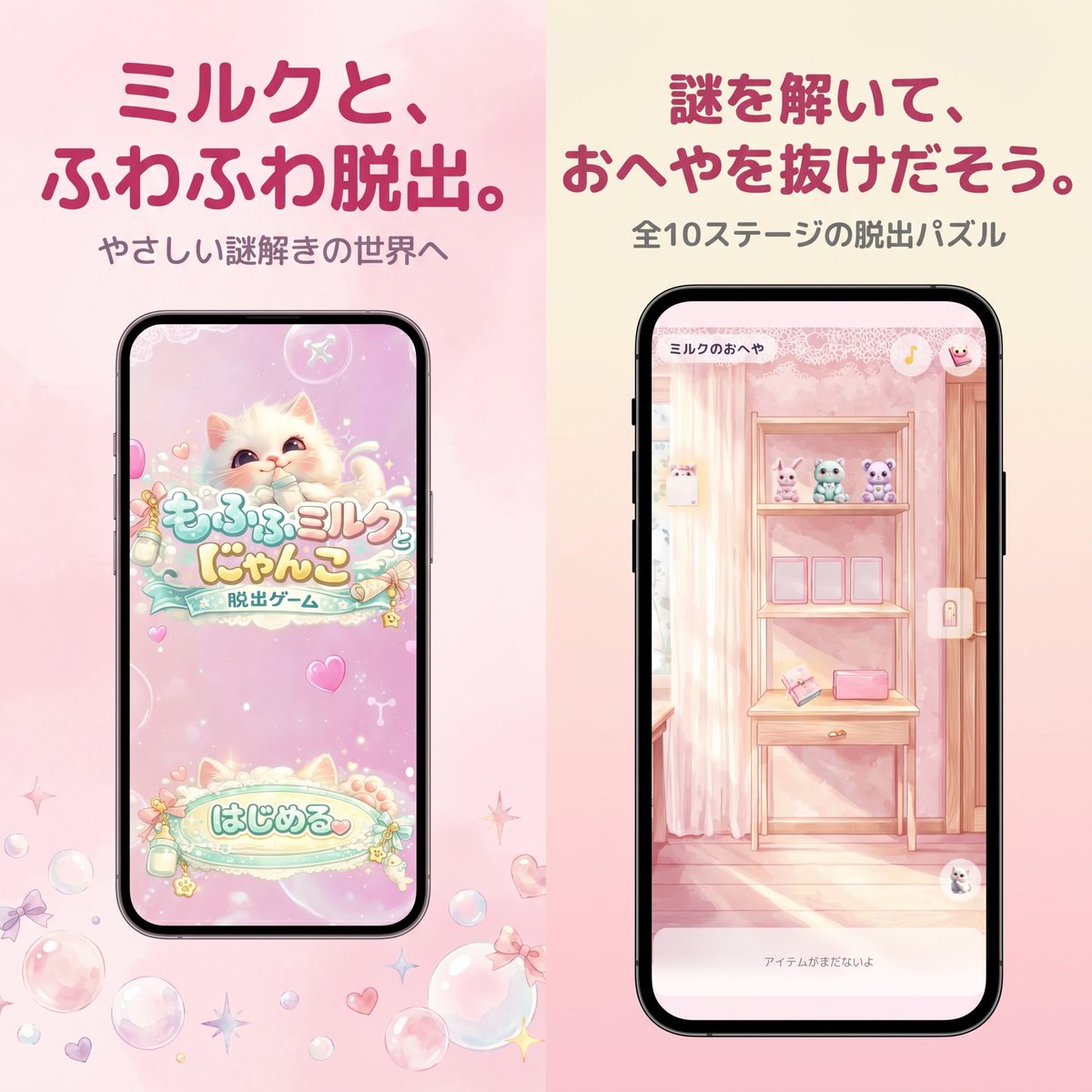
A soft kawaii App Store-style promotional image for a pastel Japanese escape game, useful for mobile game marketing visuals and store screenshots.
- Prompt included
- Model and format preset
- Free template
The prompt behind this image
Copy the exact prompt behind Pastel Japanese Mobile Game Store Screenshot, or open it in the studio and make it yours.
A polished Japanese mobile game promotional graphic in a soft pastel kawaii style, formatted as a square split-screen advertisement with 2 vertical panels side by side. The left half has a pale blush pink watercolor background, and the right half has a warm cream-to-pink gradient background. At the top of the left panel, place a large bold rounded Japanese headline in dark rose pink reading {argument name="left headline text" default="ミルクと、ふわふわ脱出。"}, with a smaller gray subtitle below reading {argument name="left subtitle text" default="やさしい謎解きの世界へ"}. Centered below is a black-framed modern smartphone mockup showing the title screen of a cute pastel escape game: a fluffy cream-colored kitten with big watery eyes on a sparkly pink background, decorative bubbles and hearts, a logo in Japanese reading もふもふミルク にゃんこ with a smaller ribbon-like subtitle 脱出ゲーム, and a large rounded start button near the bottom reading はじめる. Around the phone on the pink background, scatter translucent soap bubbles, tiny bows, hearts, and star-shaped sparkles near the lower area. In the right panel, place a large bold rounded Japanese headline in dark rose pink reading {argument name="right headline text" default="謎を解いて、おへやを抜けだそう。"}, with a smaller gray subtitle below reading {argument name="right subtitle text" default="全10ステージの脱出パズル"}. Centered below is a second black-framed smartphone mockup showing in-game play: a dreamy pastel pink room with striped wallpaper, a wooden shelf unit or vanity table, 3 small plush animals lined up on the top shelf, 3 empty square frames or slots on the middle shelf, and 2 small objects on the lower shelf including a pink rectangular item and an angled card-like object. Add a tiny top-left room title inside the phone UI reading ミルクのおへや, a small circular icon at top right, a vertical lock icon on the right edge, and a pale bottom text bar reading アイテムがまだないよ. The entire composition should feel like an App Store screenshot for a gentle puzzle game, with soft lighting, pastel pinks and creams, rounded typography, clean spacing, and a cute feminine aesthetic.
How to use Pastel Japanese Mobile Game Store Screenshot in 3 steps
- 1Upload ImagePNG, JPG or paste
Add your photo
Upload the photo the template builds on. The prompt, model and format are already set.
- 2…a portrait of your subject in softgolden-hour light, 85mm…
Personalize
Edit the subject and creative details for your destination.
- 3Generate
Generate
Press Generate — your image is created in PicX Studio, so you can compare it with the original and refine one variable at a time.
More like this
Templates with the same subject, style or setup. Open one to see its prompt.
Pastel Japanese Mobile Game Ad

Gothic Japanese Mobile Homepage

Minecraft Next-Gen Voxel World Screenshot

Minecraft Japanese Research Lab Exploration
ChatGPT Mobile Photo Carousel Screenshot
MeiGen AI Gallery Mobile Screenshot

Eid al-Adha Cute Chaos — Fisheye Selfie with Farm Selfie, Mosque & Animals

Cute Layered Paper Cut Chibi Girl

Layered Paper Cut Illustration Template

Japanese Architectural Concrete Studio Fashion Campaign

Japanese Minimalist Concrete Studio Fashion Editorial

Blue Backdrop Luxury Fashion Portrait Campaign
Make it yours
Pastel Japanese Mobile Game Store Screenshot works as-is. These are the safest ways to change it without losing the look.
Change one field
Copy a single group, rewrite it, and generate again so you can see what that field is doing.
Keep the frame, change the subject
Hold the composition and light of Pastel Japanese Mobile Game Store Screenshot, then swap wardrobe, props or the person for a new take.
| If the result… | Why | Fix |
|---|---|---|
| The result drifts from the preview | Too many fields changed at once. | Reuse Pastel Japanese Mobile Game Store Screenshot as-is first, then change one group — subject, light, or setting. |
| The model over-stylizes the scene | The prose prompt leaves finish and camera underspecified. | Add one camera or lighting sentence and stay on GPT Image 2. |
More GPT Image 2 templates
Other prompts made for GPT Image 2.

Six VTuber Japanese Logo Sheet

Realistic Portrait of Woman and Deer

The Vista Modular Condo Poster

AI Model Routing Comparison Infographic

2.5D Anime Art Board

Isometric Productivity Desk Scene

New York Double Exposure Poster

Four-Panel AI Landscape Comparison

Japanese Tatami Lifestyle Magazine Cover

NESCAFÉ Coffee Map Poster
More image prompts
Fresh picks from across the catalog.
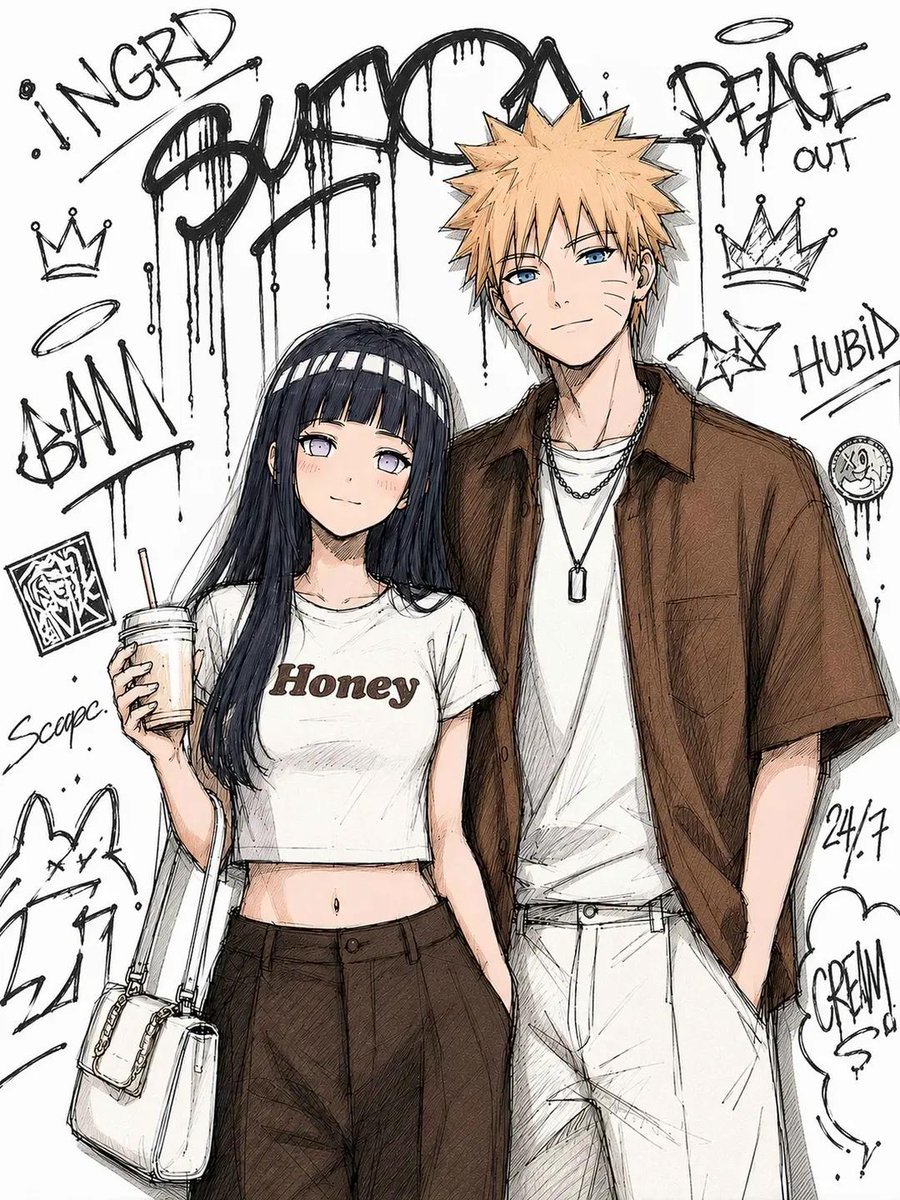
Tokyo Street Fashion Anime Art
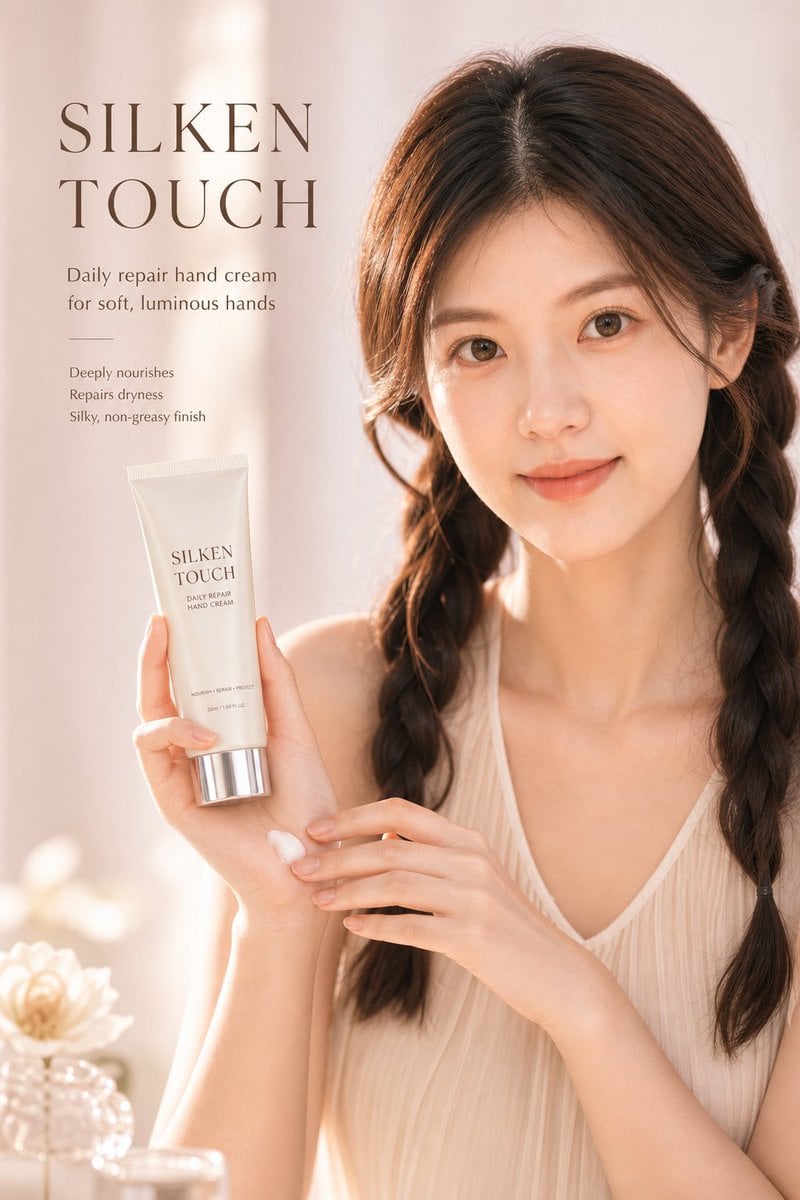
Luxury Skincare Ad Poster

Hollywood Hills Influencer Lifestyle Photo
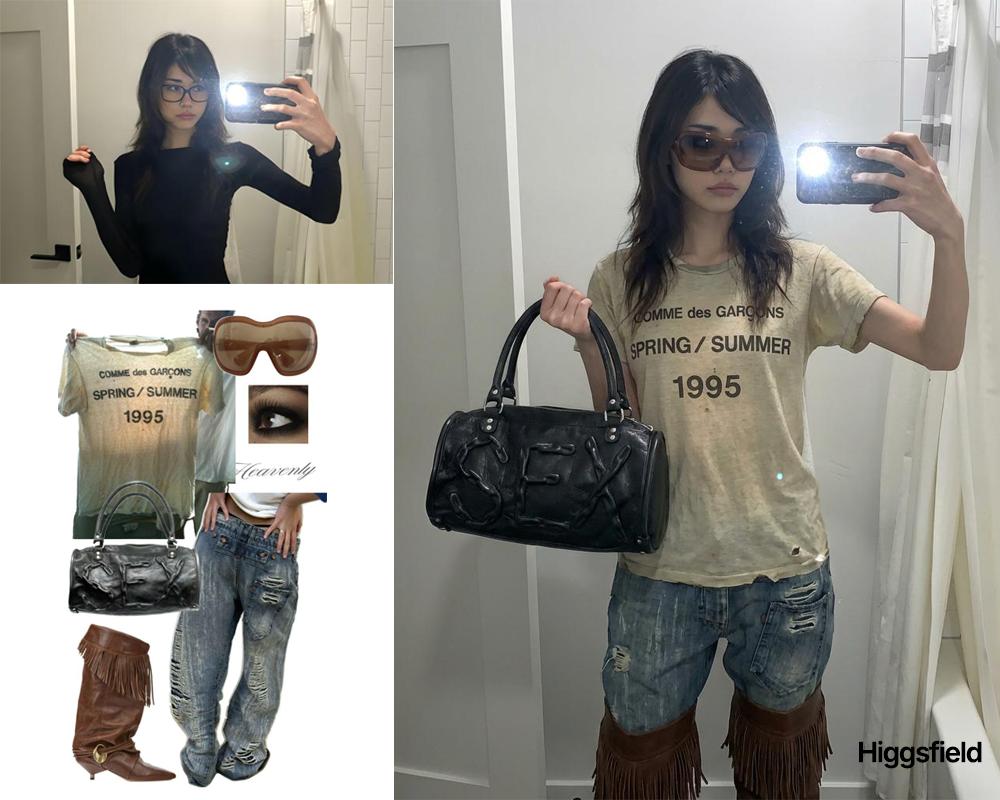
Outfit transfer between two images
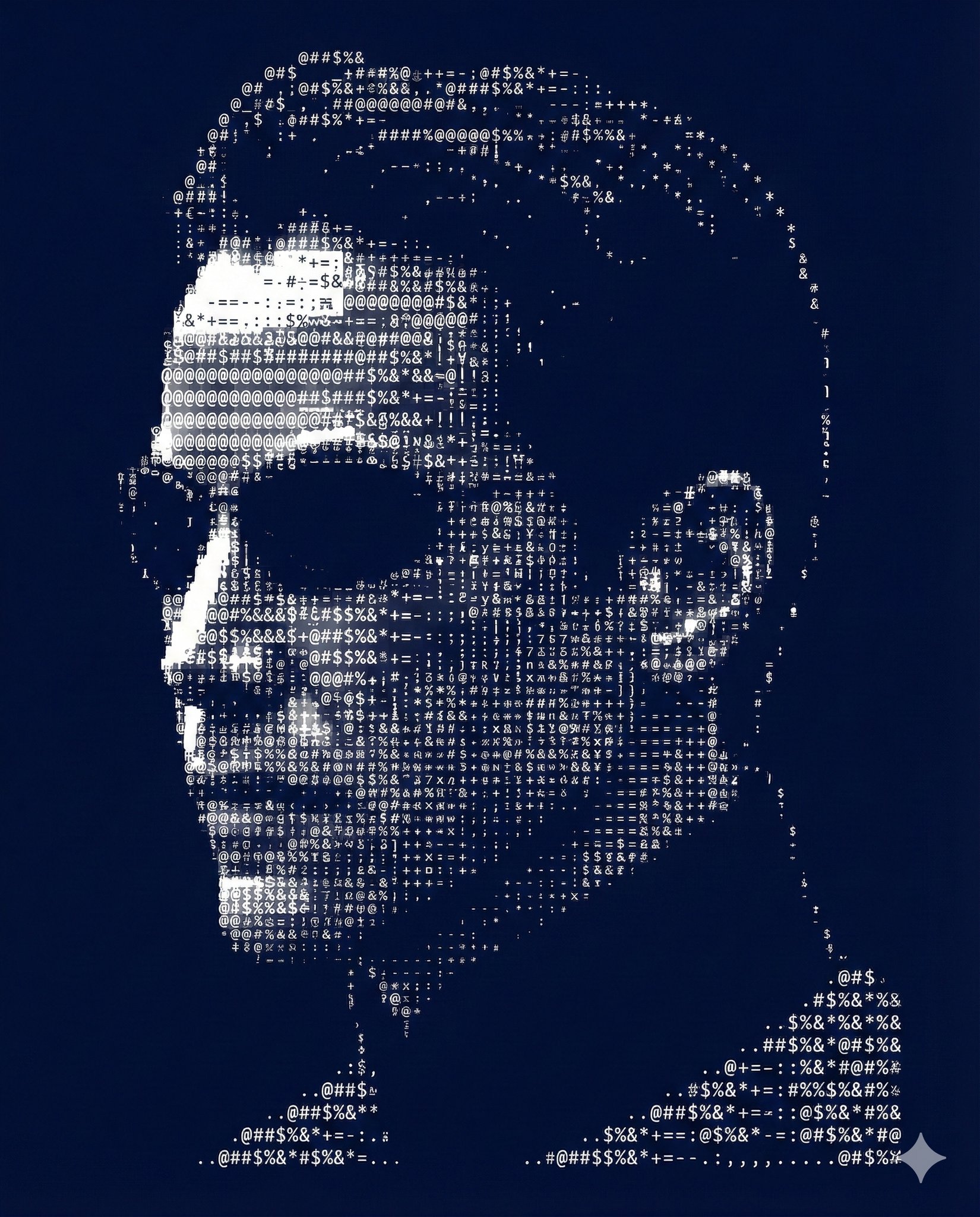
Nano Banana Pro Ascii Art Portrait
Luxury Vanity Photo Prints
Four-Panel Manga: Judgment of the Ministry of Magic
Product-Inspired Aristocratic Fashion
Photorealistic Gym Mirror Selfie Prompt (Curvy Physique)
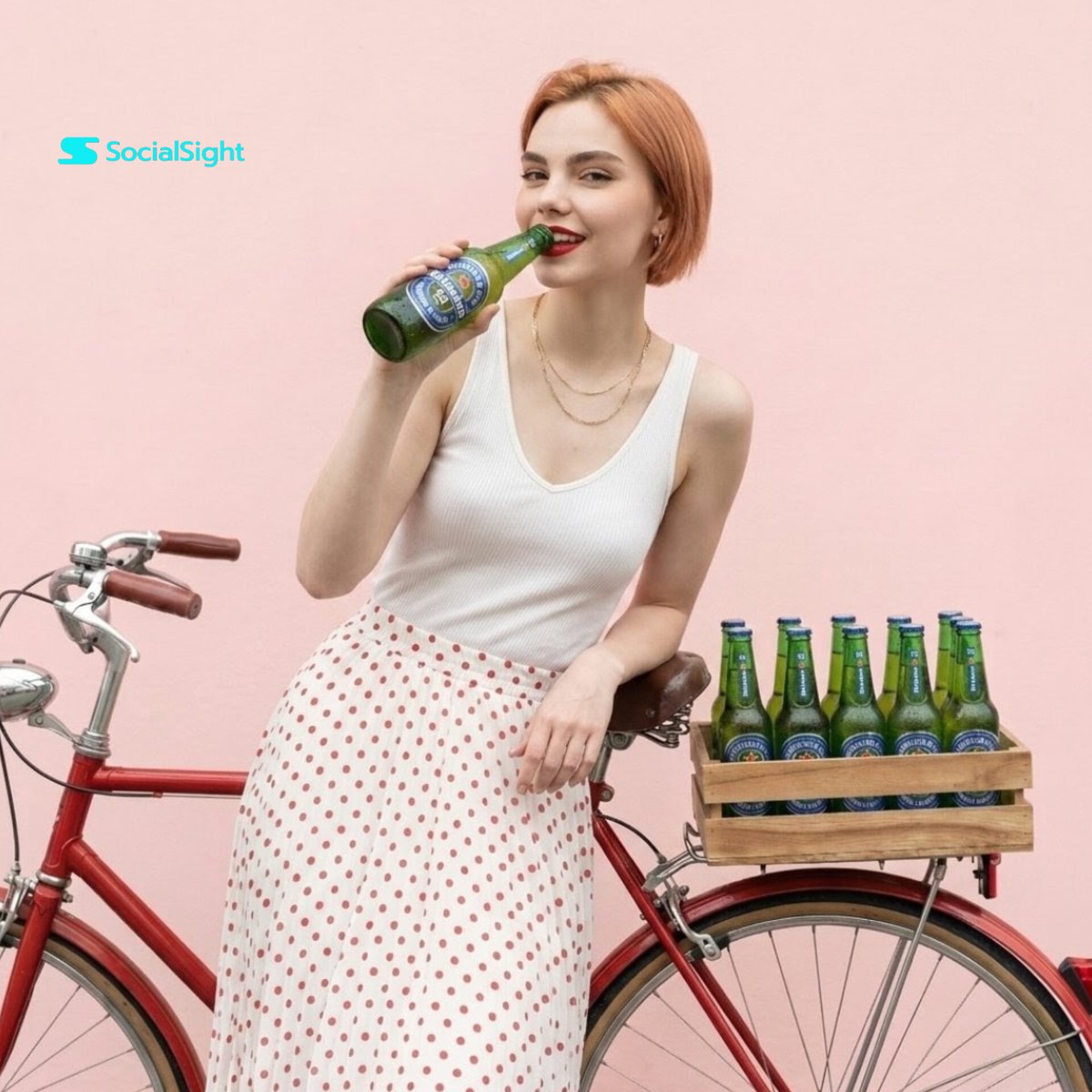
Commercial Beverage Lifestyle Shot
Browse template categories
Pastel Japanese Mobile Game Store Screenshot questions
How do I use the Pastel Japanese Mobile Game Store Screenshot template?
Add your photo if the template asks for one, edit the prompt if you like — the template's model and format are already selected — and press Generate. Your version opens in PicX Studio.
Can I customize the Pastel Japanese Mobile Game Store Screenshot template?
Yes. You can change the subject, setting, lighting, mood, format, and available model controls before creating your image.
Is the Pastel Japanese Mobile Game Store Screenshot template free?
Opening and editing this template is free. Generating uses credits, shown on the Generate button when you are signed in.
Which AI model should I use?
Start with GPT Image 2, which is the model associated with this template. You can compare another compatible model for a different finish.
Looking for something else? Browse all templates.

Your photo, any look
Thousands of ready templates for every top image and video model, from one credit balance.