
Pixar-Style Coffee Brand Storyboard
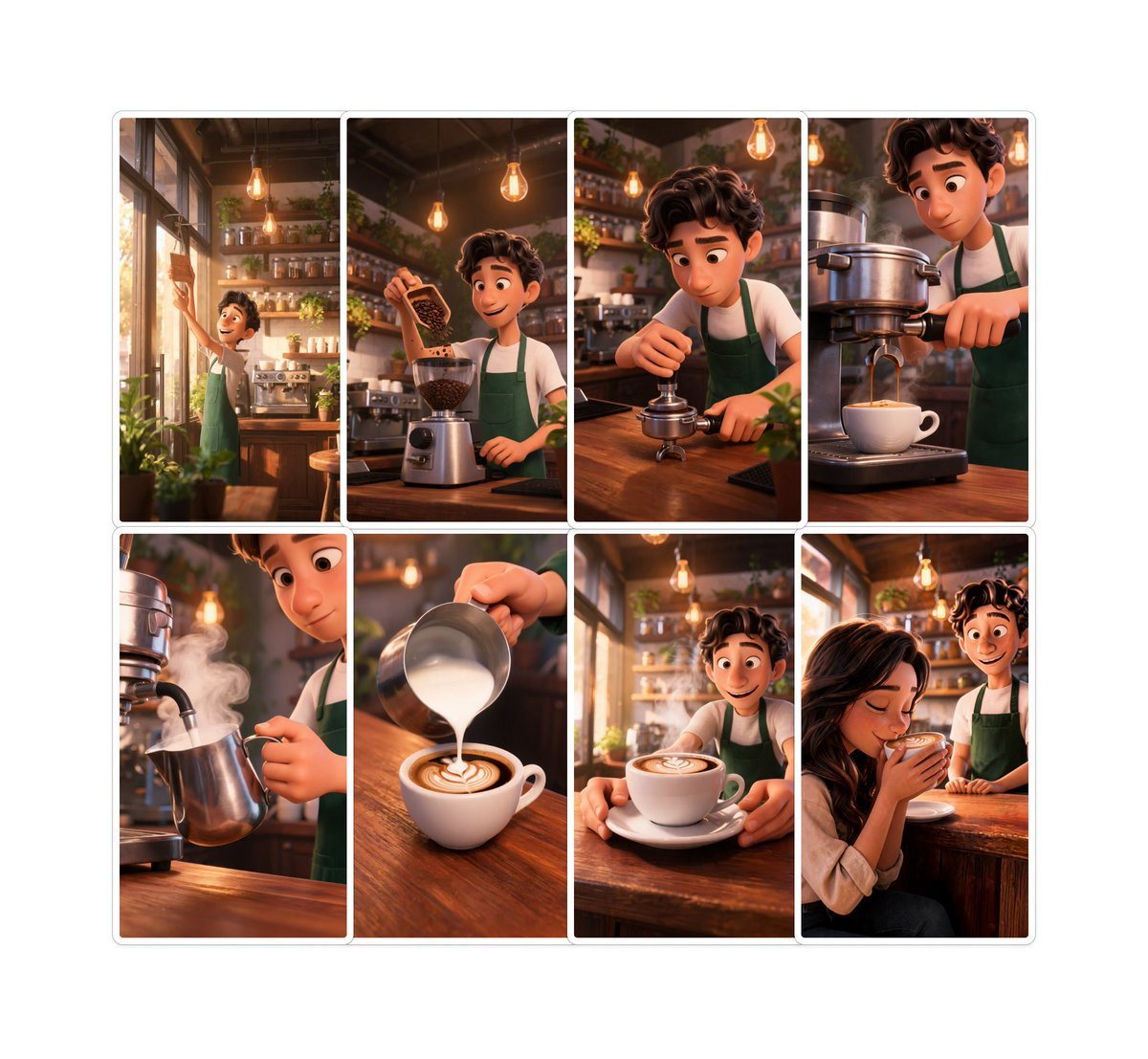
A warm 8-panel animated café storyboard showing a barista’s bean-to-cup journey for coffee brand storytelling.
- Prompt included
- Model and format preset
- Free template
The prompt behind this image
Copy the exact prompt behind Pixar-Style Coffee Brand Storyboard, or open it in the studio and make it yours.
Goal: Create a polished AI storyboard for a coffee brand titled {argument name="story title" default="Bean to Smile"}, showing a warm Pixar-style animated café story from opening the shop to serving a delighted customer. Canvas: Square image, clean white background, with a centered 2-row storyboard grid of exactly 8 vertical rounded-rectangle panels. Use thin white gutters between panels and a subtle light gray outer border/shadow around the full storyboard. Each panel has cinematic composition, warm amber lighting, shallow depth of field, soft volumetric glow, and highly detailed 3D animated film rendering. Visual style: Pixar-inspired 3D animation, cozy artisan coffee shop interior, golden morning sunlight, exposed wood counters, shelves of jars and plants, hanging Edison bulbs, espresso machine, warm browns and greens, inviting brand-storytelling mood. The recurring main character is a young barista with {argument name="barista hair" default="curly dark brown hair"}, wearing a white shirt and {argument name="apron color" default="forest green apron"}. Faces may be softly stylized and friendly, but keep the story readable through body language and props. Storyboard layout and exact panel count: Include exactly 8 panels, arranged as 4 panels on the top row and 4 panels on the bottom row. Panel 1: Wide shot of the barista opening or wiping the café’s front glass door in morning sunlight, plants near the window, espresso machine and shelves visible inside. Panel 2: Medium shot of the barista pouring roasted coffee beans from a small wooden scoop or bag into a grinder on the wooden counter. Panel 3: Close medium shot of the barista tamping fresh coffee grounds into a portafilter with focused hands, café shelves and hanging bulbs behind. Panel 4: Close-up of espresso extraction from a large shiny espresso machine into a white cup, the barista operating the handle. Panel 5: Close-up of the barista steaming milk in a metal pitcher, visible white steam curling upward beside the espresso machine. Panel 6: Close-up of milk being poured into a white cup of coffee, forming latte art on the crema on the wooden counter. Panel 7: Medium shot of the barista presenting the finished latte on a saucer across the counter, latte art visible, warm sunlight in the background. Panel 8: Emotional final shot of a smiling customer seated at the wooden counter receiving the drink from the barista, suggesting satisfaction and brand warmth. Text content: No captions inside the storyboard panels. If adding an optional small title outside the grid, use only {argument name="brand text" default="Bean to Smile"} in a tasteful coffee-brand style. Constraints: Do not add extra panels, speech bubbles, watermarks, logos, or unrelated objects. Keep the same barista, apron, café environment, and lighting consistent across all 8 panels. Make the image look like a complete premium brand storyboard for a coffee commercial.
How to use Pixar-Style Coffee Brand Storyboard in 3 steps
- 1Upload ImagePNG, JPG or paste
Add your photo
Upload the photo the template builds on. The prompt, model and format are already set.
- 2…a portrait of your subject in softgolden-hour light, 85mm…
Personalize
Edit the subject and creative details for your destination.
- 3Generate
Generate
Press Generate — your image is created in PicX Studio, so you can compare it with the original and refine one variable at a time.
More like this
Templates with the same subject, style or setup. Open one to see its prompt.

Pencil Sketch Coffee Storyboard
Pixar Style Cosmetic Storyboard

Felt & Knit 3D Character — Photo-Exact Face, Pixar-Quality Plush Figurine

CGI 3D Finale Fireworks

CGI 3D Garden Maze

CGI 3D Rooftop Concert

CGI 3D Bicycle Coast

CGI 3D Castle Gate

CGI 3D Kitchen Chaos

CGI 3D Carnival Ride

CGI 3D Rainy Bus Stop

CGI 3D Space Dock
Make it yours
Pixar-Style Coffee Brand Storyboard works as-is. These are the safest ways to change it without losing the look.
Change one field
Copy a single group, rewrite it, and generate again so you can see what that field is doing.
Keep the frame, change the subject
Hold the composition and light of Pixar-Style Coffee Brand Storyboard, then swap wardrobe, props or the person for a new take.
| If the result… | Why | Fix |
|---|---|---|
| The result drifts from the preview | Too many fields changed at once. | Reuse Pixar-Style Coffee Brand Storyboard as-is first, then change one group — subject, light, or setting. |
| The model over-stylizes the scene | The prose prompt leaves finish and camera underspecified. | Add one camera or lighting sentence and stay on GPT Image 2. |
More GPT Image 2 templates
Other prompts made for GPT Image 2.

Six VTuber Japanese Logo Sheet

Realistic Portrait of Woman and Deer

The Vista Modular Condo Poster

AI Model Routing Comparison Infographic

2.5D Anime Art Board

Isometric Productivity Desk Scene

New York Double Exposure Poster

Four-Panel AI Landscape Comparison

Japanese Tatami Lifestyle Magazine Cover

NESCAFÉ Coffee Map Poster
More image prompts
Fresh picks from across the catalog.
Nano Banana Pro Manga Generation Prompt with Character Consistency Rules

Nano Banana Pro Thumbnail Generation: Street & Pop Style
High-Fashion Eyewear Editorial Close-Up Prompt

Night Rooftop iPhone Portrait
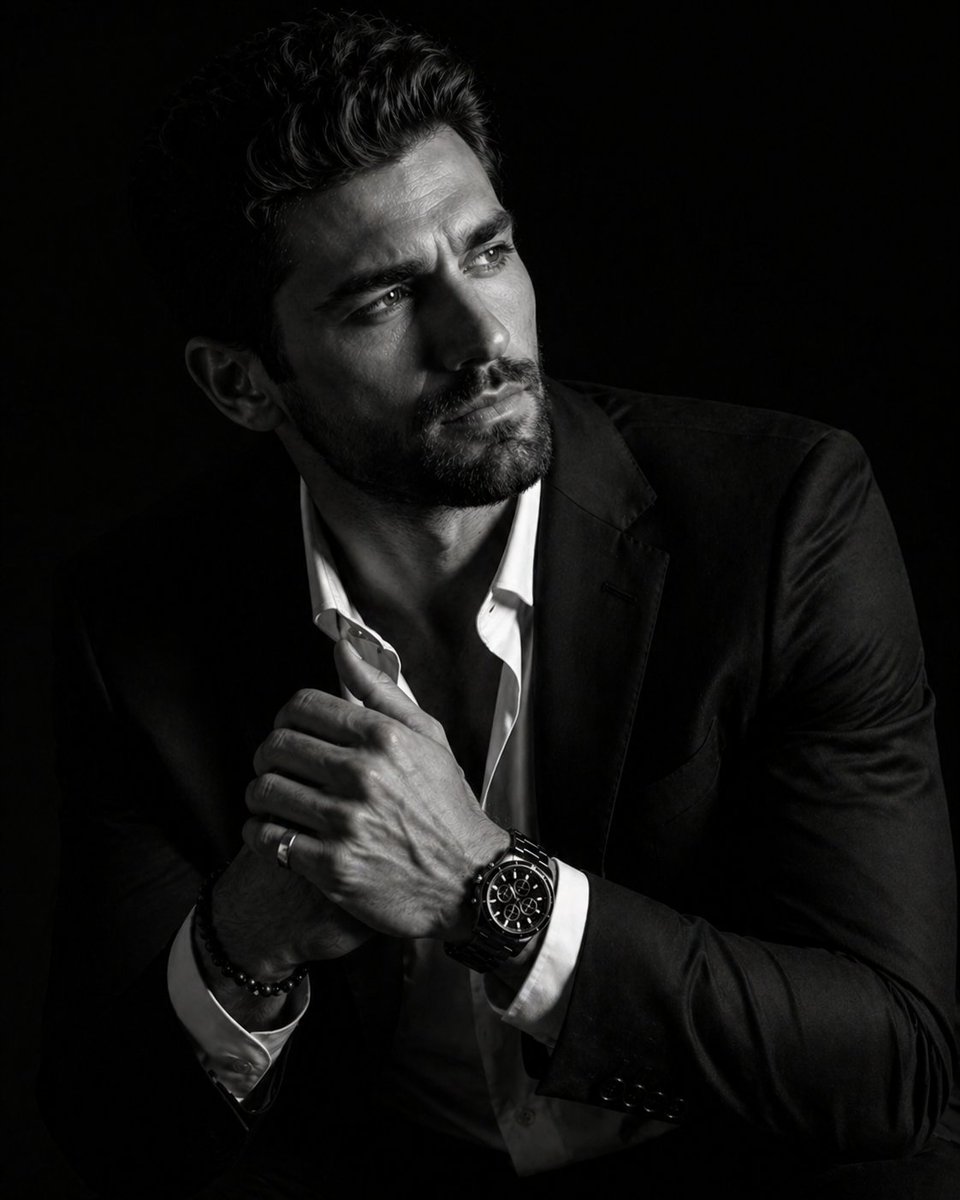
Hyper-Realistic Chiaroscuro Portrait
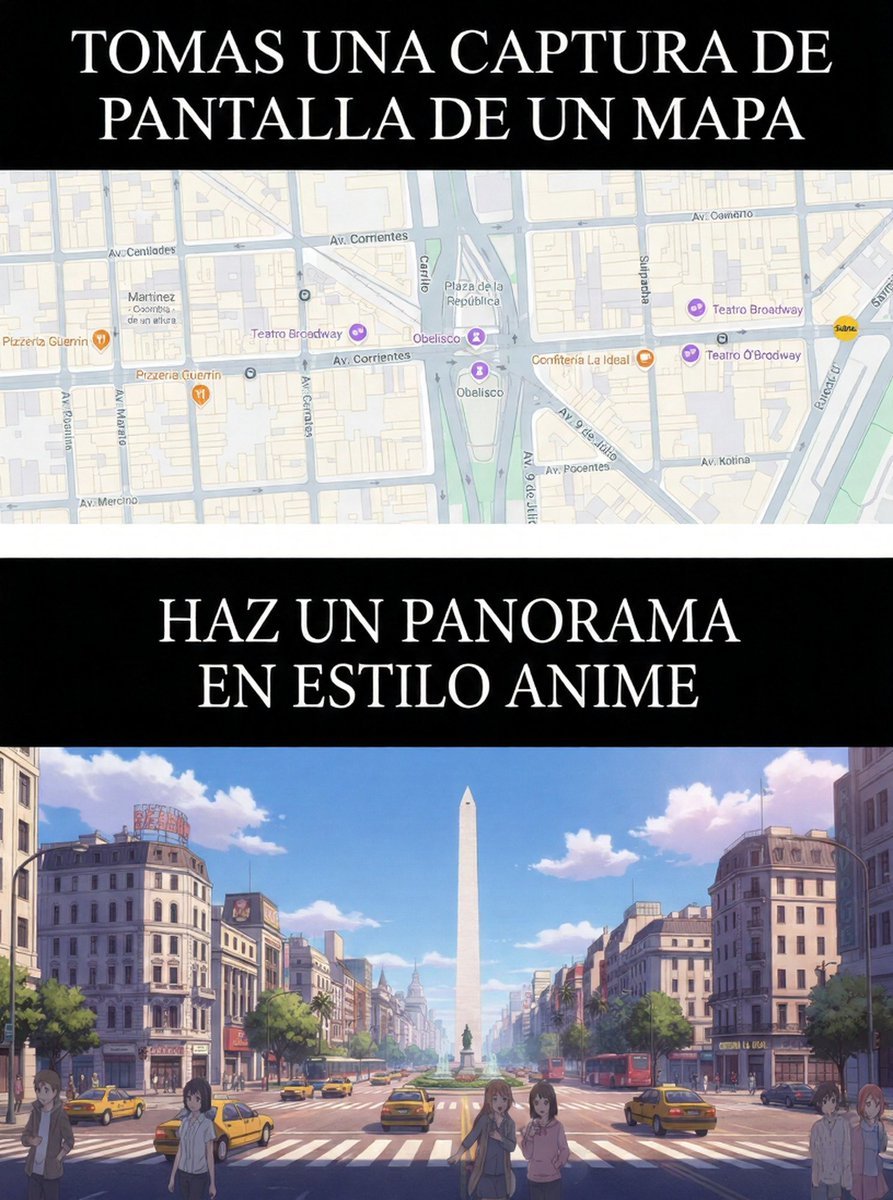
Map to Anime Panorama Conversion
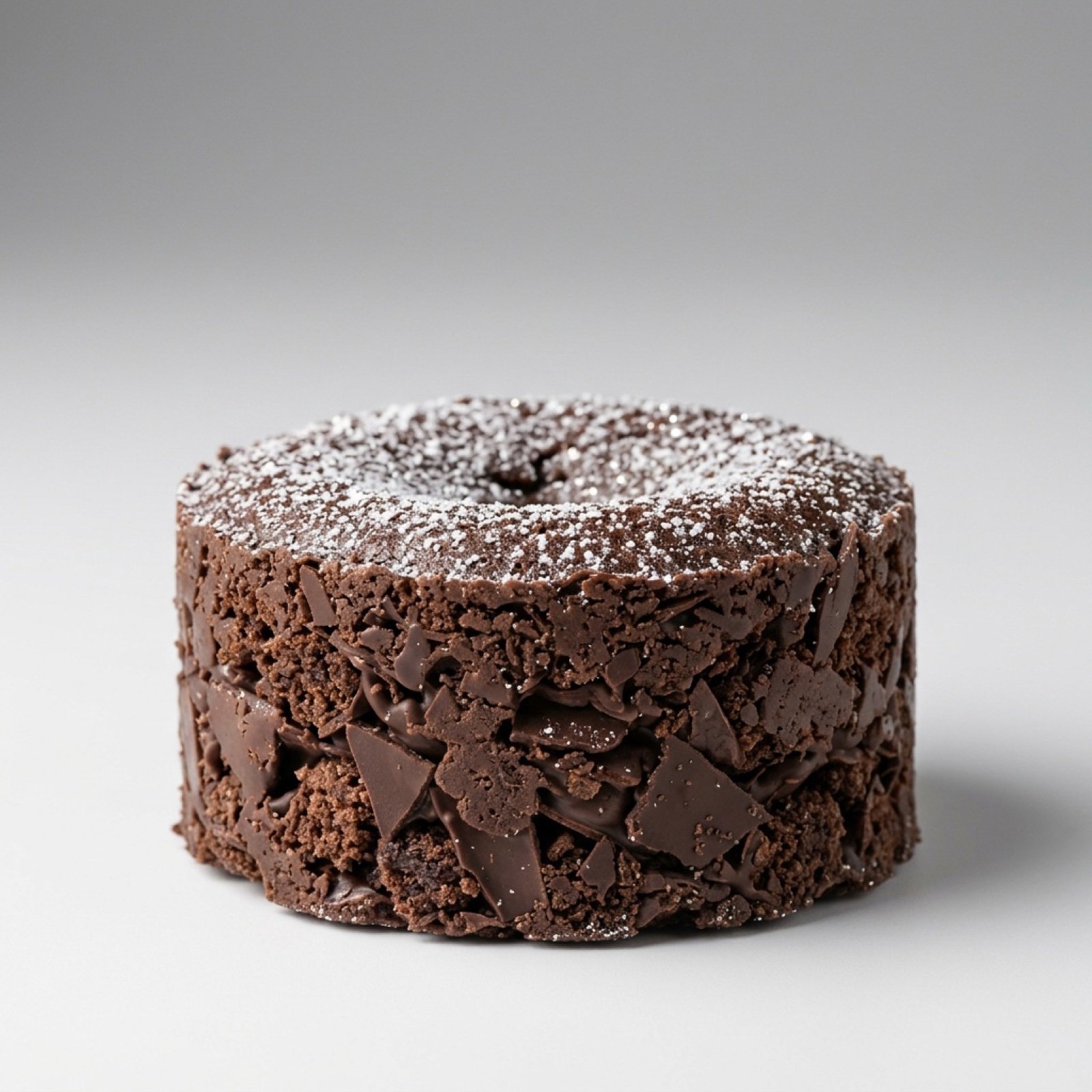
Exploding Chocolate Lava Cake Prompts (Motion and Still)
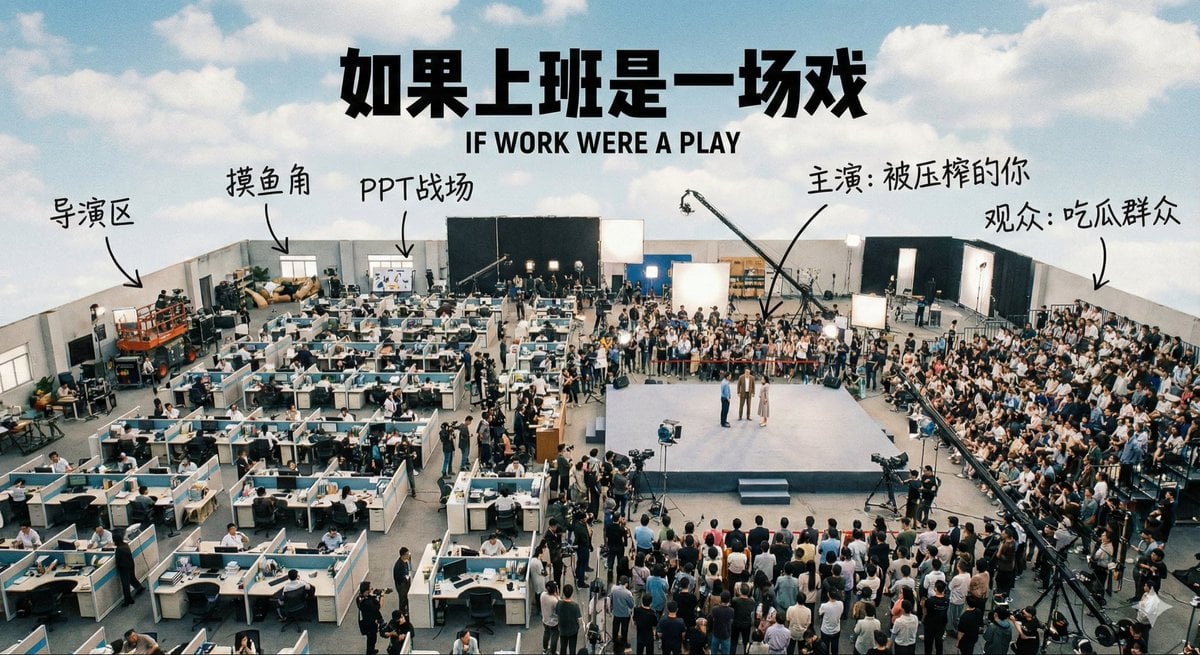
Aerial View of a Film Set
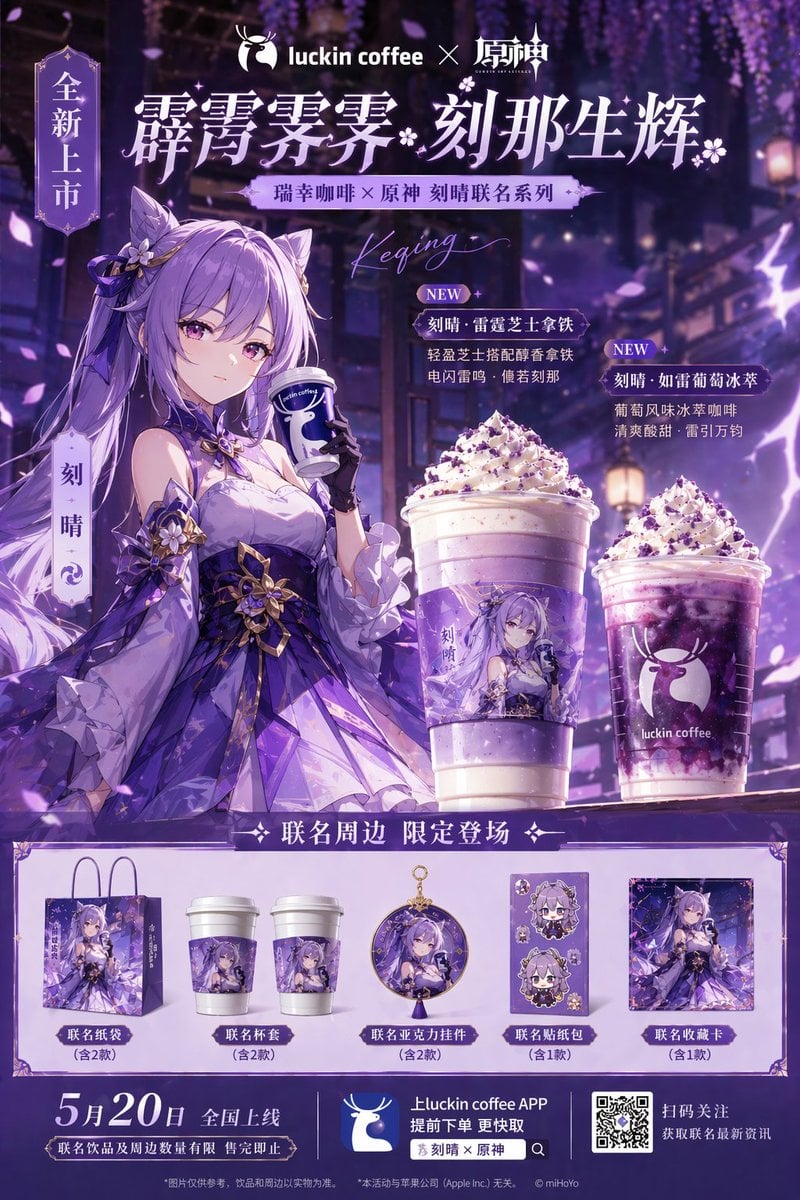
Commercial Collaboration Poster

Tactical Operatives in Urban Explosion
Browse template categories
Pixar-Style Coffee Brand Storyboard questions
How do I use the Pixar-Style Coffee Brand Storyboard template?
Add your photo if the template asks for one, edit the prompt if you like — the template's model and format are already selected — and press Generate. Your version opens in PicX Studio.
Can I customize the Pixar-Style Coffee Brand Storyboard template?
Yes. You can change the subject, setting, lighting, mood, format, and available model controls before creating your image.
Is the Pixar-Style Coffee Brand Storyboard template free?
Opening and editing this template is free. Generating uses credits, shown on the Generate button when you are signed in.
Which AI model should I use?
Start with GPT Image 2, which is the model associated with this template. You can compare another compatible model for a different finish.
Looking for something else? Browse all templates.

Your photo, any look
Thousands of ready templates for every top image and video model, from one credit balance.