
Weathered Folk Poster Collage
Generates a vibrant torn-paper folk-art street poster with a central female face and intentionally distressed analog print imperfections.
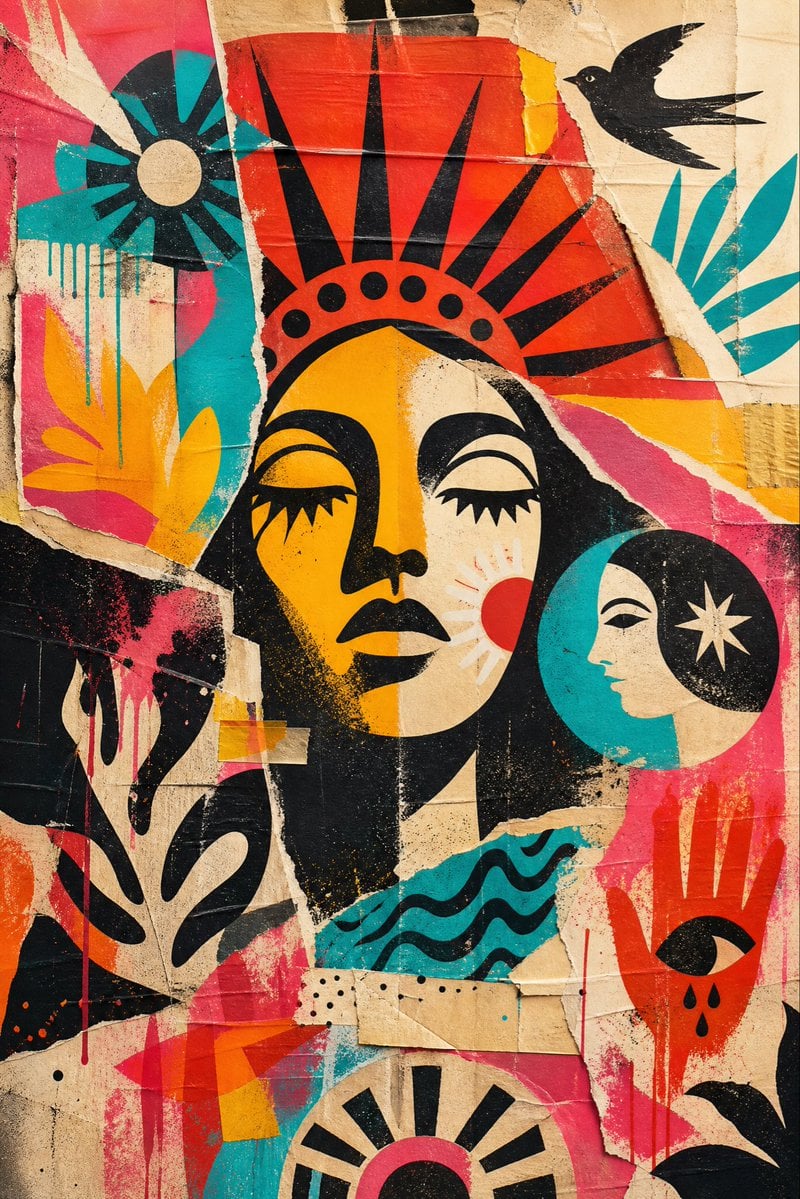
- Prompt included
- Model and format preset
- Free template
The prompt behind this image
Copy the exact prompt behind Weathered Folk Poster Collage, or open it in the studio and make it yours.
Create a vertical mixed-media street poster collage in a bold mid-century screen-print style, with intentional imperfections and tactile aging. The main subject is a large stylized female face centered slightly above the middle, inspired by folk-art and Art Deco poster design: ochre-yellow and cream split face, closed eyes with heavy black lashes, black lips, strong black nose and hair shapes, and a red crown or sunburst headdress with exactly 9 tall black triangular rays and exactly 7 black circular dots along the curved band. Surround her with torn paper layers, misaligned printed fragments, cardboard seams, tape patches, creases, rough ripped edges, ink bleed, paint drips, scratches, stains, halftone speckling, and dirty paper texture. Use a warm worn beige cardboard background with vivid blocks of {argument name="accent colors" default="red, hot pink, turquoise, yellow, orange, cream, and black"}. Include exactly 6 major surrounding graphic motifs: 1 black bird silhouette flying at the upper right, 1 turquoise-and-black radial flower or sun disk at the upper left, 1 teal leafy plant fragment at the right edge, 1 black plant silhouette at the lower left, 1 circular moon-profile portrait at the right of the main face with a turquoise crescent, cream face profile, black hair, and cream star, and 1 stylized black eye with 3 teardrops in a red-orange panel at the lower right. Add smaller abstract details including wavy turquoise water lines under the face, black dotted rows, red and teal vertical paint drips, translucent tape strips, and overlapping torn poster scraps. The composition should feel handmade, expensive, imperfect, and analog rather than clean digital art. No readable text, no watermark, no photorealism; make it look like a weathered wheatpaste mural photographed flat-on.
How to use Weathered Folk Poster Collage in 3 steps
- 1Upload ImagePNG, JPG or paste
Add your photo
Upload the photo the template builds on. The prompt, model and format are already set.
- 2…a portrait of your subject in softgolden-hour light, 85mm…
Personalize
Edit the subject and creative details for your destination.
- 3Generate
Generate
Press Generate — your image is created in PicX Studio, so you can compare it with the original and refine one variable at a time.
More like this
Templates with the same subject, style or setup. Open one to see its prompt.

Urban Fashion Editorial Collage Streetwear Poster

Urban Fashion Editorial Collage Poster

Usa Cinematic Hyperreal Collage Poster
Naive Folk Art Poster Design

Japan Travel Brochure Poster

Six-Panel Retro Japanese Poster Collage

Paper Cut Finale Fireworks

Paper Cut Garden Maze

Paper Cut Rooftop Concert

Paper Cut Bicycle Coast

Paper Cut Castle Gate

Paper Cut Kitchen Chaos
Make it yours
Weathered Folk Poster Collage works as-is. These are the safest ways to change it without losing the look.
Change one field
Copy a single group, rewrite it, and generate again so you can see what that field is doing.
Keep the frame, change the subject
Hold the composition and light of Weathered Folk Poster Collage, then swap wardrobe, props or the person for a new take.
| If the result… | Why | Fix |
|---|---|---|
| The result drifts from the preview | Too many fields changed at once. | Reuse Weathered Folk Poster Collage as-is first, then change one group — subject, light, or setting. |
| The model over-stylizes the scene | The prose prompt leaves finish and camera underspecified. | Add one camera or lighting sentence and stay on GPT Image 2. |
More GPT Image 2 templates
Other prompts made for GPT Image 2.

Six VTuber Japanese Logo Sheet

Realistic Portrait of Woman and Deer

The Vista Modular Condo Poster

AI Model Routing Comparison Infographic

2.5D Anime Art Board

Isometric Productivity Desk Scene

New York Double Exposure Poster

Four-Panel AI Landscape Comparison

Japanese Tatami Lifestyle Magazine Cover

NESCAFÉ Coffee Map Poster
More image prompts
Fresh picks from across the catalog.
Indian Ethnic Wear Portrait
The Coolest Use Case for Ai Animation I
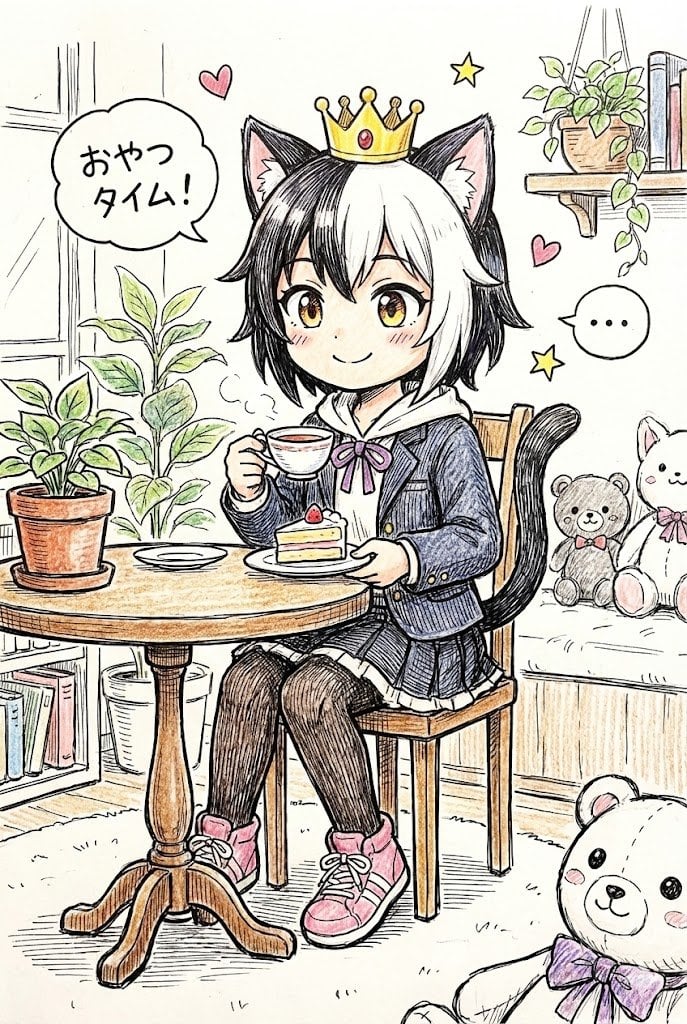
Hand-drawn Pop Art Style Character Scene Generation

Nano Banana - Evening Champagne Blue

Realistic Photo with Face Swap and Cinematic Lighting
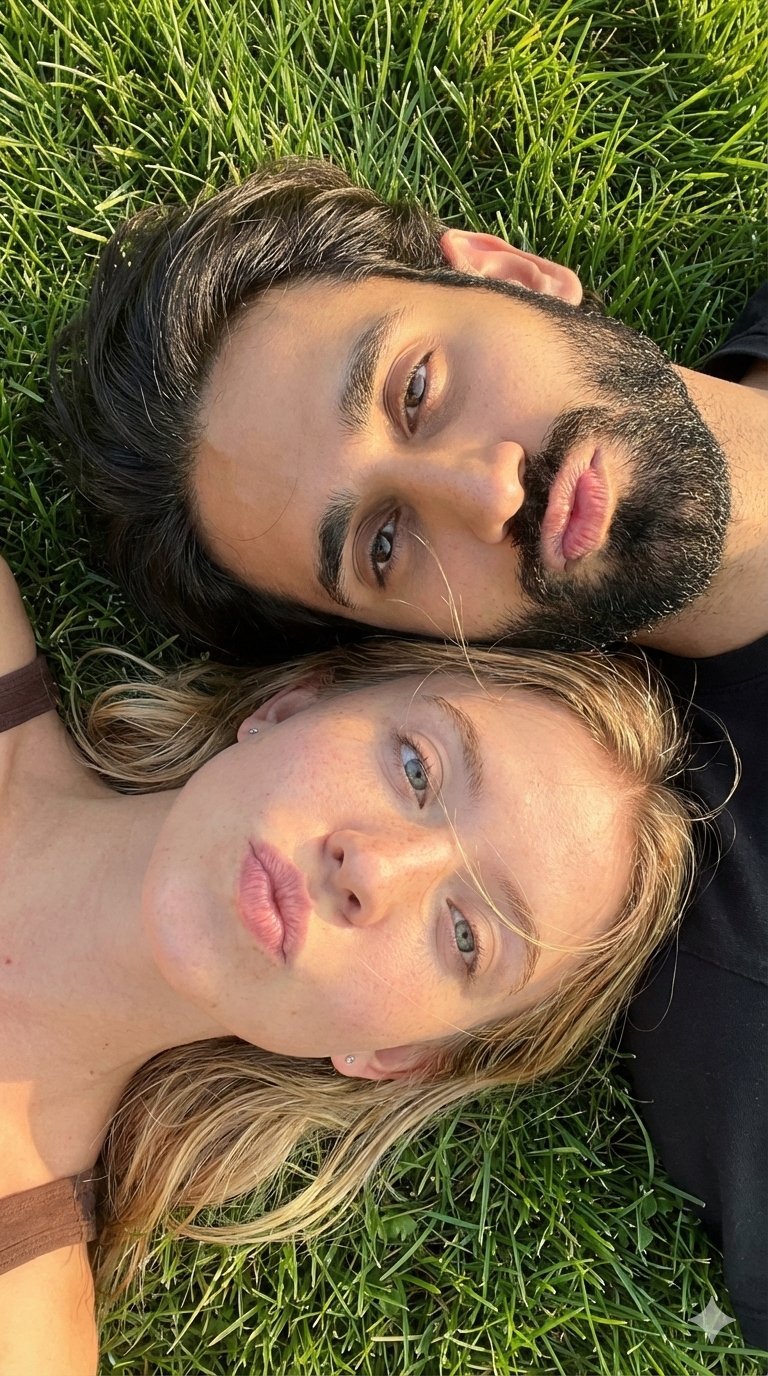
Selfie with Sydney Sweeney and Ana De Ar
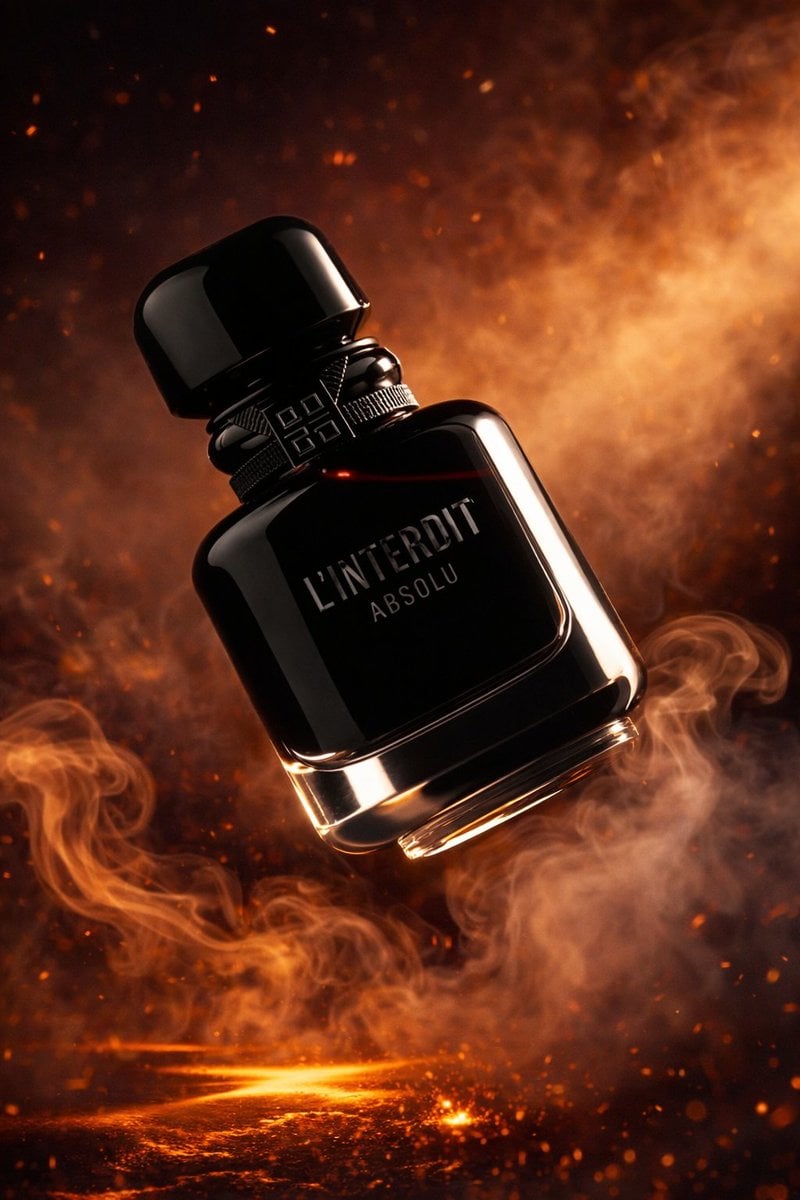
Luxury Perfume Bottle Product Shot
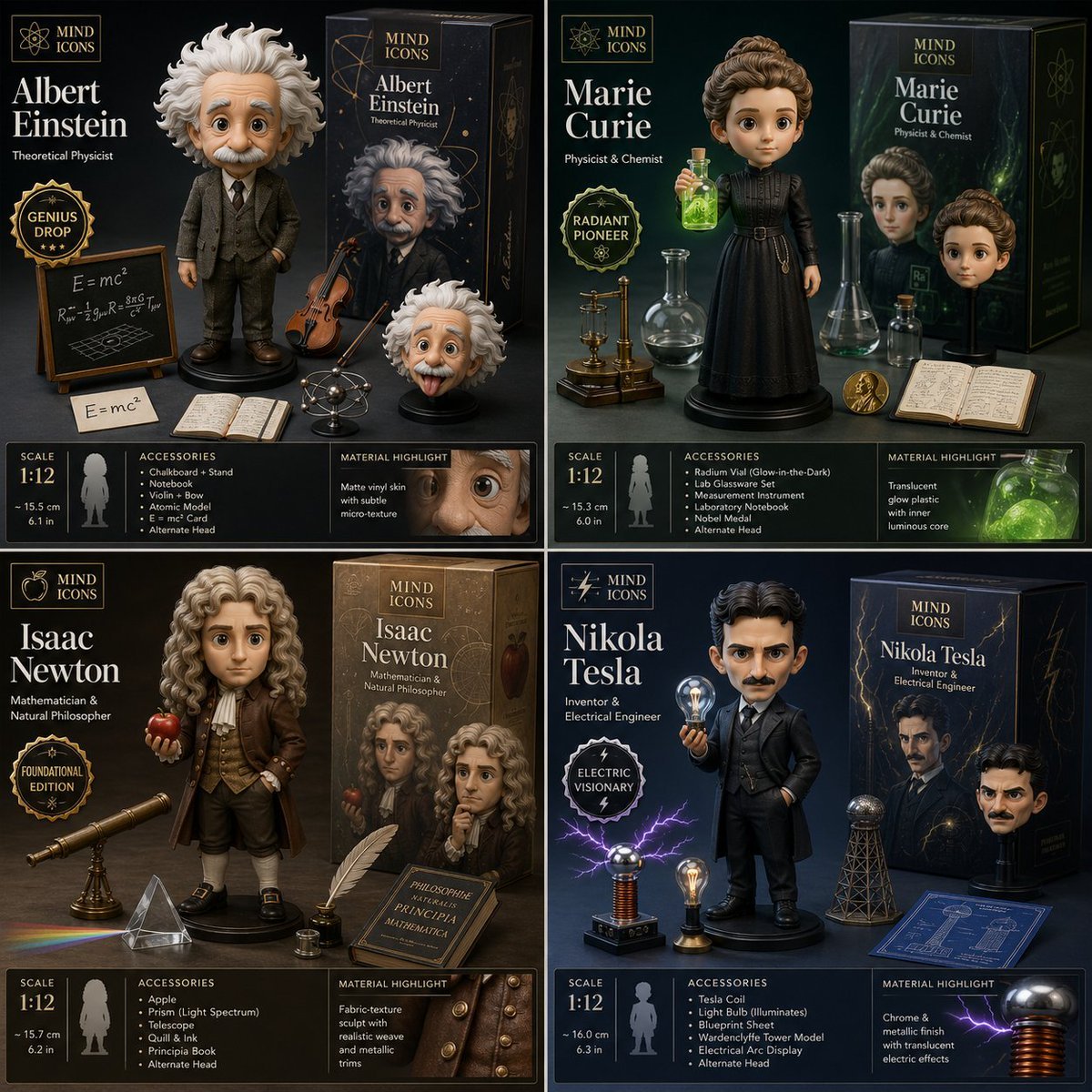
Limited Edition Designer Toy Launch

Edgy Fashion Photography on a Billiards Table Prompt

Neon Instagram Fashion Poster
Browse template categories
Weathered Folk Poster Collage questions
How do I use the Weathered Folk Poster Collage template?
Add your photo if the template asks for one, edit the prompt if you like — the template's model and format are already selected — and press Generate. Your version opens in PicX Studio.
Can I customize the Weathered Folk Poster Collage template?
Yes. You can change the subject, setting, lighting, mood, format, and available model controls before creating your image.
Is the Weathered Folk Poster Collage template free?
Opening and editing this template is free. Generating uses credits, shown on the Generate button when you are signed in.
Which AI model should I use?
Start with GPT Image 2, which is the model associated with this template. You can compare another compatible model for a different finish.
Looking for something else? Browse all templates.

Your photo, any look
Thousands of ready templates for every top image and video model, from one credit balance.