
Naive Folk Art Poster Design
A comprehensive prompt for creating high-end posters that combine a realistic top half with a naive, folk-inspired narrative illustration on the bottom using crayon and pencil textures.
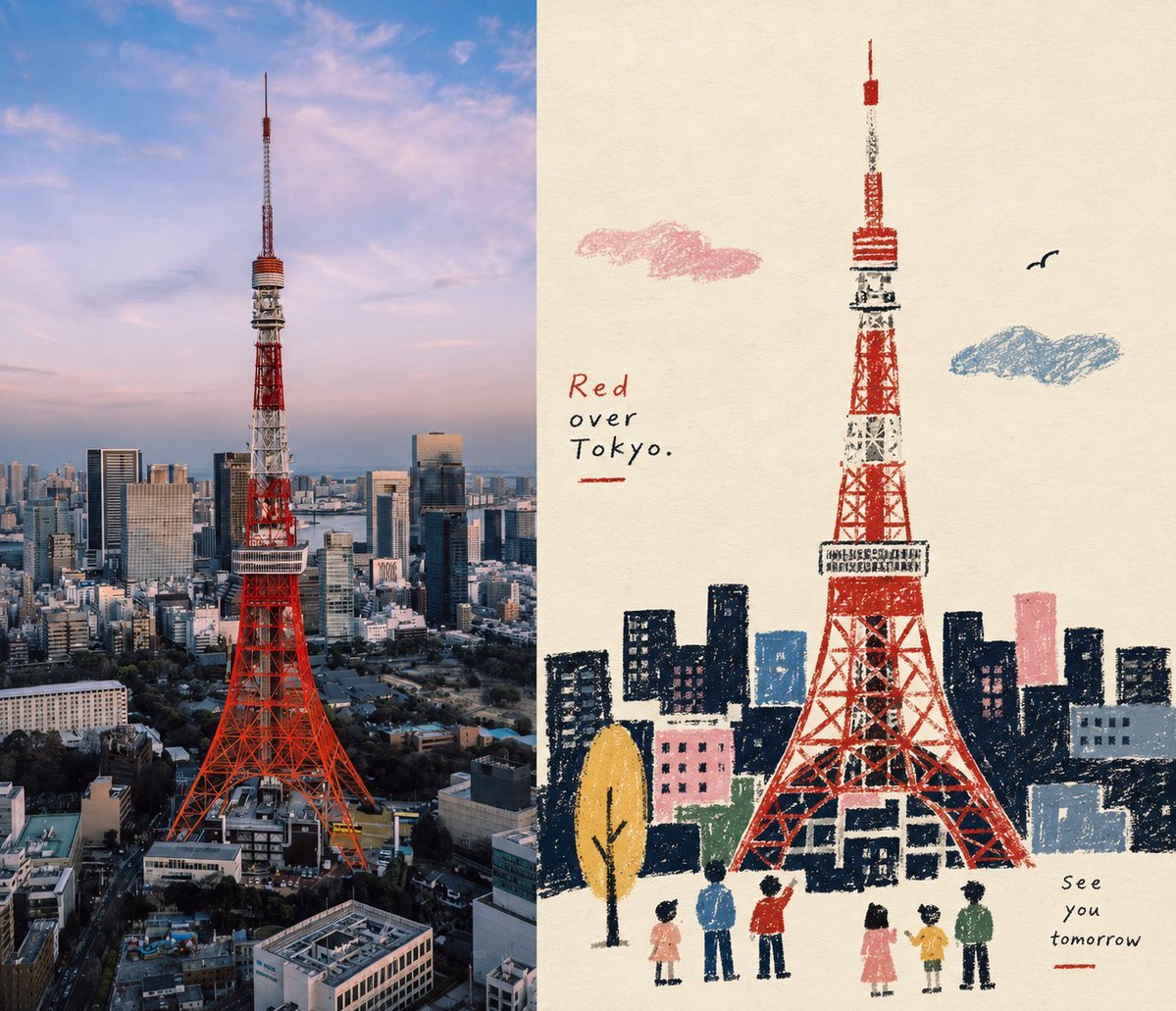
- Prompt included
- Model and format preset
- Free template
The prompt behind this image
Copy the exact prompt behind Naive Folk Art Poster Design, or open it in the studio and make it yours.
整体采用3:4竖版构图,上下两个区域高度严格1:1,各占画面50%。 上半部分保留原始照片,保持主体身份、结构、姿态、真实质感、自然光影和原有色彩氛围,仅进行轻微高级调色,使其具有艺术杂志、独立出版物与展览图像质感。为适配画幅,可自然扩展环境背景,但不得拉伸、扭曲或改变主体。 下半部分提取照片中最具识别性的**主体、轮廓、姿态与叙事关系**,重构为 **Naïve folk-inspired narrative illustration / 稚拙民艺感质感型扁平叙事插画**。不要完整描摹照片,而是主动删减细节,以剪影、原始化形体、少量色块和图符化元素重新讲述原画面,只保留最能维持主体身份与故事关系的视觉线索。 主体造型以**简化剪影与大块 primitive forms** 为核心。画面使用**蜡笔、油画棒、粗铅笔与干性材料般的颗粒肌理**。黑色或深色区域保留擦拭、摩擦、叠涂、断裂和纸张透底的痕迹;轮廓略带手工误差和笨拙感。配色形成简洁而明快的 limited color palette,以暖白纸面、深色剪影为基底,再提炼蓝、红、黄、绿、粉、橙等少量 spot-color accents。 整体呈现稚拙剪影、平面空间、蜡笔颗粒、限制性色彩、民艺符号与编辑叙事共同构成的视觉气质。左右布局,sidebyside,比例7:6
How to use Naive Folk Art Poster Design in 3 steps
- 1Upload ImagePNG, JPG or paste
Add your photo
Upload the photo the template builds on. The prompt, model and format are already set.
- 2…a portrait of your subject in softgolden-hour light, 85mm…
Personalize
Edit the subject and creative details for your destination.
- 3Generate
Generate
Press Generate — your image is created in PicX Studio, so you can compare it with the original and refine one variable at a time.
More like this
Templates with the same subject, style or setup. Open one to see its prompt.

Japan Travel Brochure Poster

Cartoon TV Show Poster Pack

Trendy Cafe Drink Promo Poster

Urban Fashion Editorial Collage Streetwear Poster

Premium Fashion Editorial Cover Layout System

Polo Ralph Lauren Luxury American Heritage Fashion Campaign

Monochrome Halftone Editorial Fashion Poster

Retro Mirror Luxury Fashion Campaign Poster

Luxury Fashion Campaign Typography Poster System

Premium Fashion Editorial Campaign Poster System

Ultra-Stylized High-Fashion Streetwear Poster

Urban Fashion Editorial Collage Poster
Make it yours
Naive Folk Art Poster Design works as-is. These are the safest ways to change it without losing the look.
Change one field
Copy a single group, rewrite it, and generate again so you can see what that field is doing.
Keep the frame, change the subject
Hold the composition and light of Naive Folk Art Poster Design, then swap wardrobe, props or the person for a new take.
| If the result… | Why | Fix |
|---|---|---|
| The result drifts from the preview | Too many fields changed at once. | Reuse Naive Folk Art Poster Design as-is first, then change one group — subject, light, or setting. |
| The model over-stylizes the scene | The prose prompt leaves finish and camera underspecified. | Add one camera or lighting sentence and stay on GPT Image 2. |
More GPT Image 2 templates
Other prompts made for GPT Image 2.

Six VTuber Japanese Logo Sheet

Realistic Portrait of Woman and Deer

The Vista Modular Condo Poster

AI Model Routing Comparison Infographic

2.5D Anime Art Board

Isometric Productivity Desk Scene

New York Double Exposure Poster

Four-Panel AI Landscape Comparison

Japanese Tatami Lifestyle Magazine Cover

NESCAFÉ Coffee Map Poster
More image prompts
Fresh picks from across the catalog.
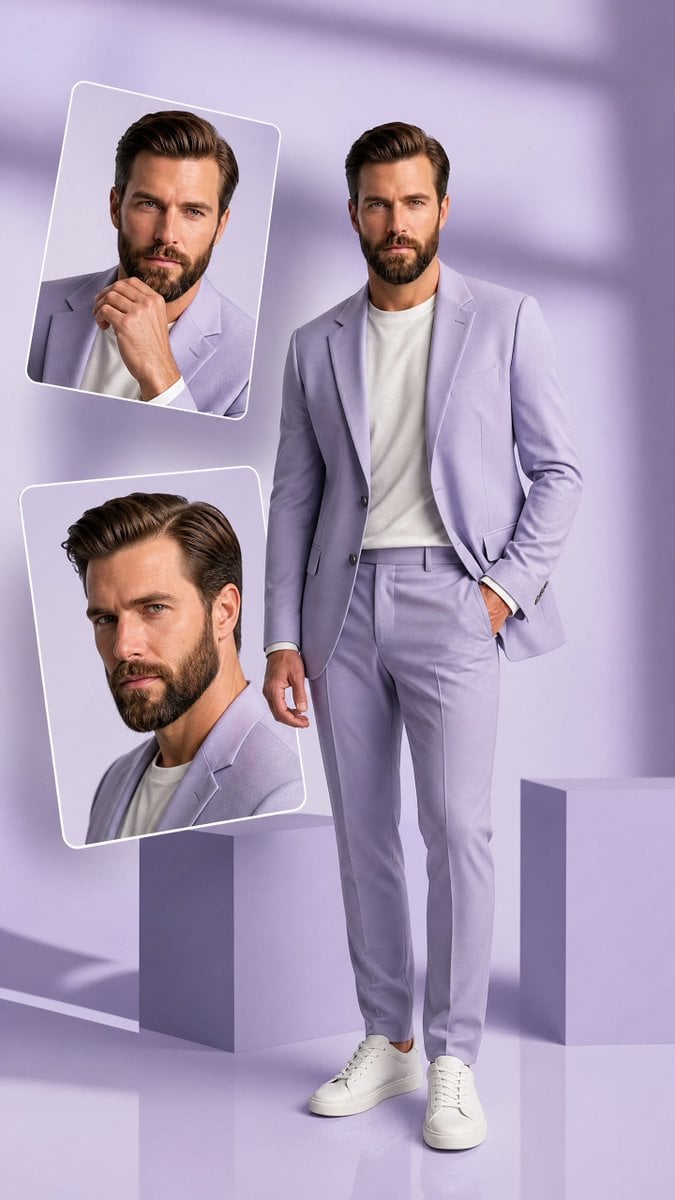
Premium Hollywood Fashion Editorial Poster
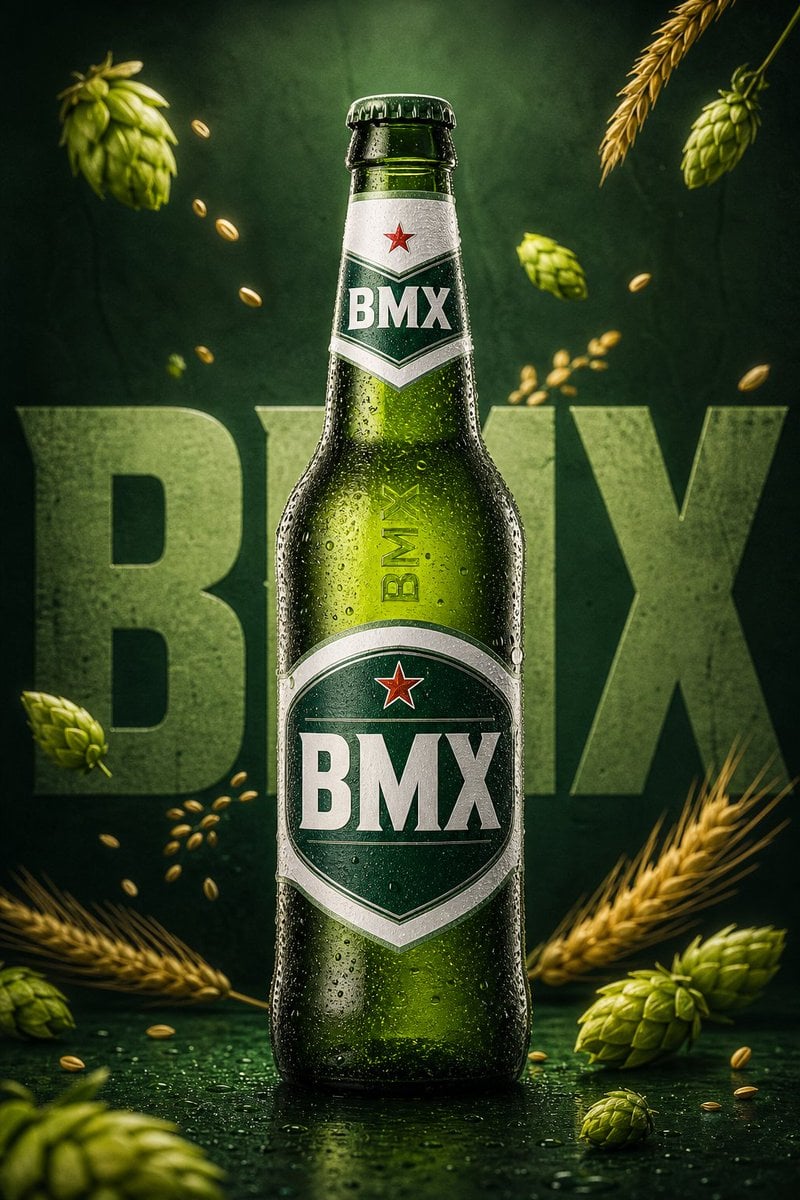
Premium Beverage Commercial Poster
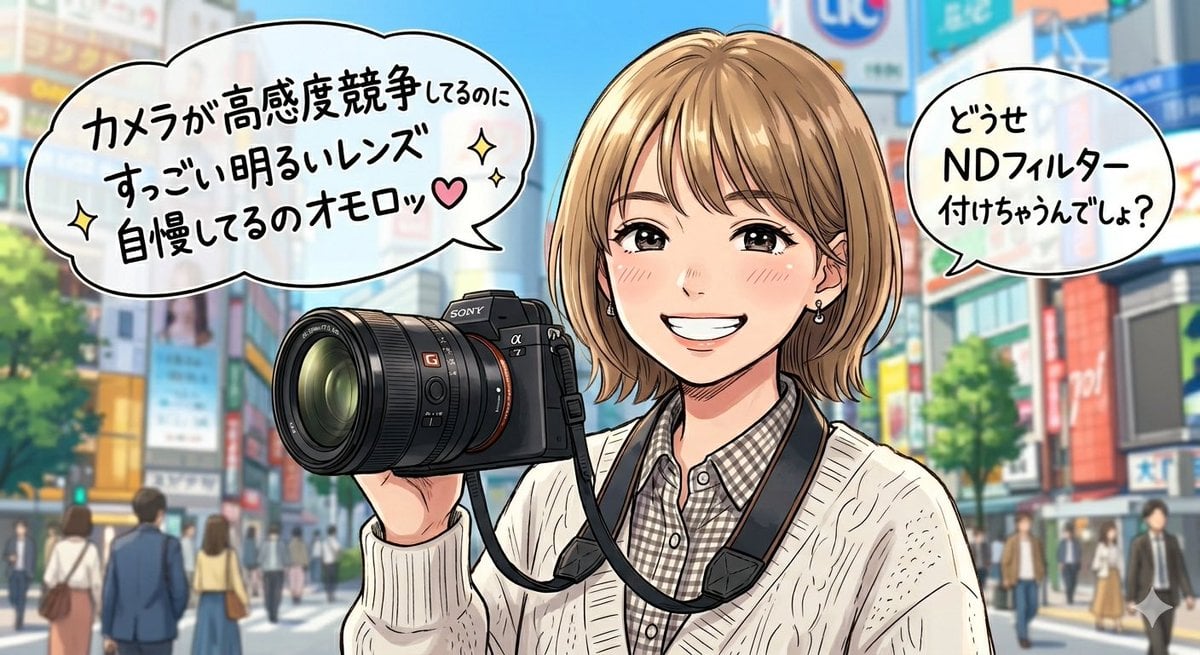
Sarcastic Anime Camera Girl
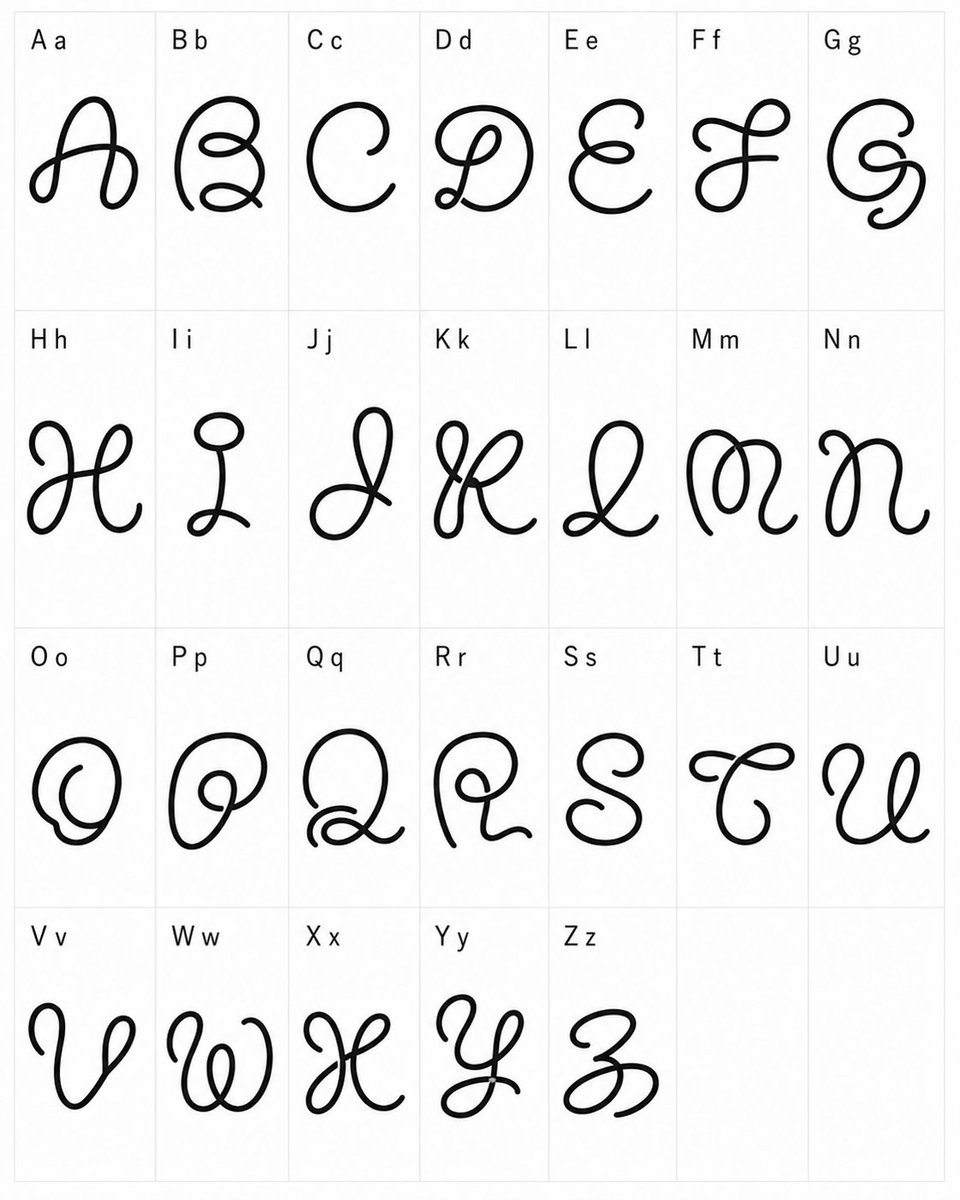
Whimsical Cursive Alphabet Sheet
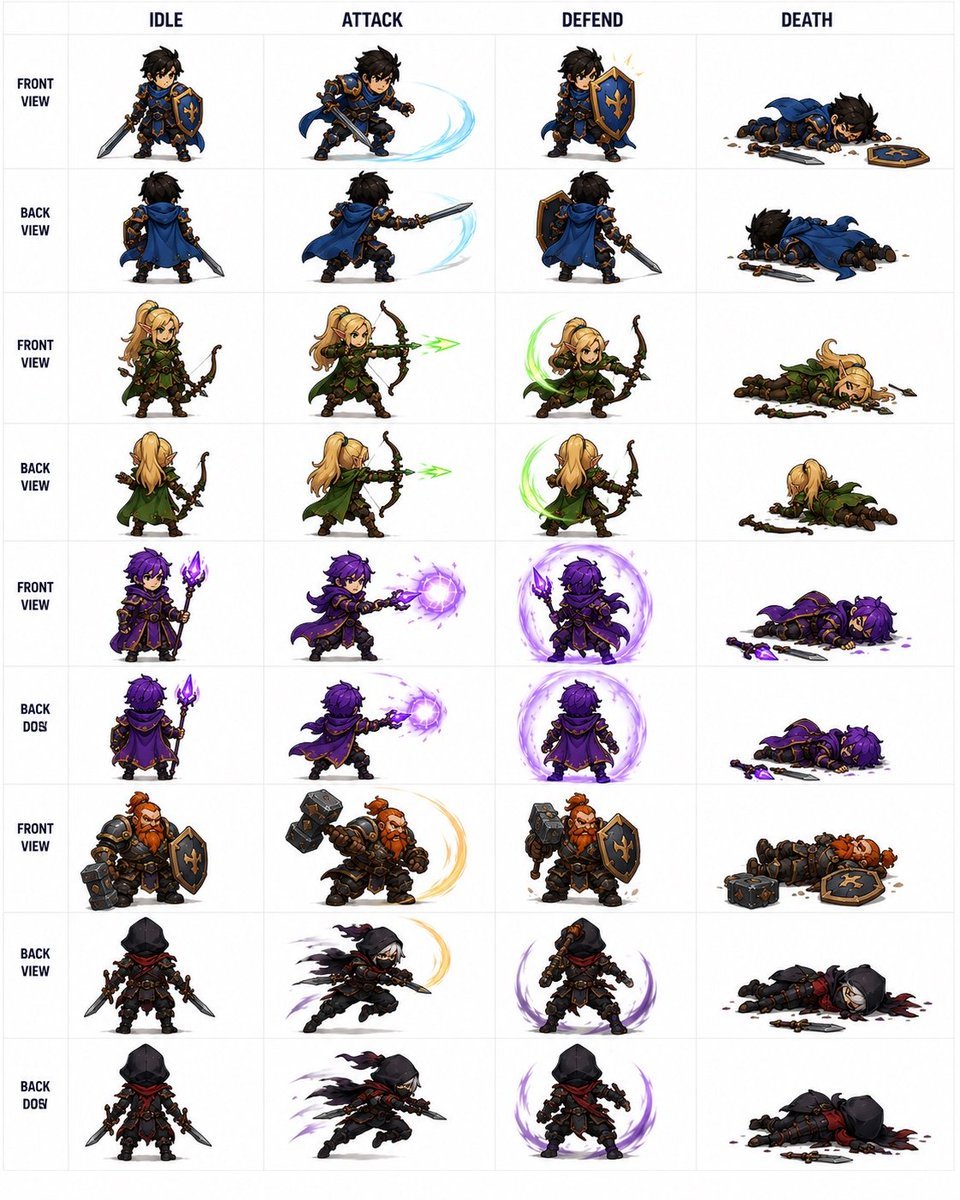
Fantasy RPG Character Sprite Sheet

High-end stylized digital painting portrait prompt
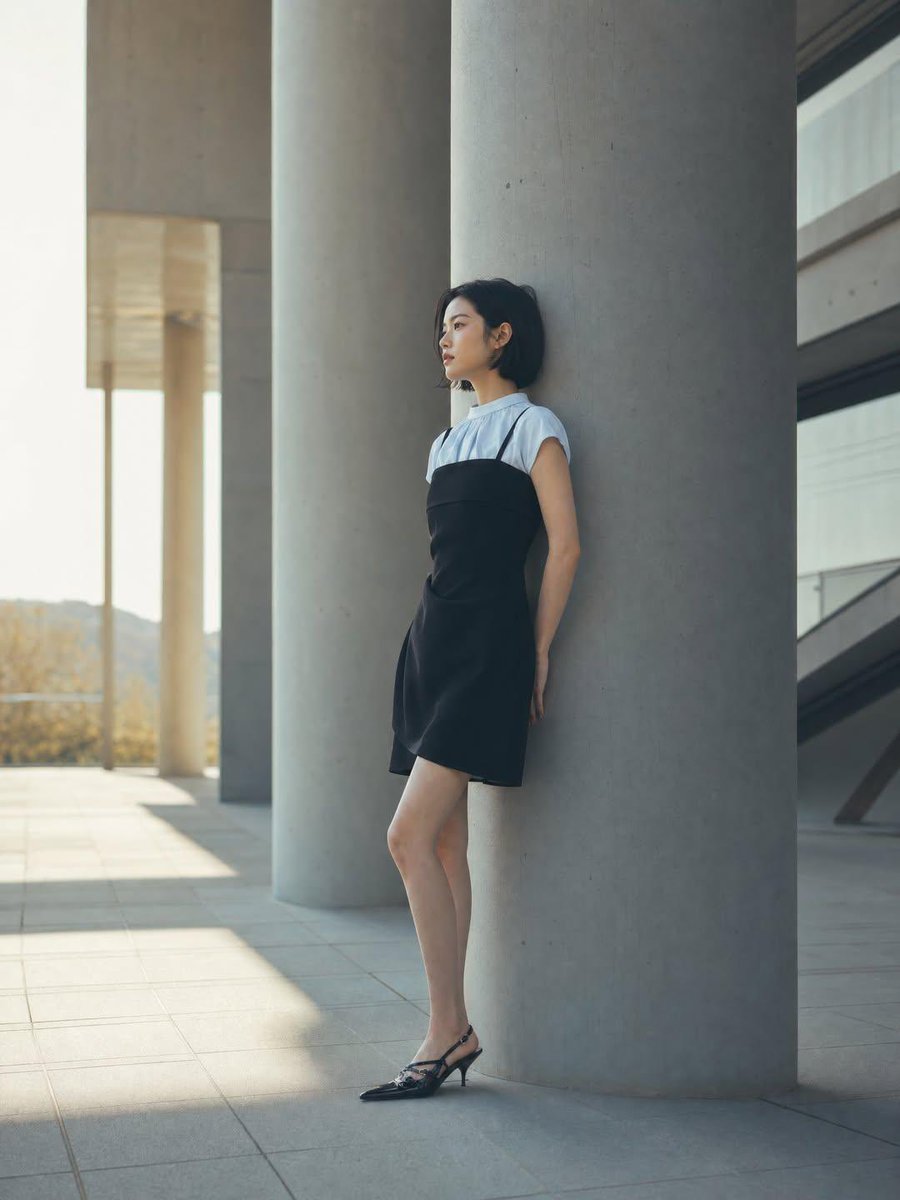
Minimalist Architectural Fashion Editorial
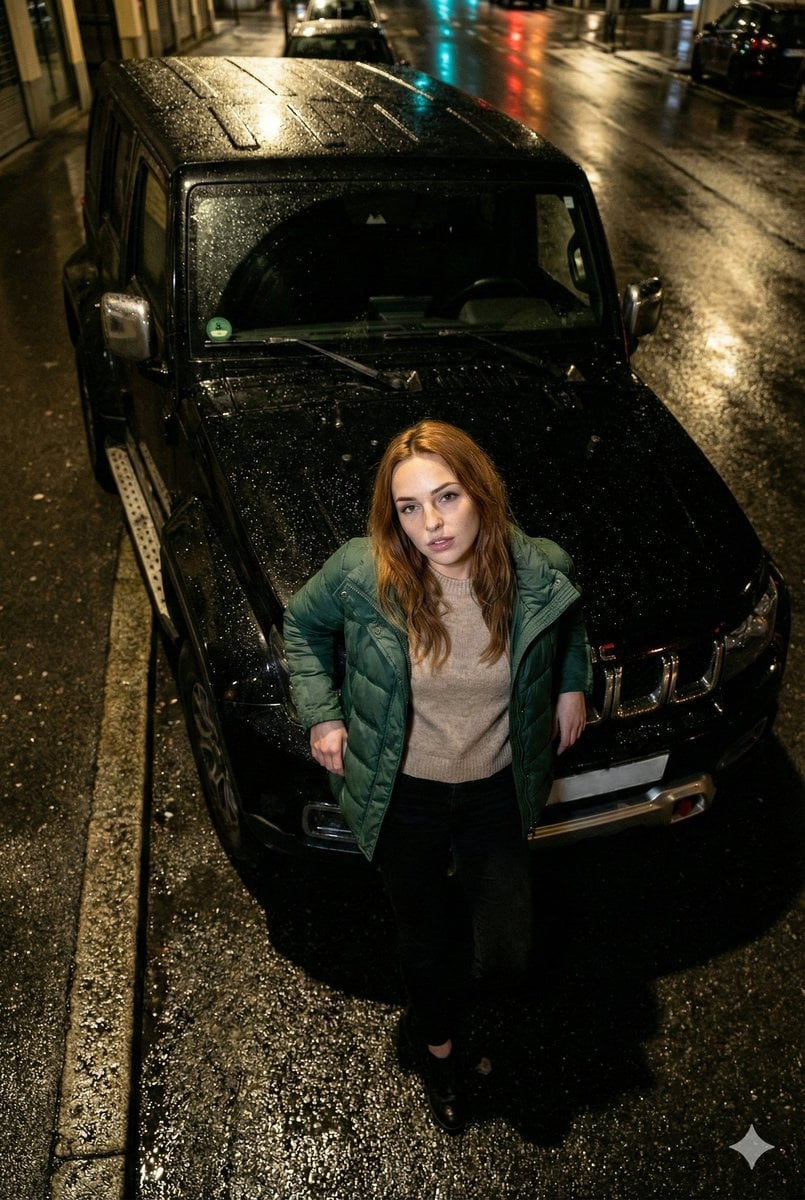
High-Angle Flash Photo on SUV Hood at Night
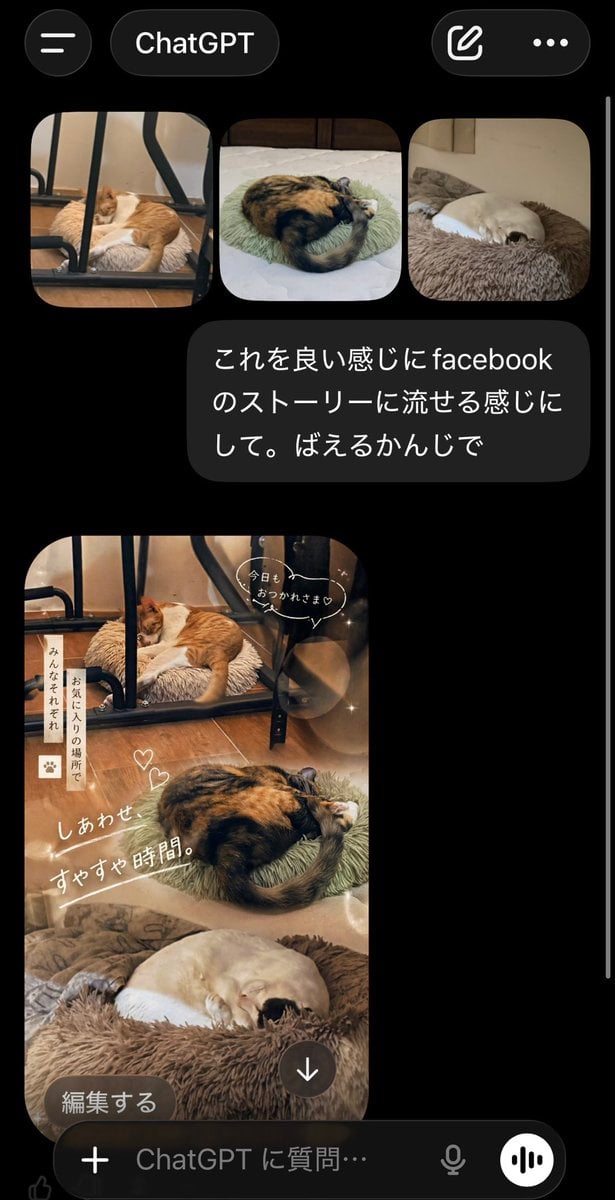
ChatGPT App Cat Story Screenshot
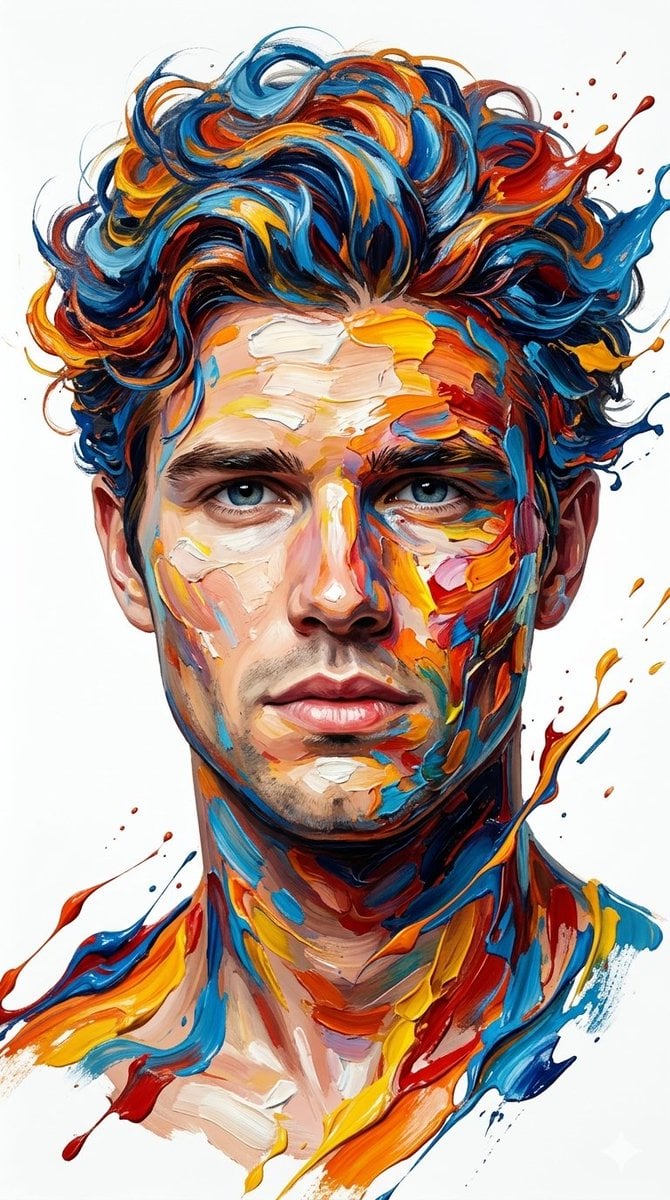
Hyper-Realistic Abstract Oil Portrait
Browse template categories
Naive Folk Art Poster Design questions
How do I use the Naive Folk Art Poster Design template?
Add your photo if the template asks for one, edit the prompt if you like — the template's model and format are already selected — and press Generate. Your version opens in PicX Studio.
Can I customize the Naive Folk Art Poster Design template?
Yes. You can change the subject, setting, lighting, mood, format, and available model controls before creating your image.
Is the Naive Folk Art Poster Design template free?
Opening and editing this template is free. Generating uses credits, shown on the Generate button when you are signed in.
Which AI model should I use?
Start with GPT Image 2, which is the model associated with this template. You can compare another compatible model for a different finish.
Looking for something else? Browse all templates.

Your photo, any look
Thousands of ready templates for every top image and video model, from one credit balance.