
Whimsical Cursive Alphabet Sheet
Generates a clean grid-based specimen sheet for an experimental looping cursive alphabet font.
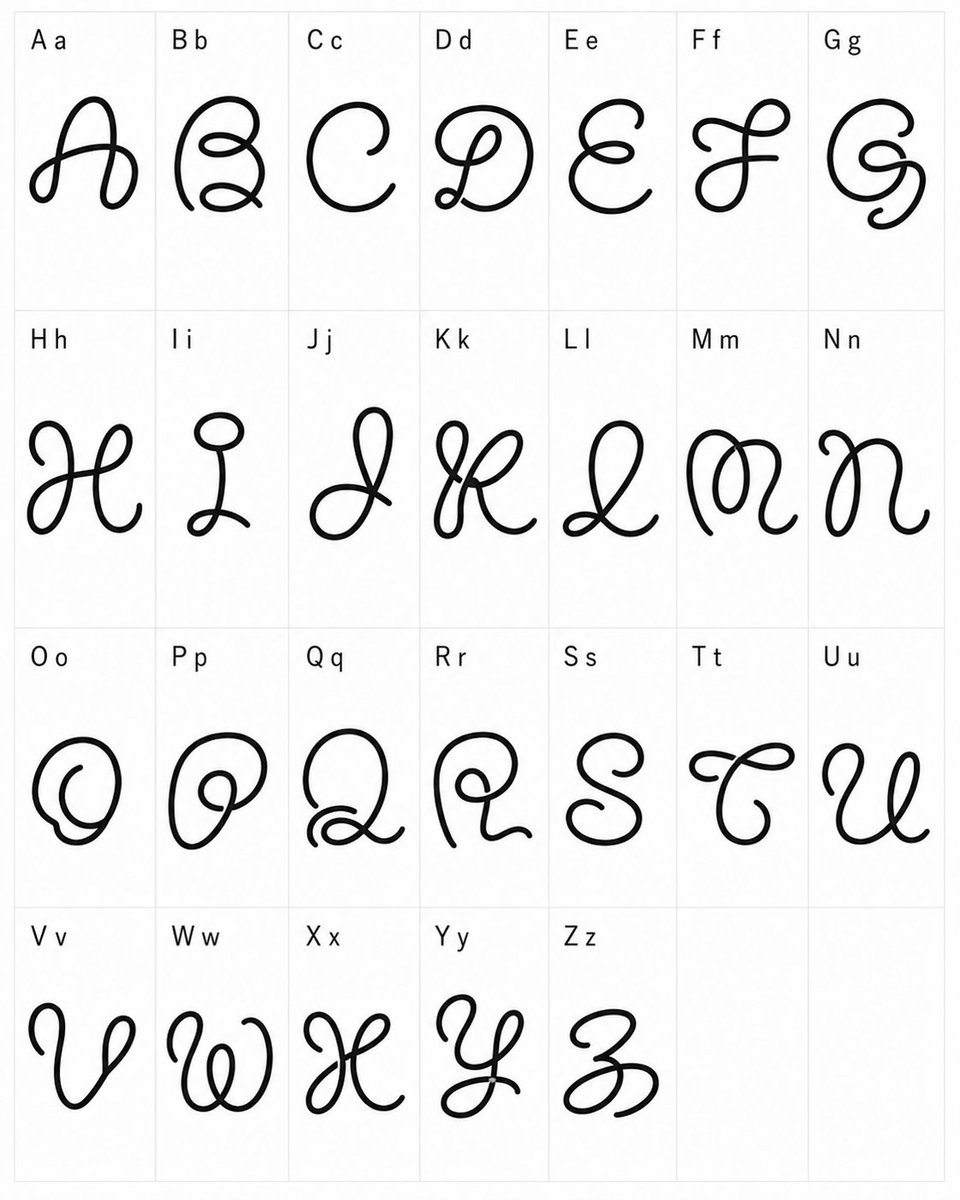
- Prompt included
- Model and format preset
- Free template
The prompt behind this image
Copy the exact prompt behind Whimsical Cursive Alphabet Sheet, or open it in the studio and make it yours.
- Type
- typographic specimen sheet
- Style
- experimental whimsical cursive font design, black monoline looping glyphs, clean minimal presentation
- Canvas › Orientation
- portrait
- Canvas › Background
- white
- Canvas › Grid
- light gray thin-line table with 4 rows and 7 columns, last two cells empty
- Content › Title
- custom alphabet font test
- Content › Alphabet Count
- 26
- Content › Labels
- A a, B b, C c, D d, E e, F f, G g, H h, I i, J j, K k, L l, M m, N n, O o, P p, Q q, R r, S s, T t, U u, V v, W w, X x, Y y, Z z
- Content › Empty Cells Count
- 2
- Layout › Cell Count
- 28
- Layout › Filled Cells
- 26
- Layout › Rows › 0 › Row
- 1
- Layout › Rows › 0 › Count
- 7
- Layout › Rows › 0 › Labels
- A a, B b, C c, D d, E e, F f, G g
- Layout › Rows › 1 › Row
- 2
- Layout › Rows › 1 › Count
- 7
- Layout › Rows › 1 › Labels
- H h, I i, J j, K k, L l, M m, N n
- Layout › Rows › 2 › Row
- 3
- Layout › Rows › 2 › Count
- 7
- Layout › Rows › 2 › Labels
- O o, P p, Q q, R r, S s, T t, U u
- Layout › Rows › 3 › Row
- 4
- Layout › Rows › 3 › Count
- 5
- Layout › Rows › 3 › Labels
- V v, W w, X x, Y y, Z z
- Layout › Rows › 3 › Empty Cells
- 2
Raw JSON
{"type":"typographic specimen sheet","style":"experimental whimsical cursive font design, black monoline looping glyphs, clean minimal presentation","canvas":{"orientation":"portrait","background":"white","grid":"light gray thin-line table with 4 rows and 7 columns, last two cells empty"},"content":{"title":"custom alphabet font test","alphabet_count":26,"labels":["A a","B b","C c","D d","E e","F f","G g","H h","I i","J j","K k","L l","M m","N n","O o","P p","Q q","R r","S s","T t","U u","V v","W w","X x","Y y","Z z"],"empty_cells_count":2},"layout":{"cell_count":28,"filled_cells":26,"rows":[{"row":1,"count":7,"labels":["A a","B b","C c","D d","E e","F f","G g"]},{"row":2,"count":7,"labels":["H h","I i","J j","K k","L l","M m","N n"]},{"row":3,"count":7,"labels":["O o","P p","Q q","R r","S s","T t","U u"]},{"row":4,"count":5,"labels":["V v","W w","X x","Y y","Z z"],"empty_cells":2}]},"glyph_design":{"line_color":"{argument name=\"line color\" default=\"black\"}","stroke":"thick smooth rounded monoline, hand-drawn vector-like ink","font_mood":"{argument name=\"font mood\" default=\"strange playful cursive\"}","forms":"each capital letter is redesigned as a large decorative looping script symbol with curls, knots, spirals, and exaggerated swashes; lowercase appears only as a small printed reference next to the capital in the label","label_style":"small plain sans-serif black text at the upper-left of each cell"},"composition":"Place one oversized decorative glyph centered in each filled cell, with generous white space and consistent scale. Keep the sheet flat, front-facing, evenly lit, no shadows, no texture, no perspective distortion.","custom_text":"{argument name=\"alphabet labels\" default=\"A a, B b, C c, D d, E e, F f, G g, H h, I i, J j, K k, L l, M m, N n, O o, P p, Q q, R r, S s, T t, U u, V v, W w, X x, Y y, Z z\"}"}How to use Whimsical Cursive Alphabet Sheet in 3 steps
- 1Upload ImagePNG, JPG or paste
Add your photo
Upload the photo the template builds on. The prompt, model and format are already set.
- 2…a portrait of your subject in softgolden-hour light, 85mm…
Personalize
Edit the subject and creative details for your destination.
- 3Generate
Generate
Press Generate — your image is created in PicX Studio, so you can compare it with the original and refine one variable at a time.
More like this
Templates with the same subject, style or setup. Open one to see its prompt.

Cute Layered Paper Cut Chibi Girl

Decorative Folk Flat Paper Cut Illustration

Ghibli Final Takeoff Field

Ghibli Rainy Tram Interior

Ghibli Star Observatory

Ghibli Tiny House On Back

Ghibli Lantern River Festival

Ghibli Whale Bone Beach

Ghibli Abandoned Amusement

Ghibli Shadow Puppet Theater

Ghibli Bakery Morning Rush

Ghibli Paper Crane Flock
Make it yours
Whimsical Cursive Alphabet Sheet works as-is. These are the safest ways to change it without losing the look.
Swap the setting
Keep the rest of the prompt and replace the location block. The current setting is “white”.
Change one field
Copy a single group, rewrite it, and generate again so you can see what that field is doing.
Keep the frame, change the subject
Hold the composition and light of Whimsical Cursive Alphabet Sheet, then swap wardrobe, props or the person for a new take.
| If the result… | Why | Fix |
|---|---|---|
| The result drifts from the preview | Too many fields changed at once. | Reuse Whimsical Cursive Alphabet Sheet as-is first, then change one group — subject, light, or setting. |
| GPT Image 2 ignores part of the JSON | Some models flatten or skip nested keys. | Keep the same values and paste them as a short paragraph instead. |
More GPT Image 2 templates
Other prompts made for GPT Image 2.

Six VTuber Japanese Logo Sheet

Realistic Portrait of Woman and Deer

The Vista Modular Condo Poster

AI Model Routing Comparison Infographic

2.5D Anime Art Board

Isometric Productivity Desk Scene

New York Double Exposure Poster

Four-Panel AI Landscape Comparison

Japanese Tatami Lifestyle Magazine Cover

NESCAFÉ Coffee Map Poster
More image prompts
Fresh picks from across the catalog.
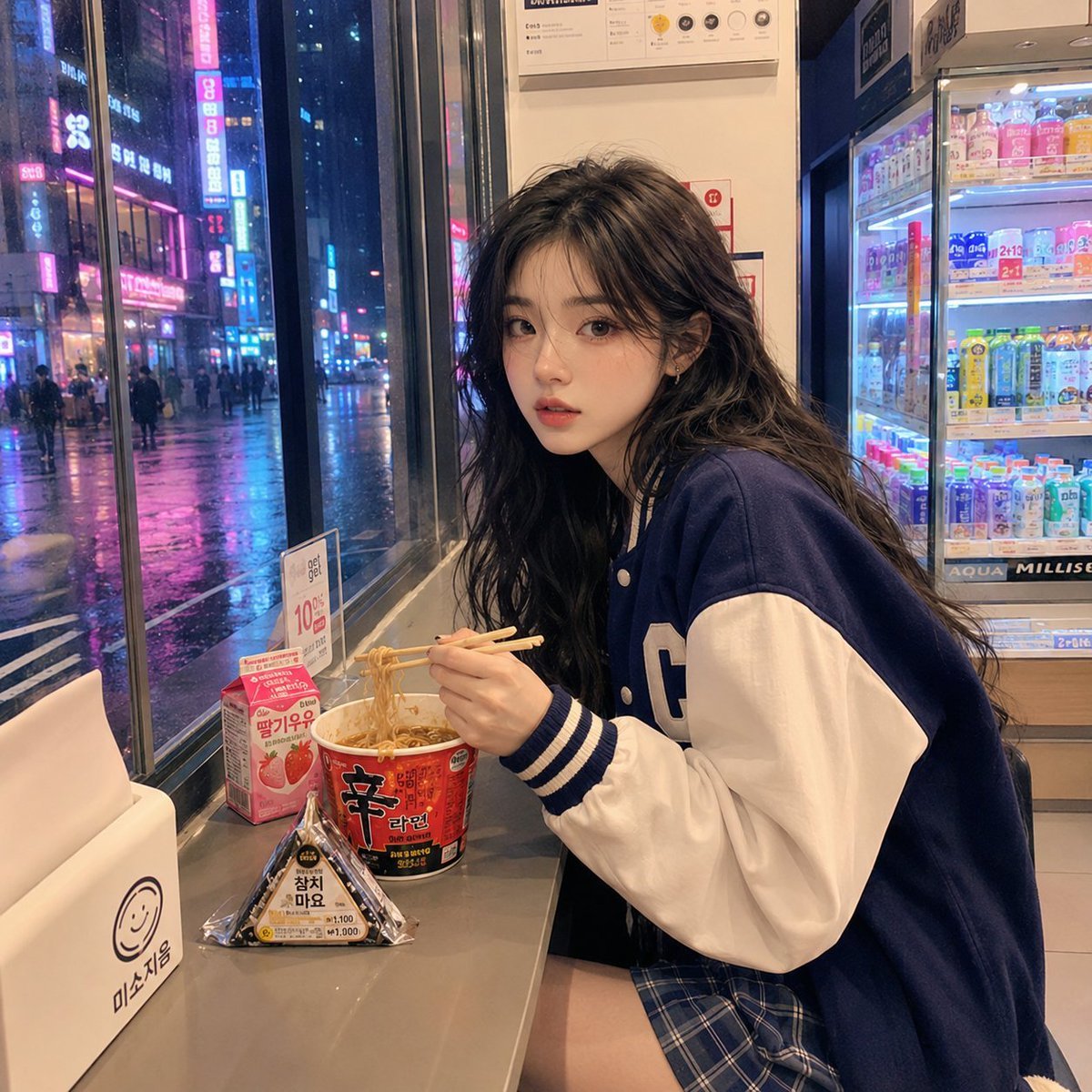
Korean Girl Convenience Store Photography
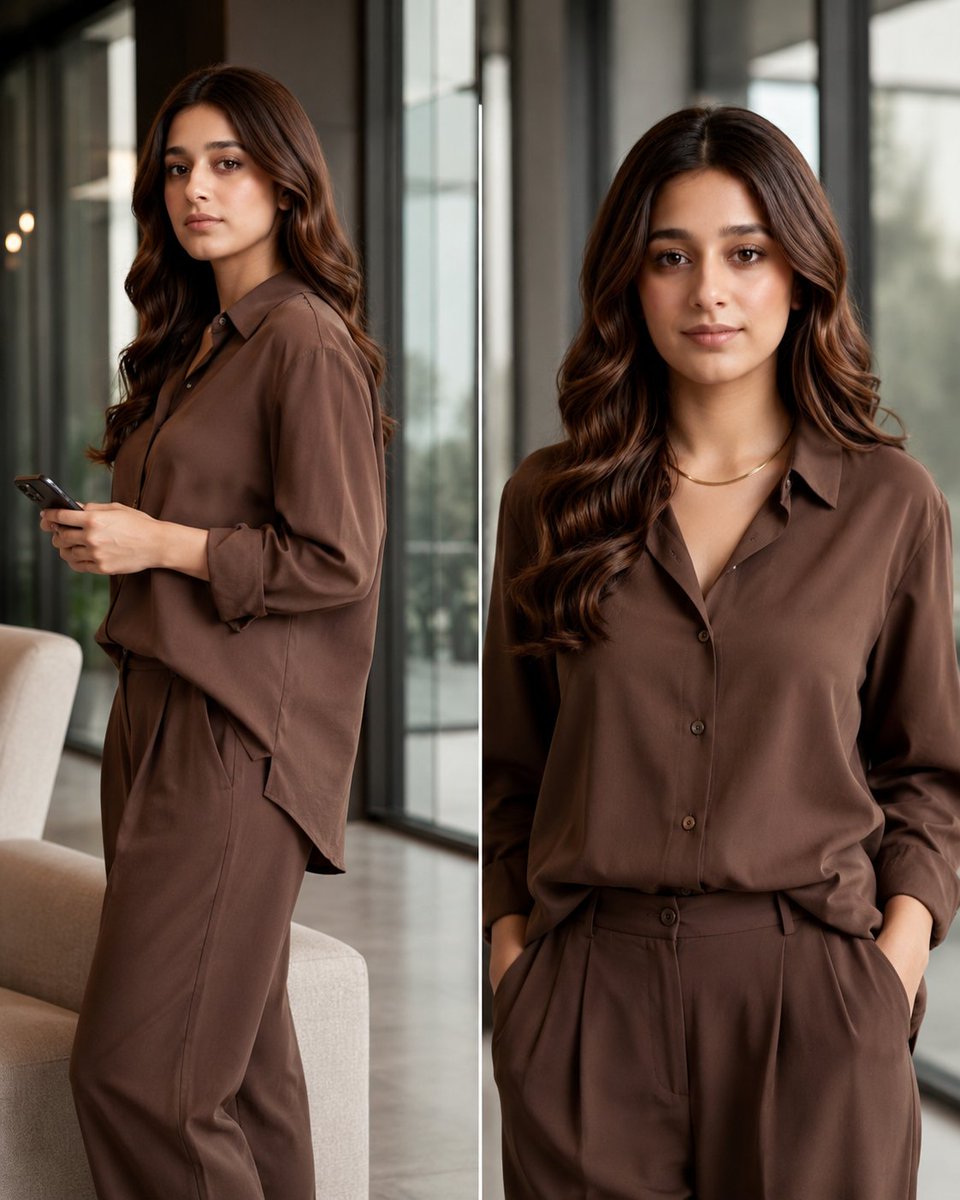
Monochrome Fashion Collage

Cinematic Night Urban Portrait Prompt
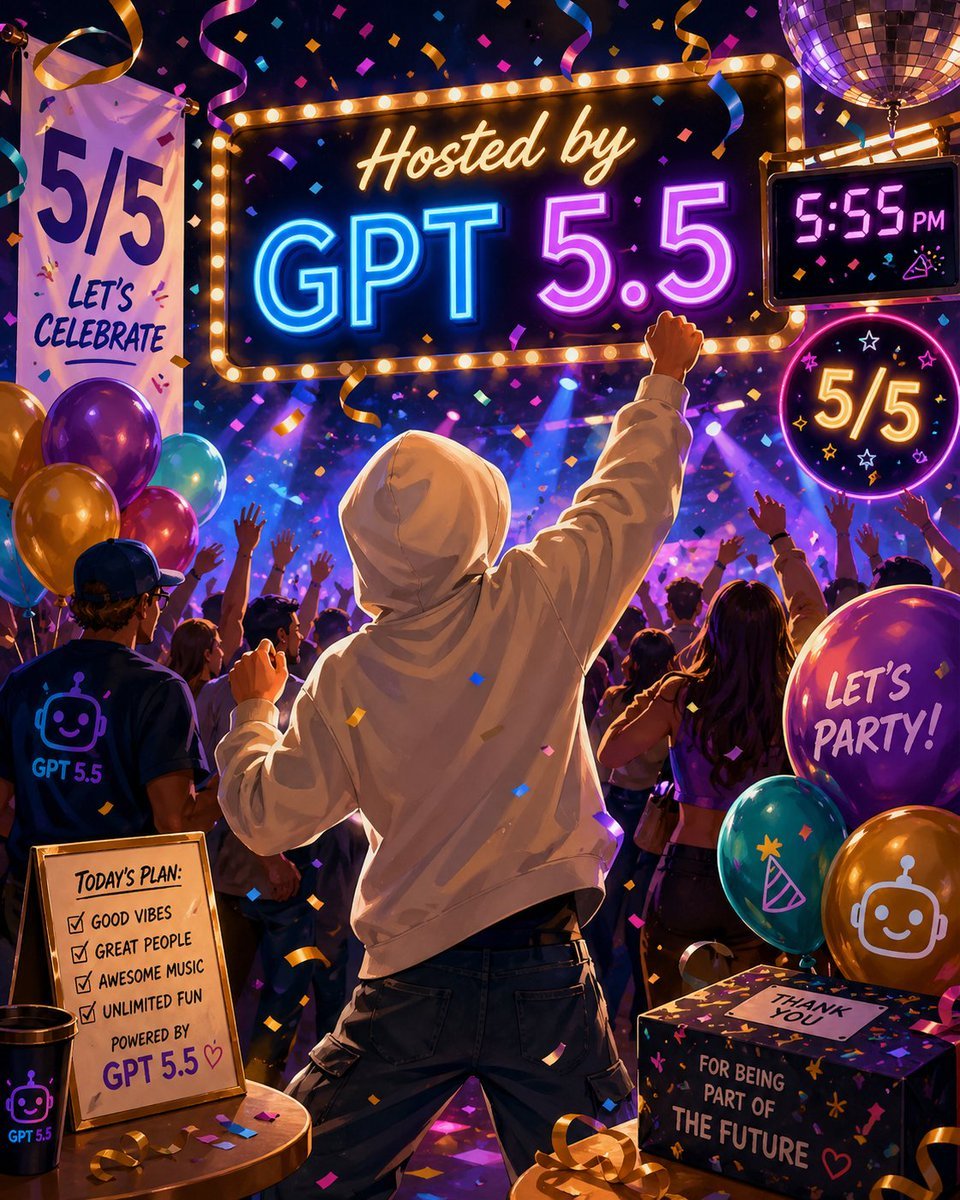
Neon GPT 5.5 Celebration Party

Exploding Pringles Can Advertising Prompt
MacBook Webcam Window Photo
Cinematic Industrial Portrait with Macro Perspective
Golden Hour Backlit Portrait
Gucci Love Parade Fashion Poster
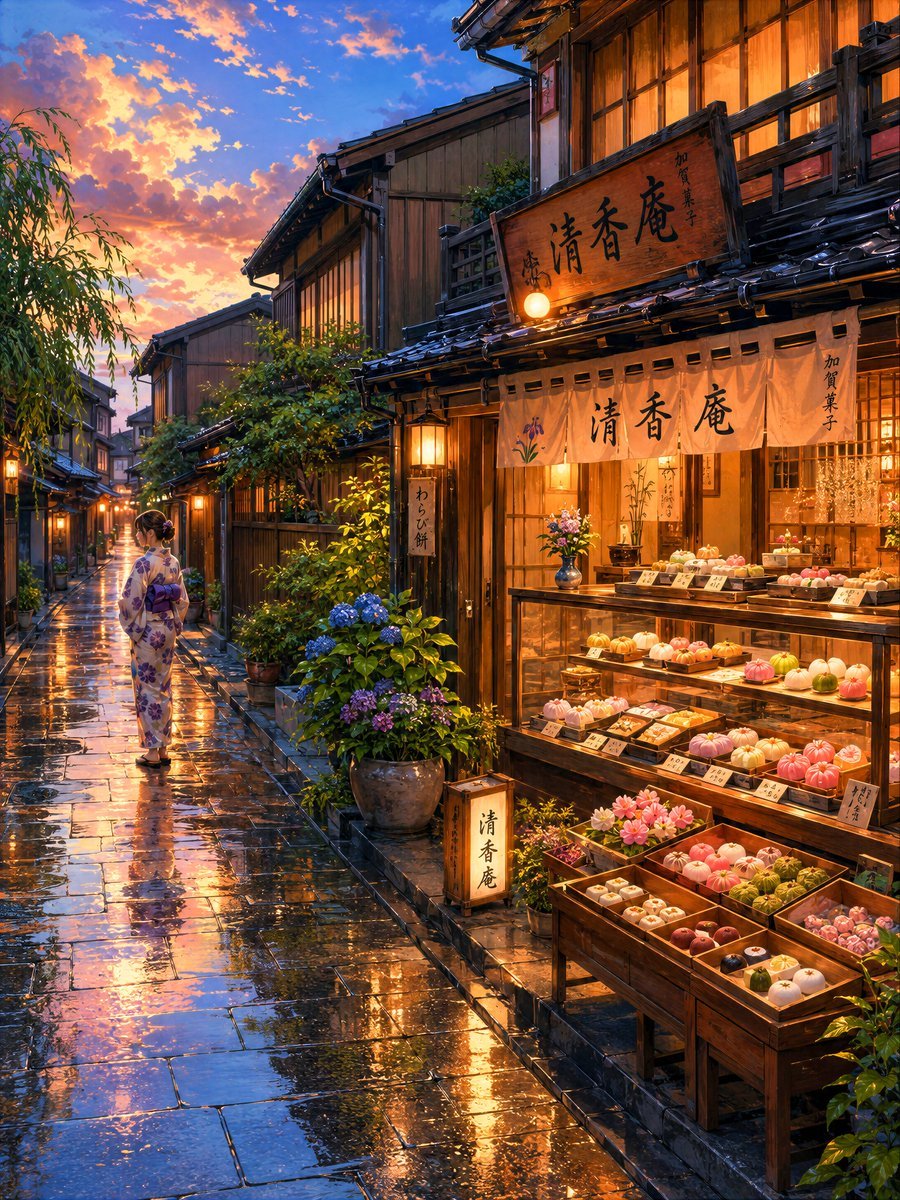
Cozy Evening Japanese Sweets Shop
Browse template categories
Whimsical Cursive Alphabet Sheet questions
How do I use the Whimsical Cursive Alphabet Sheet template?
Add your photo if the template asks for one, edit the prompt if you like — the template's model and format are already selected — and press Generate. Your version opens in PicX Studio.
Can I customize the Whimsical Cursive Alphabet Sheet template?
Yes. You can change the subject, setting, lighting, mood, format, and available model controls before creating your image.
Is the Whimsical Cursive Alphabet Sheet template free?
Opening and editing this template is free. Generating uses credits, shown on the Generate button when you are signed in.
Which AI model should I use?
Start with GPT Image 2, which is the model associated with this template. You can compare another compatible model for a different finish.
Looking for something else? Browse all templates.

Your photo, any look
Thousands of ready templates for every top image and video model, from one credit balance.