
MacBook Webcam Window Photo
Generates a realistic phone photo of a MacBook screen with a macOS webcam window and blurred face, useful for social posts or UI realism tests.
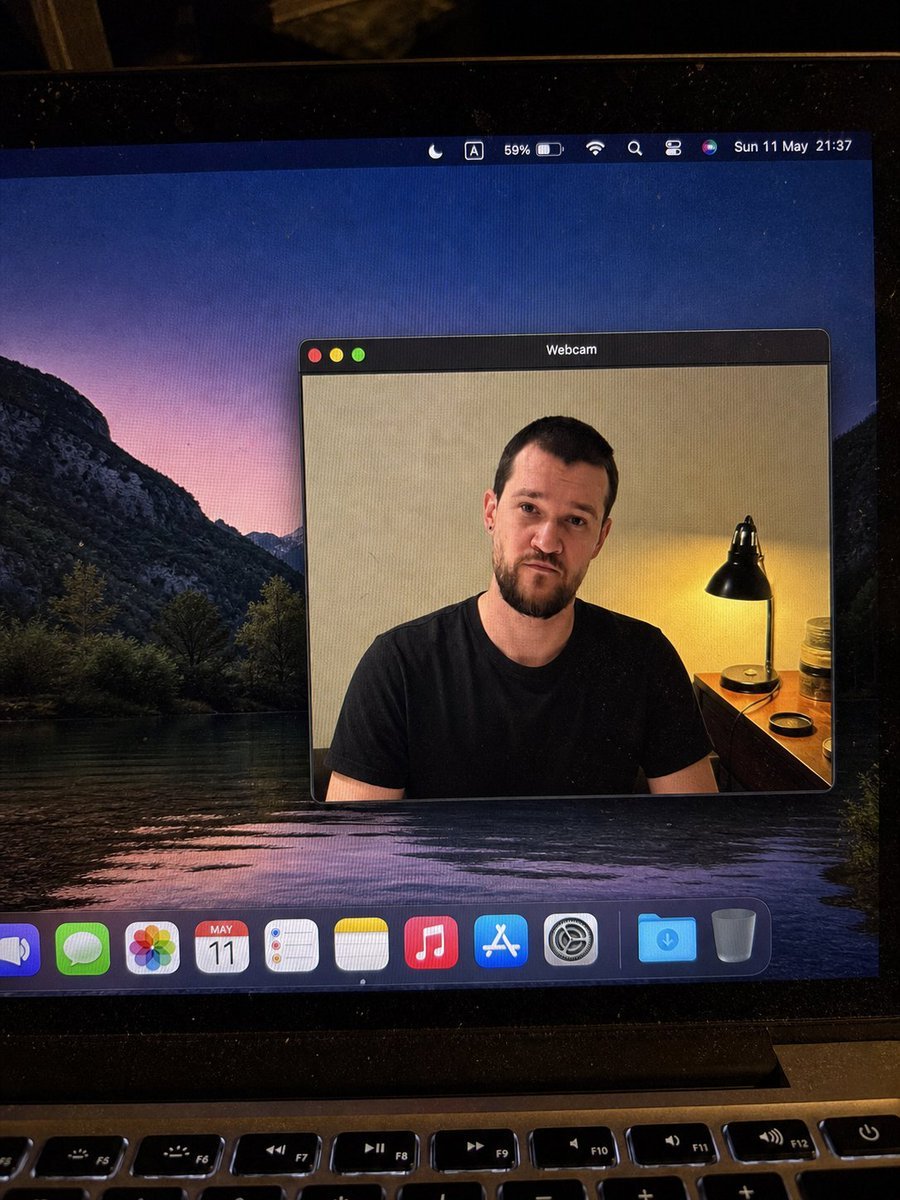
- Prompt included
- Model and format preset
- Free template
The prompt behind this image
Copy the exact prompt behind MacBook Webcam Window Photo, or open it in the studio and make it yours.
{"type":"realistic handheld smartphone photo of a laptop screen","scene":"A slightly tilted close-up photo of a MacBook display in a dim room, with visible screen pixels, dust specks, glare, black bezel edges, and the top row of physical keyboard keys at the bottom. The desktop wallpaper shows a dark mountain lake landscape at dusk with purple-pink sky reflected in water.","main_subject":{"description":"A macOS-style floating window titled {argument name=\"window title\" default=\"Webcam\"} centered on the desktop, showing a webcam feed of {argument name=\"person description\" default=\"a seated adult man in a plain black t-shirt\"}. The person's face is intentionally covered by a smooth rectangular blur/mosaic block in warm skin-tone colors, hiding all facial details while leaving hair, ears, neck, shoulders, and shirt visible.","webcam_background":"Indoor beige wall, warm bedside lamp on the right with a black metal shade, small wooden table or dresser, jars and a round lid near the lamp. The lighting is warm and yellow from the lamp, contrasting with the cool desktop wallpaper.","pose":"front-facing seated posture, shoulders visible, casual neutral stance"},"layout":{"screen_elements":{"top_menu_bar":{"count":8,"items":["crescent moon focus icon","boxed letter A input icon","59% battery indicator","Wi-Fi icon","magnifying glass search icon","control center style icon","Siri multicolor orb","date and time text: {argument name=\"menu bar date and time\" default=\"Sun 11 May 21:37\"}"]},"webcam_window":{"position":"center-right of the display","style":"dark macOS title bar, rounded rectangle, thin gray border, realistic shadow","traffic_light_buttons":{"count":3,"colors":["red","yellow","green"]}},"dock":{"position":"bottom of the screen","count":11,"items":["partially cropped blue speaker or volume app icon","green Messages icon","multicolor Photos icon","Calendar icon showing {argument name=\"calendar date\" default=\"MAY 11\"}","Reminders icon","Notes icon","Music icon","App Store icon","System Settings gear icon","blue Downloads folder","Trash can"]}},"camera_framing":"portrait-oriented phone photo of the laptop, not a clean screenshot; the screen is photographed at a slight angle with the laptop hinge and keyboard visible.","style":"highly realistic, candid, imperfect phone-camera capture, natural noise, subtle moire pattern on the monitor, no illustration or CGI look","quality_constraints":"Keep all UI text legible where visible, preserve the blurred face rectangle, avoid extra windows or extra people, maintain realistic reflections and perspective."}
How to use MacBook Webcam Window Photo in 3 steps
- 1Upload ImagePNG, JPG or paste
Add your photo
Upload the photo the template builds on. The prompt, model and format are already set.
- 2…a portrait of your subject in softgolden-hour light, 85mm…
Personalize
Edit the subject and creative details for your destination.
- 3Generate
Generate
Press Generate — your image is created in PicX Studio, so you can compare it with the original and refine one variable at a time.
More like this
Templates with the same subject, style or setup. Open one to see its prompt.

Rainy Café Window Moody Portrait

Nano Banana - Window Wine Red Dress
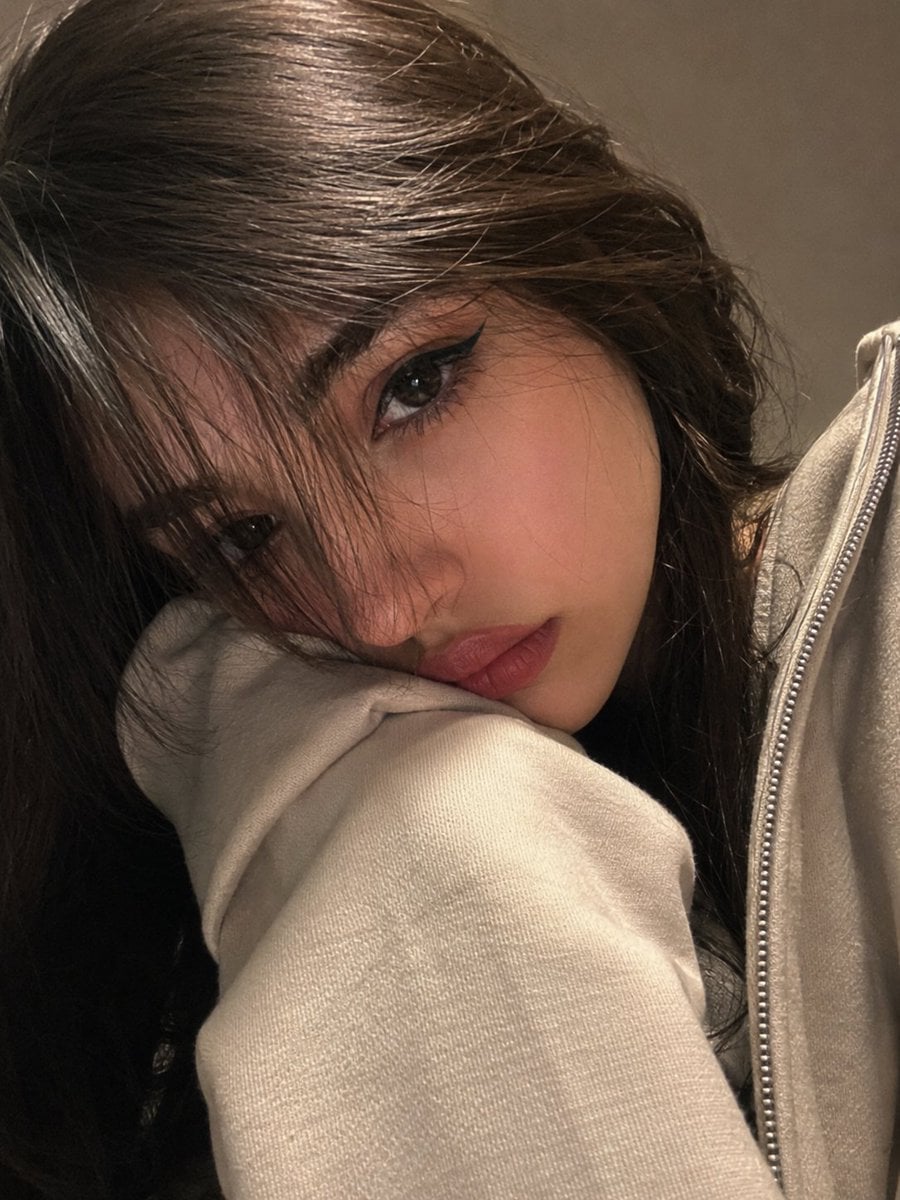
Photorealistic Webcam Selfie Portrait
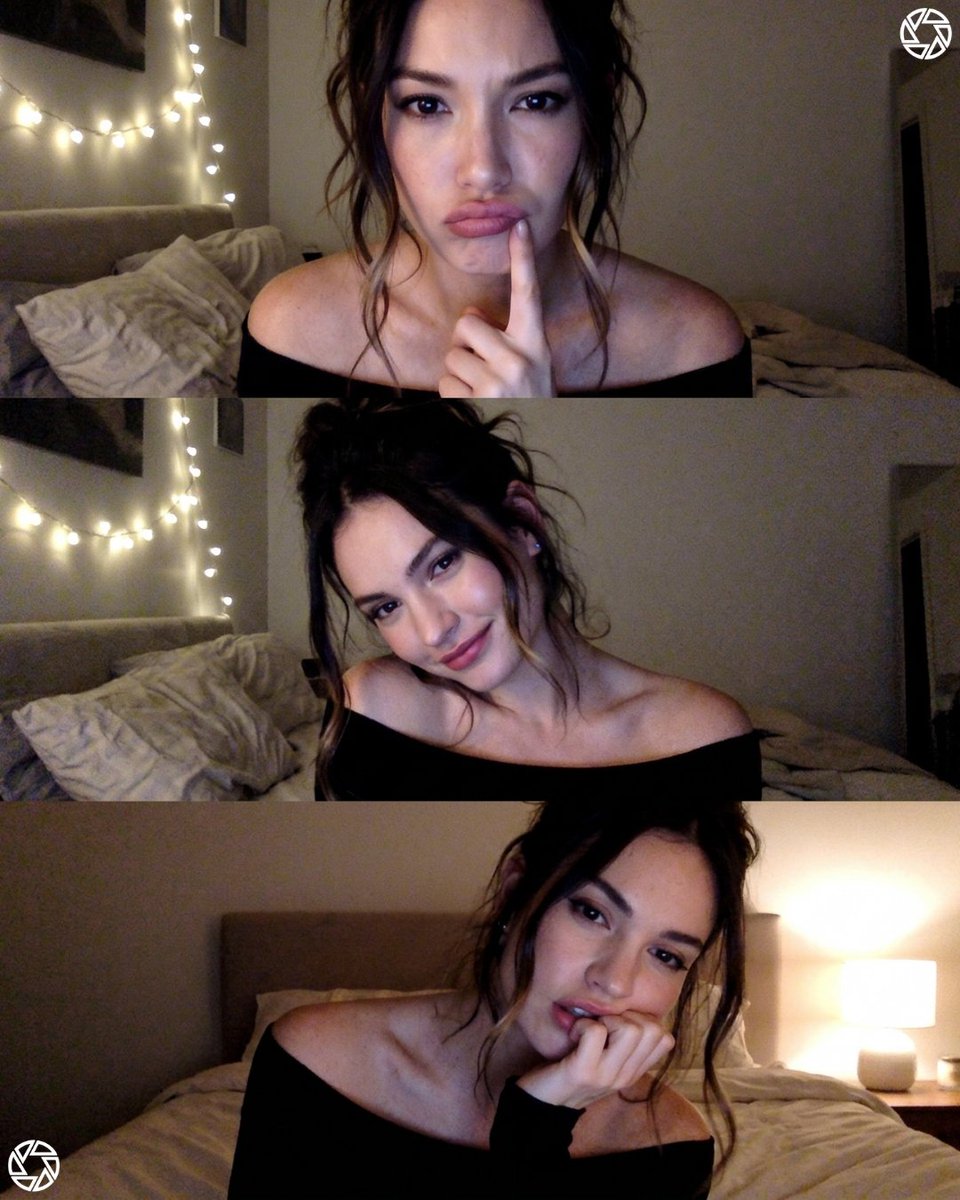
Webcam photobooth grid portrait
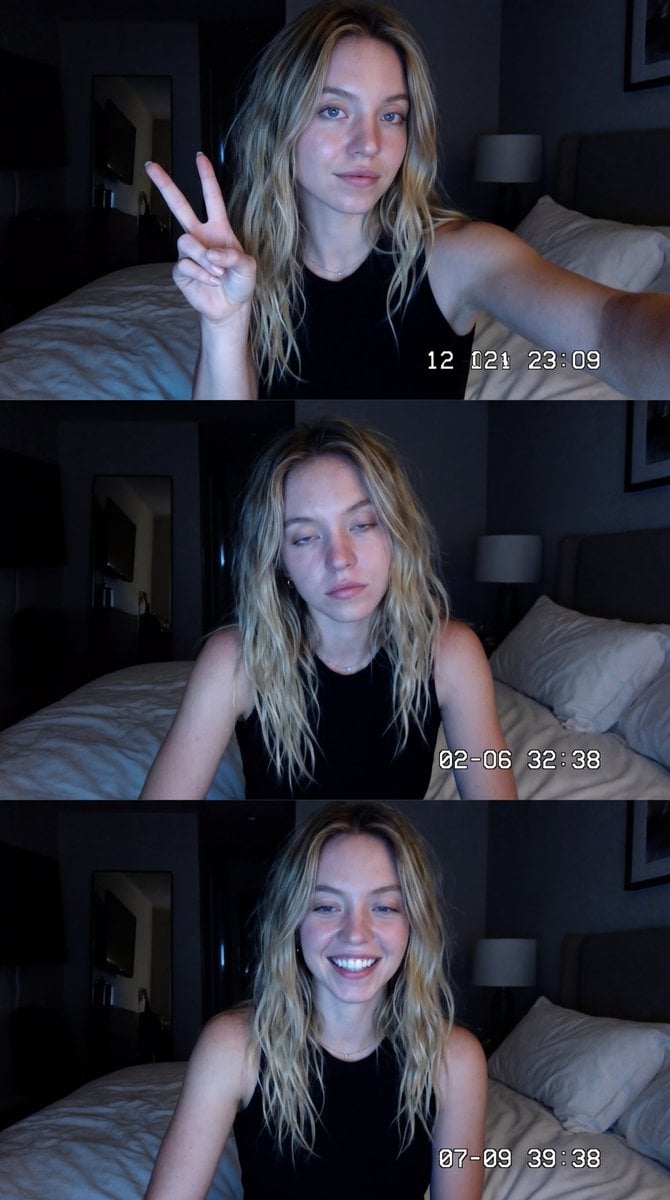
Vintage Y2K Webcam Photo Booth Collage
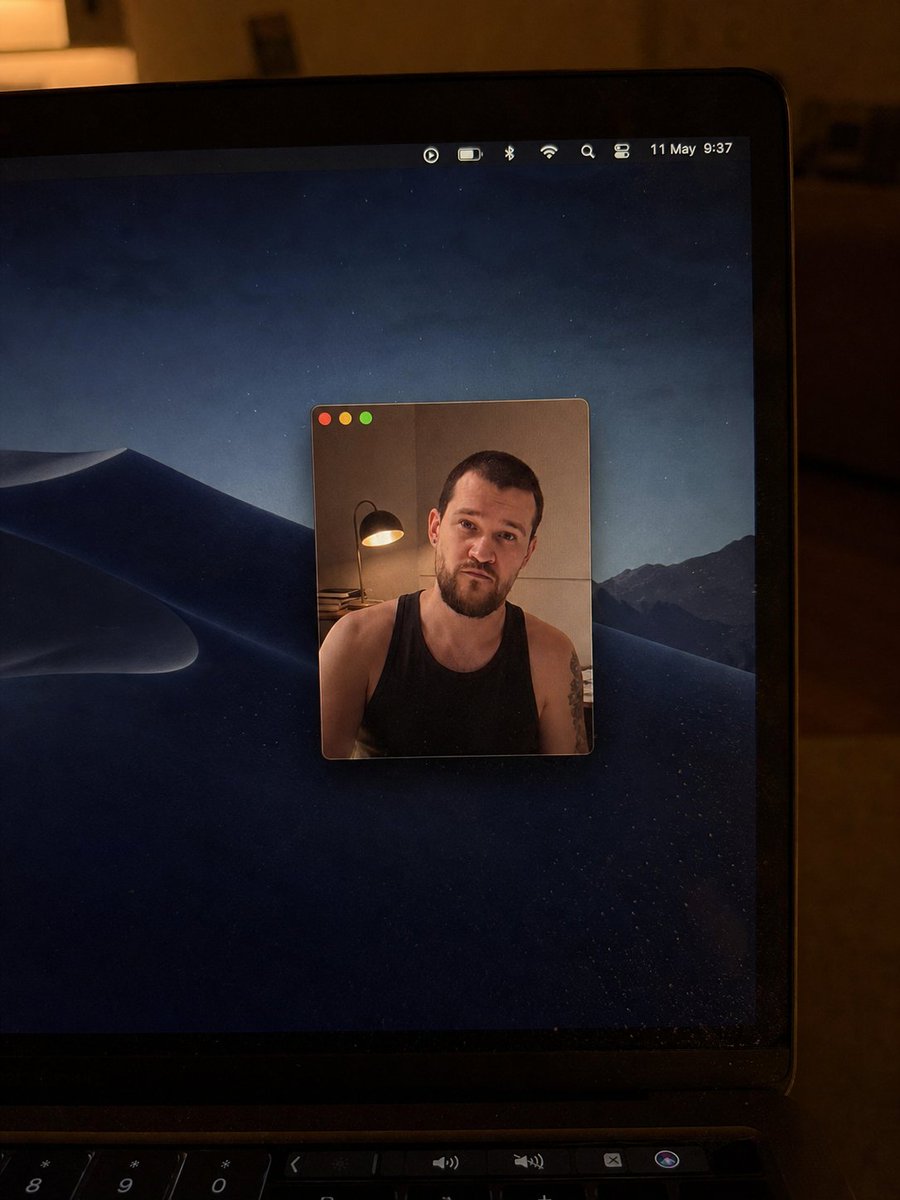
Realistic Mac Webcam Photo Edit
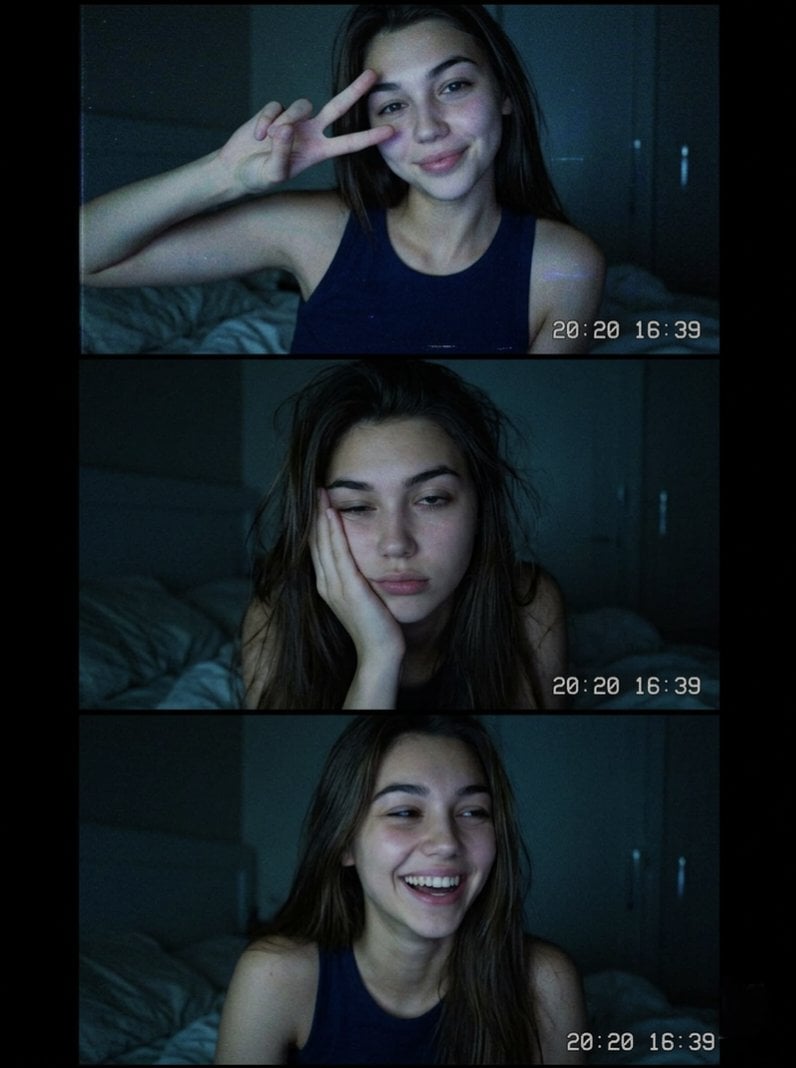
Vintage Webcam Photo Collage
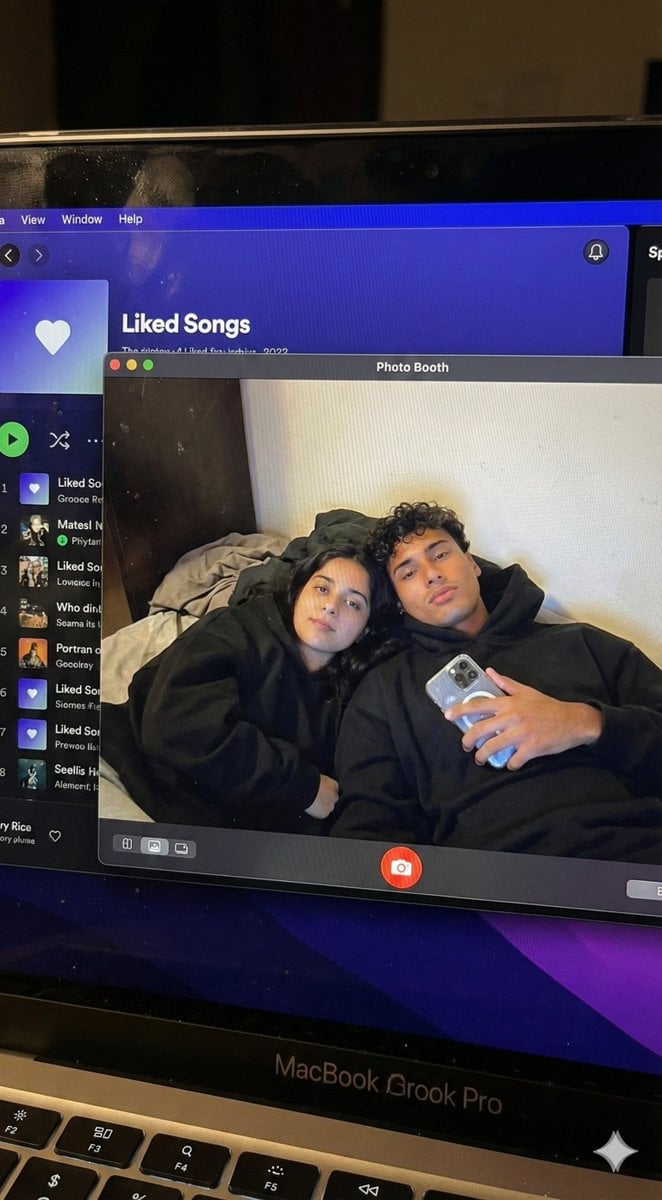
Couple MacBook screen selfie simulation prompt
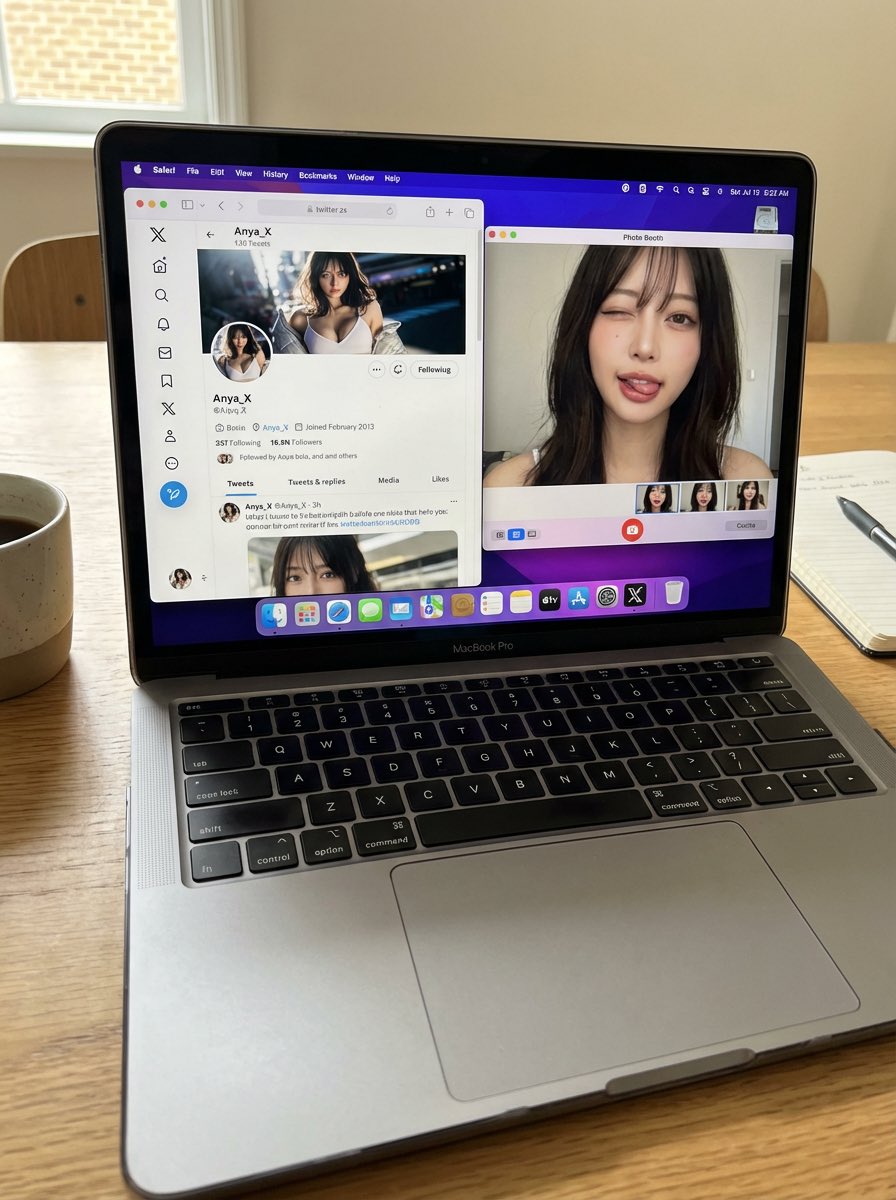
Photorealistic MacBook Desktop Selfie Scene
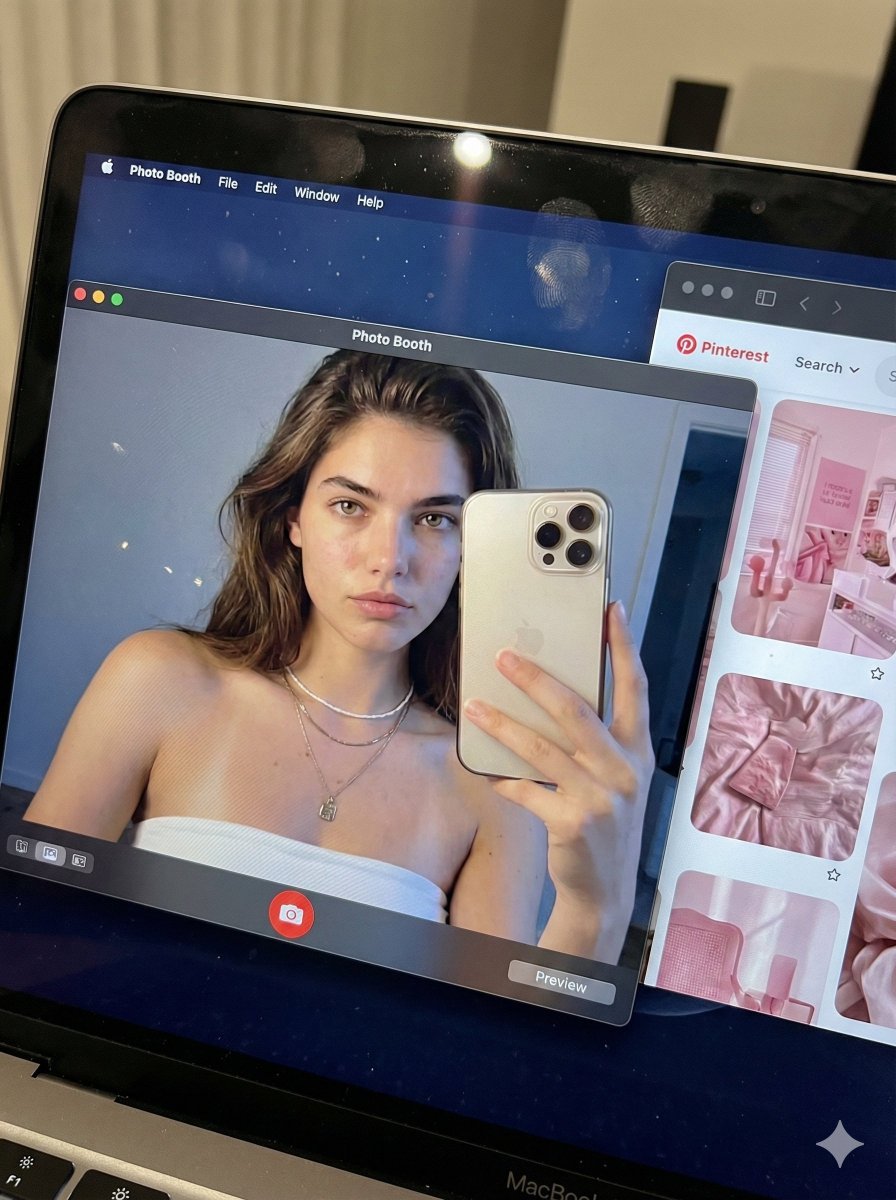
Hyper-realistic MacBook screen simulation prompt
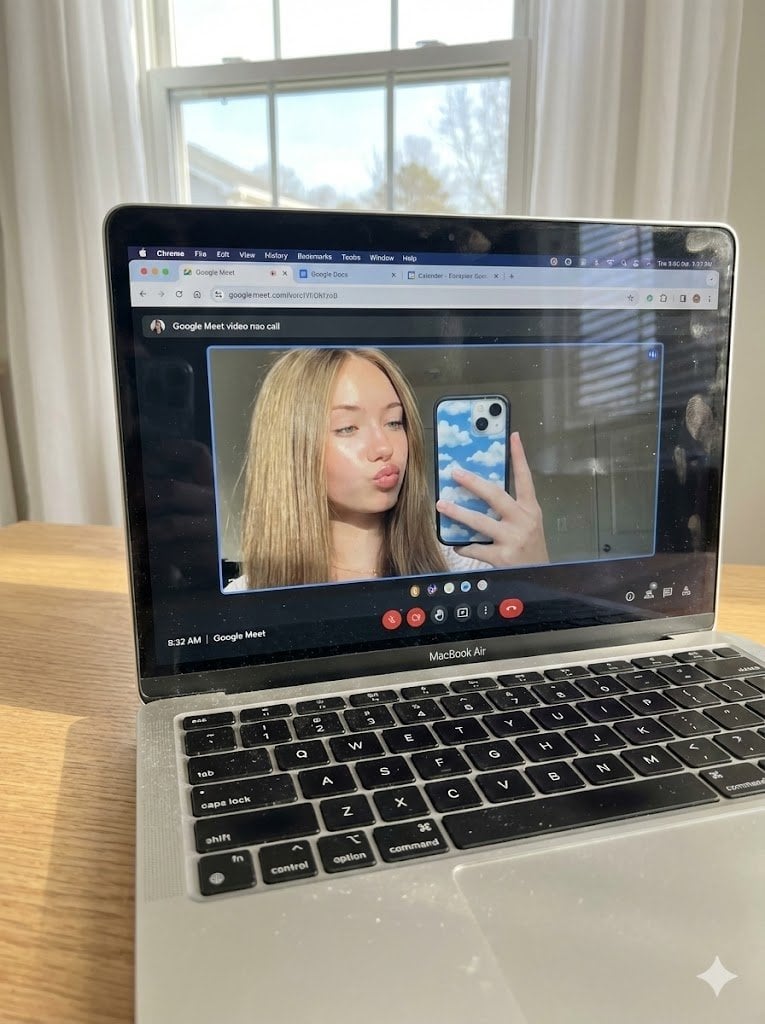
Raw Photo of MacBook Screen During Google Meet Selfie

MacBook Mockup with User from Behind
Make it yours
MacBook Webcam Window Photo works as-is. These are the safest ways to change it without losing the look.
Change one field
Copy a single group, rewrite it, and generate again so you can see what that field is doing.
Keep the frame, change the subject
Hold the composition and light of MacBook Webcam Window Photo, then swap wardrobe, props or the person for a new take.
| If the result… | Why | Fix |
|---|---|---|
| The result drifts from the preview | Too many fields changed at once. | Reuse MacBook Webcam Window Photo as-is first, then change one group — subject, light, or setting. |
| The model over-stylizes the scene | The prose prompt leaves finish and camera underspecified. | Add one camera or lighting sentence and stay on GPT Image 2. |
More GPT Image 2 templates
Other prompts made for GPT Image 2.

Six VTuber Japanese Logo Sheet

Realistic Portrait of Woman and Deer

The Vista Modular Condo Poster

AI Model Routing Comparison Infographic

2.5D Anime Art Board

Isometric Productivity Desk Scene

New York Double Exposure Poster

Four-Panel AI Landscape Comparison

Japanese Tatami Lifestyle Magazine Cover

NESCAFÉ Coffee Map Poster
More image prompts
Fresh picks from across the catalog.
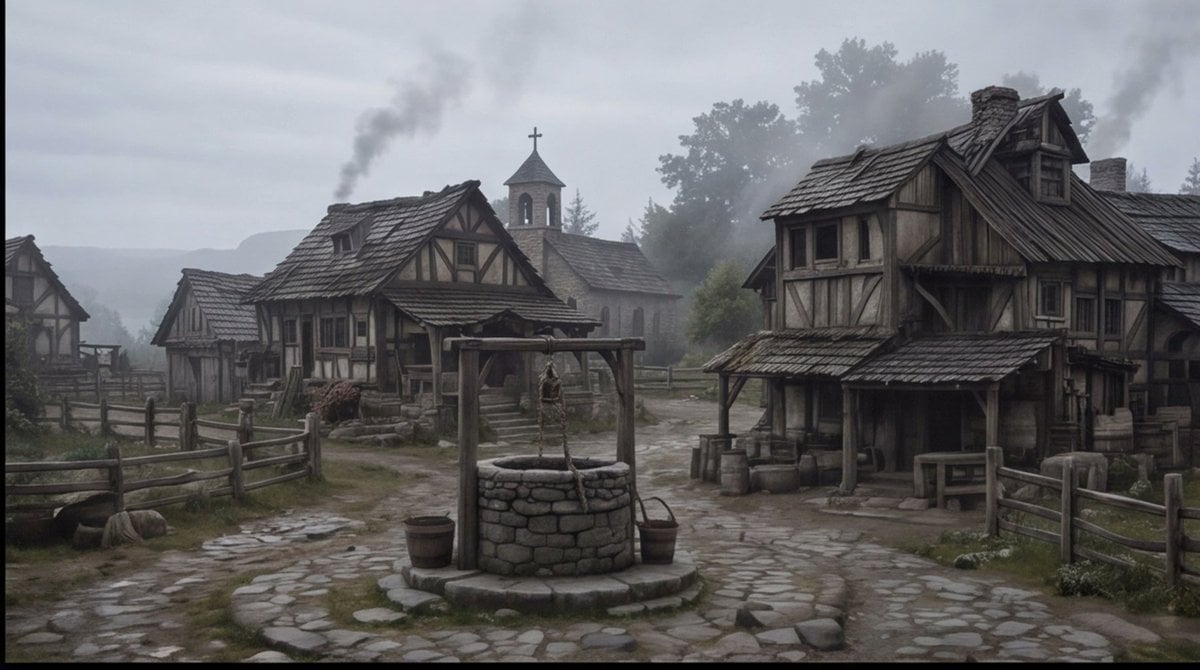
Misty Medieval Village Establishing Shot
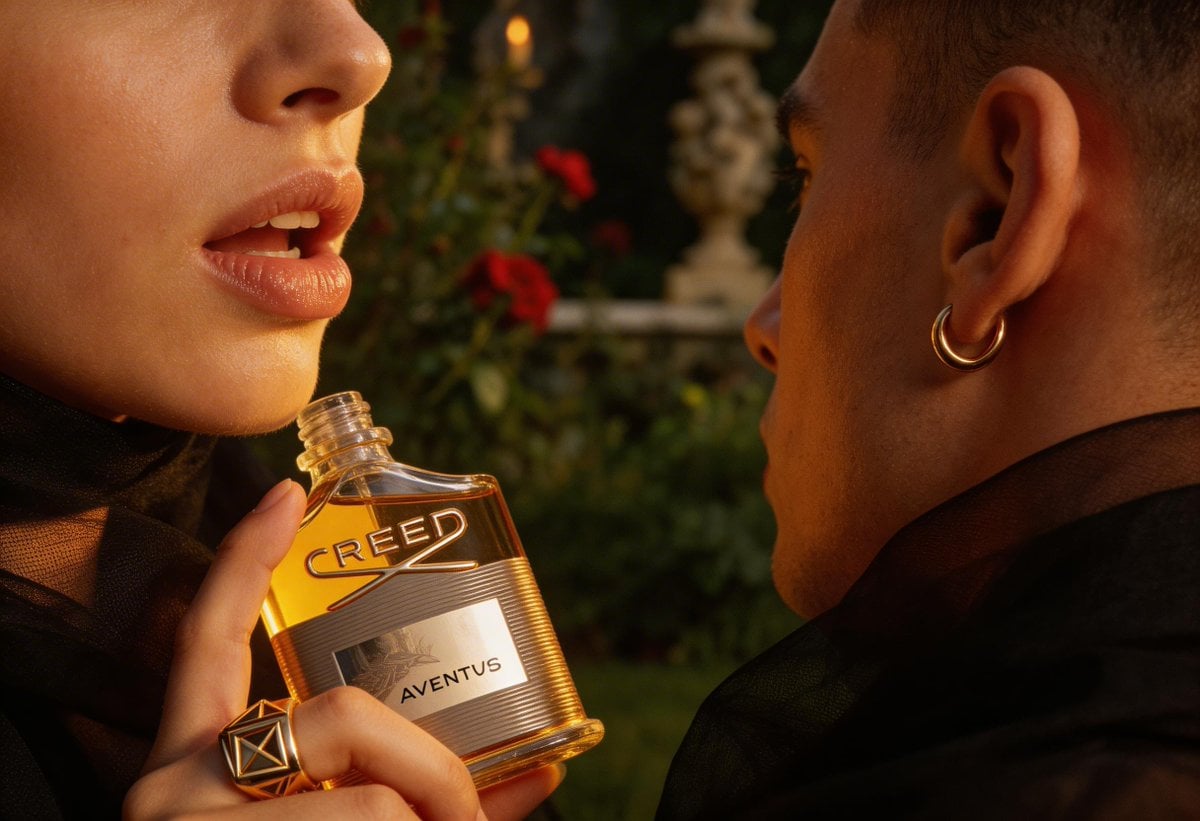
High-End Fashion Editorial Close-up (Creed Aventus)

Minimalist Chinese Ink Wash Mist Painting
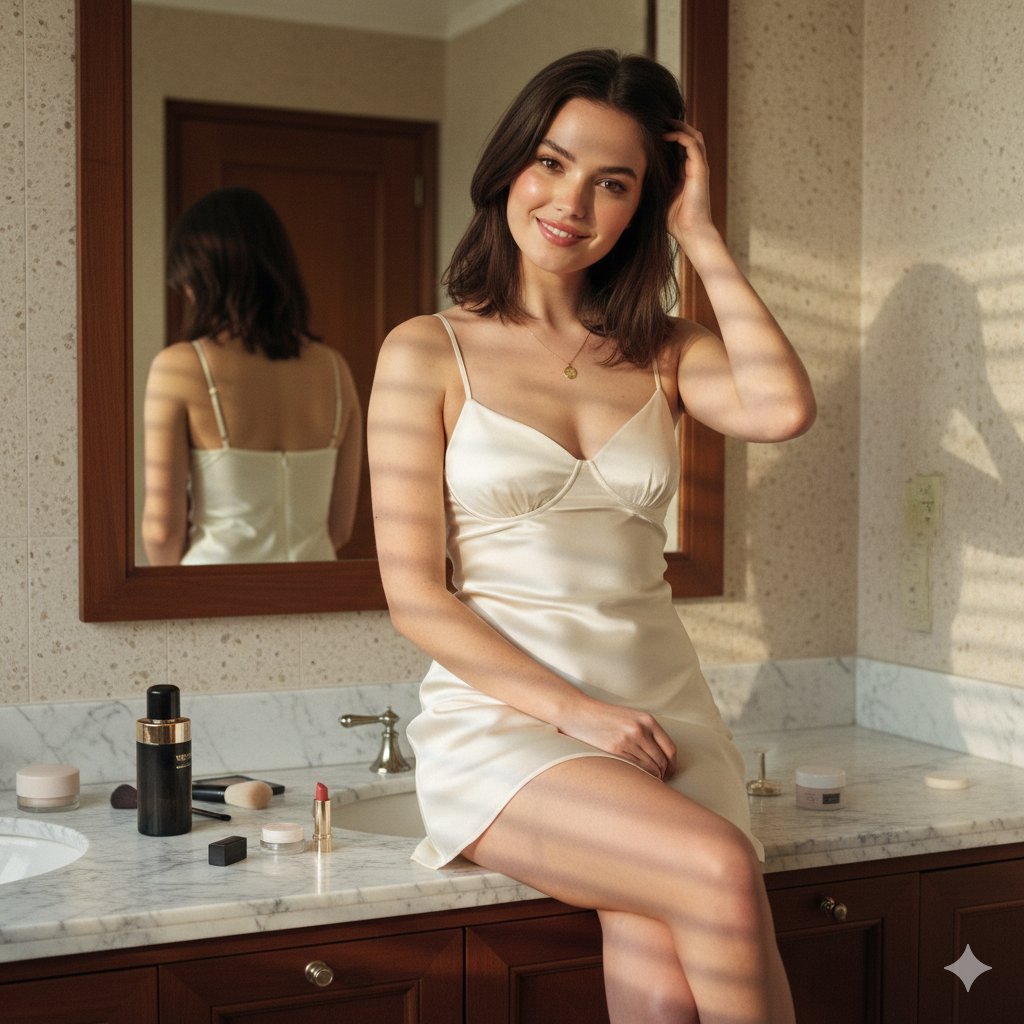
Candid Luxury Bathroom Portrait (Identity Locked)
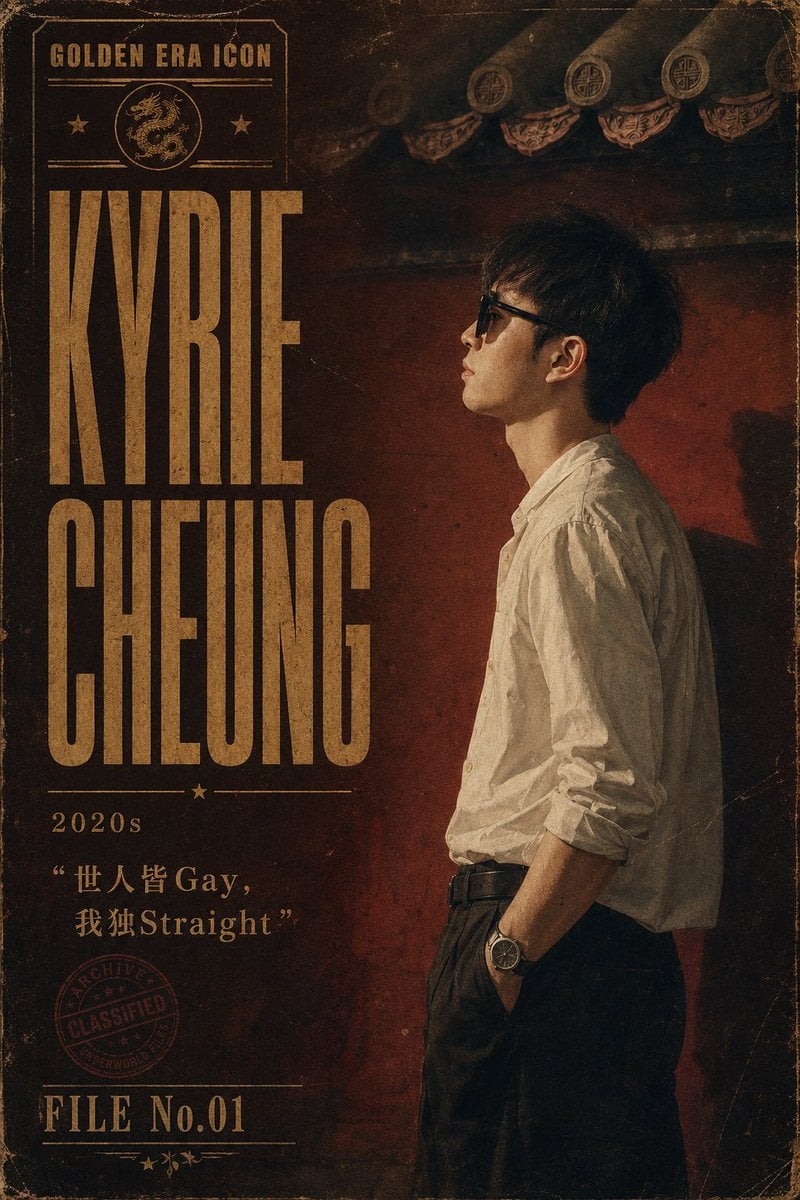
Retro Hong Kong Gangster Poster

Fantasy Forest Music Manga Page

Anime Storyboard Generation
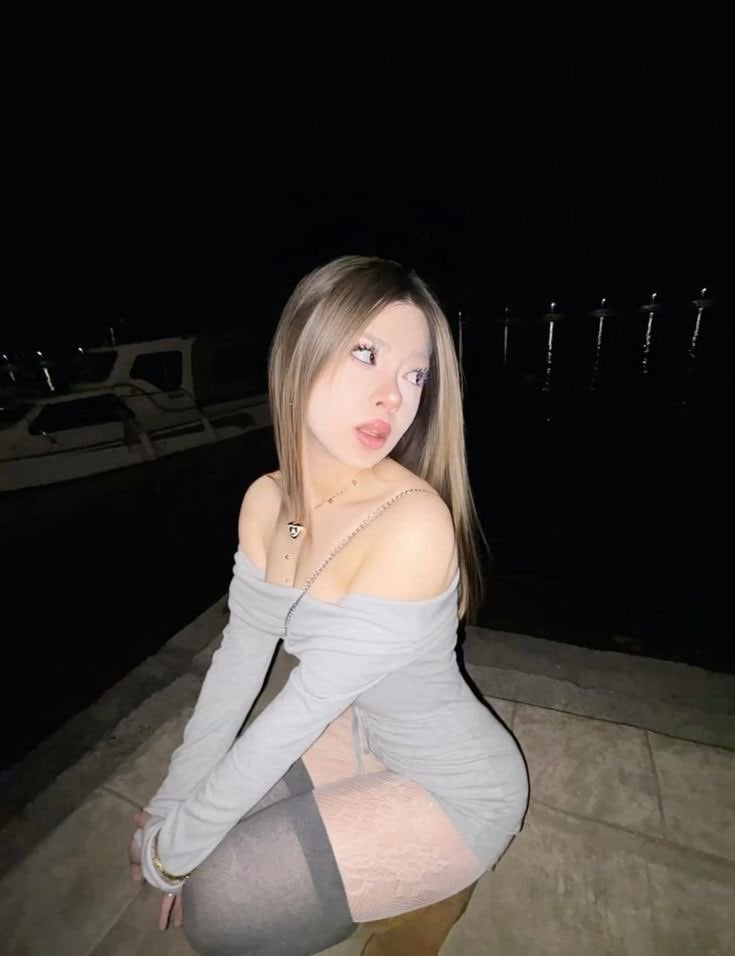
High-Fidelity Night Marina Flash Photo

X Chatgptpaglu Gpt Image 2 on Yapper So
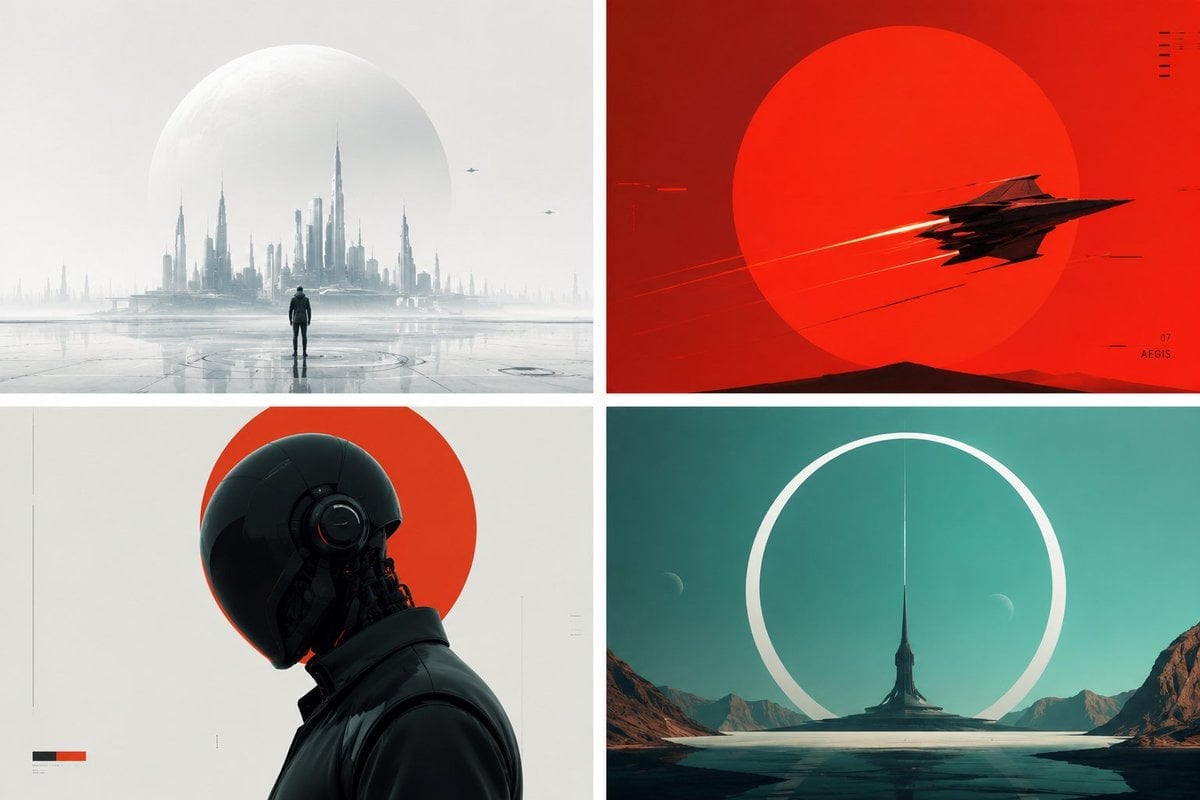
Minimalist Futuristic Concept Art
Browse template categories
MacBook Webcam Window Photo questions
How do I use the MacBook Webcam Window Photo template?
Add your photo if the template asks for one, edit the prompt if you like — the template's model and format are already selected — and press Generate. Your version opens in PicX Studio.
Can I customize the MacBook Webcam Window Photo template?
Yes. You can change the subject, setting, lighting, mood, format, and available model controls before creating your image.
Is the MacBook Webcam Window Photo template free?
Opening and editing this template is free. Generating uses credits, shown on the Generate button when you are signed in.
Which AI model should I use?
Start with GPT Image 2, which is the model associated with this template. You can compare another compatible model for a different finish.
Looking for something else? Browse all templates.

Your photo, any look
Thousands of ready templates for every top image and video model, from one credit balance.