
Vintage Webcam Photo Collage
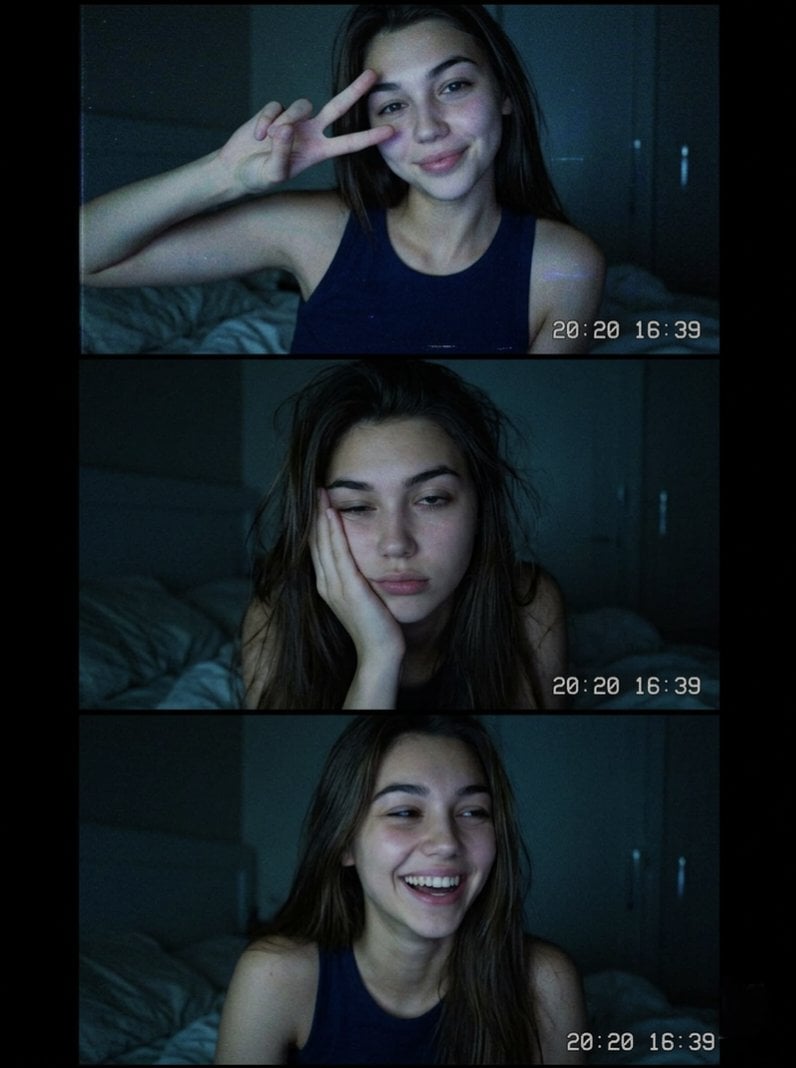
A nostalgic Y2K-style webcam photo booth collage with grainy low-light textures and a casual late-night vibe.
- Prompt included
- Model and format preset
- Free template
The prompt behind this image
Copy the exact prompt behind Vintage Webcam Photo Collage, or open it in the studio and make it yours.
- Prompt
- Vintage webcam-style photo booth collage of a young brunette girl sitting on a bed in a dark cozy bedroom at night, captured in three candid frames with different expressions — peace sign selfie, sleepy tired face, and natural laughing smile. Soft blue screen lighting, grainy low-light texture, nostalgic early 2000s webcam aesthetic, visible digital timestamp overlay, casual black sleeveless top, natural messy hair, minimal makeup, relaxed late-night vibe, intimate bedroom atmosphere, soft shadows, candid Gen Z mood, Tumblr and Y2K aesthetic, realistic skin texture, cinematic composition, lo-fi digital camera quality, photorealistic.
- Style
- Y2K / Tumblr / Vintage Webcam
- Aspect Ratio
- 3:4
- Lighting
- Soft blue screen glow, low-light ambient
- Camera
- Old webcam / digital camera aesthetic
- Quality
- Ultra realistic, grainy, cinematic
- Mood
- Cozy, nostalgic, candid
Raw JSON
{
  "prompt": "Vintage webcam-style photo booth collage of a young brunette girl sitting on a bed in a dark cozy bedroom at night, captured in three candid frames with different expressions — peace sign selfie, sleepy tired face, and natural laughing smile. Soft blue screen lighting, grainy low-light texture, nostalgic early 2000s webcam aesthetic, visible digital timestamp overlay, casual black sleeveless top, natural messy hair, minimal makeup, relaxed late-night vibe, intimate bedroom atmosphere, soft shadows, candid Gen Z mood, Tumblr and Y2K aesthetic, realistic skin texture, cinematic composition, lo-fi digital camera quality, photorealistic.",
  "style": "Y2K / Tumblr / Vintage Webcam",
  "aspect_ratio": "3:4",
  "lighting": "Soft blue screen glow, low-light ambient",
  "camera": "Old webcam / digital camera aesthetic",
  "quality": "Ultra realistic, grainy, cinematic",
  "mood": "Cozy, nostalgic, candid"
}How to use Vintage Webcam Photo Collage in 3 steps
- 1
Open
The prompt is already in the box next to the preview, with the template's model and format selected.
- 2…a portrait of your subject in softgolden-hour light, 85mm…
Personalize
Edit the subject and creative details for your destination.
- 3Generate
Generate
Press Generate — your image is created in PicX Studio, so you can compare it with the original and refine one variable at a time.
More like this
Templates with the same subject, style or setup. Open one to see its prompt.











Make it yours
Vintage Webcam Photo Collage works as-is. These are the safest ways to change it without losing the look.
Swap the light
One lighting change is enough to compare takes. Current light: “Soft blue screen glow, low-light ambient”.
Change one field
Copy a single group, rewrite it, and generate again so you can see what that field is doing.
Keep the frame, change the subject
Hold the composition and light of Vintage Webcam Photo Collage, then swap wardrobe, props or the person for a new take.
| If the result… | Why | Fix |
|---|---|---|
| The result drifts from the preview | Too many fields changed at once. | Reuse Vintage Webcam Photo Collage as-is first, then change one group — subject, light, or setting. |
| GPT Image 2 ignores part of the JSON | Some models flatten or skip nested keys. | Keep the same values and paste them as a short paragraph instead. |
More GPT Image 2 templates
Other prompts made for GPT Image 2.

Six VTuber Japanese Logo Sheet

Realistic Portrait of Woman and Deer

The Vista Modular Condo Poster

AI Model Routing Comparison Infographic

2.5D Anime Art Board

Isometric Productivity Desk Scene

New York Double Exposure Poster

Four-Panel AI Landscape Comparison

Japanese Tatami Lifestyle Magazine Cover

NESCAFÉ Coffee Map Poster
More image prompts
Fresh picks from across the catalog.
Wholesome Giant Animal in Cityscape
Jomon Dogu Couture Moodboard
Anime Fantasy Painter in Blue Atelier
Molecular Gastronomy Display Box for Food Visualization

Four-Panel Manga: Double Accounting
Blackboard summary of pasted content
Exaggerated Hourglass Gym Selfie Prompt
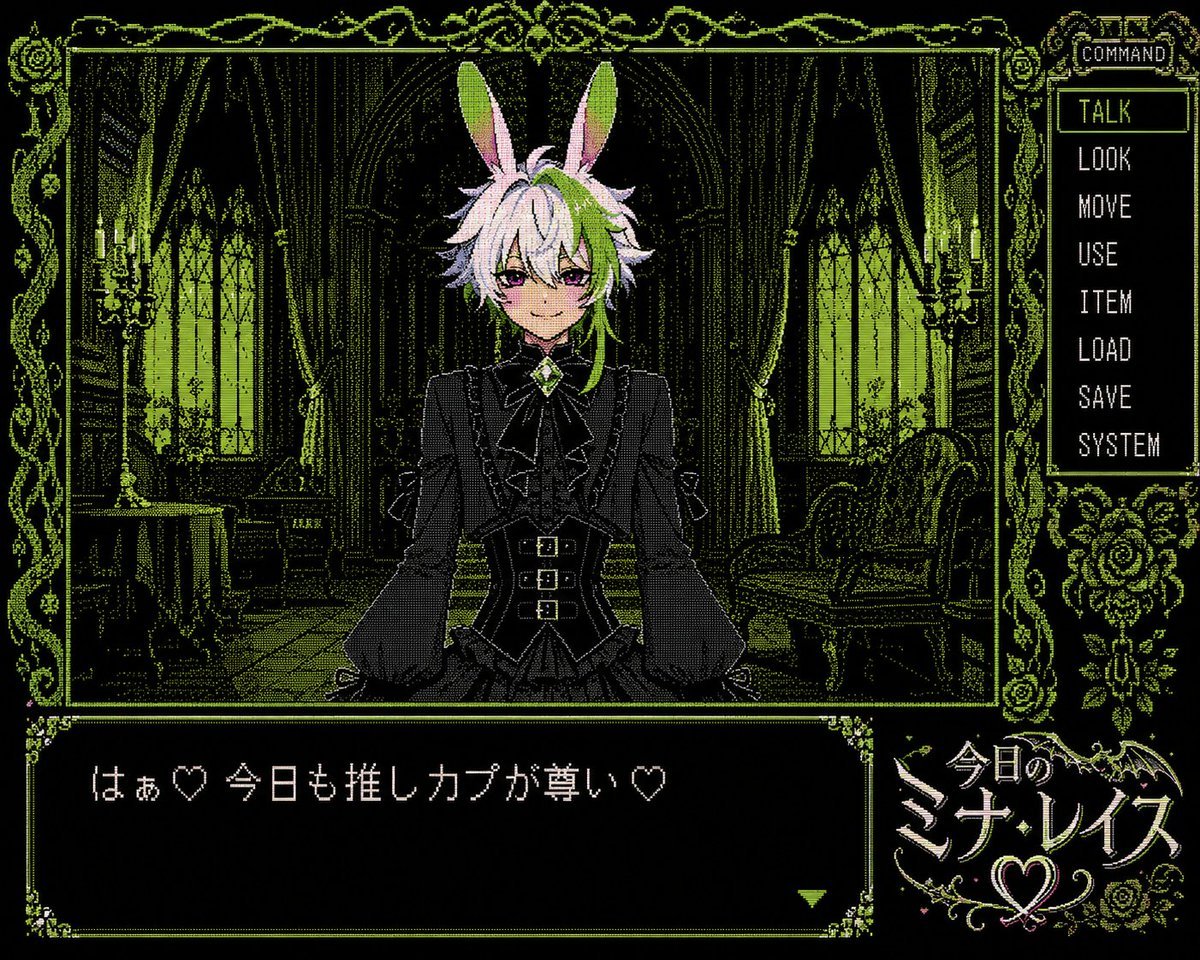
PC-98 Gothic Visual Novel UI
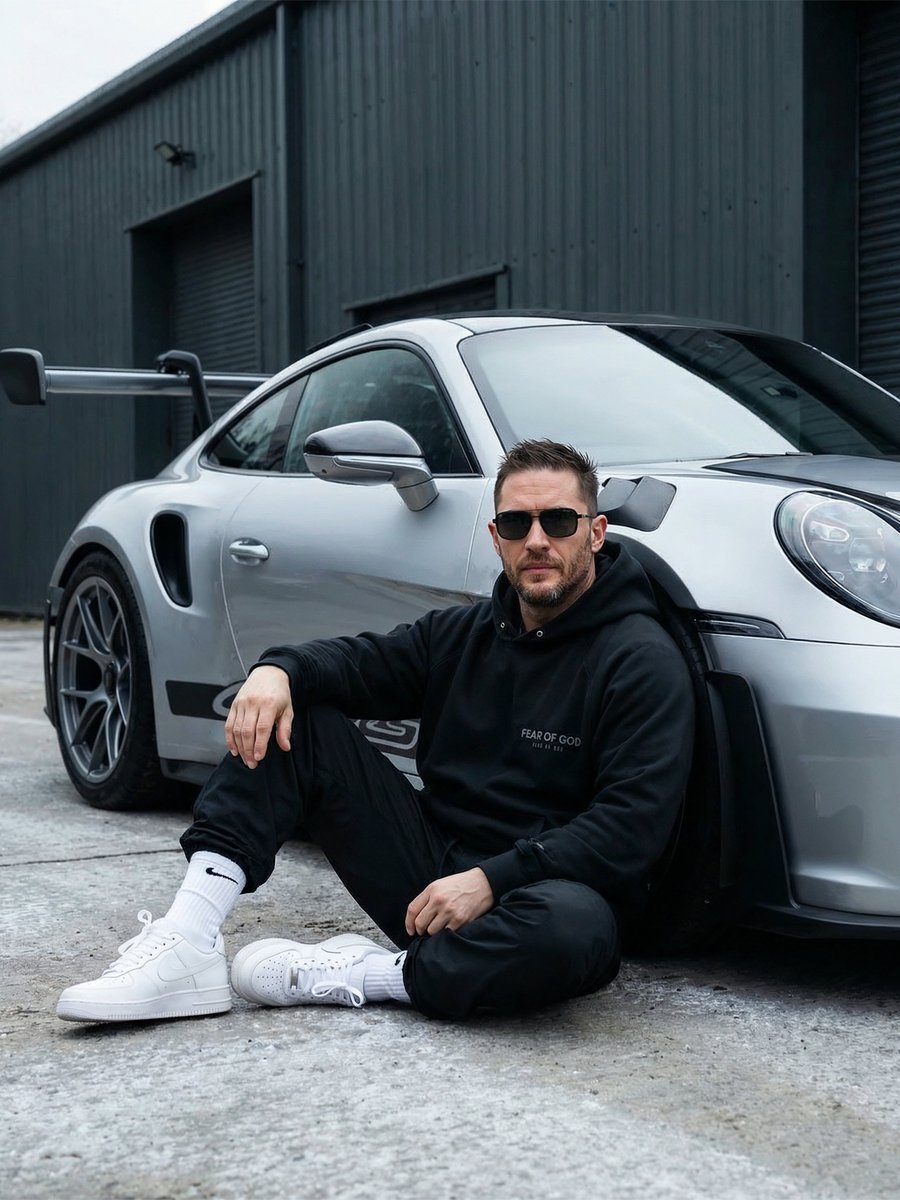
Urban Porsche 911 GT3 Portrait
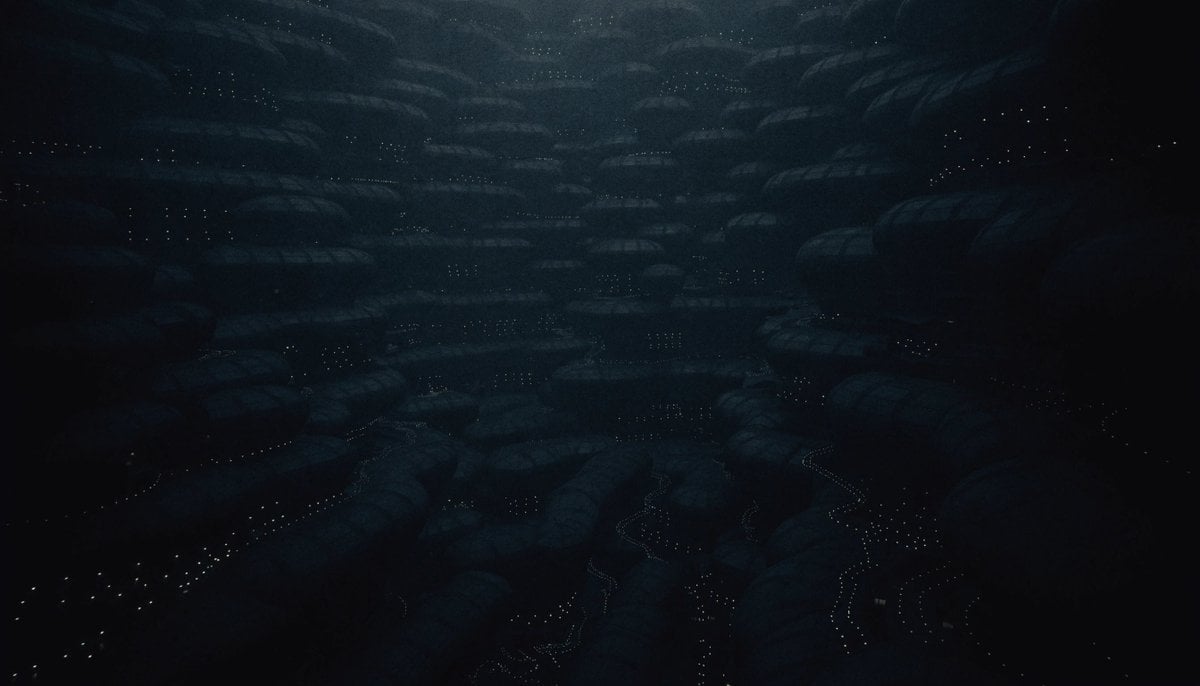
Dark Alien Megastructure Cavern
Browse template categories
Vintage Webcam Photo Collage questions
How do I use the Vintage Webcam Photo Collage template?
Add your photo if the template asks for one, edit the prompt if you like — the template's model and format are already selected — and press Generate. Your version opens in PicX Studio.
Can I customize the Vintage Webcam Photo Collage template?
Yes. You can change the subject, setting, lighting, mood, format, and available model controls before creating your image.
Is the Vintage Webcam Photo Collage template free?
Opening and editing this template is free. Generating uses credits, shown on the Generate button when you are signed in.
Which AI model should I use?
Start with GPT Image 2, which is the model associated with this template. You can compare another compatible model for a different finish.
Looking for something else? Browse all templates.

Your photo, any look
Thousands of ready templates for every top image and video model, from one credit balance.