
Dark Alien Megastructure Cavern
A cinematic prompt for generating an ominous vast alien cavern or megastructure interior with tiny lights, fog, and a lone explorer for scale.
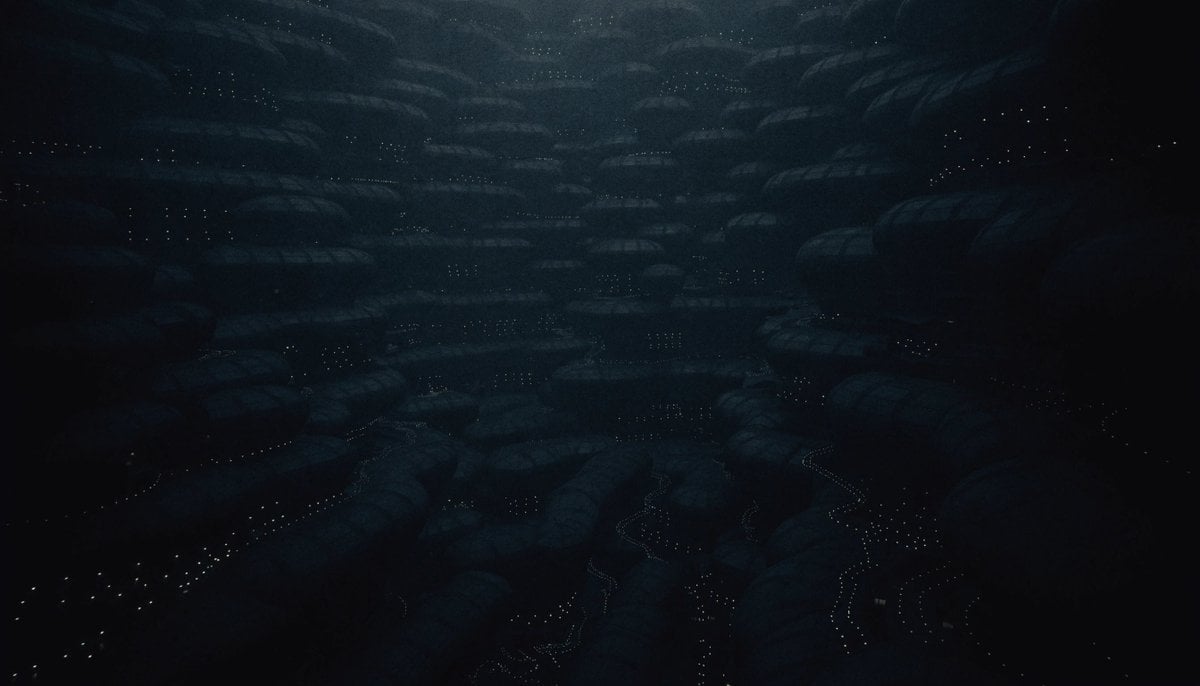
- Prompt included
- Model and format preset
- Free template
The prompt behind this image
Copy the exact prompt behind Dark Alien Megastructure Cavern, or open it in the studio and make it yours.
Create a vast cinematic dark sci-fi landscape showing the interior of an enormous alien megastructure or cavern, like a hollow asteroid cathedral filled with twisting organic-metal arches and colossal ribbed columns. The scene is viewed in a wide 16:9 composition from deep inside the structure, with the camera looking across multiple layers of monumental black rock and glossy biomechanical surfaces. The environment should feel ancient, terrifying, and beautiful: jagged curved supports, suspended masses, concave tunnels, and huge openings receding into foggy distance. Surfaces are nearly black, wet, and reflective, densely speckled with thousands of tiny warm lights like distant city windows or stars embedded in the structure. Use {argument name="main environment" default="an immense alien megastructure cavern"}, {argument name="mood" default="ominous, mysterious, and awe-inspiring"}, and {argument name="lighting color" default="cold white-gray backlight with tiny amber highlights"}. Include exactly three major visible light sources: one bright hazy opening on the left, one vertical glowing opening on the right, and one small distant light near the center. Add one tiny human-like explorer silhouette near the lower left carrying a single narrow torch or lamp, emphasizing the overwhelming scale. The palette should be almost monochrome black, charcoal, deep gray, and muted bronze sparks, with volumetric mist, atmospheric depth, high contrast, realistic cinematic rendering, ultra-detailed texture, no text, no borders, no watermark.
How to use Dark Alien Megastructure Cavern in 3 steps
- 1Upload ImagePNG, JPG or paste
Add your photo
Upload the photo the template builds on. The prompt, model and format are already set.
- 2…a portrait of your subject in softgolden-hour light, 85mm…
Personalize
Edit the subject and creative details for your destination.
- 3Generate
Generate
Press Generate — your image is created in PicX Studio, so you can compare it with the original and refine one variable at a time.
More like this
Templates with the same subject, style or setup. Open one to see its prompt.
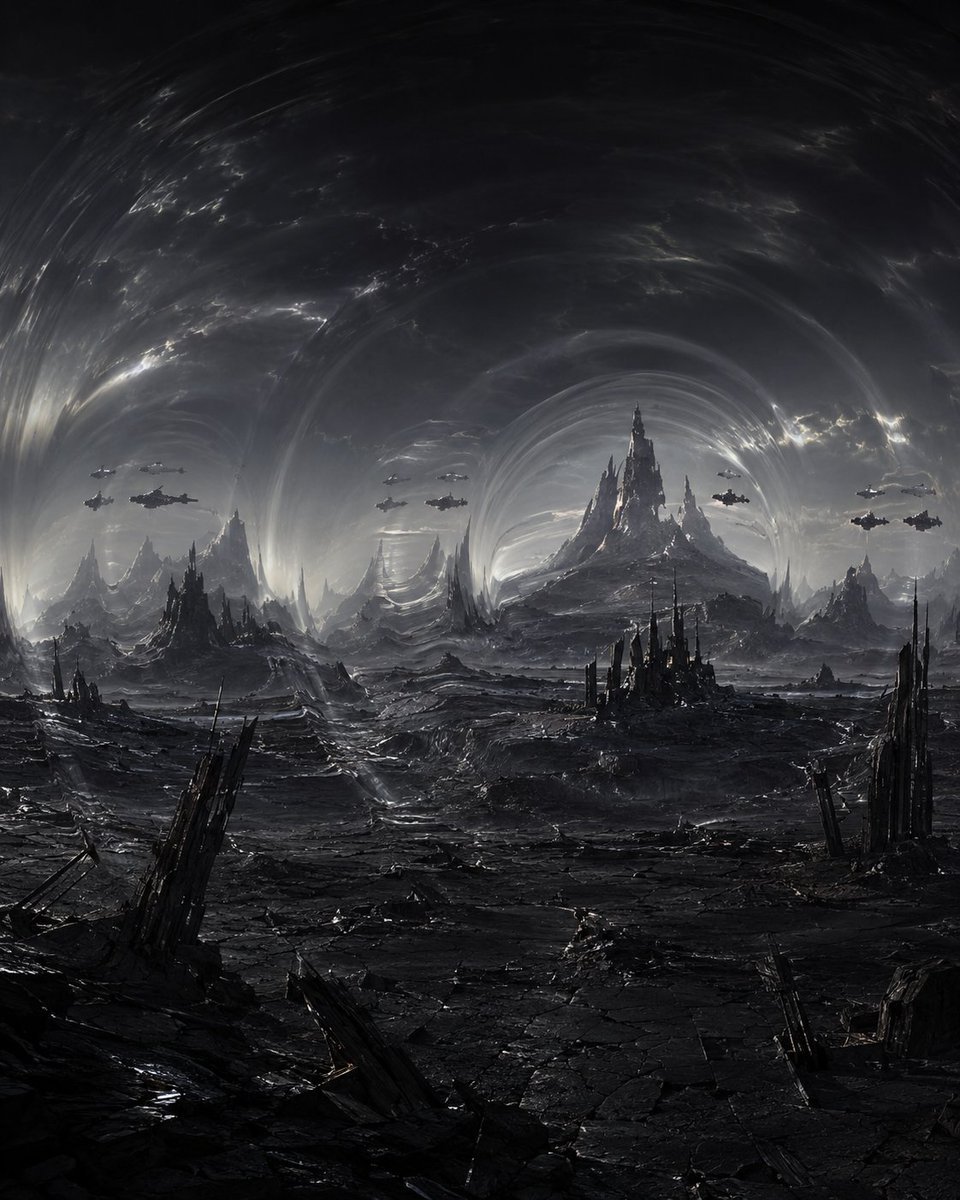
Dark Alien Vibration Wasteland

Selective Color Monochrome Football Poster
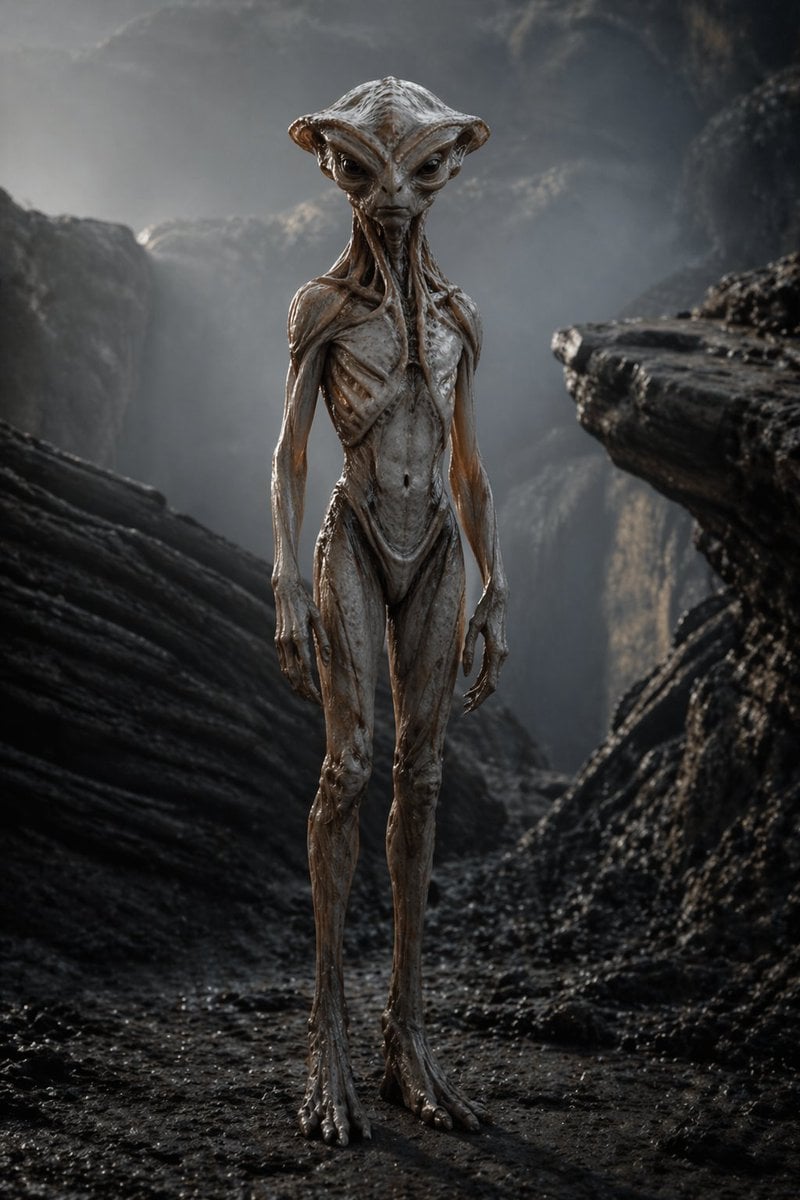
Photoreal Alien in Dark Ravine

Night Sports Car Portrait — Cinematic Moody

Cinematic Eye Light Portraits — 3 Nano Banana Prompts

Horror Cinematic Portrait
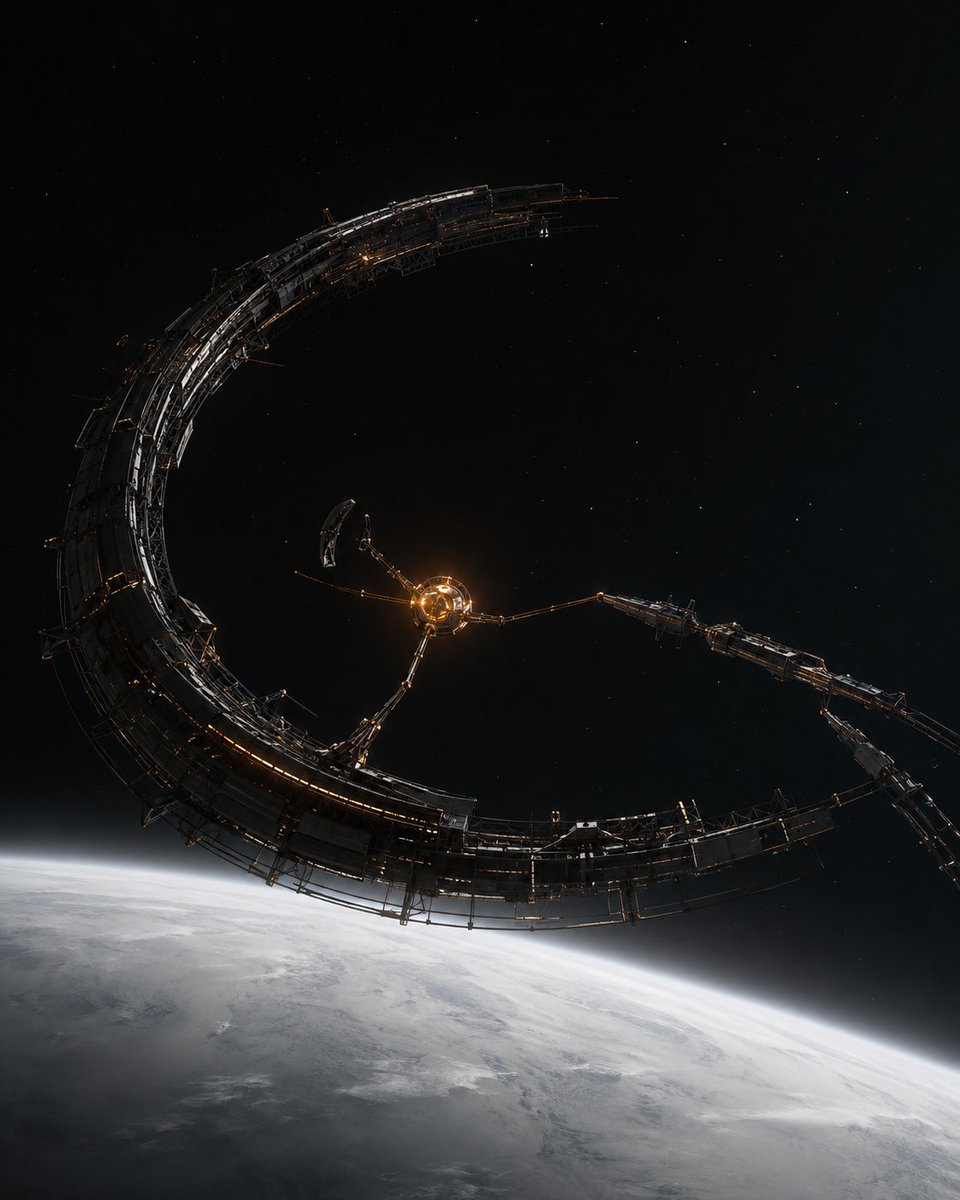
Crescent Orbital Megastructure
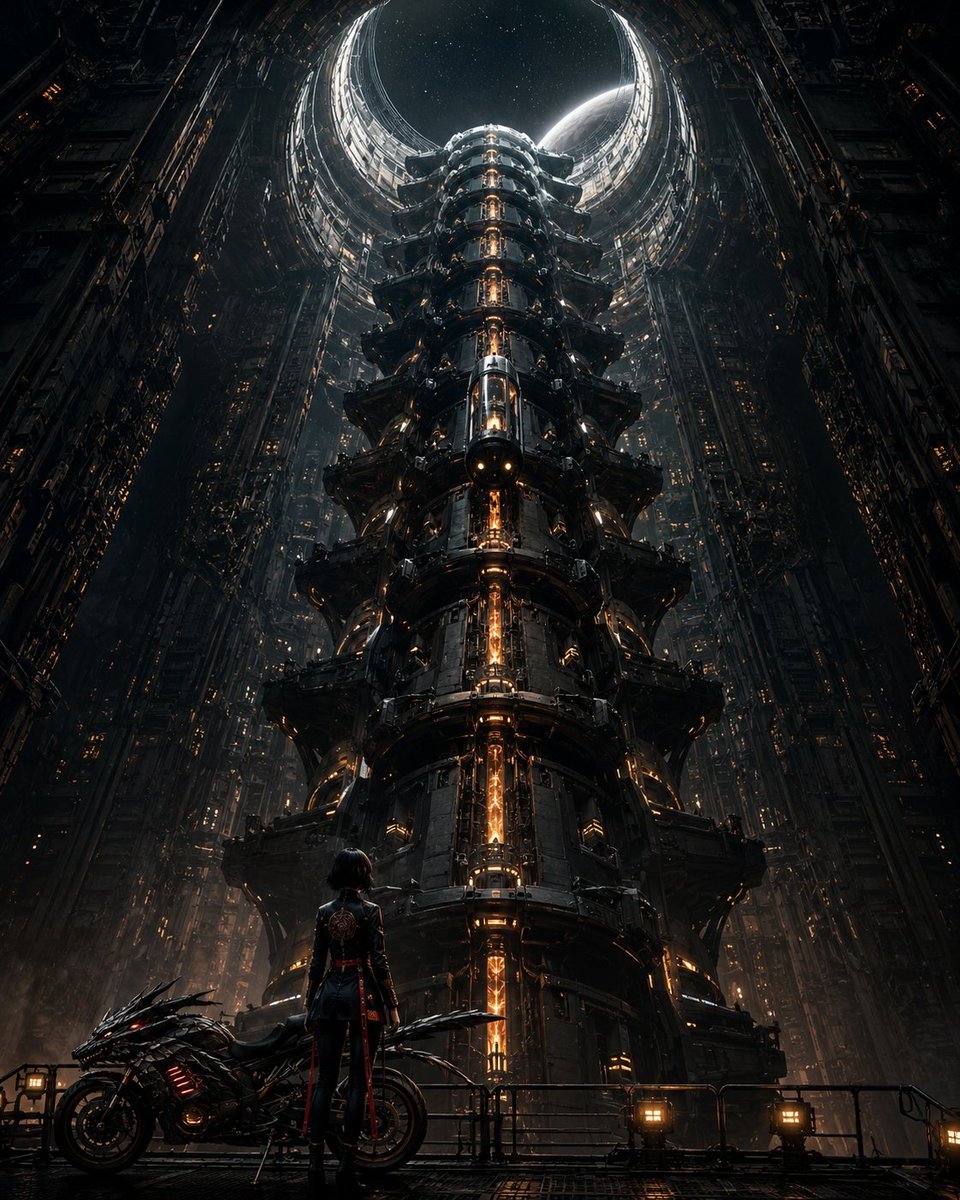
Cyberpunk Megastructure Rider
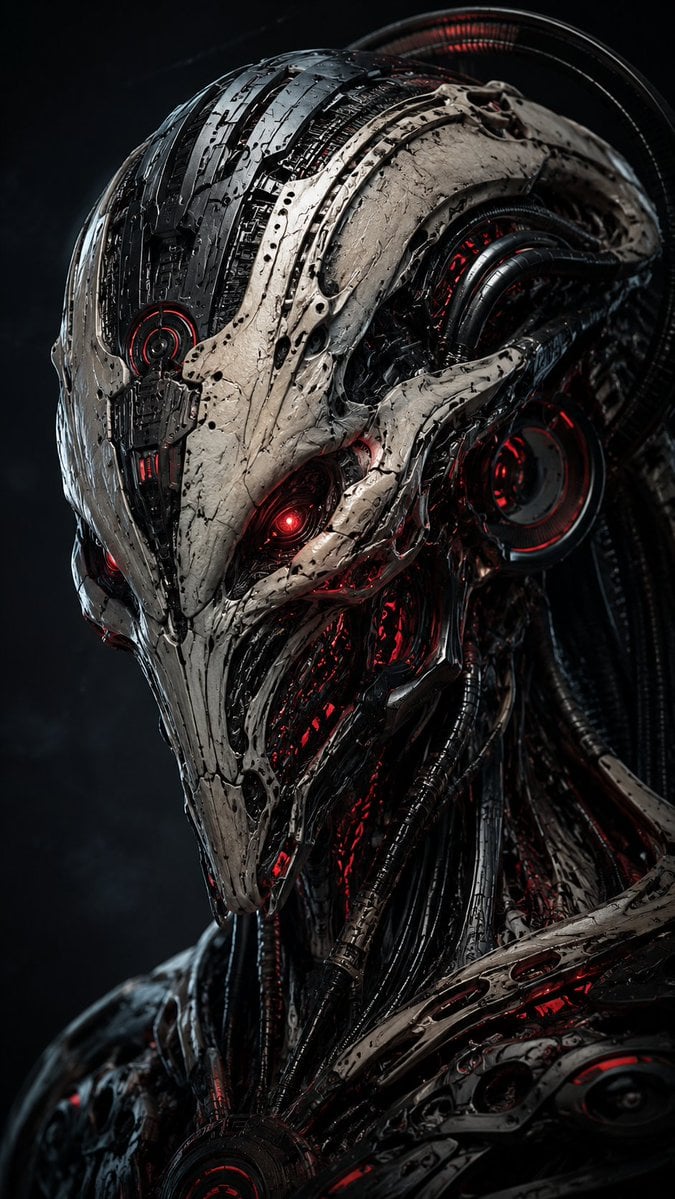
Mecha Alien at Gravity Edge
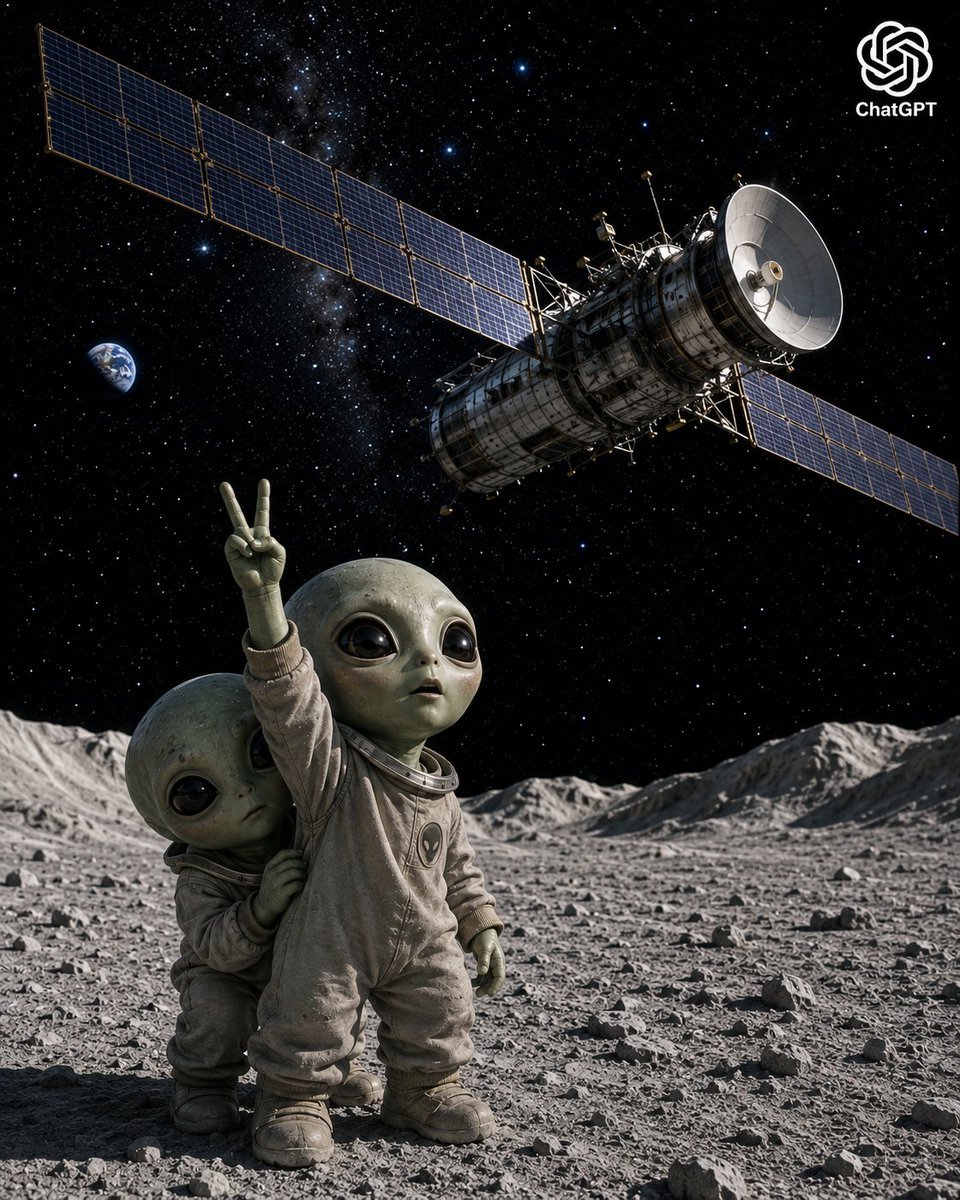
Lunar Alien Babies and Satellite
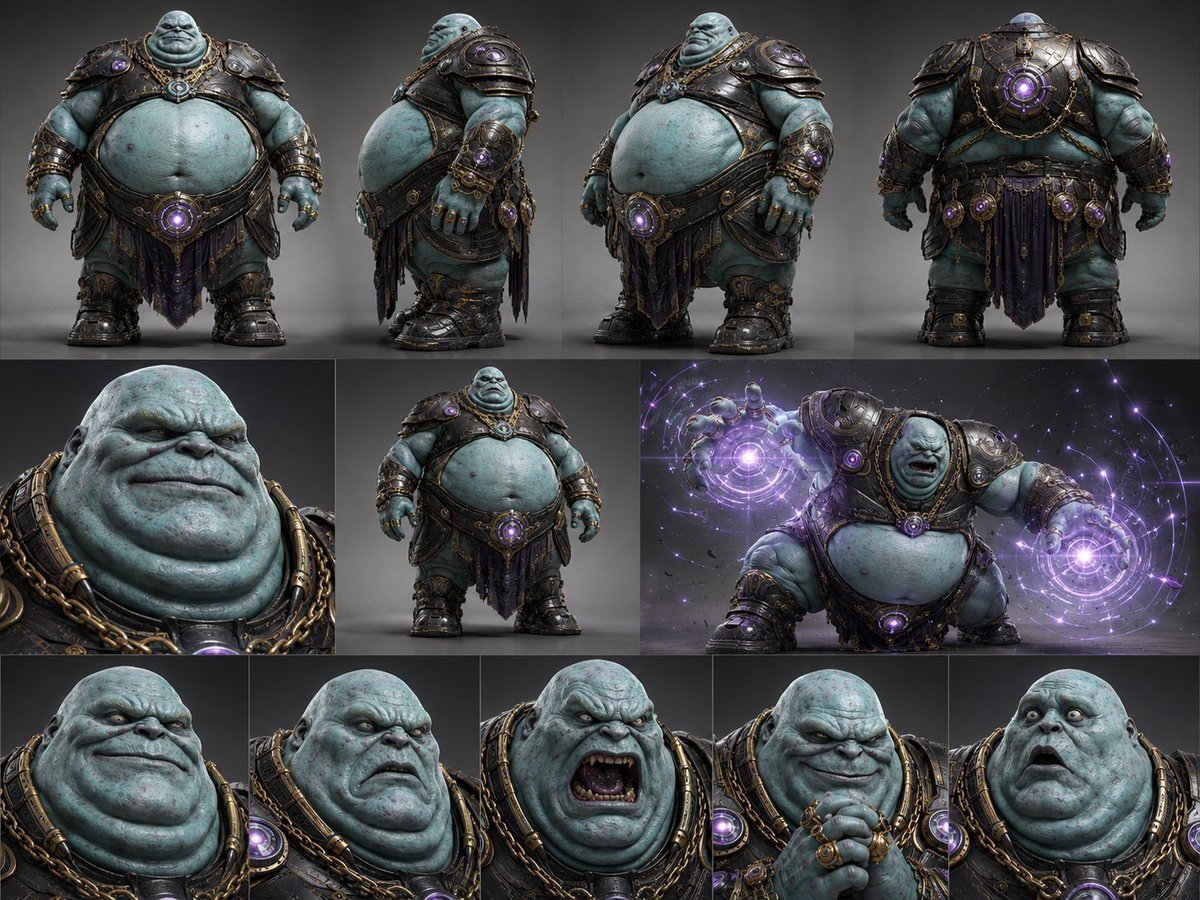
Alien Warlord Character Design Sheet
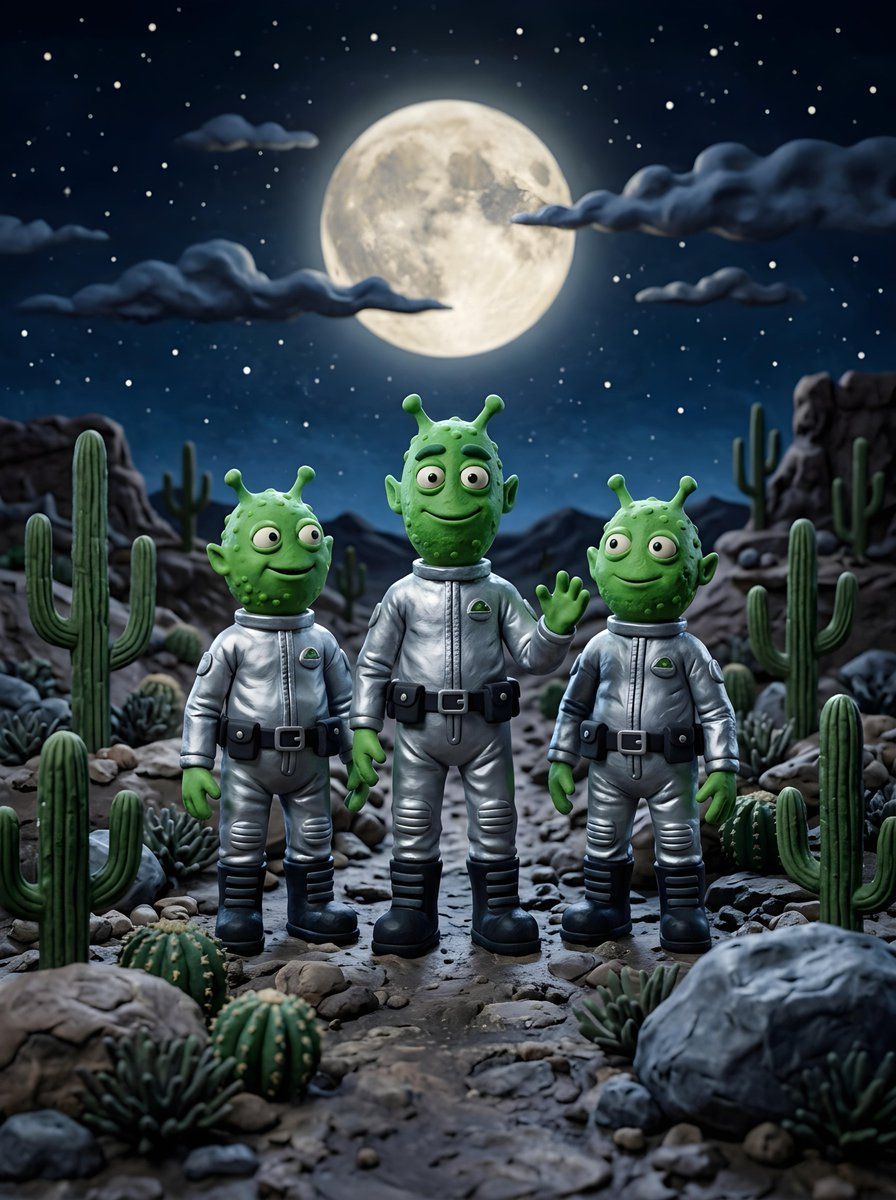
Claymation Aliens Desert Landscape
Make it yours
Dark Alien Megastructure Cavern works as-is. These are the safest ways to change it without losing the look.
Change one field
Copy a single group, rewrite it, and generate again so you can see what that field is doing.
Keep the frame, change the subject
Hold the composition and light of Dark Alien Megastructure Cavern, then swap wardrobe, props or the person for a new take.
| If the result… | Why | Fix |
|---|---|---|
| The result drifts from the preview | Too many fields changed at once. | Reuse Dark Alien Megastructure Cavern as-is first, then change one group — subject, light, or setting. |
| The model over-stylizes the scene | The prose prompt leaves finish and camera underspecified. | Add one camera or lighting sentence and stay on GPT Image 2. |
More GPT Image 2 templates
Other prompts made for GPT Image 2.

Six VTuber Japanese Logo Sheet

Realistic Portrait of Woman and Deer

The Vista Modular Condo Poster

AI Model Routing Comparison Infographic

2.5D Anime Art Board

Isometric Productivity Desk Scene

New York Double Exposure Poster

Four-Panel AI Landscape Comparison

Japanese Tatami Lifestyle Magazine Cover

NESCAFÉ Coffee Map Poster
More image prompts
Fresh picks from across the catalog.
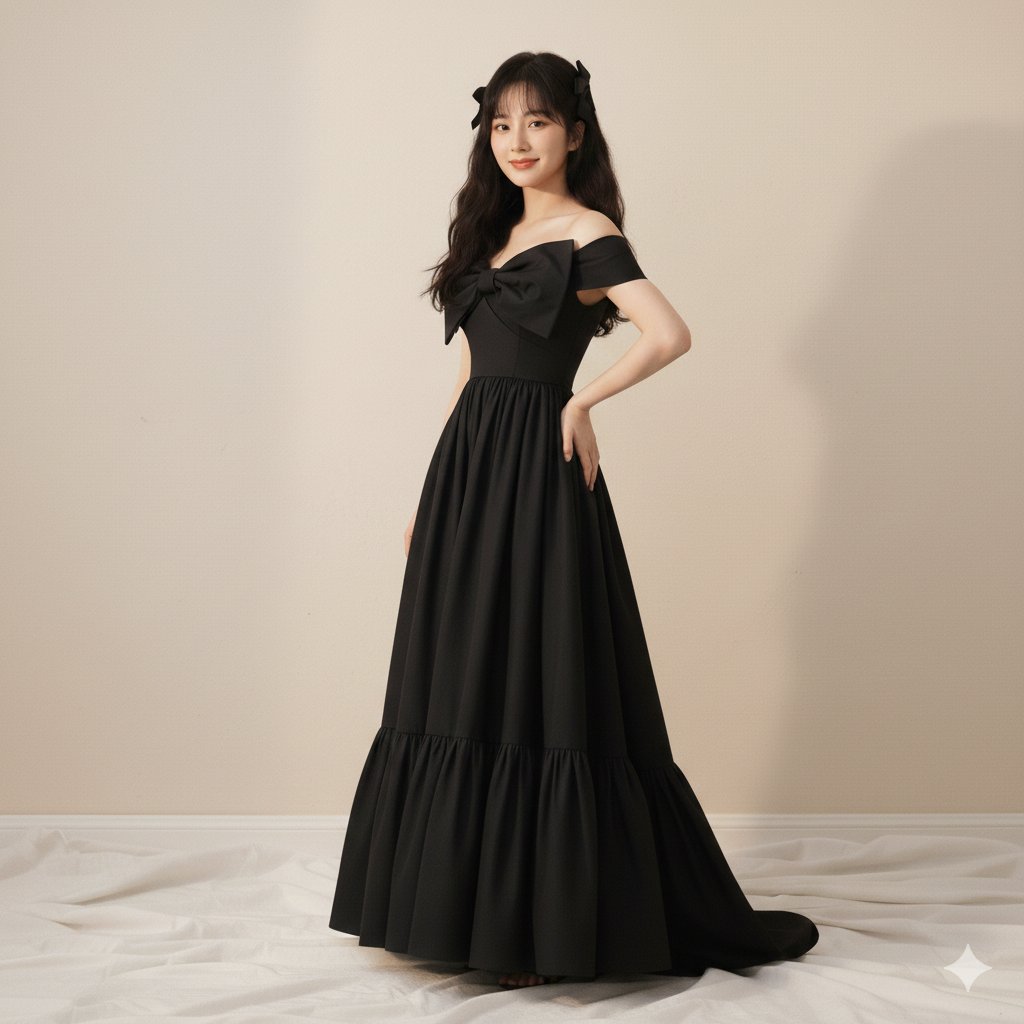
High-Fashion Editorial of Zhao Lusi in Black Bow Gown
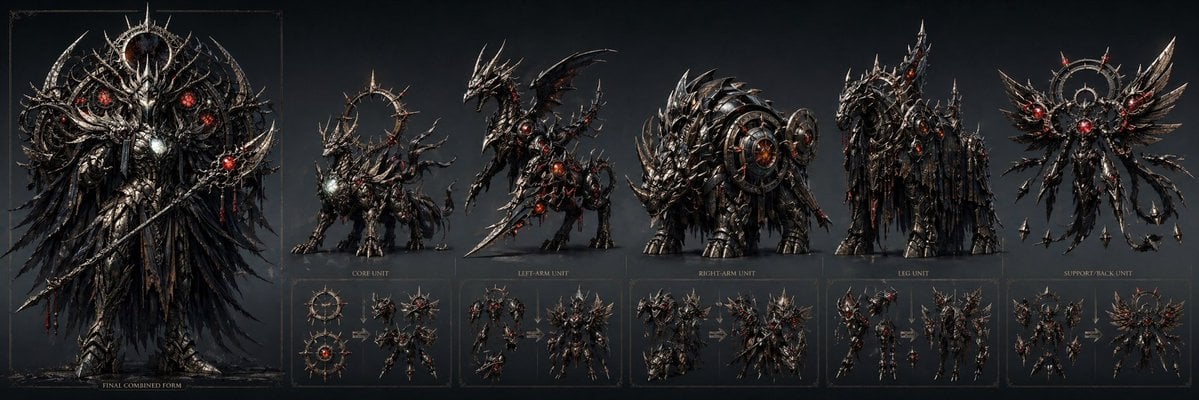
Gothic Combining Mecha Concept Sheet
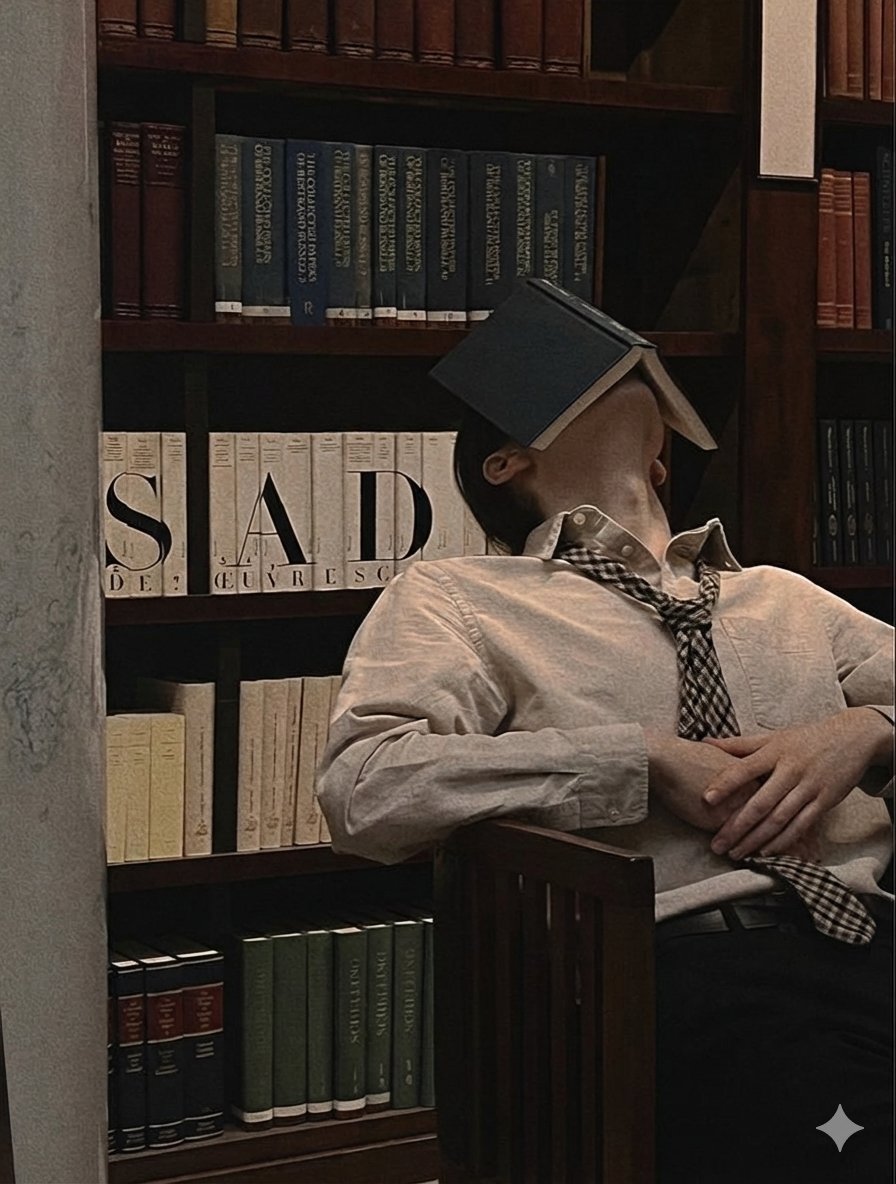
Introspective Indoor Portrait with Book Covering Face Prompt

Handwritten Breakfast Photo Annotations
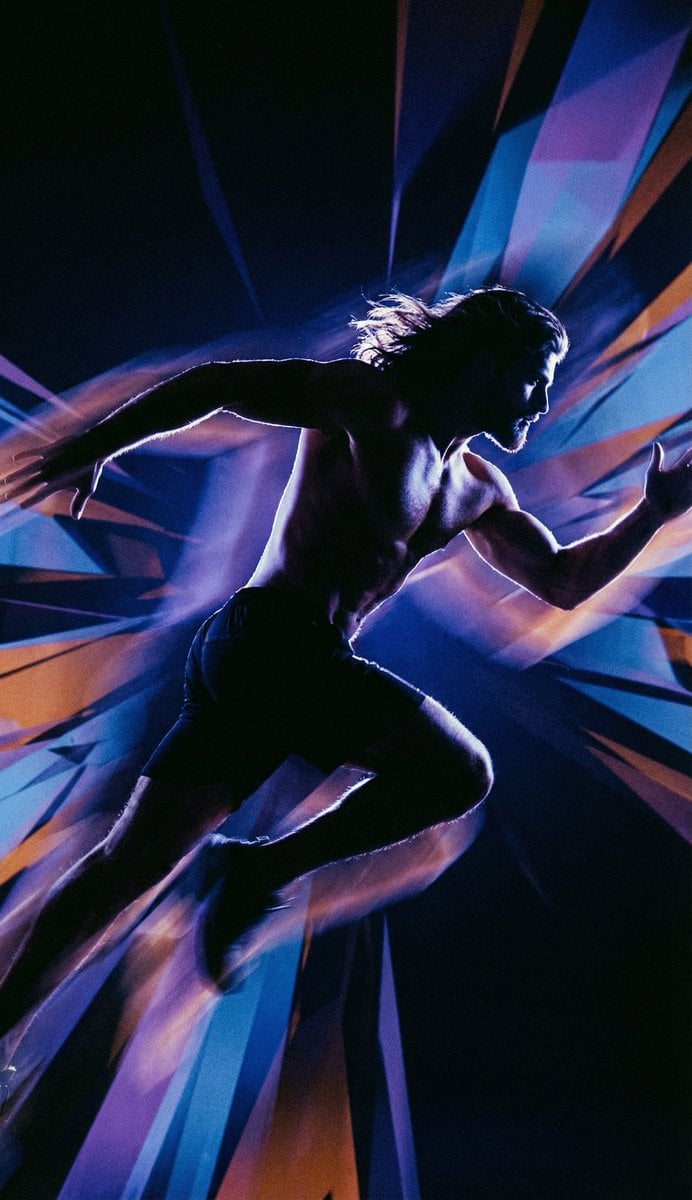
Inspired Prompt from LudovicCreator
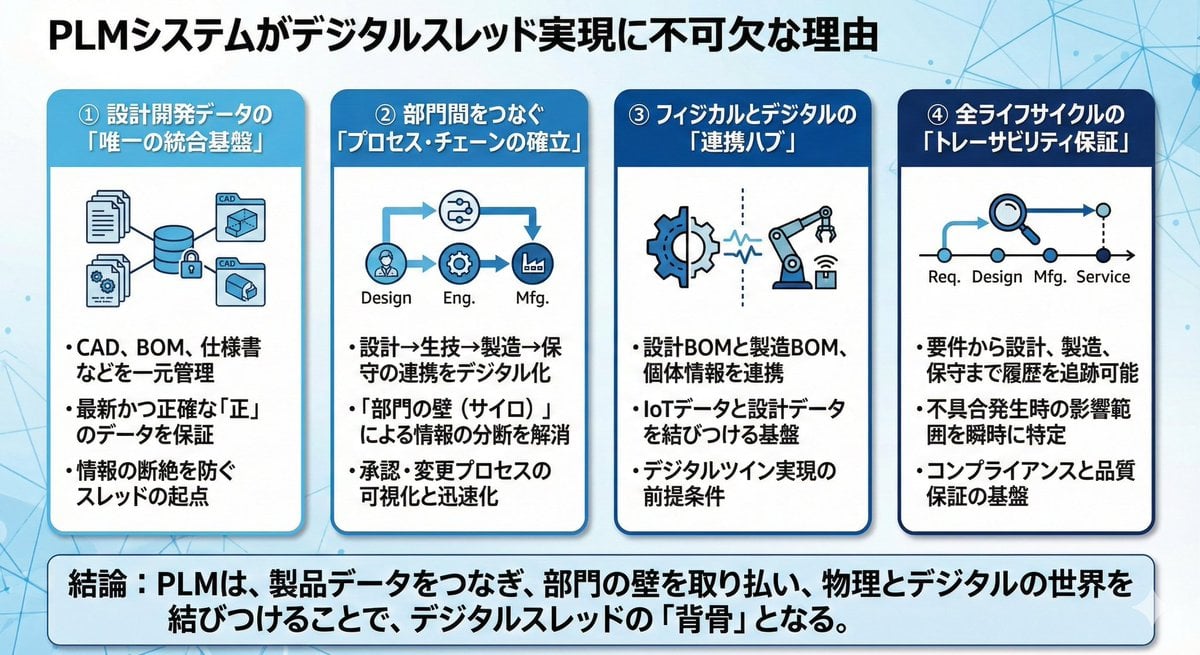
Presentation slide about PLM and digital thread
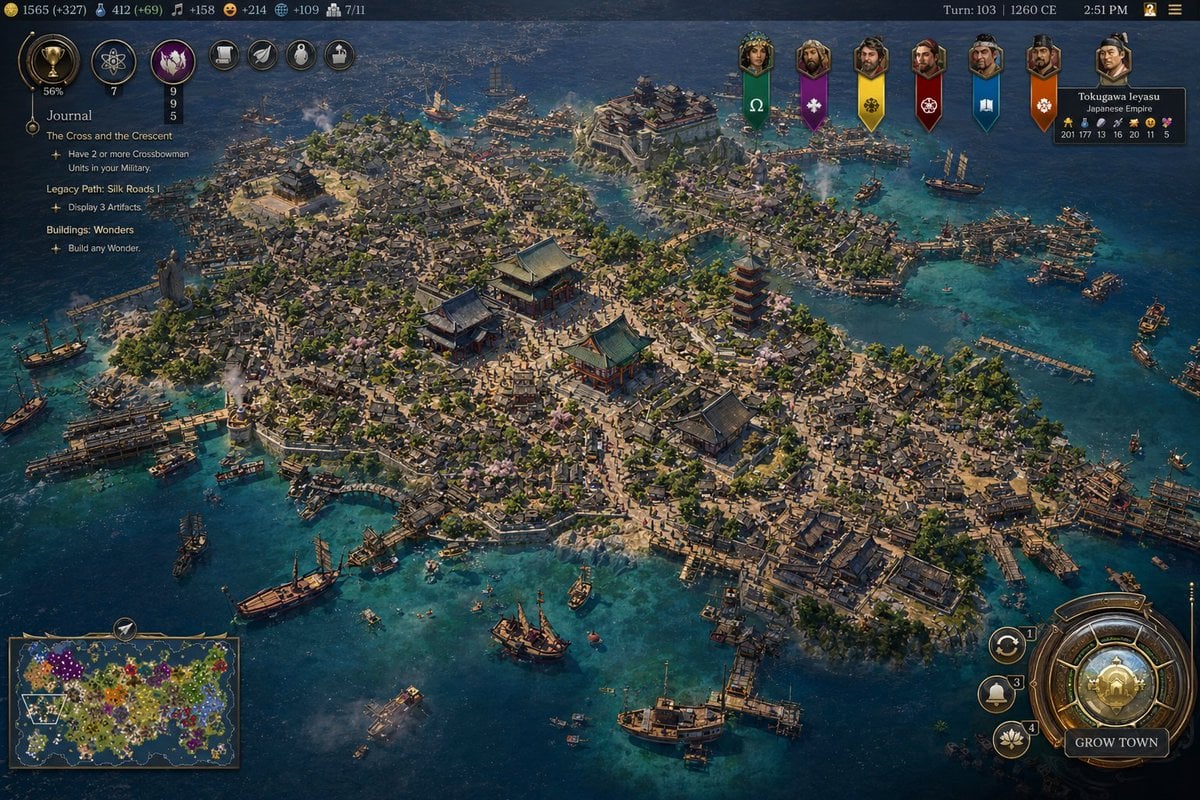
Civilization-Style Japanese Island City
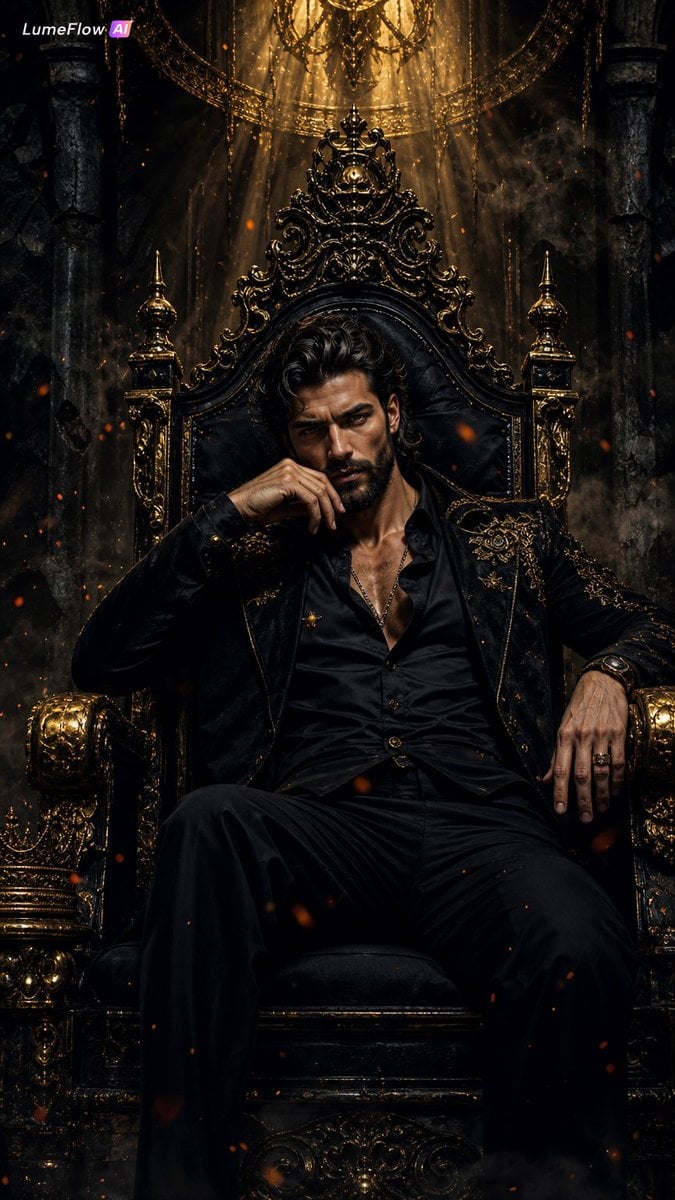
Dark Fantasy King Throne Portrait
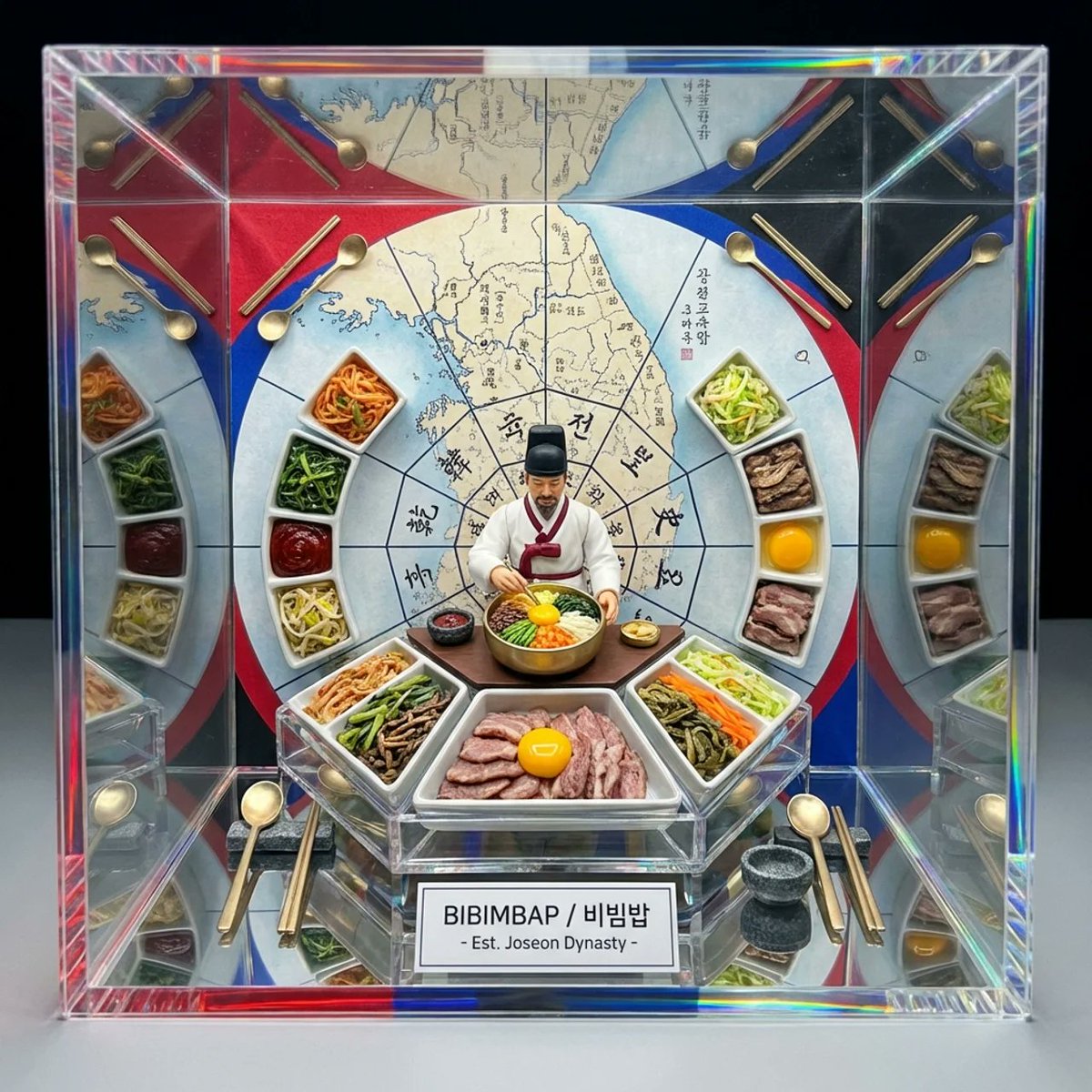
Kaleidoscopic Food Diorama in Acrylic Box
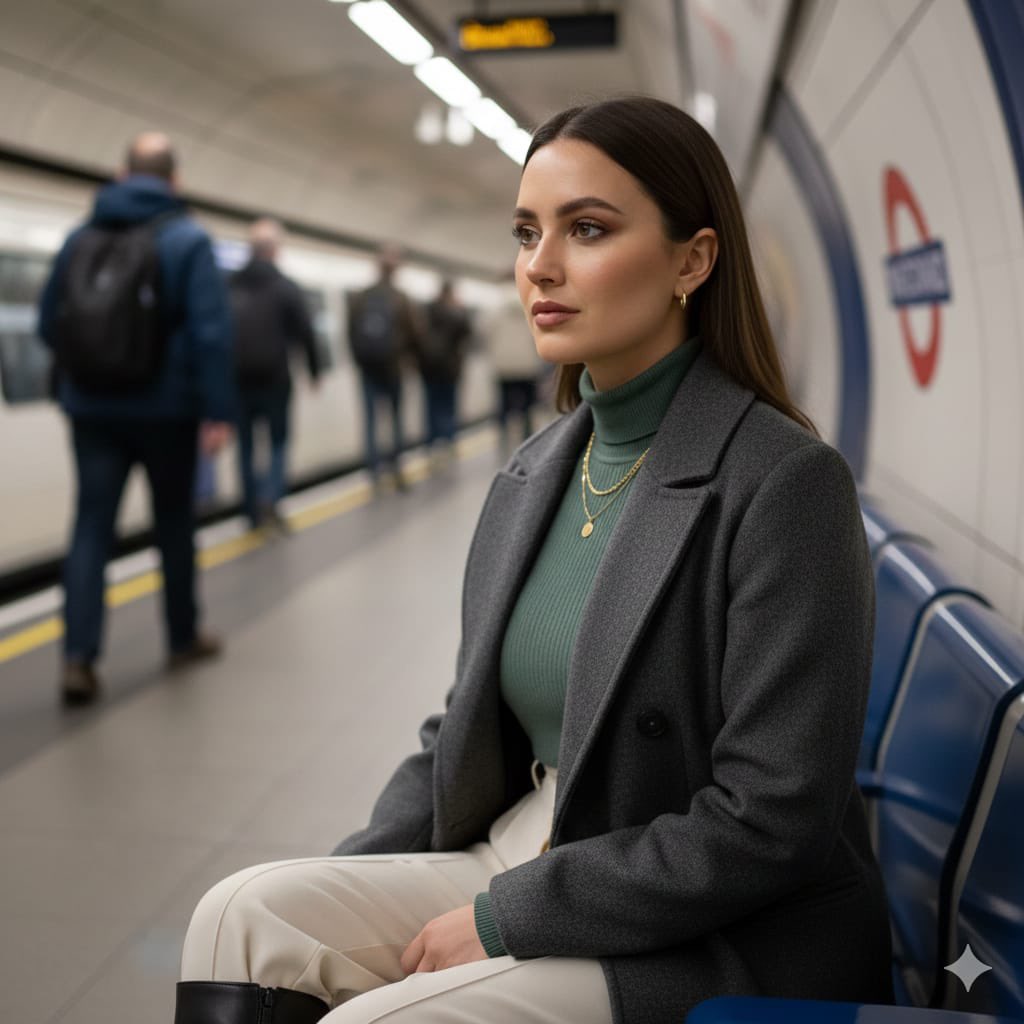
Cinematic London Underground Commuter Portrait Prompt
Browse template categories
Dark Alien Megastructure Cavern questions
How do I use the Dark Alien Megastructure Cavern template?
Add your photo if the template asks for one, edit the prompt if you like — the template's model and format are already selected — and press Generate. Your version opens in PicX Studio.
Can I customize the Dark Alien Megastructure Cavern template?
Yes. You can change the subject, setting, lighting, mood, format, and available model controls before creating your image.
Is the Dark Alien Megastructure Cavern template free?
Opening and editing this template is free. Generating uses credits, shown on the Generate button when you are signed in.
Which AI model should I use?
Start with GPT Image 2, which is the model associated with this template. You can compare another compatible model for a different finish.
Looking for something else? Browse all templates.

Your photo, any look
Thousands of ready templates for every top image and video model, from one credit balance.