
Gothic Combining Mecha Concept Sheet
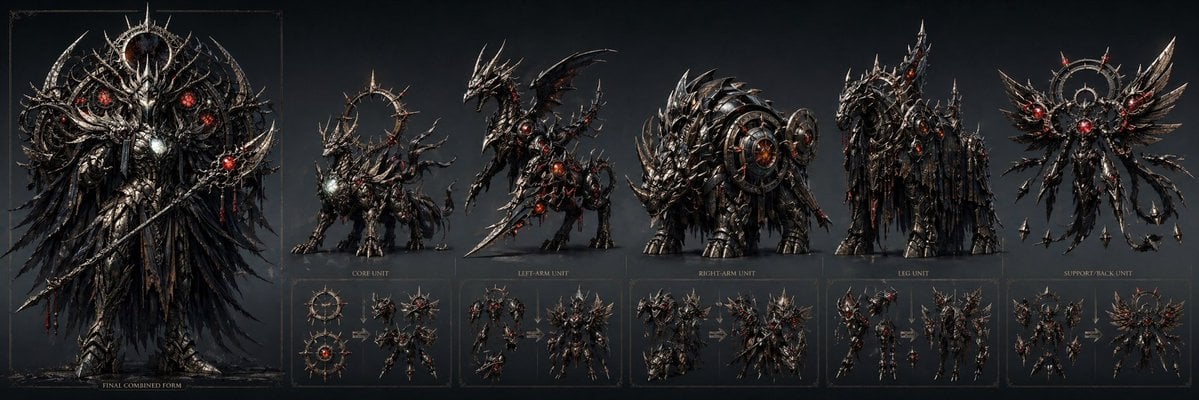
A dark fantasy concept-art prompt for a five-unit combining robot lineup with labeled beast components, transformation diagrams, and a towering final merged form.
- Prompt included
- Model and format preset
- Free template
The prompt behind this image
Copy the exact prompt behind Gothic Combining Mecha Concept Sheet, or open it in the studio and make it yours.
- Type
- dark fantasy mecha combination concept sheet
- Subject › Theme
- a sinister combining robot made from five separate mechanical beast units, rendered as a premium concept art lineup
- Subject › Design › Overall Style
- baroque gothic biomechanical armor, blackened steel, gunmetal, obsidian, razor-edged silhouettes, dense layered plating, spikes, thorns, chains, halos, glowing crimson cores and eyes, faint silver highlights, worn metallic texture
- Subject › Design › Mood
- apocalyptic, ominous, regal, demonic, highly detailed
- Subject › Design › Lighting
- low-key studio lighting on a dark blue-black gradient background with subtle rim light and red emissive accents
- Subject › Combined Form › Name
- {argument name="combined form name" default="FINAL COMBINED FORM"}
- Subject › Combined Form › Appearance
- towering humanoid emperor-like mech standing front-facing, composed from the component beasts, with a crown-like horned helmet, narrow glowing red eyes, massive circular halo structure behind the head and shoulders, layered feather-like black metal robes or wing-cape draping to the floor, broad armored chest with a bright pale core gem, long bladed staff or spear held diagonally downward, extremely intricate filigree and mechanical feather details
- Subject › Units › 0 › Label
- CORE UNIT
- Subject › Units › 0 › Count
- 1
- Subject › Units › 0 › Appearance
- a central beast unit with a circular halo ring behind it, compact quadruped-like demonic mechanical creature, black steel armor, red glowing chest core, thorny tail and protrusions
- Subject › Units › 1 › Label
- LEFT-ARM UNIT
- Subject › Units › 1 › Count
- 1
- Subject › Units › 1 › Appearance
- a dragon-like assault unit with a raised body posture, blade-shaped forelimb, wings or sharp dorsal fins, elongated neck, aggressive head, red glowing joints and vents
- Subject › Units › 2 › Label
- RIGHT-ARM UNIT
- Subject › Units › 2 › Count
- 1
- Subject › Units › 2 › Appearance
- a heavy rhinoceros or ankylosaur-inspired assault beast, low and bulky, armored shell with layered circular turbine-like shoulder structures, massive horned head, reinforced forequarters
- Subject › Units › 3 › Label
- LEG UNIT
- Subject › Units › 3 › Count
- 1
- Subject › Units › 3 › Appearance
- a tall horse- or stag-like mechanical walker with long legs, draped shredded black armor strands, elongated neck, angular horned head, red glowing accents embedded in the torso
- Subject › Units › 4 › Label
- SUPPORT/BACK UNIT
- Subject › Units › 4 › Count
- 1
- Subject › Units › 4 › Appearance
- a floating winged support module, symmetrical circular halo core with 2 large upper wings, multiple smaller blade-like wing segments, dangling tendrils or tail cables, central red glowing orb
- Layout › Orientation
- wide horizontal sheet
- Layout › Sections › 0 › Title
- {argument name="combined form name" default="FINAL COMBINED FORM"}
Raw JSON
{"type":"dark fantasy mecha combination concept sheet","subject":{"theme":"a sinister combining robot made from five separate mechanical beast units, rendered as a premium concept art lineup","design":{"overall_style":"baroque gothic biomechanical armor, blackened steel, gunmetal, obsidian, razor-edged silhouettes, dense layered plating, spikes, thorns, chains, halos, glowing crimson cores and eyes, faint silver highlights, worn metallic texture","mood":"apocalyptic, ominous, regal, demonic, highly detailed","lighting":"low-key studio lighting on a dark blue-black gradient background with subtle rim light and red emissive accents"},"combined_form":{"name":"{argument name=\"combined form name\" default=\"FINAL COMBINED FORM\"}","appearance":"towering humanoid emperor-like mech standing front-facing, composed from the component beasts, with a crown-like horned helmet, narrow glowing red eyes, massive circular halo structure behind the head and shoulders, layered feather-like black metal robes or wing-cape draping to the floor, broad armored chest with a bright pale core gem, long bladed staff or spear held diagonally downward, extremely intricate filigree and mechanical feather details"},"units":[{"label":"CORE UNIT","count":1,"appearance":"a central beast unit with a circular halo ring behind it, compact quadruped-like demonic mechanical creature, black steel armor, red glowing chest core, thorny tail and protrusions"},{"label":"LEFT-ARM UNIT","count":1,"appearance":"a dragon-like assault unit with a raised body posture, blade-shaped forelimb, wings or sharp dorsal fins, elongated neck, aggressive head, red glowing joints and vents"},{"label":"RIGHT-ARM UNIT","count":1,"appearance":"a heavy rhinoceros or ankylosaur-inspired assault beast, low and bulky, armored shell with layered circular turbine-like shoulder structures, massive horned head, reinforced forequarters"},{"label":"LEG UNIT","count":1,"appearance":"a tall horse- or stag-like mechanical walker with long legs, draped shredded black armor strands, elongated neck, angular horned head, red glowing accents embedded in the torso"},{"label":"SUPPORT/BACK UNIT","count":1,"appearance":"a floating winged support module, symmetrical circular halo core with 2 large upper wings, multiple smaller blade-like wing segments, dangling tendrils or tail cables, central red glowing orb"}]},"layout":{"orientation":"wide horizontal sheet","sections":[{"title":"{argument name=\"combined form name\" default=\"FINAL COMBINED FORM\"}","position":"far left, largest panel","count":1,"labels":["FINAL COMBINED FORM"]},{"title":"component lineup","position":"upper center to upper right","count":5,"labels":["CORE UNIT","LEFT-ARM UNIT","RIGHT-ARM UNIT","LEG UNIT","SUPPORT/BACK UNIT"]},{"title":"transformation diagrams","position":"bottom row beneath the five units","count":5,"labels":["CORE UNIT","LEFT-ARM UNIT","RIGHT-ARM UNIT","LEG UNIT","SUPPORT/BACK UNIT"]}],"bottom_diagrams":"each of the 5 lower panels shows the unit in at least 2 transformation stages with arrow indicators leading into its humanoid robot-part configuration","panel_style":"thin faint rectangular framing lines, small gold serif labels under each main unit, clean concept-sheet presentation"},"color_palette":{"primary":"blackened steel and dark gunmetal","secondary":"burnished silver and charcoal","accent":"glowing crimson red","background":"deep desaturated navy-black"},"rendering":{"quality":"ultra-detailed, sharp focus, polished AAA concept art, ornate mechanical detailing, high contrast","influences":"dark fantasy mecha, demon armor, gothic cathedral motifs, angelic halo symbolism, transforming super robot design"}}How to use Gothic Combining Mecha Concept Sheet in 3 steps
- 1Upload ImagePNG, JPG or paste
Add your photo
Upload the photo the template builds on. The prompt, model and format are already set.
- 2…a portrait of your subject in softgolden-hour light, 85mm…
Personalize
Edit the subject and creative details for your destination.
- 3Generate
Generate
Press Generate — your image is created in PicX Studio, so you can compare it with the original and refine one variable at a time.
More like this
Templates with the same subject, style or setup. Open one to see its prompt.
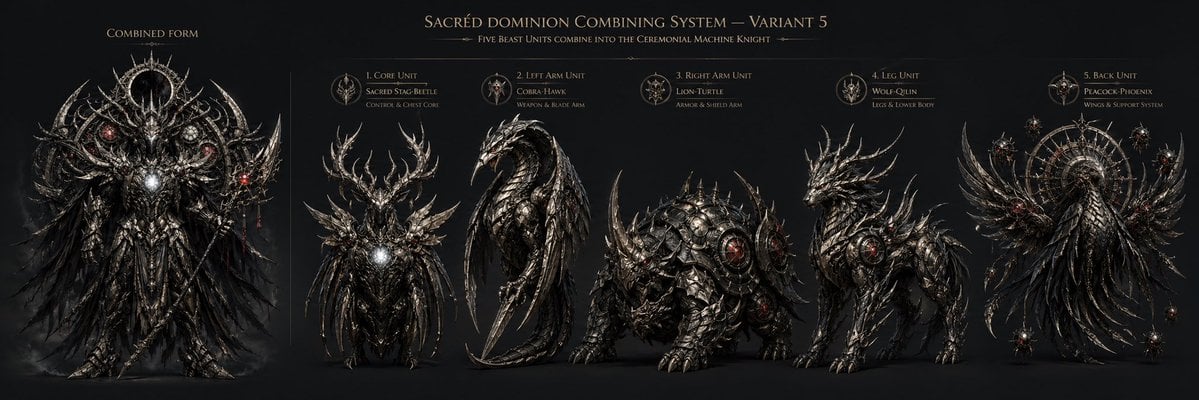
Gothic Five-Beast Combining Mecha Sheet
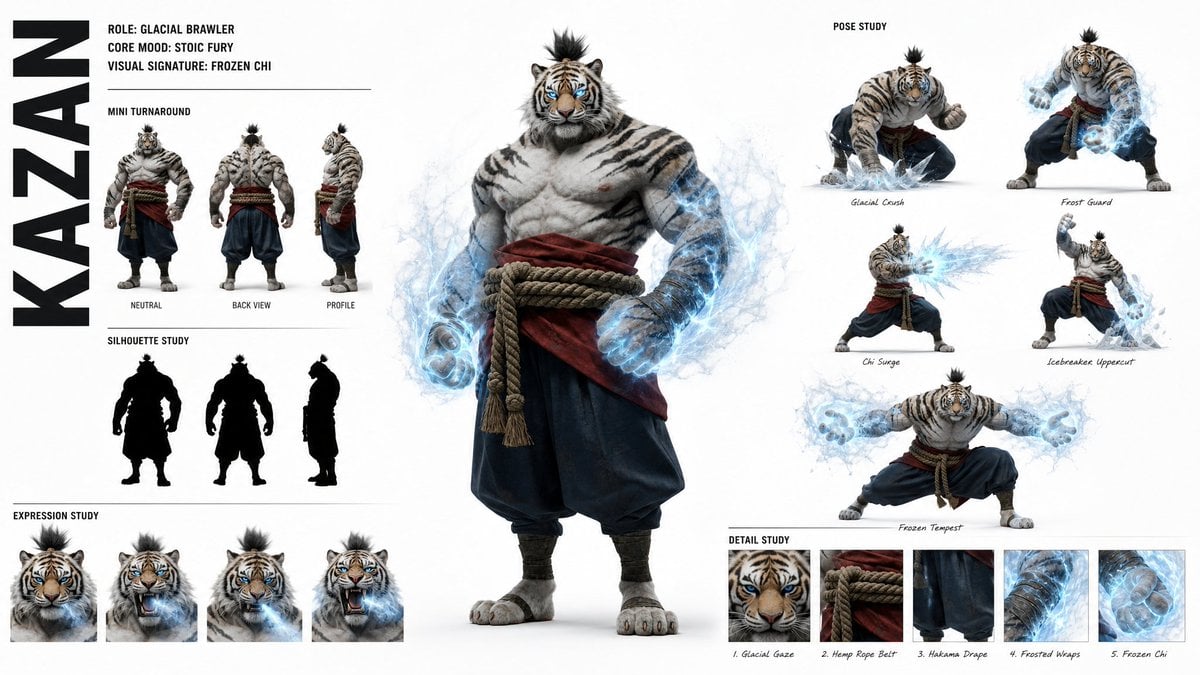
High-Fashion Character Concept Art Sheet

Futuristic Anime Tactical Concept Sheet

Gothic Mecha Sword Warrior

Retro Manga StackChan Concept Sheet

Gothic Girl Character Turnaround Sheet

Weather Control Mecha Concept Art

Glass Brand Logo Volcanic Landscape

Blueprint Split Reality Archetype Prompt

Real Illustration Split Portrait Transition
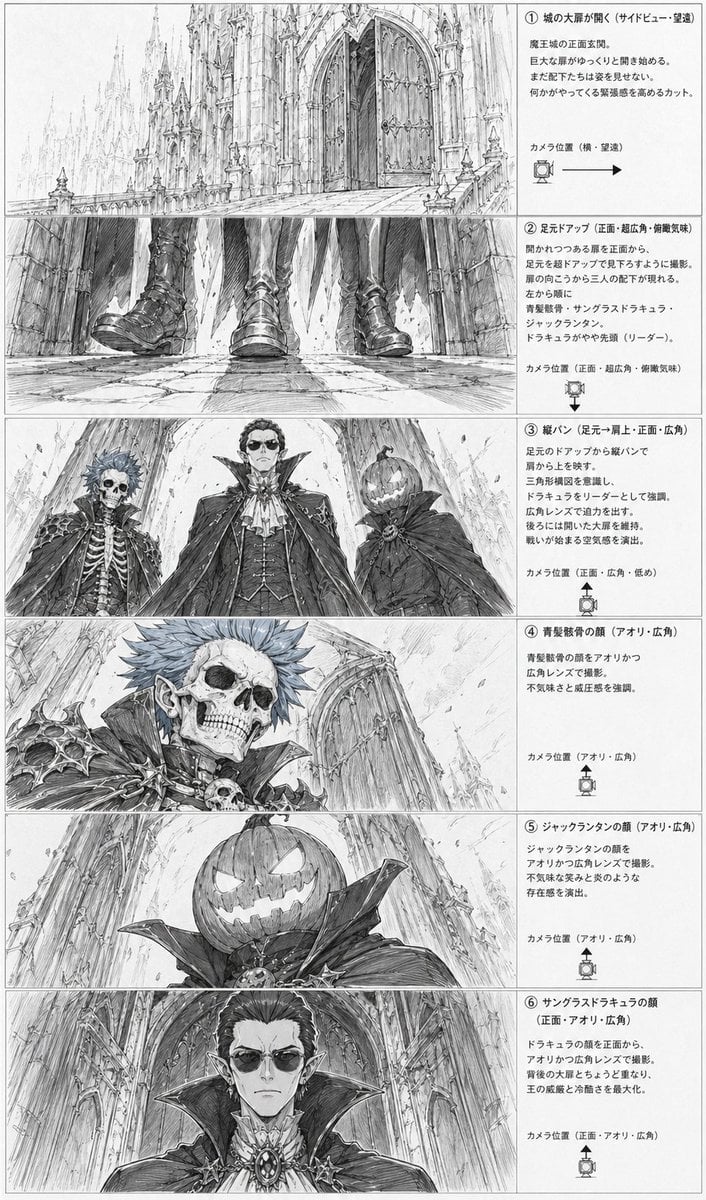
Gothic Villain Storyboard Sheet
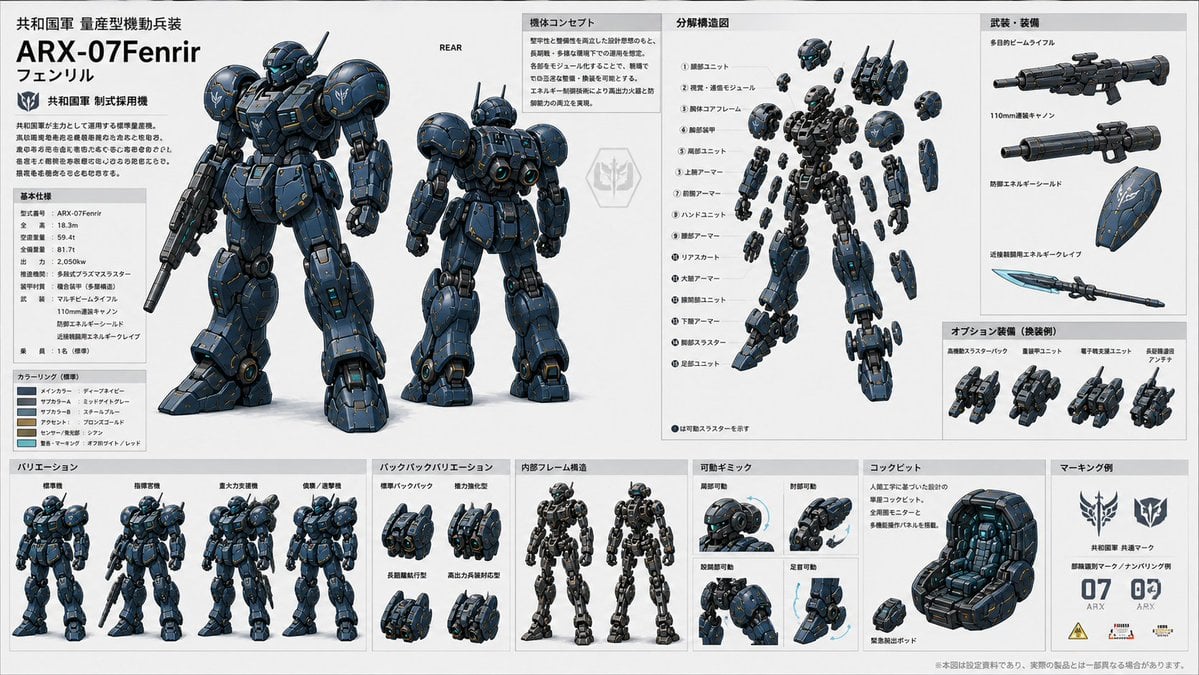
ARX-07 Fenrir Mecha Spec Sheet
Make it yours
Gothic Combining Mecha Concept Sheet works as-is. These are the safest ways to change it without losing the look.
Swap the setting
Keep the rest of the prompt and replace the location block. The current setting is “deep desaturated navy-black”.
Swap the light
One lighting change is enough to compare takes. Current light: “low-key studio lighting on a dark blue-black gradient background with subtle rim”.
Change one field
Copy a single group, rewrite it, and generate again so you can see what that field is doing.
| If the result… | Why | Fix |
|---|---|---|
| The result drifts from the preview | Too many fields changed at once. | Reuse Gothic Combining Mecha Concept Sheet as-is first, then change one group — subject, light, or setting. |
| GPT Image 2 ignores part of the JSON | Some models flatten or skip nested keys. | Keep the same values and paste them as a short paragraph instead. |
More GPT Image 2 templates
Other prompts made for GPT Image 2.

Six VTuber Japanese Logo Sheet

Realistic Portrait of Woman and Deer

The Vista Modular Condo Poster

AI Model Routing Comparison Infographic

2.5D Anime Art Board

Isometric Productivity Desk Scene

New York Double Exposure Poster

Four-Panel AI Landscape Comparison

Japanese Tatami Lifestyle Magazine Cover

NESCAFÉ Coffee Map Poster
More image prompts
Fresh picks from across the catalog.
Elegant Outdoor Portrait in Gold Evening Gown

Chic Bar Lifestyle Photography Prompt
Angelic Android Over Land Aircraft Carrier
Macro Toy Photography: Beast Escaping Comic Panel
French Retro Oil Painting Portrait

AI Startup lifecycle game prompt
Vintage Diner Menu Board Scene

Split Composition Portrait of a Man
Cool Palette, Bold Energy, Wide Angles

Golden Hour Portrait of Man and Cat
Browse template categories
Gothic Combining Mecha Concept Sheet questions
How do I use the Gothic Combining Mecha Concept Sheet template?
Add your photo if the template asks for one, edit the prompt if you like — the template's model and format are already selected — and press Generate. Your version opens in PicX Studio.
Can I customize the Gothic Combining Mecha Concept Sheet template?
Yes. You can change the subject, setting, lighting, mood, format, and available model controls before creating your image.
Is the Gothic Combining Mecha Concept Sheet template free?
Opening and editing this template is free. Generating uses credits, shown on the Generate button when you are signed in.
Which AI model should I use?
Start with GPT Image 2, which is the model associated with this template. You can compare another compatible model for a different finish.
Looking for something else? Browse all templates.

Your photo, any look
Thousands of ready templates for every top image and video model, from one credit balance.