
Weather Control Mecha Concept Art
A detailed descriptive prompt for a futuristic sci-fi mecha designed for weather control, featuring lightning energy absorption and ice particle collection.
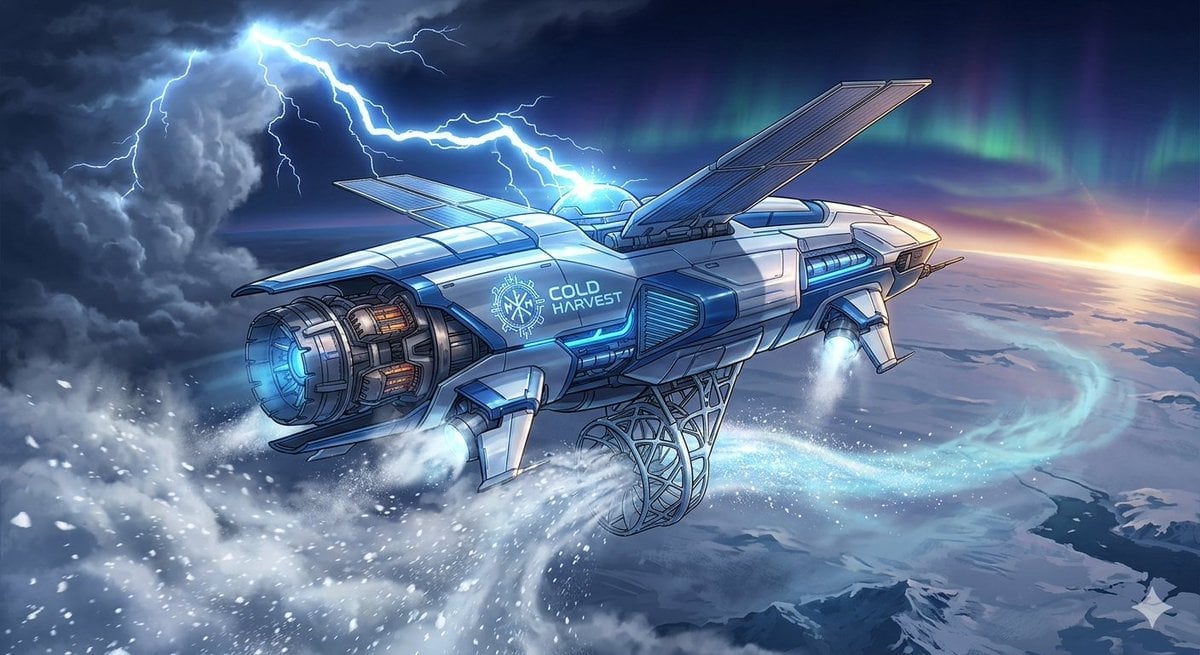
- Prompt included
- Model and format preset
- Free template
The prompt behind this image
Copy the exact prompt behind Weather Control Mecha Concept Art, or open it in the studio and make it yours.
機体の外観:{argument name="装甲" default="流線型で近未来的な白い"}装甲に、{argument name="エネルギーコア" default="青く"}光るエネルギーコアが埋め込まれている。雷からの充電:暗雲から機体のアンテナに向かって、激しい稲妻(ライトニング)がピンポイントで落ちてエネルギーを吸収している一瞬。雪の回収と冷却:機体の下部にある特殊な吸引口(サイクロン構造)が、地上や高層大気の雪・氷の粒子を竜巻のように巻き上げて回収し、内部で超低温に圧縮・自律冷却している様子。背景:{argument name="背景" default="眼下に広がる凍てつく北極圏の景色"}と、上空の宇宙空間のグラデーション。
How to use Weather Control Mecha Concept Art in 3 steps
- 1
Open
The prompt is already in the box next to the preview, with the template's model and format selected.
- 2…a portrait of your subject in softgolden-hour light, 85mm…
Personalize
Edit the subject and creative details for your destination.
- 3Generate
Generate
Press Generate — your image is created in PicX Studio, so you can compare it with the original and refine one variable at a time.
More like this
Templates with the same subject, style or setup. Open one to see its prompt.
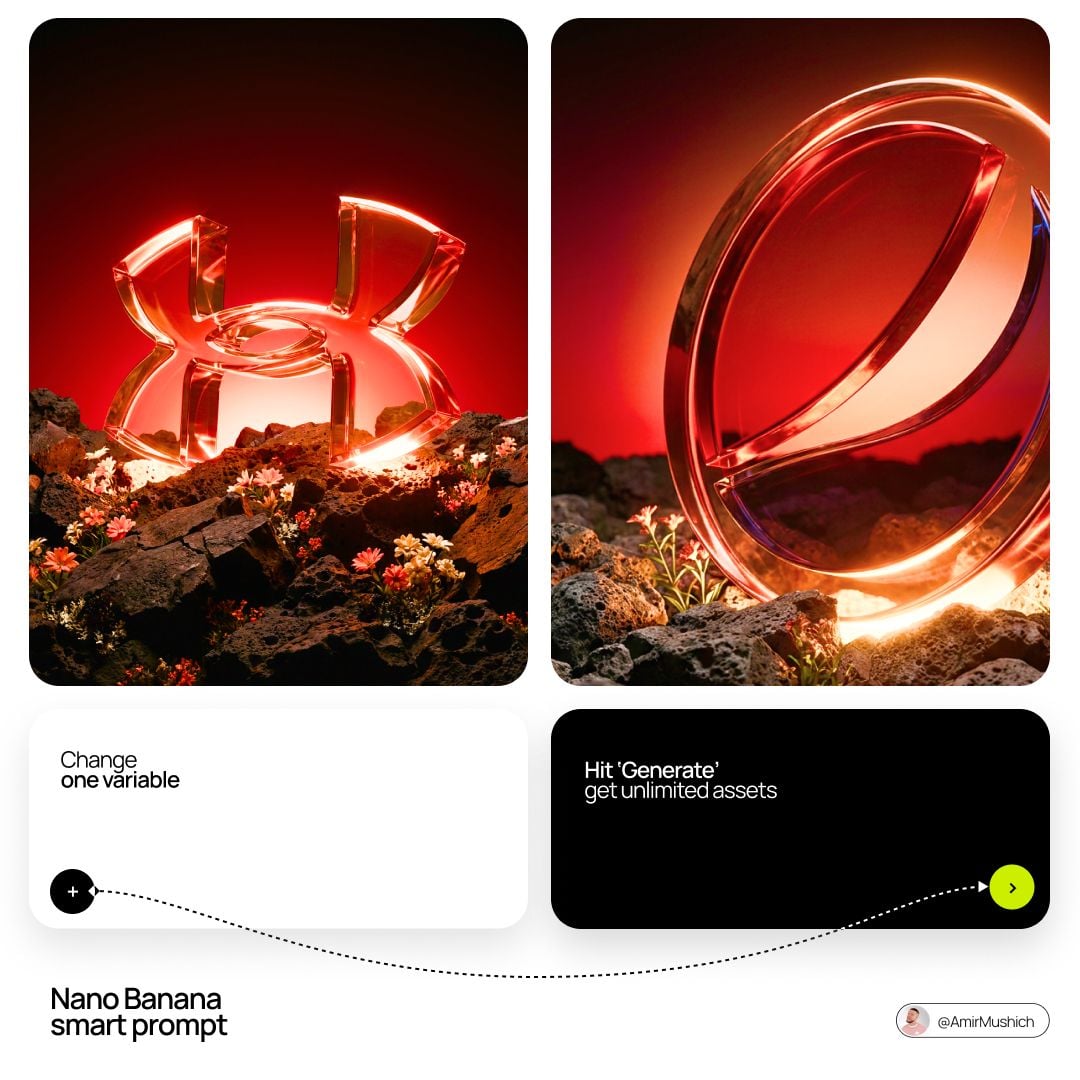
Glass Brand Logo Volcanic Landscape
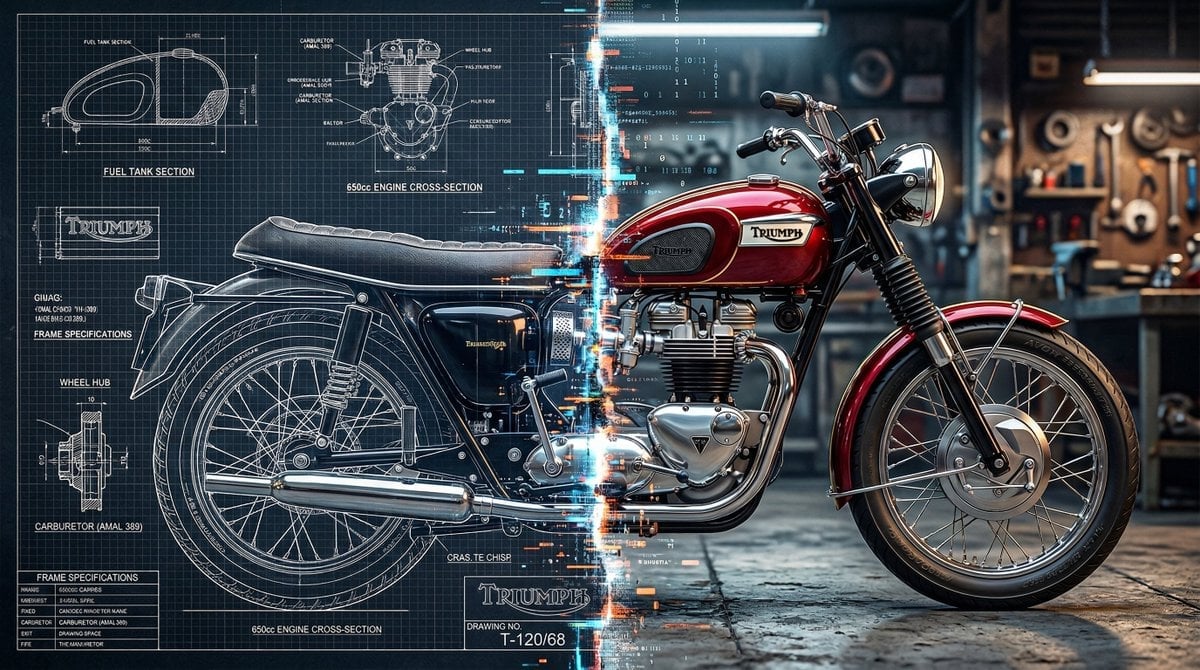
Blueprint Split Reality Archetype Prompt
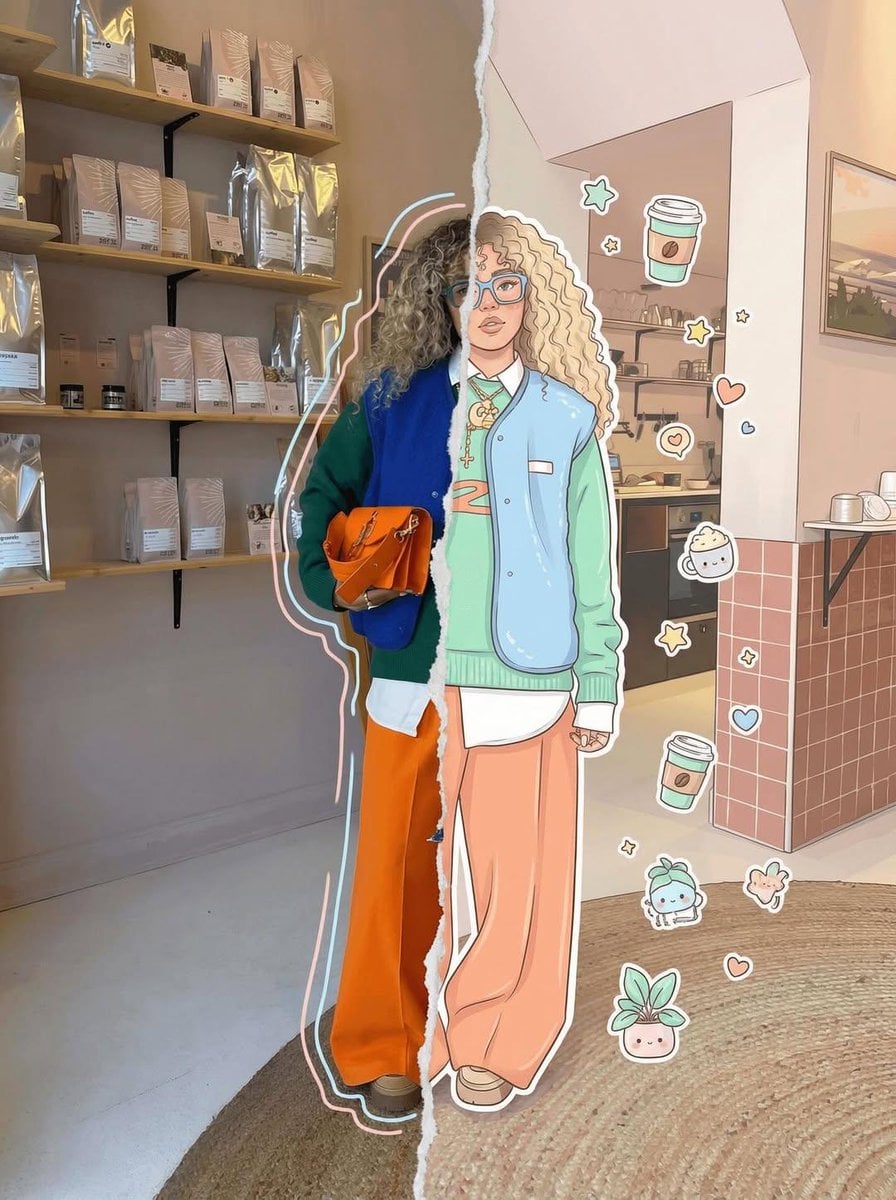
Real Illustration Split Portrait Transition
Weathered Custom Cub Concept Bike
Mecha Character Concept Showcase
Gothic Combining Mecha Concept Sheet
Insect Mecha Cannon Attack
Weathered Folk Poster Collage
Surreal Weather Armchair in Hotel Lobby
High-Fashion Character Concept Art Sheet
Weathered JP Morgan Bank Check
Sayaka Weather Presenter Studio
Make it yours
Weather Control Mecha Concept Art works as-is. These are the safest ways to change it without losing the look.
Change one field
Copy a single group, rewrite it, and generate again so you can see what that field is doing.
Keep the frame, change the subject
Hold the composition and light of Weather Control Mecha Concept Art, then swap wardrobe, props or the person for a new take.
| If the result… | Why | Fix |
|---|---|---|
| The result drifts from the preview | Too many fields changed at once. | Reuse Weather Control Mecha Concept Art as-is first, then change one group — subject, light, or setting. |
| The model over-stylizes the scene | The prose prompt leaves finish and camera underspecified. | Add one camera or lighting sentence and stay on Nano Banana 2. |
More Nano Banana 2 templates
Other prompts made for Nano Banana 2.

Photorealistic Leaf Shaped Like a Dragon

K-Pop Idol Portrait Grid for Rapid Selection

Poetic Rain Forest Portrait During Golden Hour

Urban Street Portrait with Cartoon Inner Self Duo

Candid Nighttime Photo with Cat Prompt

High-Concept 3D Diorama Generation Prompt

Cinematic Futuristic Studio Portrait Template

Skincare Editorial Photography Collage Prompt

Hyper-Realistic Commercial Product Photography (Splash Effect)

Hyper-Realistic Nightclub Portrait Prompt
More image prompts
Fresh picks from across the catalog.
Windblown Woman on Misty Mountain
Cinematic Photo of Woman on Airport Runway
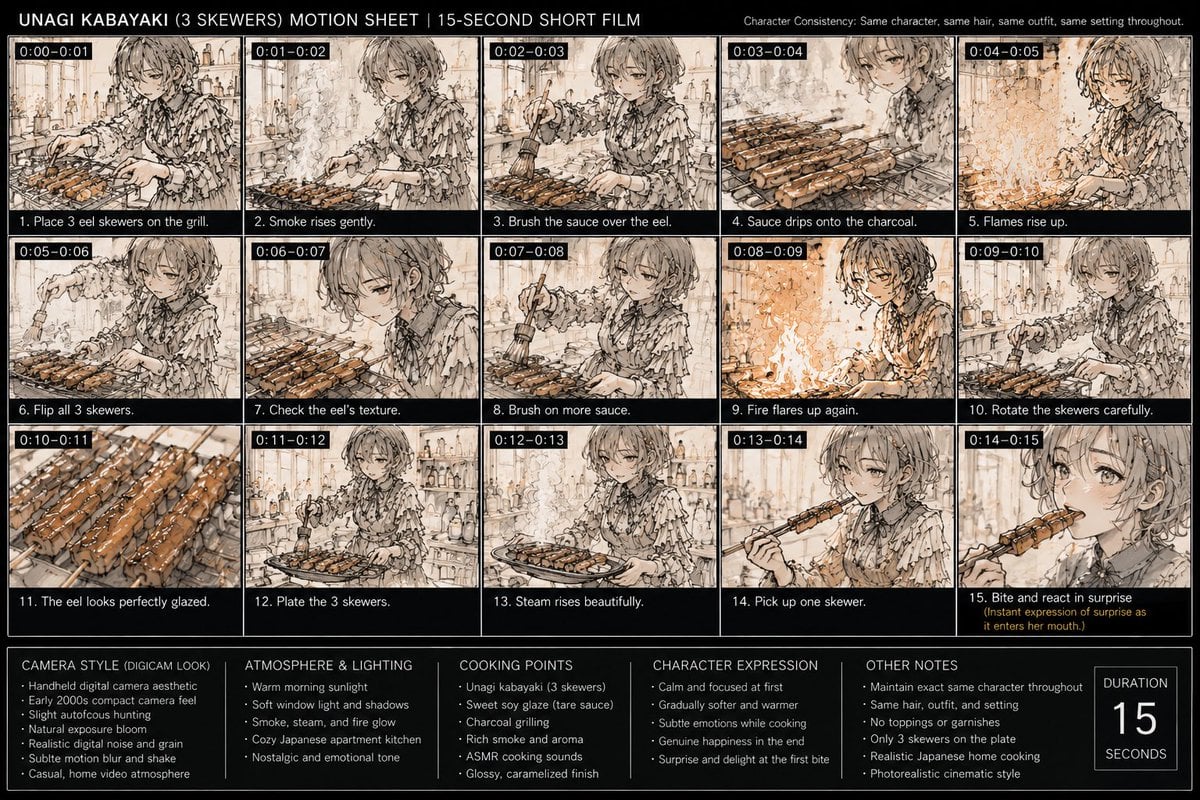
Unagi Kabayaki Motion Sheet
Layered Layout Style Prompt
Pashtoon Dress Portrait with Obscured Face
90s Yearbook Grid Collage
2x2 Grid Cute Animal Fashion Editorial Prompt
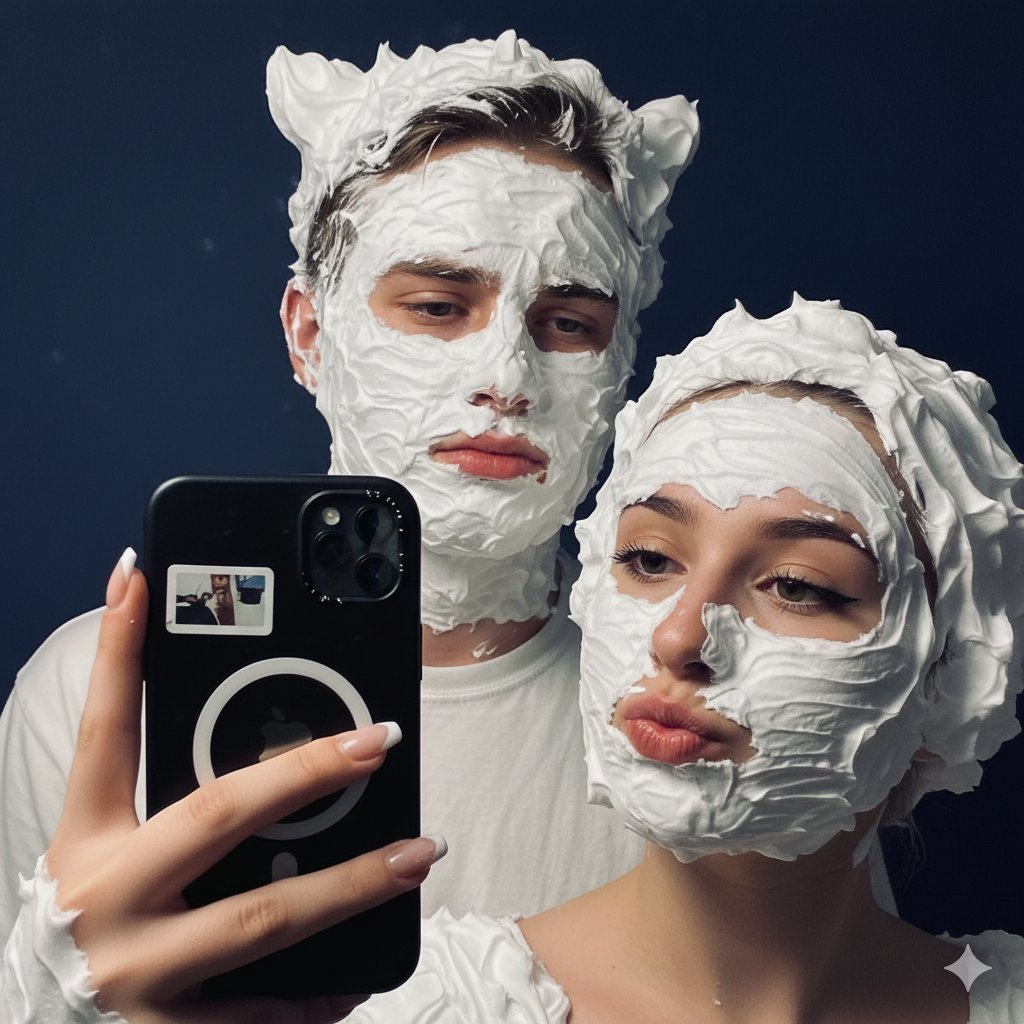
Playful Shaving Cream Mirror Selfie Prompt
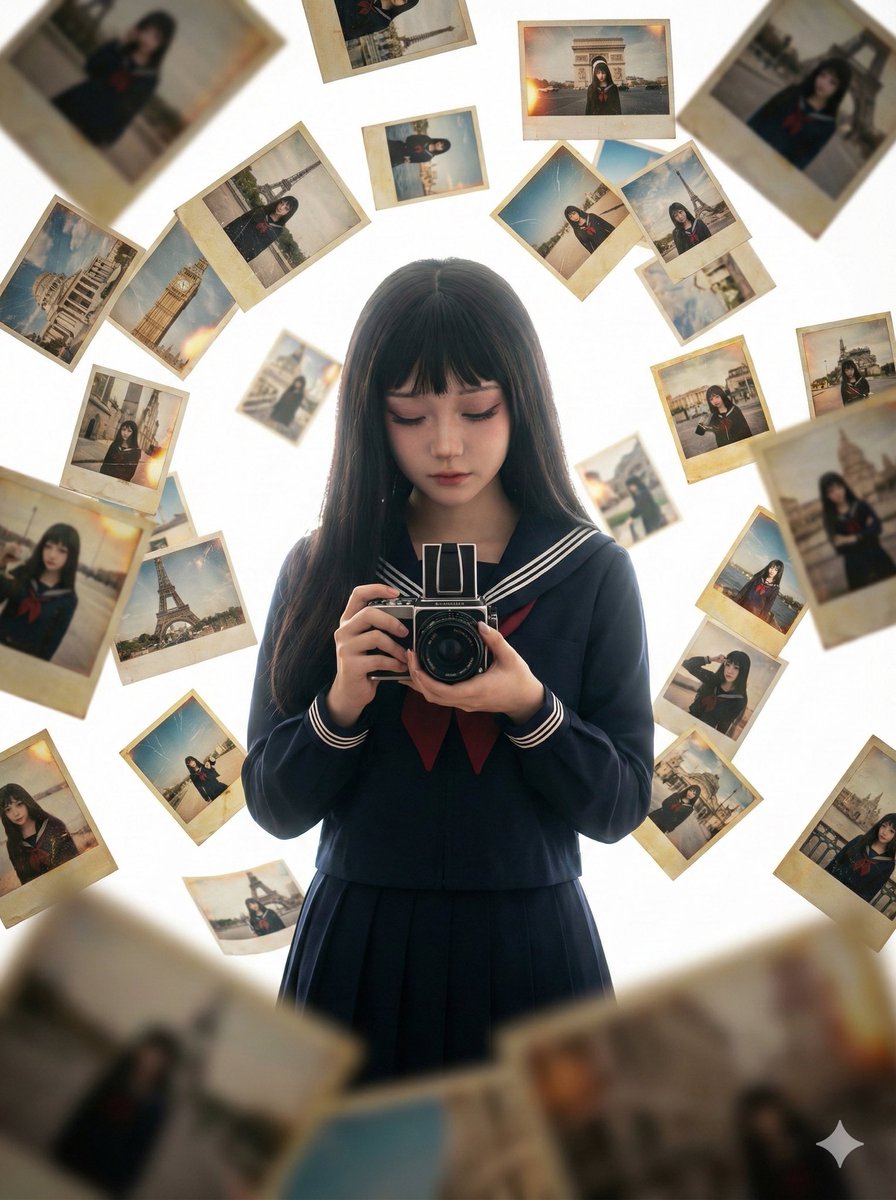
Photorealistic Asian Girl with Floating Photos Prompt (JSON Format)
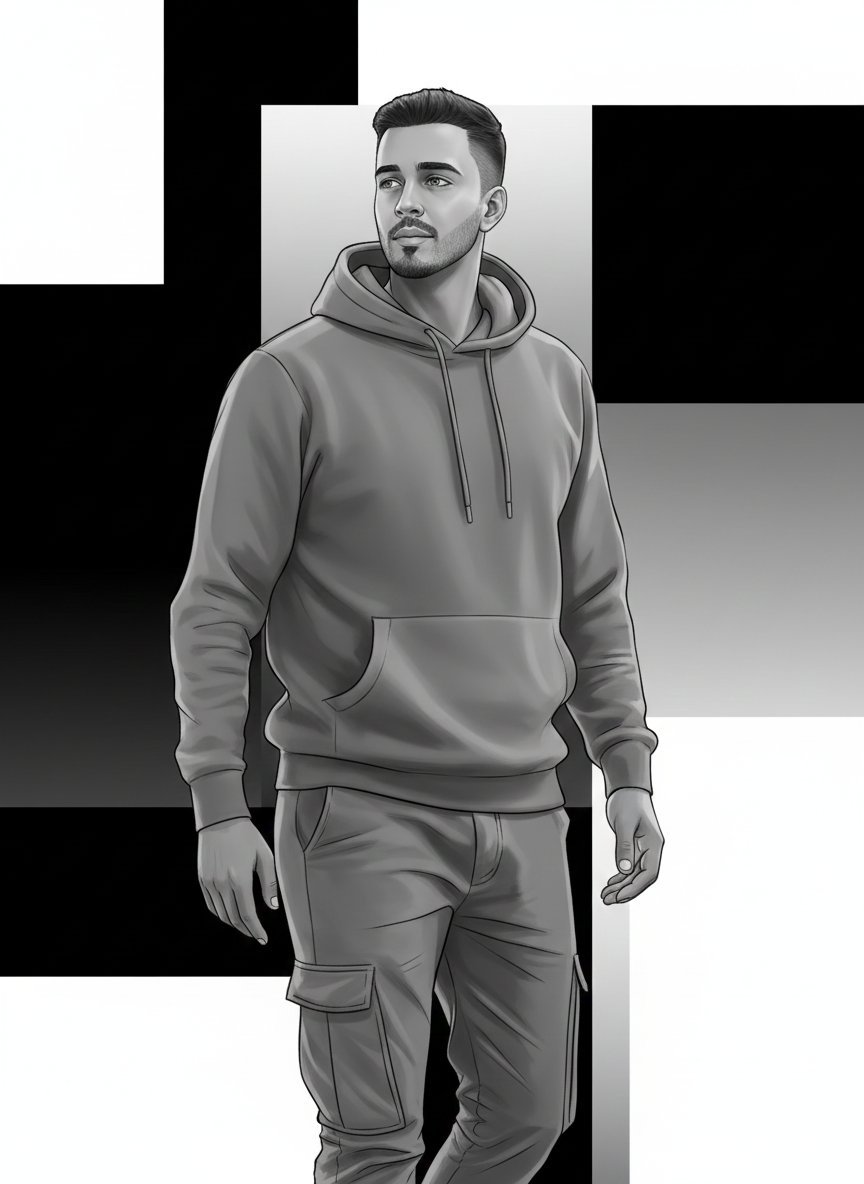
High-Fashion Monochrome Vector Illustration Prompt
Browse template categories
Weather Control Mecha Concept Art questions
How do I use the Weather Control Mecha Concept Art template?
Add your photo if the template asks for one, edit the prompt if you like — the template's model and format are already selected — and press Generate. Your version opens in PicX Studio.
Can I customize the Weather Control Mecha Concept Art template?
Yes. You can change the subject, setting, lighting, mood, format, and available model controls before creating your image.
Is the Weather Control Mecha Concept Art template free?
Opening and editing this template is free. Generating uses credits, shown on the Generate button when you are signed in.
Which AI model should I use?
Start with Nano Banana 2, which is the model associated with this template. You can compare another compatible model for a different finish.
Looking for something else? Browse all templates.

Your photo, any look
Thousands of ready templates for every top image and video model, from one credit balance.