
90s Yearbook Grid Collage
A detailed prompt for Nano Banana Pro to transform a photo into a 3x3 grid collage mimicking vintage 1990s American yearbook portraits, complete with Olan Mills studio aesthetic, awkward poses, and specific film grain…
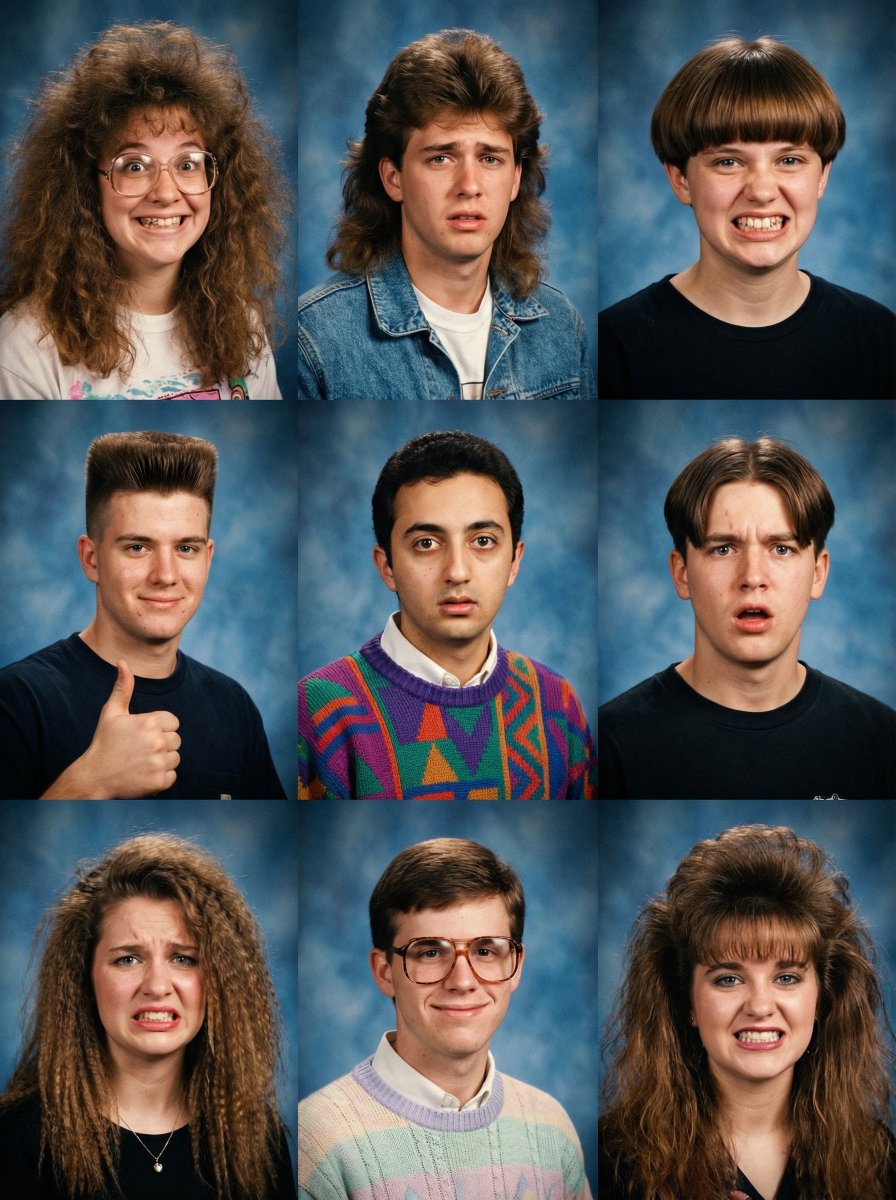
- Prompt included
- Model and format preset
- Free template
The prompt behind this image
Copy the exact prompt behind 90s Yearbook Grid Collage, or open it in the studio and make it yours.
A 3x3 grid collage of 9 distinct, awkwardly posed vintage 1990s American yearbook portraits. **Layout & Subjects:** * **Center Panel (Row 2, Column 2):** Contains the main subject: [use the person in the attached photo as a late teenager], with a deer-in-headlights look wearing a very loud, geometrically patterned "ugly" knit sweater in clashing colors (purple, green, orange, blue) layered over a white collared shirt. * **Surrounding 8 Panels:** Fill with diverse classmates featuring comically awkward expressions and exaggerated 90s styles: * **Top Row:** A girl with a massive, frizzy perm and thick glasses grinning goofily; a guy with a huge, feathered mullet in a denim jacket looking uncomfortable; a girl with a severe bowl cut and a strained, toothy smile. * **Middle Row (Left/Right):** A guy with a tall flat-top haircut giving a cheesy thumbs-up; another guy with a severe center part and a confused, open-mouthed stare. * **Bottom Row:** A girl with wildly crimped hair and a pained grimace; a guy wearing large, thick-rimmed tortoise-shell glasses, textured pastel knit crewneck sweater layered over a white collared shirt has a polite, slightly awkward smile; another girl with huge, teased bangs and a forced, tight-lipped grin. **Style & Tech:** Classic "Olan Mills" studio aesthetic applied uniformly to all 9 panels. All backgrounds are the generic mottled blue hand-painted canvas. Lighting is flat, broad studio flash with subtle rim lighting. Image quality features soft focus, heavy film grain, warm Kodak Gold 200 color grading, and a soft vignette over each individual panel.
How to use 90s Yearbook Grid Collage in 3 steps
- 1Upload ImagePNG, JPG or paste
Add your photo
Upload the photo the template builds on. The prompt, model and format are already set.
- 2…a portrait of your subject in softgolden-hour light, 85mm…
Personalize
Edit the subject and creative details for your destination.
- 3Generate
Generate
Press Generate — your image is created in PicX Studio, so you can compare it with the original and refine one variable at a time.
More like this
Templates with the same subject, style or setup. Open one to see its prompt.











Make it yours
90s Yearbook Grid Collage works as-is. These are the safest ways to change it without losing the look.
Change one field
Copy a single group, rewrite it, and generate again so you can see what that field is doing.
Keep the frame, change the subject
Hold the composition and light of 90s Yearbook Grid Collage, then swap wardrobe, props or the person for a new take.
| If the result… | Why | Fix |
|---|---|---|
| The result drifts from the preview | Too many fields changed at once. | Reuse 90s Yearbook Grid Collage as-is first, then change one group — subject, light, or setting. |
| The model over-stylizes the scene | The prose prompt leaves finish and camera underspecified. | Add one camera or lighting sentence and stay on Nano Banana 2. |
More Nano Banana 2 templates
Other prompts made for Nano Banana 2.

Photorealistic Leaf Shaped Like a Dragon

K-Pop Idol Portrait Grid for Rapid Selection

Poetic Rain Forest Portrait During Golden Hour

Urban Street Portrait with Cartoon Inner Self Duo

Candid Nighttime Photo with Cat Prompt

High-Concept 3D Diorama Generation Prompt

Cinematic Futuristic Studio Portrait Template

Skincare Editorial Photography Collage Prompt

Hyper-Realistic Commercial Product Photography (Splash Effect)

Hyper-Realistic Nightclub Portrait Prompt
More image prompts
Fresh picks from across the catalog.

Product Ad: White Monster Energy Can Submerged in Water

Hyper-Realistic Red Bull Can Ice Explosion Commercial
Photorealistic Shenzhen Factory Entrance
Tennis Player Golden Hour Portrait Prompt
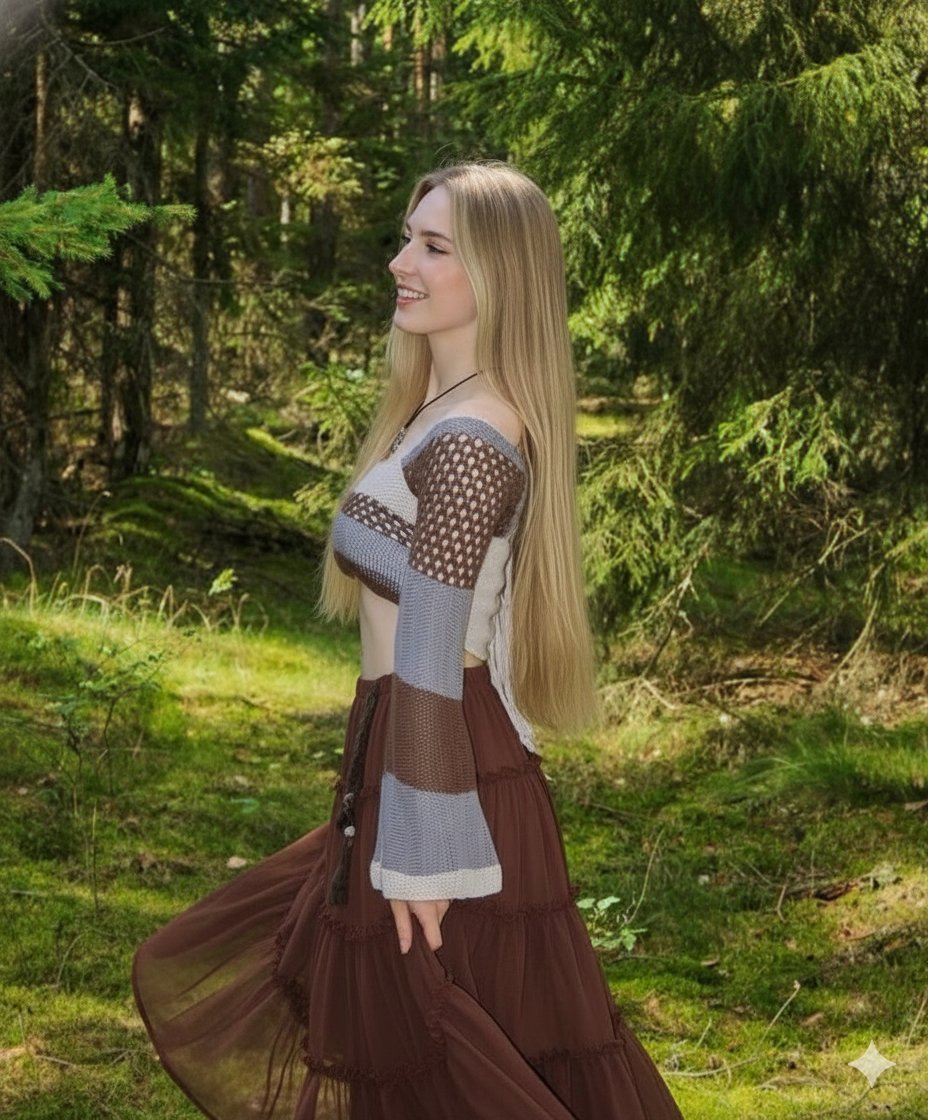
Boho Editorial Portrait in Pine Forest

Nano Banana Pro 'Kanji of the Year' Announcement Prompt
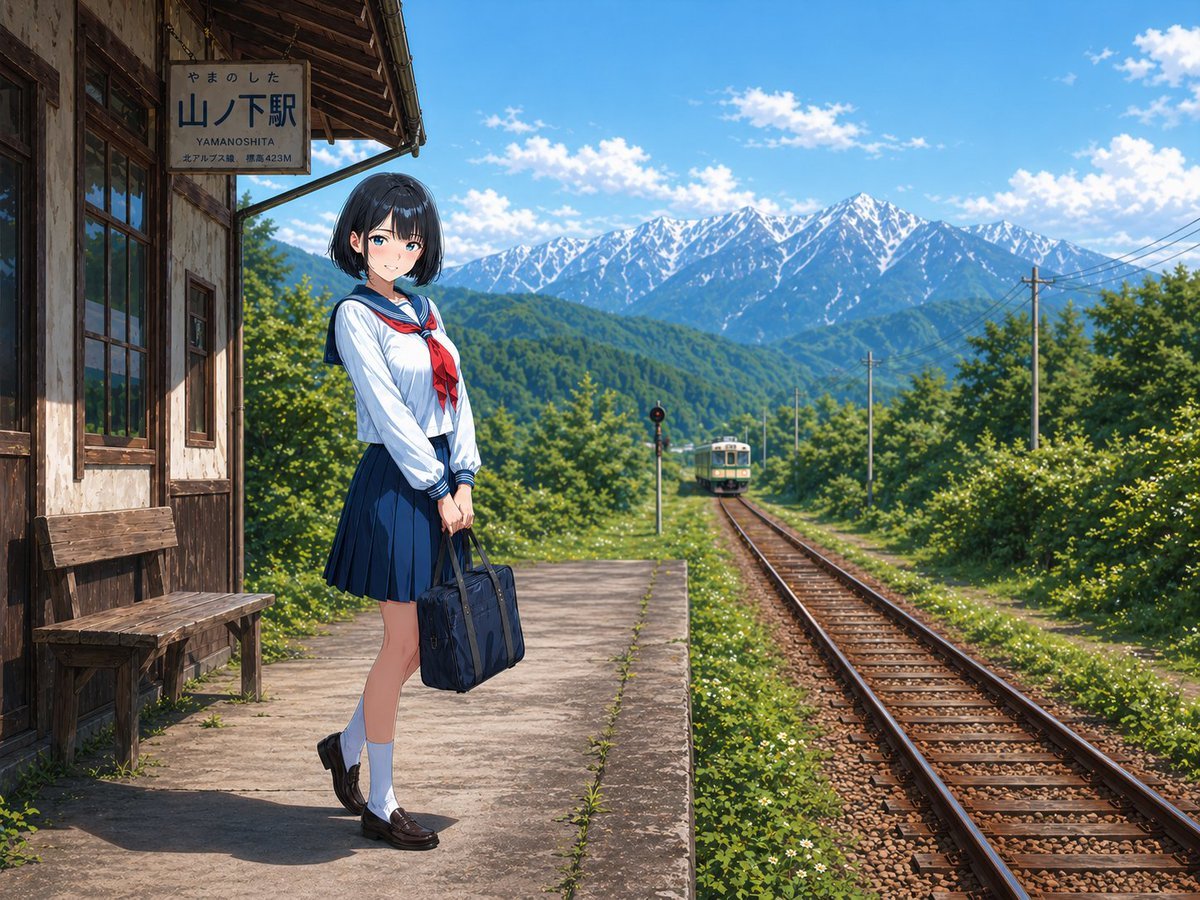
Rural Station Schoolgirl Scene

Anime Summer Soda Ad Poster
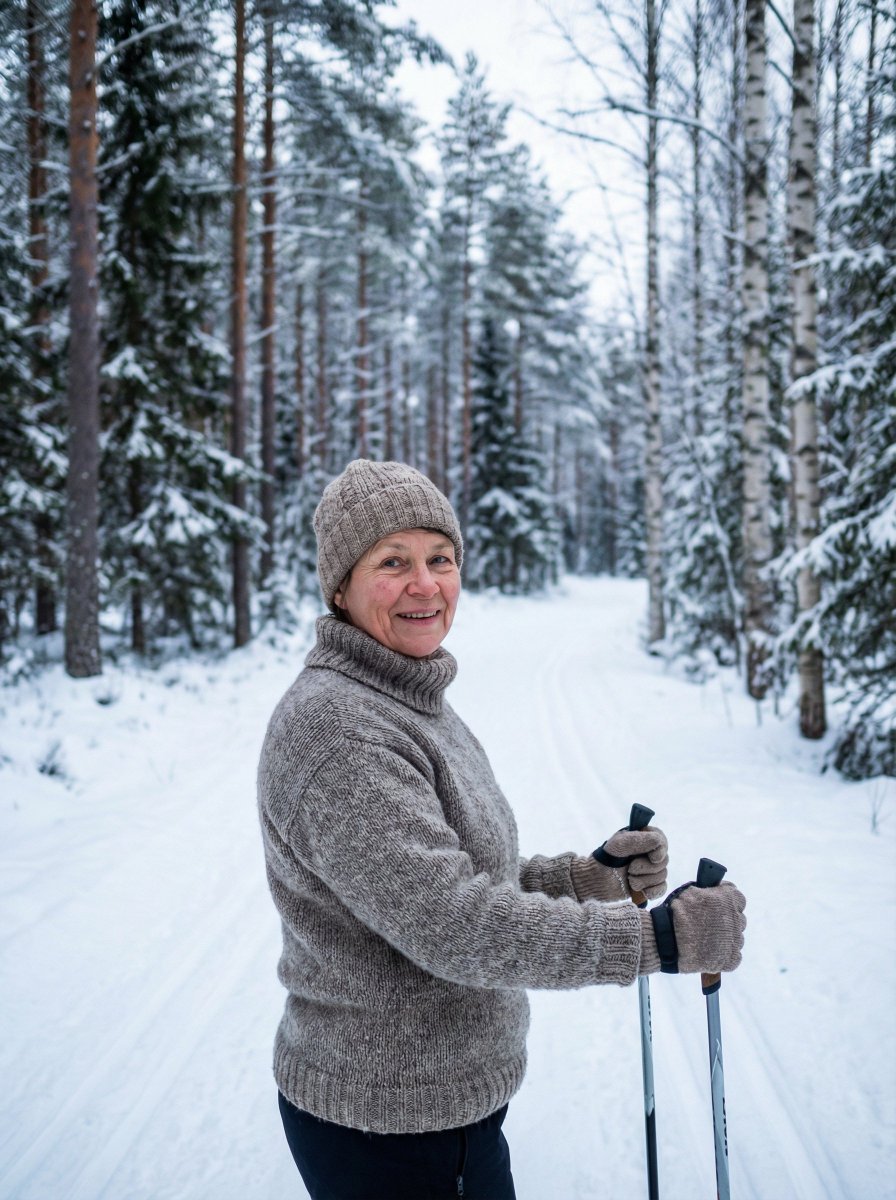
Simple Photorealistic Portrait of a Finnish Woman

Smartphone Selfie with Flowers
Featured in prompt roundups
Hand-picked collections that include this template.
Browse template categories
90s Yearbook Grid Collage questions
How do I use the 90s Yearbook Grid Collage template?
Add your photo if the template asks for one, edit the prompt if you like — the template's model and format are already selected — and press Generate. Your version opens in PicX Studio.
Can I customize the 90s Yearbook Grid Collage template?
Yes. You can change the subject, setting, lighting, mood, format, and available model controls before creating your image.
Is the 90s Yearbook Grid Collage template free?
Opening and editing this template is free. Generating uses credits, shown on the Generate button when you are signed in.
Which AI model should I use?
Start with Nano Banana 2, which is the model associated with this template. You can compare another compatible model for a different finish.
Looking for something else? Browse all templates.

Your photo, any look
Thousands of ready templates for every top image and video model, from one credit balance.