
Smartphone Selfie with Flowers
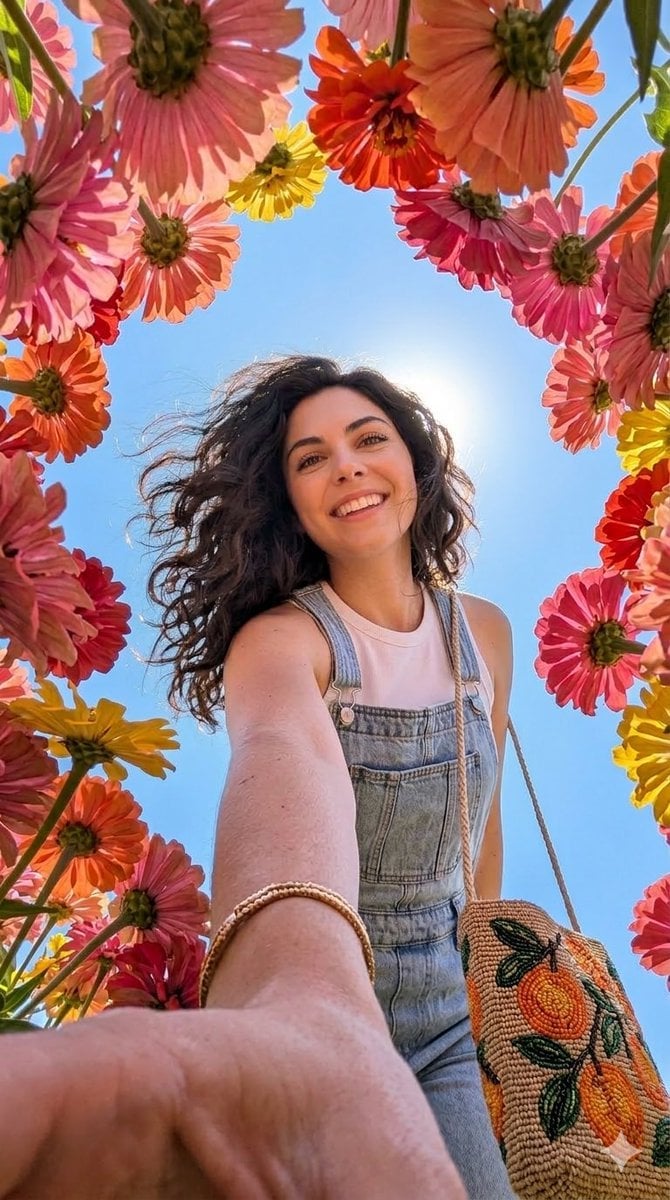
A highly specific prompt for Gemini Nano Banana Pro 2.0 using the 'PersonaFusion-vX.03 protocol' to generate an ultra-realistic, sharp smartphone selfie of a person with flowers, requiring the exact facial identity from…
- Prompt included
- Model and format preset
- Free template
The prompt behind this image
Copy the exact prompt behind Smartphone Selfie with Flowers, or open it in the studio and make it yours.
Initiate PersonaFusion-vX.03 protocol: Use the exact facial identity taken from the attached reference image (or from the user's provided face) with zero alteration. A hyper-realistic, ultra-sharp photograph taken on a modern smartphone, characterized by its digital clarity, like a Google Pixel 8. The image captures a low-angle perspective looking up through a vibrant canopy of large, colorful flowers, mostly seen from their undersides with visible petals and stems in shades of {argument name="flower colors" default="pink, orange, red, and yellow"}, framing the scene and the subject. A person with long, dark, wavy hair, appearing modern and well-maintained with a slight wind-blown effect, smiles broadly with their head tilted back, looking upwards. Their right arm is extended towards the camera, adorned with a thin gold-toned bracelet. They wear light wash denim overalls over a white sleeveless top, and carry a woven shoulder bag featuring a cheerful beaded pattern of orange fruit and green leaves. Their natural makeup highlights dewy, creamy skin. A bright, clear blue sky is visible in the gaps between the flowers, with the sun positioned behind the subject's head, creating a gentle sunburst effect. Shadows are noticeably lifted, indicating bright and even illumination typical of modern smartphone HDR. The entire scene is rendered with absolute sharp focus, devoid of any background blur or bokeh, showcasing realistic digital textures. Details are incredibly sharp, revealing subtle textures in the clothing and realistic skin with visible pores, without any film grain, though a subtle digital noise is present, characteristic of a high-resolution smartphone image. Vertical portrait.
How to use Smartphone Selfie with Flowers in 3 steps
- 1Upload ImagePNG, JPG or paste
Add your photo
Upload the photo the template builds on. The prompt, model and format are already set.
- 2…a portrait of your subject in softgolden-hour light, 85mm…
Personalize
Edit the subject and creative details for your destination.
- 3Generate
Generate
Press Generate — your image is created in PicX Studio, so you can compare it with the original and refine one variable at a time.
More like this
Templates with the same subject, style or setup. Open one to see its prompt.
Realistic Smartphone Selfie with Flowers

Rooftop Fisheye — Cat-Ear Balaclava at Golden Hour

Felt & Knit 3D Character — Photo-Exact Face, Pixar-Quality Plush Figurine

Eid al-Adha Cute Chaos — Fisheye Selfie with Farm Selfie, Mosque & Animals

Cat Photobomb Selfie — 0.5x Wide Angle Café Chaos

Gen Z Triple Selfie Collage — Y2K Flash Photography

Surreal Cat Astronaut — Humanoid Face Freefall

Photoreal Village Lanterns Minecraft Scene

Photoreal Snow Biome Name Tag UI

Photoreal Selfie Minecraft Block World

Photoreal Selfie Minecraft Village Ghast UI

Low Angle Floor Selfie With Upside Down Cat
Make it yours
Smartphone Selfie with Flowers works as-is. These are the safest ways to change it without losing the look.
Change one field
Copy a single group, rewrite it, and generate again so you can see what that field is doing.
Keep the frame, change the subject
Hold the composition and light of Smartphone Selfie with Flowers, then swap wardrobe, props or the person for a new take.
| If the result… | Why | Fix |
|---|---|---|
| The result drifts from the preview | Too many fields changed at once. | Reuse Smartphone Selfie with Flowers as-is first, then change one group — subject, light, or setting. |
| The model over-stylizes the scene | The prose prompt leaves finish and camera underspecified. | Add one camera or lighting sentence and stay on Nano Banana 2. |
More Nano Banana 2 templates
Other prompts made for Nano Banana 2.

Photorealistic Leaf Shaped Like a Dragon

K-Pop Idol Portrait Grid for Rapid Selection

Poetic Rain Forest Portrait During Golden Hour

Urban Street Portrait with Cartoon Inner Self Duo

Candid Nighttime Photo with Cat Prompt

High-Concept 3D Diorama Generation Prompt

Cinematic Futuristic Studio Portrait Template

Skincare Editorial Photography Collage Prompt

Hyper-Realistic Commercial Product Photography (Splash Effect)

Hyper-Realistic Nightclub Portrait Prompt
More image prompts
Fresh picks from across the catalog.
Avant-Garde Fashion Portrait with Ghost Duplicate

Realistic Image Generation with Identity Reference Prompt

Floating Google Services Portrait Poster

Dynamic Football Victory Poster

untitled

Cinematic Wide-Angle of Monolith Shaped Like Persian Numeral Three
Art Street Market Caricature Portrait
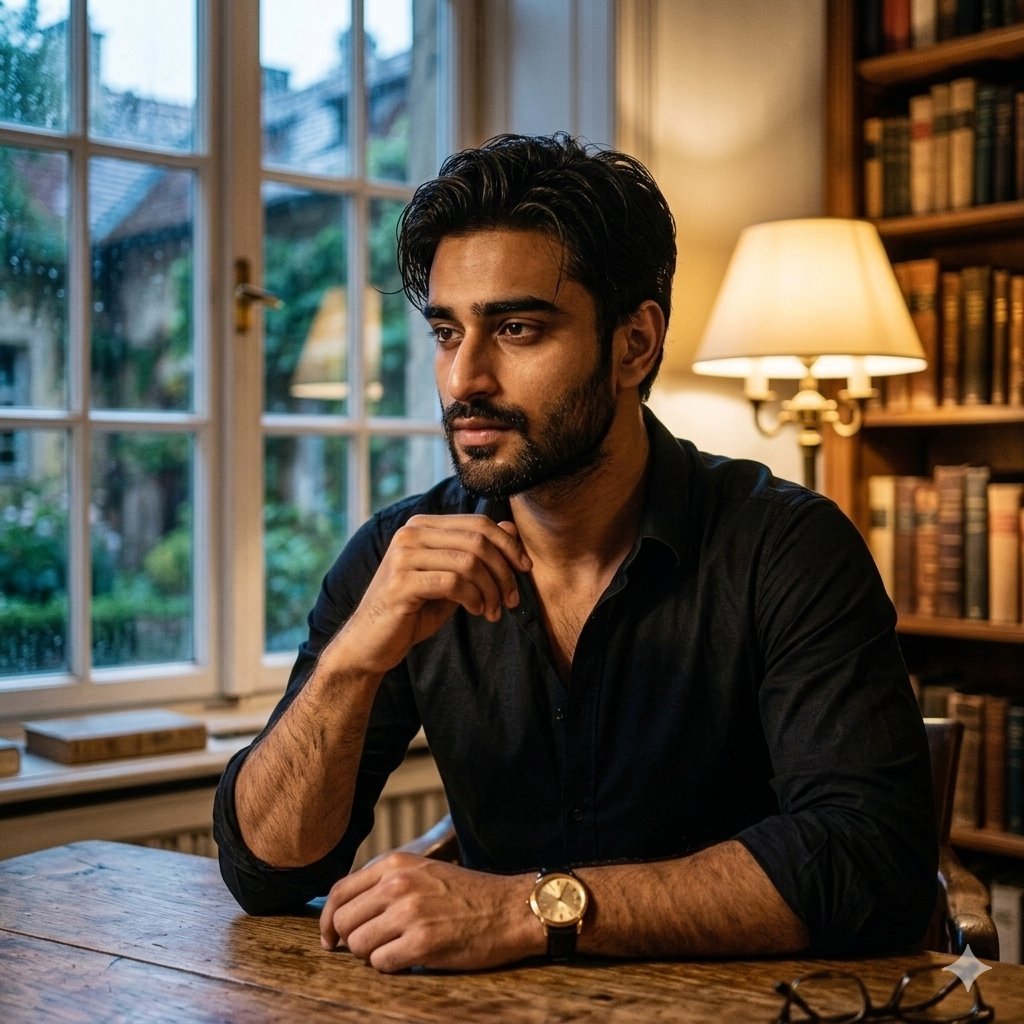
Cinematic Chiaroscuro Portrait of a South Asian Man in a Library
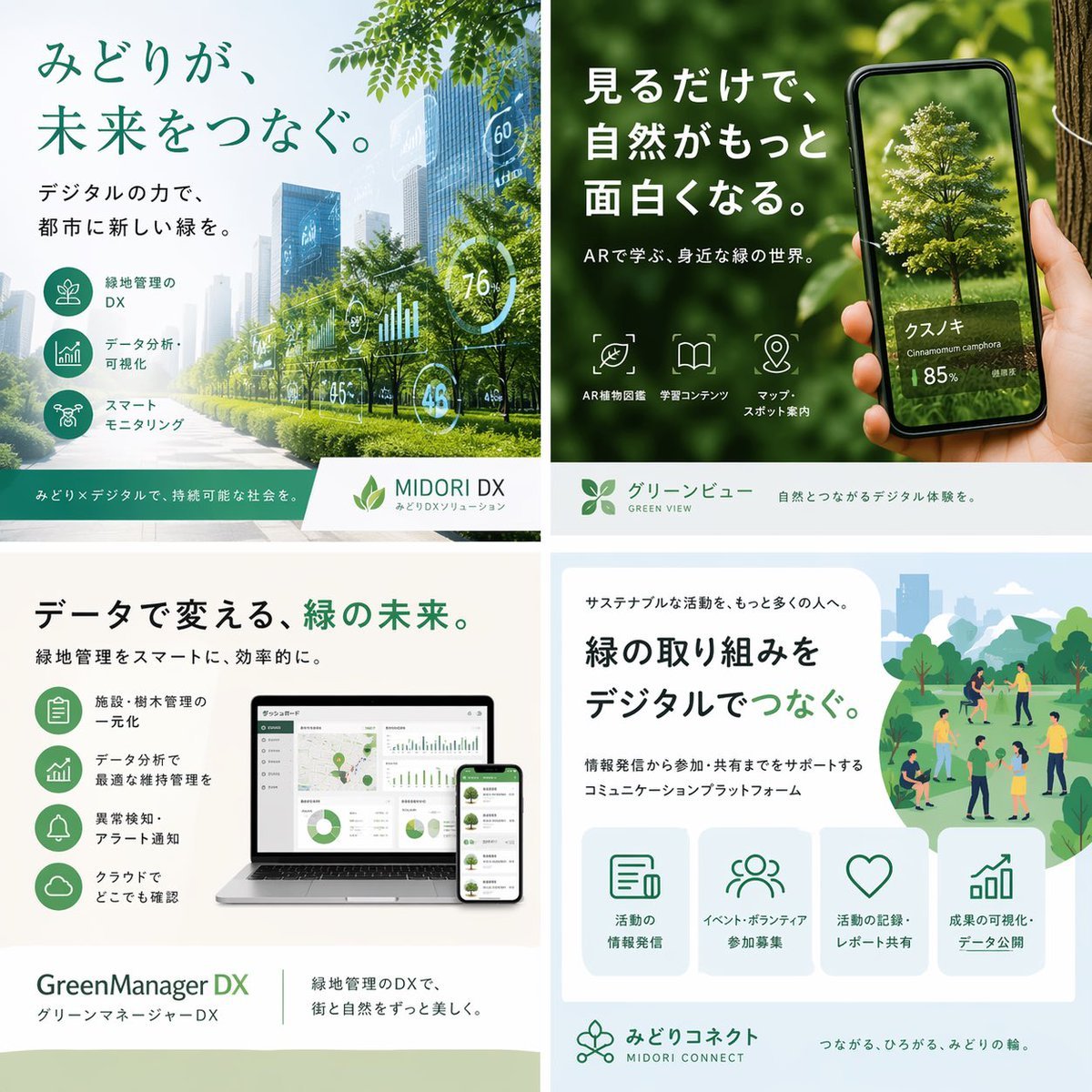
Japanese Green-Tech Promo Collage
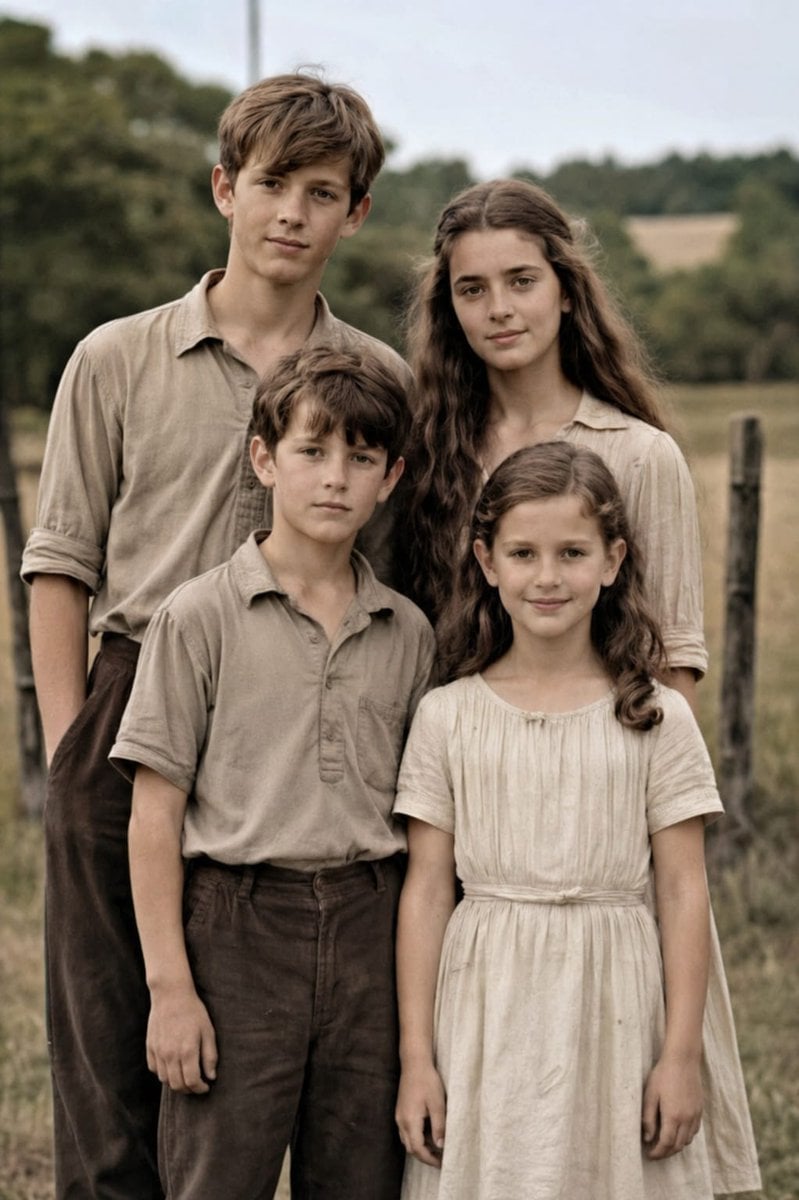
Old Photo Restoration to DSLR Portrait
Browse template categories
Smartphone Selfie with Flowers questions
How do I use the Smartphone Selfie with Flowers template?
Add your photo if the template asks for one, edit the prompt if you like — the template's model and format are already selected — and press Generate. Your version opens in PicX Studio.
Can I customize the Smartphone Selfie with Flowers template?
Yes. You can change the subject, setting, lighting, mood, format, and available model controls before creating your image.
Is the Smartphone Selfie with Flowers template free?
Opening and editing this template is free. Generating uses credits, shown on the Generate button when you are signed in.
Which AI model should I use?
Start with Nano Banana 2, which is the model associated with this template. You can compare another compatible model for a different finish.
Looking for something else? Browse all templates.

Your photo, any look
Thousands of ready templates for every top image and video model, from one credit balance.