
Realistic Smartphone Selfie with Flowers
A detailed prompt designed to generate a realistic, natural handheld outdoor selfie of a young woman holding a large bouquet of pastel pink flowers on a European street, specifying camera settings, lighting…
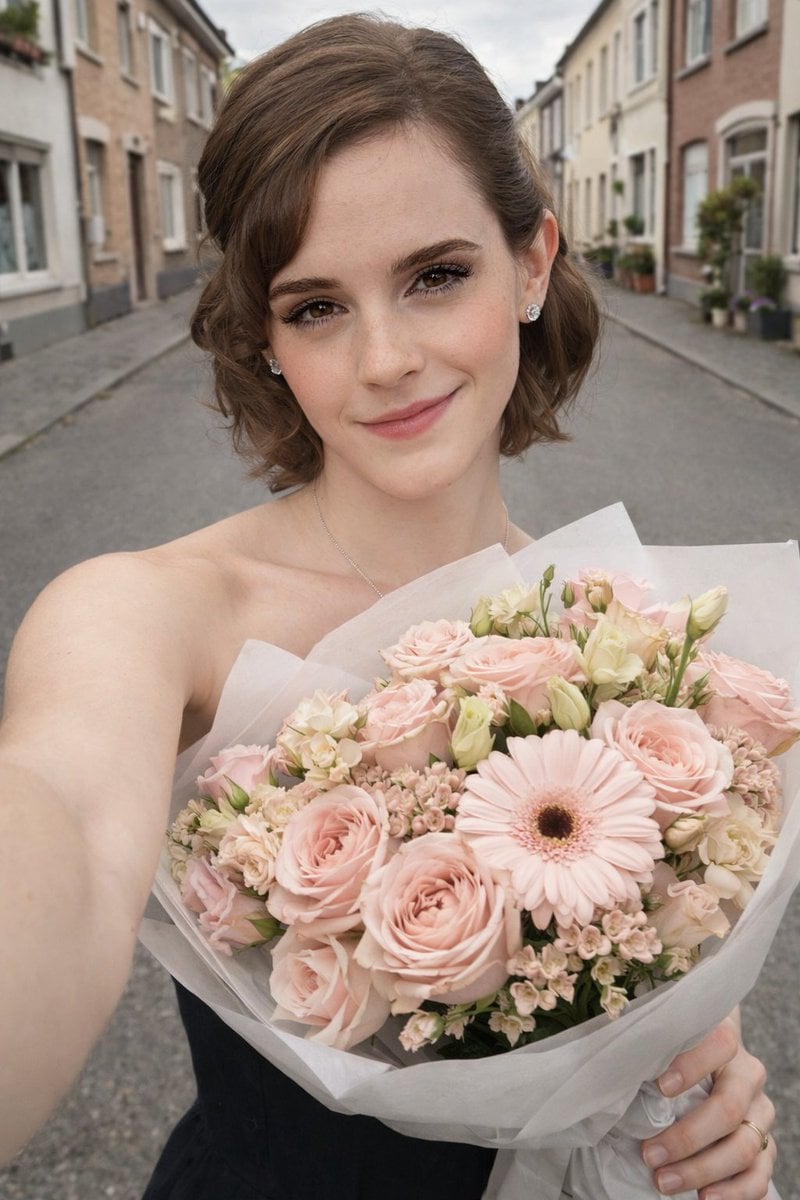
- Prompt included
- Model and format preset
- Free template
The prompt behind this image
Copy the exact prompt behind Realistic Smartphone Selfie with Flowers, or open it in the studio and make it yours.
"prompt": "Natural handheld outdoor selfie of a young woman standing on a quiet residential European street during daytime, gently smiling at the camera while holding a large bouquet of soft pastel pink flowers wrapped in white paper. The bouquet contains pale pink roses, gerbera daisies, lisianthus, and small cream accent flowers arranged tightly. She slightly tilts her head toward the bouquet with a relaxed expression. Her dark brown hair is tied back in a loose bun with a few strands falling naturally near the face. She is wearing a simple sleeveless black top. The photo is taken at arm’s length as a selfie with natural perspective. Background shows leafy green trees, parked cars, street signs, and light colored residential buildings softly blurred by shallow depth of field. Lighting is soft natural daylight filtered through trees, creating gentle shadows and even skin tones. The image should look like a real smartphone photograph captured casually while walking outside, authentic colors, realistic skin texture, subtle imperfections, and natural background detail.", "style": "realistic photography", "camera": { "type": "smartphone front camera", "lens_equivalent": "26mm", "aperture": "f/2.0", "depth_of_field": "shallow", "perspective": "arm length selfie angle" }, "lighting": { "type": "natural daylight", "quality": "soft diffused sunlight through trees", "time_of_day": "late morning or early afternoon" }, "composition": { "framing": "head and shoulders selfie with bouquet filling lower right frame", "focus": "sharp focus on face and flowers", "background": "suburban street softly blurred" }, "negative_prompt": "ai generated look, artificial skin smoothing, plastic skin, exaggerated beauty filters, unrealistic lighting, studio lighting, oversaturated colors, cartoon style, painterly style, overly sharp edges, warped anatomy, distorted hands, extra fingers, unrealistic flowers, synthetic textures, fake bokeh, fantasy environment"
How to use Realistic Smartphone Selfie with Flowers in 3 steps
- 1Upload ImagePNG, JPG or paste
Add your photo
Upload the photo the template builds on. The prompt, model and format are already set.
- 2…a portrait of your subject in softgolden-hour light, 85mm…
Personalize
Edit the subject and creative details for your destination.
- 3Generate
Generate
Press Generate — your image is created in PicX Studio, so you can compare it with the original and refine one variable at a time.
More like this
Templates with the same subject, style or setup. Open one to see its prompt.
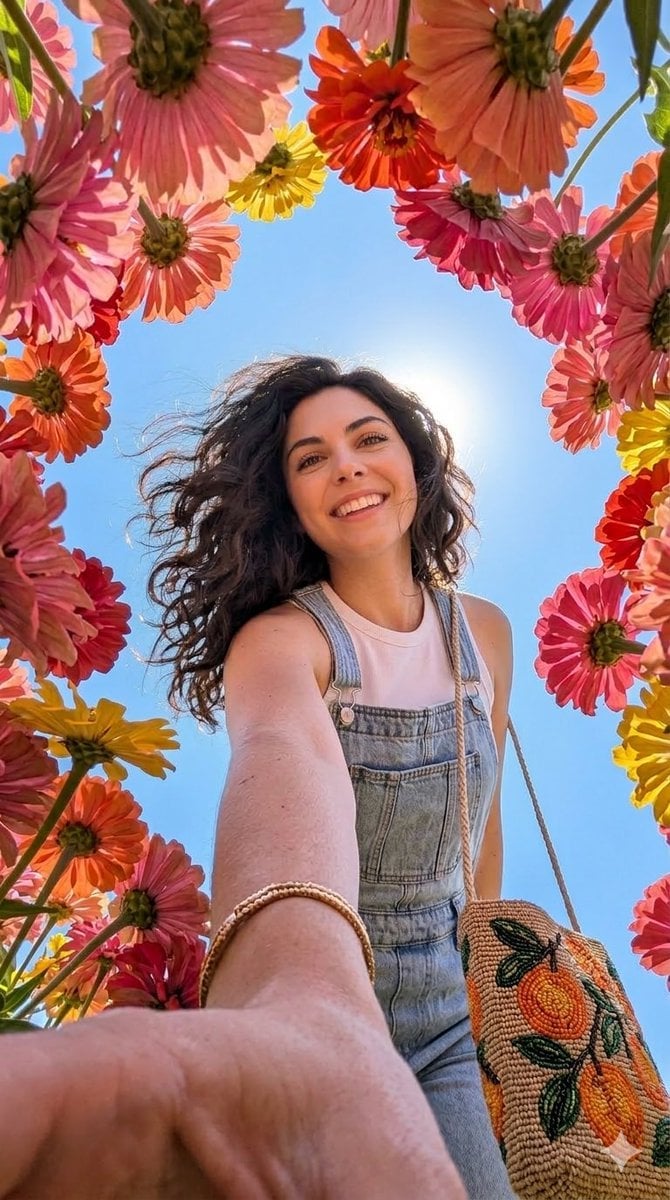
Smartphone Selfie with Flowers

Rooftop Fisheye — Cat-Ear Balaclava at Golden Hour

Felt & Knit 3D Character — Photo-Exact Face, Pixar-Quality Plush Figurine

Eid al-Adha Cute Chaos — Fisheye Selfie with Farm Selfie, Mosque & Animals

Cat Photobomb Selfie — 0.5x Wide Angle Café Chaos

Gen Z Triple Selfie Collage — Y2K Flash Photography

Surreal Cat Astronaut — Humanoid Face Freefall

Photoreal Village Lanterns Minecraft Scene

Photoreal Snow Biome Name Tag UI

Photoreal Selfie Minecraft Block World

Photoreal Selfie Minecraft Village Ghast UI

Low Angle Floor Selfie With Upside Down Cat
Make it yours
Realistic Smartphone Selfie with Flowers works as-is. These are the safest ways to change it without losing the look.
Change one field
Copy a single group, rewrite it, and generate again so you can see what that field is doing.
Keep the frame, change the subject
Hold the composition and light of Realistic Smartphone Selfie with Flowers, then swap wardrobe, props or the person for a new take.
| If the result… | Why | Fix |
|---|---|---|
| The result drifts from the preview | Too many fields changed at once. | Reuse Realistic Smartphone Selfie with Flowers as-is first, then change one group — subject, light, or setting. |
| The model over-stylizes the scene | The prose prompt leaves finish and camera underspecified. | Add one camera or lighting sentence and stay on Nano Banana 2. |
More Nano Banana 2 templates
Other prompts made for Nano Banana 2.

Photorealistic Leaf Shaped Like a Dragon

K-Pop Idol Portrait Grid for Rapid Selection

Poetic Rain Forest Portrait During Golden Hour

Urban Street Portrait with Cartoon Inner Self Duo

Candid Nighttime Photo with Cat Prompt

High-Concept 3D Diorama Generation Prompt

Cinematic Futuristic Studio Portrait Template

Skincare Editorial Photography Collage Prompt

Hyper-Realistic Commercial Product Photography (Splash Effect)

Hyper-Realistic Nightclub Portrait Prompt
More image prompts
Fresh picks from across the catalog.
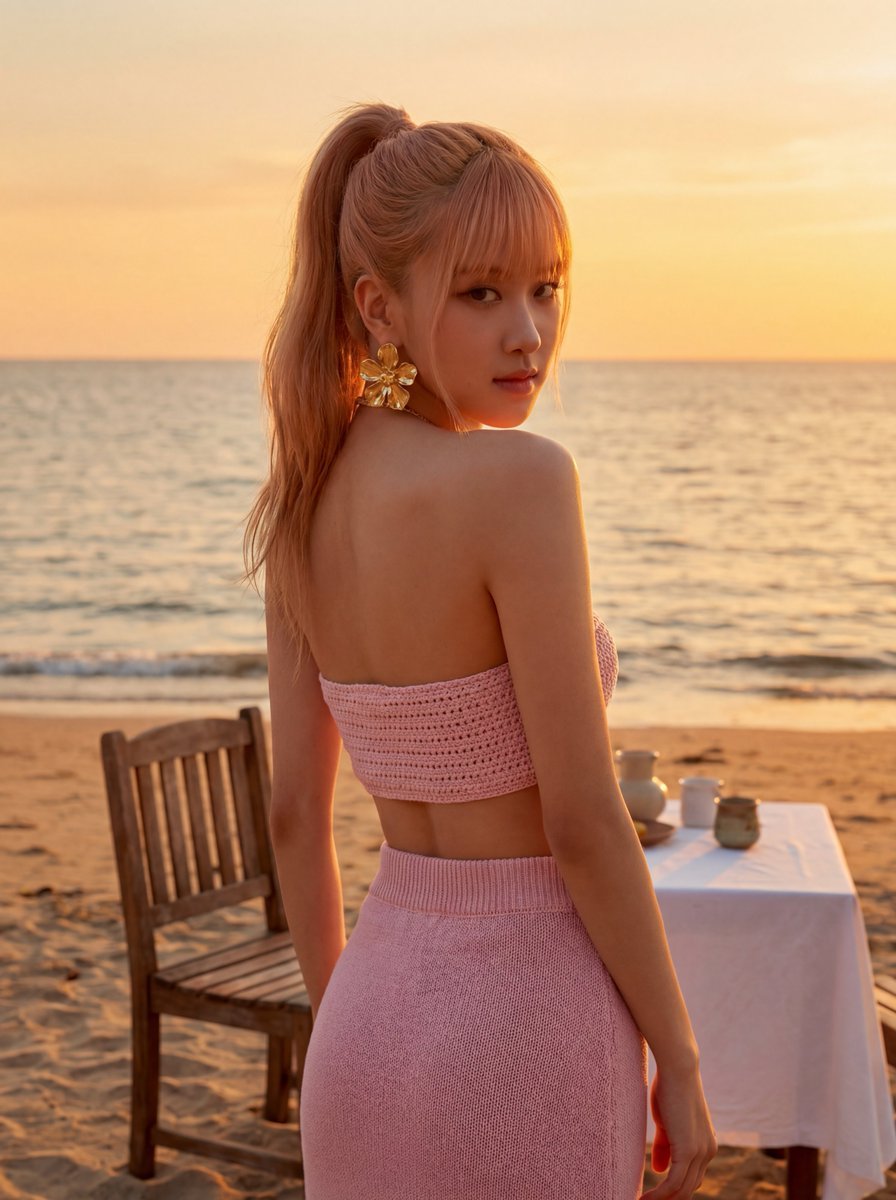
Rosé (BLACKPINK) at Sunset Beach
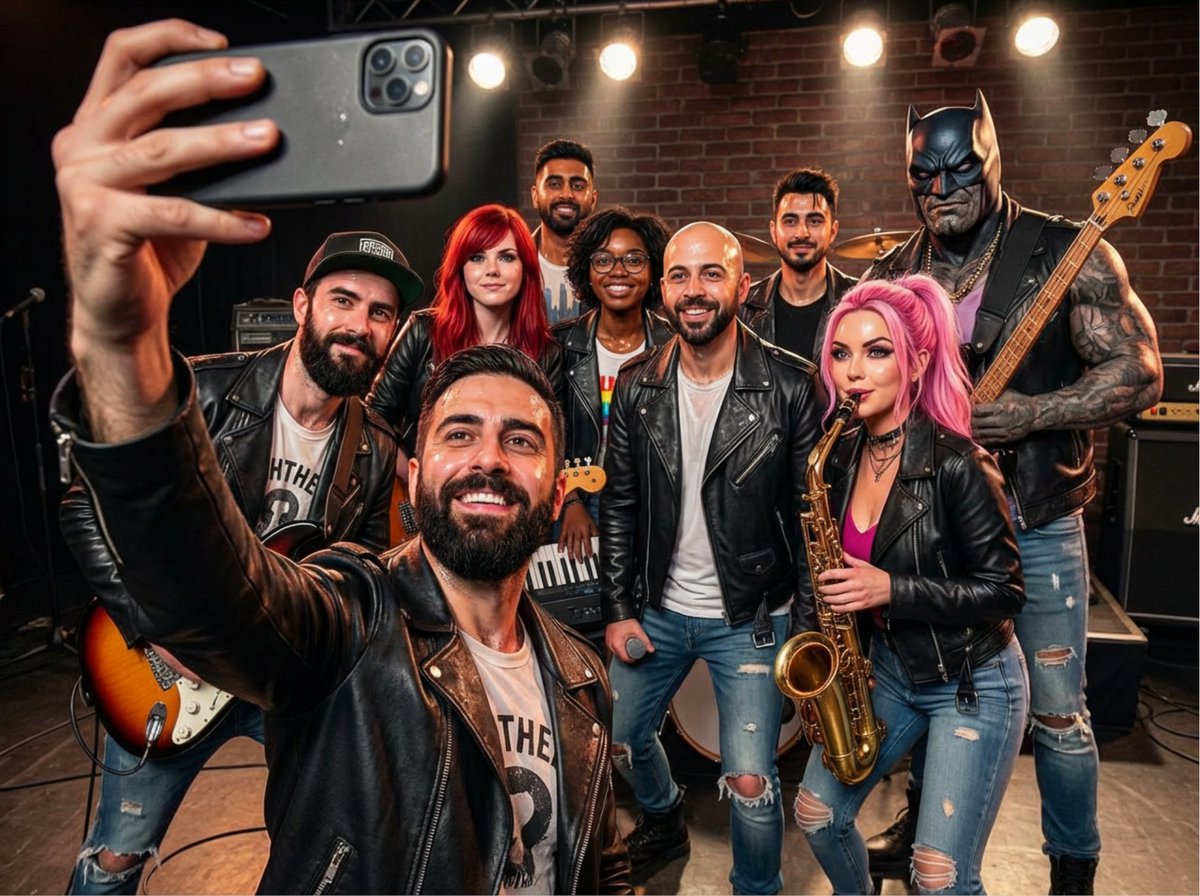
Rock band poster with consistent faces
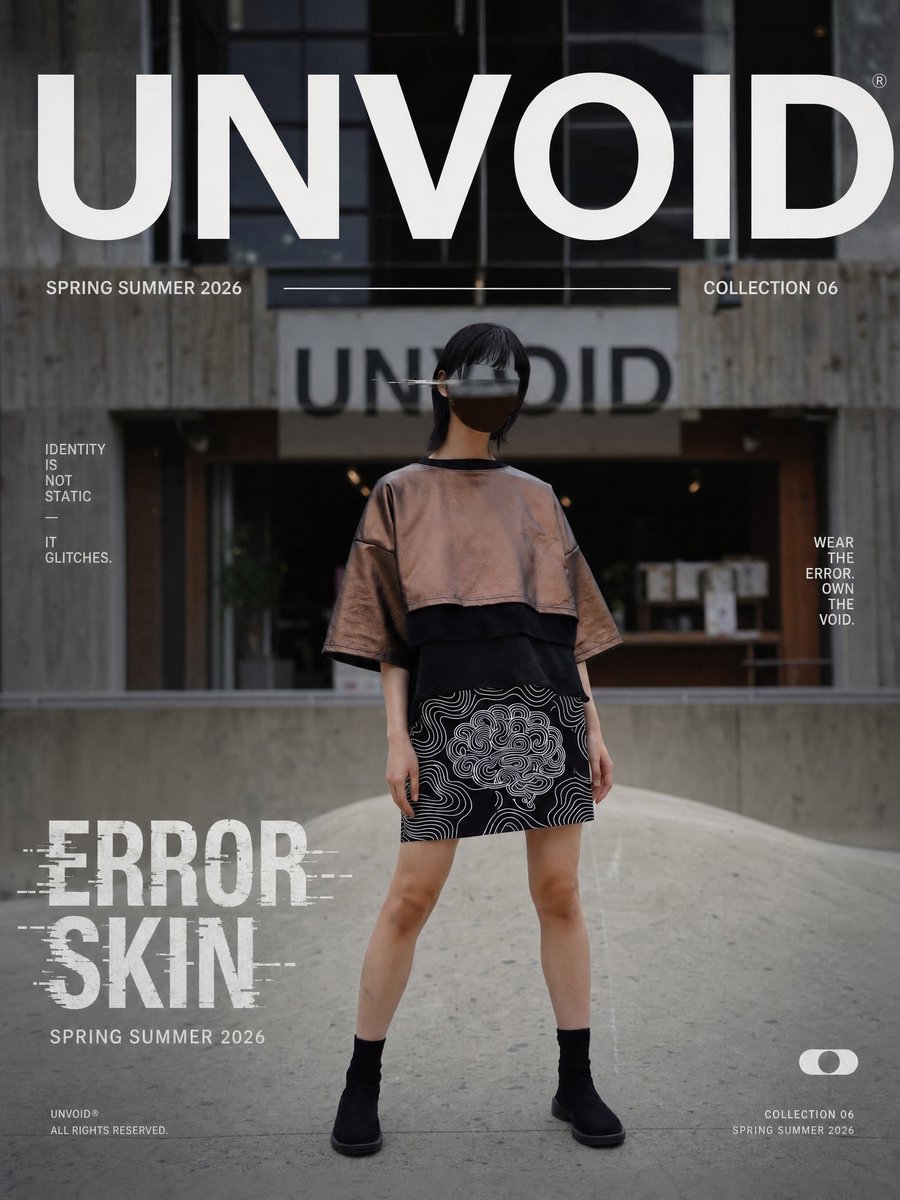
UNVOID Glitch Streetwear Poster
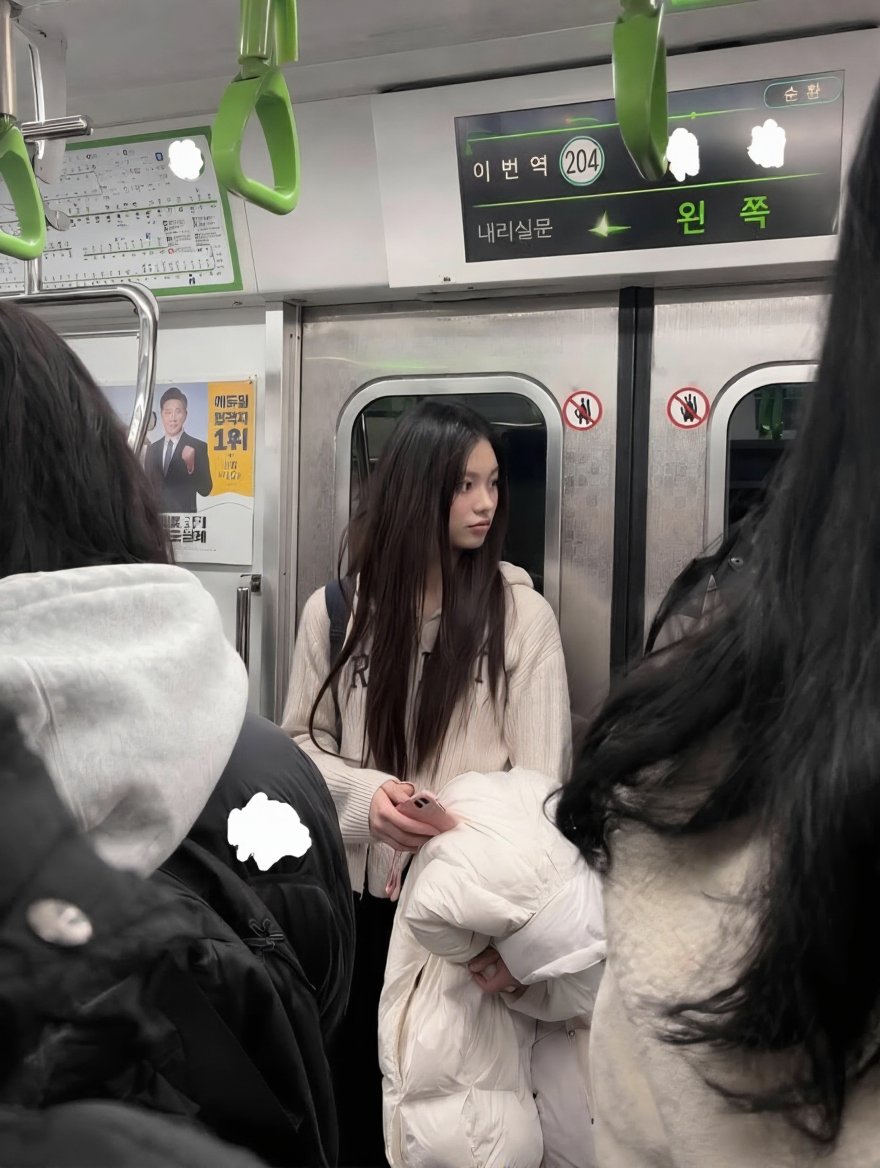
Exact Image Replication
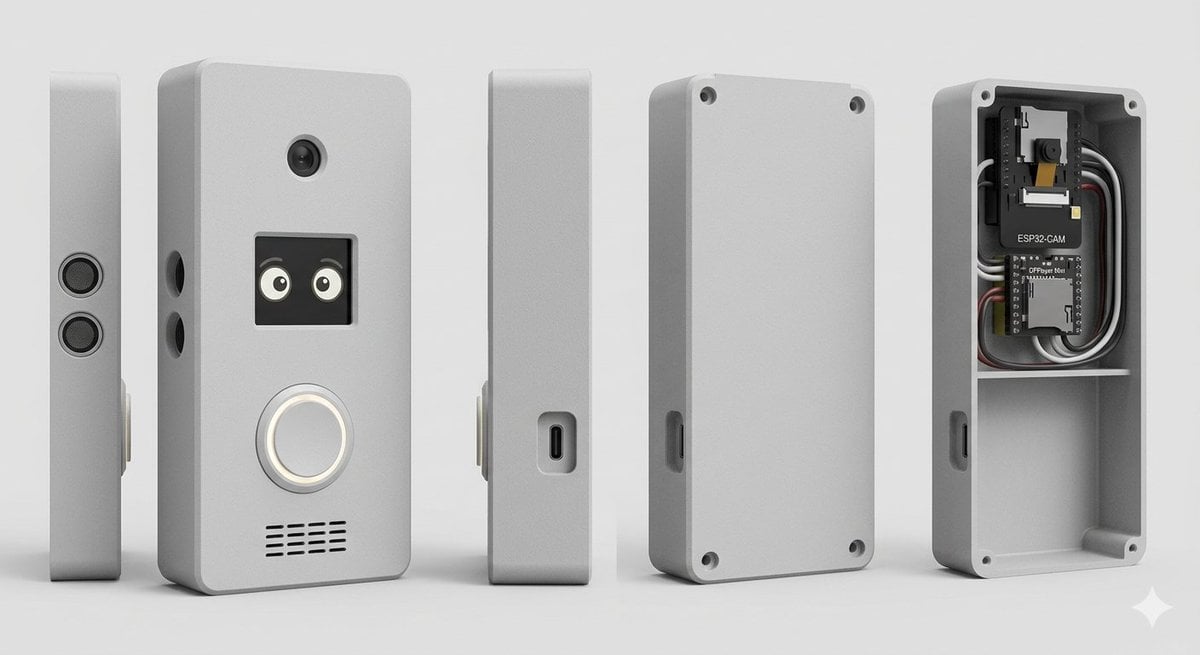
Smart Doorbell Enclosure Product Render
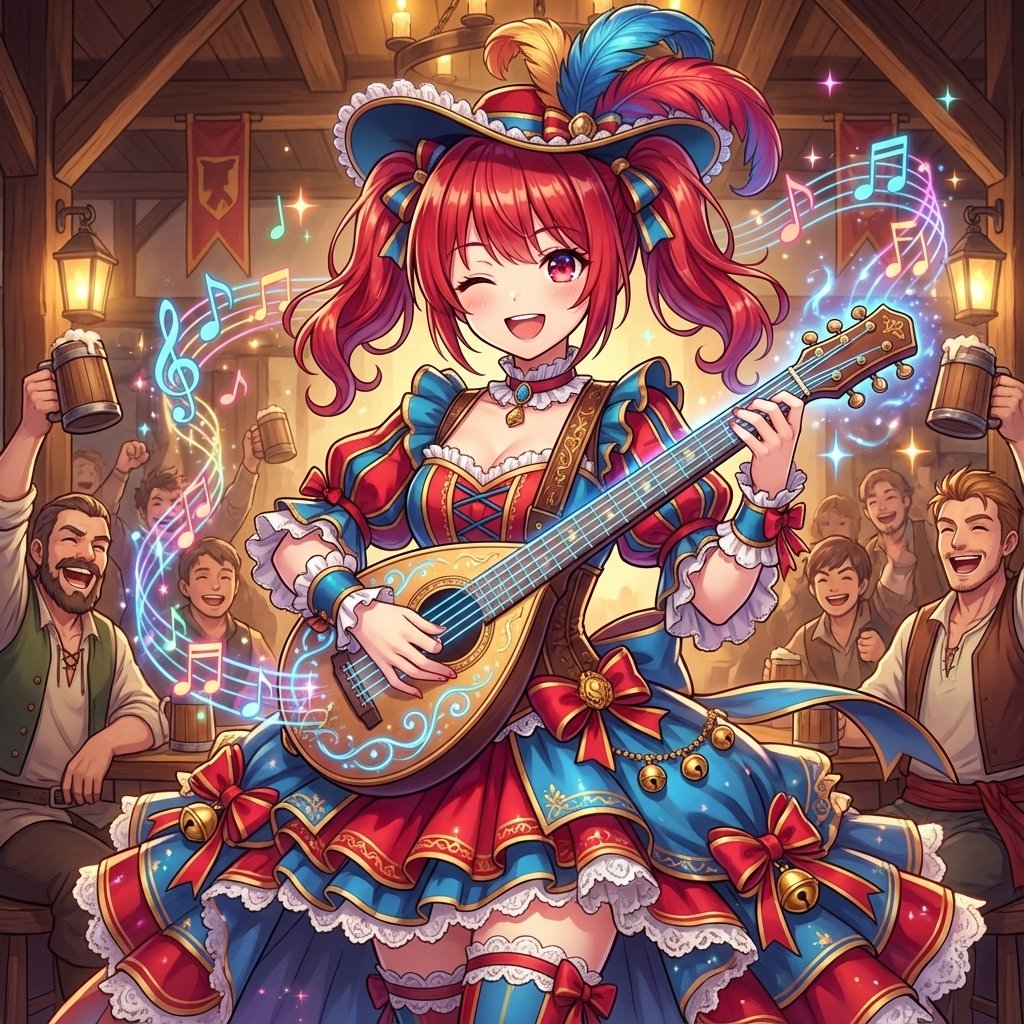
AI Conversion to Bard (Minstrel) Character
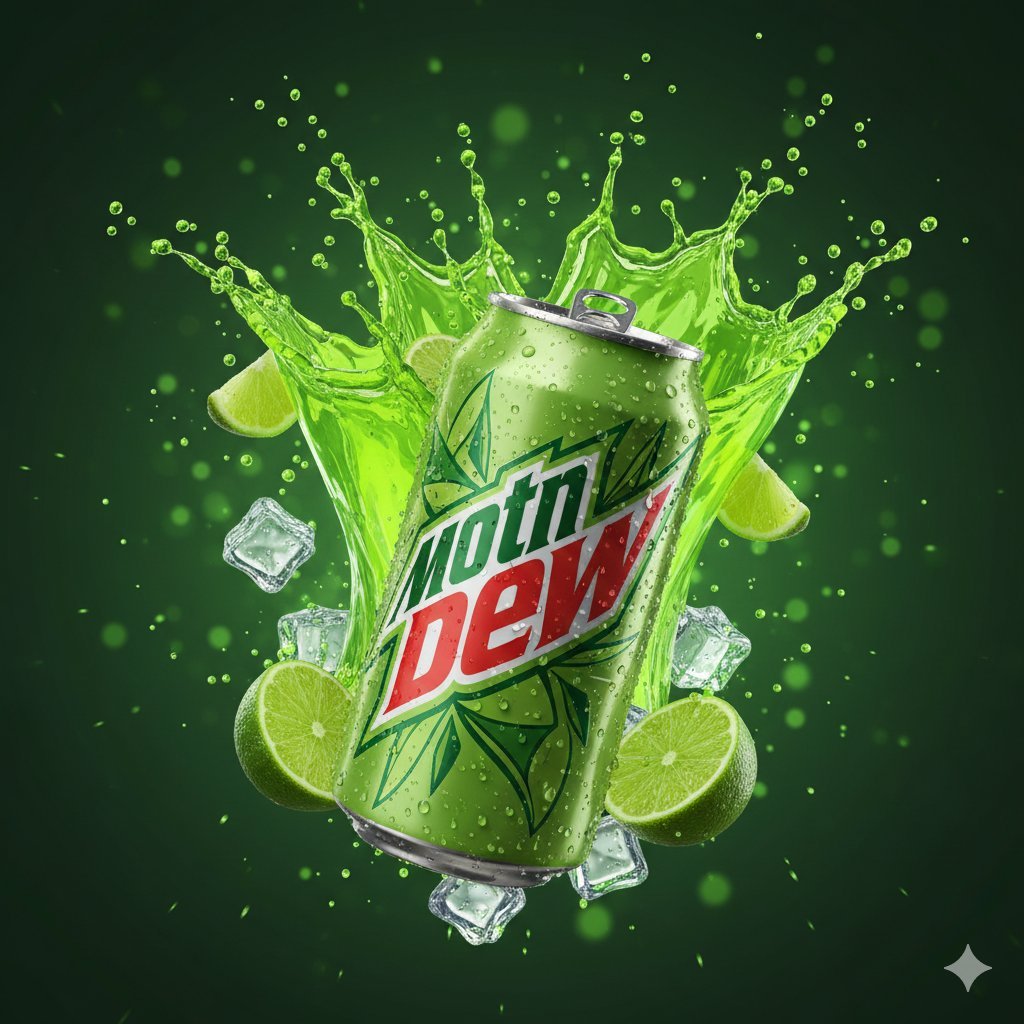
Hyper-Realistic Mountain Dew Can Explosion Product Shot
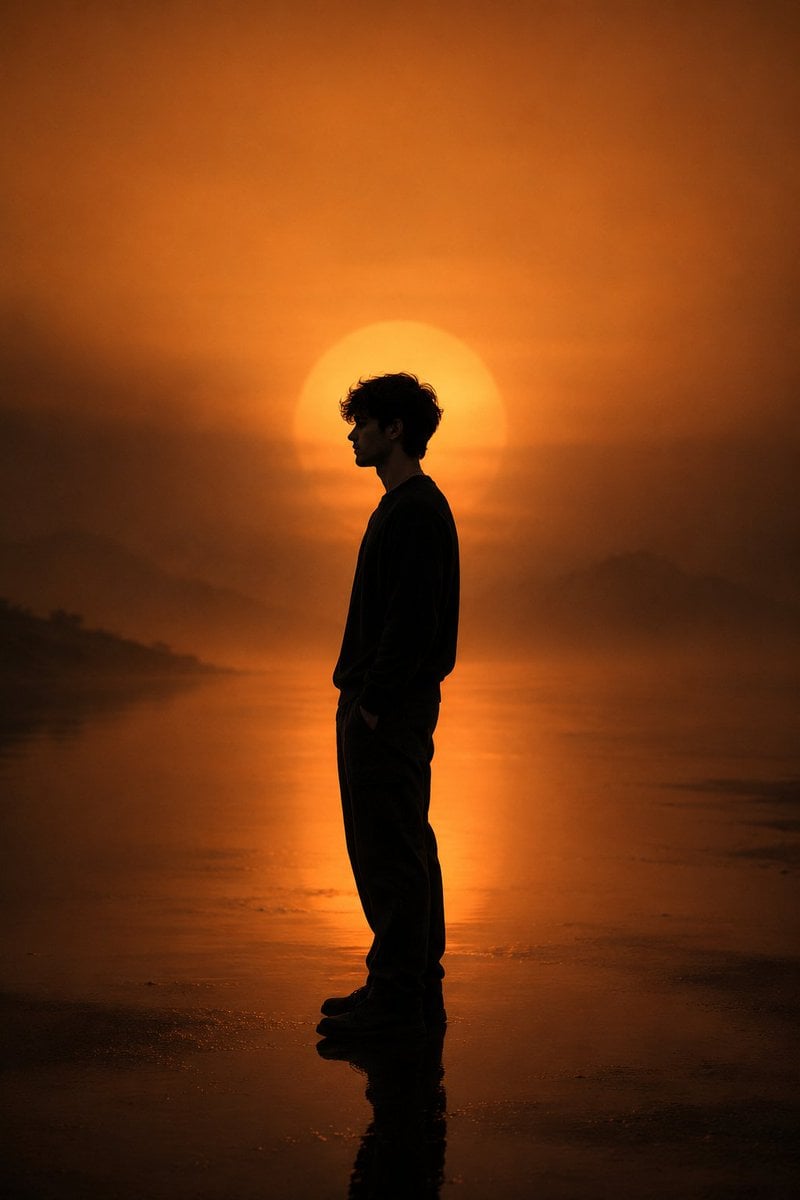
Minimalist Silhouette Portrait
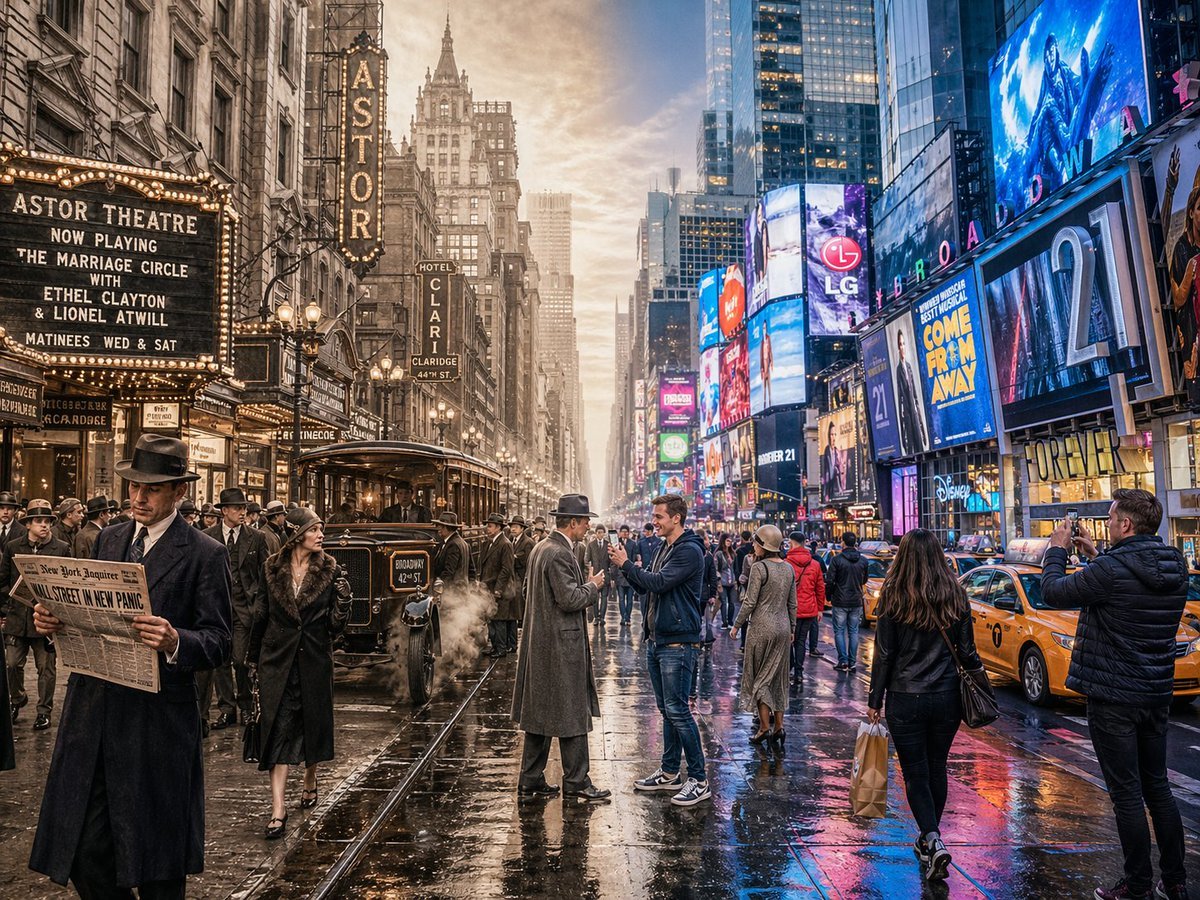
Split-Screen Time Travel Scene
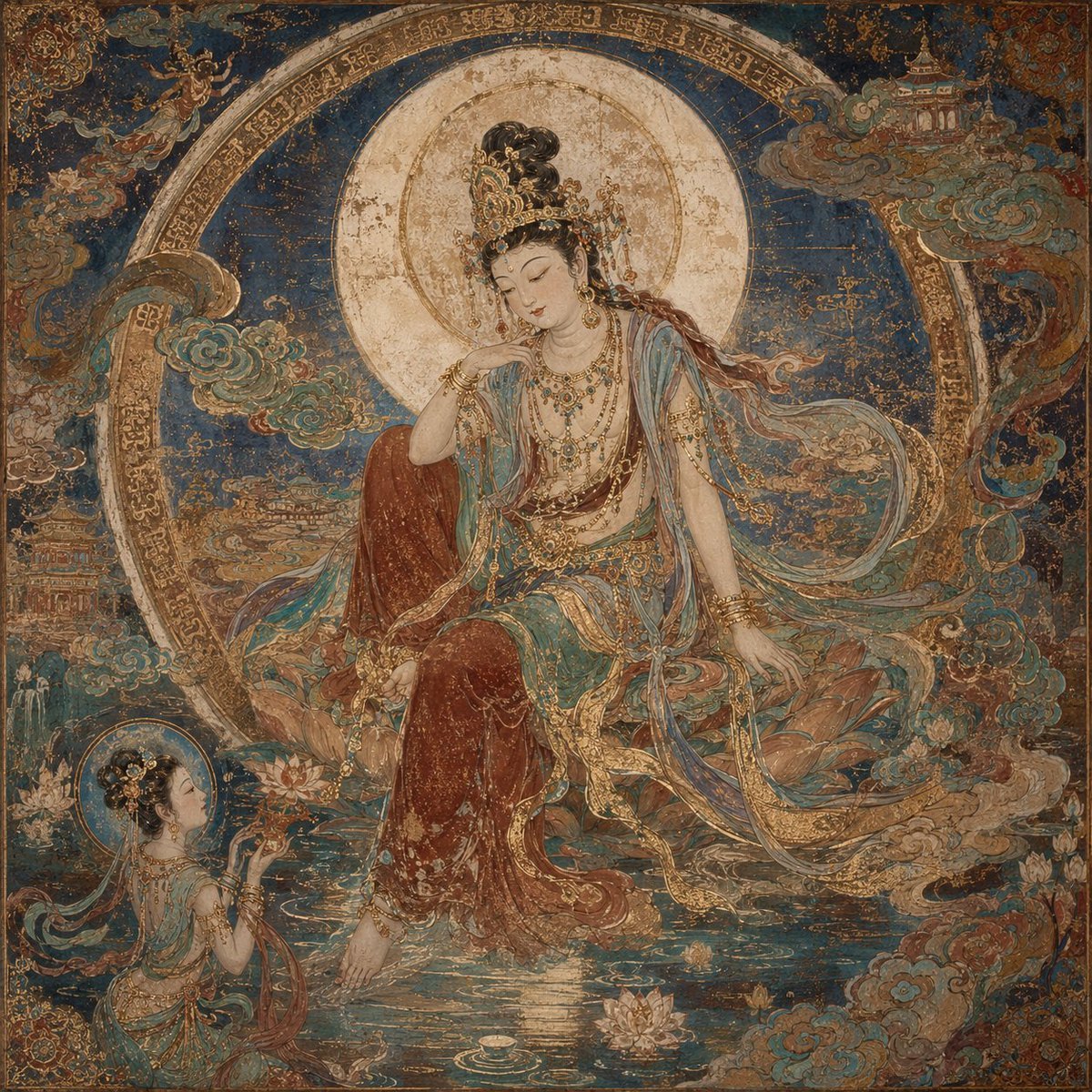
Dunhuang Mural Water Moon Guanyin
Browse template categories
Realistic Smartphone Selfie with Flowers questions
How do I use the Realistic Smartphone Selfie with Flowers template?
Add your photo if the template asks for one, edit the prompt if you like — the template's model and format are already selected — and press Generate. Your version opens in PicX Studio.
Can I customize the Realistic Smartphone Selfie with Flowers template?
Yes. You can change the subject, setting, lighting, mood, format, and available model controls before creating your image.
Is the Realistic Smartphone Selfie with Flowers template free?
Opening and editing this template is free. Generating uses credits, shown on the Generate button when you are signed in.
Which AI model should I use?
Start with Nano Banana 2, which is the model associated with this template. You can compare another compatible model for a different finish.
Looking for something else? Browse all templates.

Your photo, any look
Thousands of ready templates for every top image and video model, from one credit balance.