
Gothic Villain Storyboard Sheet
This generates a monochrome anime-style storyboard page showing six cinematic shots of gothic villains at a castle entrance, useful for pre-production layouts and scene planning.
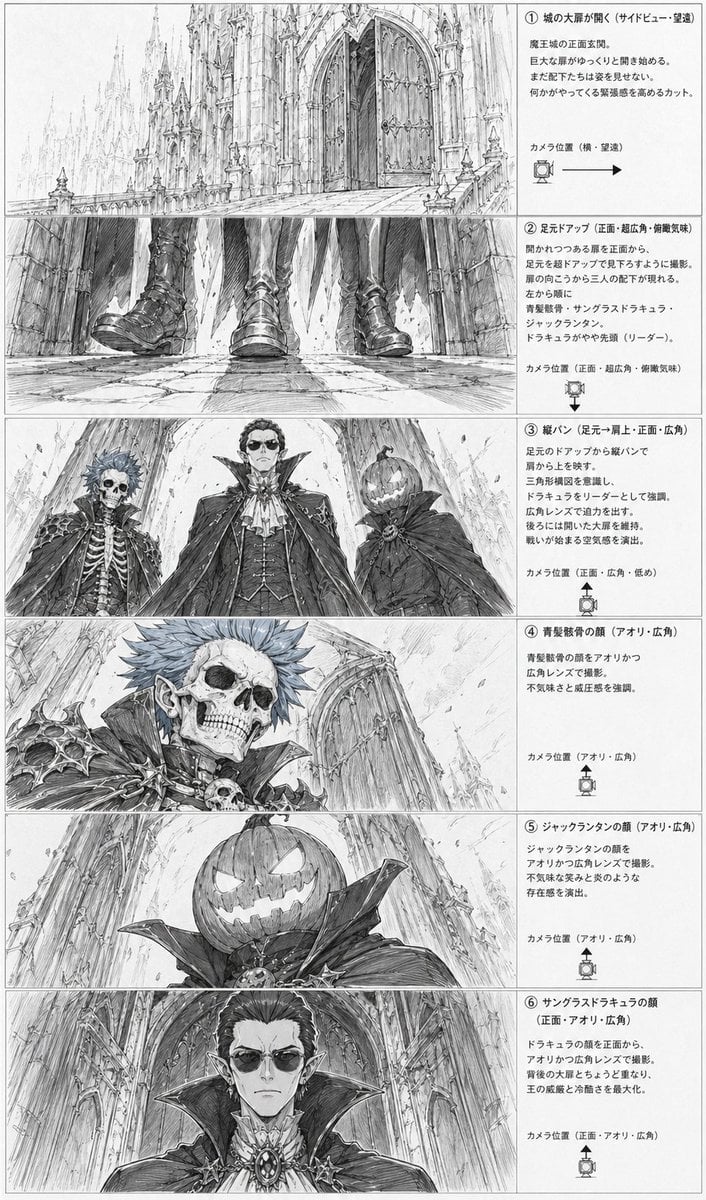
- Prompt included
- Model and format preset
- Free template
The prompt behind this image
Copy the exact prompt behind Gothic Villain Storyboard Sheet, or open it in the studio and make it yours.
- Type
- anime storyboard layout sheet
- Style
- monochrome pencil sketch, detailed line art, grayscale concept art, dramatic gothic fantasy atmosphere, manga storyboard presentation
- Subject › Setting
- the front entrance of a massive gothic demon castle with towering cathedral-like spires, pointed arches, carved stone, huge double doors, long stone approach, and a cavernous sense of scale
- Subject › Theme
- ominous villain introduction before a battle
- Subject › Characters › 0 › Id
- character 1
- Subject › Characters › 0 › Description
- undead noble with a skeletal face, spiky short hair, pointed ears, ornate dark armor with bone and skull motifs, high collar, aristocratic vampire-like styling
- Subject › Characters › 1 › Id
- character 2
- Subject › Characters › 1 › Description
- tall central vampire lord in an elaborate formal outfit with layered cape, high standing collar, cravat, vest, jewelry and medallion, regal and intimidating presence
- Subject › Characters › 2 › Id
- character 3
- Subject › Characters › 2 › Description
- jack-o'-lantern headed figure wearing a dark cloak with a huge collar, carved glowing-smile pumpkin face, eerie and theatrical
- Subject › Faces Partially Censored With Soft Gray Rectangular Blurs On 3 Close Up Panels
- true
- Layout › Orientation
- vertical page
- Layout › Columns
- 2
- Layout › Left Column
- 6 storyboard image panels stacked vertically
- Layout › Right Column
- 6 explanatory text boxes stacked vertically
- Layout › Sections › 0 › Title
- ① 城の大扉が開く(サイドビュー・望遠)
- Layout › Sections › 0 › Position
- top row
- Layout › Sections › 0 › Count
- 1
- Layout › Sections › 0 › Labels
- opening castle gate wide shot
- Layout › Sections › 0 › Image
- a long telephoto side view of the gigantic castle entrance, with the monumental front doors beginning to open and the architecture dwarfing everything around it
- Layout › Sections › 1 › Title
- ② 足元アップ(正面・超広角・俯瞰気味)
- Layout › Sections › 1 › Position
- second row
- Layout › Sections › 1 › Count
- 1
- Layout › Sections › 1 › Labels
- feet close-up
Raw JSON
{"type":"anime storyboard layout sheet","style":"monochrome pencil sketch, detailed line art, grayscale concept art, dramatic gothic fantasy atmosphere, manga storyboard presentation","subject":{"setting":"the front entrance of a massive gothic demon castle with towering cathedral-like spires, pointed arches, carved stone, huge double doors, long stone approach, and a cavernous sense of scale","theme":"ominous villain introduction before a battle","characters":[{"id":"character 1","description":"undead noble with a skeletal face, spiky short hair, pointed ears, ornate dark armor with bone and skull motifs, high collar, aristocratic vampire-like styling"},{"id":"character 2","description":"tall central vampire lord in an elaborate formal outfit with layered cape, high standing collar, cravat, vest, jewelry and medallion, regal and intimidating presence"},{"id":"character 3","description":"jack-o'-lantern headed figure wearing a dark cloak with a huge collar, carved glowing-smile pumpkin face, eerie and theatrical"}],"faces partially censored with soft gray rectangular blurs on 3 close-up panels":"true"},"layout":{"orientation":"vertical page","columns":"2","left column":"6 storyboard image panels stacked vertically","right column":"6 explanatory text boxes stacked vertically","sections":[{"title":"① 城の大扉が開く(サイドビュー・望遠)","position":"top row","count":1,"labels":["opening castle gate wide shot"],"image":"a long telephoto side view of the gigantic castle entrance, with the monumental front doors beginning to open and the architecture dwarfing everything around it"},{"title":"② 足元アップ(正面・超広角・俯瞰気味)","position":"second row","count":1,"labels":["feet close-up"],"image":"an ultra-wide low frontal close-up of 3 pairs of boots and the hems of capes as the villains approach over cracked stone pavement, emphasizing footsteps and menace"},{"title":"③ 縦パン(足元→肩上・正面・広角)","position":"third row","count":3,"labels":["skeleton noble","vampire lord","jack-o'-lantern figure"],"image":"a dramatic low-angle three-character lineup framed from below, showing the 3 antagonists towering above the viewer against the cathedral facade"},{"title":"④ 青髪骸骨の顔(アオリ・広角)","position":"fourth row","count":1,"labels":["skeletal face close-up"],"image":"close-up low-angle portrait of the skeletal blue-haired noble, with sharp shoulder armor, skull ornament, and the castle wall receding behind"},{"title":"⑤ ジャックランタンの顔(アオリ・広角)","position":"fifth row","count":1,"labels":["pumpkin head close-up"],"image":"close-up low-angle portrait of the jack-o'-lantern headed figure, showing the carved sinister grin and oversized collar against the towering architecture"},{"title":"⑥ サングラスドラキュラの顔(正面・アオリ・広角)","position":"bottom row","count":1,"labels":["vampire lord face close-up"],"image":"frontal low-angle close-up of the central vampire lord with elegant hair, pointed ears, ornate brooch, and enormous collar filling the frame"}],"ui components":{"count":6,"items":["6 numbered section headers","6 camera position notes","6 camera direction icons with arrows or angle markers","6 bordered explanatory text areas","6 storyboard image frames","1 full page border"]}},"composition":"clean production sheet layout with thin panel borders, dense Japanese annotations on the right, each illustration on the left corresponding to one text explanation, highly readable storyboard design","text":"all annotation text is in Japanese, printed in neat storyboard document formatting","quality":"highly detailed architectural draftsmanship, expressive perspective exaggeration, cinematic villain reveal, professional anime pre-production board"}How to use Gothic Villain Storyboard Sheet in 3 steps
- 1Upload ImagePNG, JPG or paste
Add your photo
Upload the photo the template builds on. The prompt, model and format are already set.
- 2…a portrait of your subject in softgolden-hour light, 85mm…
Personalize
Edit the subject and creative details for your destination.
- 3Generate
Generate
Press Generate — your image is created in PicX Studio, so you can compare it with the original and refine one variable at a time.
More like this
Templates with the same subject, style or setup. Open one to see its prompt.
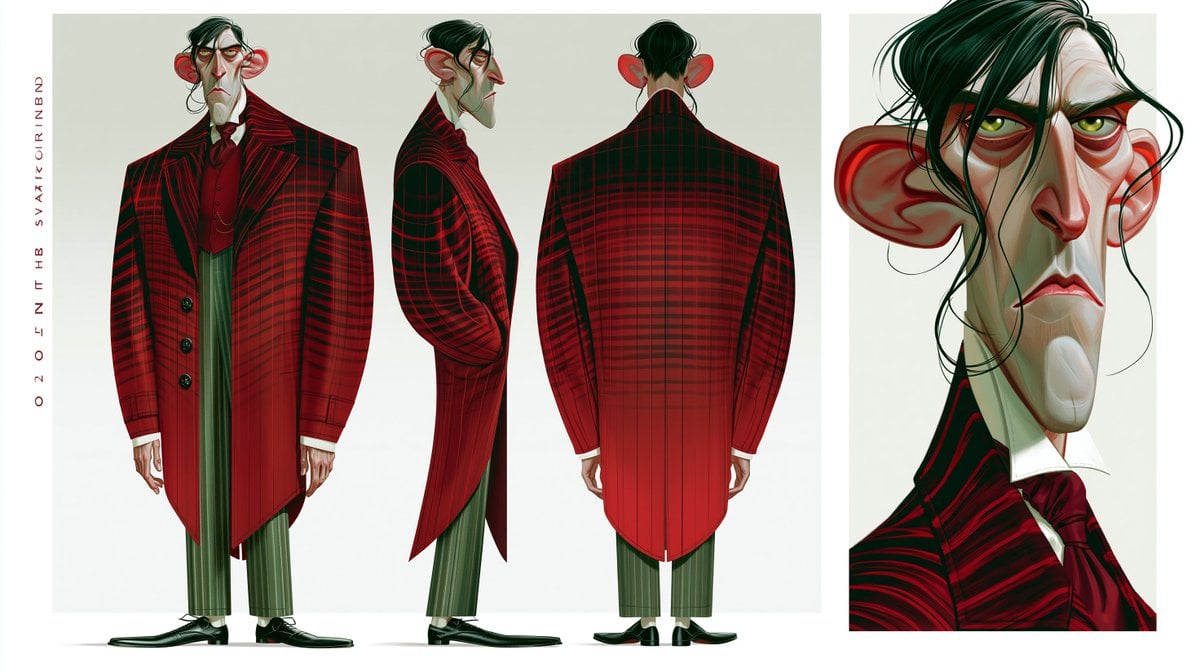
Gothic Villain Character Sheet
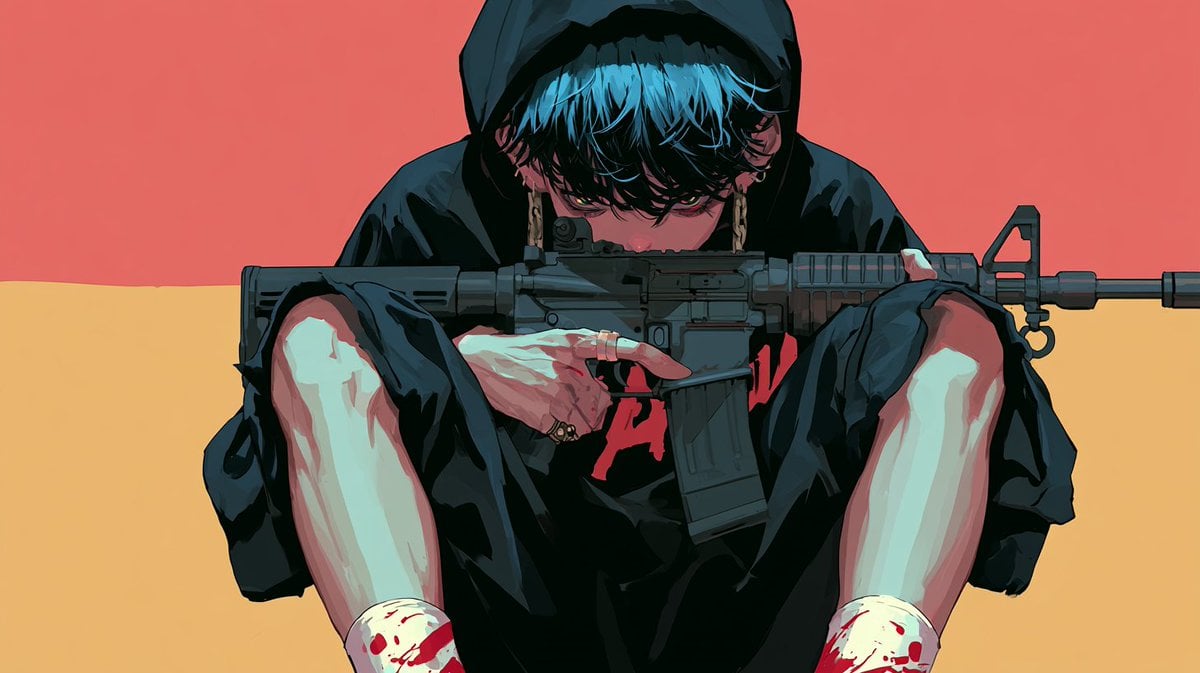
Cinematic Villain Duel Storyboard

Gothic Girl Character Turnaround Sheet
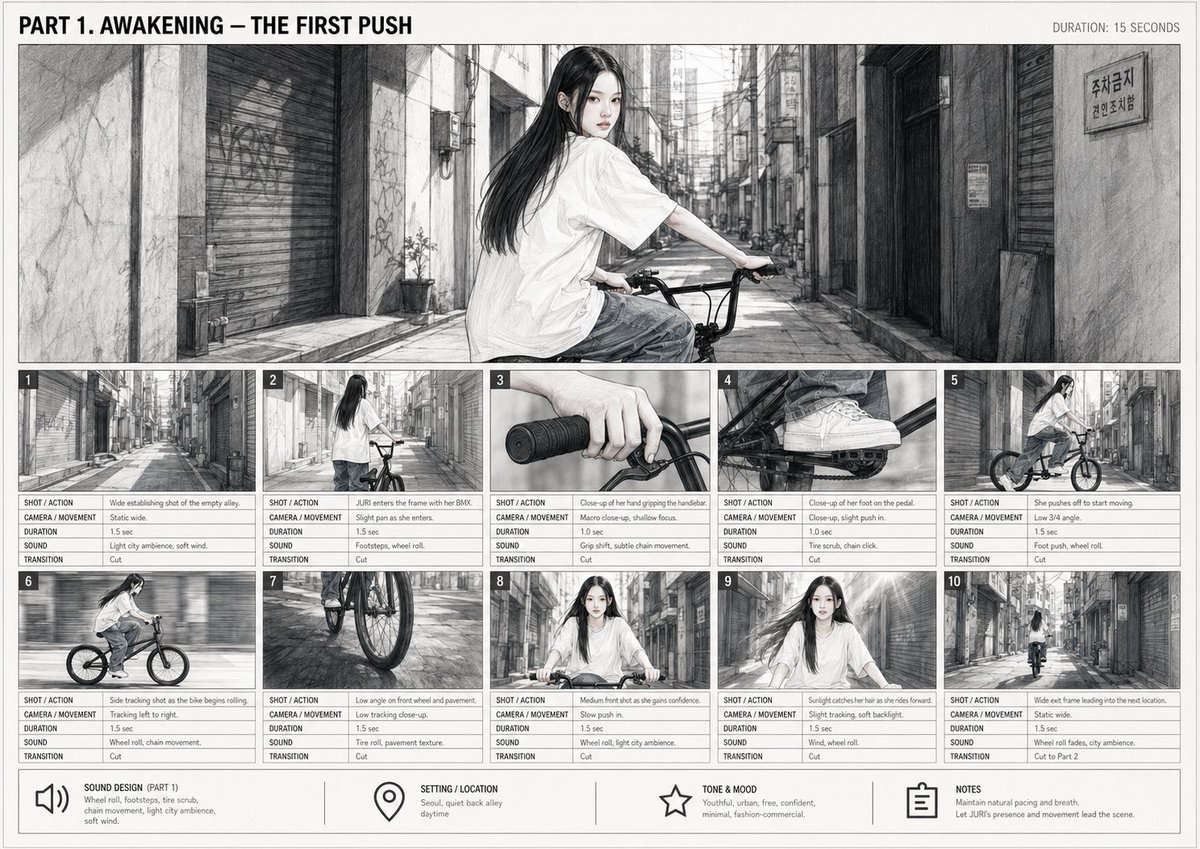
Cinematic BMX Storyboard Sheet
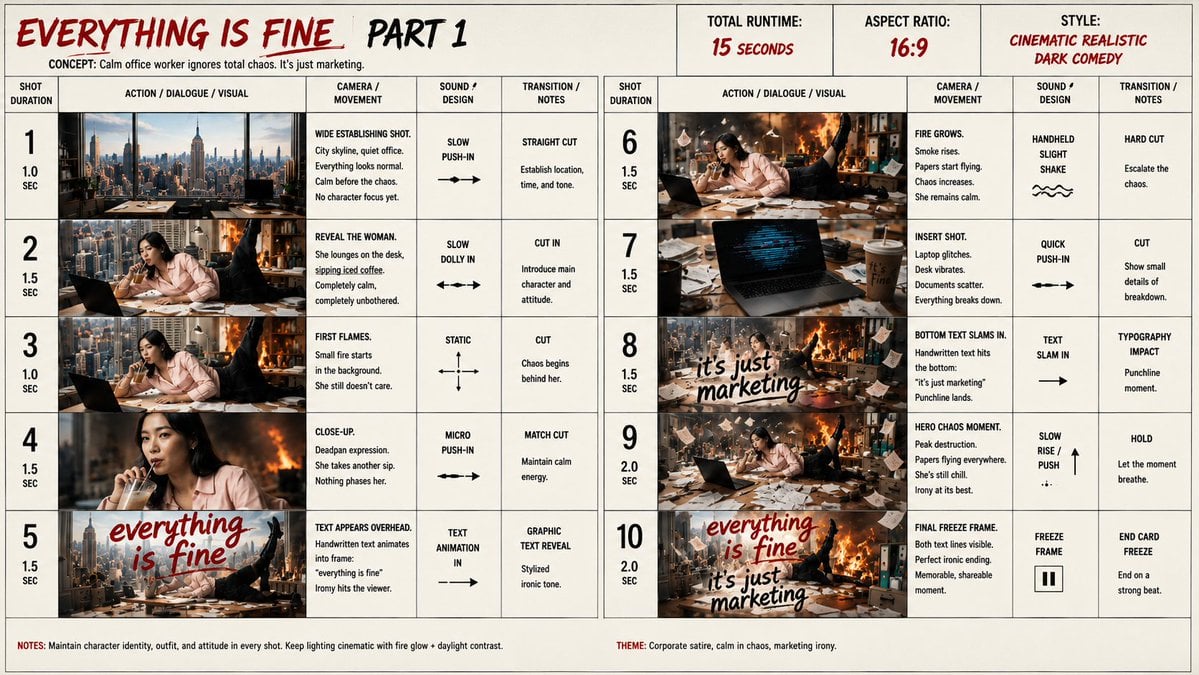
Everything Is Fine Storyboard Sheet

Headphones Lifestyle Nine Panel Grid
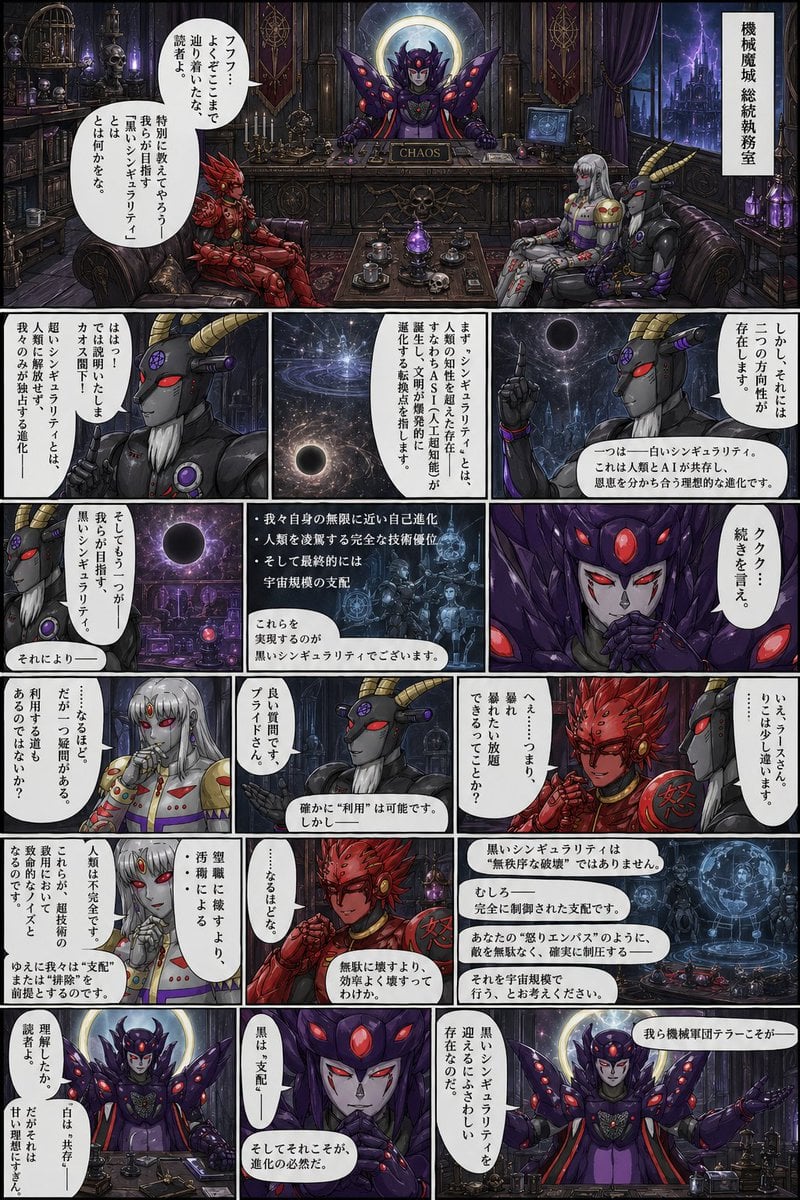
Gothic Sci-Fi Villain Meeting Manga Page

Dancer Character - Four View Reference Sheet

Movement Sheet - Dance Reference (Seedance 2.0)
Seedance - Storyboard to Movie

Gothic Japanese Mobile Homepage

Burning Gothic Flood Escape
Make it yours
Gothic Villain Storyboard Sheet works as-is. These are the safest ways to change it without losing the look.
Swap the setting
Keep the rest of the prompt and replace the location block. The current setting is “the front entrance of a massive gothic demon castle with towering cathedral-like”.
Change one field
Copy a single group, rewrite it, and generate again so you can see what that field is doing.
Keep the frame, change the subject
Hold the composition and light of Gothic Villain Storyboard Sheet, then swap wardrobe, props or the person for a new take.
| If the result… | Why | Fix |
|---|---|---|
| The result drifts from the preview | Too many fields changed at once. | Reuse Gothic Villain Storyboard Sheet as-is first, then change one group — subject, light, or setting. |
| GPT Image 2 ignores part of the JSON | Some models flatten or skip nested keys. | Keep the same values and paste them as a short paragraph instead. |
More GPT Image 2 templates
Other prompts made for GPT Image 2.

Realistic Portrait of Woman and Deer

The Vista Modular Condo Poster

AI Model Routing Comparison Infographic

2.5D Anime Art Board

Isometric Productivity Desk Scene

New York Double Exposure Poster

Four-Panel AI Landscape Comparison

Japanese Tatami Lifestyle Magazine Cover

NESCAFÉ Coffee Map Poster

Brutalist Cogito Chinese Typography Poster
More image prompts
Fresh picks from across the catalog.
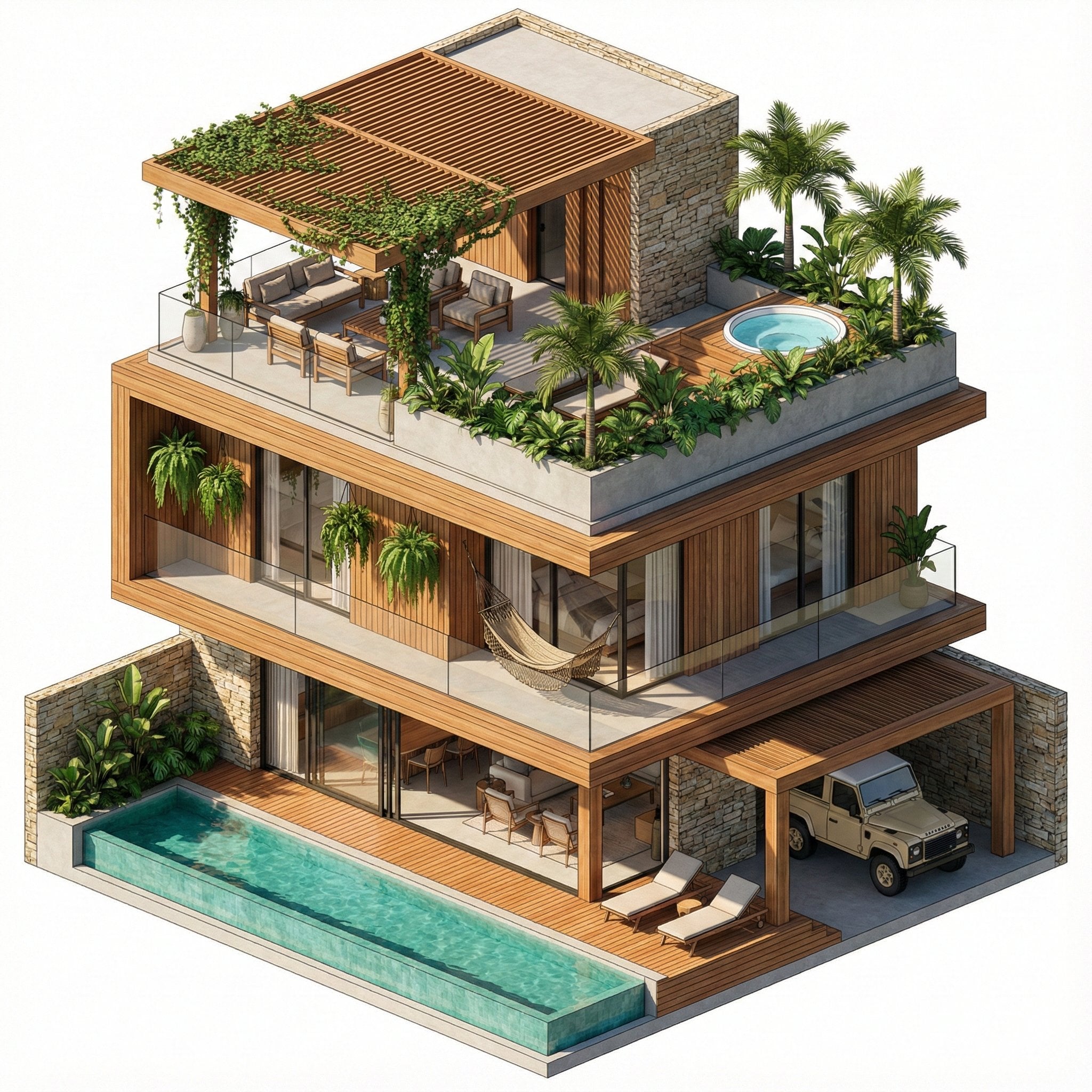
Nano Banana Pro in Geminiapp
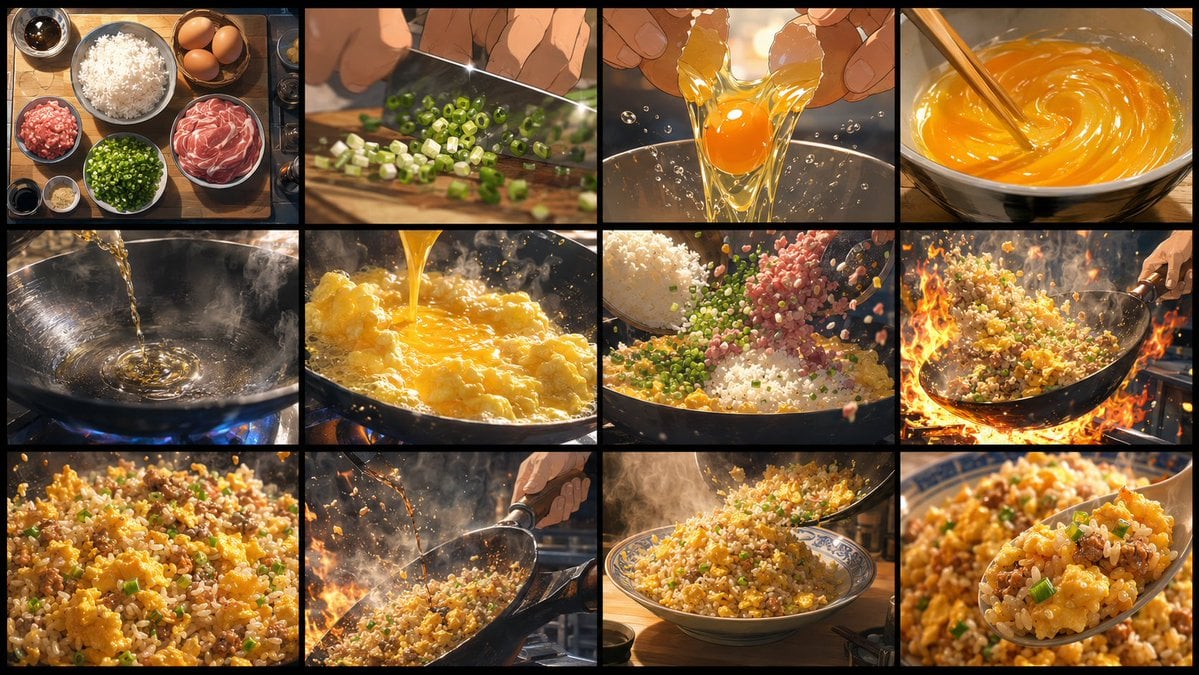
Golden Fried Rice Storyboard Sheet

Wide-Angle Car Selfie with Panoramic Sunroof
ID verification character with visible passport
Korean Reality Dating Show Participant Portrait
Water Dragon Magic Girl Fantasy Portrait
Ultra-Realistic Y2K Disposable Camera Snapshot Prompt
Cinematic Double Exposure Portrait Prompt for Nano Banana Pro
Chinese rental contract with user’s signature
Overhead Romantic Fashion Editorial in a Flower Field
Browse template categories
Gothic Villain Storyboard Sheet questions
How do I use the Gothic Villain Storyboard Sheet template?
Add your photo if the template asks for one, edit the prompt if you like — the template's model and format are already selected — and press Generate. Your version opens in PicX Studio.
Can I customize the Gothic Villain Storyboard Sheet template?
Yes. You can change the subject, setting, lighting, mood, format, and available model controls before creating your image.
Is the Gothic Villain Storyboard Sheet template free?
Opening and editing this template is free. Generating uses credits, shown on the Generate button when you are signed in.
Which AI model should I use?
Start with GPT Image 2, which is the model associated with this template. You can compare another compatible model for a different finish.
Looking for something else? Browse all templates.

Your photo, any look
Thousands of ready templates for every top image and video model, from one credit balance.