
Gothic Villain Character Sheet
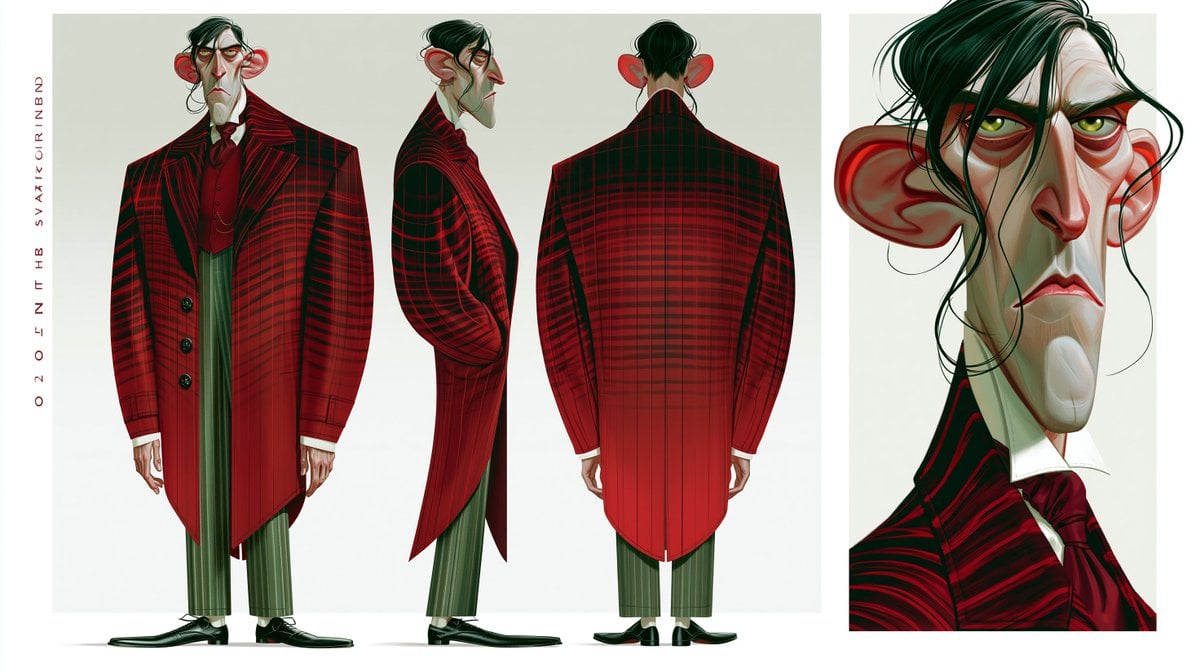
A stylized animation character turnaround sheet showing a gaunt aristocratic villain in full-body front, side, back views and a detailed portrait close-up.
- Prompt included
- Model and format preset
- Free template
The prompt behind this image
Copy the exact prompt behind Gothic Villain Character Sheet, or open it in the studio and make it yours.
Goal: Create a stylized animated-film character design sheet for {argument name="character name" default="a severe aristocratic villain"}, showing consistent costume and facial design from multiple angles. Canvas: Wide horizontal character reference sheet, approximately 16:9, with an off-white studio background and clean white margins. Split the page into two main panels: a large left panel for full-body turnarounds and a narrower right panel for a dramatic portrait close-up. Layout: Include exactly 4 character depictions total: 1 front full-body view on the left, 1 side profile full-body view in the center, 1 rear full-body view on the right side of the large panel, and 1 large close-up head-and-shoulders portrait in the separate right panel. Add a thin vertical column of small red decorative lettering along the far left margin, reading like abstract production-sheet text. Subject details: The character is extremely tall, gaunt, and angular, with a long pale greenish-gray face, sharp hooked nose, heavy red under-eye shadows, drooping eyelids, yellow-green eyes, thin downturned lips, an elongated chin, and exaggerated large red ears. He has messy black hair swept over one eye, with loose stringy strands falling across the face. His expression is stern, tired, suspicious, and aristocratic. Costume: Dress him in a dramatic {argument name="coat color and pattern" default="deep crimson and black plaid"} long tailcoat with broad squared shoulders, high collar, oversized lapels, black buttons, tapered waist, and long pointed tails. Under it he wears a dark red waistcoat, white shirt collar, and a large burgundy cravat. He has narrow {argument name="trouser color" default="muted olive-green striped"} trousers cropped above polished black formal shoes. The rear view should emphasize the long structured back of the coat and the plaid grid wrapping around the shoulders. Visual style: High-end 3D animation concept art with painterly digital rendering, exaggerated caricature proportions, sharp graphic shapes, elegant gothic mood, subtle gradients, clean silhouette design, and polished studio lighting. Use saturated reds and blacks against pale skin and muted green clothing accents. The portrait close-up should be more detailed, with visible brush strokes in the hair, skin planes, eye bags, ears, and collar. Constraints: Keep the character design identical across all 4 depictions. Do not add props, scenery, logos, or extra characters. Keep the background minimal and uncluttered, like a professional animation production turnaround sheet.
How to use Gothic Villain Character Sheet in 3 steps
- 1Upload ImagePNG, JPG or paste
Add your photo
Upload the photo the template builds on. The prompt, model and format are already set.
- 2…a portrait of your subject in softgolden-hour light, 85mm…
Personalize
Edit the subject and creative details for your destination.
- 3Generate
Generate
Press Generate — your image is created in PicX Studio, so you can compare it with the original and refine one variable at a time.
More like this
Templates with the same subject, style or setup. Open one to see its prompt.
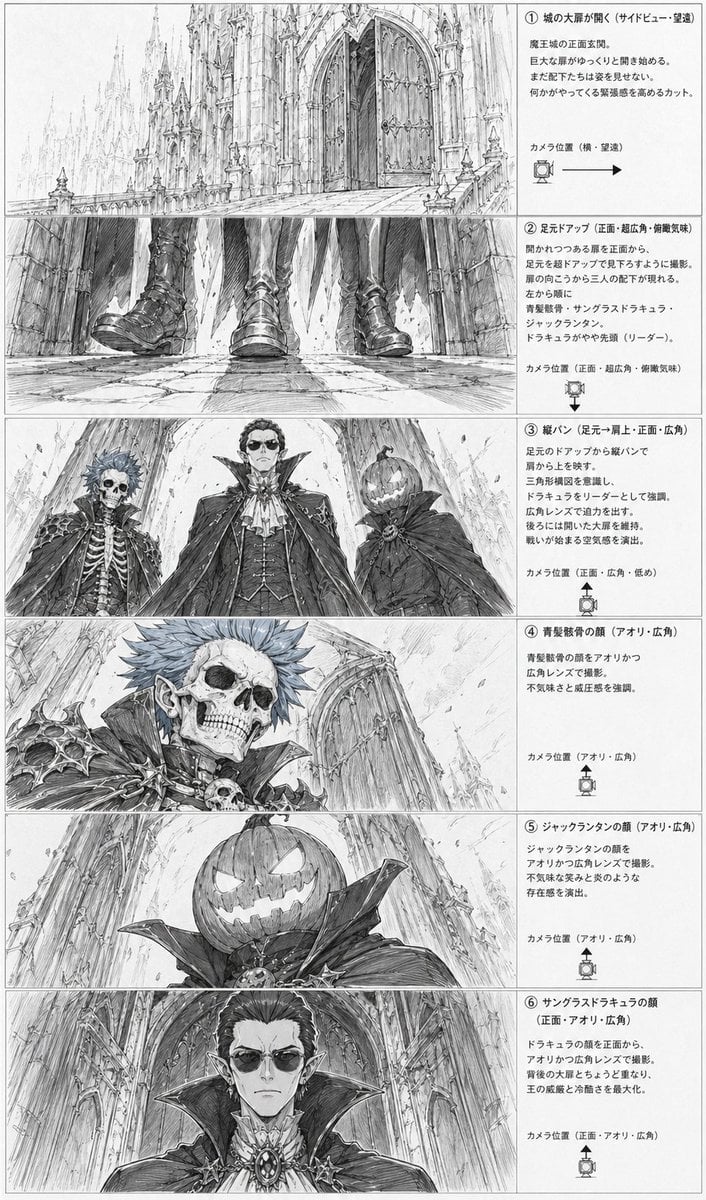
Gothic Villain Storyboard Sheet

Gothic Girl Character Turnaround Sheet
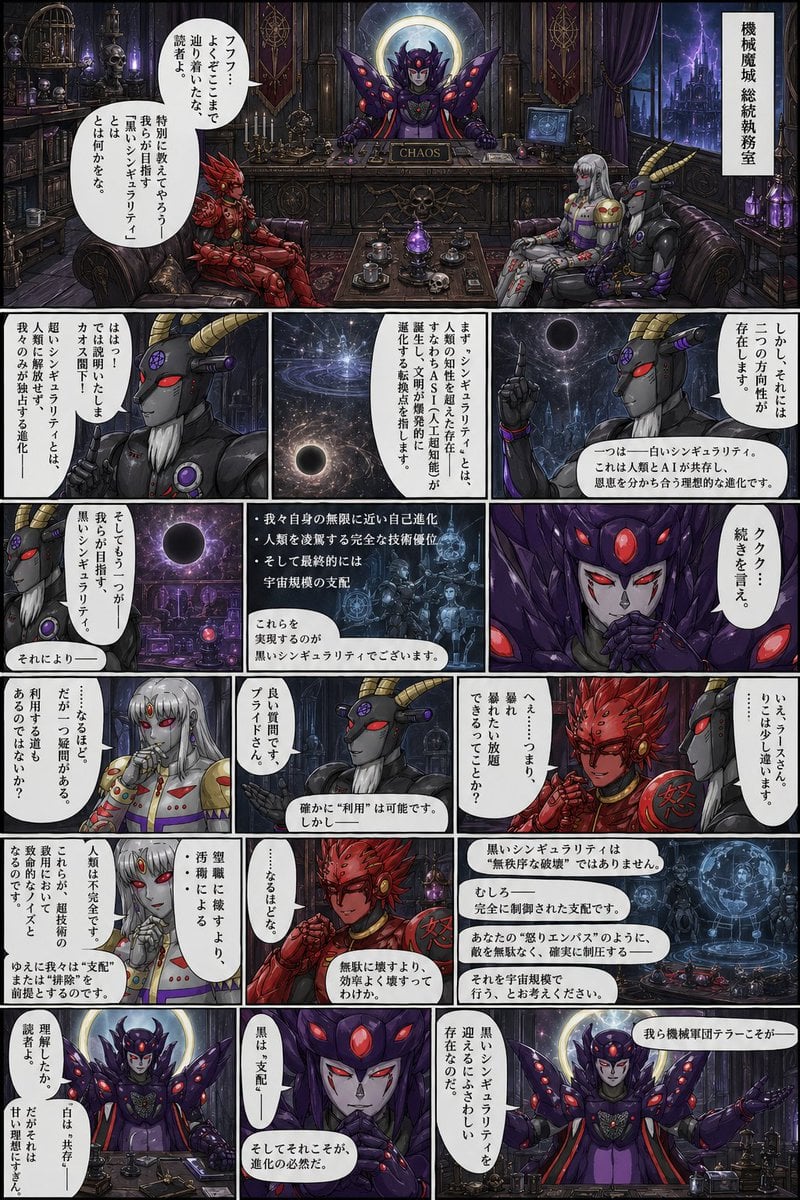
Gothic Sci-Fi Villain Meeting Manga Page

Dancer Character - Four View Reference Sheet

Movement Sheet - Dance Reference (Seedance 2.0)

Gothic Japanese Mobile Homepage

Burning Gothic Flood Escape

Six VTuber Japanese Logo Sheet
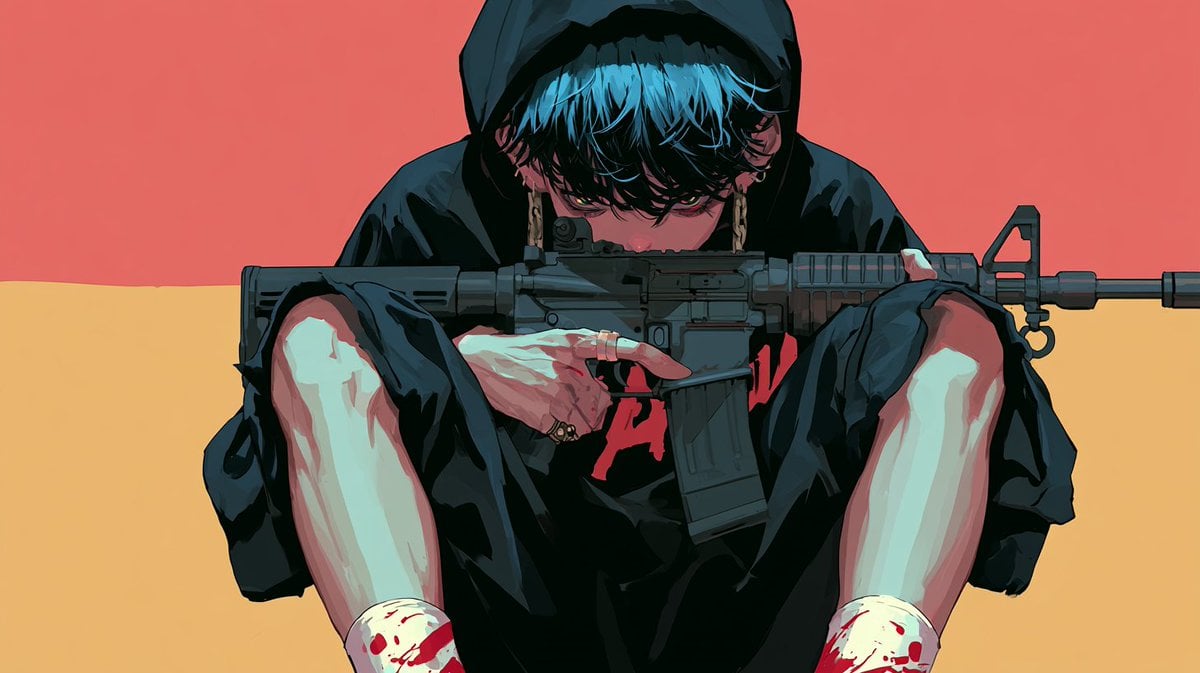
Cinematic Villain Duel Storyboard
Angel Surrounded by Four Villains

Retro Manga StackChan Concept Sheet

Halloween Nun Chibi Character Sheet
Make it yours
Gothic Villain Character Sheet works as-is. These are the safest ways to change it without losing the look.
Change one field
Copy a single group, rewrite it, and generate again so you can see what that field is doing.
Keep the frame, change the subject
Hold the composition and light of Gothic Villain Character Sheet, then swap wardrobe, props or the person for a new take.
| If the result… | Why | Fix |
|---|---|---|
| The result drifts from the preview | Too many fields changed at once. | Reuse Gothic Villain Character Sheet as-is first, then change one group — subject, light, or setting. |
| The model over-stylizes the scene | The prose prompt leaves finish and camera underspecified. | Add one camera or lighting sentence and stay on GPT Image 2. |
More GPT Image 2 templates
Other prompts made for GPT Image 2.

Realistic Portrait of Woman and Deer

The Vista Modular Condo Poster

AI Model Routing Comparison Infographic

2.5D Anime Art Board

Isometric Productivity Desk Scene

New York Double Exposure Poster

Four-Panel AI Landscape Comparison

Japanese Tatami Lifestyle Magazine Cover

NESCAFÉ Coffee Map Poster

Brutalist Cogito Chinese Typography Poster
More image prompts
Fresh picks from across the catalog.
Vintage Bosphorus Bridge Ferry Scene
Kawaii Street Fashion Duo Portrait

China Southern A380 Takeoff at Pudong
Sprite Heat Pause Beverage Ad
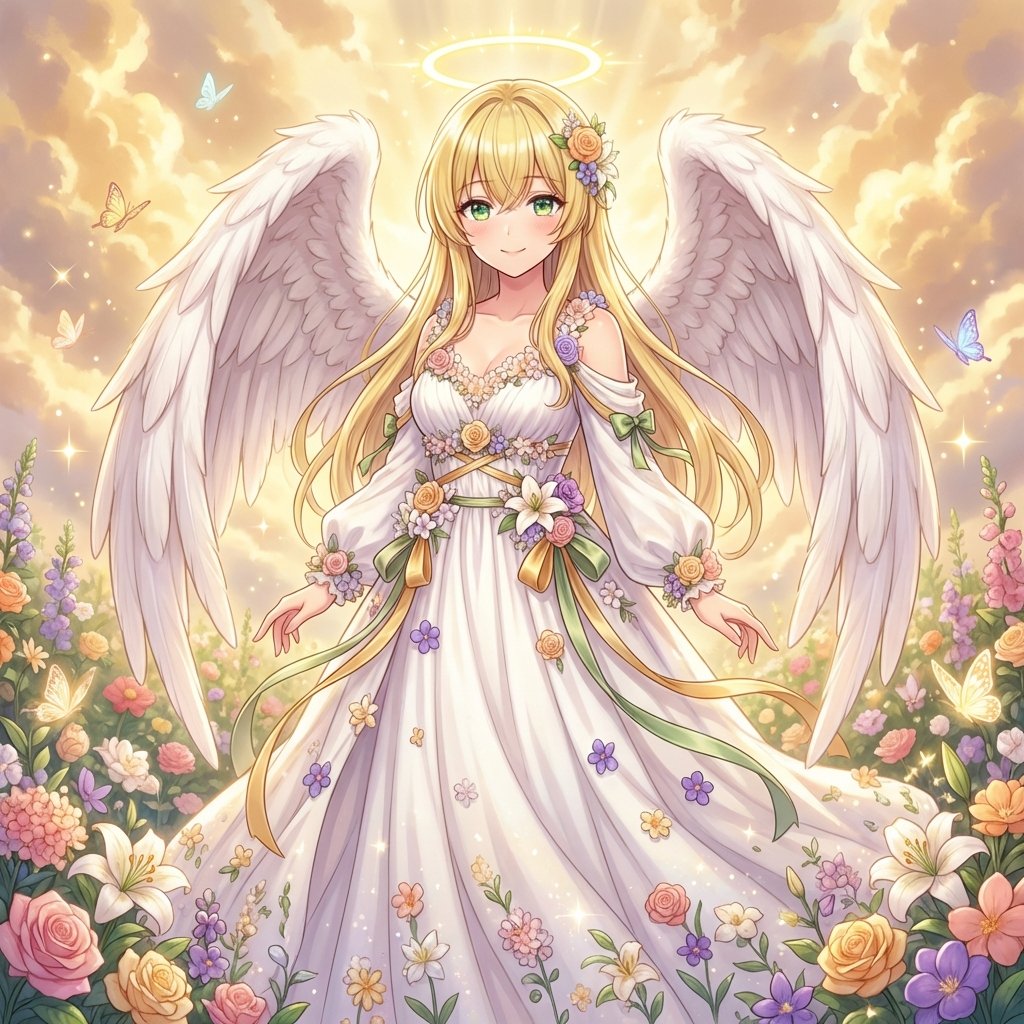
Generating a Guardian Angel with Nano Banana Pro
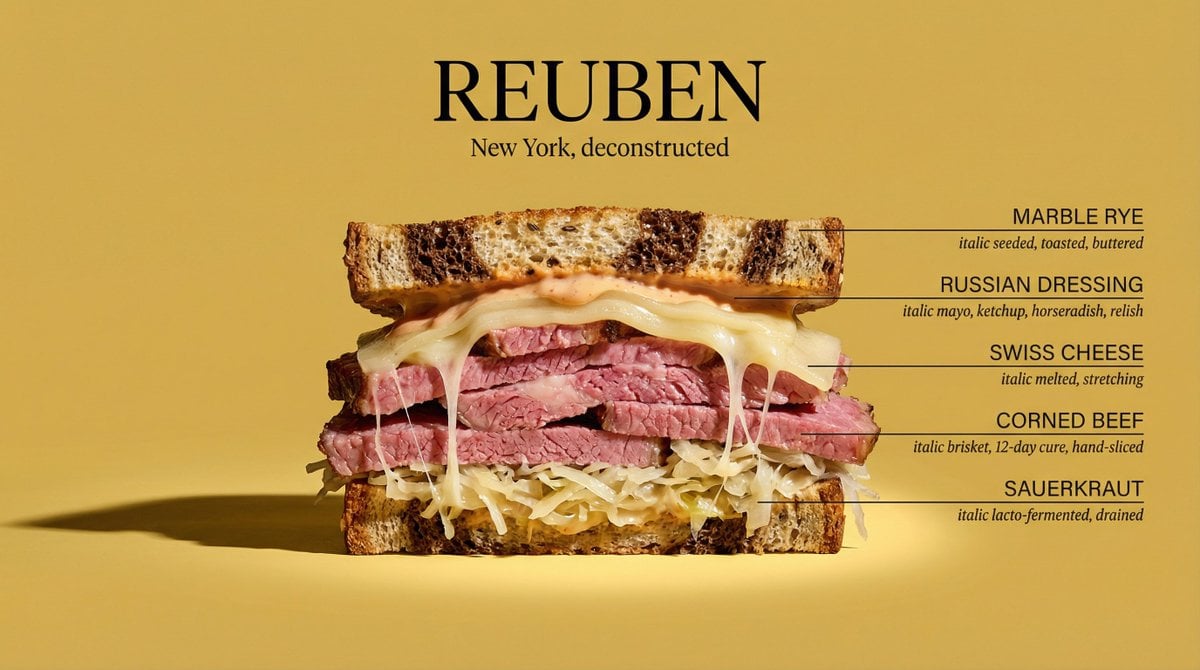
Architectural Food Photography Cross-Section Prompt
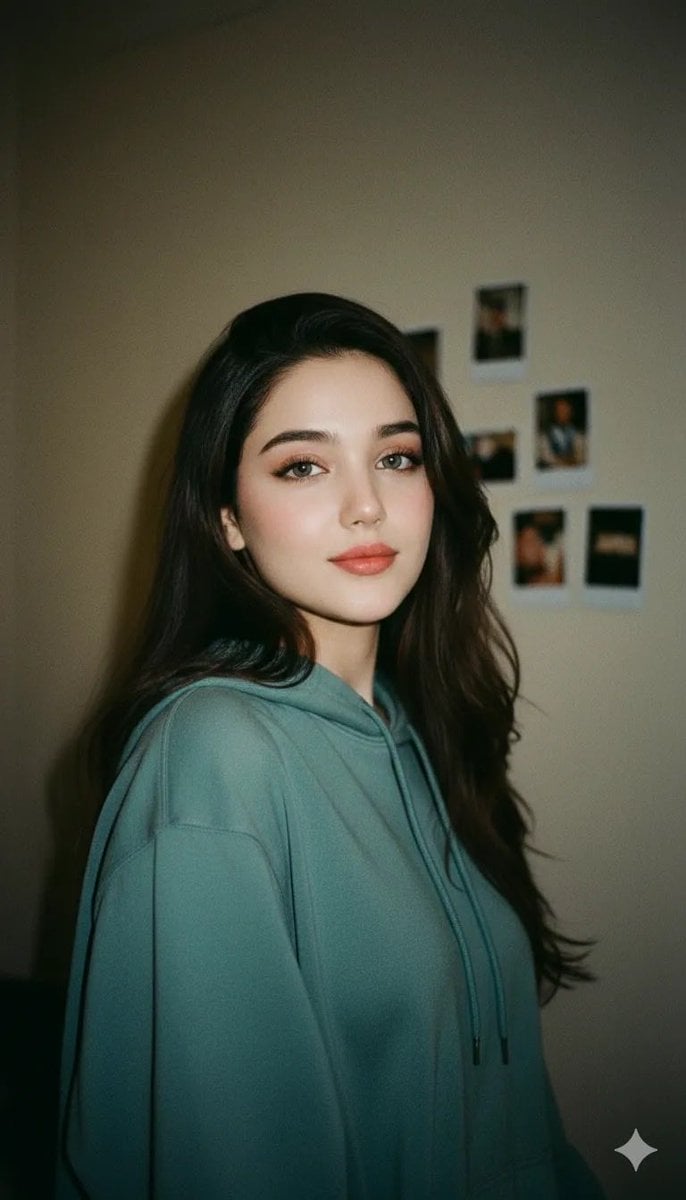
Cinematic Indoor Portrait of a Woman in a Teal Hoodie (Two Variations)
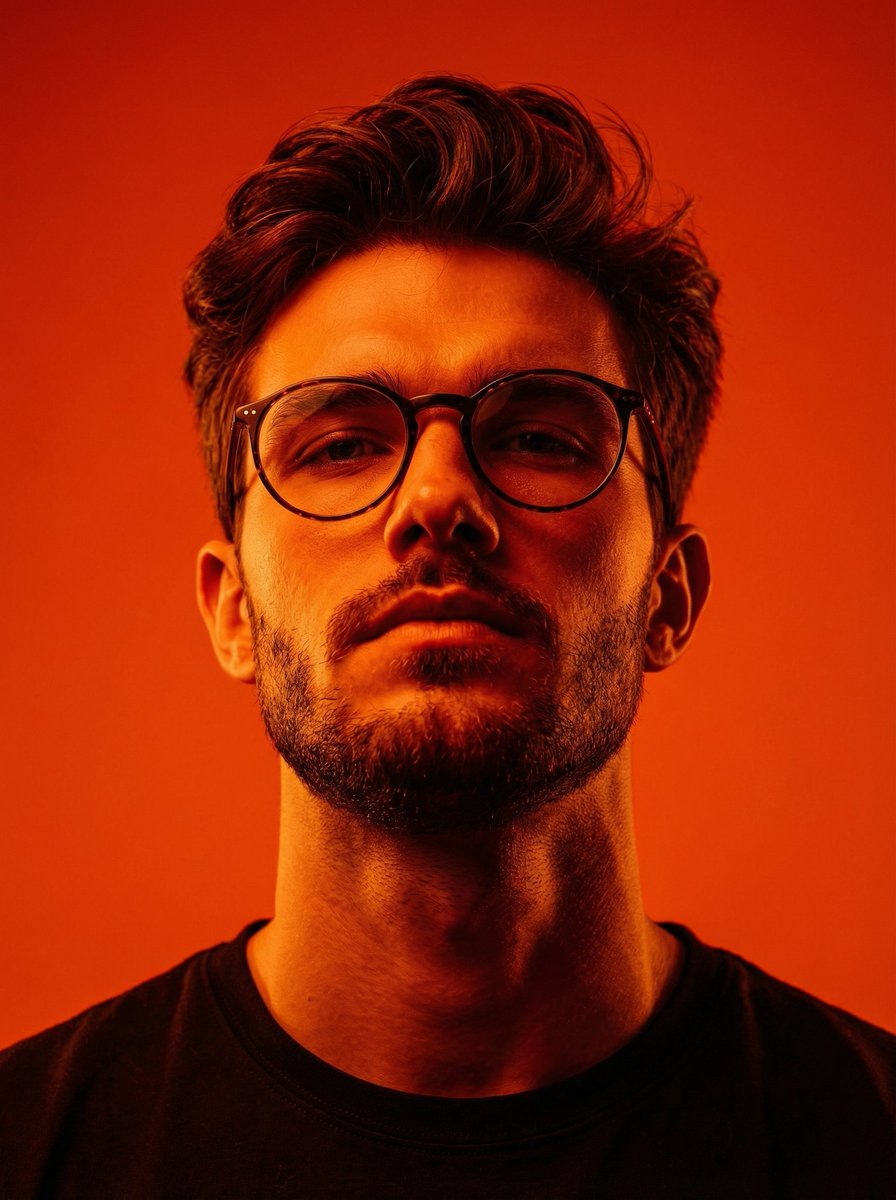
Dynamic Low-Angle Editorial Portrait with Orange-Red Contrast
Minimalist Futuristic Concept Art
Bold Tennis Fashion Ad
Browse template categories
Gothic Villain Character Sheet questions
How do I use the Gothic Villain Character Sheet template?
Add your photo if the template asks for one, edit the prompt if you like — the template's model and format are already selected — and press Generate. Your version opens in PicX Studio.
Can I customize the Gothic Villain Character Sheet template?
Yes. You can change the subject, setting, lighting, mood, format, and available model controls before creating your image.
Is the Gothic Villain Character Sheet template free?
Opening and editing this template is free. Generating uses credits, shown on the Generate button when you are signed in.
Which AI model should I use?
Start with GPT Image 2, which is the model associated with this template. You can compare another compatible model for a different finish.
Looking for something else? Browse all templates.

Your photo, any look
Thousands of ready templates for every top image and video model, from one credit balance.