
Bold Tennis Fashion Ad
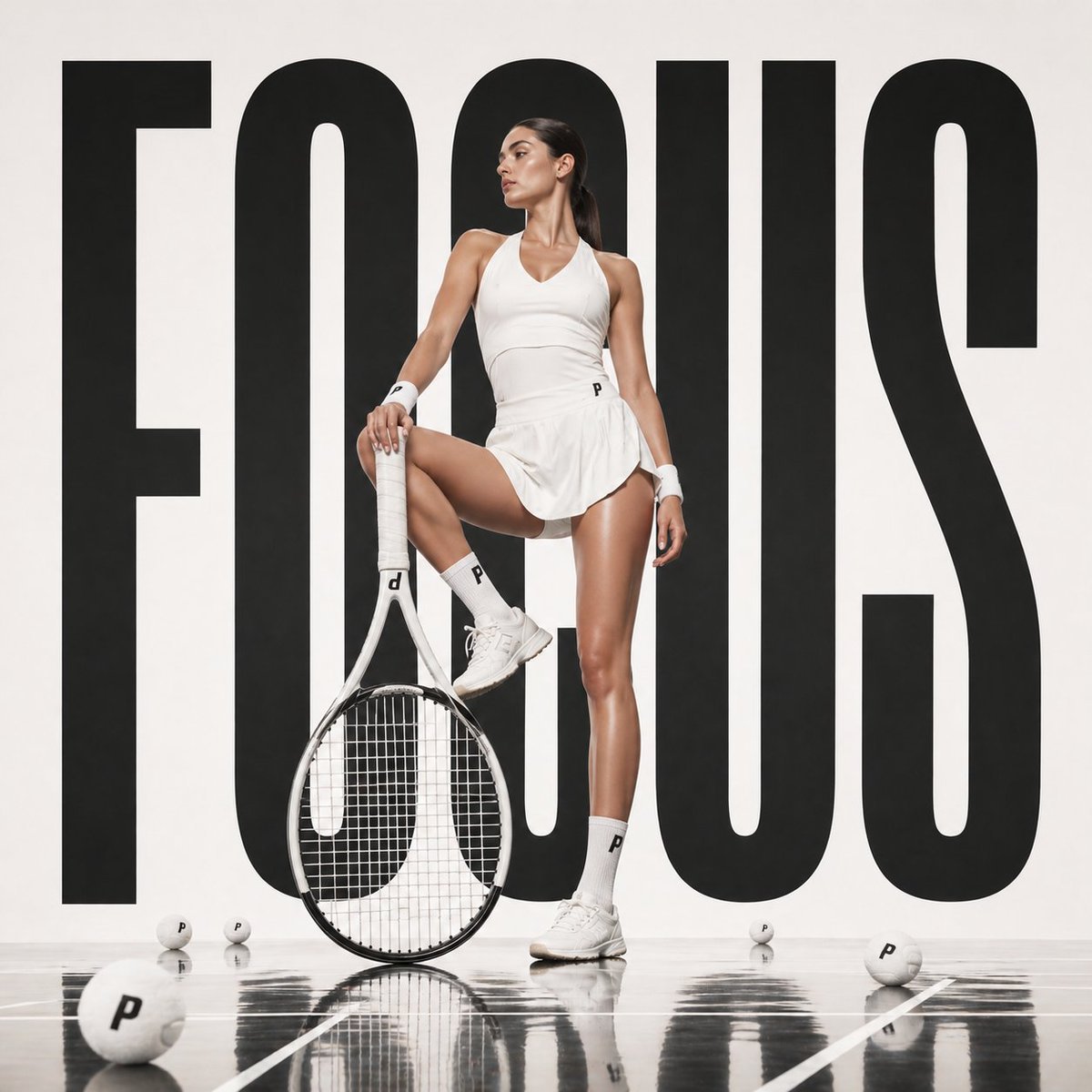
This generates a sleek editorial-style tennis campaign image with oversized typography, a poised athlete, and premium studio advertising aesthetics.
- Prompt included
- Model and format preset
- Free template
The prompt behind this image
Copy the exact prompt behind Bold Tennis Fashion Ad, or open it in the studio and make it yours.
A high-fashion studio sports campaign image of a tall athletic female tennis player standing powerfully in front of an enormous black sans-serif word {argument name="headline text" default="FOCUS"} that fills almost the entire white background from edge to edge. She is centered and posed confidently with one leg straight and the other bent, her left foot resting on the throat of an oversized upright tennis racket placed on the glossy court floor. She wears a clean all-white tennis outfit: fitted sleeveless V-neck performance top, short pleated tennis skirt, white crew socks with a small black {argument name="brand letter" default="P"} logo, white wristbands, and white tennis shoes. Her skin has a luminous editorial sheen, her body is toned and elongated, and her dark hair is pulled back into a sleek low ponytail. Create a luxury athletic ad aesthetic with dramatic but soft studio lighting, sharp contrast, minimal color palette, and polished reflections on the black glossy court surface. Include exactly 5 white tennis balls scattered across the floor in the foreground and midground, each marked with the same small black letter logo. The racket is white with a modern frame and visible strings, leaning slightly toward camera. Composition is symmetrical and bold, with the giant typography behind the model acting as a graphic backdrop, editorial fashion photography, premium sports branding, ultra-clean retouching, full-body shot, straight-on camera, square crop.
How to use Bold Tennis Fashion Ad in 3 steps
- 1Upload ImagePNG, JPG or paste
Add your photo
Upload the photo the template builds on. The prompt, model and format are already set.
- 2…a portrait of your subject in softgolden-hour light, 85mm…
Personalize
Edit the subject and creative details for your destination.
- 3Generate
Generate
Press Generate — your image is created in PicX Studio, so you can compare it with the original and refine one variable at a time.
More like this
Templates with the same subject, style or setup. Open one to see its prompt.

Bold Red Contrast Fashion Editorial Newspaper Room

Gpt Image 2 Fashion Portrait

Stylized Fashion Portrait Bold Color Contrast Editorial
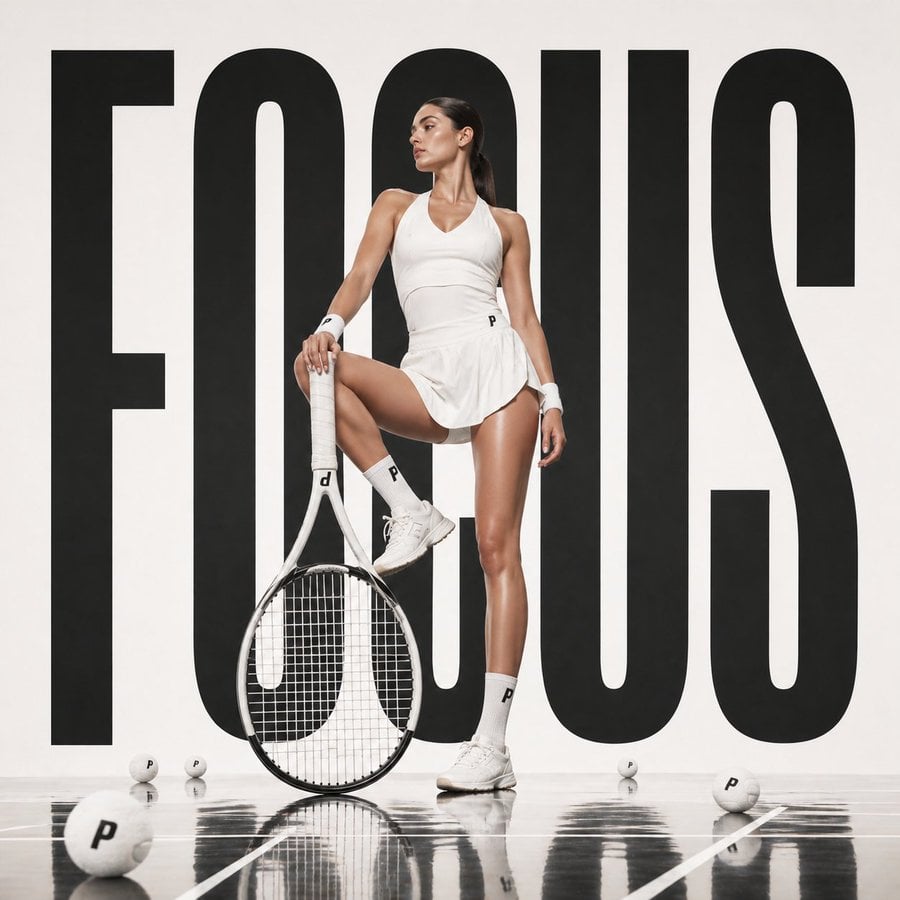
Bold Tennis Fashion Poster

Gpt2 Avant Garde Tennis Fashion

80s College Gate

1988 Mall Style

80s Polka Dot Saree

Polo Ralph Lauren Luxury American Heritage Fashion Campaign

Cinematic Street Fashion Photographer Portrait

High-Fashion Editorial Magazine Cover ICON

Fine Art Monochrome Fashion Portrait
Make it yours
Bold Tennis Fashion Ad works as-is. These are the safest ways to change it without losing the look.
Change one field
Copy a single group, rewrite it, and generate again so you can see what that field is doing.
Keep the frame, change the subject
Hold the composition and light of Bold Tennis Fashion Ad, then swap wardrobe, props or the person for a new take.
| If the result… | Why | Fix |
|---|---|---|
| The result drifts from the preview | Too many fields changed at once. | Reuse Bold Tennis Fashion Ad as-is first, then change one group — subject, light, or setting. |
| The model over-stylizes the scene | The prose prompt leaves finish and camera underspecified. | Add one camera or lighting sentence and stay on GPT Image 2. |
More GPT Image 2 templates
Other prompts made for GPT Image 2.

Six VTuber Japanese Logo Sheet

Realistic Portrait of Woman and Deer

The Vista Modular Condo Poster

AI Model Routing Comparison Infographic

2.5D Anime Art Board

Isometric Productivity Desk Scene

New York Double Exposure Poster

Four-Panel AI Landscape Comparison

Japanese Tatami Lifestyle Magazine Cover

NESCAFÉ Coffee Map Poster
More image prompts
Fresh picks from across the catalog.
Pixel game character climbing out of TV
Minimal Luxury T-Shirt Ad Poster
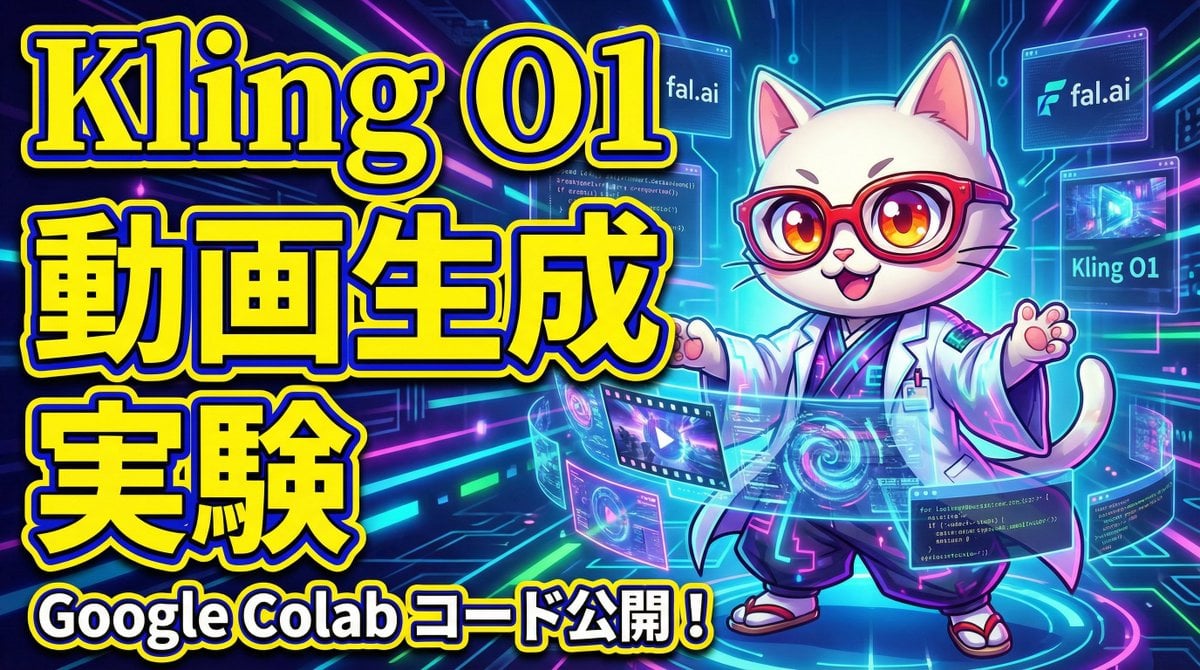
Cognitive Science-Based High-CTR Thumbnail Design Prompt
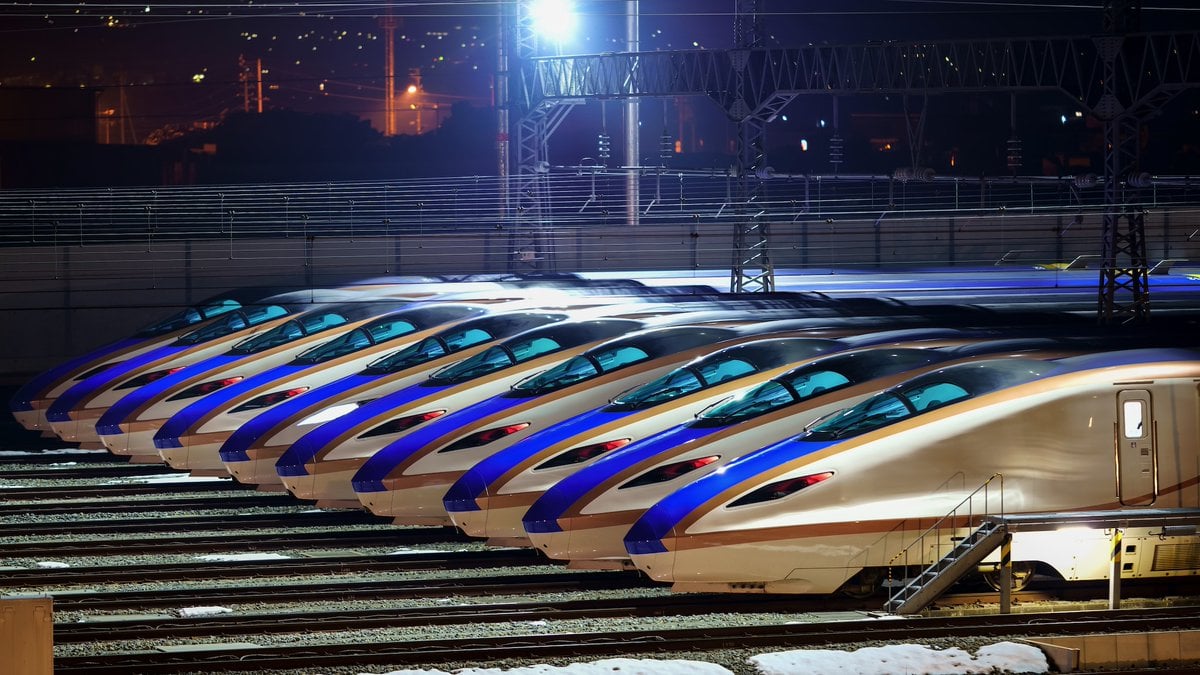
Image Generation from Photo and Short Prompt
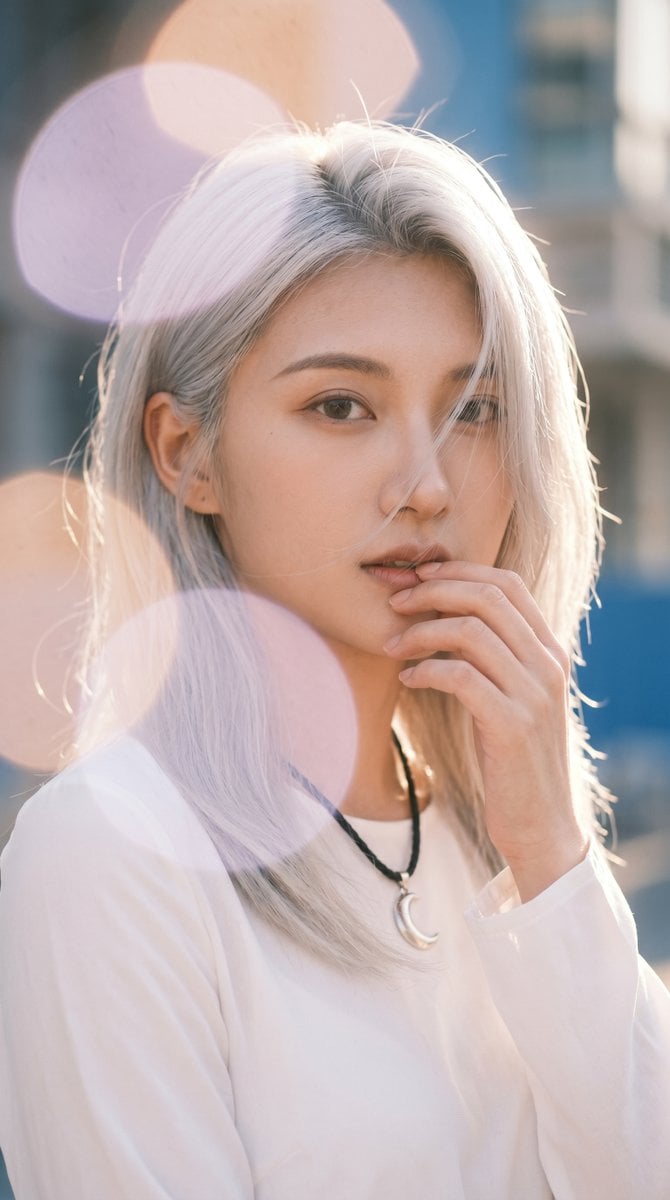
Backlit Silver-Haired Model Portrait
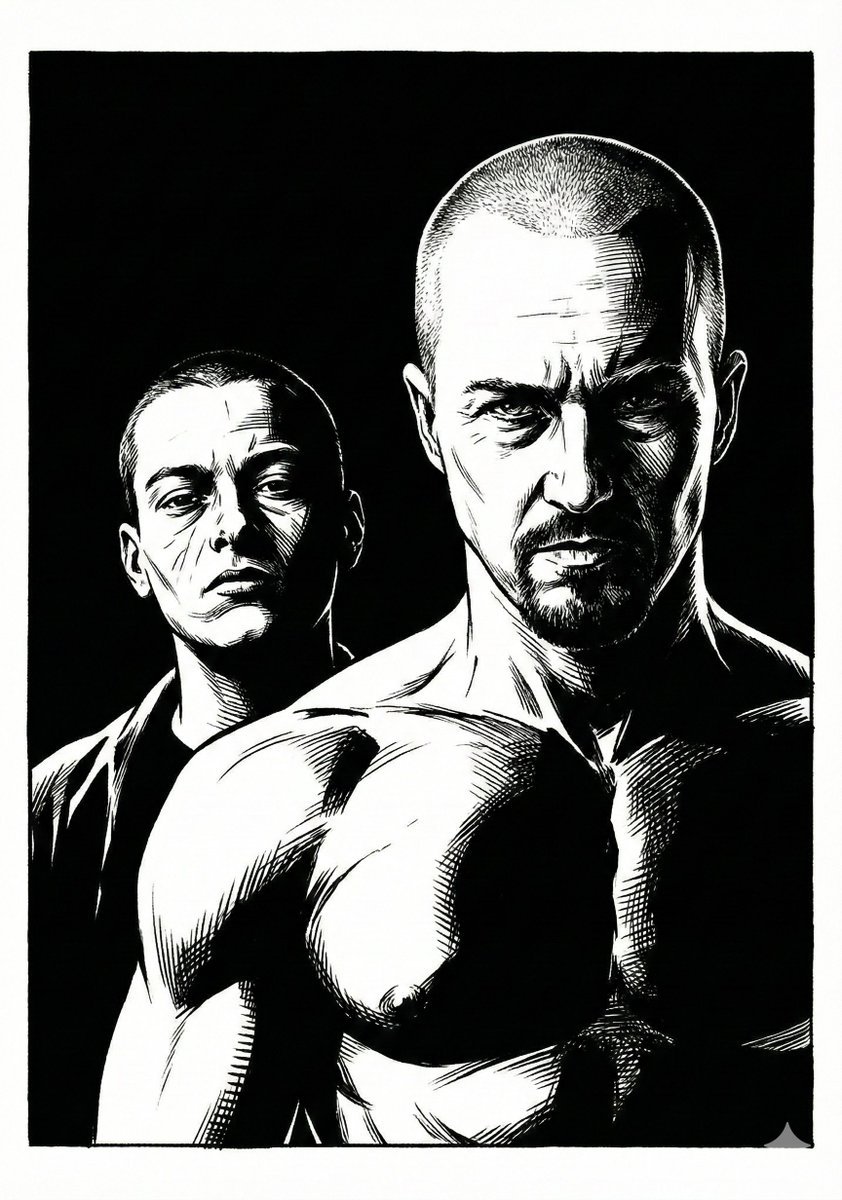
Frank Miller Sin City Graphic Novel Style Transfer
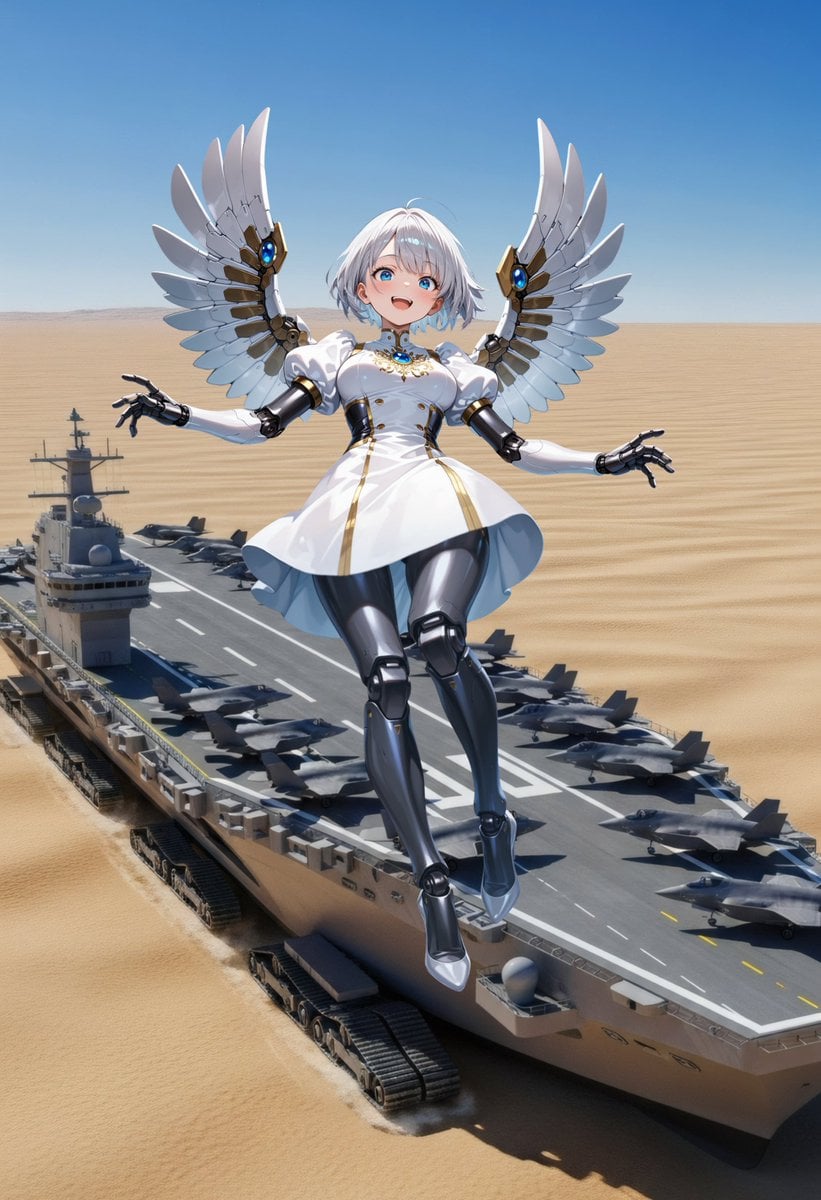
Angelic Android Over Land Aircraft Carrier
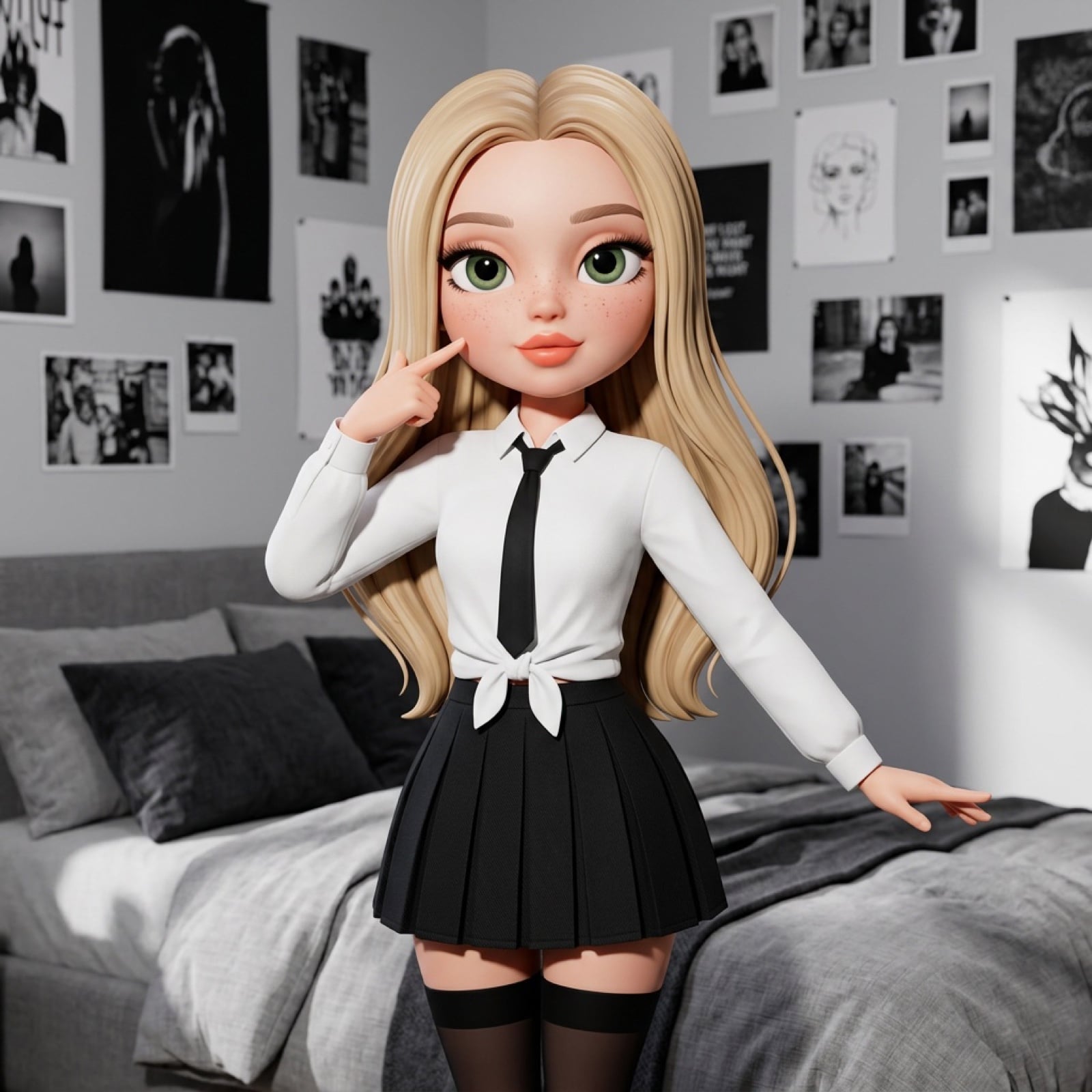
3D Stylized Doll Character Prompt
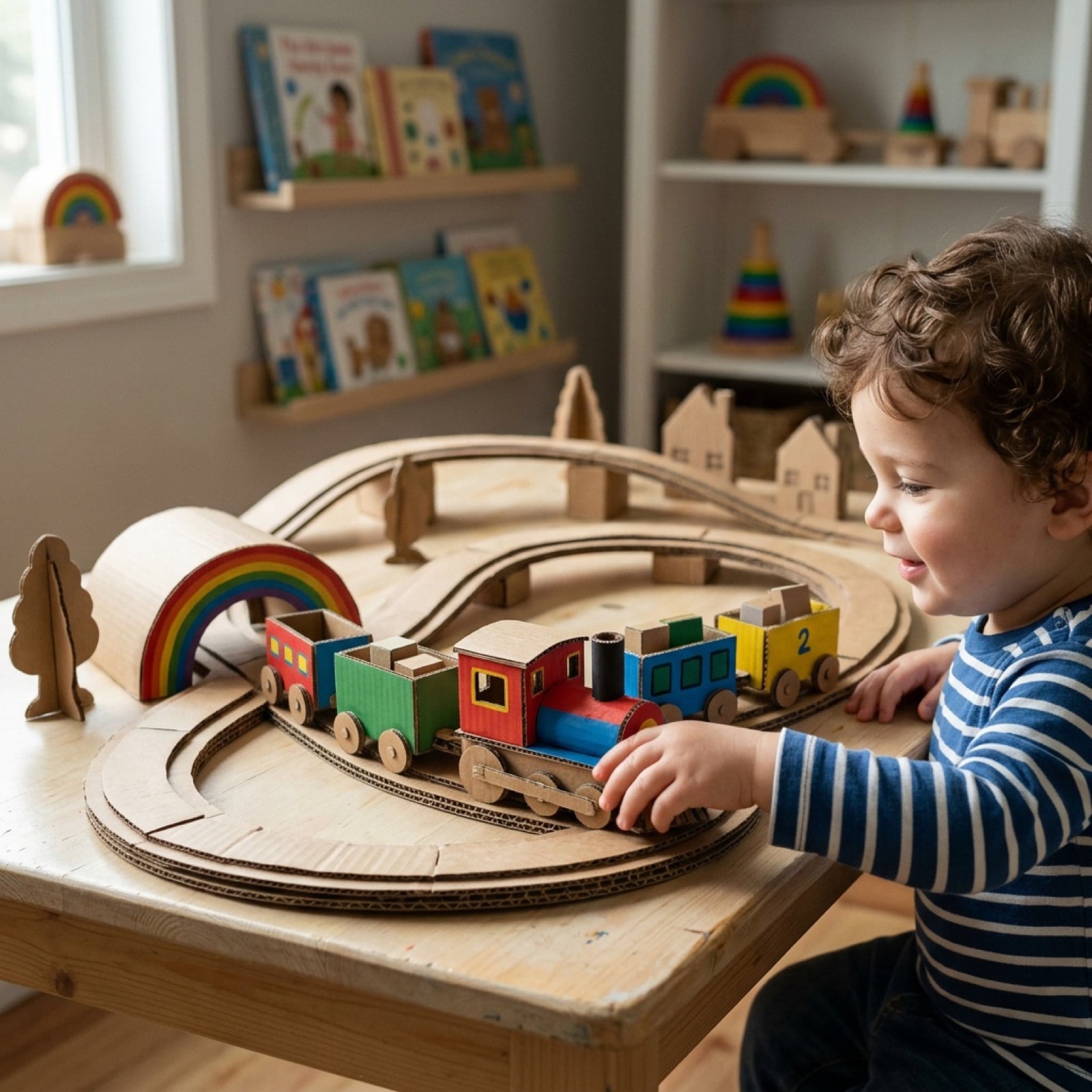
Cardboard Box DIY Toy Creation
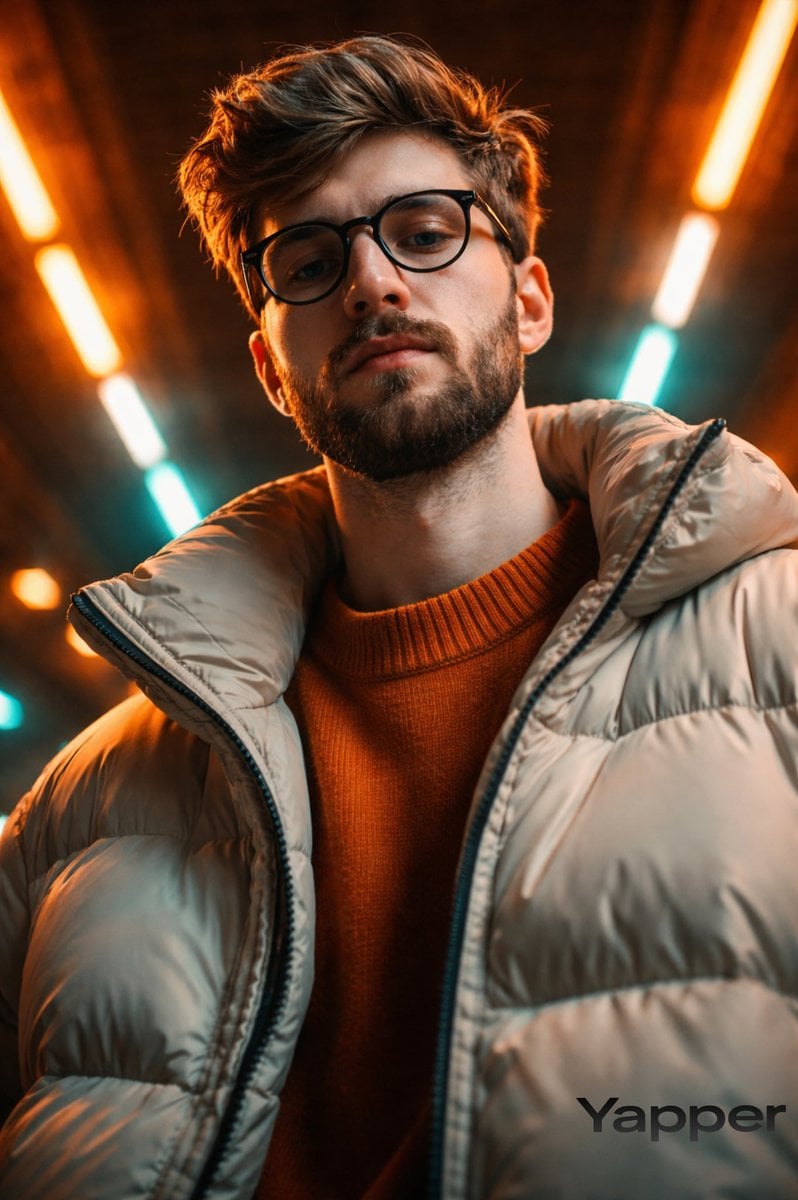
Cinematic Fashion Portrait in Neon Light
Browse template categories
Bold Tennis Fashion Ad questions
How do I use the Bold Tennis Fashion Ad template?
Add your photo if the template asks for one, edit the prompt if you like — the template's model and format are already selected — and press Generate. Your version opens in PicX Studio.
Can I customize the Bold Tennis Fashion Ad template?
Yes. You can change the subject, setting, lighting, mood, format, and available model controls before creating your image.
Is the Bold Tennis Fashion Ad template free?
Opening and editing this template is free. Generating uses credits, shown on the Generate button when you are signed in.
Which AI model should I use?
Start with GPT Image 2, which is the model associated with this template. You can compare another compatible model for a different finish.
Looking for something else? Browse all templates.

Your photo, any look
Thousands of ready templates for every top image and video model, from one credit balance.