
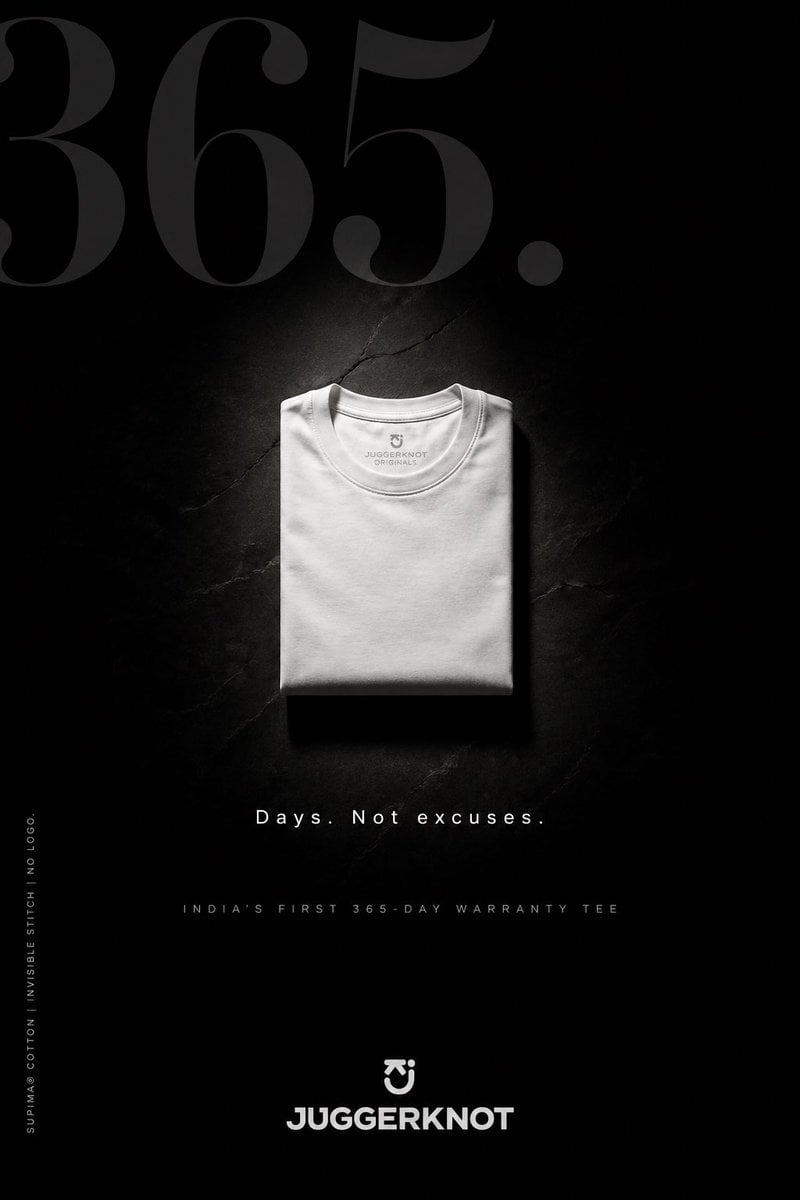
Minimal Luxury T-Shirt Ad Poster
A sleek monochrome streetwear poster showing a single folded premium tee with bold typography, ideal for fashion branding and product launch campaigns.
- Prompt included
- Model and format preset
- Free template
The prompt behind this image
Copy the exact prompt behind Minimal Luxury T-Shirt Ad Poster, or open it in the studio and make it yours.
Create a premium minimalist fashion advertisement poster in a tall vertical format for a folded crew-neck t-shirt brand. Use a deep matte black background with a subtle cracked stone or concrete texture, almost disappearing into shadow. Place 1 neatly folded {argument name="t-shirt color" default="white"} t-shirt at the exact center, viewed from above, with soft sculptural lighting from above that creates a faint halo glow around the shirt and a clean shadow beneath it. The t-shirt should look luxurious, thick, smooth, and wrinkle-controlled, with a visible inner collar print reading {argument name="brand text inside collar" default="JUGGERKNOT ORIGINALS"}. At the very top, place oversized elegant serif numerals reading {argument name="hero number" default="365."} in a very dark charcoal gray, spanning nearly the full width and partially fading into the background. Beneath the shirt, add the centered tagline {argument name="tagline" default="Days. Not excuses."} in spaced white sans-serif text. Below that, add a smaller all-caps line in muted gray reading {argument name="subheadline" default="INDIA'S FIRST 365-DAY WARRANTY TEE"}. Along the lower left edge, place 1 vertical line of tiny white text reading "SUPIMA® COTTON | INVISIBLE STITCH | NO LOGO." At the bottom center, place 1 small emblem above the bold brand name "JUGGERKNOT" in white geometric sans-serif lettering. Overall style: luxury streetwear campaign, brutalist minimalism, high contrast, editorial product poster, clean typography, premium monochrome palette, dramatic negative space, photorealistic fabric detail.
How to use Minimal Luxury T-Shirt Ad Poster in 3 steps
- 1Upload ImagePNG, JPG or paste
Add your photo
Upload the photo the template builds on. The prompt, model and format are already set.
- 2…a portrait of your subject in softgolden-hour light, 85mm…
Personalize
Edit the subject and creative details for your destination.
- 3Generate
Generate
Press Generate — your image is created in PicX Studio, so you can compare it with the original and refine one variable at a time.
More like this
Templates with the same subject, style or setup. Open one to see its prompt.

Luxury Sliced Wordmark Player Poster

Minimalist Skincare Product Water Stone Still

Japan Travel Brochure Poster

Luxury ABKR Portrait Poster
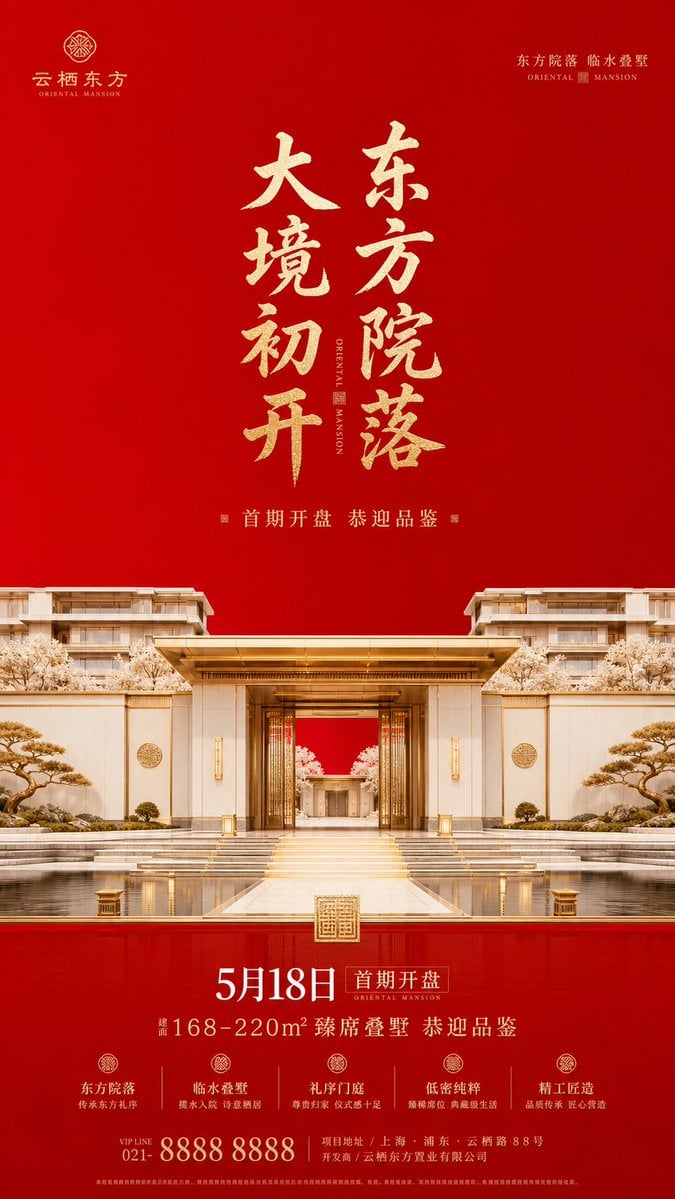
Luxury Oriental Mansion Opening Poster

Minimalist Olive Green Editorial Poster

Doctor Doom Luxury Armor Poster
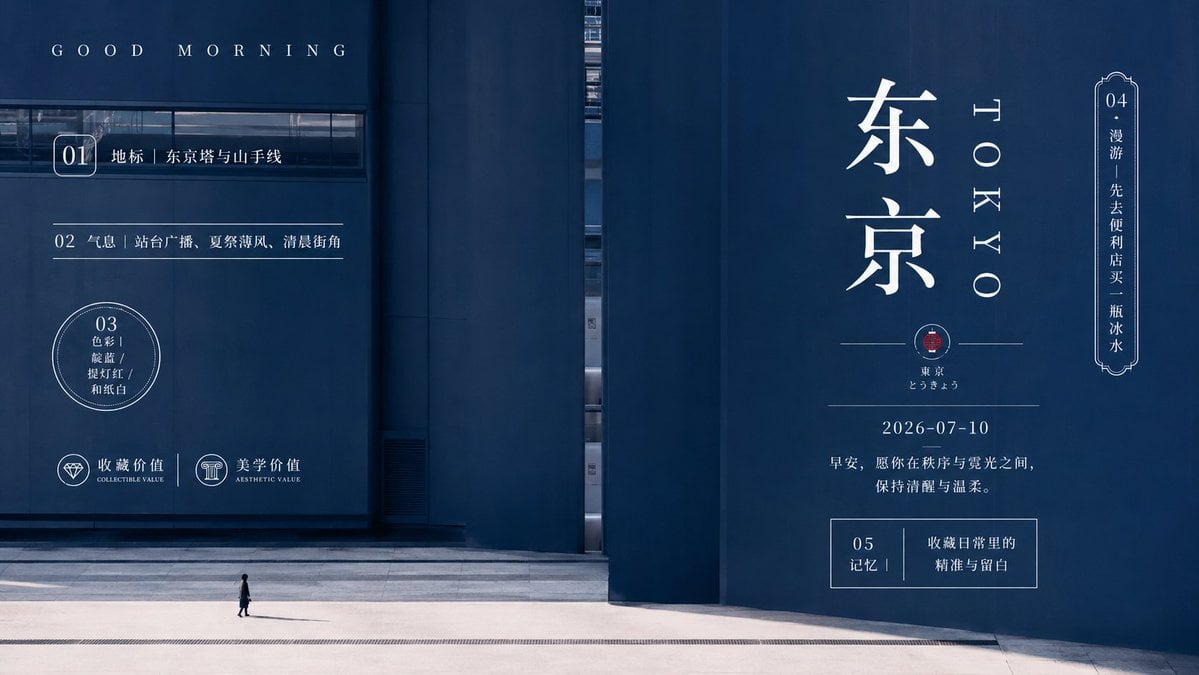
Minimal Tokyo Morning Poster
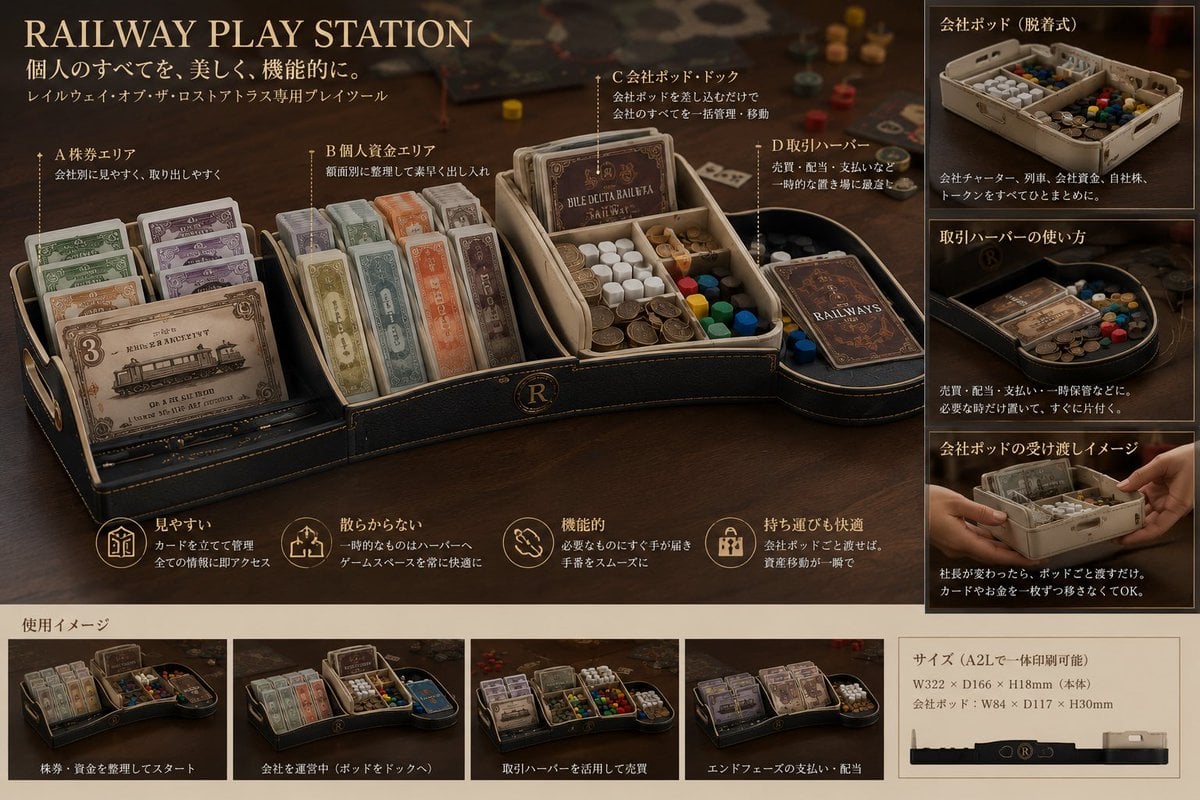
Luxury Railway Board Game Organizer Poster
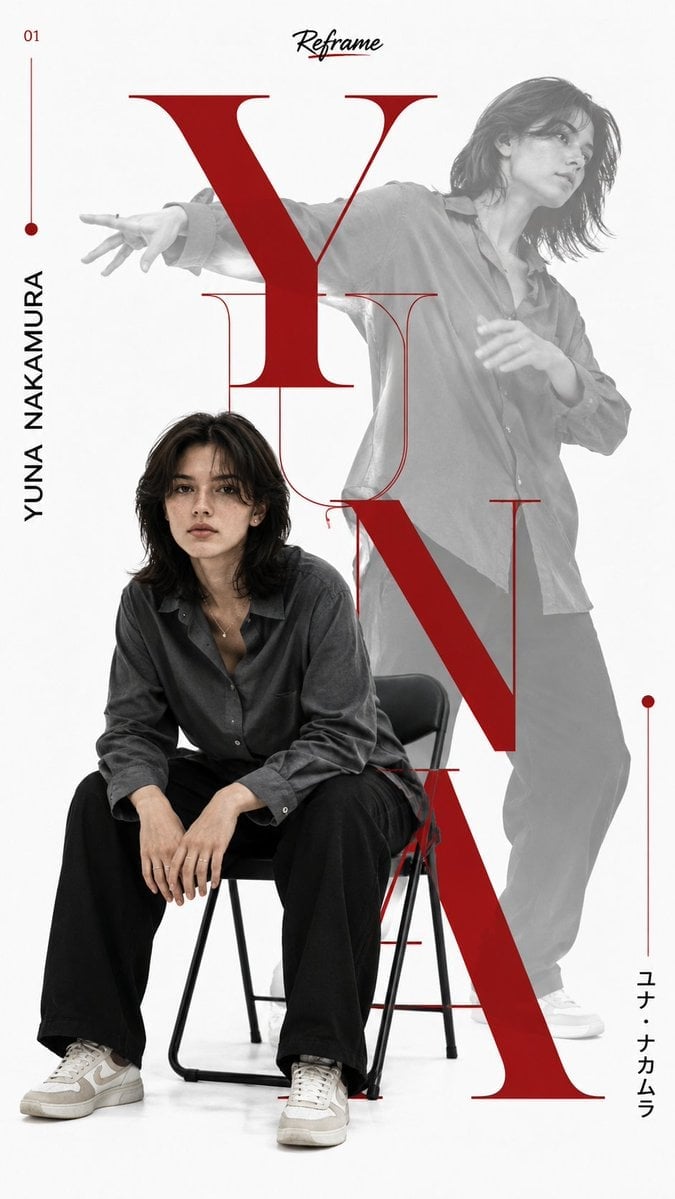
Japanese Minimalist Editorial Fashion Poster
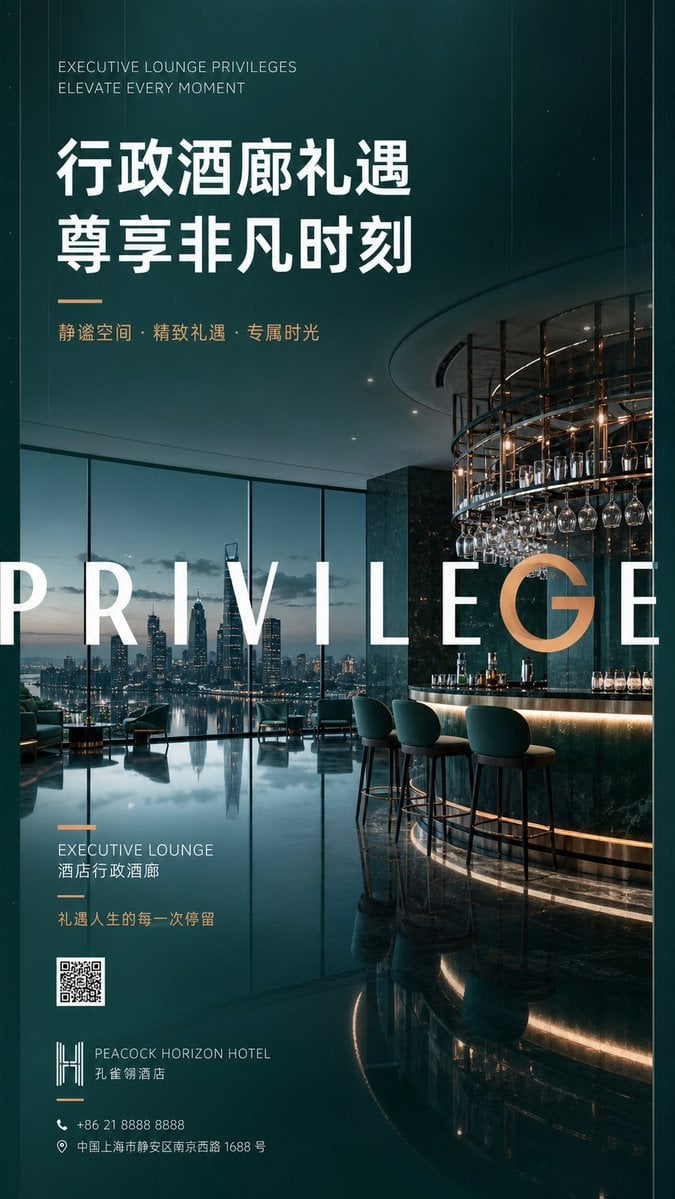
Luxury Executive Lounge Hotel Poster
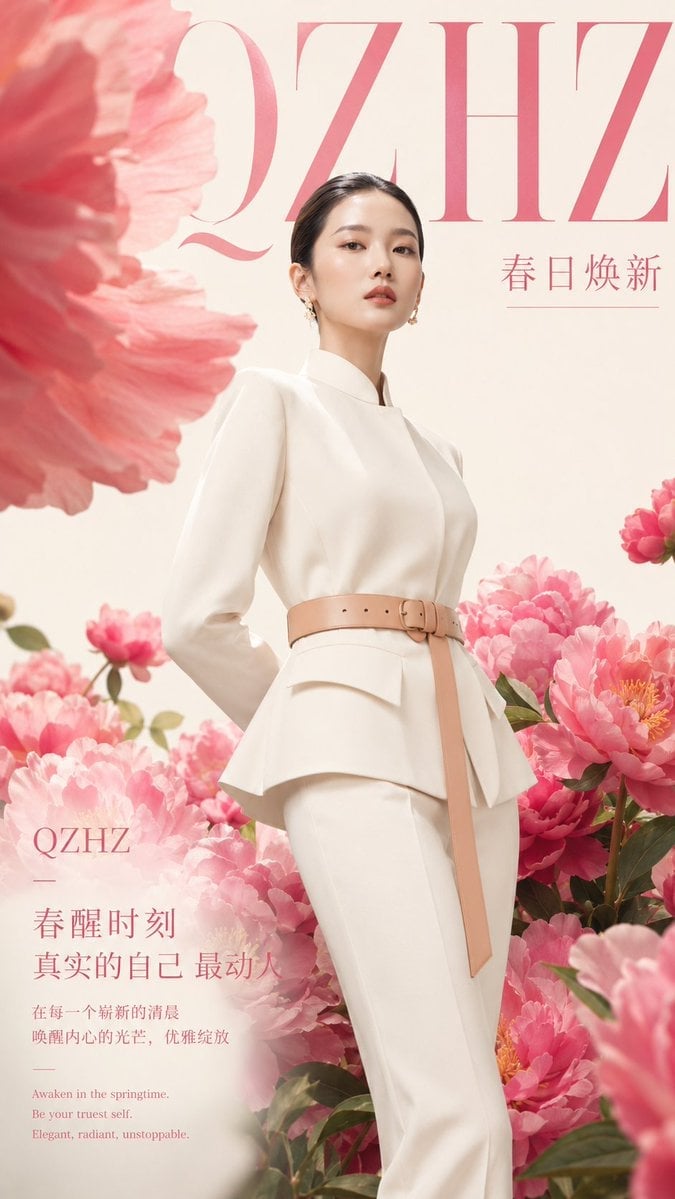
Luxury Spring Peony Fashion Poster
Make it yours
Minimal Luxury T-Shirt Ad Poster works as-is. These are the safest ways to change it without losing the look.
Change one field
Copy a single group, rewrite it, and generate again so you can see what that field is doing.
Keep the frame, change the subject
Hold the composition and light of Minimal Luxury T-Shirt Ad Poster, then swap wardrobe, props or the person for a new take.
| If the result… | Why | Fix |
|---|---|---|
| The result drifts from the preview | Too many fields changed at once. | Reuse Minimal Luxury T-Shirt Ad Poster as-is first, then change one group — subject, light, or setting. |
| The model over-stylizes the scene | The prose prompt leaves finish and camera underspecified. | Add one camera or lighting sentence and stay on GPT Image 2. |
More GPT Image 2 templates
Other prompts made for GPT Image 2.

Six VTuber Japanese Logo Sheet

Realistic Portrait of Woman and Deer

The Vista Modular Condo Poster

AI Model Routing Comparison Infographic

2.5D Anime Art Board

Isometric Productivity Desk Scene

New York Double Exposure Poster

Four-Panel AI Landscape Comparison

Japanese Tatami Lifestyle Magazine Cover

NESCAFÉ Coffee Map Poster
More image prompts
Fresh picks from across the catalog.
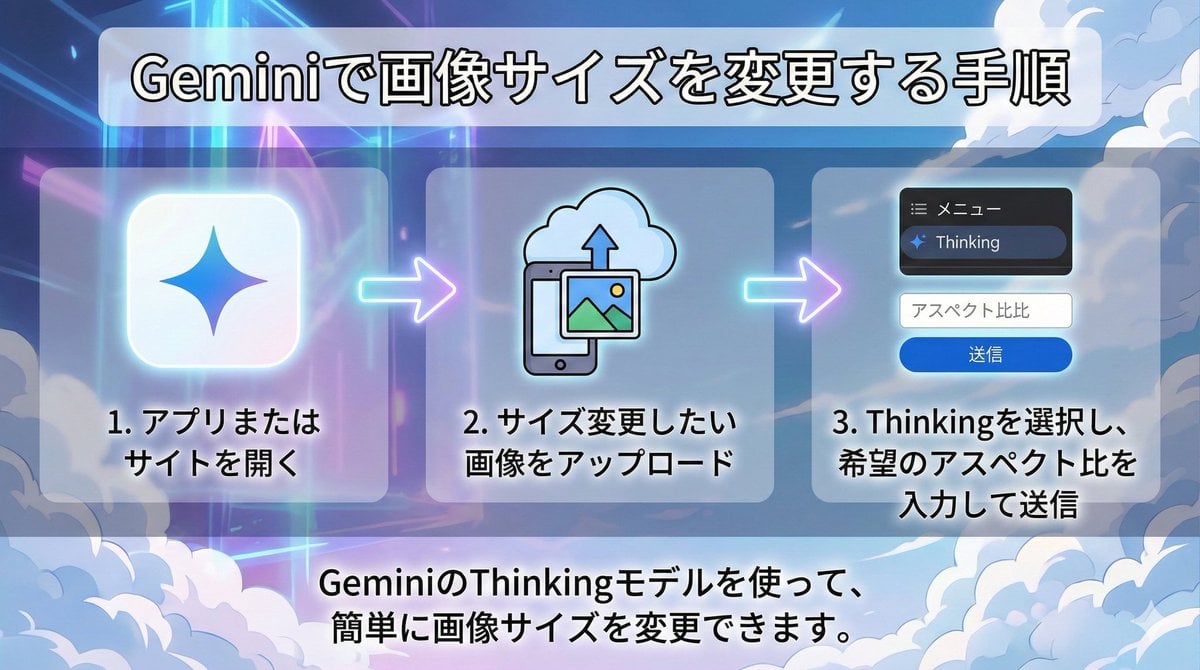
Changing Image Size with Nano Banana Pro
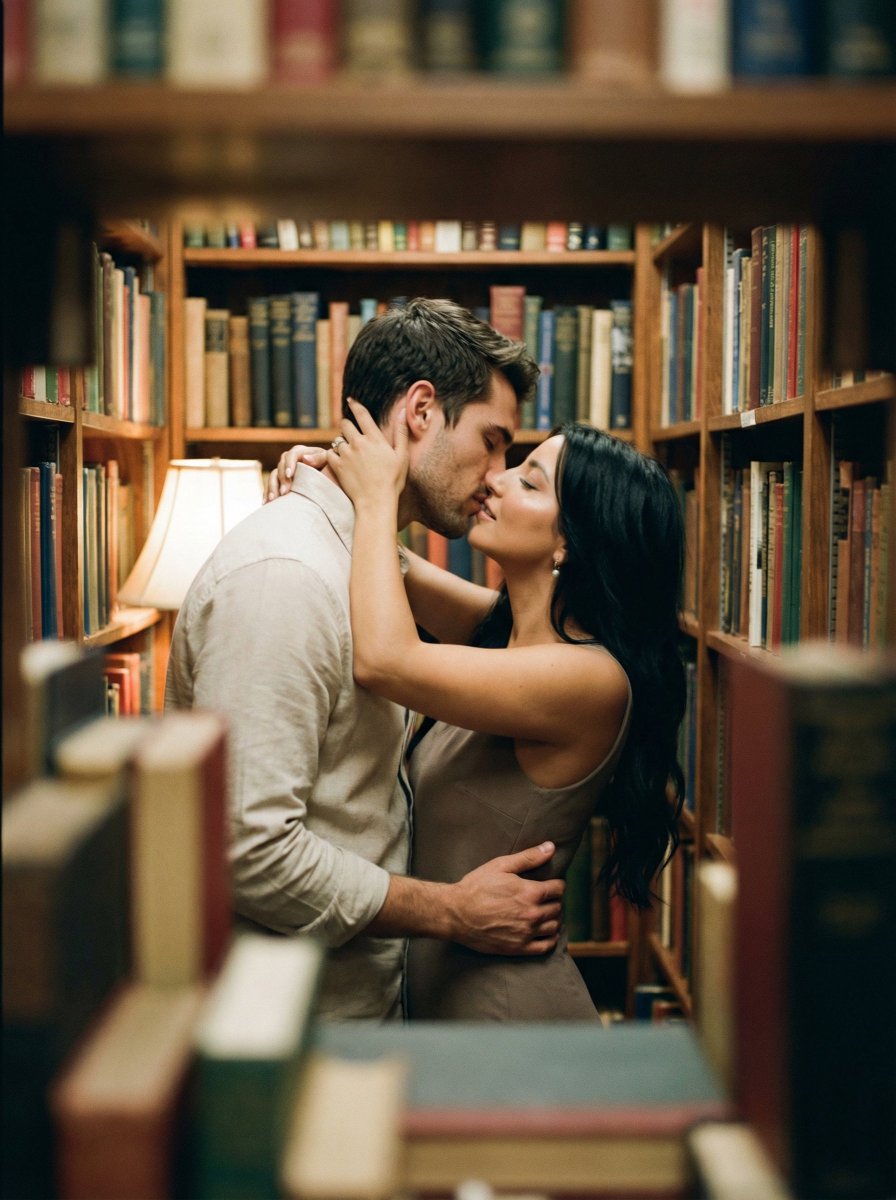
Analog Film Kiss in a Bookstore Aisle
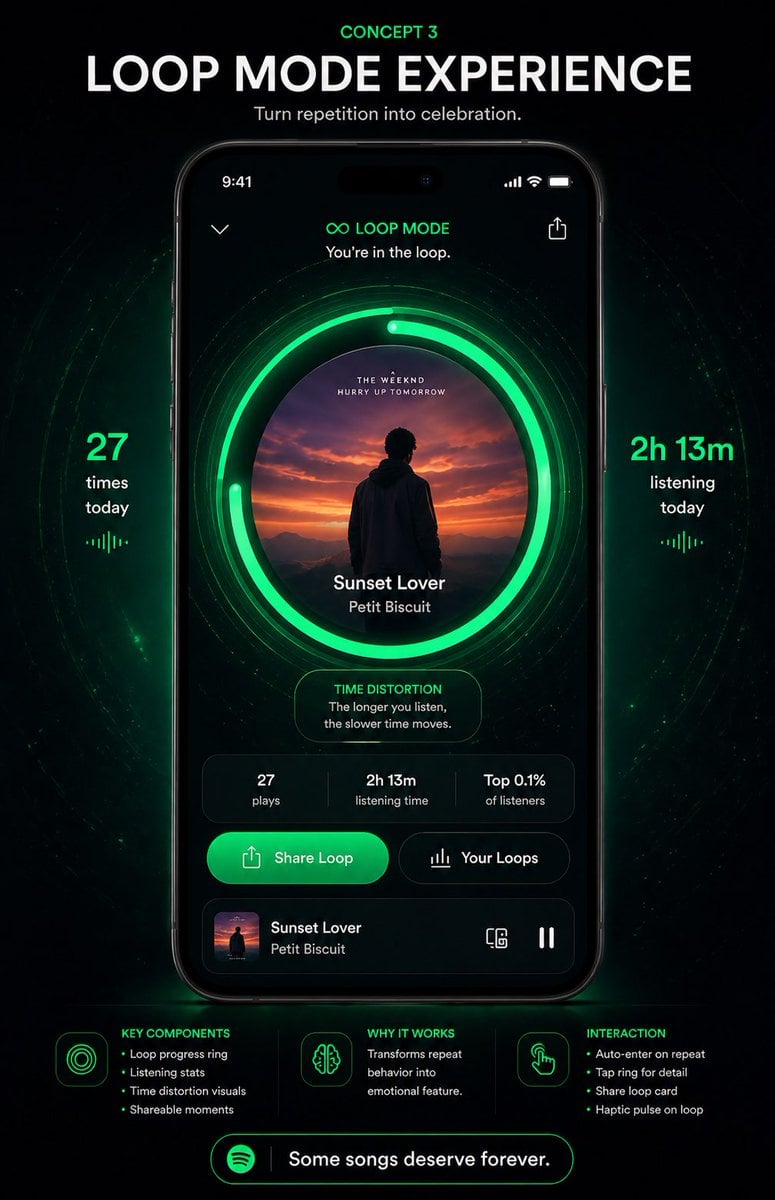
Neon Loop Mode Music App Poster
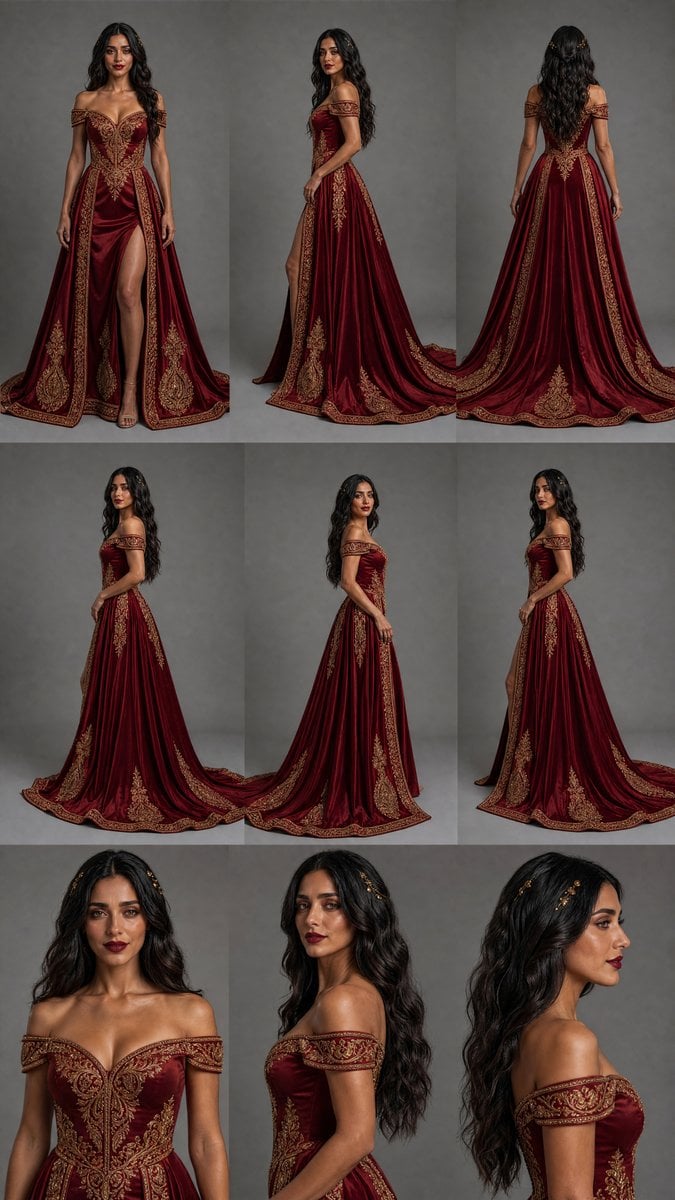
Burgundy Gown Fashion Reference Grid
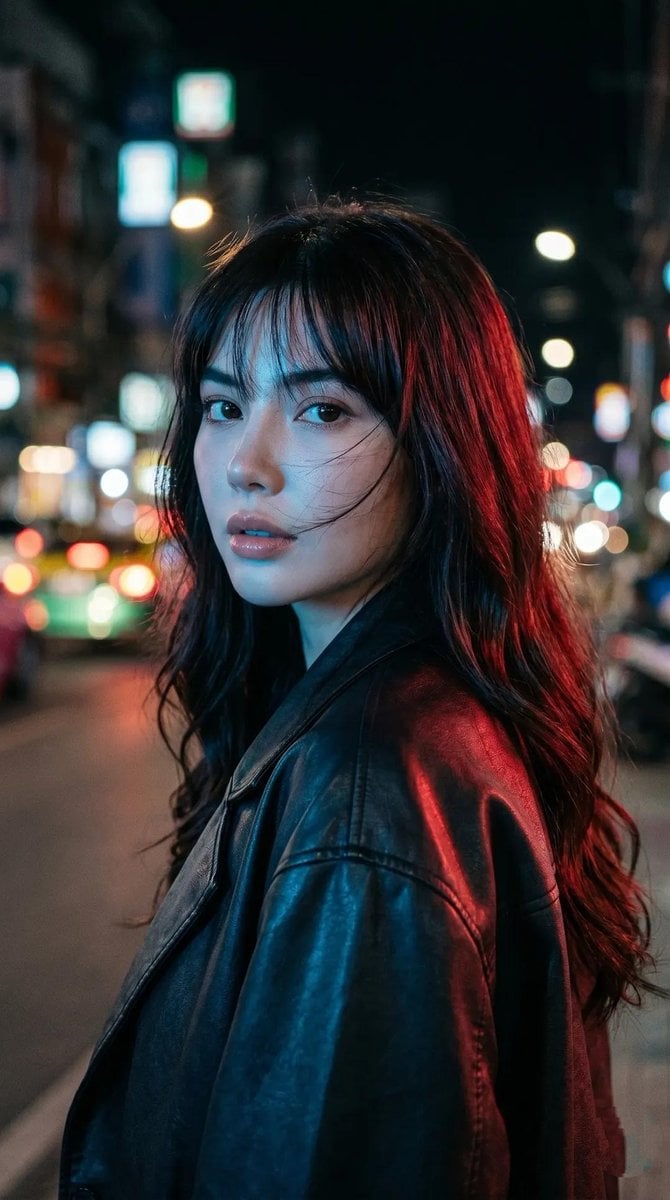
Cyberpunk Neon Portrait
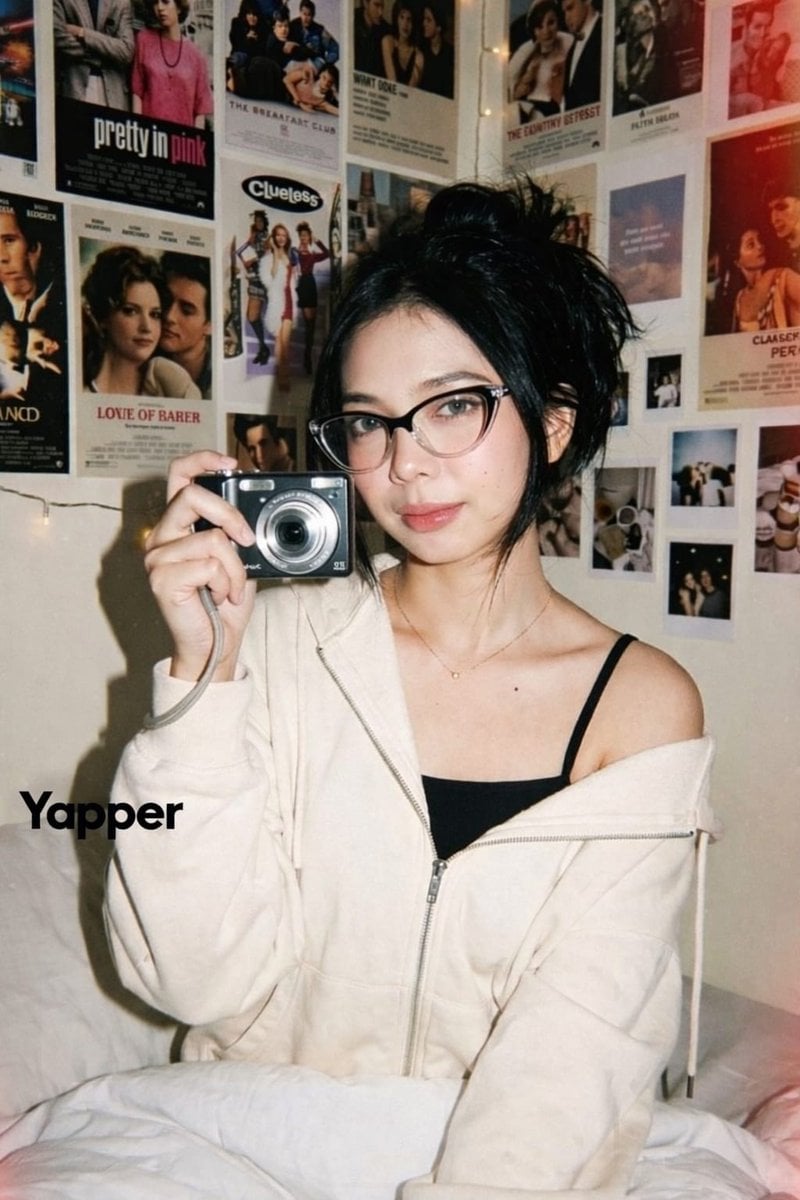
Y2K Candid Digital Camera Portrait of a Young Woman
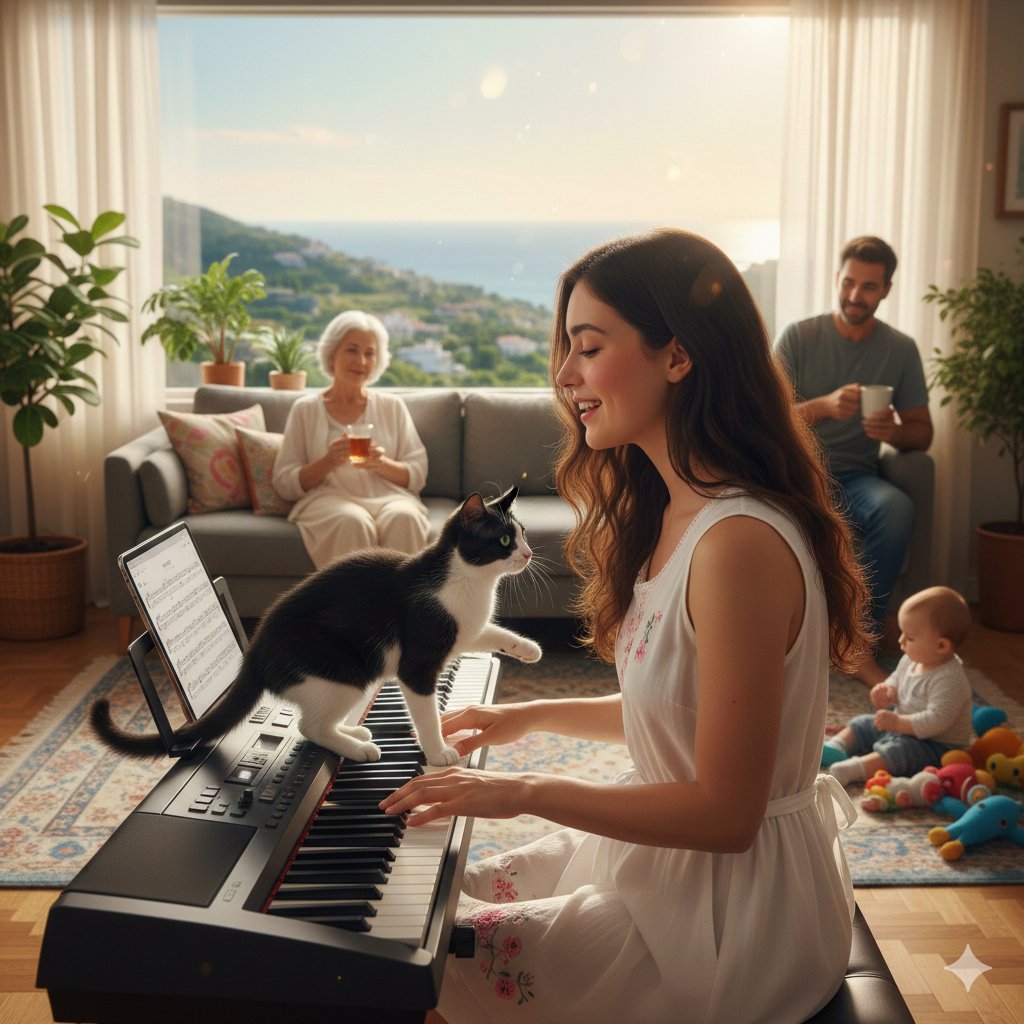
Cinematic Family Gathering Scene
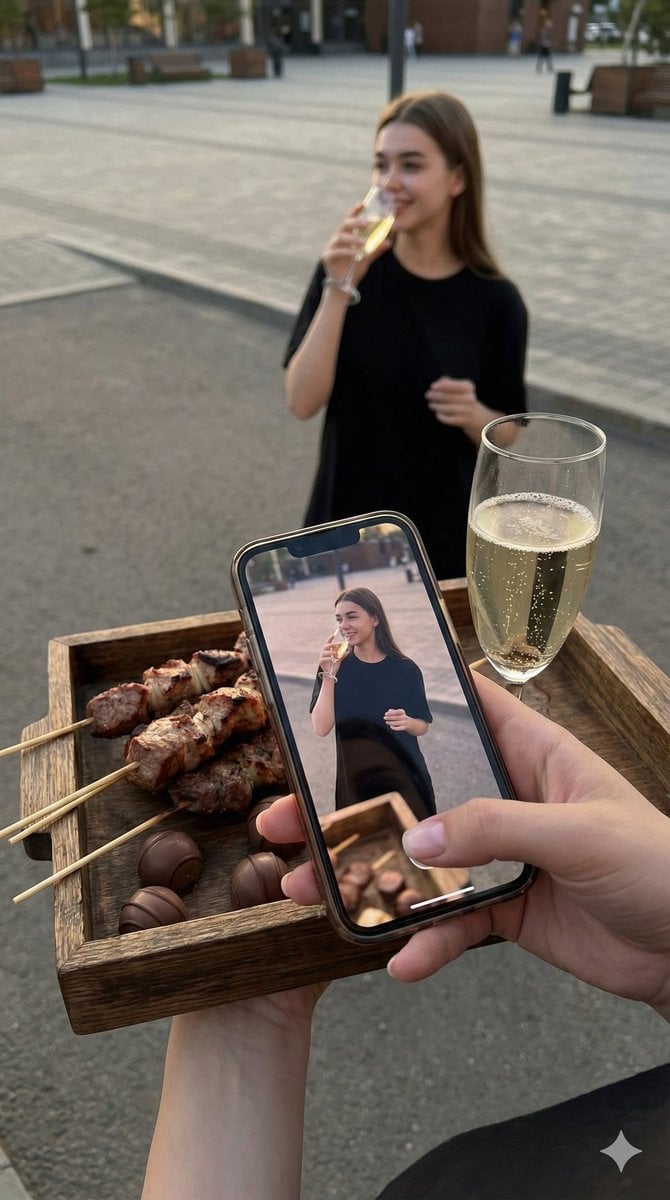
Overhead Smartphone Reflection Photo with Identity Lock
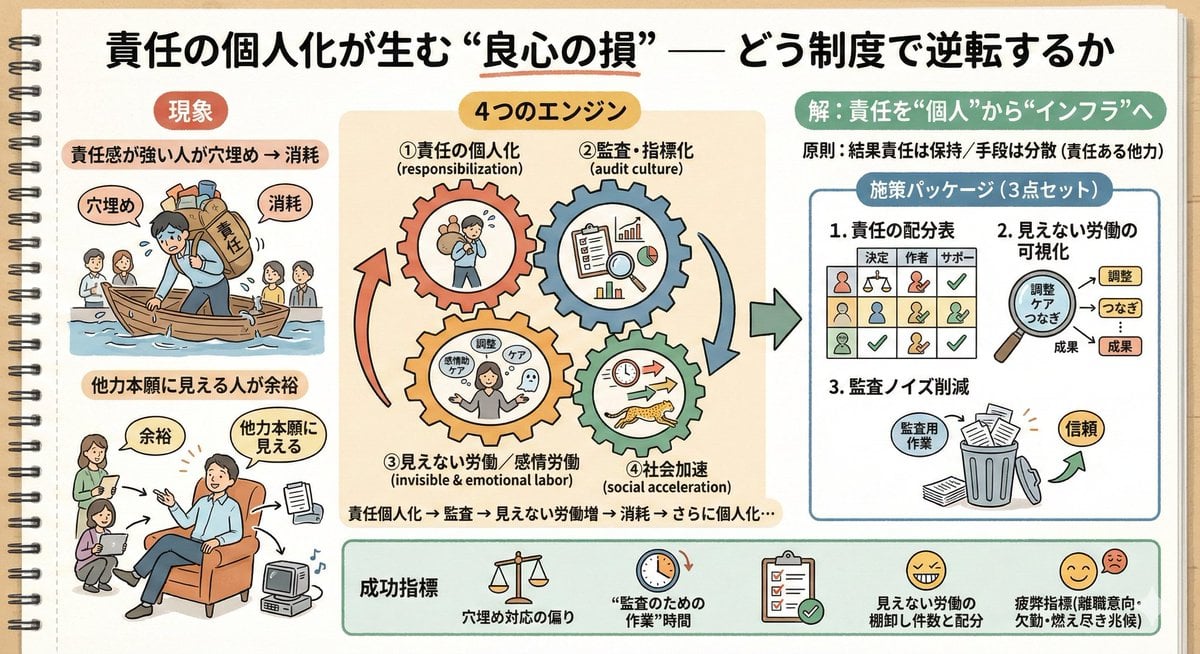
Sketch Generation for Work Personalization
High-Fashion Cinematic Motion Shot
Browse template categories
Minimal Luxury T-Shirt Ad Poster questions
How do I use the Minimal Luxury T-Shirt Ad Poster template?
Add your photo if the template asks for one, edit the prompt if you like — the template's model and format are already selected — and press Generate. Your version opens in PicX Studio.
Can I customize the Minimal Luxury T-Shirt Ad Poster template?
Yes. You can change the subject, setting, lighting, mood, format, and available model controls before creating your image.
Is the Minimal Luxury T-Shirt Ad Poster template free?
Opening and editing this template is free. Generating uses credits, shown on the Generate button when you are signed in.
Which AI model should I use?
Start with GPT Image 2, which is the model associated with this template. You can compare another compatible model for a different finish.
Looking for something else? Browse all templates.

Your photo, any look
Thousands of ready templates for every top image and video model, from one credit balance.