
Burgundy Gown Fashion Reference Grid
Generates a photorealistic 3×3 fashion reference sheet showing an ornate burgundy embroidered gown from multiple angles and close-up views.
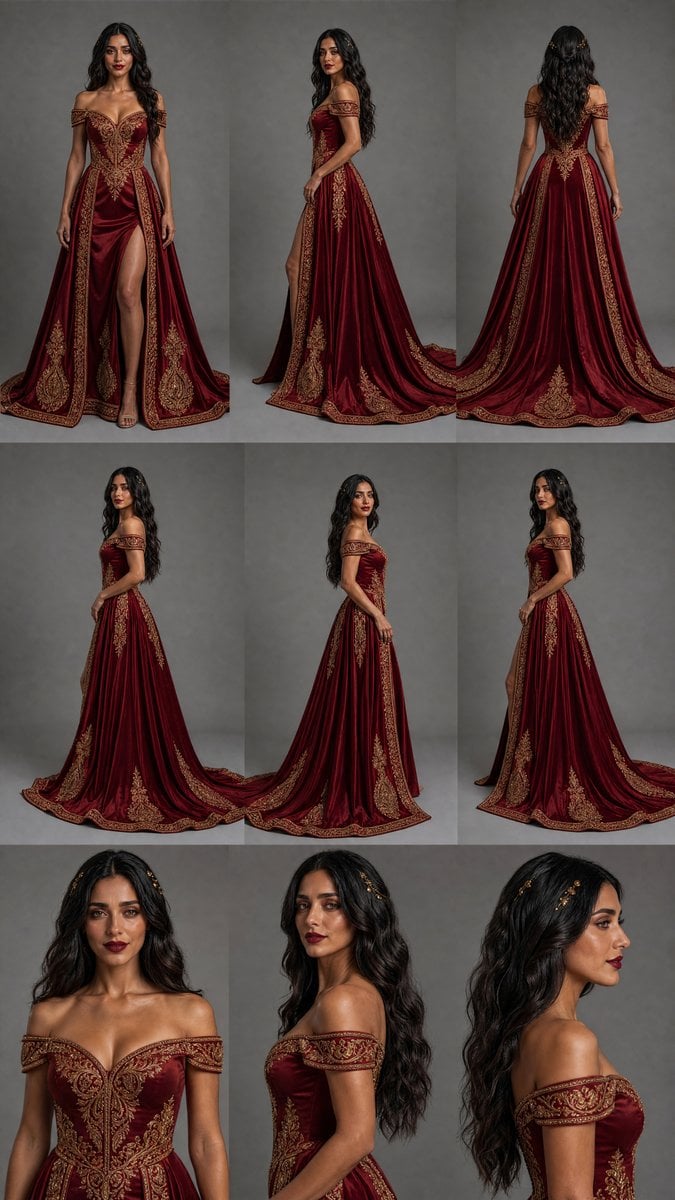
- Prompt included
- Model and format preset
- Premium template
The prompt behind this image
Copy the exact prompt behind Burgundy Gown Fashion Reference Grid, or open it in the studio and make it yours.
Goal: Create a fashion design reference sheet for {argument name="dress style" default="an ornate burgundy velvet off-the-shoulder fantasy evening gown with gold embroidery"}, shown as a studio lookbook/contact sheet. Canvas: Vertical 9:16 image, arranged as an exact 3×3 grid with 9 panels, thin invisible or minimal seams between panels, neutral gray photography studio background in every panel, realistic high-end fashion photography lighting. Subject: One adult female model with long wavy {argument name="hair color" default="black hair"}, medium/tan skin tone, wearing the same gown in every panel. The face is intentionally obscured by a soft rectangular blur block in each view, while the outfit remains sharply detailed. Dress details: Deep burgundy velvet or satin-velvet gown with a structured sweetheart bodice, off-the-shoulder embroidered sleeves, fitted waist, full floor-length skirt, long trailing train, high front slit in the front view, and dense antique-gold baroque embroidery. Gold motifs include symmetrical bodice filigree, vertical embroidered panels down the skirt, ornate border trim along the hem and train, and large medallion-like appliqués near the lower skirt. Elegant formal sandals are visible in the front slit view. Layout: Use exactly 9 discrete panels. Panel 1: full-body front view, standing centered, slit open to show one leg. Panel 2: full-body three-quarter side view, train flowing behind. Panel 3: full-body back view, long hair down the back, wide skirt and train visible. Panel 4: full-body left side profile, hand relaxed, long train spread along the floor. Panel 5: full-body clean side profile, upright pose, skirt falling vertically. Panel 6: full-body three-quarter front/side view, showing bodice and skirt embroidery. Panel 7: close-up front crop from head to waist, emphasizing neckline, off-shoulder sleeves, bodice embroidery, and face blur. Panel 8: close-up side crop from head to hips, showing sleeve detail, bodice side seam, hair texture, and face blur. Panel 9: close-up rear three-quarter crop from head to upper torso, showing hair, shoulder, sleeve embroidery, and face blur. Visual style: Photorealistic editorial catalog photography, crisp fabric texture, rich velvet sheen, dramatic but even studio lighting, muted gray background, luxurious medieval-inspired couture aesthetic, realistic anatomy and proportions, no text, no logos, no watermark. Constraints: Maintain the exact 3×3 grid and the exact 9 listed views. Keep the model clothed in the gown in all panels. Do not add extra garments, props, captions, mirrors, mannequins, or additional people. Emphasize the ornate gold embroidery and the burgundy fabric consistently across all panels.
How to use Burgundy Gown Fashion Reference Grid in 3 steps
- 1Upload ImagePNG, JPG or paste
Add your photo
Upload the photo the template builds on. The prompt, model and format are already set.
- 2…a portrait of your subject in softgolden-hour light, 85mm…
Personalize
Edit the subject and creative details for your destination.
- 3Generate
Generate
Press Generate — your image is created in PicX Studio, so you can compare it with the original and refine one variable at a time.
More like this
Templates with the same subject, style or setup. Open one to see its prompt.

Face-Locked Identity Reference Portrait

80s College Gate

1988 Mall Style

80s Polka Dot Saree
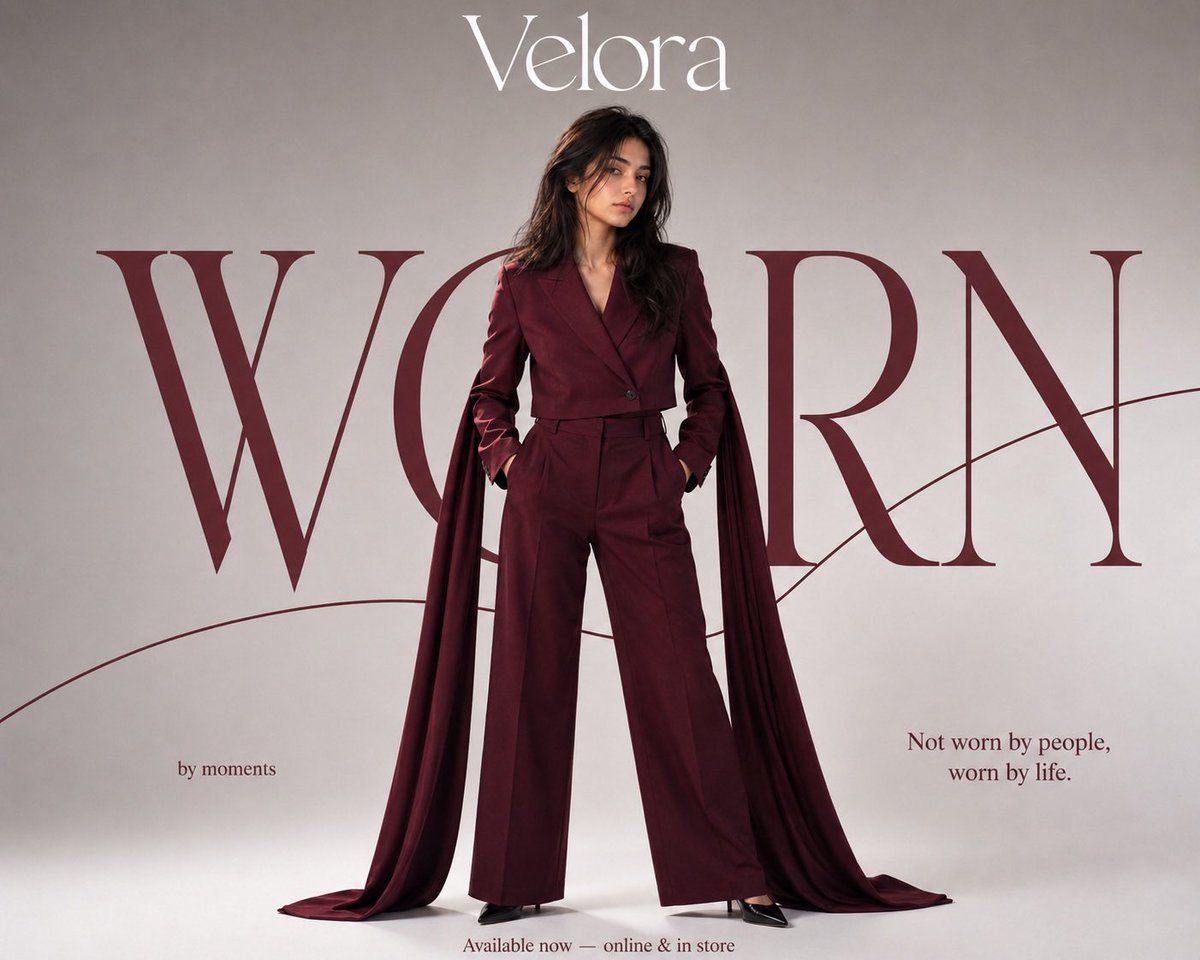
Burgundy Editorial Fashion Portrait

Clean, minimalist fashion infographic from an uploaded reference photo

Minimalist Studio Fashion Portrait Grid
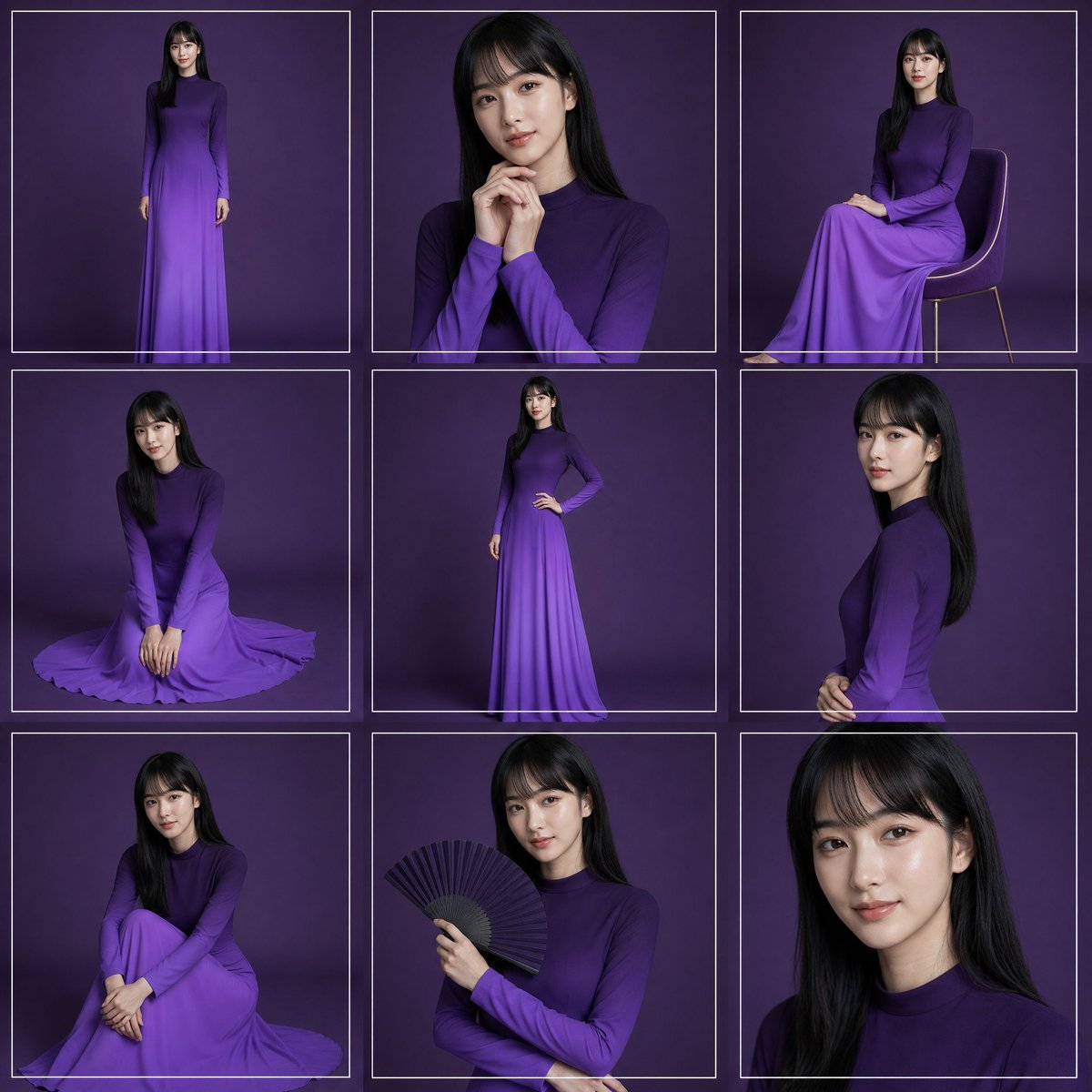
Purple Gown Fashion Contact Sheet
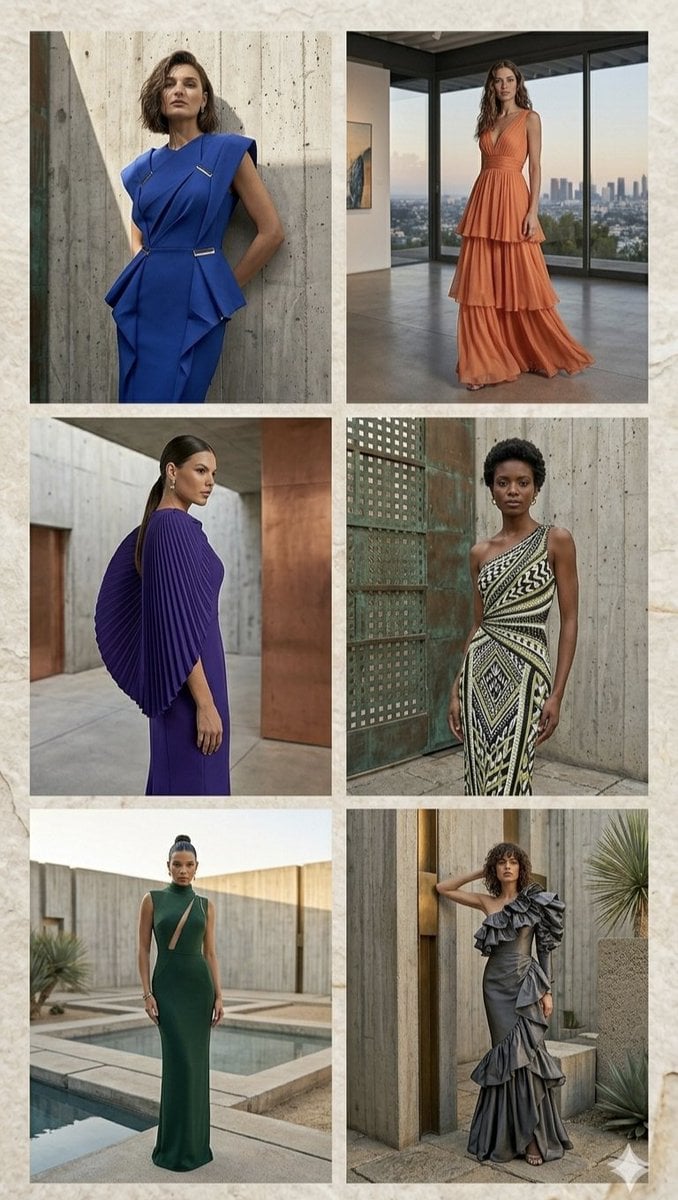
Architectural High-Fashion Gown Collage
Copper Wall High Fashion Gowns

Anime Sewing Room Magic

Anime Tower Window Escape
Make it yours
Burgundy Gown Fashion Reference Grid works as-is. These are the safest ways to change it without losing the look.
Change one field
Copy a single group, rewrite it, and generate again so you can see what that field is doing.
Keep the frame, change the subject
Hold the composition and light of Burgundy Gown Fashion Reference Grid, then swap wardrobe, props or the person for a new take.
| If the result… | Why | Fix |
|---|---|---|
| The result drifts from the preview | Too many fields changed at once. | Reuse Burgundy Gown Fashion Reference Grid as-is first, then change one group — subject, light, or setting. |
| The model over-stylizes the scene | The prose prompt leaves finish and camera underspecified. | Add one camera or lighting sentence and stay on GPT Image 2. |
More GPT Image 2 templates
Other prompts made for GPT Image 2.

Six VTuber Japanese Logo Sheet

Realistic Portrait of Woman and Deer

The Vista Modular Condo Poster

AI Model Routing Comparison Infographic

2.5D Anime Art Board

Isometric Productivity Desk Scene

New York Double Exposure Poster

Four-Panel AI Landscape Comparison

Japanese Tatami Lifestyle Magazine Cover

NESCAFÉ Coffee Map Poster
More image prompts
Fresh picks from across the catalog.
Warm Candid House Party Photography

Red Carpet Premiere Gala Prompt (Multilingual)
World Famous Puppet Show Scene
Anime Schoolgirl on Pink Slime
Cyberpunk Samurai and Ninja Art
Retro Sports Fashion Campaign Collage

Anime movie poster generator
Multi-Step Prompt Generation Workflow for Product Posters
Spider-Girl Cosplay Selfie Prompt (White)
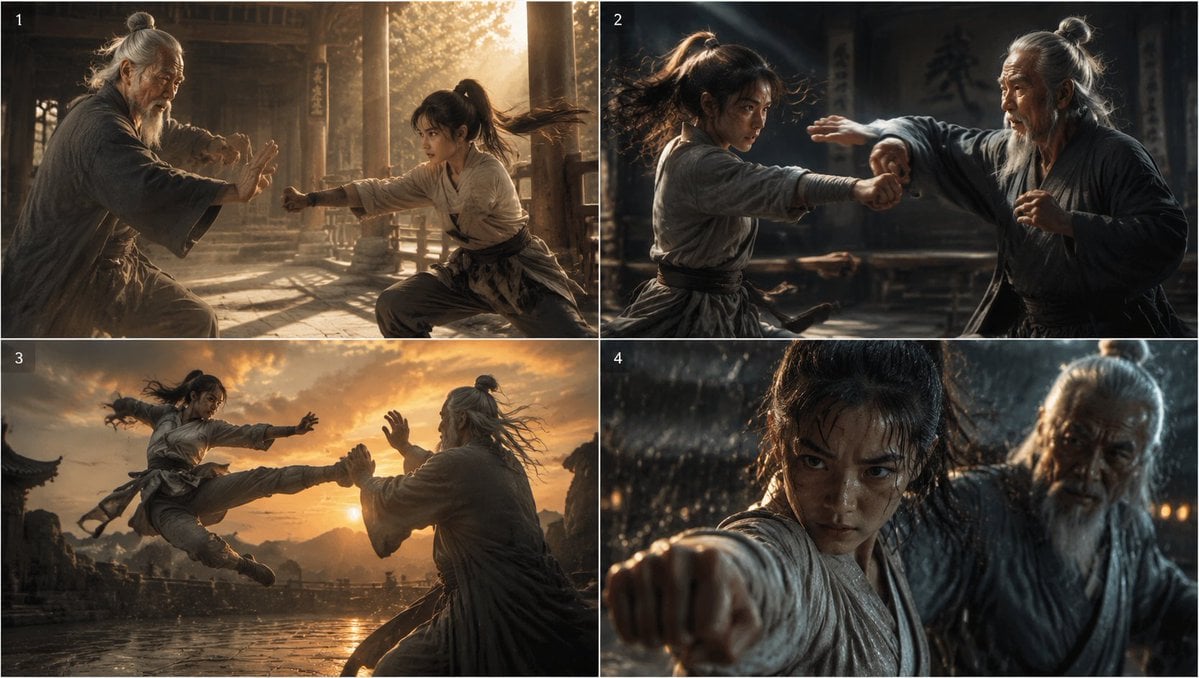
Cinematic Kung Fu Sparring Grid
Browse template categories
Burgundy Gown Fashion Reference Grid questions
How do I use the Burgundy Gown Fashion Reference Grid template?
Add your photo if the template asks for one, edit the prompt if you like — the template's model and format are already selected — and press Generate. Your version opens in PicX Studio.
Can I customize the Burgundy Gown Fashion Reference Grid template?
Yes. You can change the subject, setting, lighting, mood, format, and available model controls before creating your image.
Is the Burgundy Gown Fashion Reference Grid template free?
Opening and editing this template is free. Generating uses credits, shown on the Generate button when you are signed in.
Which AI model should I use?
Start with GPT Image 2, which is the model associated with this template. You can compare another compatible model for a different finish.
Looking for something else? Browse all templates.

Your photo, any look
Thousands of ready templates for every top image and video model, from one credit balance.