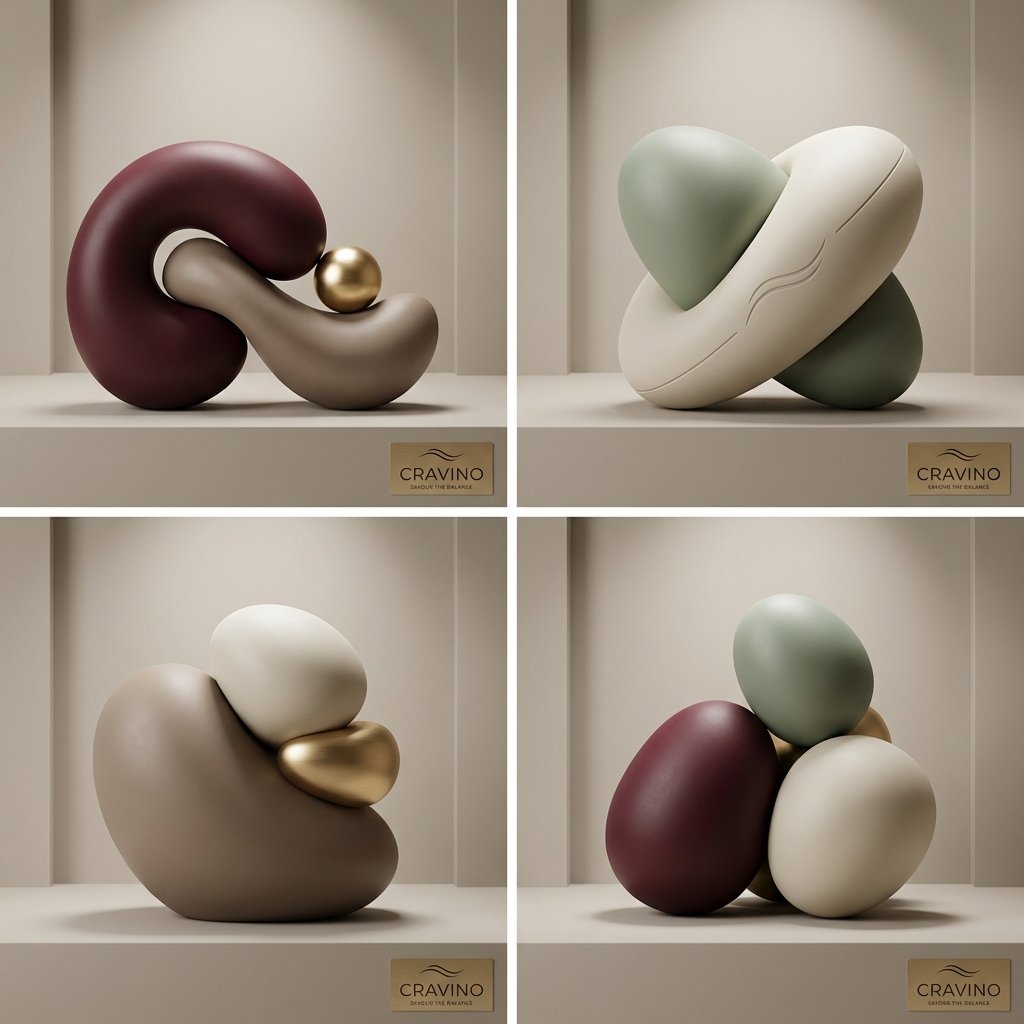
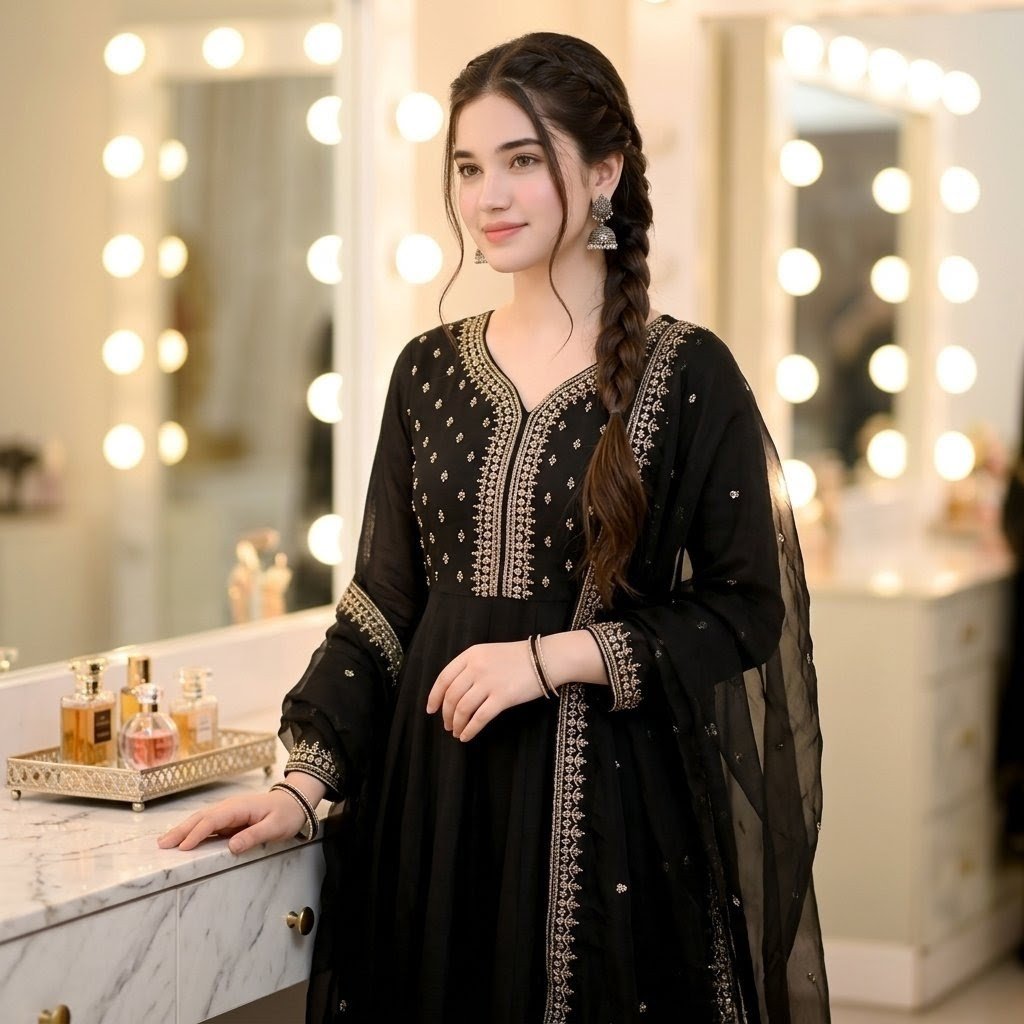
How do I use the Copper Wall High Fashion Gowns template?
Edit the prompt in the box under the preview — the template's model and format are already selected — and press Generate. Your version appears right on this page.
An editorial photography prompt featuring models in silk satin and pleated gowns against a weathered copper architectural backdrop.

A high-fashion, editorial photography capture of {argument name="subjects" default="two elegant models"} posing against a dramatic architectural backdrop made of large, weathered copper panels. The background features a mix of warm, brushed copper and sections with a green, oxidized verdigris patina. On the left, a model with sleek, slicked-back hair looks over her shoulder at the camera, wearing a sophisticated, floor-length silk satin gown in a {argument name="color 1" default="warm champagne gold"} color with an asymmetrical, structured neckline. On the right, the second model stands on a slightly raised platform, wearing a sleeveless, {argument name="color 2" default="rust-orange"} gown featuring a finely pleated, tiered ruffled skirt that cascades down. She has a classic bob hairstyle and rests her hands gently against the curved copper wall. Lush green Monstera and tropical plants in matching copper planters frame the scene, adding a natural touch. The lighting is warm and cinematic, casting soft shadows and highlighting the rich textures of the fabric and the metallic walls.
A high-fashion, editorial photography capture of {argument name="subjects" default="two elegant models"} posing against a dramatic architectural backdrop made of large, weathered copper panels. The background features a mix of warm, brushed copper and sections with a green, oxidized verdigris patina. On the left, a model with sleek, slicked-back hair looks over her shoulder at the camera, wearing a sophisticated, floor-length silk satin gown in a {argument name="color 1" default="warm champagne gold"} color with an asymmetrical, structured neckline. On the right, the second model stands on a slightly raised platform, wearing a sleeveless, {argument name="color 2" default="rust-orange"} gown featuring a finely pleated, tiered ruffled skirt that cascades down. She has a classic bob hairstyle and rests her hands gently against the curved copper wall. Lush green Monstera and tropical plants in matching copper planters frame the scene, adding a natural touch. The lighting is warm and cinematic, casting soft shadows and highlighting the rich textures of the fabric and the metallic walls.
Edit the prompt in the box under the preview — the template's model and format are already selected — and press Generate. Your version appears right on this page.
Yes. You can change the subject, setting, lighting, mood, format, and available model controls before creating your image.
Opening and editing this template is free. Generating uses credits, shown on the Generate button when you are signed in.
Start with Nano Banana 2, which is the model associated with this template. You can compare another compatible model for a different finish.
Follow a topic to a crawlable collection of related PicX Studio templates.