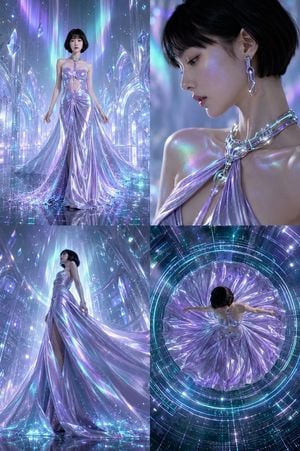
How do I use the Architectural High-Fashion Gown Collage template?
Edit the prompt in the box under the preview — the template's model and format are already selected — and press Generate. Your version appears right on this page.
A professional fashion collage prompt for generating a grid of six elegant gowns, each set in minimalist architectural backgrounds with distinct textures.

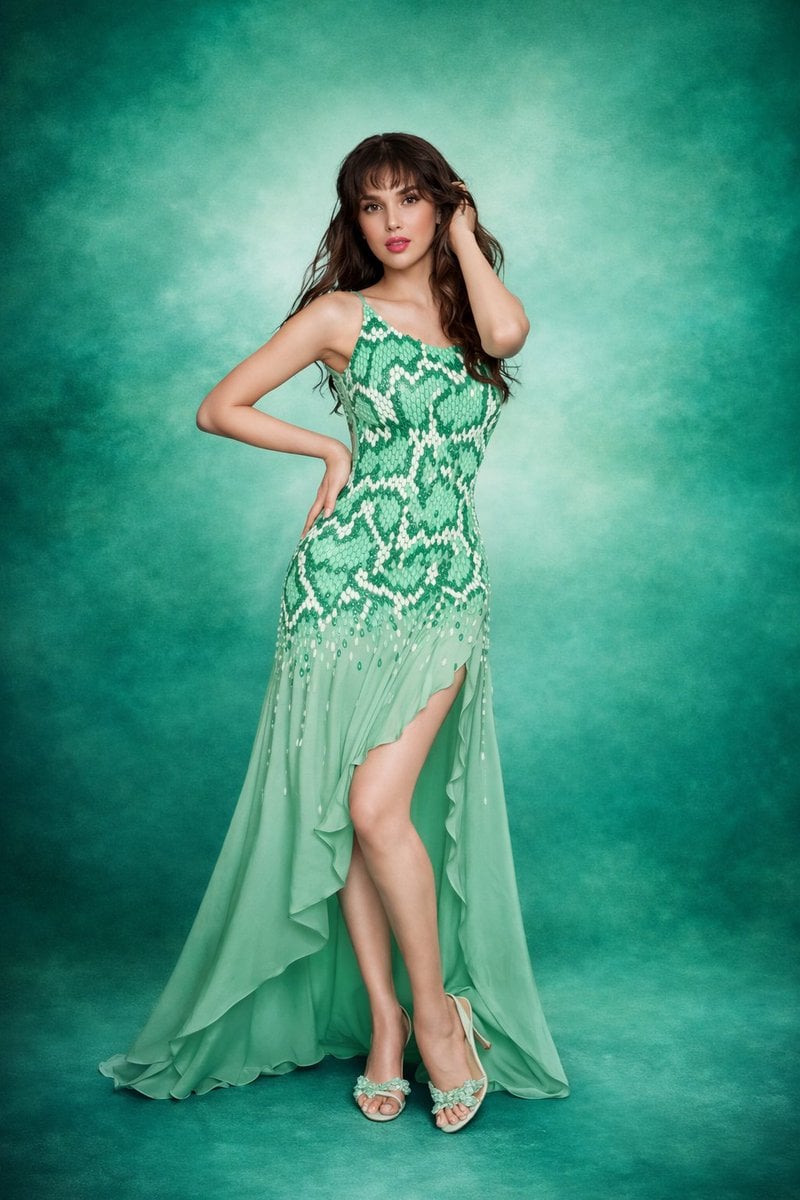
A professional fashion collage showcasing six {argument name="theme" default="elegant high-fashion gowns"}, presented in a 2x3 grid layout. The designs feature a mix of bold colors, architectural elements, and intricate textures, each modeled in a contemporary or minimalist architectural setting: Top Left: A vibrant royal blue dress featuring structured, sculptural draping and peplum-style folds at the waist, accented with subtle metallic hardware details. Top Right: A flowing, sleeveless terracotta orange gown with a deep V-neckline and a tiered, multi-layered pleated maxi skirt. Middle Left: A striking deep purple gown showcasing an avant-garde, fan-like pleated architectural cape element extending from the back and shoulder. Middle Right: A one-shoulder fitted maxi dress adorned with an intricate, geometric tribal-inspired pattern in shades of black, olive green, and cream. Bottom Left: A sleek, minimalist emerald green column dress featuring a high mock neckline and a sharp, diagonal mesh cutout across the chest. Bottom Right: A dramatic metallic charcoal grey gown featuring voluminous, cascading ruffles along a one-shoulder neckline and trailing down the skirt. The overall aesthetic is editorial and sophisticated, emphasizing modern tailoring, clean lines, and high-end evening wear design against textured concrete and neutral backdrops.
A professional fashion collage showcasing six {argument name="theme" default="elegant high-fashion gowns"}, presented in a 2x3 grid layout. The designs feature a mix of bold colors, architectural elements, and intricate textures, each modeled in a contemporary or minimalist architectural setting: Top Left: A vibrant royal blue dress featuring structured, sculptural draping and peplum-style folds at the waist, accented with subtle metallic hardware details. Top Right: A flowing, sleeveless terracotta orange gown with a deep V-neckline and a tiered, multi-layered pleated maxi skirt. Middle Left: A striking deep purple gown showcasing an avant-garde, fan-like pleated architectural cape element extending from the back and shoulder. Middle Right: A one-shoulder fitted maxi dress adorned with an intricate, geometric tribal-inspired pattern in shades of black, olive green, and cream. Bottom Left: A sleek, minimalist emerald green column dress featuring a high mock neckline and a sharp, diagonal mesh cutout across the chest. Bottom Right: A dramatic metallic charcoal grey gown featuring voluminous, cascading ruffles along a one-shoulder neckline and trailing down the skirt. The overall aesthetic is editorial and sophisticated, emphasizing modern tailoring, clean lines, and high-end evening wear design against textured concrete and neutral backdrops.
Edit the prompt in the box under the preview — the template's model and format are already selected — and press Generate. Your version appears right on this page.
Yes. You can change the subject, setting, lighting, mood, format, and available model controls before creating your image.
Opening and editing this template is free. Generating uses credits, shown on the Generate button when you are signed in.
Start with Nano Banana 2, which is the model associated with this template. You can compare another compatible model for a different finish.
Follow a topic to a crawlable collection of related PicX Studio templates.