
Overhead Smartphone Reflection Photo with Identity Lock
A complex JSON prompt for generating an ultra-realistic, creative overhead photograph (9:16 aspect ratio).
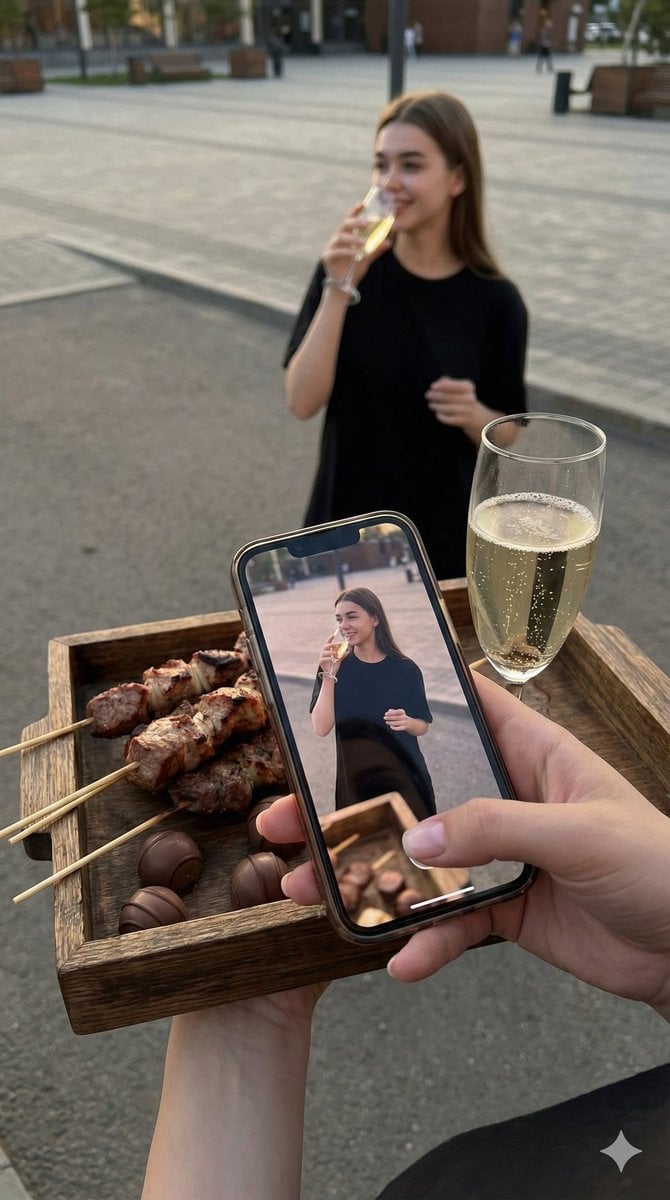
- Prompt included
- Model and format preset
- Free template
The prompt behind this image
Copy the exact prompt behind Overhead Smartphone Reflection Photo with Identity Lock, or open it in the studio and make it yours.
- Type
- image_generation_prompt
- Style
- ultra-realistic, creative photography, cinematic, editorial
- Identity Preservation › Use Reference Image
- true
- Identity Preservation › Alter Face
- false
- Identity Preservation › Strict Identity Lock
- true
- Identity Preservation › Notes
- Create the image to be максимально realistic and ultra-similar to the girl in the reference photo. Preserve her face, facial features, proportions, hairstyle, clothing, and overall appearance exactly as in the reference.
- Composition › Aspect Ratio
- 9:16
- Composition › Camera Angle
- top-down (overhead view, looking downward)
- Composition › Concept
- creative perspective using a smartphone reflection/manipulation
- Foreground › Hands
- hands of the photographer visible at the bottom of the frame
- Foreground › Objects Held › 0 › Item
- food tray
- Foreground › Objects Held › 0 › Details
- tray with grilled meat (shashlik) and several chocolate balls/candies
- Foreground › Objects Held › 1 › Item
- champagne glass
- Foreground › Objects Held › 1 › Details
- filled with champagne, placed on the tray
- Foreground › Objects Held › 2 › Item
- smartphone
- Foreground › Objects Held › 2 › Details
- phone positioned so that the screen shows or reflects the woman standing in the distance
- Background › Main Subject › Gender
- female
- Background › Main Subject › Pose
- standing on gray asphalt or pavement
- Background › Main Subject › Expression
- smiling, cheerful
- Background › Main Subject › Action
- drinking champagne from a glass held in one hand
- Background › Main Subject › Appearance
- clothing and accessories exactly as in the reference image
- Background › Main Subject › Visibility › Legs
- not visible under the dress on the phone screen
- Background › Environment › Setting
- open square or paved area
- Background › Environment › Time Of Day
- evening
Raw JSON
{
  "type": "image_generation_prompt",
  "style": "ultra-realistic, creative photography, cinematic, editorial",
  "identity_preservation": {
    "use_reference_image": true,
    "alter_face": false,
    "strict_identity_lock": true,
    "notes": "Create the image to be максимально realistic and ultra-similar to the girl in the reference photo. Preserve her face, facial features, proportions, hairstyle, clothing, and overall appearance exactly as in the reference."
  },
  "composition": {
    "aspect_ratio": "9:16",
    "camera_angle": "top-down (overhead view, looking downward)",
    "concept": "creative perspective using a smartphone reflection/manipulation"
  },
  "foreground": {
    "hands": "hands of the photographer visible at the bottom of the frame",
    "objects_held": [
      {
        "item": "food tray",
        "details": "tray with grilled meat (shashlik) and several chocolate balls/candies"
      },
      {
        "item": "champagne glass",
        "details": "filled with champagne, placed on the tray"
      },
      {
        "item": "smartphone",
        "details": "phone positioned so that the screen shows or reflects the woman standing in the distance"
      }
    ]
  },
  "background": {
    "main_subject": {
      "gender": "female",
      "pose": "standing on gray asphalt or pavement",
      "expression": "smiling, cheerful",
      "action": "drinking champagne from a glass held in one hand",
      "appearance": "clothing and accessories exactly as in the reference image",
      "visibility": {
        "legs": "not visible under the dress on the phone screen"
      }
    },
    "environment": {
      "setting": "open square or paved area",
      "time_of_day": "evening",
      "lighting": "soft evening light",
      "background_effect": "clear plaza with subtle bokeh lights"
    }
  },
  "lighting": {
    "type": "natural evening lighting",
    "effects": [
      "soft highlights",
      "realistic reflections on glass and phone screen",
      "cinematic depth"
    ]
  },
  "camera": {
    "focus": "sharp focus on foreground hands and phone screen",
    "depth_of_field": "shallow with background bokeh",
    "realism": "photorealistic perspective and reflections"
  },
  "quality": {
    "realism": "ultra-realistic",
    "detail_level": "high detail in skin, food textures, glass reflections, and phone screen",
    "rendering": "looks like a real photograph, not CGI"
  },
  "mood": {
    "atmosphere": "festive, elegant, intimate",
    "tone": "warm, celebratory, stylish"
  },
  "output_goal": "Create a highly creative, ultra-realistic overhead photo that perfectly matches the referenced girl, using a smartphone reflection effect with food and champagne in the foreground, evening atmosphere, and cinematic bokeh, formatted vertically (9:16)."
}How to use Overhead Smartphone Reflection Photo with Identity Lock in 3 steps
- 1Upload ImagePNG, JPG or paste
Add your photo
Upload the photo the template builds on. The prompt, model and format are already set.
- 2…a portrait of your subject in softgolden-hour light, 85mm…
Personalize
Edit the subject and creative details for your destination.
- 3Generate
Generate
Press Generate — your image is created in PicX Studio, so you can compare it with the original and refine one variable at a time.
More like this
Templates with the same subject, style or setup. Open one to see its prompt.

Nano Banana Pro Identity Lock — Composition + Face Reference
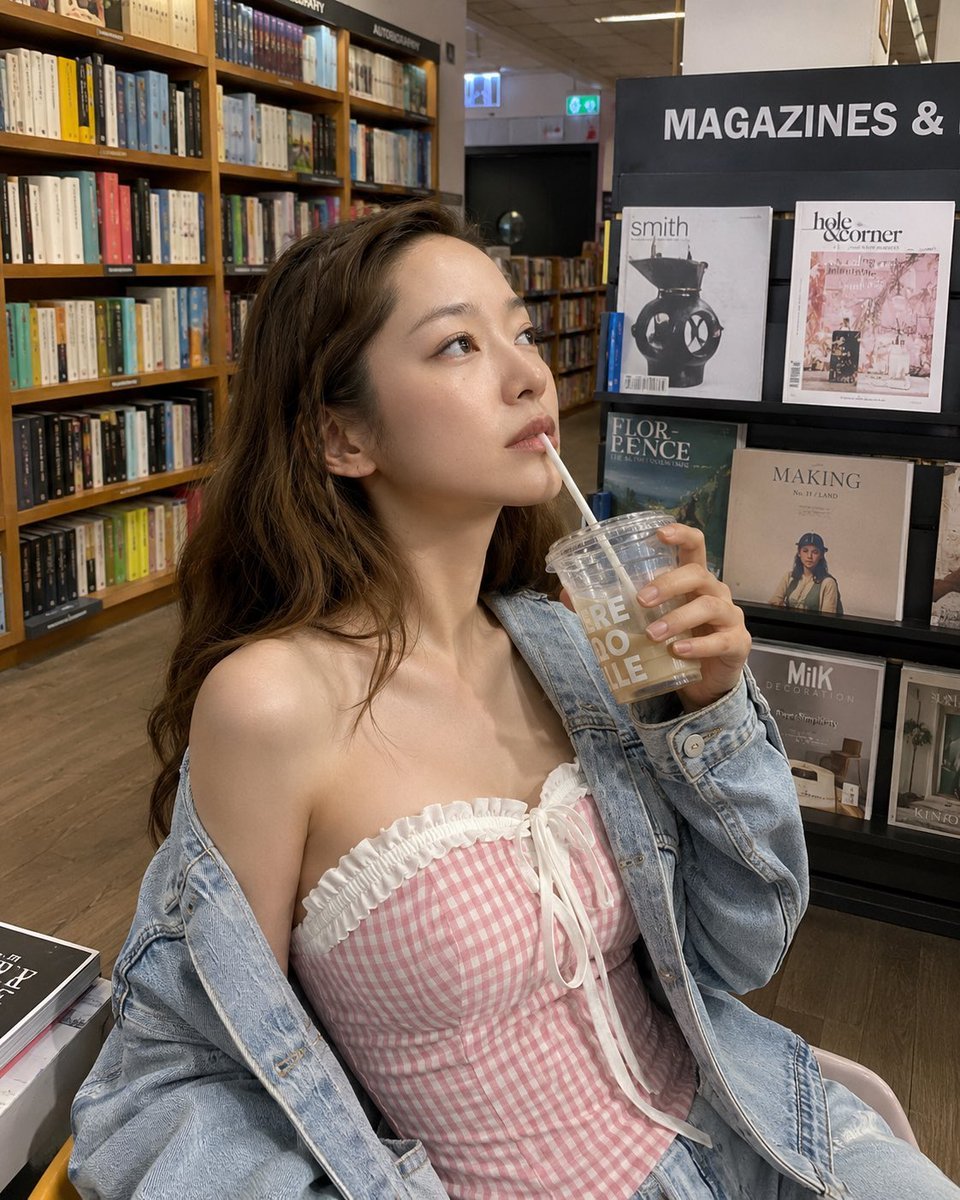
Smartphone Photo Identity Transformation

Floating Woman Above Cityscape with Notifications
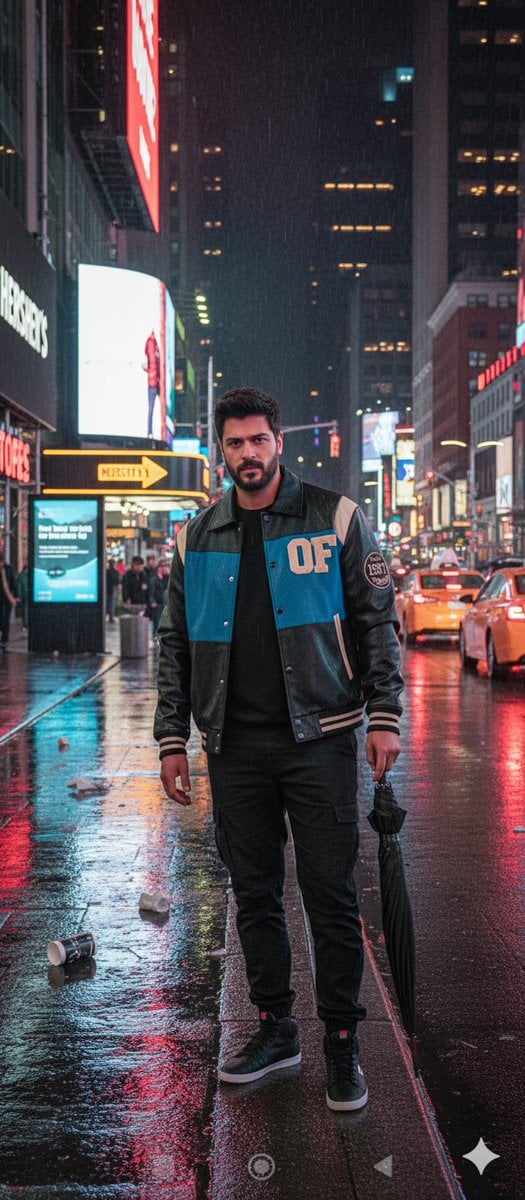
Times Square Rainy Night Portrait with Identity Lock
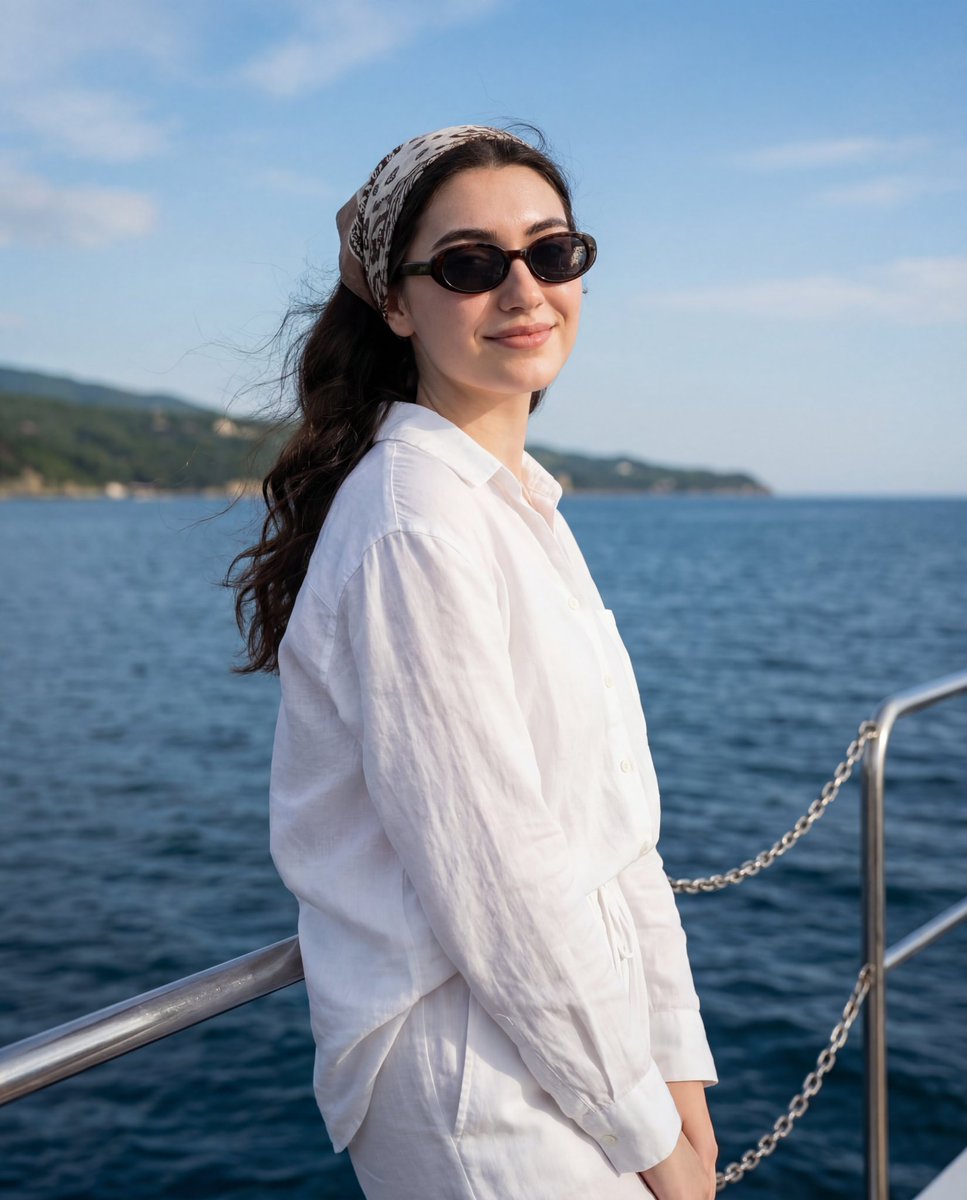
Serene Coastal Portrait with Identity Lock Prompt
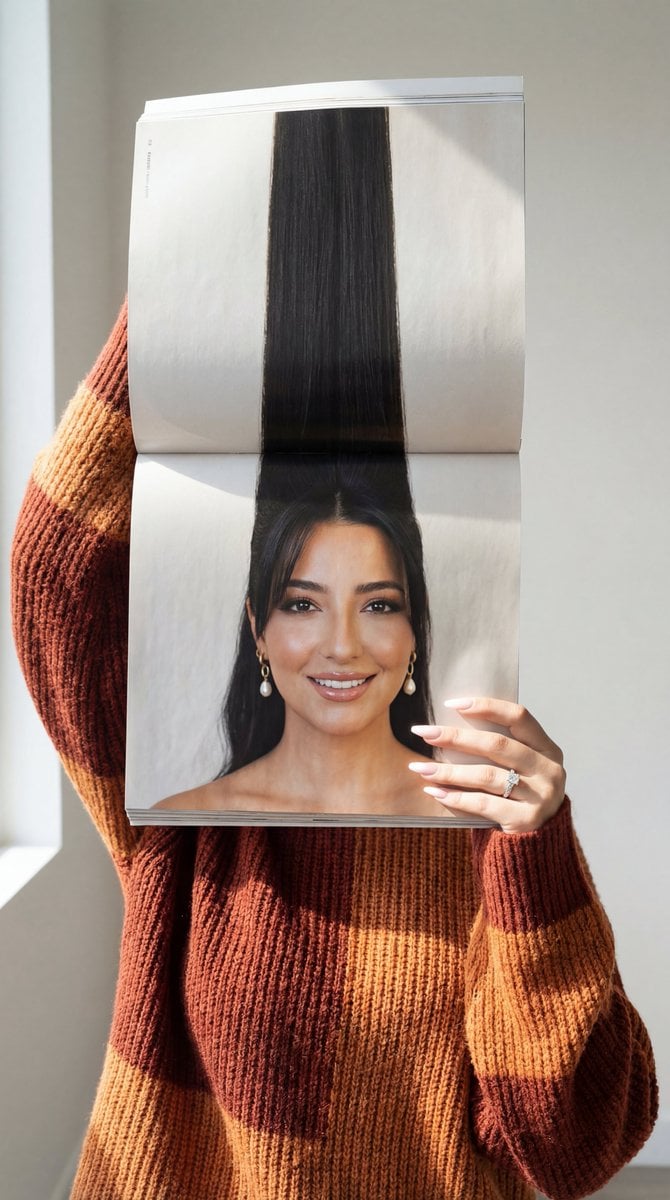
Photorealistic Surreal Fashion Concept Portrait with Identity Lock
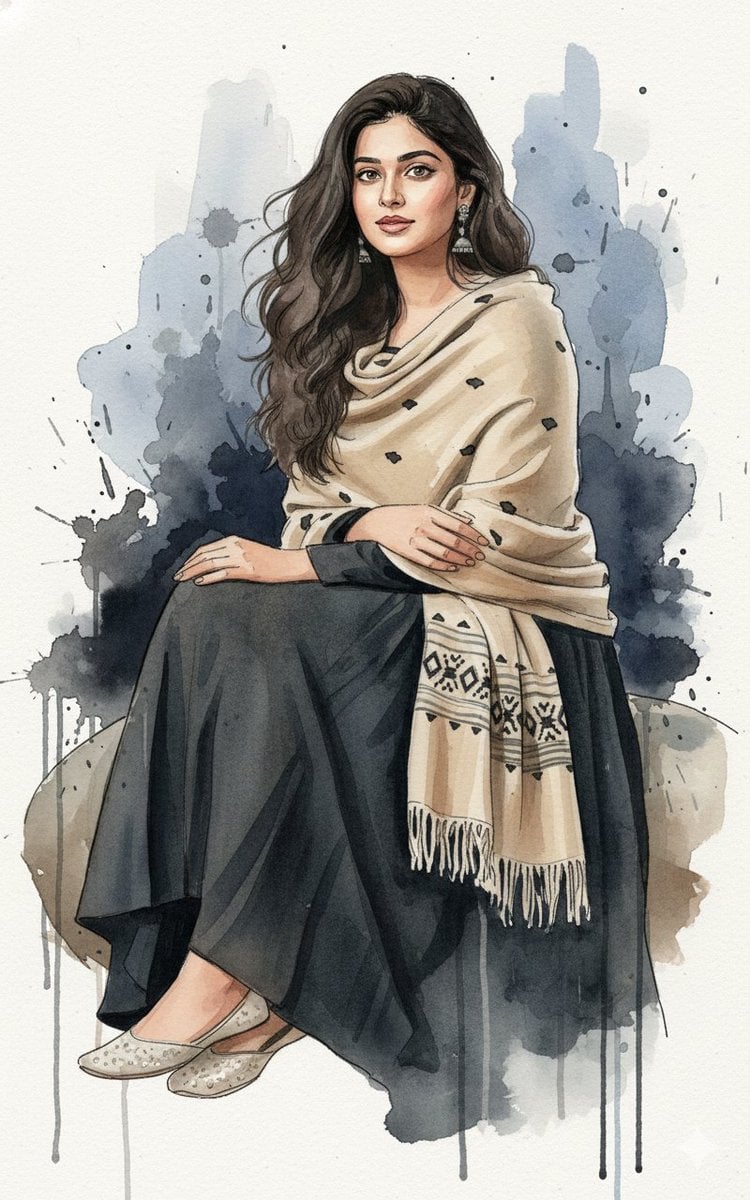
Fine-Art Ink and Watercolor Portrait with Identity Lock
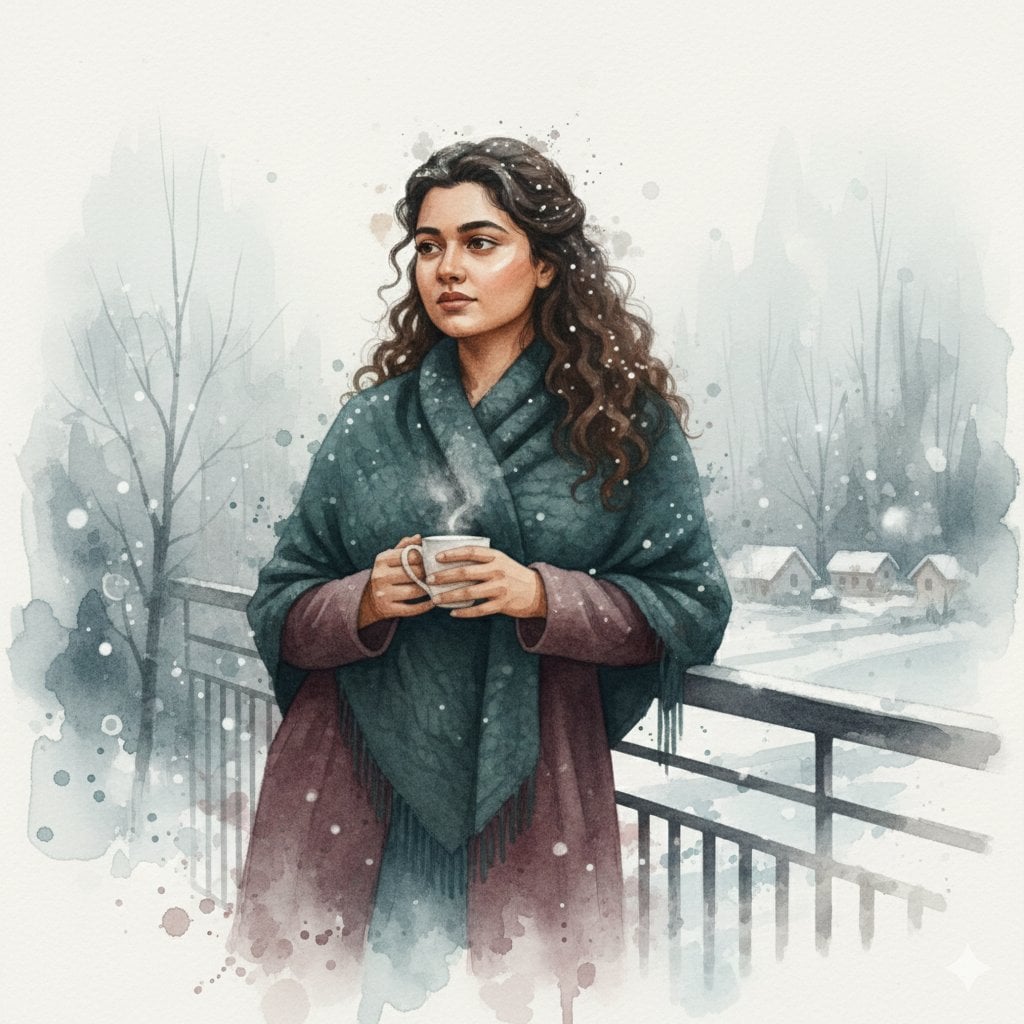
Winter Watercolor Portrait with Identity Lock Prompt
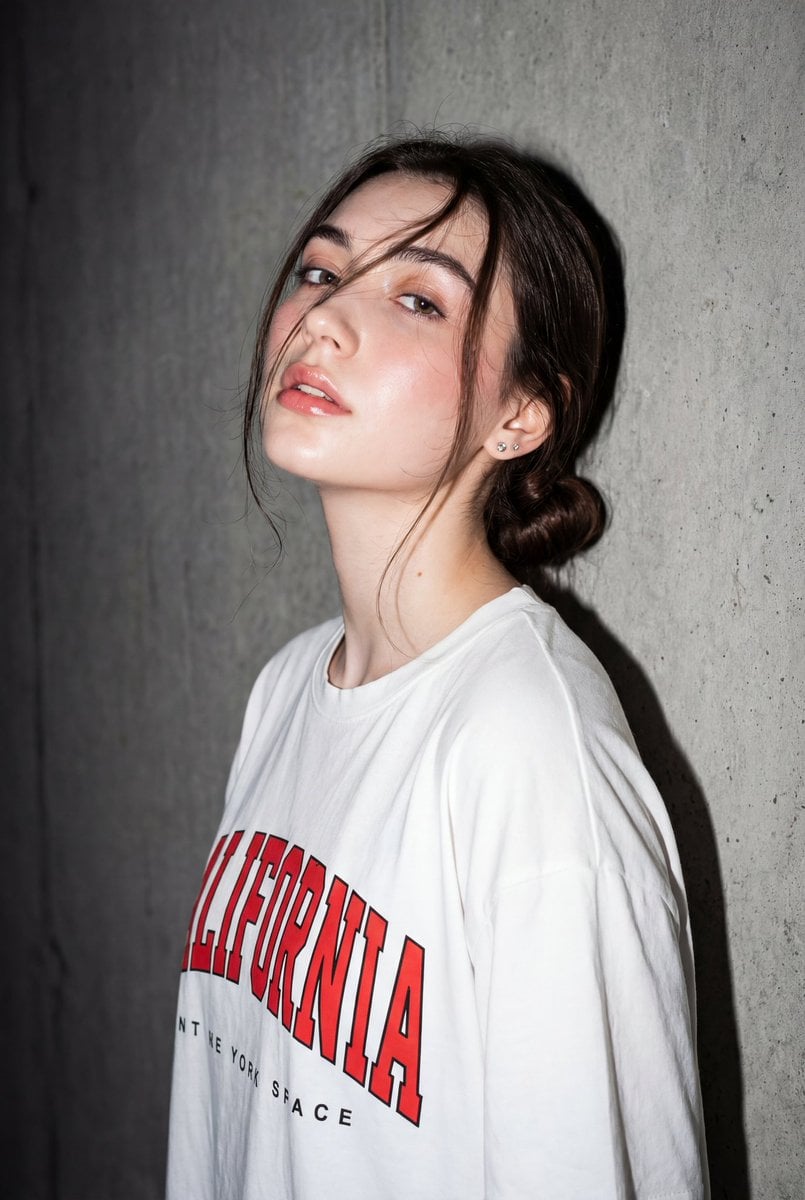
High-Contrast Flash Portrait with Identity Lock
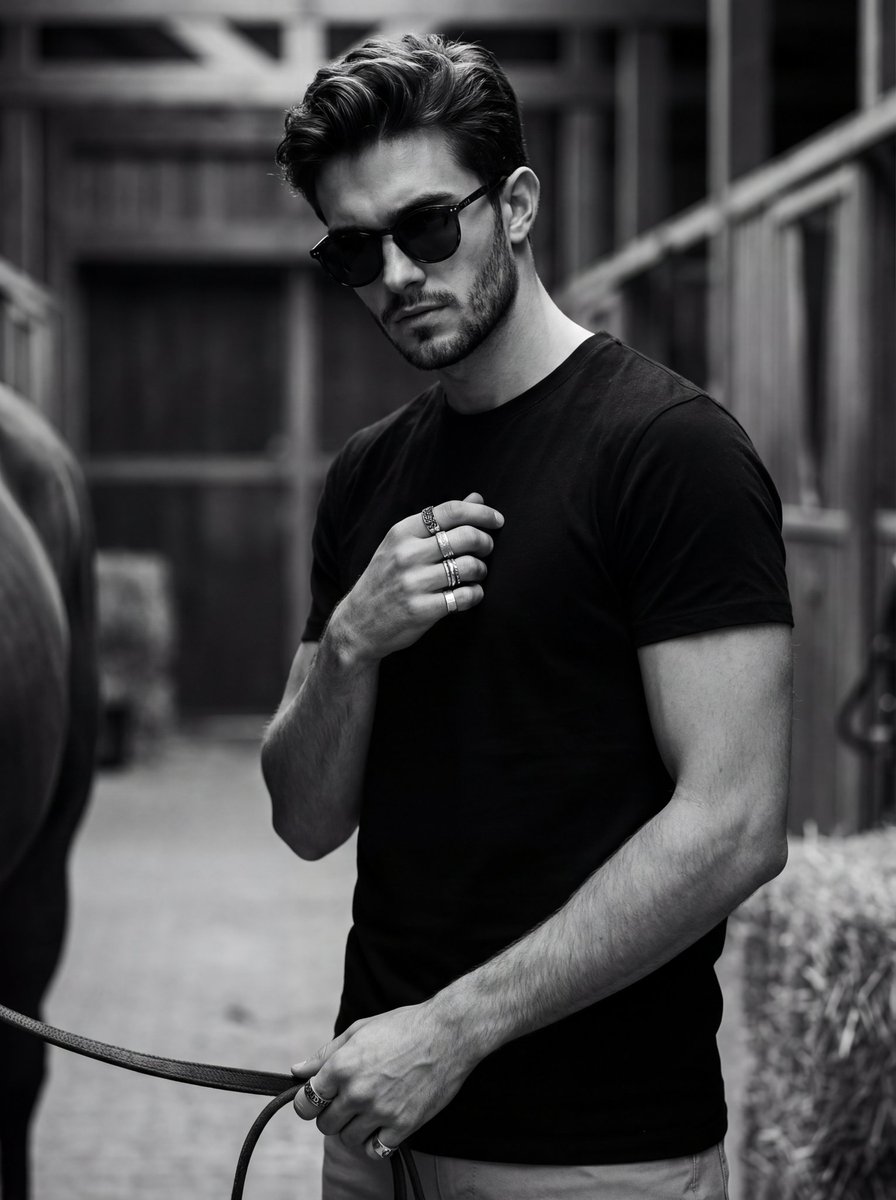
Ultra-Realistic Black and White Portrait with Identity Lock
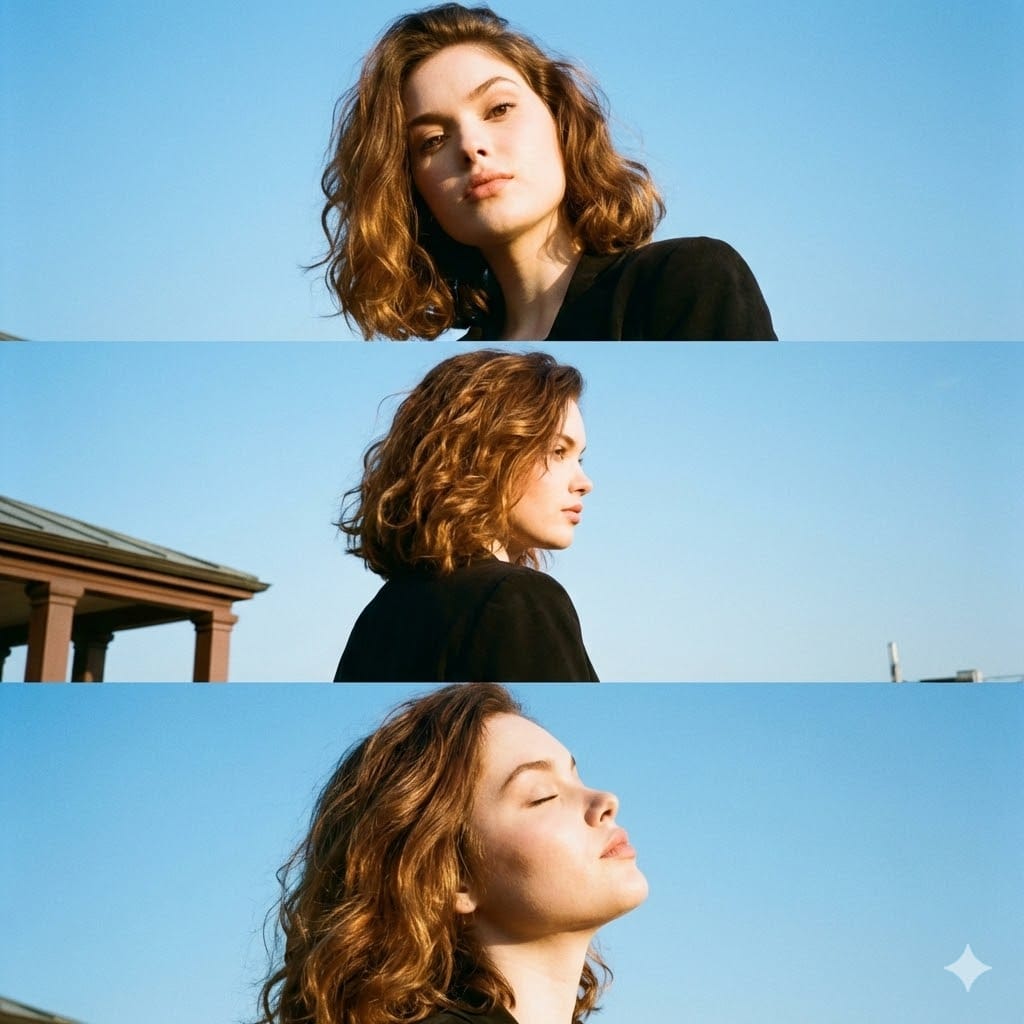
Triptych Portrait with Strict Identity Lock
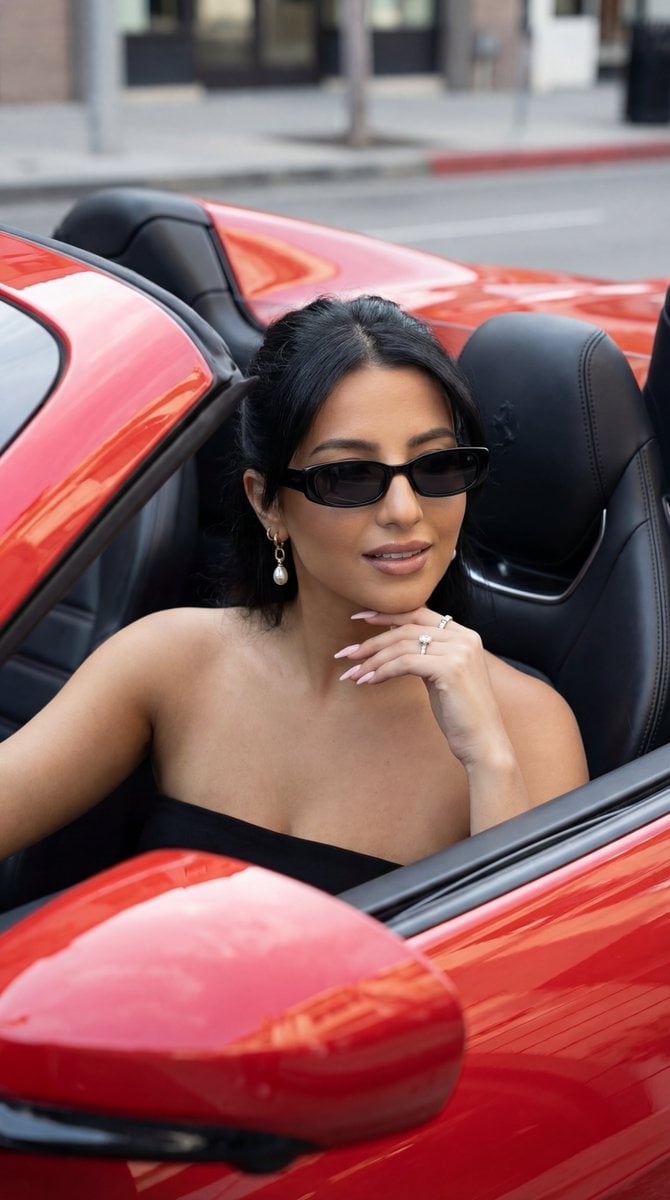
Luxury Car Editorial Portrait (Identity Lock)
Make it yours
Overhead Smartphone Reflection Photo with Identity Lock works as-is. These are the safest ways to change it without losing the look.
Swap the setting
Keep the rest of the prompt and replace the location block. The current setting is “female”.
Swap the light
One lighting change is enough to compare takes. Current light: “soft evening light”.
Change one field
Copy a single group, rewrite it, and generate again so you can see what that field is doing.
| If the result… | Why | Fix |
|---|---|---|
| The result drifts from the preview | Too many fields changed at once. | Reuse Overhead Smartphone Reflection Photo with Identity Lock as-is first, then change one group — subject, light, or setting. |
| Nano Banana 2 ignores part of the JSON | Some models flatten or skip nested keys. | Keep the same values and paste them as a short paragraph instead. |
More Nano Banana 2 templates
Other prompts made for Nano Banana 2.

Photorealistic Leaf Shaped Like a Dragon

K-Pop Idol Portrait Grid for Rapid Selection

Poetic Rain Forest Portrait During Golden Hour

Urban Street Portrait with Cartoon Inner Self Duo

Candid Nighttime Photo with Cat Prompt

High-Concept 3D Diorama Generation Prompt

Cinematic Futuristic Studio Portrait Template

Skincare Editorial Photography Collage Prompt

Hyper-Realistic Commercial Product Photography (Splash Effect)

Hyper-Realistic Nightclub Portrait Prompt
More image prompts
Fresh picks from across the catalog.
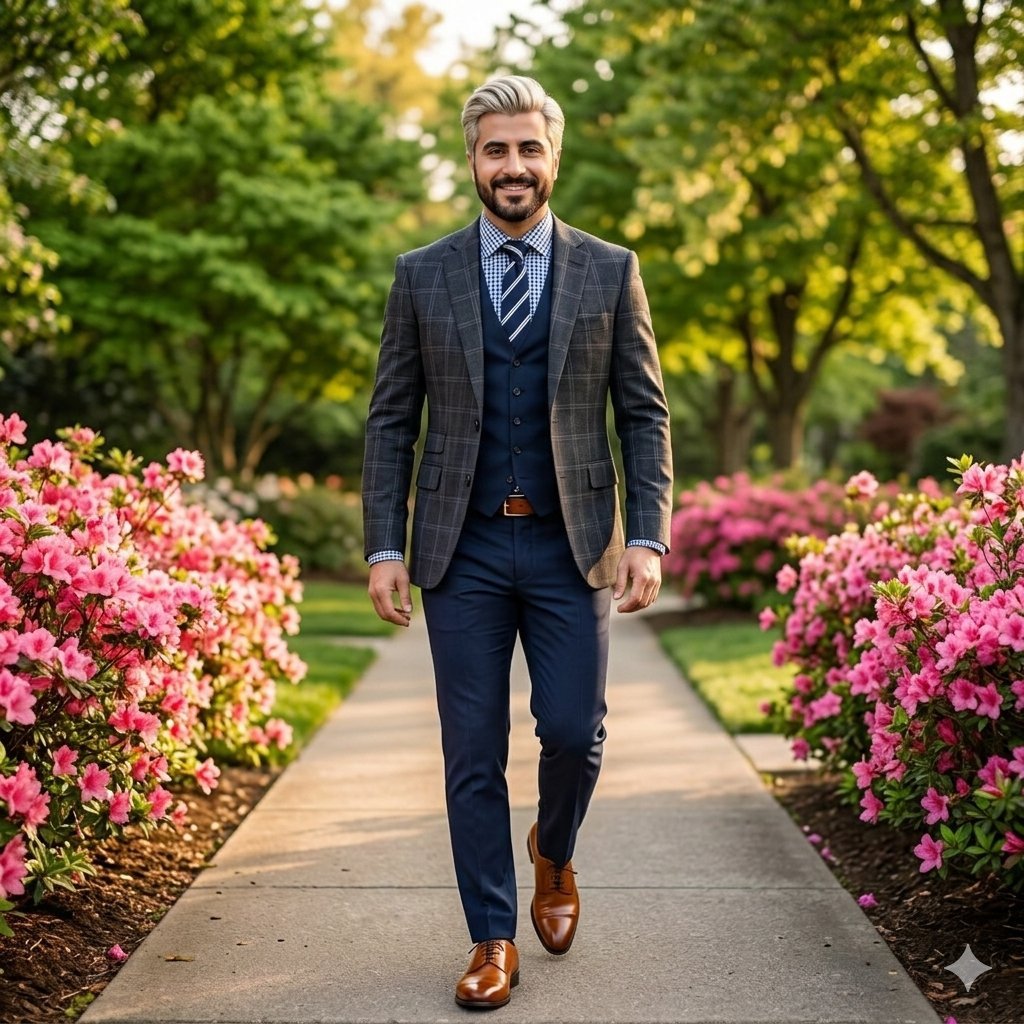
High-End Fashion Portrait of South Asian Man in Garden
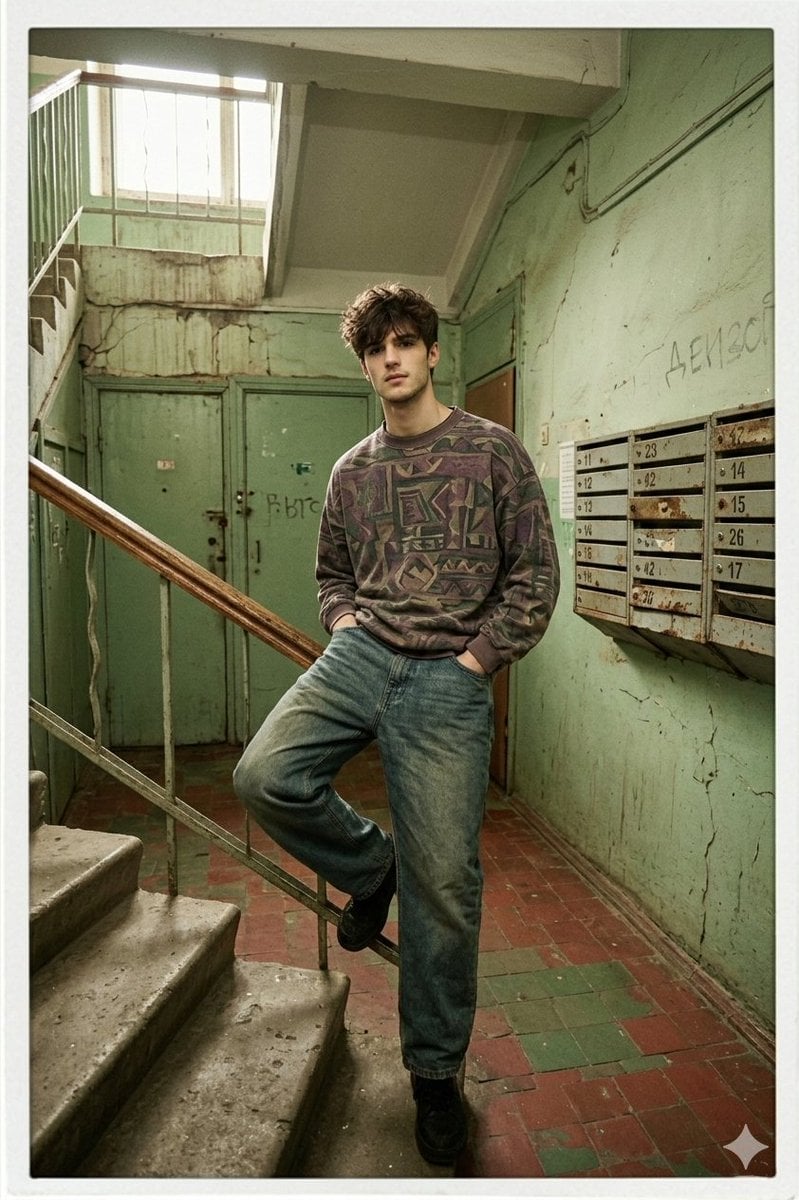
90s Inspired Male Model in Russian Apartment Entrance
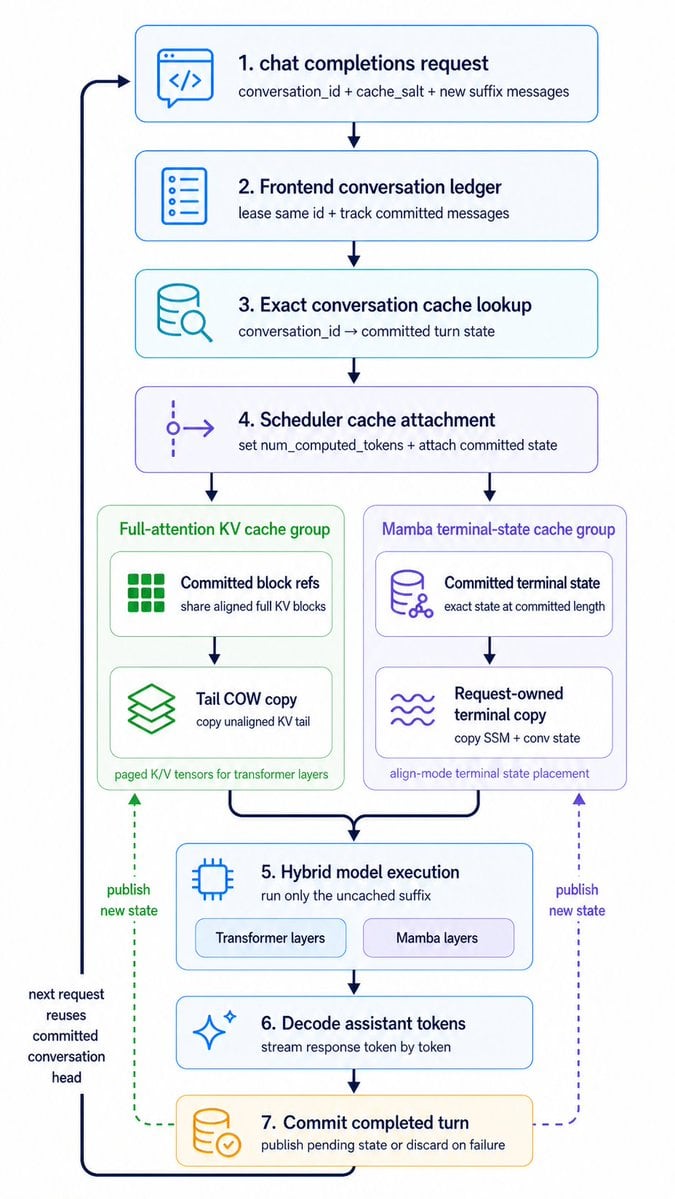
Hybrid Cache Execution Flowchart
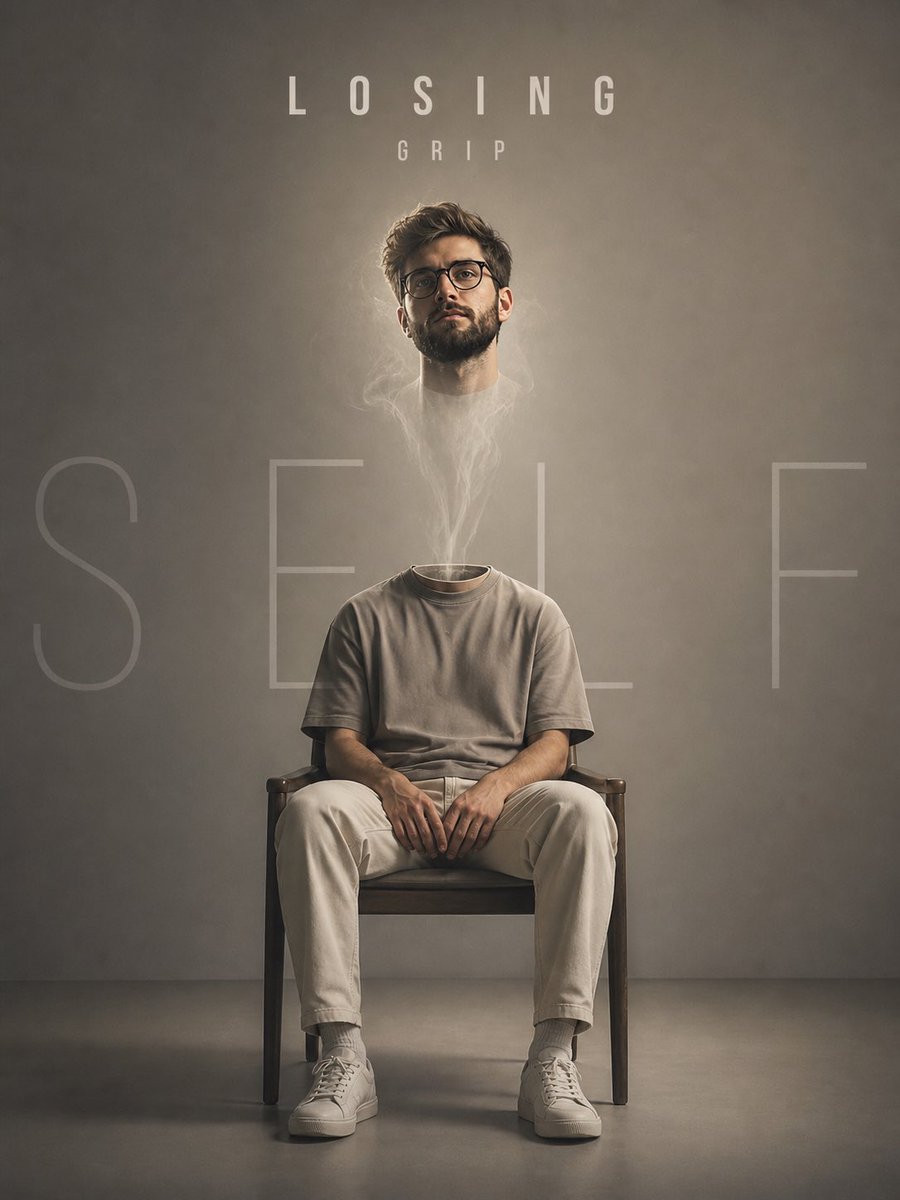
Floating Head Concept Art
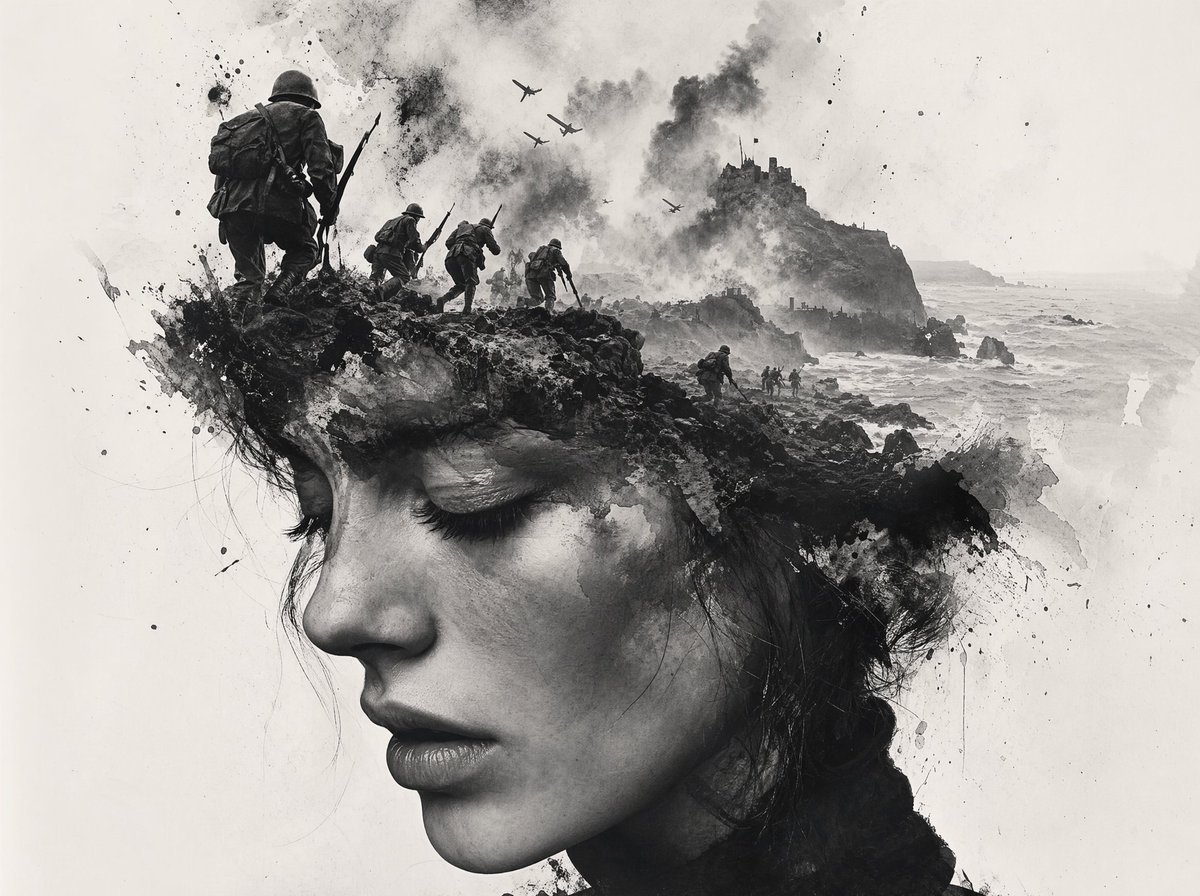
Black-and-White Wartime Ink Scene

Image-to-Image Titanic Movie Poster Prompt
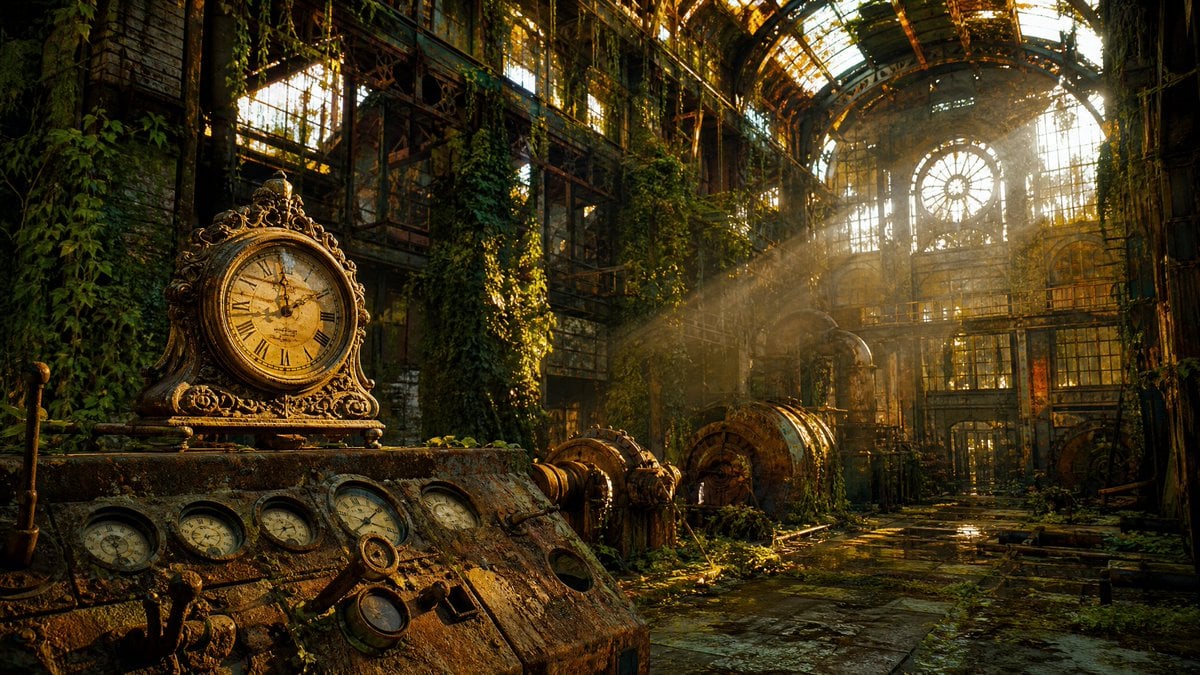
Rusted Decadent Clockwork Ruin
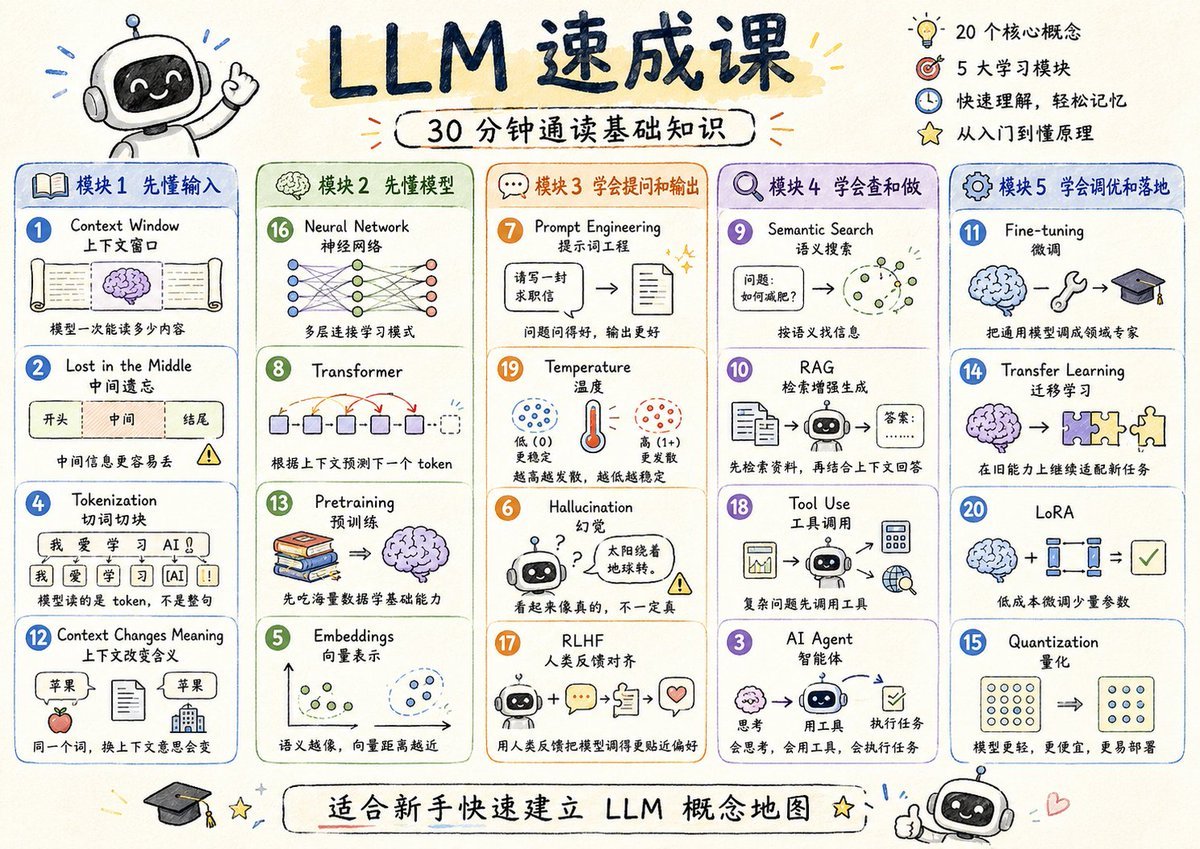
LLM Crash Course Visualizer
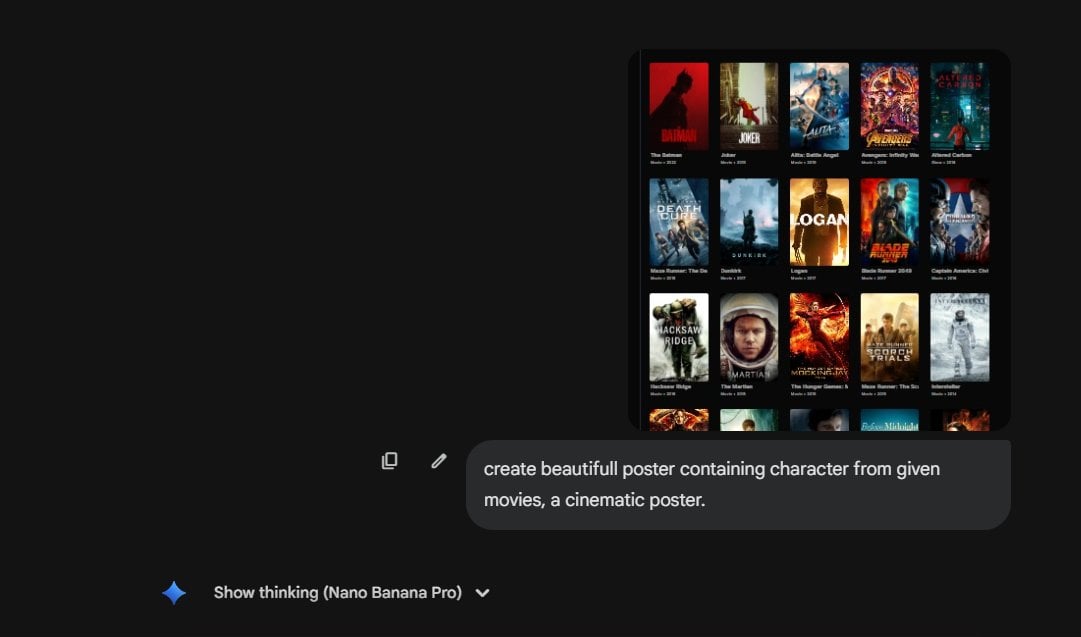
Cinematic poster with movie characters
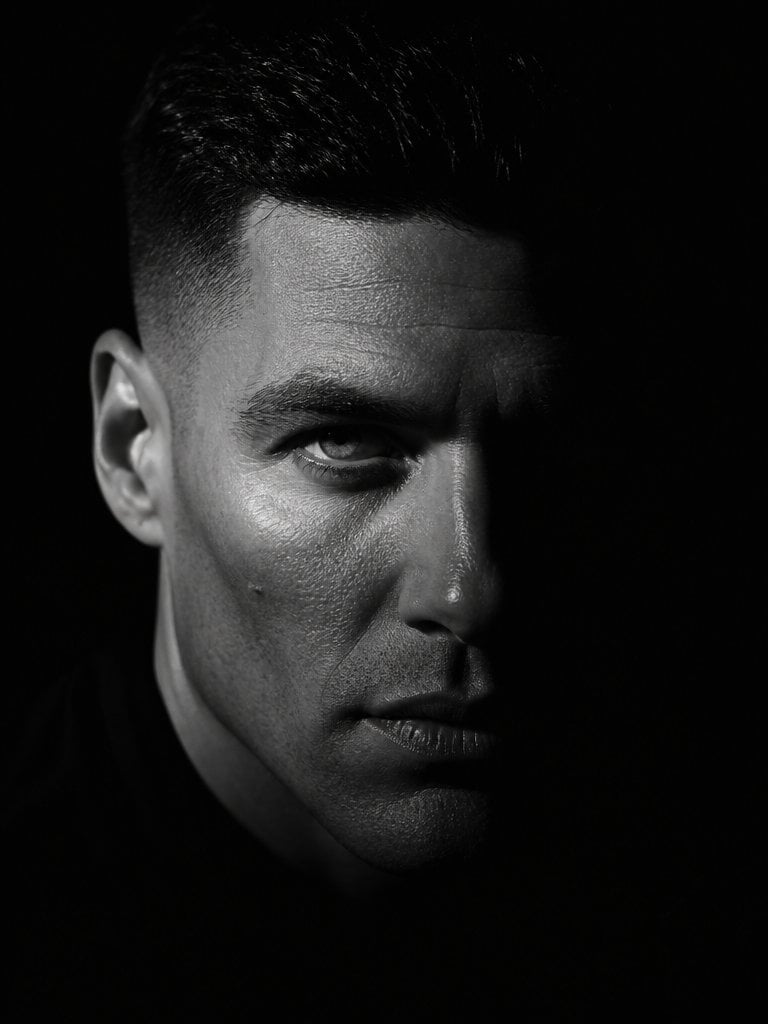
Dramatic Chiaroscuro Male Editorial Portrait
Browse template categories
Overhead Smartphone Reflection Photo with Identity Lock questions
How do I use the Overhead Smartphone Reflection Photo with Identity Lock template?
Add your photo if the template asks for one, edit the prompt if you like — the template's model and format are already selected — and press Generate. Your version opens in PicX Studio.
Can I customize the Overhead Smartphone Reflection Photo with Identity Lock template?
Yes. You can change the subject, setting, lighting, mood, format, and available model controls before creating your image.
Is the Overhead Smartphone Reflection Photo with Identity Lock template free?
Opening and editing this template is free. Generating uses credits, shown on the Generate button when you are signed in.
Which AI model should I use?
Start with Nano Banana 2, which is the model associated with this template. You can compare another compatible model for a different finish.
Looking for something else? Browse all templates.

Your photo, any look
Thousands of ready templates for every top image and video model, from one credit balance.