
Rusted Decadent Clockwork Ruin
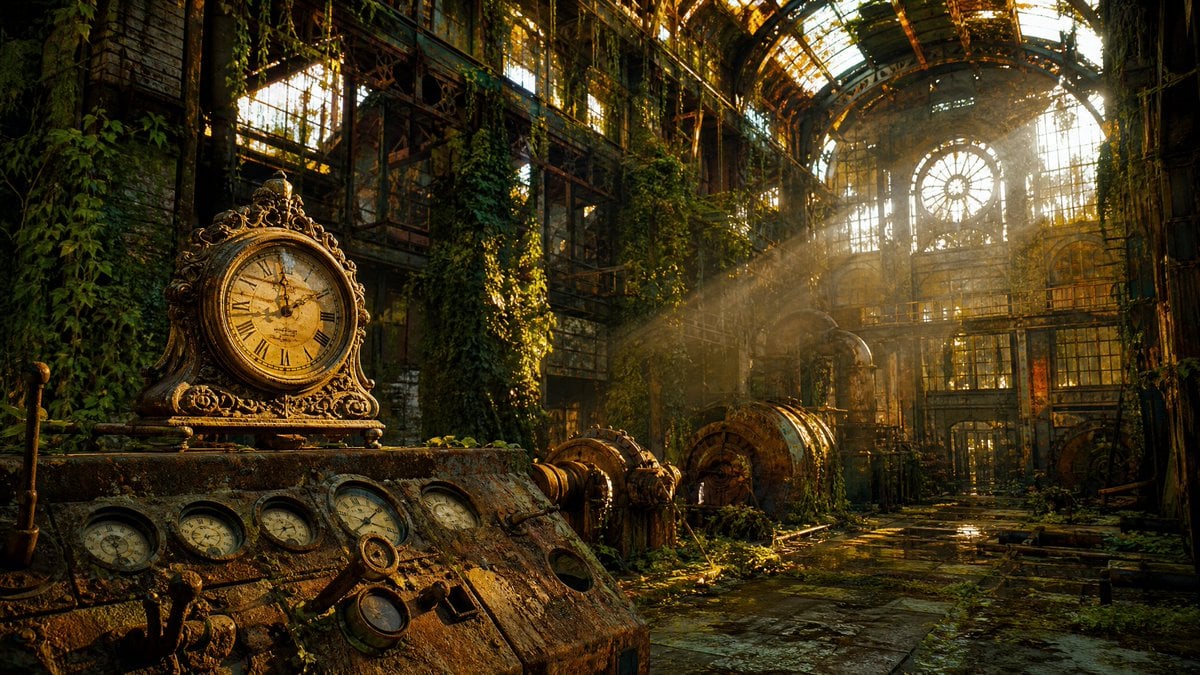
A cinematic prompt for generating an overgrown steampunk industrial greenhouse ruin centered on antique clocks, rusted machinery, and golden light.
- Prompt included
- Model and format preset
- Free template
The prompt behind this image
Copy the exact prompt behind Rusted Decadent Clockwork Ruin, or open it in the studio and make it yours.
Create a cinematic ultra-detailed wide-angle scene of {argument name="setting" default="an abandoned Victorian industrial greenhouse power station"} reclaimed by nature, with rusted iron beams, broken glass walls, a high arched glass-and-steel ceiling, hanging ivy, moss, puddles, corroded pipes, turbine-like machinery, and a long dark stone walkway leading toward a bright circular window at the far end. In the left foreground, place a decaying metal control console covered in rust and moss, topped by one ornate antique mantel clock with a yellowed Roman-numeral face and elaborate gold-brown filigree. Show exactly 7 visible analog time-and-pressure instruments in the foreground: 1 ornate mantel clock on top, 5 small round gauges embedded across the sloped console face, and 1 lower round gauge hanging near the central lever mechanism. Add old brass levers, valves, empty circular ports, cracked glass, verdigris, and heavy patina. The mood is {argument name="mood" default="rusted decadence, melancholy beauty, time reclaiming industry"}. Use warm golden-hour sunlight streaming through the broken roof and tall windows, with dramatic volumetric rays, floating dust, deep green shadows, amber highlights, wet reflective floor stones, and high contrast. Make the composition highly immersive and photorealistic, like a dystopian steampunk ruin after decades of abandonment, with no people, no modern objects, no readable text, no watermark. Use a 16:9 landscape aspect ratio, sharp foreground detail, rich texture, cinematic color grading, and atmospheric depth.
How to use Rusted Decadent Clockwork Ruin in 3 steps
- 1Upload ImagePNG, JPG or paste
Add your photo
Upload the photo the template builds on. The prompt, model and format are already set.
- 2…a portrait of your subject in softgolden-hour light, 85mm…
Personalize
Edit the subject and creative details for your destination.
- 3Generate
Generate
Press Generate — your image is created in PicX Studio, so you can compare it with the original and refine one variable at a time.
More like this
Templates with the same subject, style or setup. Open one to see its prompt.

Steampunk Clockwork Princess

Cyan Clockwork Battle Maid
Rusted Melancholy Editorial Portrait
Surreal Clockwork Gentleman on a Gear
Ivory Automaton in Clockwork Cathedral

Clockwork Titan Baroque Painting

Urban Lifestyle Portrait on Rusted Vintage Car
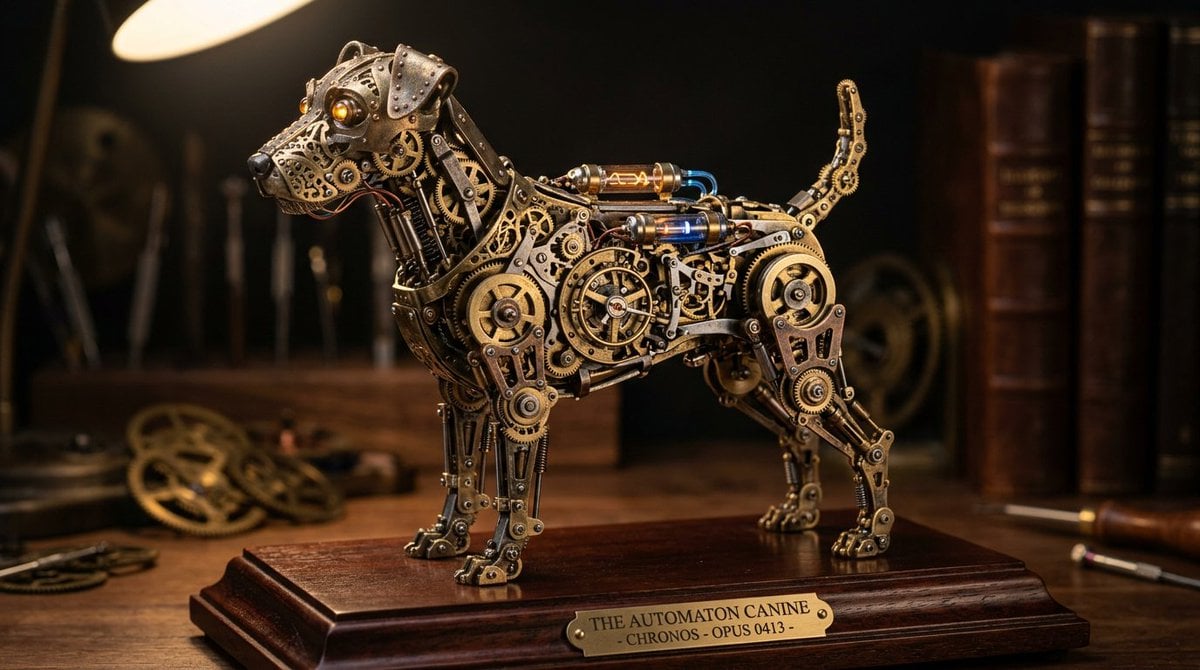
Steampunk Miniature Clockwork Machine

Little Girl in Ruined City
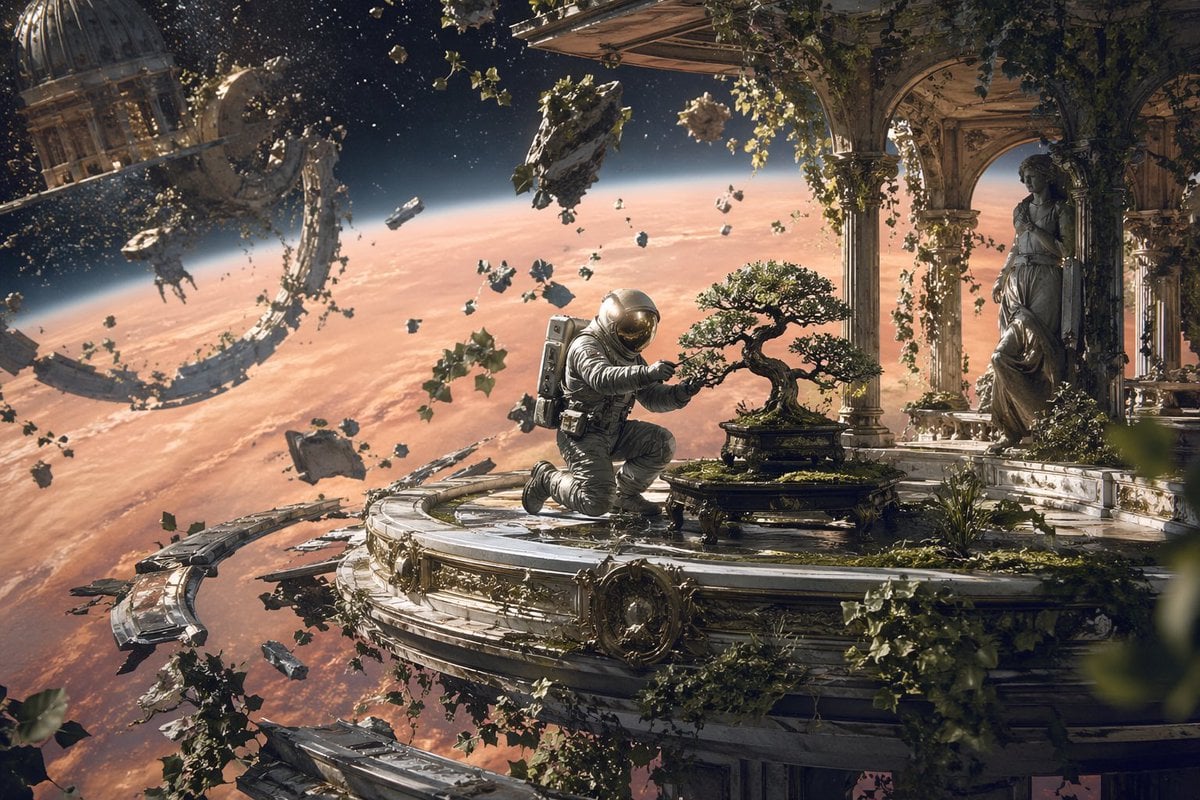
Astronaut Tending Bonsai in Space Ruins

Ethereal Androgynous Musician in Ancient Ruins
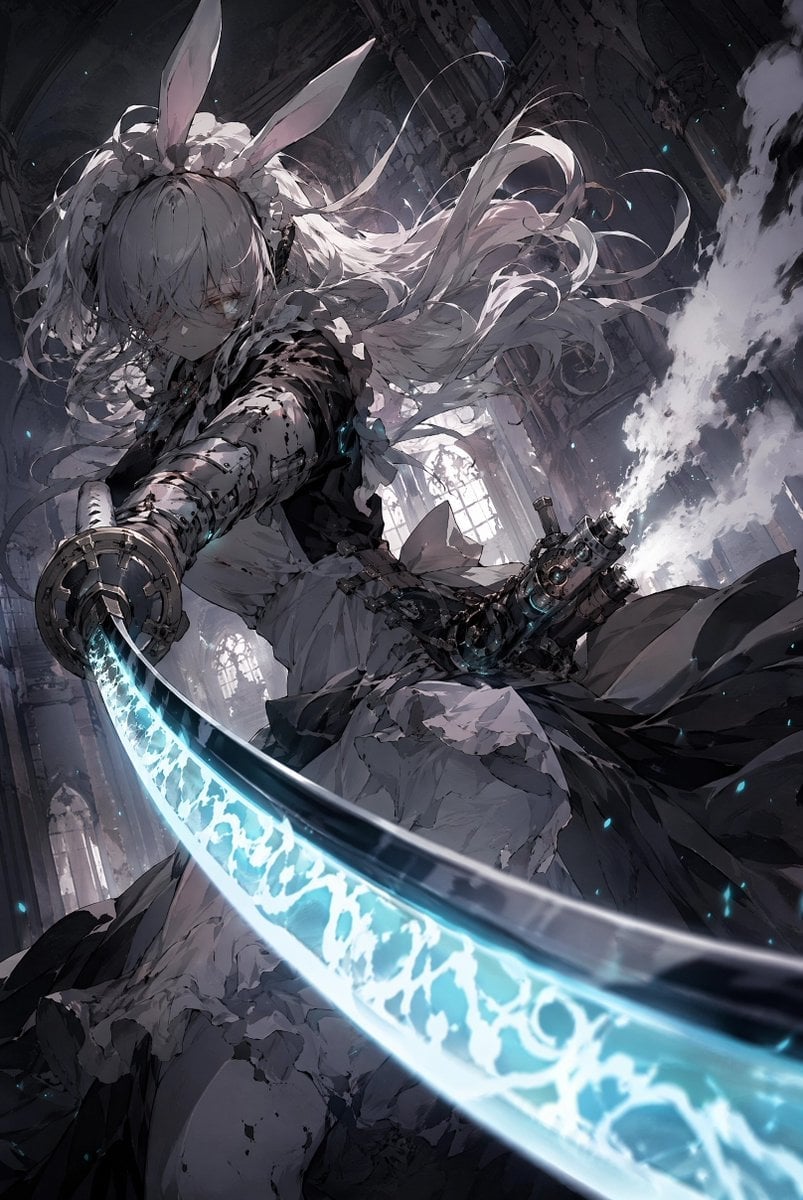
Rabbit-Eared Swordswoman in Ruined Cathedral
Make it yours
Rusted Decadent Clockwork Ruin works as-is. These are the safest ways to change it without losing the look.
Change one field
Copy a single group, rewrite it, and generate again so you can see what that field is doing.
Keep the frame, change the subject
Hold the composition and light of Rusted Decadent Clockwork Ruin, then swap wardrobe, props or the person for a new take.
| If the result… | Why | Fix |
|---|---|---|
| The result drifts from the preview | Too many fields changed at once. | Reuse Rusted Decadent Clockwork Ruin as-is first, then change one group — subject, light, or setting. |
| The model over-stylizes the scene | The prose prompt leaves finish and camera underspecified. | Add one camera or lighting sentence and stay on GPT Image 2. |
More GPT Image 2 templates
Other prompts made for GPT Image 2.

Six VTuber Japanese Logo Sheet

Realistic Portrait of Woman and Deer

The Vista Modular Condo Poster

AI Model Routing Comparison Infographic

2.5D Anime Art Board

Isometric Productivity Desk Scene

New York Double Exposure Poster

Four-Panel AI Landscape Comparison

Japanese Tatami Lifestyle Magazine Cover

NESCAFÉ Coffee Map Poster
More image prompts
Fresh picks from across the catalog.

Y2K Diva Mirror Selfie in Mall-Themed Bedroom
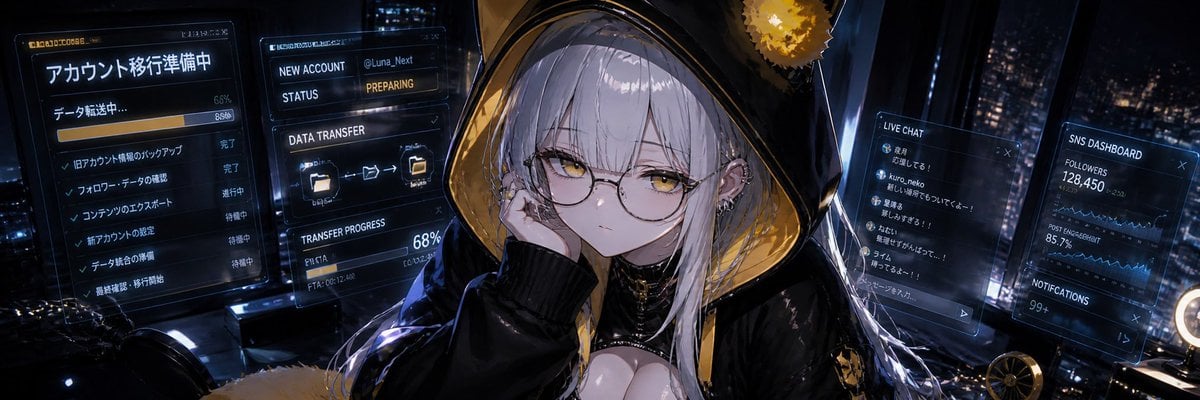
Cyberpunk Account Migration Streamer

Playful Shaving Cream Mirror Selfie Prompt

Awkward Stacked NFT Family Portrait
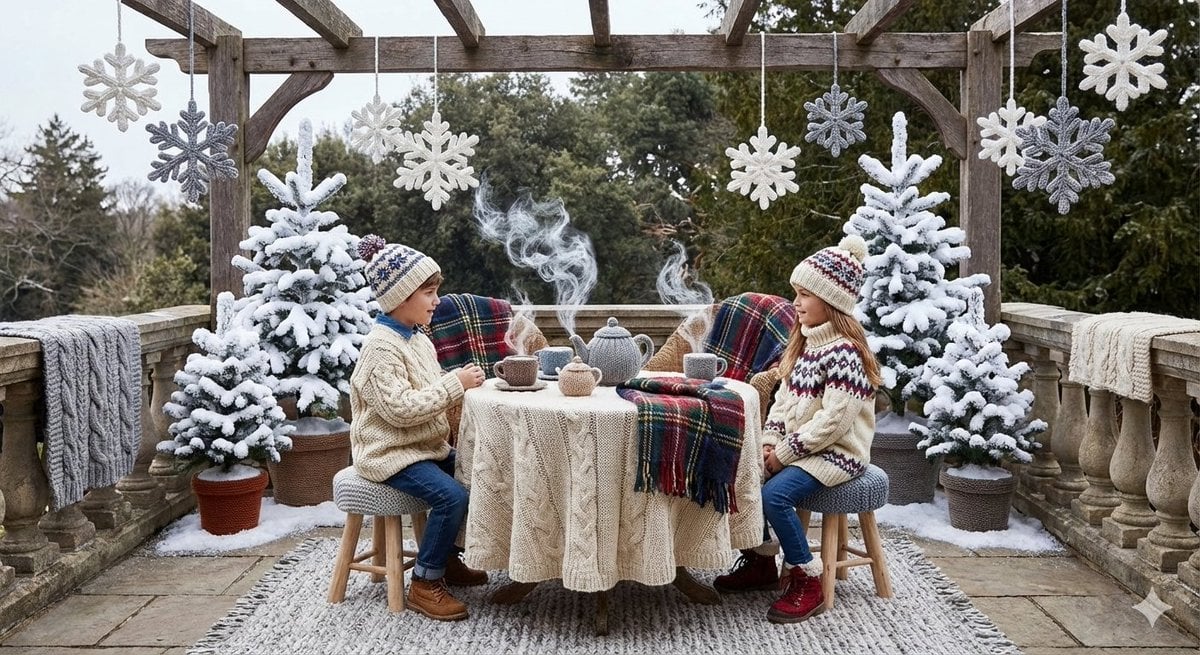
Knitted Terrace Scene with Cable-Knit Textures
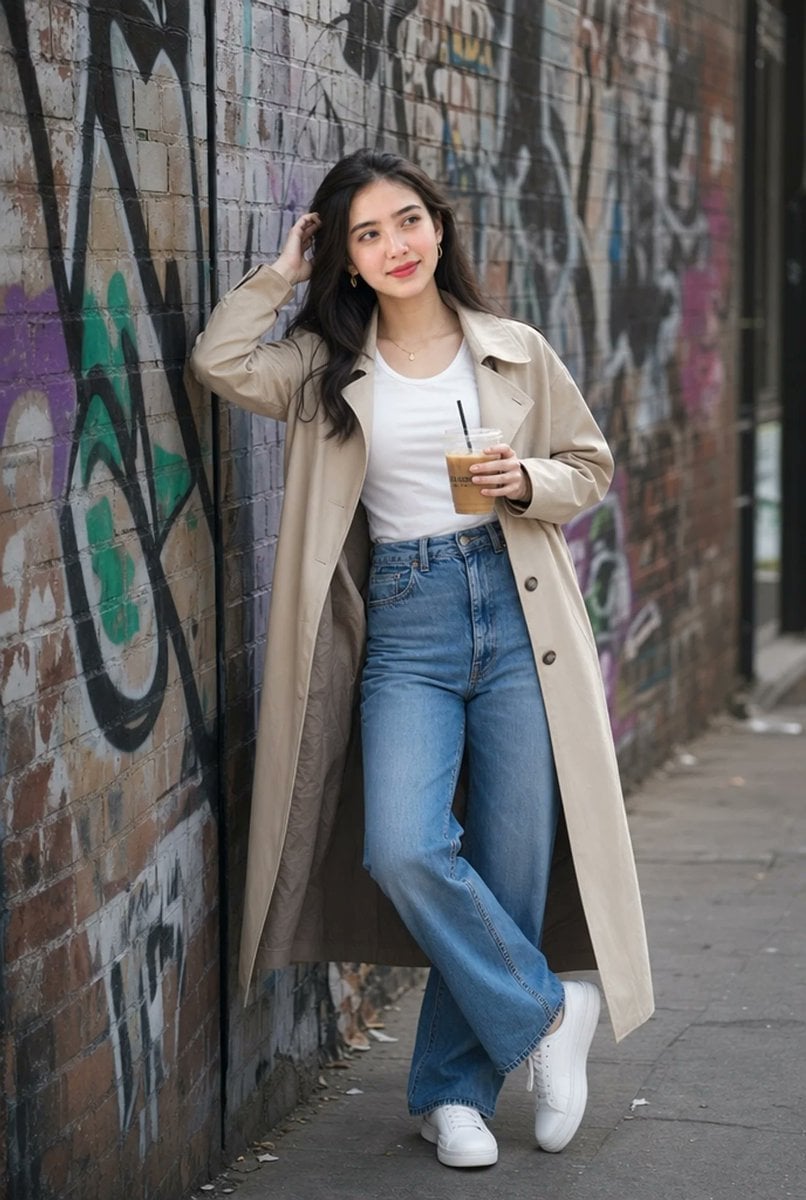
Urban Iced Coffee Portrait

Red-Haired Masked Samurai Portrait

Cozy Kitchen Late Night Baking Portrait
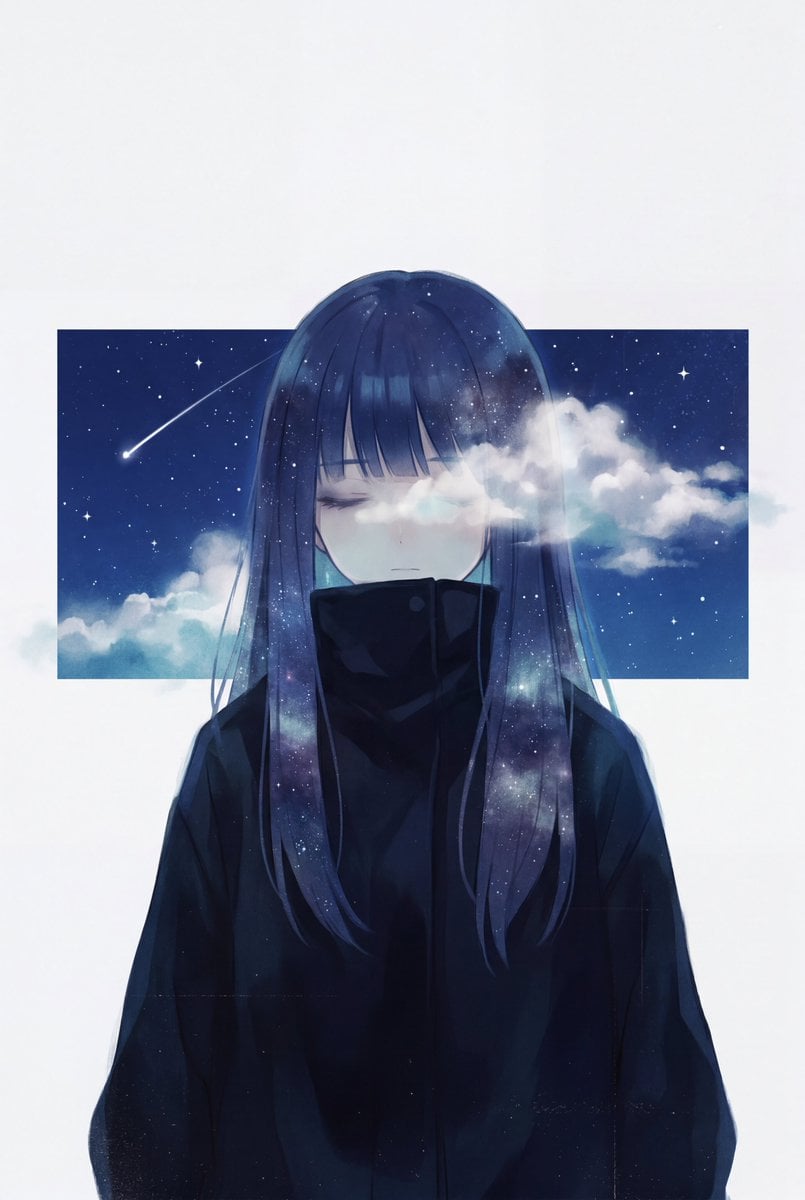
Minimalist Melancholic Cosmic Anime
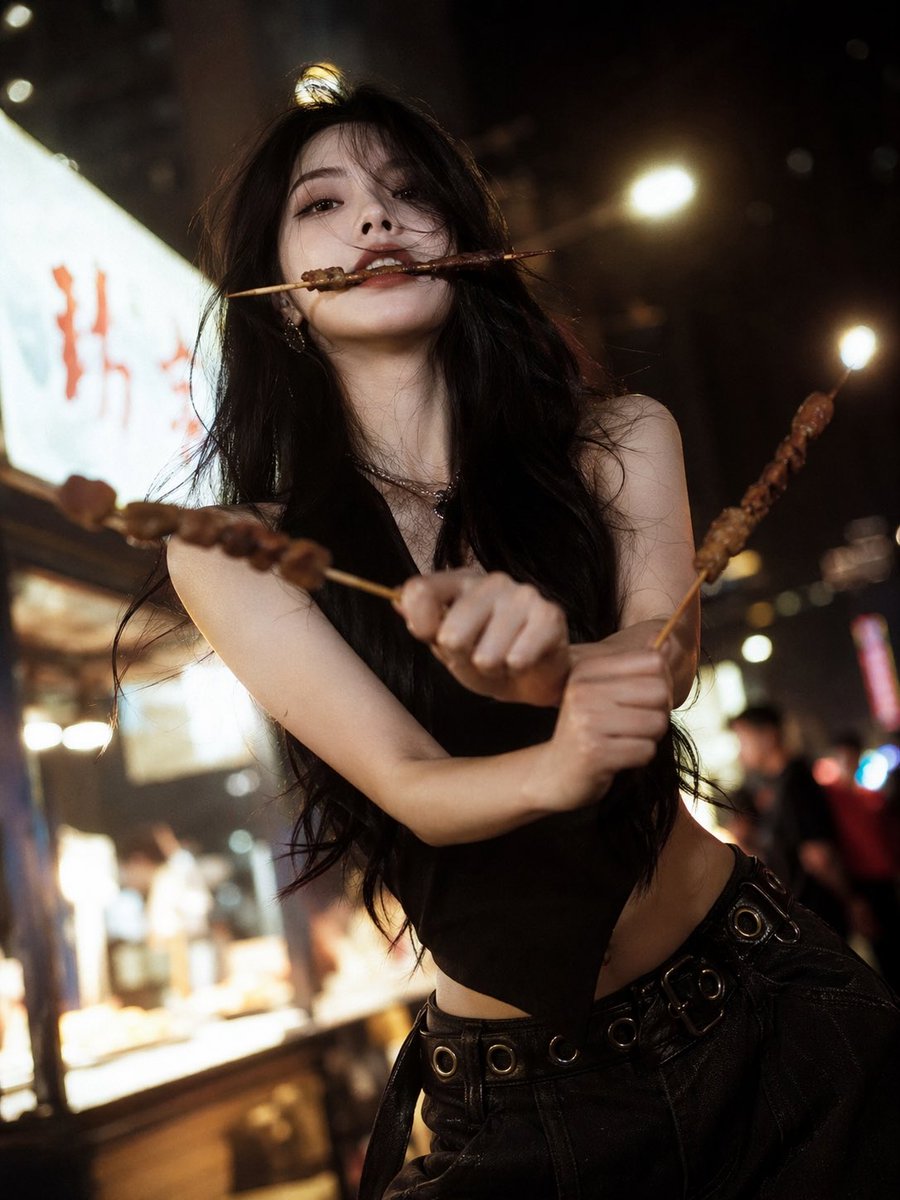
High-Fashion Anime Homage Portrait
Browse template categories
Rusted Decadent Clockwork Ruin questions
How do I use the Rusted Decadent Clockwork Ruin template?
Add your photo if the template asks for one, edit the prompt if you like — the template's model and format are already selected — and press Generate. Your version opens in PicX Studio.
Can I customize the Rusted Decadent Clockwork Ruin template?
Yes. You can change the subject, setting, lighting, mood, format, and available model controls before creating your image.
Is the Rusted Decadent Clockwork Ruin template free?
Opening and editing this template is free. Generating uses credits, shown on the Generate button when you are signed in.
Which AI model should I use?
Start with GPT Image 2, which is the model associated with this template. You can compare another compatible model for a different finish.
Looking for something else? Browse all templates.

Your photo, any look
Thousands of ready templates for every top image and video model, from one credit balance.