
Rusted Melancholy Editorial Portrait
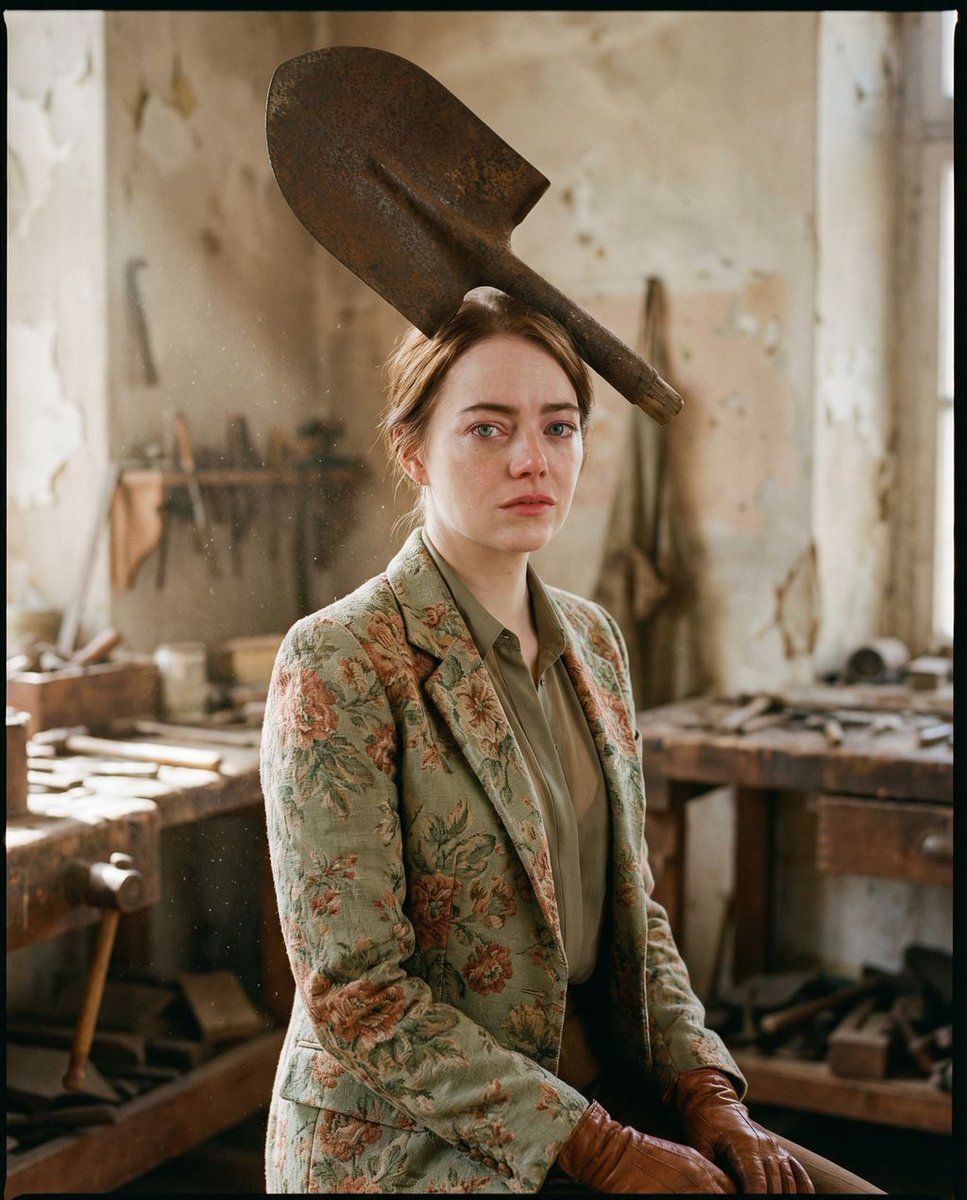
A sophisticated editorial fashion prompt for a hyper-realistic portrait in an antique workshop, blending surreal elements like a rusted metal headpiece with raw, vulnerable emotion.
- Prompt included
- Model and format preset
- Free template
The prompt behind this image
Copy the exact prompt behind Rusted Melancholy Editorial Portrait, or open it in the studio and make it yours.
{ "vibe_title_en": "Rusted Melancholy", "master_prompt": "A hyper-realistic medium-format portrait of {argument name="subject" default="The Protagonist"} in a surreal 'High-Fashion Scavenger' aesthetic. The subject stands in a dusty, sun-bleached antique restoration workshop. They are wearing a {argument name="wardrobe" default="structured blazer made of faded vintage floral tapestry fabric with sage green and burnt orange tones"}, paired with worn cognac leather gloves. The surreal centerpiece is an {argument name="surreal prop" default="oversized, oxidized iron spade balanced artistically on the head like an avant-garde fascinator"}, its rusty texture contrasting sharply with the subject's soft, pore-refined skin. The framing is a classic Three-Quarter Editorial mid-shot (waist-up); the body is angled at 45 degrees, but the head turns to face the lens directly. Despite the direct gaze, the expression is raw, fragile, and vulnerable, capturing a 'human' moment of hesitation. Lighting is cinematic Rembrandt style, with a shaft of natural light illuminating the floating dust motes and the texture of the rust. Shot on a Hasselblad H6D-100c with a 50mm prime lens at f/1.8, utilizing Kodak Portra 400 film stock simulation for creamy skin tones and organic grain. No neon, no digital gloss.", "meta": { "intent": "Editorial Fashion", "priorities": "Texture, Surrealism, Emotion", "device_profile": "Desktop High-Res" }, "frame": { "aspect": "4:5", "composition": "Rule of Thirds", "layout": "Centered Subject", "camera_angle": "Eye Level", "tilt_roll_degrees": "0" }, "subject": { "gender": "Female", "identity": "The Protagonist", "demographics": "Adult, Neutral", "face": "Soft, natural skin texture, visible pores, minimal makeup", "hair": "Tucked away or styled under the headpiece", "body": "Slender, draped in structured vintage fabric", "expression": "Vulnerable, soft, raw, eyes slightly glassy", "pose": "Body angled 45 degrees, head turned directly to camera, hands holding the prop gently" }, "wardrobe_accessories": { "garments": [ { "item": "Vintage Blazer", "material": "Floral Tapestry/Brocade", "color": "Cream with Faded Red and Green florals", "fit": "Tailored, Structured" }, { "item": "Blouse", "material": "Sheer Silk or Lace", "color": "Muted Olive", "fit": "High-collar" } ], "accessories": [ { "item": "Surreal Headpiece", "color": "Oxidized Iron/Rust", "material": "Weathered Metal", "brand_style": "Avant-Garde Sculpture" }, { "item": "Gloves", "color": "Cognac Brown", "material": "Aged Leather", "brand_style": "Vintage" } ] }, "environment": { "setting": "Antique Restoration Workshop", "surfaces": "Peeling plaster walls, wooden workbenches", "depth": "Shallow depth of field blurring the background tools", "atmosphere": "Dusty,
How to use Rusted Melancholy Editorial Portrait in 3 steps
- 1
Open
The prompt is already in the box next to the preview, with the template's model and format selected.
- 2…a portrait of your subject in softgolden-hour light, 85mm…
Personalize
Edit the subject and creative details for your destination.
- 3Generate
Generate
Press Generate — your image is created in PicX Studio, so you can compare it with the original and refine one variable at a time.
More like this
Templates with the same subject, style or setup. Open one to see its prompt.

untitled

Caution Tape Fashion — Industrial Editorial

Couture Fashion Editorial Woman and Drag

Nano Banana 2 Editorial Fashion Portrait
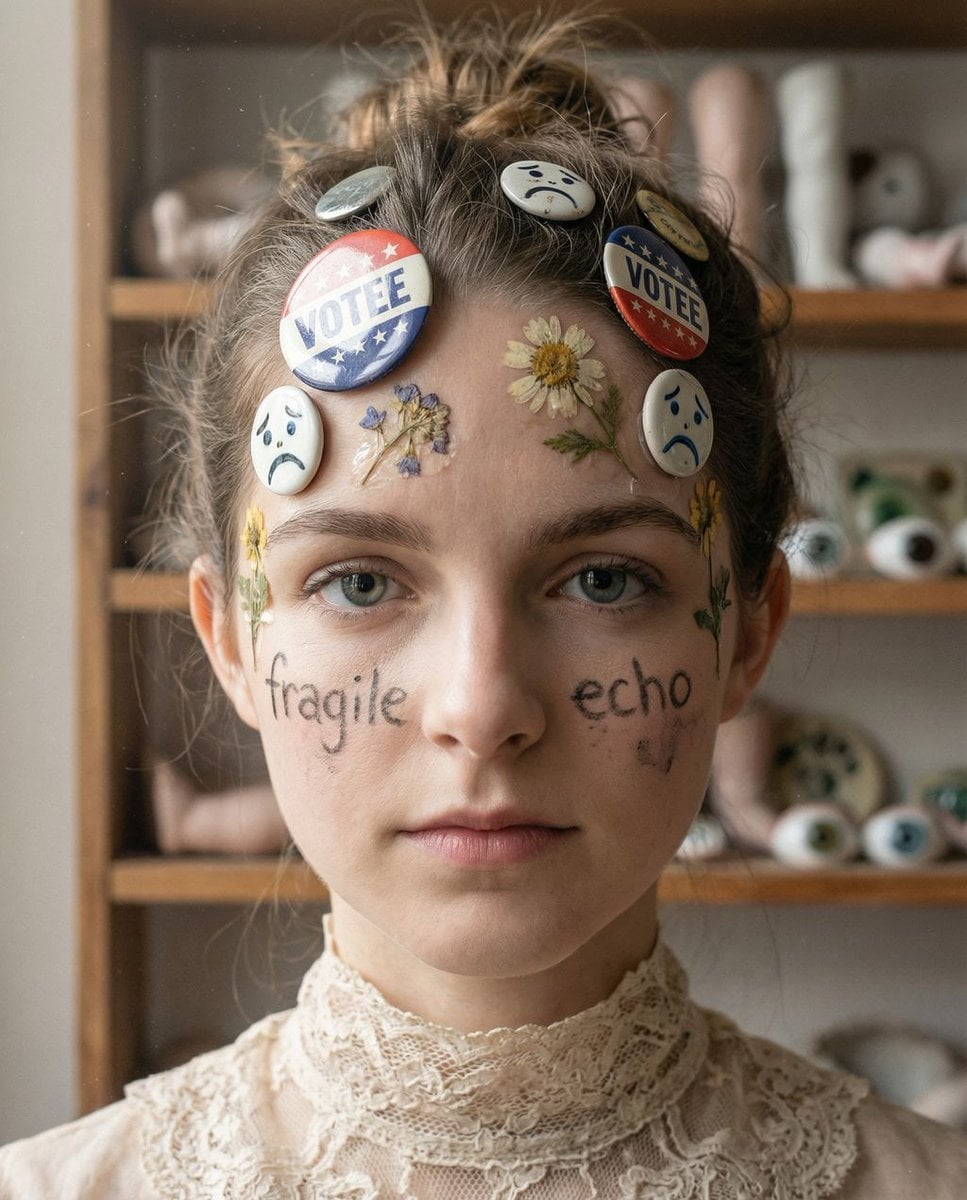
Tangible Melancholy: Surreal Editorial Portrait

Found Photograph: Us, 1970

80s Couple Studio Portrait

80s Bollywood Star

80s Golden Hour Cinema

Me in 1985

1985 Studio Portrait

Hyper-Realistic Minecraft POV Portrait
Make it yours
Rusted Melancholy Editorial Portrait works as-is. These are the safest ways to change it without losing the look.
Change one field
Copy a single group, rewrite it, and generate again so you can see what that field is doing.
Keep the frame, change the subject
Hold the composition and light of Rusted Melancholy Editorial Portrait, then swap wardrobe, props or the person for a new take.
| If the result… | Why | Fix |
|---|---|---|
| The result drifts from the preview | Too many fields changed at once. | Reuse Rusted Melancholy Editorial Portrait as-is first, then change one group — subject, light, or setting. |
| The model over-stylizes the scene | The prose prompt leaves finish and camera underspecified. | Add one camera or lighting sentence and stay on Nano Banana 2. |
More Nano Banana 2 templates
Other prompts made for Nano Banana 2.

Photorealistic Leaf Shaped Like a Dragon

K-Pop Idol Portrait Grid for Rapid Selection

Poetic Rain Forest Portrait During Golden Hour

Urban Street Portrait with Cartoon Inner Self Duo

Candid Nighttime Photo with Cat Prompt

High-Concept 3D Diorama Generation Prompt

Cinematic Futuristic Studio Portrait Template

Skincare Editorial Photography Collage Prompt

Hyper-Realistic Commercial Product Photography (Splash Effect)

Hyper-Realistic Nightclub Portrait Prompt
More image prompts
Fresh picks from across the catalog.
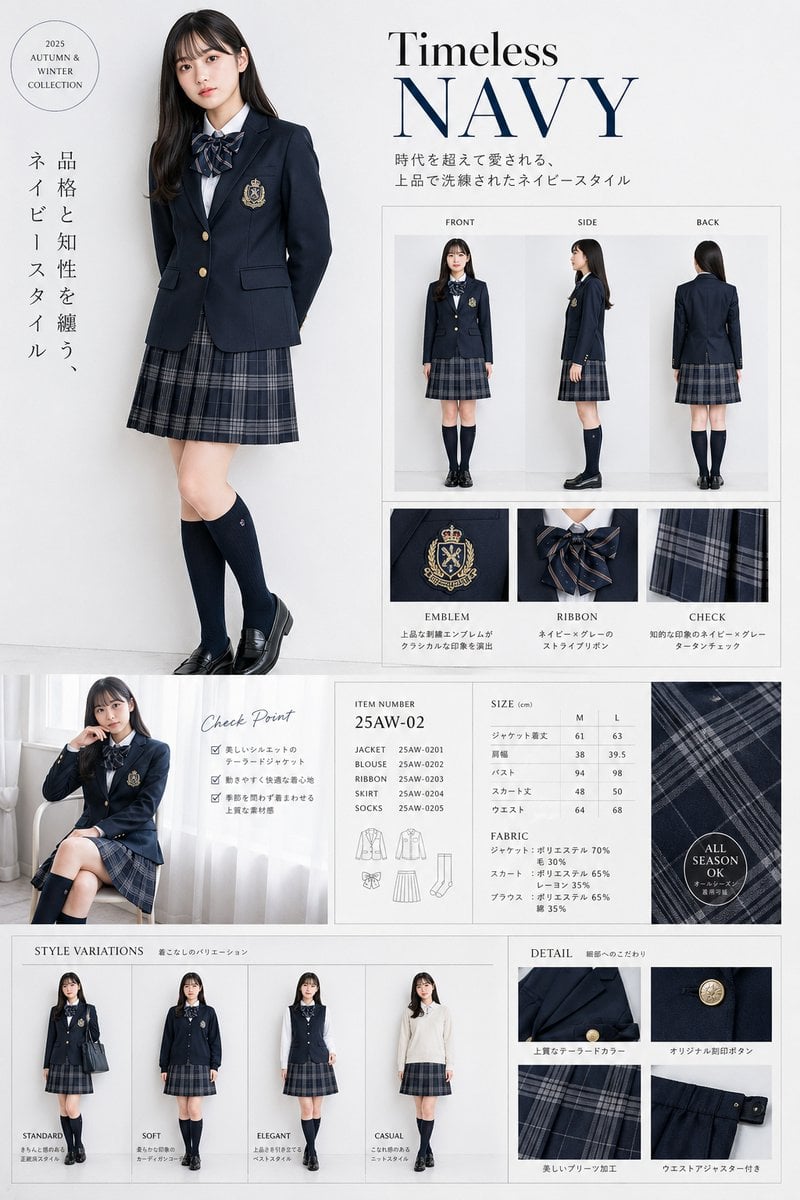
Luxury Navy School Uniform Catalog
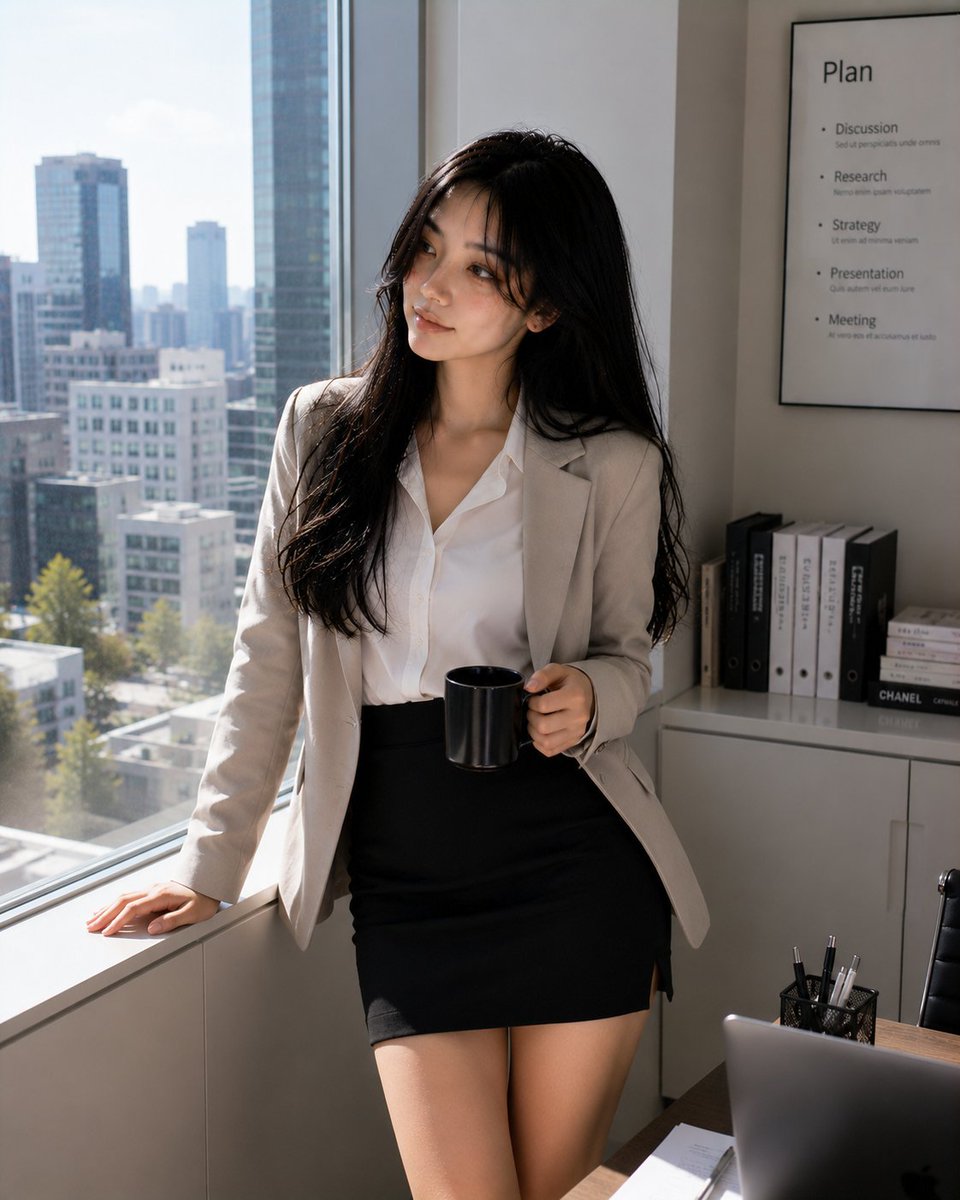
Professional Korean Office Portrait
Surreal Absurdist Digital Painting
Ultra Realistic Couple Mirror Selfie
Candid iPhone Night Portrait

School Commercial Kids Advertisement Poster
Rainy Train Schoolgirl Portrait
E-commerce product listing photo prompt for lifestyle setting

Luxury Chronograph Macro Design
Cinematic Garden Fountain Motion Sequence Prompt
Browse template categories
Rusted Melancholy Editorial Portrait questions
How do I use the Rusted Melancholy Editorial Portrait template?
Add your photo if the template asks for one, edit the prompt if you like — the template's model and format are already selected — and press Generate. Your version opens in PicX Studio.
Can I customize the Rusted Melancholy Editorial Portrait template?
Yes. You can change the subject, setting, lighting, mood, format, and available model controls before creating your image.
Is the Rusted Melancholy Editorial Portrait template free?
Opening and editing this template is free. Generating uses credits, shown on the Generate button when you are signed in.
Which AI model should I use?
Start with Nano Banana 2, which is the model associated with this template. You can compare another compatible model for a different finish.
Looking for something else? Browse all templates.

Your photo, any look
Thousands of ready templates for every top image and video model, from one credit balance.