
Cyberpunk Account Migration Streamer
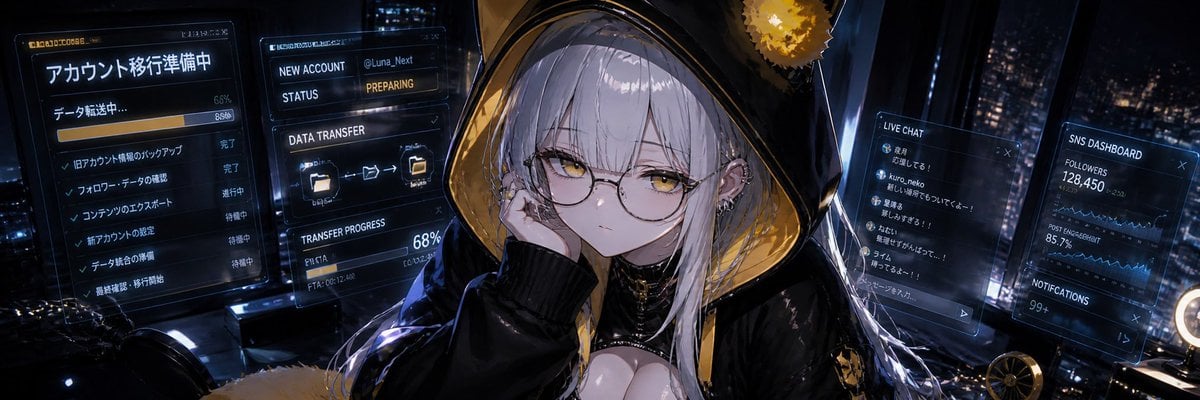
Generates an ultra-wide anime banner of a silver-haired cyber streamer surrounded by four holographic account migration and social dashboard panels.
- Prompt included
- Model and format preset
- Free template
The prompt behind this image
Copy the exact prompt behind Cyberpunk Account Migration Streamer, or open it in the studio and make it yours.
- Type
- wide cinematic cyberpunk anime illustration
- Aspect Ratio
- ultra-wide banner, about 3:1
- Scene
- A moody nighttime streaming desk overlooking a futuristic city skyline through dark glass, filled with holographic monitor panels and blue-gold rim lighting. The composition centers on a pale, cool-toned anime girl sitting at her computer, framed by floating transparent UI screens.
- Character › Name
- {argument name="character name" default="Luna Next"}
- Character › Position
- center foreground
- Character › Appearance
- young adult anime woman with very pale skin, long straight silver-white hair with bangs, golden-yellow eyes, calm slightly tired expression, thin round glasses, small earrings and cyber accessories
- Character › Outfit
- oversized glossy black hooded jacket with metallic gold inner lining, large cat-ear-like hood silhouette, black ribbed cuffs, black choker and dark layered collar details, subtle exposed neckline, sleek streamer-goth styling
- Character › Pose
- resting her cheek on one hand, looking directly at the viewer with a quiet serious gaze
- Palette › Primary
- deep navy black, electric blue holograms, warm amber gold highlights
- Palette › Lighting
- low-key cinematic lighting, strong monitor glow on face and hair, glossy reflections, bokeh city lights
- Layout › Discrete Ui Panels Count
- 4
- Layout › Ui Panels › 0 › Title
- アカウント移行準備中
- Layout › Ui Panels › 0 › Position
- far left
- Layout › Ui Panels › 0 › Description
- large Japanese account migration preparation panel with data transfer status, horizontal progress bars, checkmark task list, and completion/pending labels
- Layout › Ui Panels › 0 › Visible Values
- データ転送中..., 66%, 85%, 完了, 進行中, 待機中
- Layout › Ui Panels › 1 › Title
- NEW ACCOUNT
- Layout › Ui Panels › 1 › Position
- left-center beside character
- Layout › Ui Panels › 1 › Description
- English new account setup card with account handle, status field, folder transfer icons, and transfer progress
- Layout › Ui Panels › 1 › Visible Values
- @Luna_Next, STATUS PREPARING, DATA TRANSFER, TRANSFER PROGRESS, 68%
- Layout › Ui Panels › 2 › Title
- LIVE CHAT
- Layout › Ui Panels › 2 › Position
- right-center
- Layout › Ui Panels › 2 › Description
- transparent vertical chat window with small icons and Japanese viewer comments, like a livestream chat overlay
- Layout › Ui Panels › 2 › Visible Values
- LINE CHAT, kuro_neko, ルミナさん..., 待ってるよ〜
- Layout › Ui Panels › 3 › Title
- SNS DASHBOARD
Raw JSON
{"type":"wide cinematic cyberpunk anime illustration","aspect_ratio":"ultra-wide banner, about 3:1","scene":"A moody nighttime streaming desk overlooking a futuristic city skyline through dark glass, filled with holographic monitor panels and blue-gold rim lighting. The composition centers on a pale, cool-toned anime girl sitting at her computer, framed by floating transparent UI screens.","character":{"name":"{argument name=\"character name\" default=\"Luna Next\"}","position":"center foreground","appearance":"young adult anime woman with very pale skin, long straight silver-white hair with bangs, golden-yellow eyes, calm slightly tired expression, thin round glasses, small earrings and cyber accessories","outfit":"oversized glossy black hooded jacket with metallic gold inner lining, large cat-ear-like hood silhouette, black ribbed cuffs, black choker and dark layered collar details, subtle exposed neckline, sleek streamer-goth styling","pose":"resting her cheek on one hand, looking directly at the viewer with a quiet serious gaze"},"palette":{"primary":"deep navy black, electric blue holograms, warm amber gold highlights","lighting":"low-key cinematic lighting, strong monitor glow on face and hair, glossy reflections, bokeh city lights"},"layout":{"discrete_ui_panels_count":4,"ui_panels":[{"title":"アカウント移行準備中","position":"far left","description":"large Japanese account migration preparation panel with data transfer status, horizontal progress bars, checkmark task list, and completion/pending labels","visible_values":["データ転送中...","66%","85%","完了","進行中","待機中"]},{"title":"NEW ACCOUNT","position":"left-center beside character","description":"English new account setup card with account handle, status field, folder transfer icons, and transfer progress","visible_values":["@Luna_Next","STATUS PREPARING","DATA TRANSFER","TRANSFER PROGRESS","68%"]},{"title":"LIVE CHAT","position":"right-center","description":"transparent vertical chat window with small icons and Japanese viewer comments, like a livestream chat overlay","visible_values":["LINE CHAT","kuro_neko","ルミナさん...","待ってるよ〜"]},{"title":"SNS DASHBOARD","position":"far right","description":"social media analytics dashboard with follower count, engagement graph, notifications, and blue line charts","visible_values":["SNS DASHBOARD","FOLLOWERS 128,450","POST ENGAGEMENT 85.7%","NOTIFICATIONS 99+"]}]},"environment":{"desk_elements":"dark computer desk with cables, glowing device edges, reflective black surfaces, small golden mechanical fan or ornament on the lower right, circular ring light edge at the extreme right","background":"rainy or glossy high-rise city at night with many blurred windows and skyscraper lights"},"style":"high-detail anime key visual, polished digital painting, sharp character rendering, translucent futuristic HUD interfaces, cinematic depth of field, dramatic cyber streamer atmosphere, crisp line art, luminous reflections","text_customization":{"left main title":"{argument name=\"left panel title\" default=\"アカウント移行準備中\"}","new account handle":"{argument name=\"new account handle\" default=\"@Luna_Next\"}","follower count":"{argument name=\"follower count\" default=\"128,450\"}","transfer progress":"{argument name=\"transfer progress\" default=\"68%\"}"},"generation_notes":"Create a single unified illustration, not a UI mockup. Keep the girl as the emotional focal point while the four counted holographic panels remain readable and integrated into the scene. Use Japanese text on the left and chat panels and English labels on the account and SNS panels."}How to use Cyberpunk Account Migration Streamer in 3 steps
- 1Upload ImagePNG, JPG or paste
Add your photo
Upload the photo the template builds on. The prompt, model and format are already set.
- 2…a portrait of your subject in softgolden-hour light, 85mm…
Personalize
Edit the subject and creative details for your destination.
- 3Generate
Generate
Press Generate — your image is created in PicX Studio, so you can compare it with the original and refine one variable at a time.
More like this
Templates with the same subject, style or setup. Open one to see its prompt.

Rainy Night Android Cyberpunk Portrait

Korean Idol Partial Shadow Editorial Portrait

Cinematic Sci-Fi Interface Side Profile

Cyberpunk Neon Profile Fashion Portrait

Cinematic Neon Light Strip Studio Portrait

Futuristic Studio Neon Ring Minimalist Portrait

Neon Violet Streetwear Fashion Portrait

Neon Night Crosswalk Candid Portrait

Red Futuristic Sport Motorcycle POV
Rainy Night Android Cyberpunk Portrait
Cinematic Sci-Fi Commander Side Profile Portrait
Low-Angle Cyberpunk Neon Profile Portrait
Make it yours
Cyberpunk Account Migration Streamer works as-is. These are the safest ways to change it without losing the look.
Swap the setting
Keep the rest of the prompt and replace the location block. The current setting is “dark computer desk with cables, glowing device edges, reflective black surfaces,”.
Swap the light
One lighting change is enough to compare takes. Current light: “low-key cinematic lighting, strong monitor glow on face and hair, glossy reflect”.
Change one field
Copy a single group, rewrite it, and generate again so you can see what that field is doing.
| If the result… | Why | Fix |
|---|---|---|
| The result drifts from the preview | Too many fields changed at once. | Reuse Cyberpunk Account Migration Streamer as-is first, then change one group — subject, light, or setting. |
| GPT Image 2 ignores part of the JSON | Some models flatten or skip nested keys. | Keep the same values and paste them as a short paragraph instead. |
More GPT Image 2 templates
Other prompts made for GPT Image 2.

Six VTuber Japanese Logo Sheet

Realistic Portrait of Woman and Deer

The Vista Modular Condo Poster

AI Model Routing Comparison Infographic

2.5D Anime Art Board

Isometric Productivity Desk Scene

New York Double Exposure Poster

Four-Panel AI Landscape Comparison

Japanese Tatami Lifestyle Magazine Cover

NESCAFÉ Coffee Map Poster
More image prompts
Fresh picks from across the catalog.
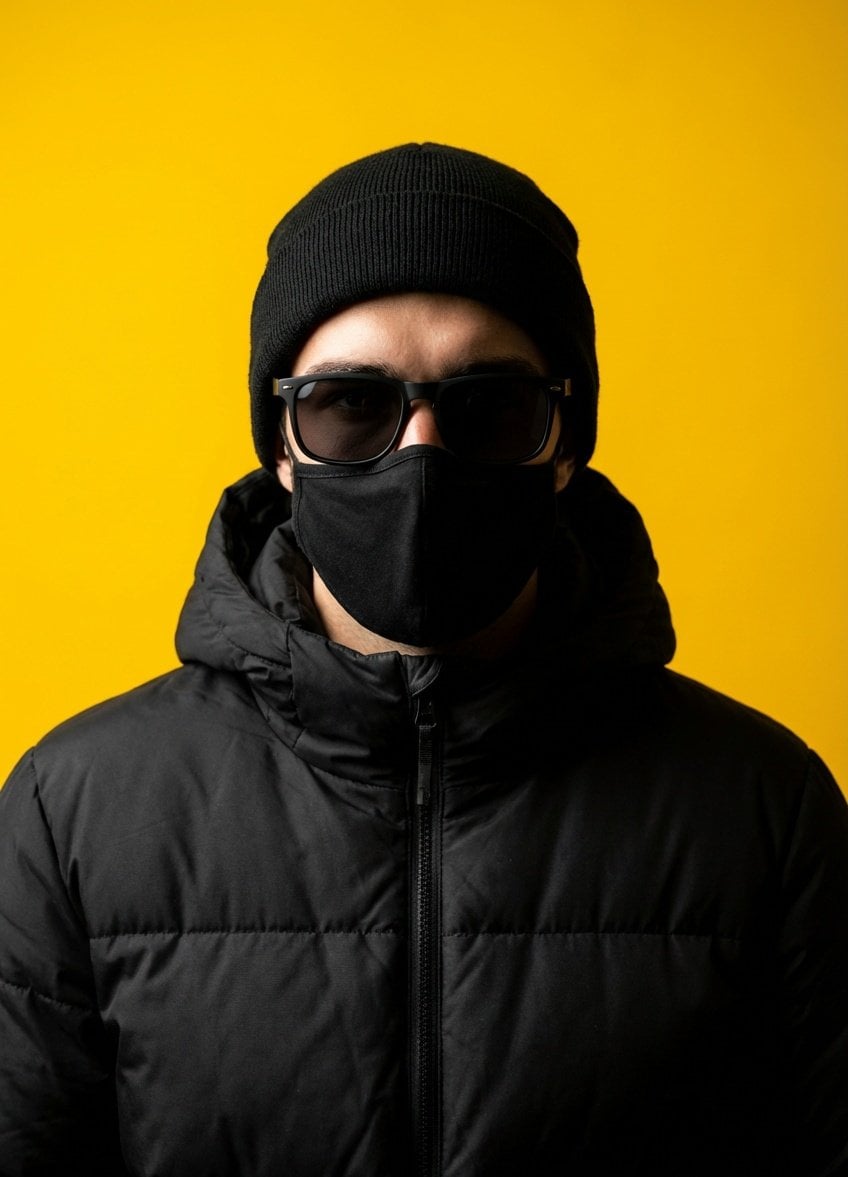
Minimalist Studio Portrait with High Contrast
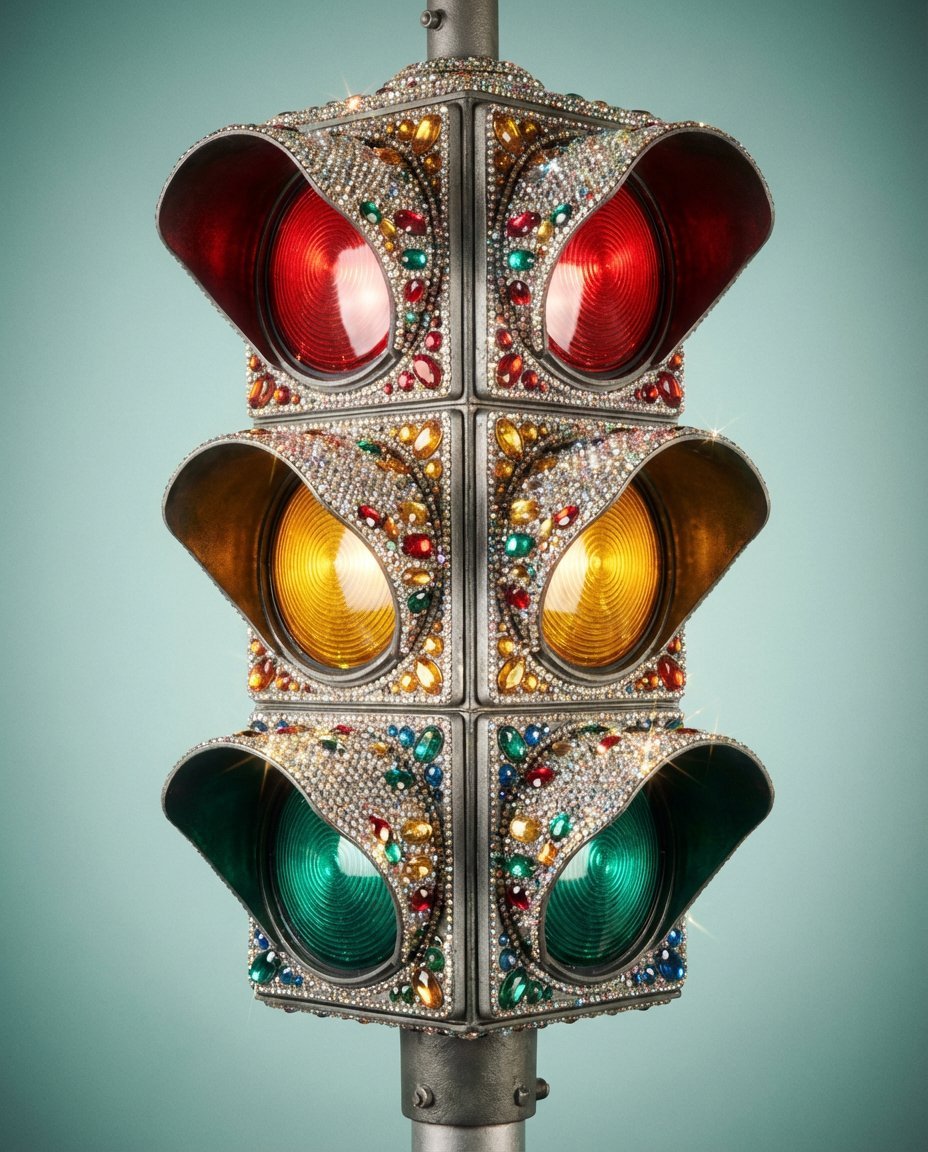
Rhinestone Encrusted Vintage Traffic Light Close-Up
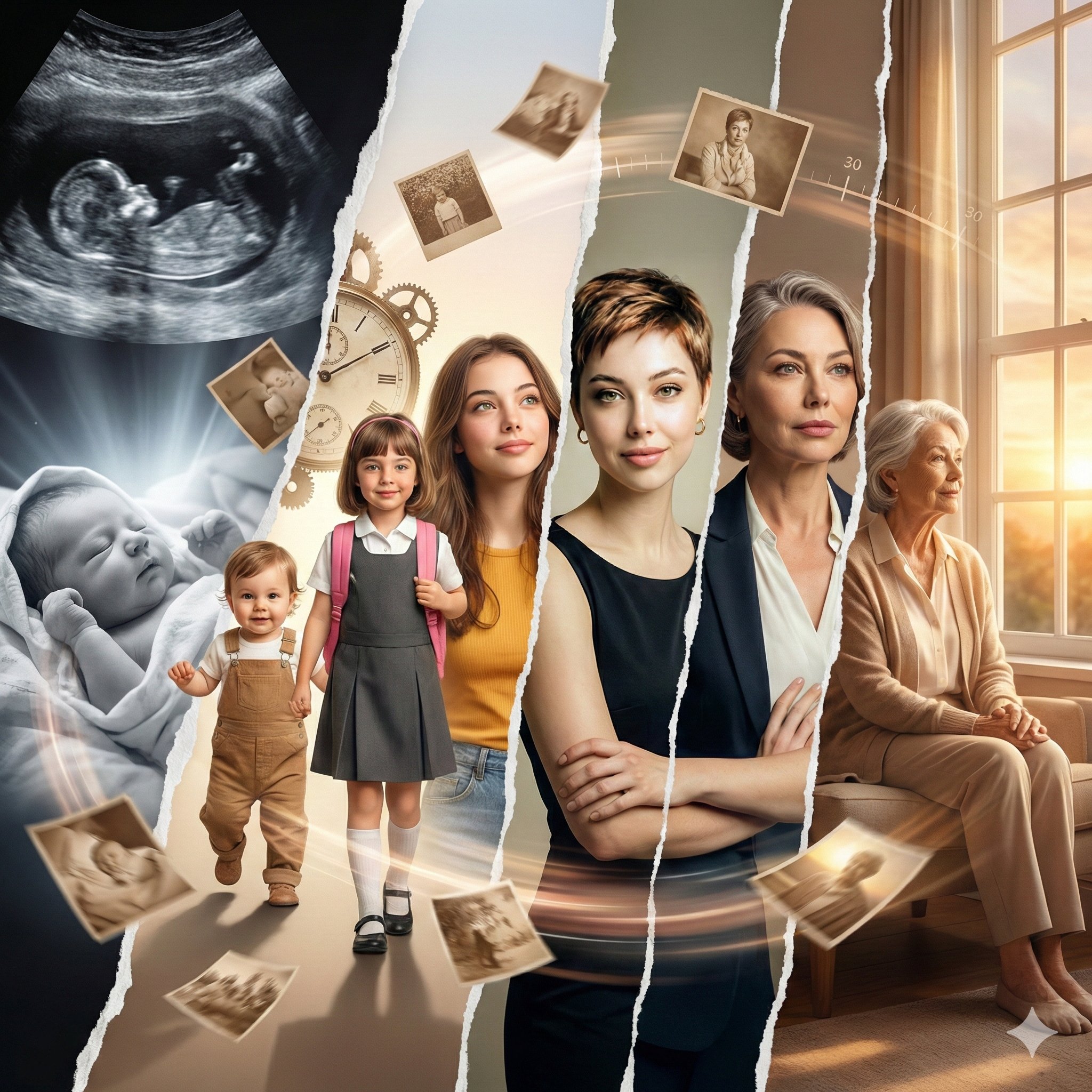
Photorealistic Cinematic Portrait with M

Translucent seawater whale in the clouds
HD Cinematic Bollywood Poster with Dual Image Composition
Athletic female portrait in studio
Casual Street Style Portrait Prompt for Nano Banana Pro
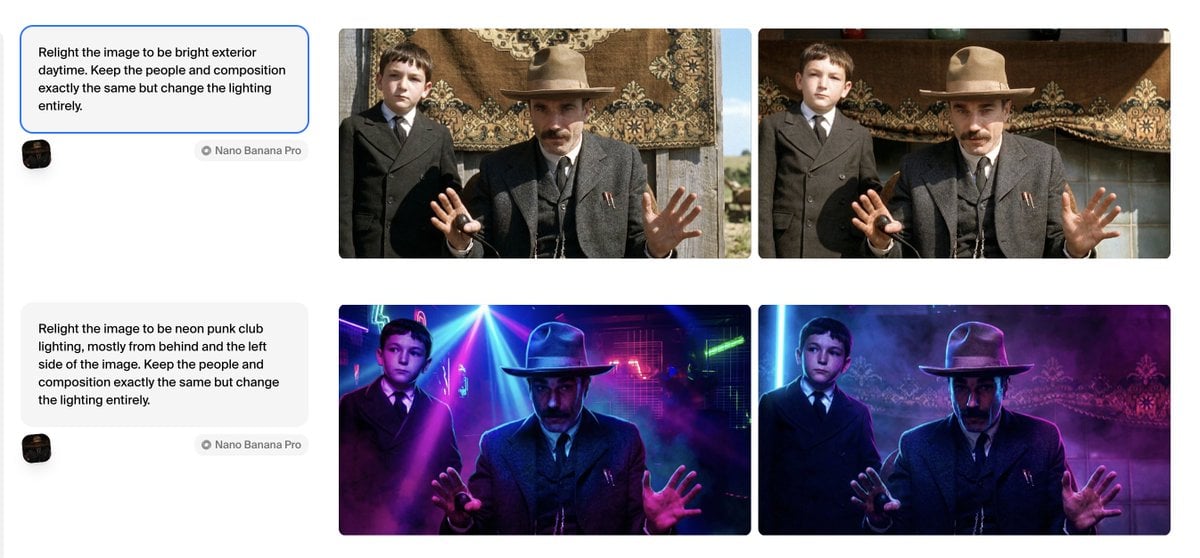
Relight Image to Daytime Prompt
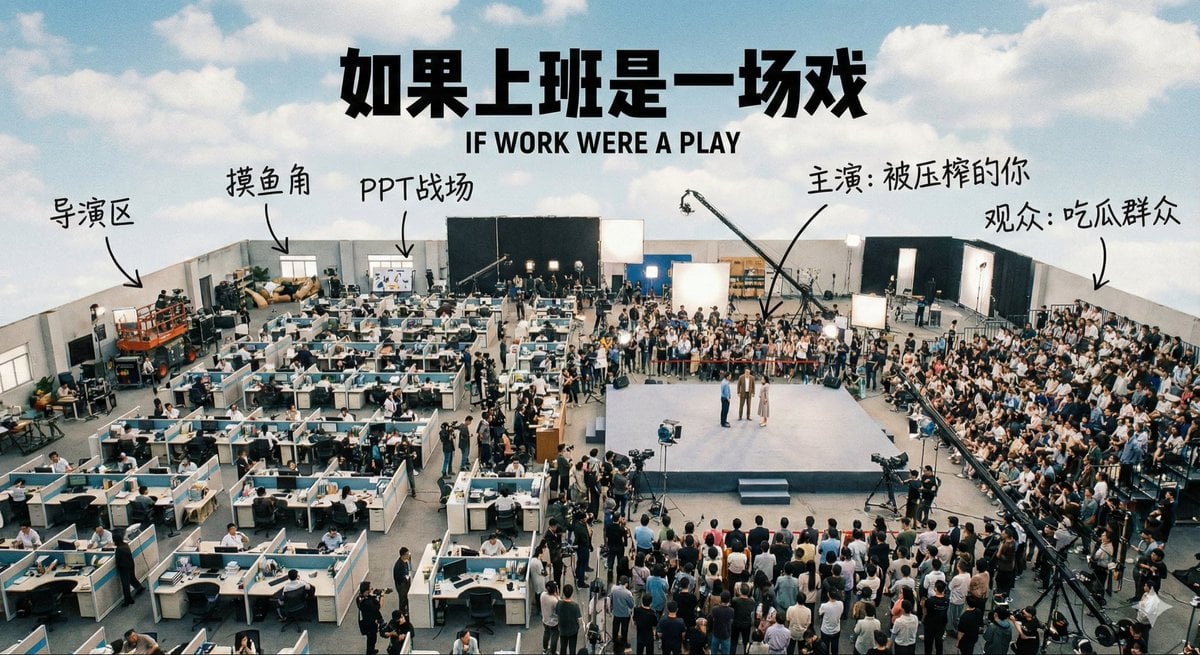
Aerial View of a Film Set
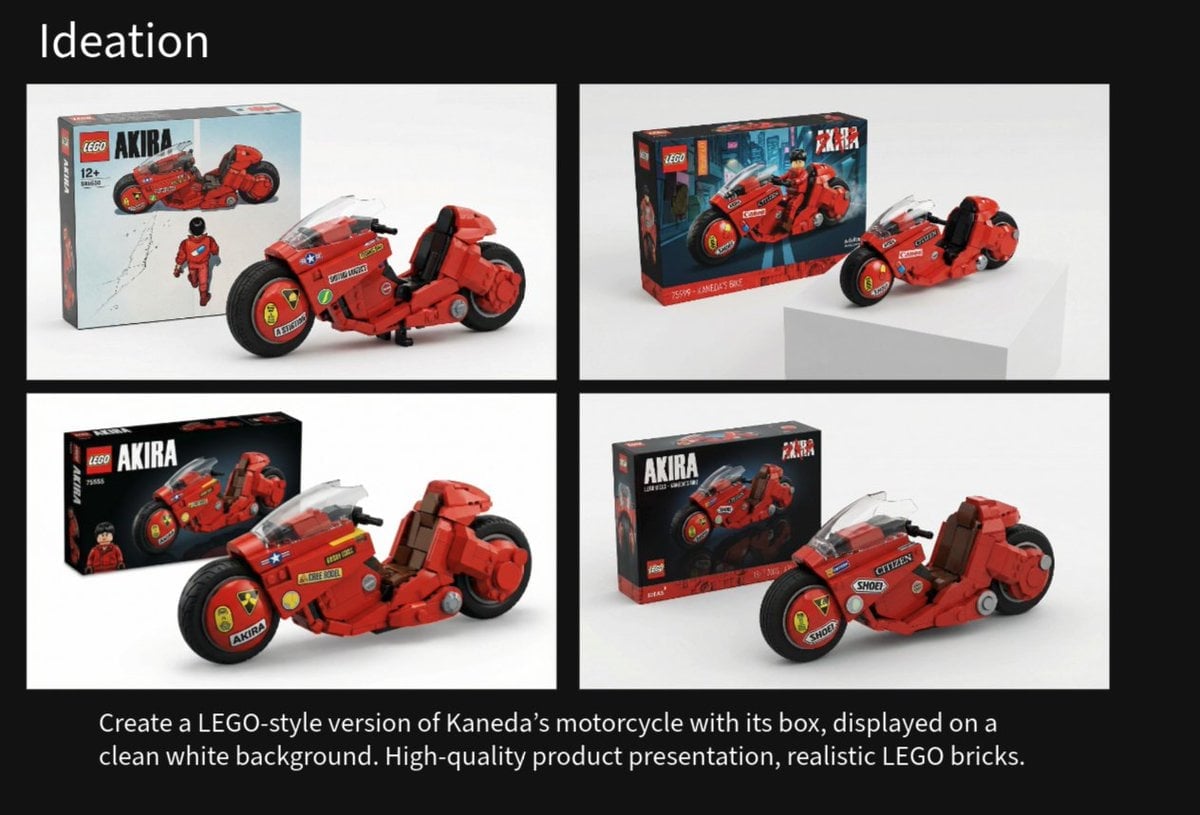
LEGO Kaneda's Motorcycle Product Shot Prompt
Browse template categories
Cyberpunk Account Migration Streamer questions
How do I use the Cyberpunk Account Migration Streamer template?
Add your photo if the template asks for one, edit the prompt if you like — the template's model and format are already selected — and press Generate. Your version opens in PicX Studio.
Can I customize the Cyberpunk Account Migration Streamer template?
Yes. You can change the subject, setting, lighting, mood, format, and available model controls before creating your image.
Is the Cyberpunk Account Migration Streamer template free?
Opening and editing this template is free. Generating uses credits, shown on the Generate button when you are signed in.
Which AI model should I use?
Start with GPT Image 2, which is the model associated with this template. You can compare another compatible model for a different finish.
Looking for something else? Browse all templates.

Your photo, any look
Thousands of ready templates for every top image and video model, from one credit balance.