
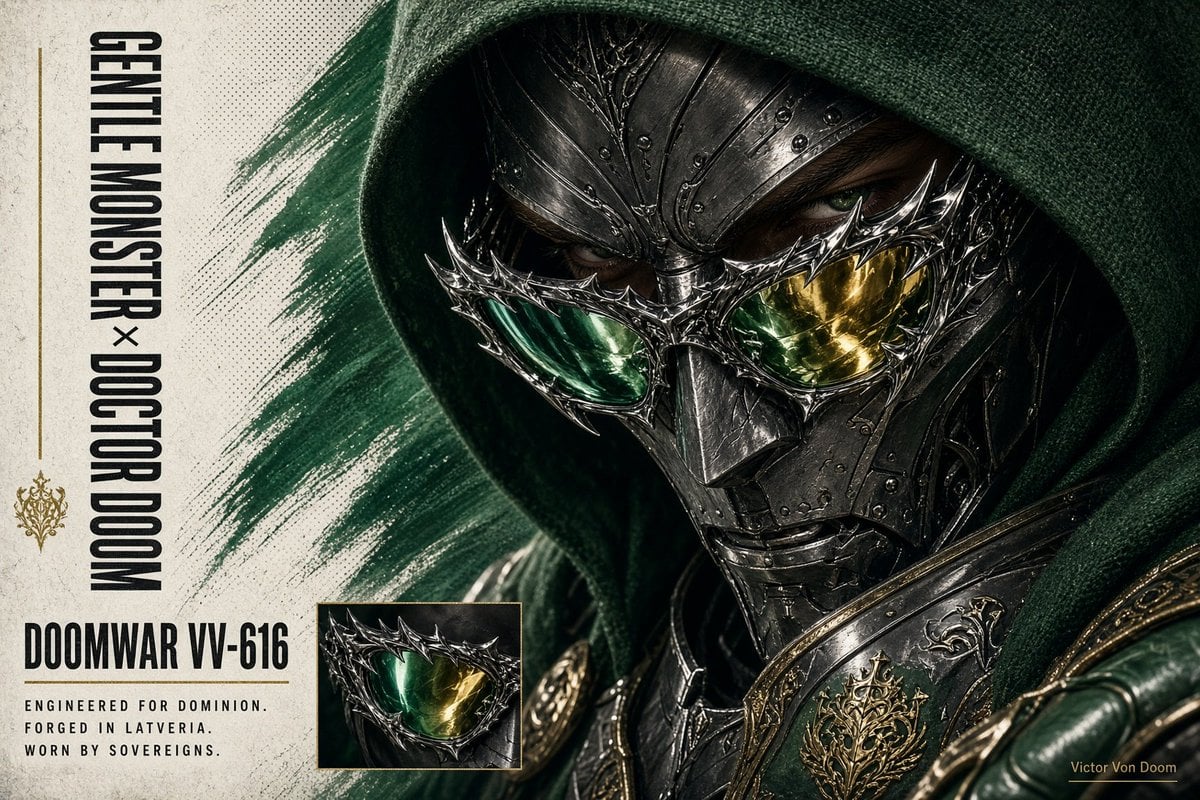
Doctor Doom Luxury Armor Poster
Creates a dark fantasy luxury eyewear-style poster featuring a hooded armored Doctor Doom-inspired villain with bold editorial typography.

- Prompt included
- Model and format preset
- Premium template
The prompt behind this image
Copy the exact prompt behind Doctor Doom Luxury Armor Poster, or open it in the studio and make it yours.
Goal: Create a cinematic dark-fantasy character poster for {argument name="character name" default="Victor Von Doom"}, styled like a premium comic-book armor reveal and collectible cover. Canvas: Horizontal 16:9 composition, gritty off-white paper background on the left and a large close-up armored portrait dominating the right two-thirds. Use high contrast, realistic rendering, dramatic shadows, halftone print grain, subtle scratches, and distressed poster texture. Main subject: A hooded sovereign villain in ornate black forged-latverian armor, shown from the shoulders up in an intense three-quarter close-up. He wears a deep {argument name="hood color" default="emerald green"} woven fabric hood that casts heavy shadow over his face. His metal mask is dark gunmetal with engraved filigree, rivets, sharp angular plates, and a heavy central nose bridge. Add an elaborate spiked spectacle-like eye frame across the mask, with two reflective lenses: the left lens glowing green and the right lens glowing gold. One human eye is barely visible through shadow above the lenses, sharp and intimidating. Shoulder armor is glossy black with gold ornamental trim and a crest-like filigree emblem. Include a dark green leather-gloved hand or armored forearm partially visible in the lower right foreground. Layout: The left third is a graphic poster margin with vertically oriented typography. Place one broad diagonal paint stroke in dark green behind the portrait, sweeping from upper center-left toward lower right. Include exactly 1 small rectangular inset image near the lower center-left showing a cropped close-up of the spiked green-and-gold lenses, framed by a thin gold border. Text content: Include exactly 5 visible text elements: 1) vertical tall condensed black title reading "{argument name="vertical title text" default="GENTLE MONSTER × DOCTOR DOOM"}" along the far left; 2) large bold model label reading "{argument name="model label" default="DOOMWAR VV-616"}" below it; 3) three-line small spaced uppercase tagline reading "ENGINEERED FOR DOMINION. / FORGED IN LATVERIA. / WORN BY SOVEREIGNS."; 4) tiny gold signature in the lower right reading "{argument name="signature text" default="Victor Von Doom"}"; 5) a small gold ornamental crest centered in the left margin between the vertical title and model label. Visual style: Ultra-detailed photorealistic dark fantasy mixed with luxury fashion advertising, Marvel-inspired villain aesthetics, antique metalwork, green and gold color accents, brutalist typography, premium editorial poster design, dramatic studio lighting, shallow depth of field, razor-sharp mask details. Constraints: Keep the composition asymmetrical with the face cropped close on the right edge, preserve the exact count of 1 inset image and 5 text elements, use no extra logos or watermarks, and avoid cartoon or anime styling.
How to use Doctor Doom Luxury Armor Poster in 3 steps
- 1Upload ImagePNG, JPG or paste
Add your photo
Upload the photo the template builds on. The prompt, model and format are already set.
- 2…a portrait of your subject in softgolden-hour light, 85mm…
Personalize
Edit the subject and creative details for your destination.
- 3Generate
Generate
Press Generate — your image is created in PicX Studio, so you can compare it with the original and refine one variable at a time.
More like this
Templates with the same subject, style or setup. Open one to see its prompt.

Luxury Sliced Wordmark Player Poster
Doctor Doom Luxury Eyewear Poster

Japan Travel Brochure Poster

Sealing Wax Letter Desk

Ballroom Floor Reflections

Vintage Camera Leather Case

Hedge Maze Aerial Dawn

Tuxedo Cuff Adjust

Carriage House Courtyard

Monochrome Jazz Club

Sculpture Garden Geometry
Top Hat Coat Check
Make it yours
Doctor Doom Luxury Armor Poster works as-is. These are the safest ways to change it without losing the look.
Change one field
Copy a single group, rewrite it, and generate again so you can see what that field is doing.
Keep the frame, change the subject
Hold the composition and light of Doctor Doom Luxury Armor Poster, then swap wardrobe, props or the person for a new take.
| If the result… | Why | Fix |
|---|---|---|
| The result drifts from the preview | Too many fields changed at once. | Reuse Doctor Doom Luxury Armor Poster as-is first, then change one group — subject, light, or setting. |
| The model over-stylizes the scene | The prose prompt leaves finish and camera underspecified. | Add one camera or lighting sentence and stay on GPT Image 2. |
More GPT Image 2 templates
Other prompts made for GPT Image 2.

Six VTuber Japanese Logo Sheet

Realistic Portrait of Woman and Deer

The Vista Modular Condo Poster

AI Model Routing Comparison Infographic

2.5D Anime Art Board

Isometric Productivity Desk Scene

New York Double Exposure Poster

Four-Panel AI Landscape Comparison

Japanese Tatami Lifestyle Magazine Cover

NESCAFÉ Coffee Map Poster
More image prompts
Fresh picks from across the catalog.
Watercolor Anime Fashion Collage
Industrial Design Presentation Sheet
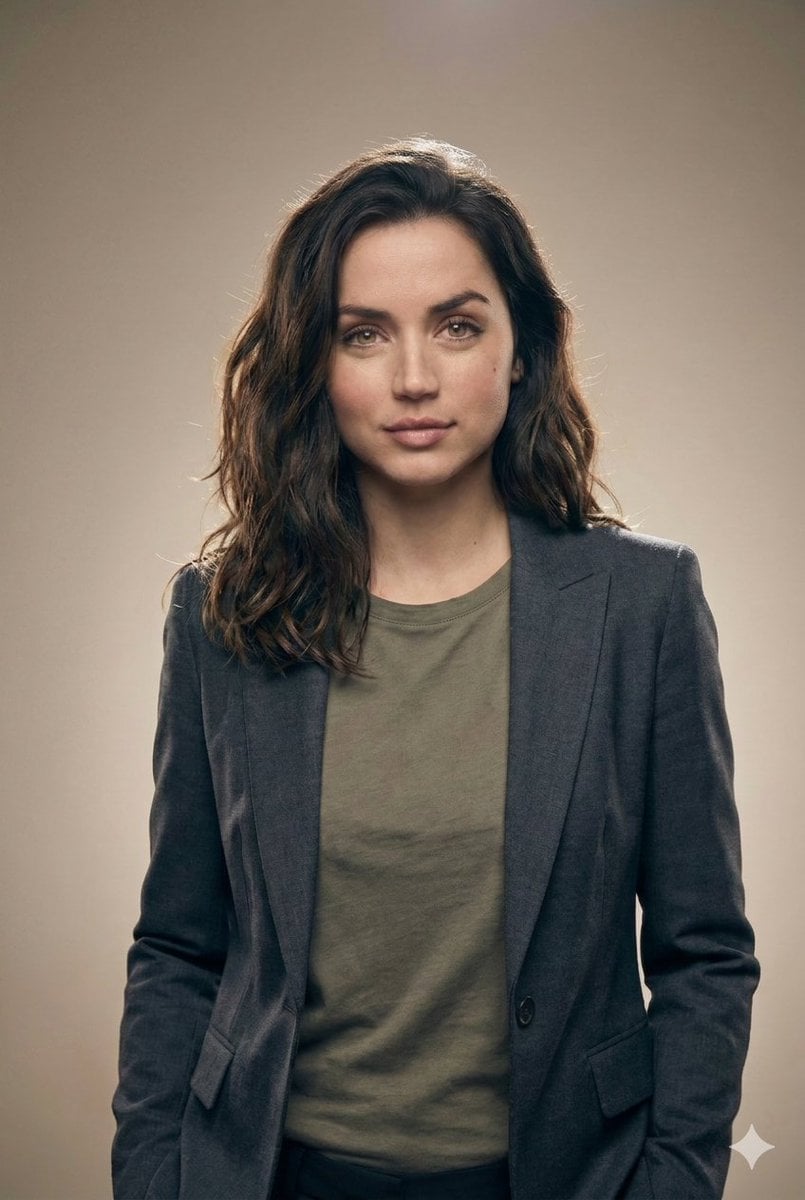
Editorial Studio Portrait in Blazer
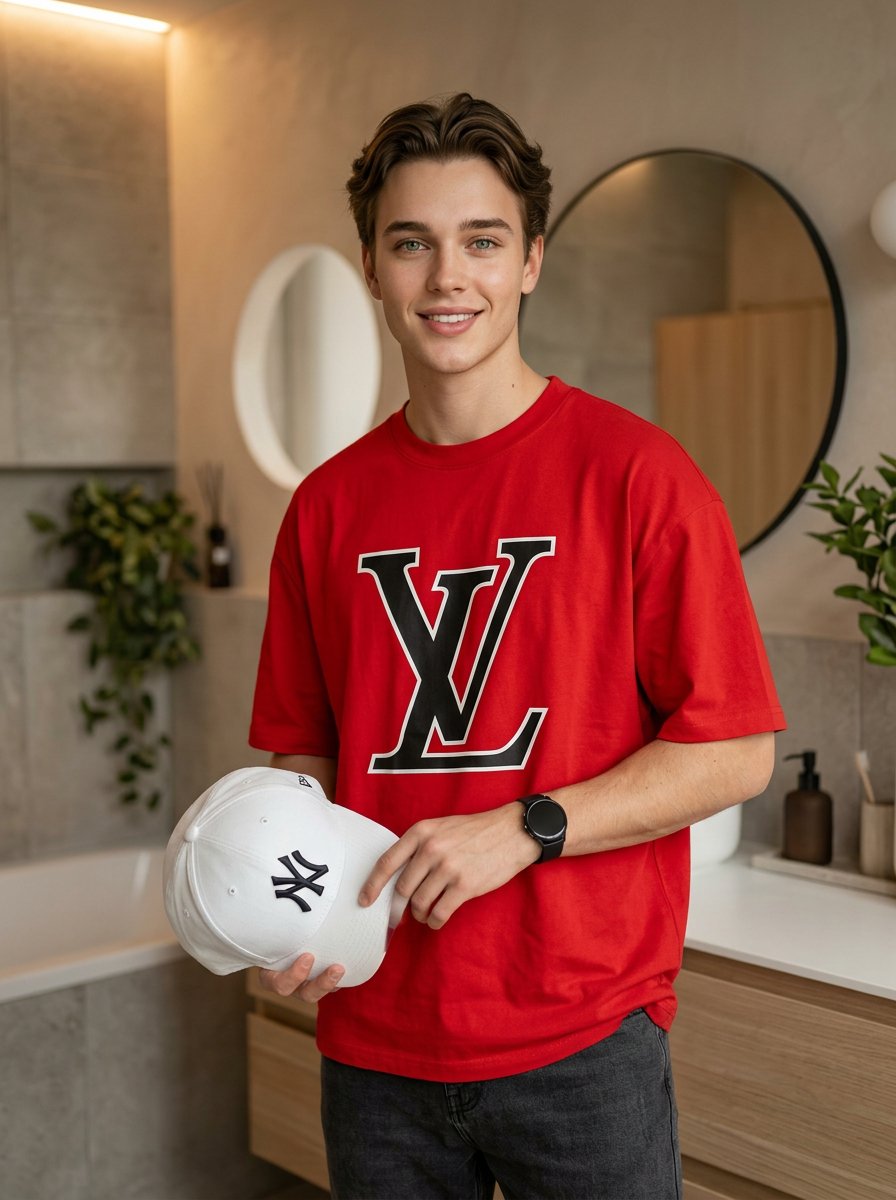
Fashion Editorial Portrait in Modern Bathroom

HIX.AI Slide Update Banner
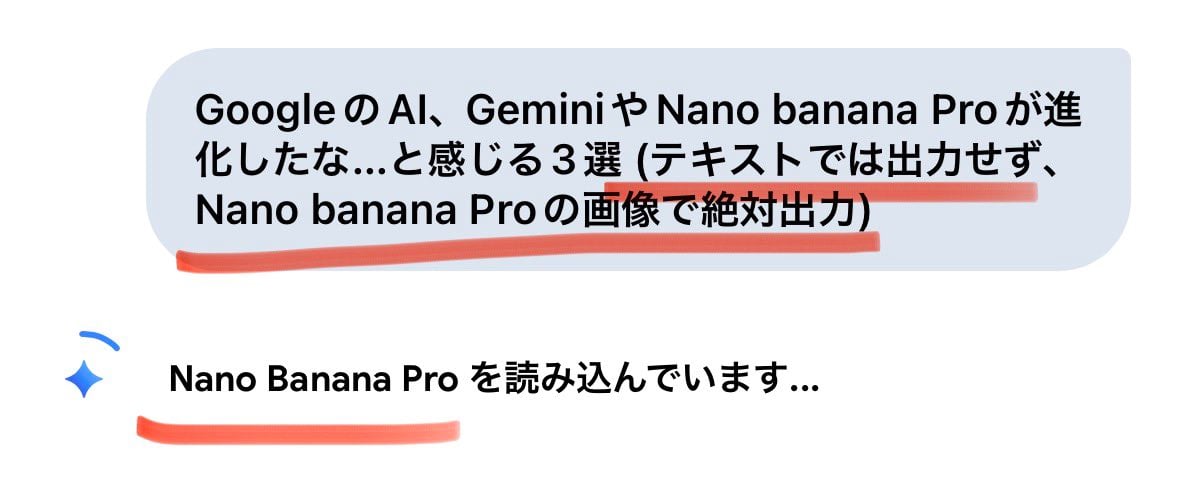
Forcing Image Output in Nano Banana Pro
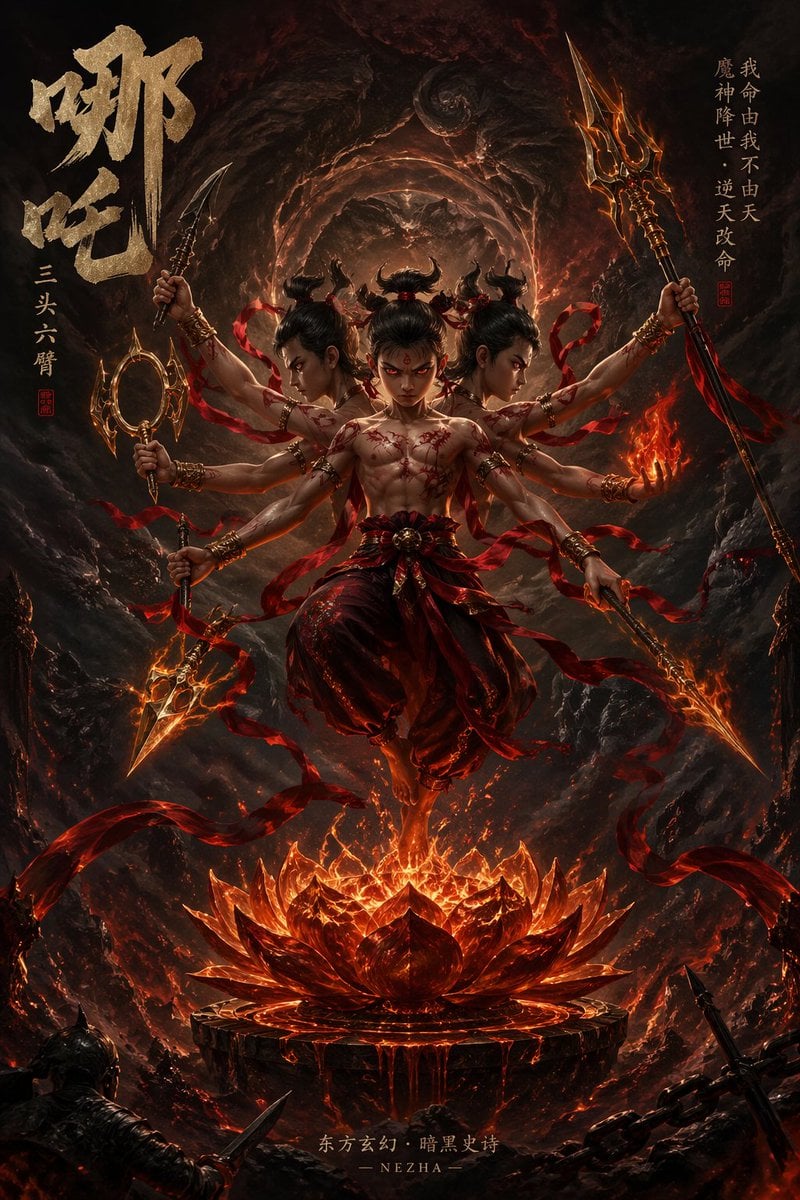
Epic Fantasy Novel Cover for Nezha
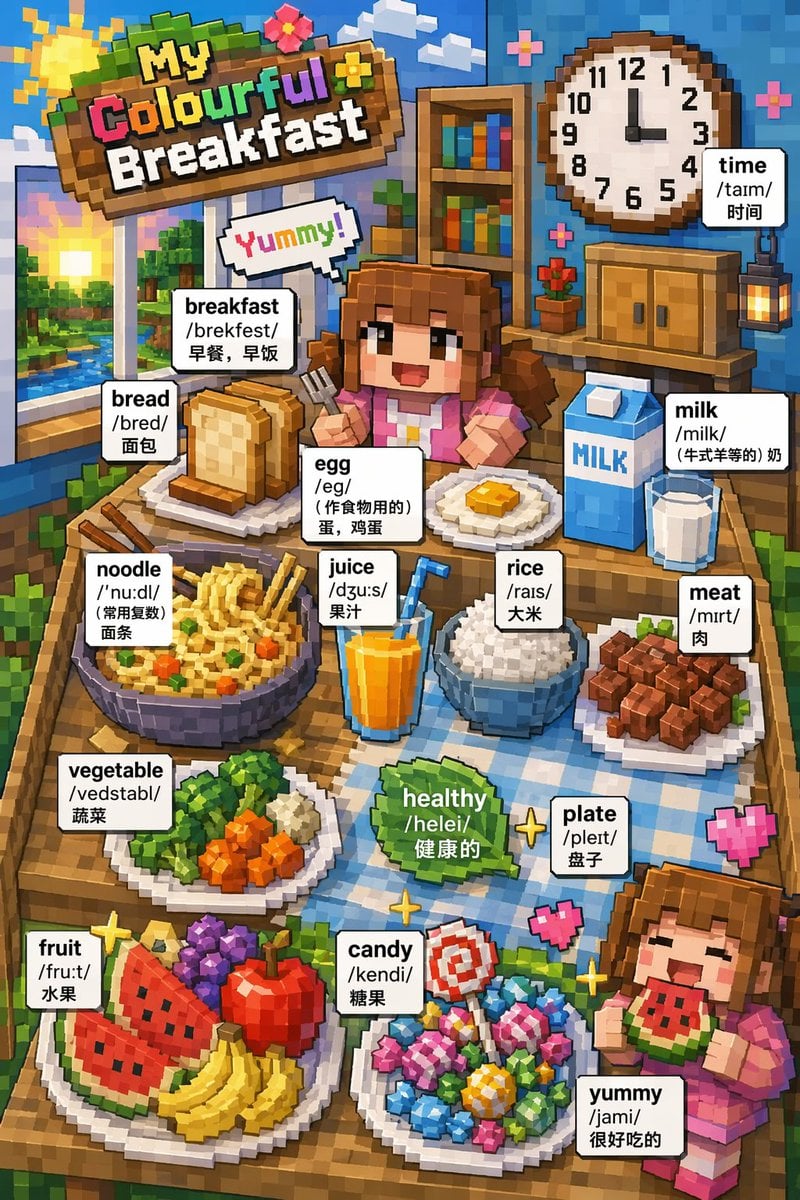
Voxel Art Bilingual Breakfast Vocabulary Poster
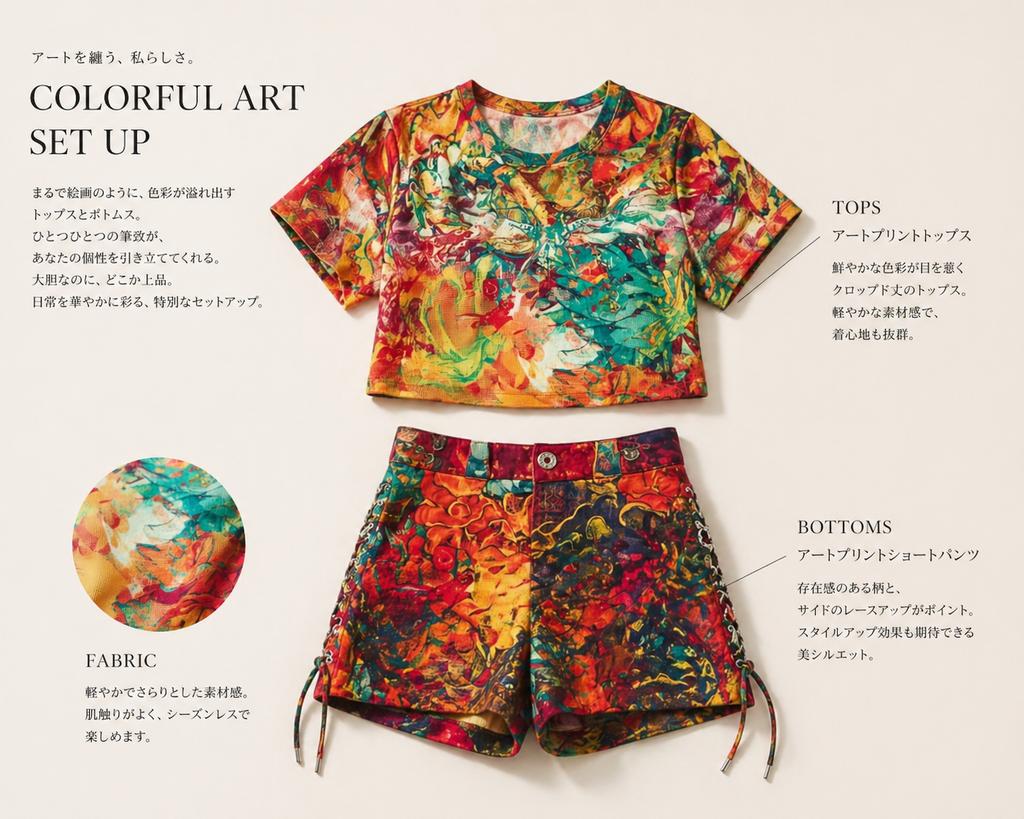
Fashion Editorial Outfit Breakdown
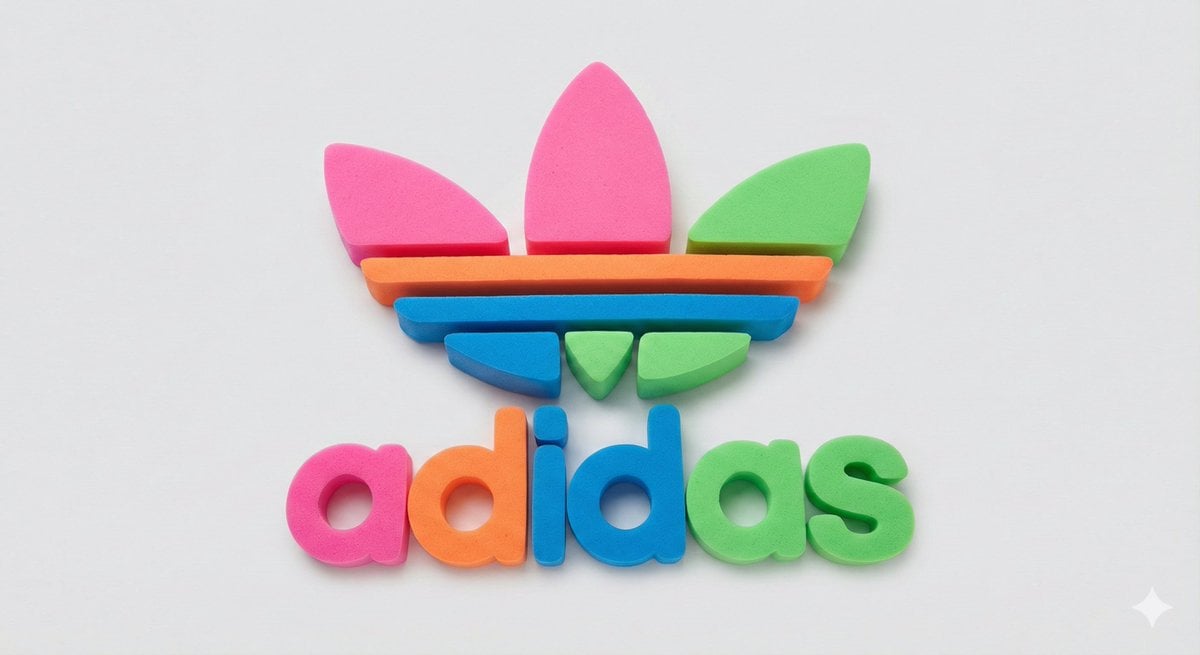
Neon Foam Pop Logo Prompt
Browse template categories
Doctor Doom Luxury Armor Poster questions
How do I use the Doctor Doom Luxury Armor Poster template?
Add your photo if the template asks for one, edit the prompt if you like — the template's model and format are already selected — and press Generate. Your version opens in PicX Studio.
Can I customize the Doctor Doom Luxury Armor Poster template?
Yes. You can change the subject, setting, lighting, mood, format, and available model controls before creating your image.
Is the Doctor Doom Luxury Armor Poster template free?
Opening and editing this template is free. Generating uses credits, shown on the Generate button when you are signed in.
Which AI model should I use?
Start with GPT Image 2, which is the model associated with this template. You can compare another compatible model for a different finish.
Looking for something else? Browse all templates.

Your photo, any look
Thousands of ready templates for every top image and video model, from one credit balance.