
Doctor Doom Luxury Eyewear Poster
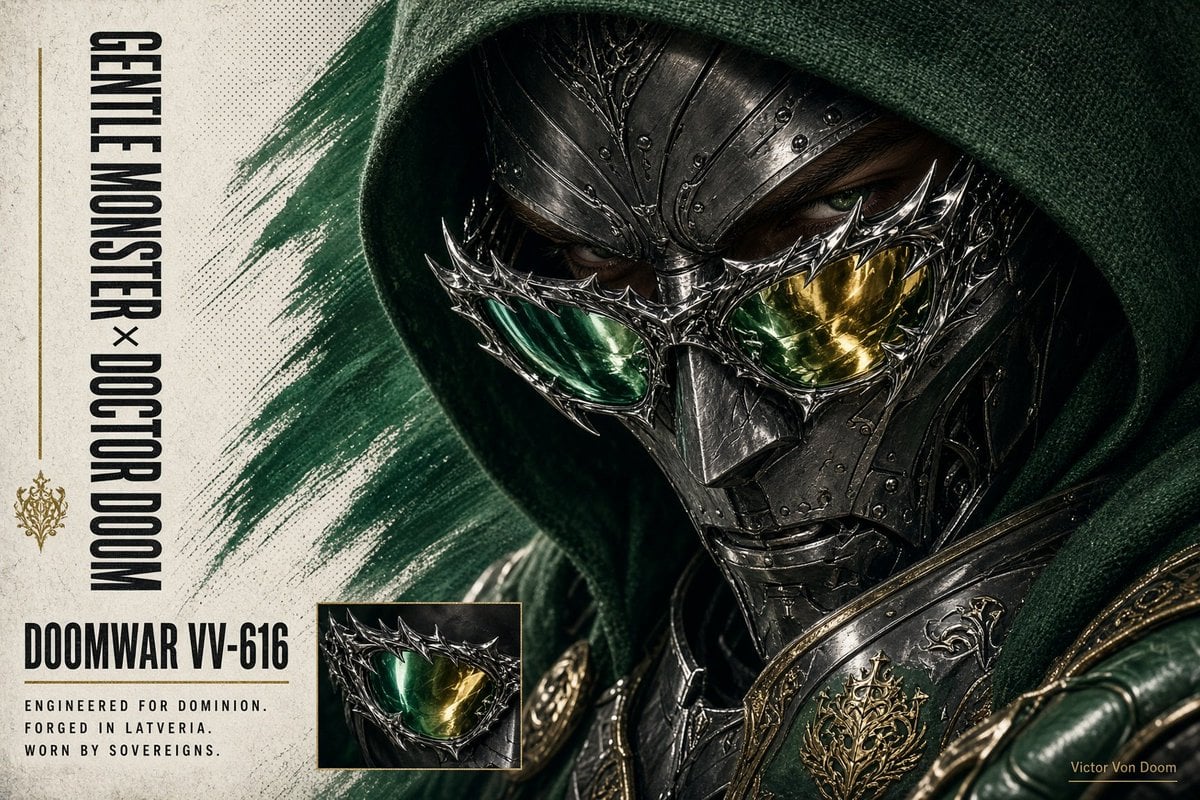
A cinematic dark fantasy product poster featuring a hooded armored villain wearing ornate green-and-gold spiked eyewear, useful for luxury crossover campaign art.
- Prompt included
- Model and format preset
- Premium template
The prompt behind this image
Copy the exact prompt behind Doctor Doom Luxury Eyewear Poster, or open it in the studio and make it yours.
Goal: Create a cinematic collectible character poster for a dark fantasy / superhero crossover villain, featuring {argument name="character name" default="Gentle Monster × Doctor Doom"} as the main vertical side title and {argument name="model name" default="DOOMWAR VV-616"} as the product-style designation. Canvas: Wide 16:9 landscape poster, gritty off-white parchment background with halftone speckling, black ink wear, and a muted yellow-green tint. The composition is split: a narrow typography column on the left and a huge close-up character portrait filling the center and right. Main subject: One armored hooded ruler shown in extreme close-up from shoulders up, turned slightly toward camera. He wears a deep forest-green fabric hood with coarse woven texture, a dark gunmetal medieval sci-fi mask, ornate rivets, engraved filigree, sharp cheek and brow plates, and a sculpted metal nose bridge. His eyes are partly visible in shadow behind the mask, intense and human. Across the eye area, add one elaborate spiked eyeglass frame integrated into the mask, with exactly two mirrored lenses: left lens emerald green, right lens golden yellow. The eyewear is jagged, thorn-like, chrome-silver, with high specular highlights. The armor includes blackened steel plates, gold ornamental trim, green leather gloves or shoulder material at the lower right, and one visible gold crest emblem on the chest/shoulder armor. Layout and countable elements: Include exactly 1 main portrait, exactly 1 small rectangular inset image near the lower center-left showing a close-up of the same spiked green-and-gold glasses, exactly 1 vertical title stack on the far left, exactly 1 product designation block below it, exactly 1 short technical description block under the designation, exactly 1 thin vertical gold rule along the far left, exactly 1 small gold ornamental crest below the rule, and exactly 1 tiny signature in the bottom-right corner reading {argument name="artist signature" default="Victor Von Doom"}. Text content: On the far left, set the vertical black condensed uppercase text to read {argument name="vertical title text" default="GENTLE MONSTER × DOCTOR DOOM"}. Beneath it, use a bold horizontal product label reading {argument name="designation text" default="DOOMWAR VV-616"}. Under that, place three short uppercase lines: “ENGINEERED FOR DOMINION.”, “FORGED IN LATVERIA.”, “WORN BY SOVEREIGNS.” Use tall condensed sans-serif typography, distressed print texture, and dark charcoal ink. Visual style: Hyper-detailed cinematic realism, luxury eyewear campaign meets comic-book villain armor, macro photography lighting, dramatic shadows under the hood, subtle film grain, halftone poster texture, desaturated green and gold palette, metallic reflections, premium editorial layout, sharp focus on mask and lenses, background brush stroke of dark green paint behind the head. Constraints: Keep the face largely hidden by the hood and mask, do not add extra characters, do not add additional inset images, keep all visible text legible and limited to the specified text, no watermark.
How to use Doctor Doom Luxury Eyewear Poster in 3 steps
- 1Upload ImagePNG, JPG or paste
Add your photo
Upload the photo the template builds on. The prompt, model and format are already set.
- 2…a portrait of your subject in softgolden-hour light, 85mm…
Personalize
Edit the subject and creative details for your destination.
- 3Generate
Generate
Press Generate — your image is created in PicX Studio, so you can compare it with the original and refine one variable at a time.
More like this
Templates with the same subject, style or setup. Open one to see its prompt.
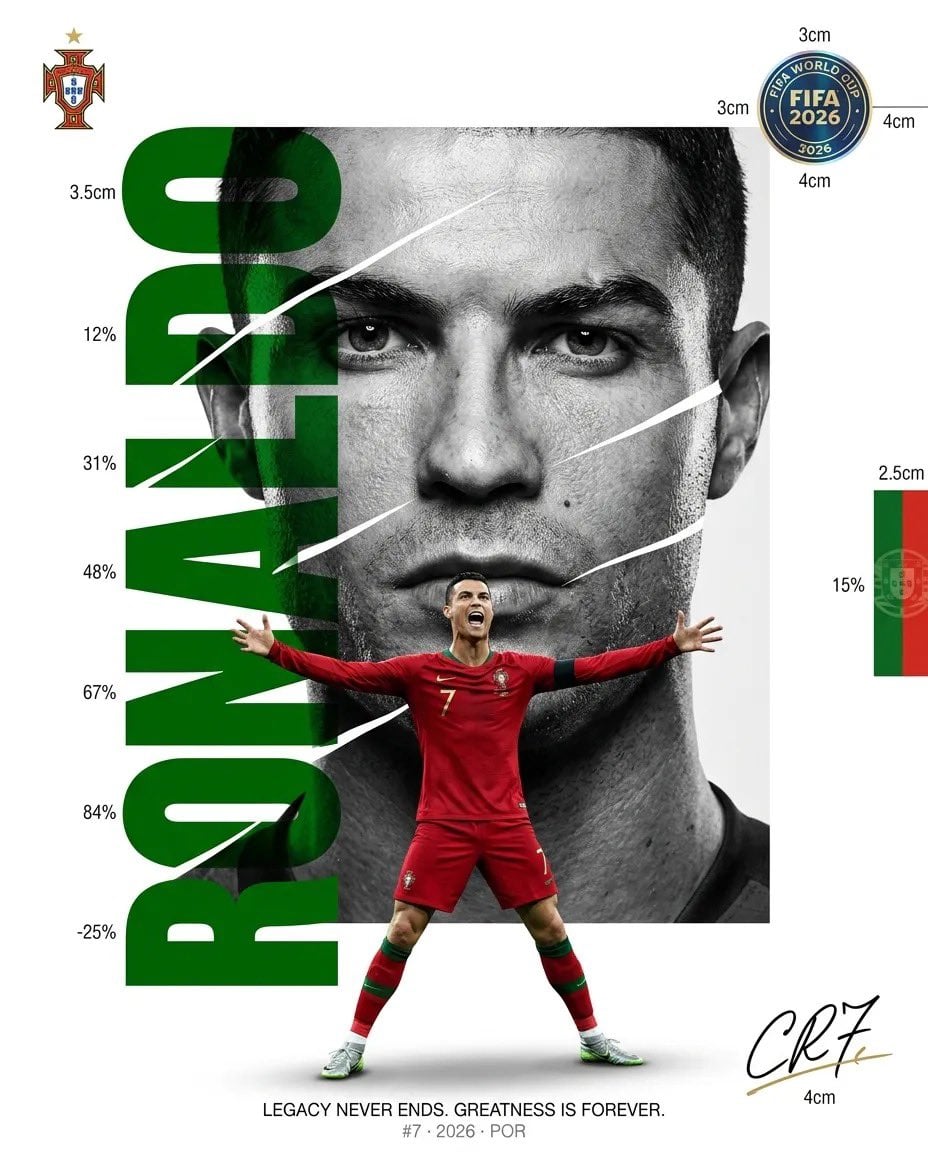
Luxury Sliced Wordmark Player Poster

Doctor Doom Luxury Armor Poster
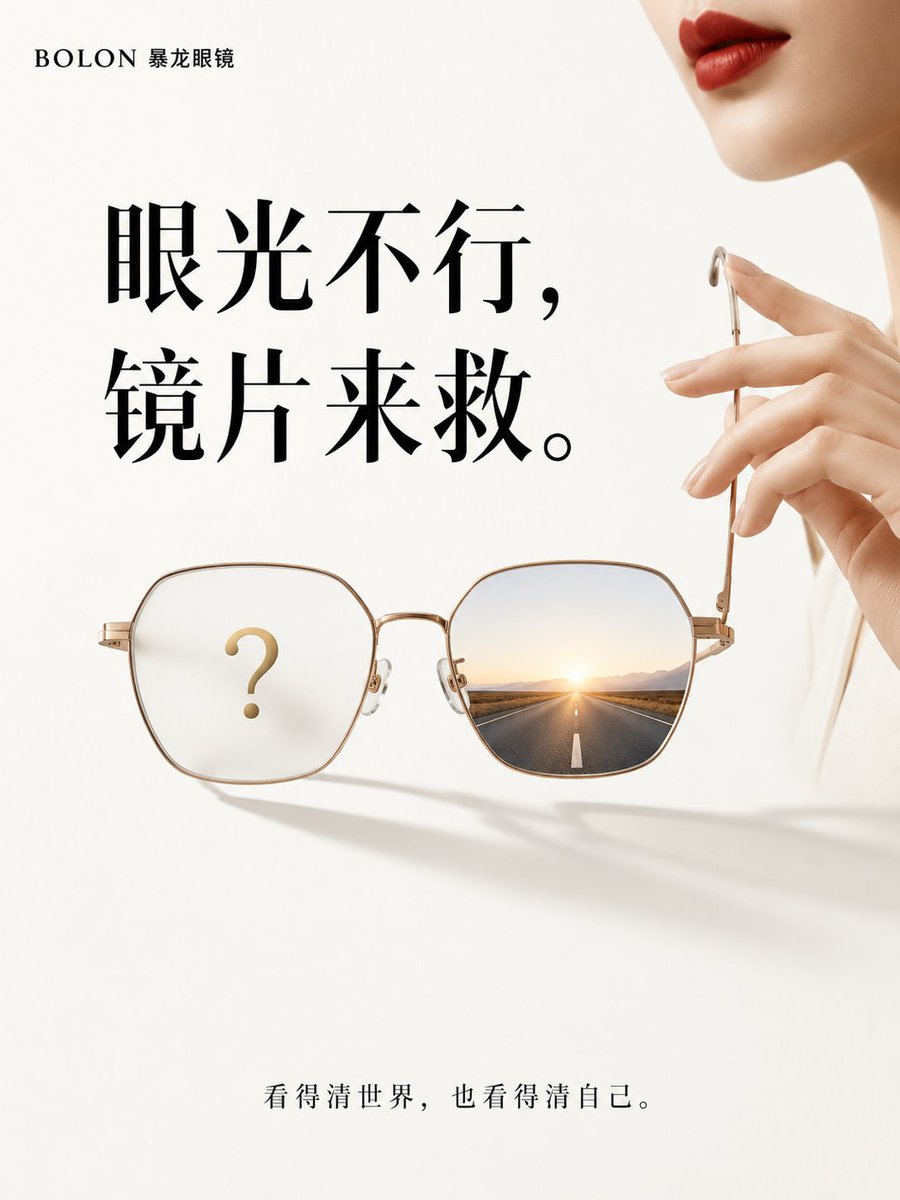
Minimalist Luxury Eyewear Conceptual Advertisement

Japan Travel Brochure Poster
Sealing Wax Letter Desk

Ballroom Floor Reflections
Vintage Camera Leather Case
Hedge Maze Aerial Dawn
Tuxedo Cuff Adjust
Carriage House Courtyard
Monochrome Jazz Club

Sculpture Garden Geometry
Make it yours
Doctor Doom Luxury Eyewear Poster works as-is. These are the safest ways to change it without losing the look.
Change one field
Copy a single group, rewrite it, and generate again so you can see what that field is doing.
Keep the frame, change the subject
Hold the composition and light of Doctor Doom Luxury Eyewear Poster, then swap wardrobe, props or the person for a new take.
| If the result… | Why | Fix |
|---|---|---|
| The result drifts from the preview | Too many fields changed at once. | Reuse Doctor Doom Luxury Eyewear Poster as-is first, then change one group — subject, light, or setting. |
| The model over-stylizes the scene | The prose prompt leaves finish and camera underspecified. | Add one camera or lighting sentence and stay on GPT Image 2. |
More GPT Image 2 templates
Other prompts made for GPT Image 2.

Six VTuber Japanese Logo Sheet

Realistic Portrait of Woman and Deer

The Vista Modular Condo Poster

AI Model Routing Comparison Infographic

2.5D Anime Art Board

Isometric Productivity Desk Scene

New York Double Exposure Poster

Four-Panel AI Landscape Comparison

Japanese Tatami Lifestyle Magazine Cover

NESCAFÉ Coffee Map Poster
More image prompts
Fresh picks from across the catalog.
Fashion Lighting Response Test Sheet
Cinematic Cyberpunk Portrait Pair
Dynamic Korean Street Photography

Japanese Summer Festival Poster
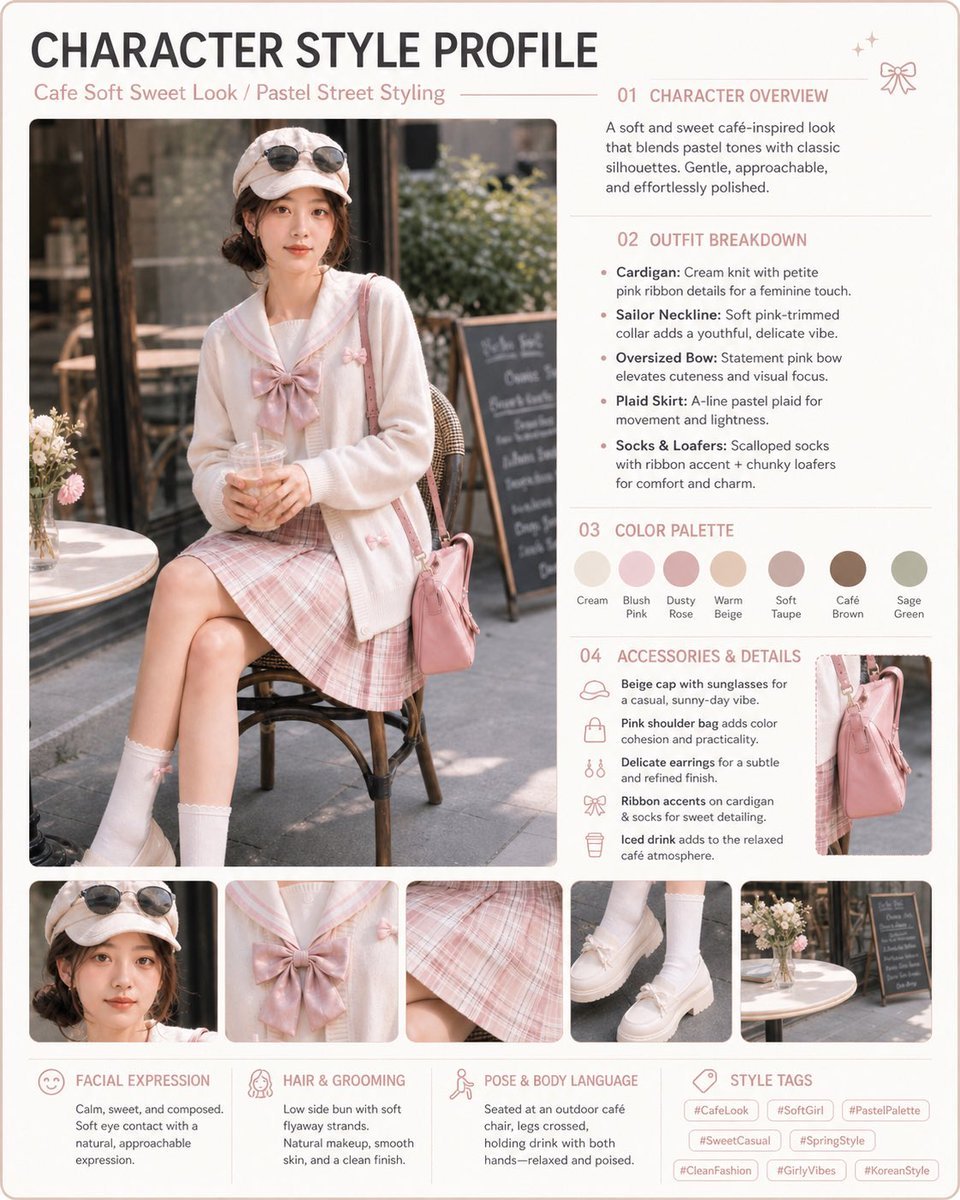
Pastel Cafe Style Profile Card
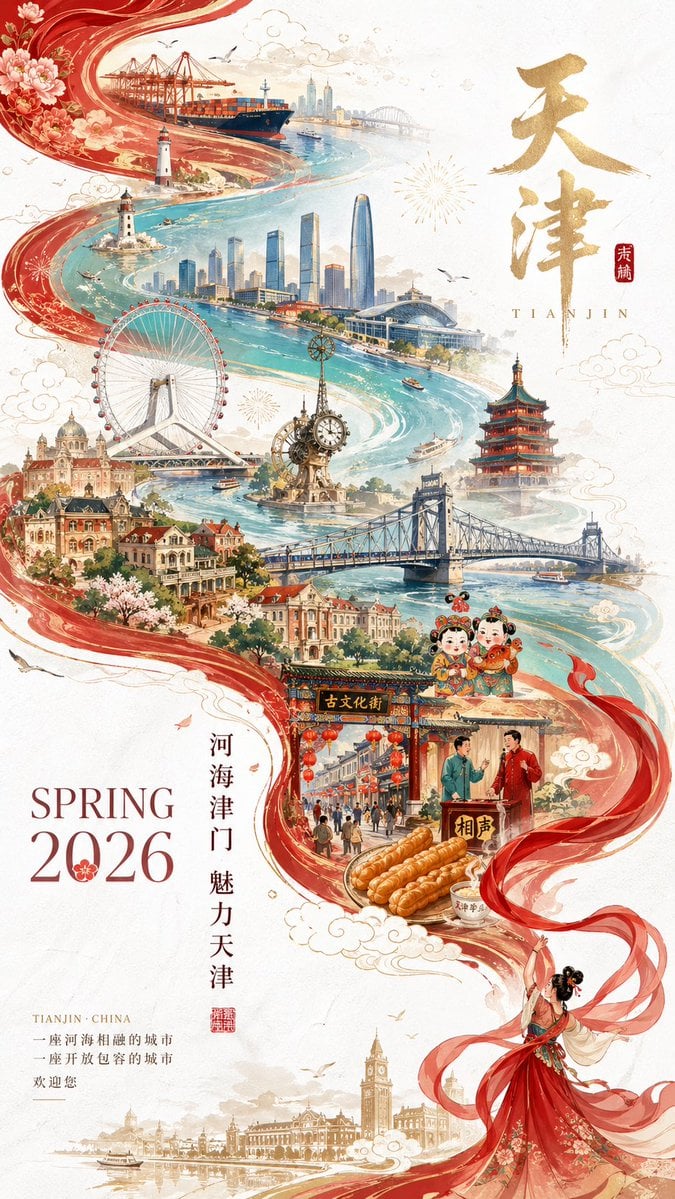
Tianjin City Promotional Poster Prompt
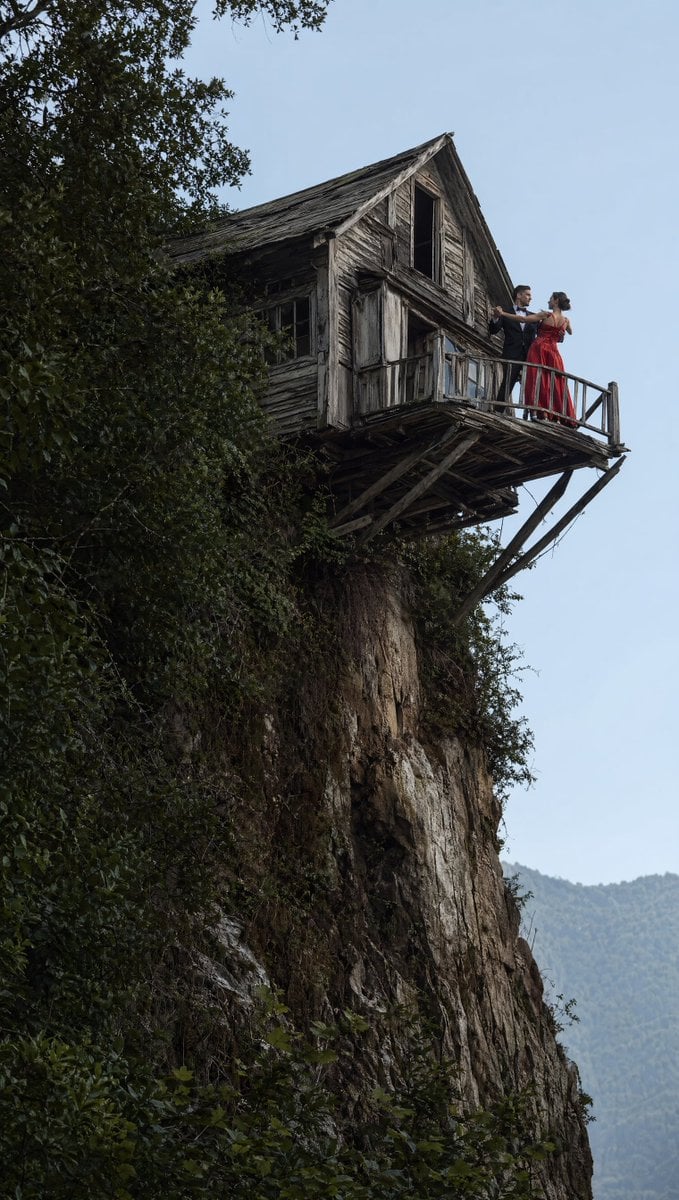
Dancing Couple on Cliffside House
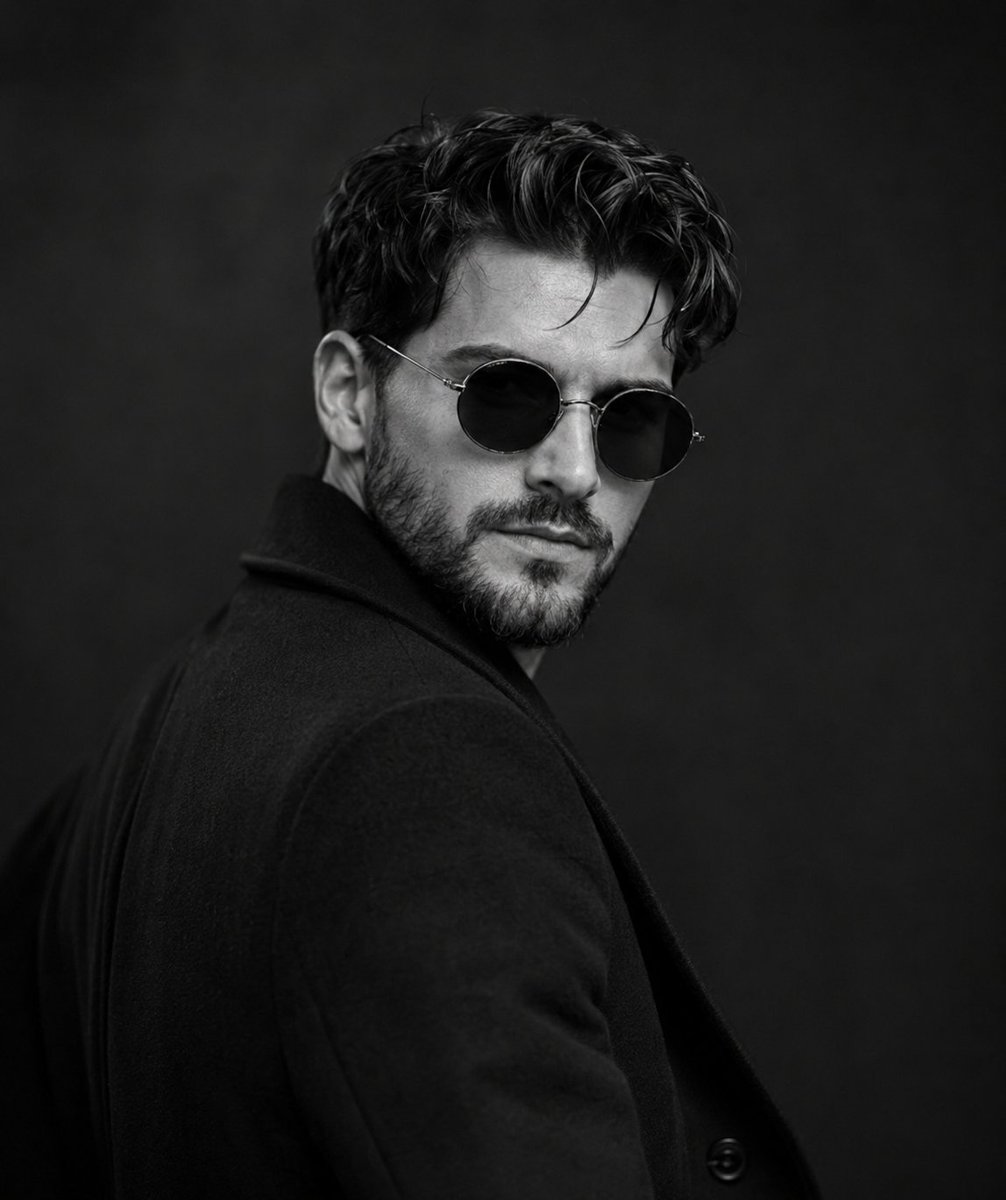
Monochrome Noir Fashion Portrait
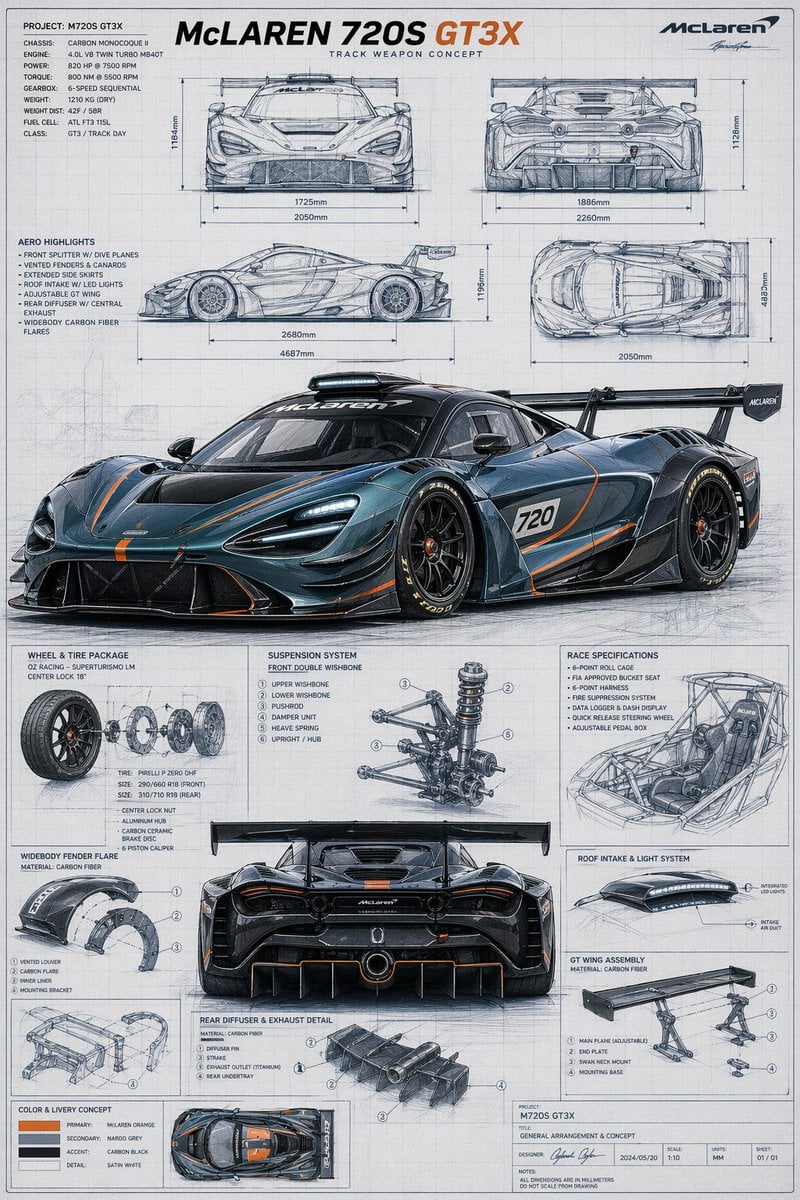
McLaren GT3X Technical Blueprint Poster
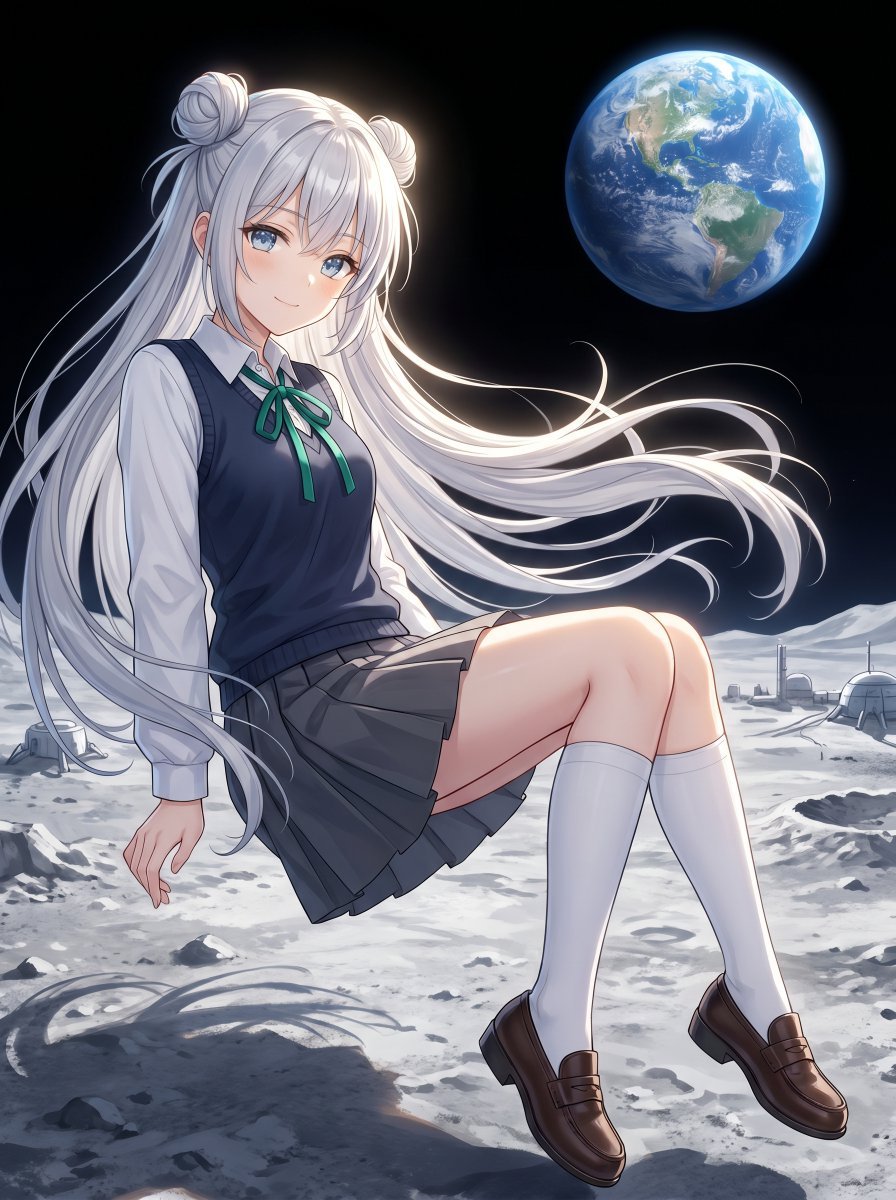
Anime Schoolgirl Floating on the Moon
Browse template categories
Doctor Doom Luxury Eyewear Poster questions
How do I use the Doctor Doom Luxury Eyewear Poster template?
Add your photo if the template asks for one, edit the prompt if you like — the template's model and format are already selected — and press Generate. Your version opens in PicX Studio.
Can I customize the Doctor Doom Luxury Eyewear Poster template?
Yes. You can change the subject, setting, lighting, mood, format, and available model controls before creating your image.
Is the Doctor Doom Luxury Eyewear Poster template free?
Opening and editing this template is free. Generating uses credits, shown on the Generate button when you are signed in.
Which AI model should I use?
Start with GPT Image 2, which is the model associated with this template. You can compare another compatible model for a different finish.
Looking for something else? Browse all templates.

Your photo, any look
Thousands of ready templates for every top image and video model, from one credit balance.