
Fashion Lighting Response Test Sheet
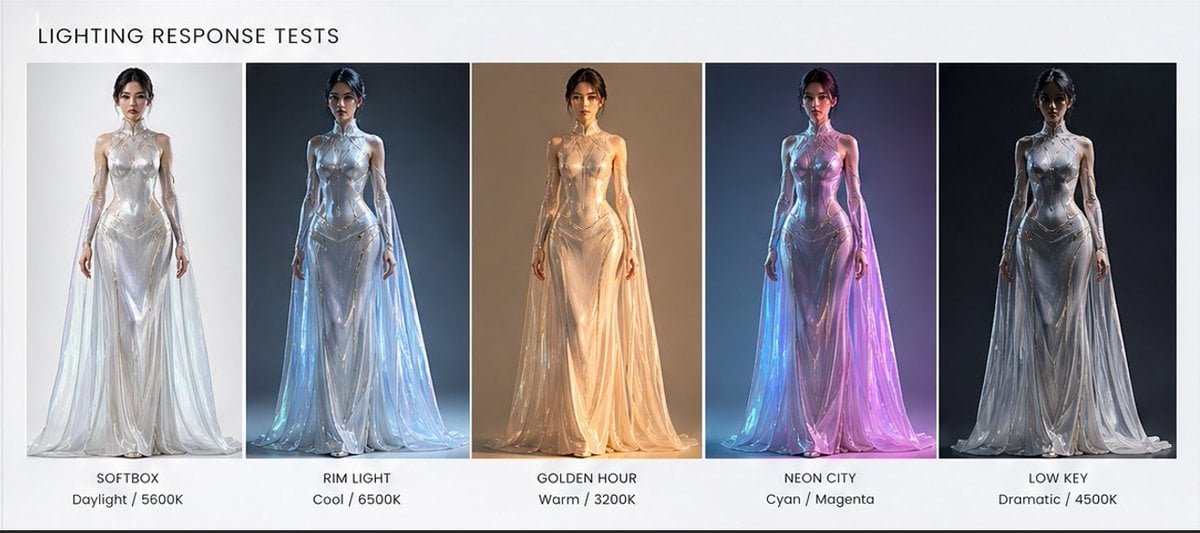
A wide editorial comparison chart showing one futuristic couture model under five distinct studio lighting setups for material and lighting evaluation.
- Prompt included
- Model and format preset
- Free template
The prompt behind this image
Copy the exact prompt behind Fashion Lighting Response Test Sheet, or open it in the studio and make it yours.
Goal: Create a clean horizontal lighting comparison sheet titled {argument name="headline text" default="LIGHTING RESPONSE TESTS"}, showing the same futuristic fashion model under five different studio lighting setups. Canvas: Wide 16:7 presentation board on a light gray-white background, minimalist editorial layout, thin white gutters between image panels, subtle black border along the bottom edge. Layout: Place the title in the upper left in uppercase black sans-serif letters. Below it, arrange exactly 5 equal vertical portrait panels from left to right, each containing the same full-body front-facing female model standing centered. Under each panel, add a two-line caption with the setup name in uppercase and the color temperature or color note below it. Subject details: The model is a tall slender woman with a neutral symmetrical pose, arms relaxed at her sides, hair pulled back, face intentionally softly blurred or featureless. She wears a glossy iridescent translucent couture gown: high collar, sleeveless sculpted metallic bodice, reflective liquid-plastic surface, long sheer cape-like skirt panels flowing to the floor, pearlescent silver-white fabric with strong specular highlights. Keep the outfit identical in all five panels; only the lighting and background tones change. Five lighting panels, exactly: 1. SOFTBOX — Daylight / 5600K: bright high-key white studio background, soft even daylight, pale pearly reflections. 2. RIM LIGHT — Cool / 6500K: dark blue-gray background, cool blue rim light outlining the model and dress edges, icy highlights. 3. GOLDEN HOUR — Warm / 3200K: warm beige-brown background, amber golden illumination, soft sunset glow through the translucent skirt. 4. NEON CITY — Cyan / Magenta: dark urban blue background, strong cyan light from one side and magenta-pink light from the other, vibrant neon reflections across the gown. 5. LOW KEY — Dramatic / 4500K: nearly black background, dramatic low-key lighting, silver highlights and deep shadows. Visual style: Photorealistic fashion lighting test, glossy reflective materials, cinematic studio render, sharp full-body composition, professional lookbook comparison, clean typography, no extra logos or watermarks. Use {argument name="model outfit" default="iridescent translucent silver couture gown with flowing sheer cape panels"} and a {argument name="model pose" default="front-facing neutral runway stance"}.
How to use Fashion Lighting Response Test Sheet in 3 steps
- 1Upload ImagePNG, JPG or paste
Add your photo
Upload the photo the template builds on. The prompt, model and format are already set.
- 2…a portrait of your subject in softgolden-hour light, 85mm…
Personalize
Edit the subject and creative details for your destination.
- 3Generate
Generate
Press Generate — your image is created in PicX Studio, so you can compare it with the original and refine one variable at a time.
More like this
Templates with the same subject, style or setup. Open one to see its prompt.

Luxury Black-and-White Fashion Contact Sheet

80s College Gate

1988 Mall Style

80s Polka Dot Saree

Polo Ralph Lauren Luxury American Heritage Fashion Campaign

Cinematic Street Fashion Photographer Portrait

High-Fashion Editorial Magazine Cover ICON

Fine Art Monochrome Fashion Portrait

Korean Streetwear Minimalist Campaign Portrait

Cinematic Korean Streetwear Street Portrait

Korean Model Floating Magazine Pages Campaign

Blue Backdrop Luxury Fashion Portrait Campaign
Make it yours
Fashion Lighting Response Test Sheet works as-is. These are the safest ways to change it without losing the look.
Change one field
Copy a single group, rewrite it, and generate again so you can see what that field is doing.
Keep the frame, change the subject
Hold the composition and light of Fashion Lighting Response Test Sheet, then swap wardrobe, props or the person for a new take.
| If the result… | Why | Fix |
|---|---|---|
| The result drifts from the preview | Too many fields changed at once. | Reuse Fashion Lighting Response Test Sheet as-is first, then change one group — subject, light, or setting. |
| The model over-stylizes the scene | The prose prompt leaves finish and camera underspecified. | Add one camera or lighting sentence and stay on GPT Image 2. |
More GPT Image 2 templates
Other prompts made for GPT Image 2.

Six VTuber Japanese Logo Sheet

Realistic Portrait of Woman and Deer

The Vista Modular Condo Poster

AI Model Routing Comparison Infographic

2.5D Anime Art Board

Isometric Productivity Desk Scene

New York Double Exposure Poster

Four-Panel AI Landscape Comparison

Japanese Tatami Lifestyle Magazine Cover

NESCAFÉ Coffee Map Poster
More image prompts
Fresh picks from across the catalog.
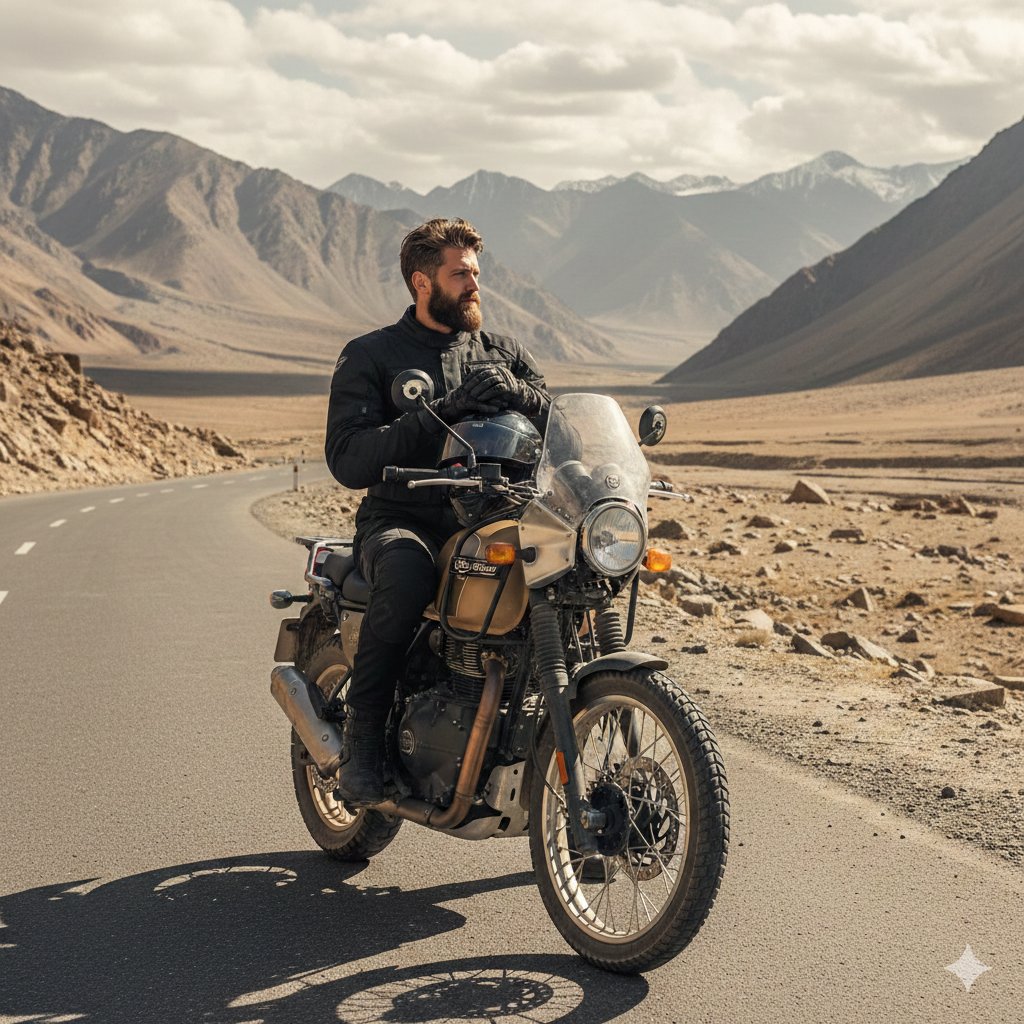
Himalayan Motorcycle Travel Photography
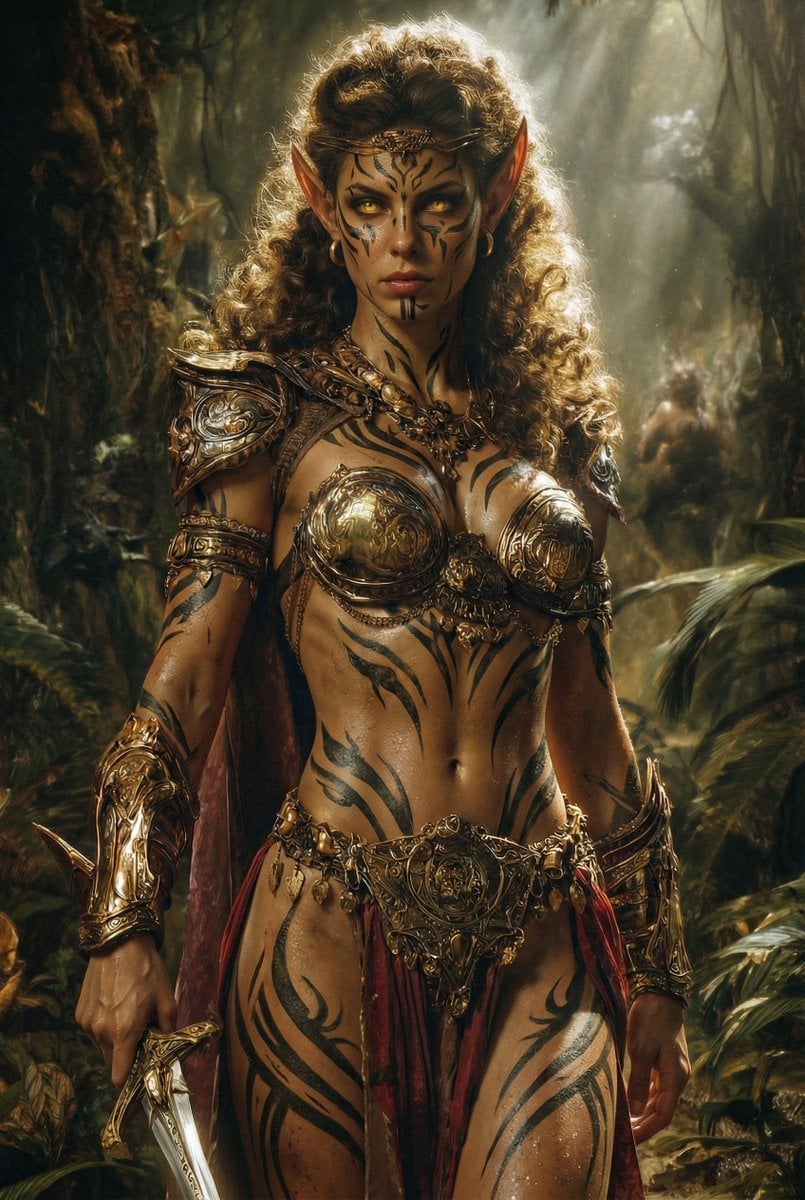
Image Editing Prompt: Add Tribal Warpaint
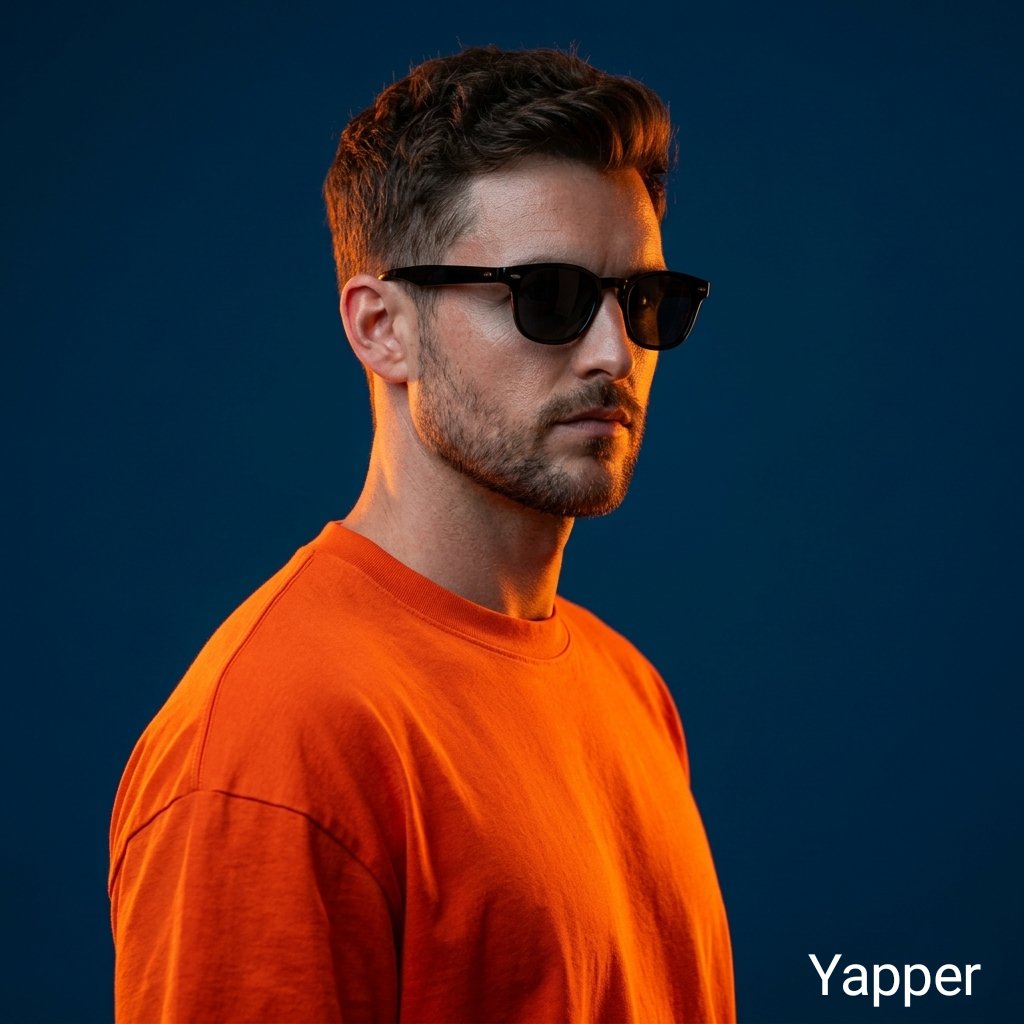
Ultra-Realistic Portrait with Neon Rim Lighting
Mecha Girl Figure Concept Prompt
Warm Chinese Character Design Poster
Gemini Nano Banana Pro Golden Sunset Por
Hyper-realistic Fanta Product Shot Prompt
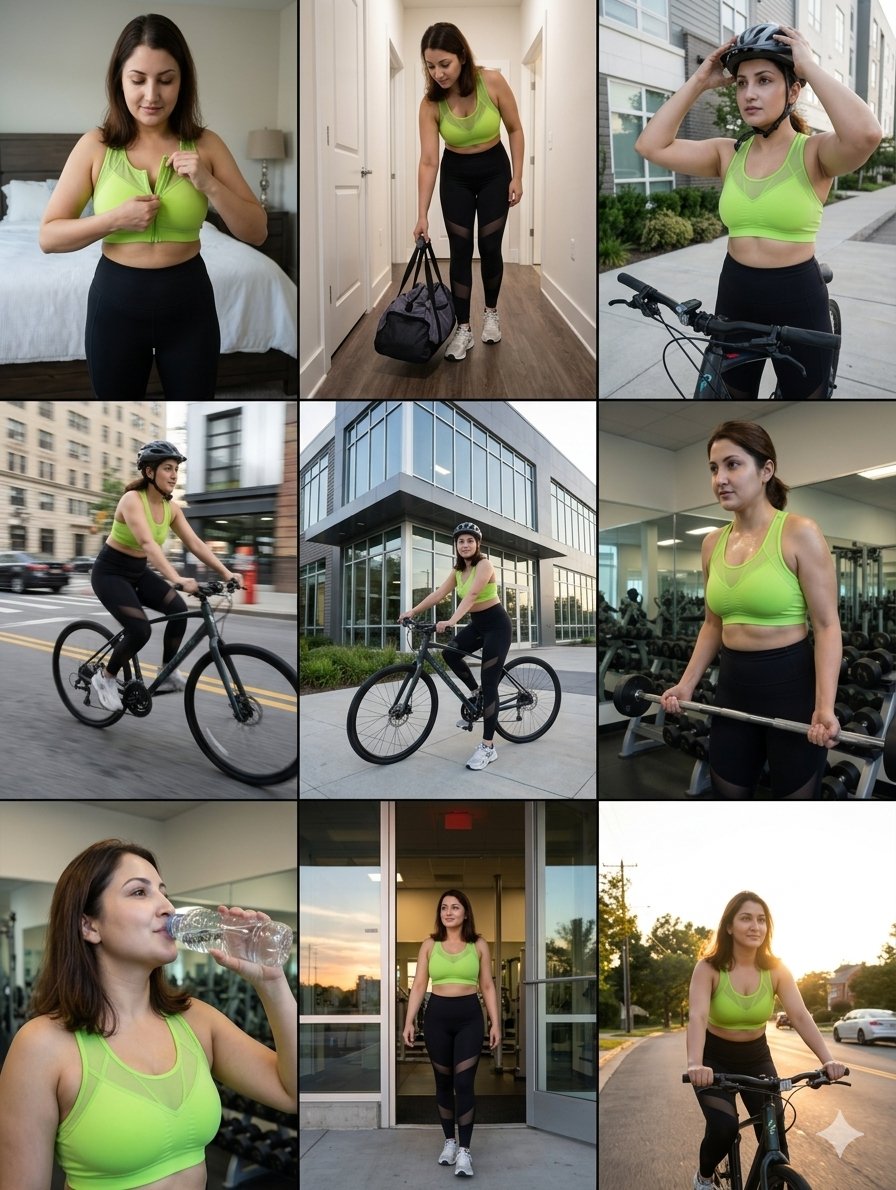
Storytelling of a Gym Girl
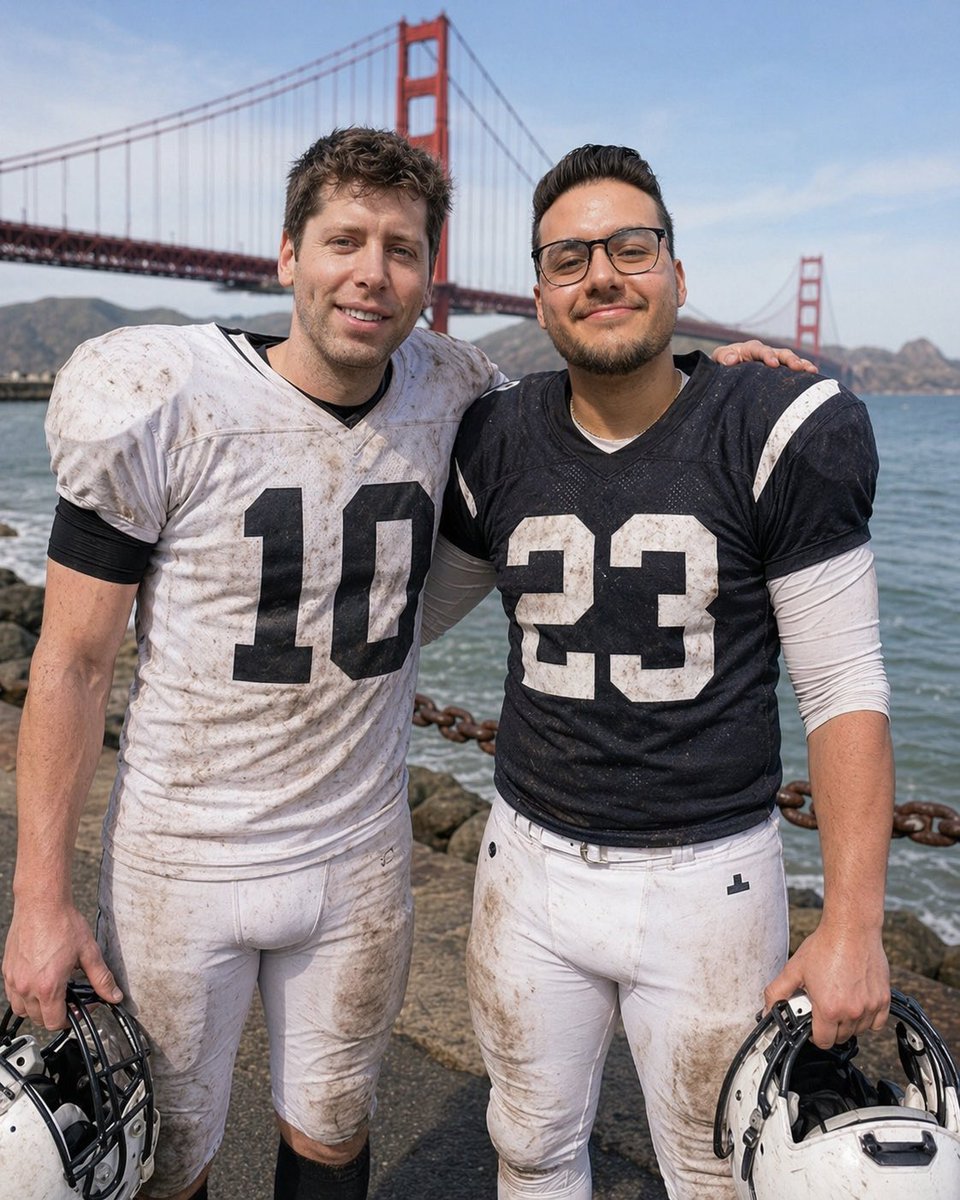
Football Teammates at Golden Gate Bridge
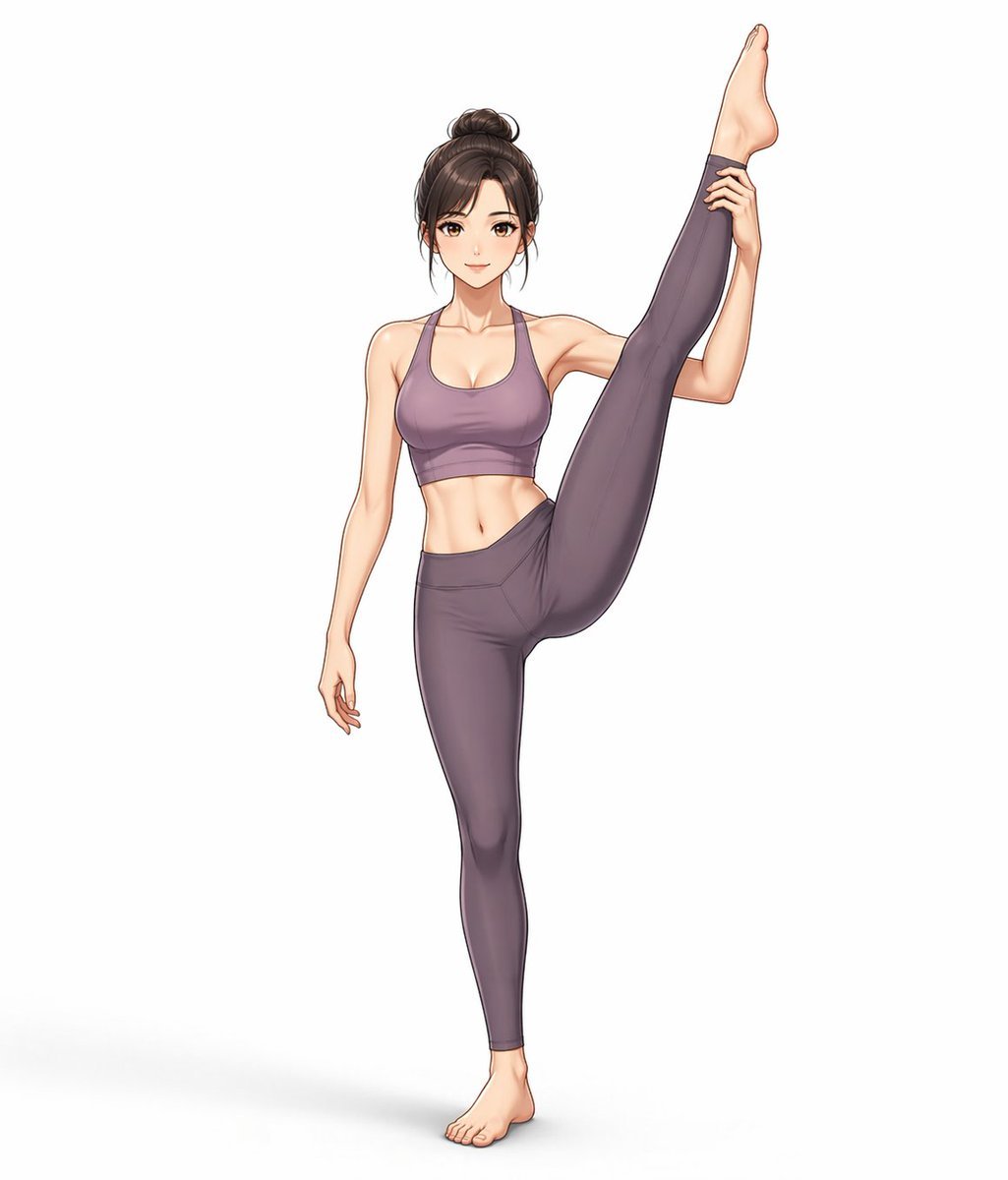
Yoga Wear Anime Illustration
Browse template categories
Fashion Lighting Response Test Sheet questions
How do I use the Fashion Lighting Response Test Sheet template?
Add your photo if the template asks for one, edit the prompt if you like — the template's model and format are already selected — and press Generate. Your version opens in PicX Studio.
Can I customize the Fashion Lighting Response Test Sheet template?
Yes. You can change the subject, setting, lighting, mood, format, and available model controls before creating your image.
Is the Fashion Lighting Response Test Sheet template free?
Opening and editing this template is free. Generating uses credits, shown on the Generate button when you are signed in.
Which AI model should I use?
Start with GPT Image 2, which is the model associated with this template. You can compare another compatible model for a different finish.
Looking for something else? Browse all templates.

Your photo, any look
Thousands of ready templates for every top image and video model, from one credit balance.