
Football Teammates at Golden Gate Bridge
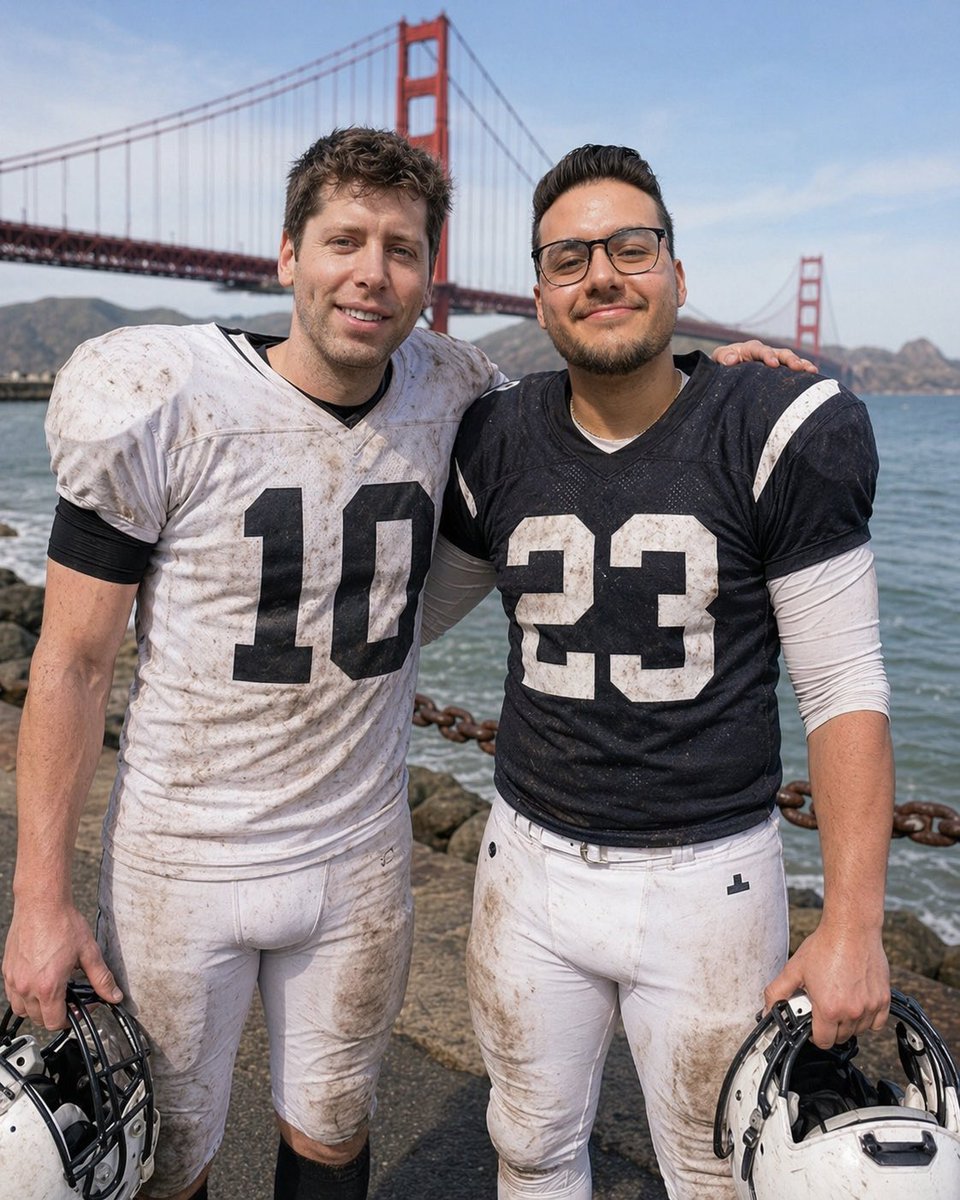
This prompt generates a realistic post-game portrait of two muddy football players posing by the water with the Golden Gate Bridge behind them, useful for sports editorial or lifestyle imagery.
- Prompt included
- Model and format preset
- Free template
The prompt behind this image
Copy the exact prompt behind Football Teammates at Golden Gate Bridge, or open it in the studio and make it yours.
A realistic outdoor sports portrait of two American football players standing side by side on a waterfront path with the Golden Gate Bridge filling the background on a bright clear day. The player on the left wears a muddy white jersey with the large black number 10, white football pants, black undersleeves, and holds a white helmet at his side. The player on the right wears a muddy dark navy jersey with the large white number 23, white football pants, a white long-sleeve undershirt, and holds a white helmet at his side. Both athletes are full torso to upper thigh in frame, facing the camera, with their inside arms around each other’s shoulders in a friendly post-game pose. Their uniforms are visibly grass-stained and dirty from play. Behind them is blue water, a rocky shoreline, a heavy rust-colored chain barrier, distant hills, and the red-orange towers and suspension cables of the Golden Gate Bridge. Natural daylight, documentary-style sports photography, shallow depth of field, sharp fabric texture, realistic anatomy, candid team-bonding mood. Obscure both faces with smooth rectangular blur blocks for privacy.
How to use Football Teammates at Golden Gate Bridge in 3 steps
- 1Upload ImagePNG, JPG or paste
Add your photo
Upload the photo the template builds on. The prompt, model and format are already set.
- 2…a portrait of your subject in softgolden-hour light, 85mm…
Personalize
Edit the subject and creative details for your destination.
- 3Generate
Generate
Press Generate — your image is created in PicX Studio, so you can compare it with the original and refine one variable at a time.
More like this
Templates with the same subject, style or setup. Open one to see its prompt.
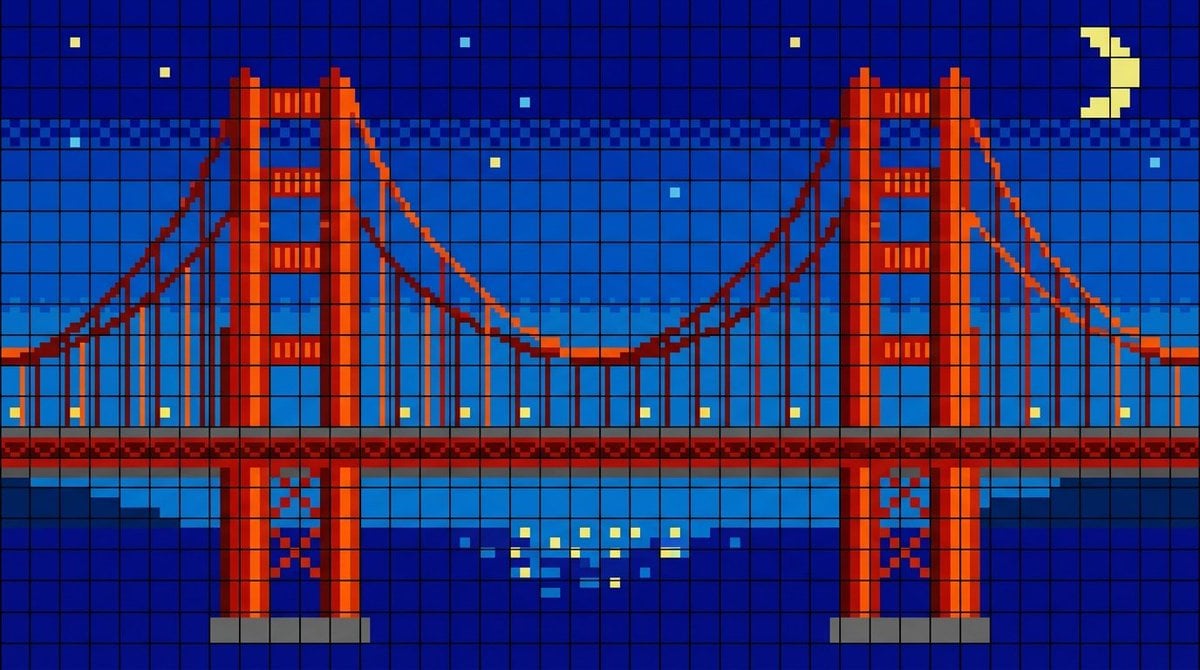
Golden Gate Bridge LED Screen
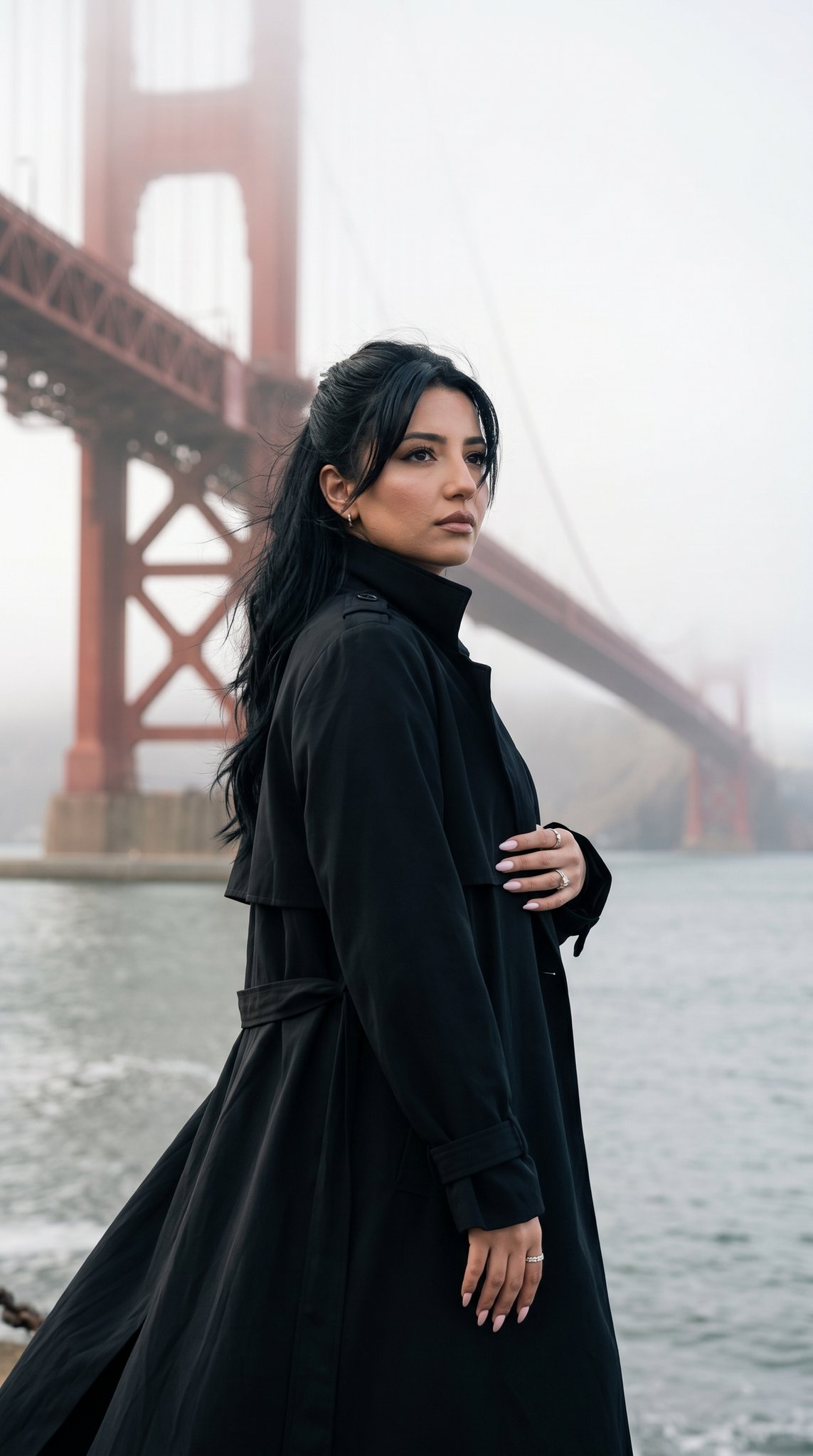
15 Golden Gate Bridge — California Series
15 Golden Gate Bridge — California Series
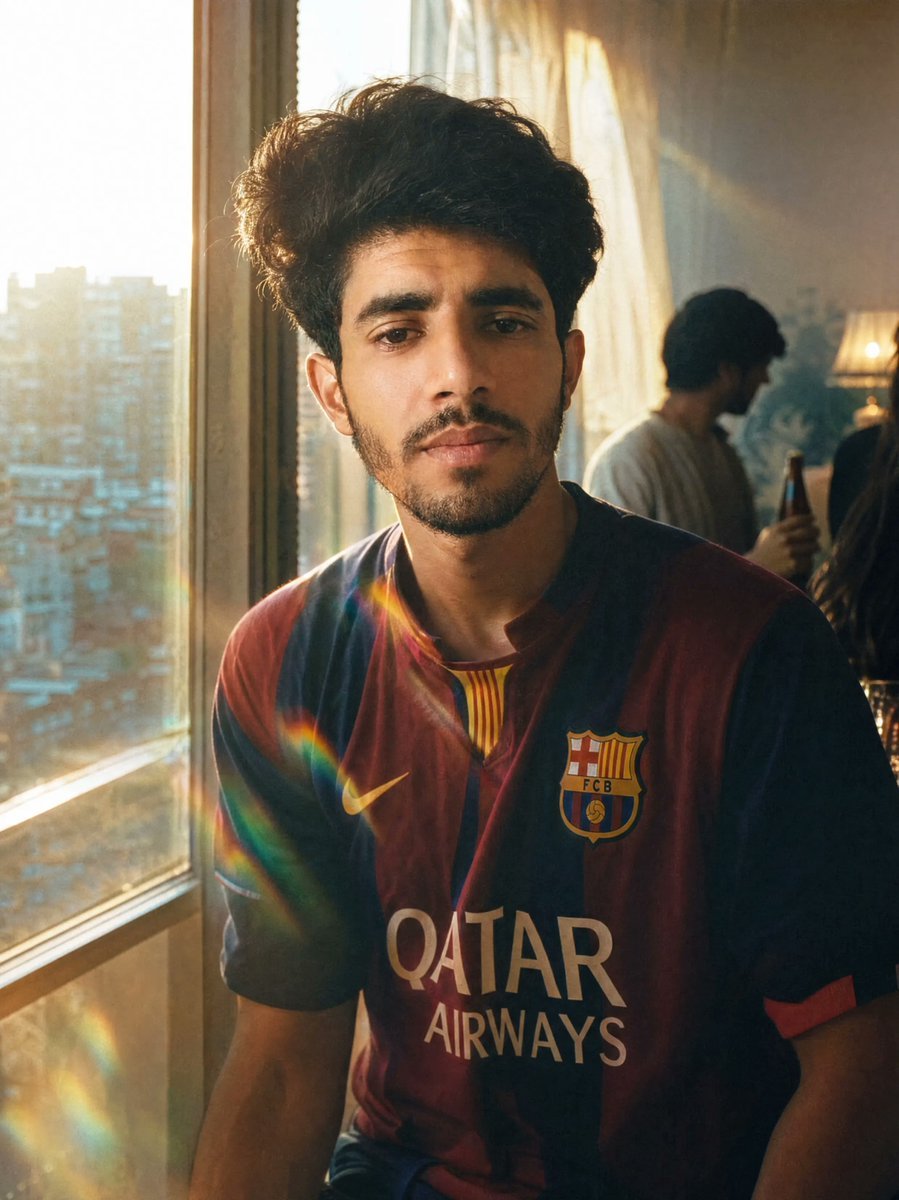
Golden Hour Football Jersey Portrait

Night City Bridge Triptych Portrait Session
Night City Bridge Triptych Portrait Session
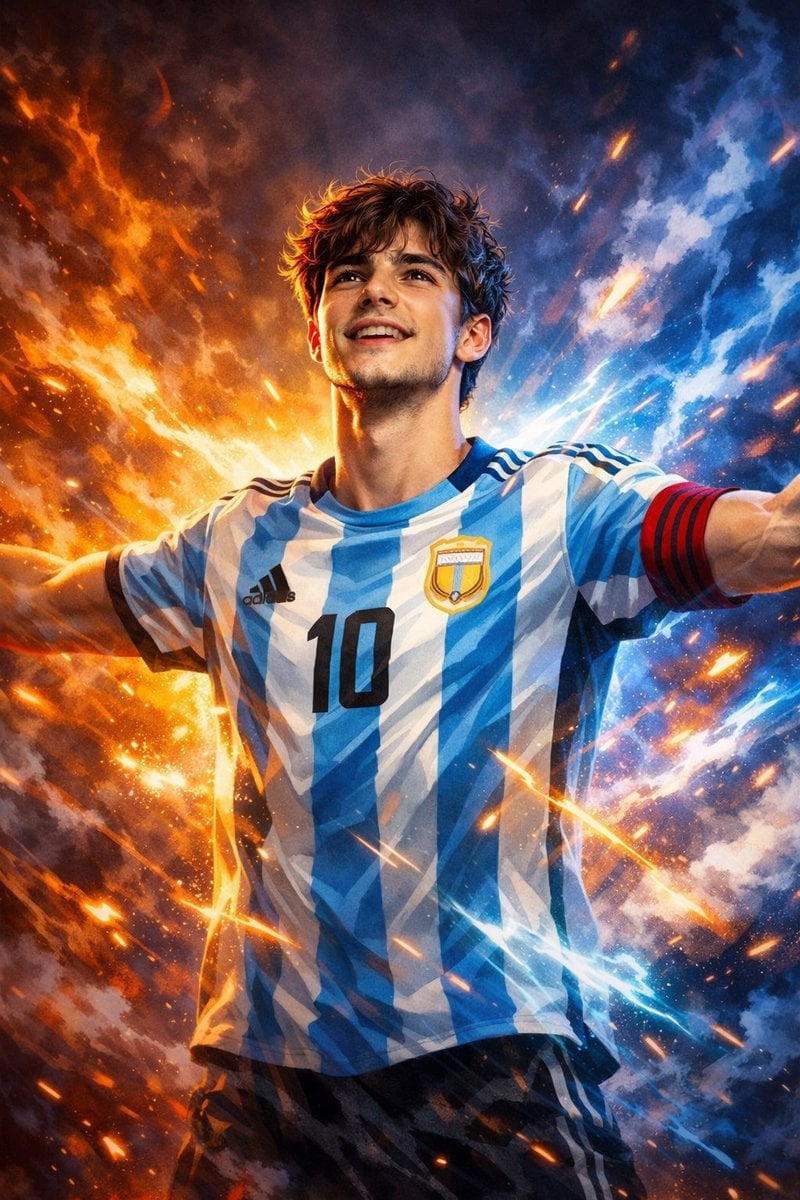
Victory Aura Football Poster
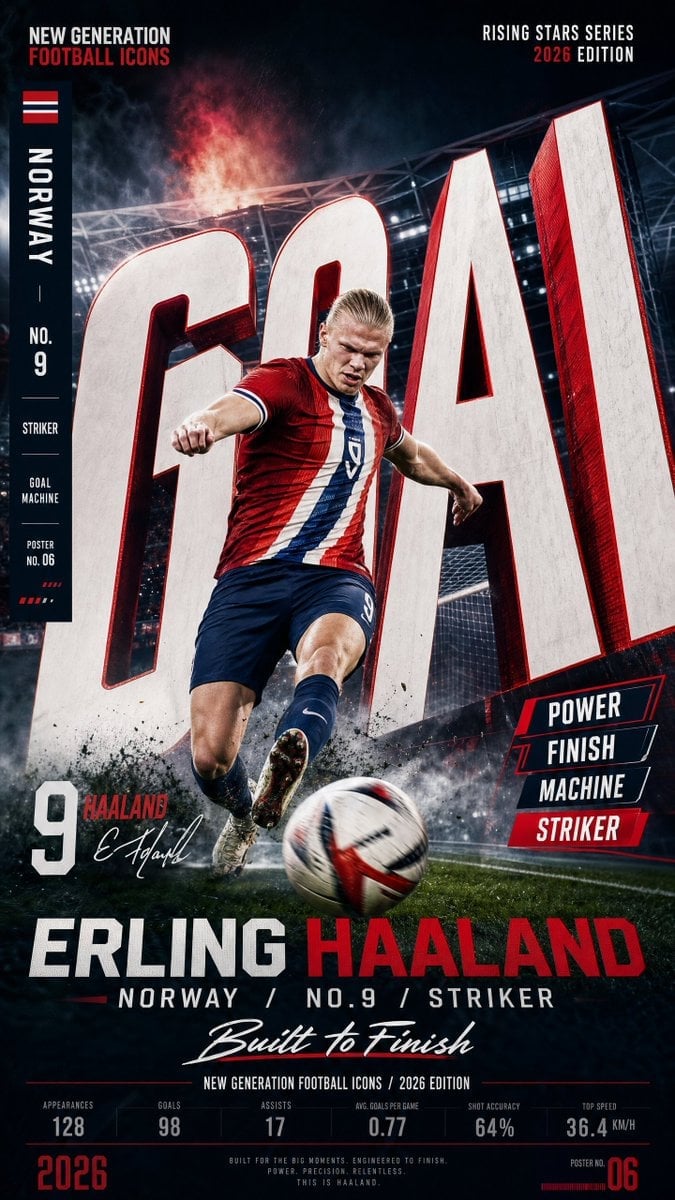
Vertical Football Star Campaign Poster

Selective Color Monochrome Football Poster

Panning Motion Soccer Kick Poster

Monochrome Portrait Jersey Accent Poster
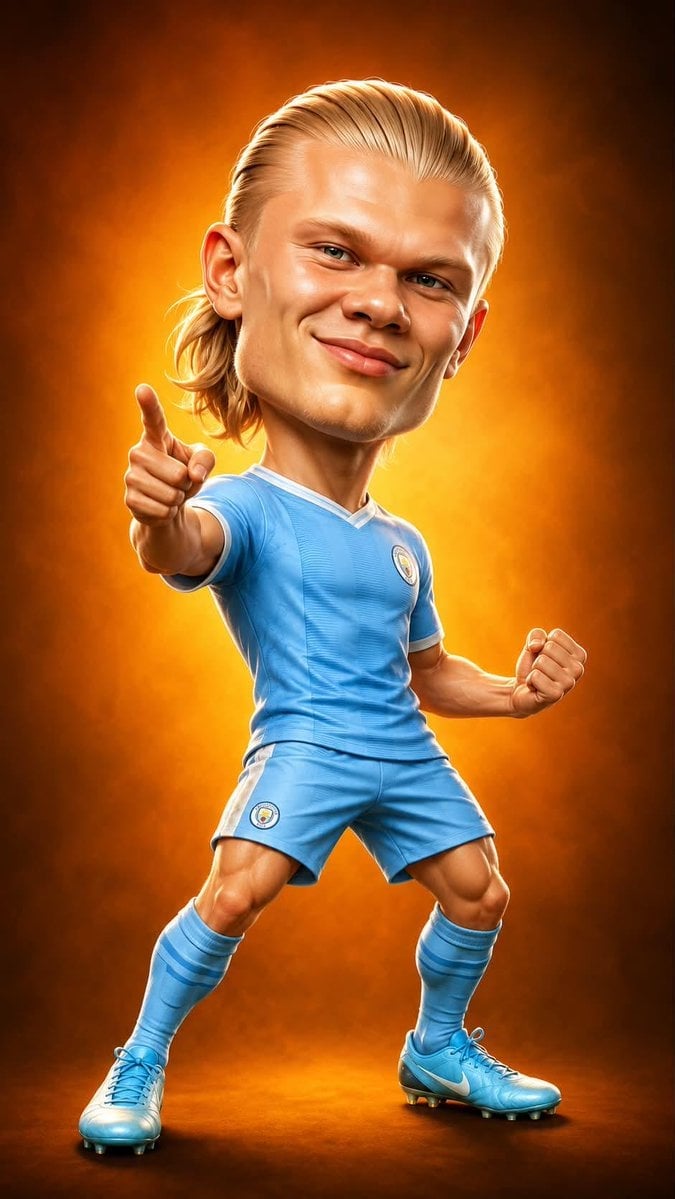
Legendary Icons Mixed Style Poster Pack
Make it yours
Football Teammates at Golden Gate Bridge works as-is. These are the safest ways to change it without losing the look.
Change one field
Copy a single group, rewrite it, and generate again so you can see what that field is doing.
Keep the frame, change the subject
Hold the composition and light of Football Teammates at Golden Gate Bridge, then swap wardrobe, props or the person for a new take.
| If the result… | Why | Fix |
|---|---|---|
| The result drifts from the preview | Too many fields changed at once. | Reuse Football Teammates at Golden Gate Bridge as-is first, then change one group — subject, light, or setting. |
| The model over-stylizes the scene | The prose prompt leaves finish and camera underspecified. | Add one camera or lighting sentence and stay on GPT Image 2. |
More GPT Image 2 templates
Other prompts made for GPT Image 2.

Six VTuber Japanese Logo Sheet

Realistic Portrait of Woman and Deer

The Vista Modular Condo Poster

AI Model Routing Comparison Infographic

2.5D Anime Art Board

Isometric Productivity Desk Scene

New York Double Exposure Poster

Four-Panel AI Landscape Comparison

Japanese Tatami Lifestyle Magazine Cover

NESCAFÉ Coffee Map Poster
More image prompts
Fresh picks from across the catalog.
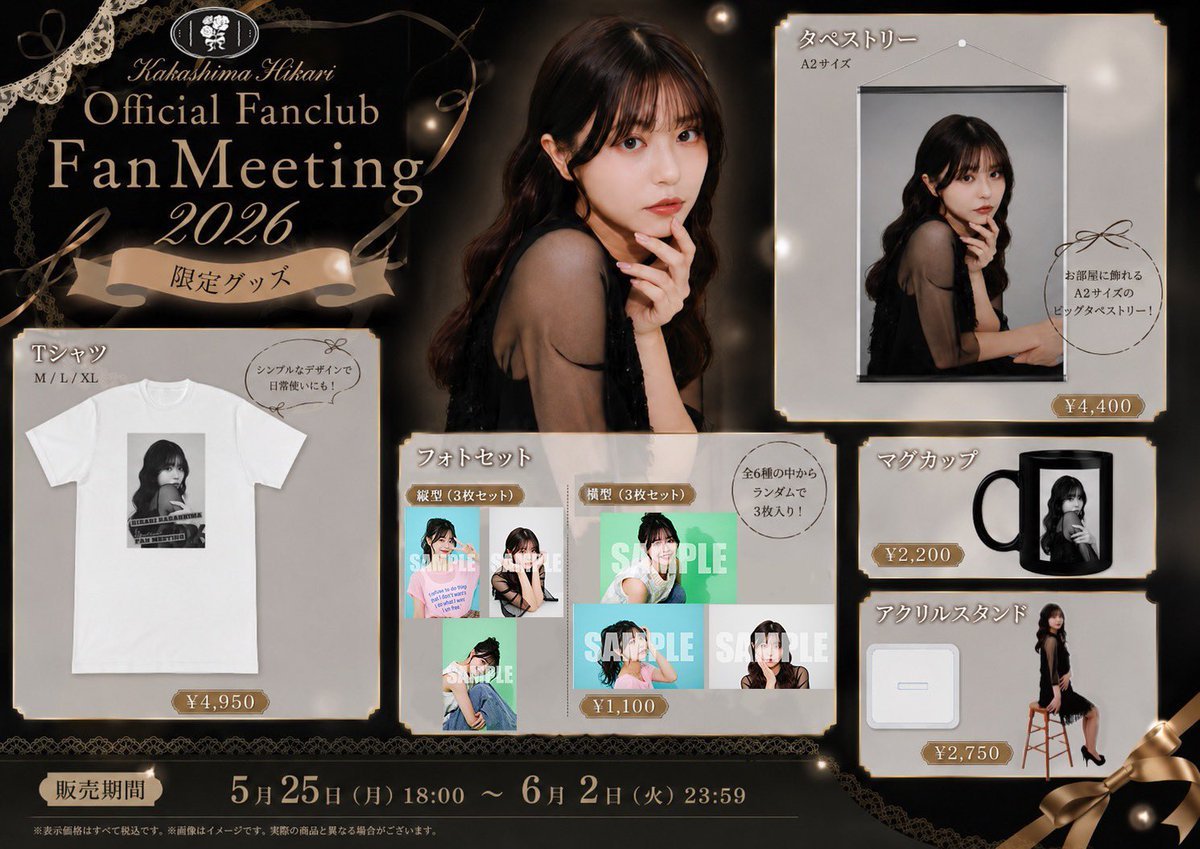
Elegant Fan Meeting Goods Flyer
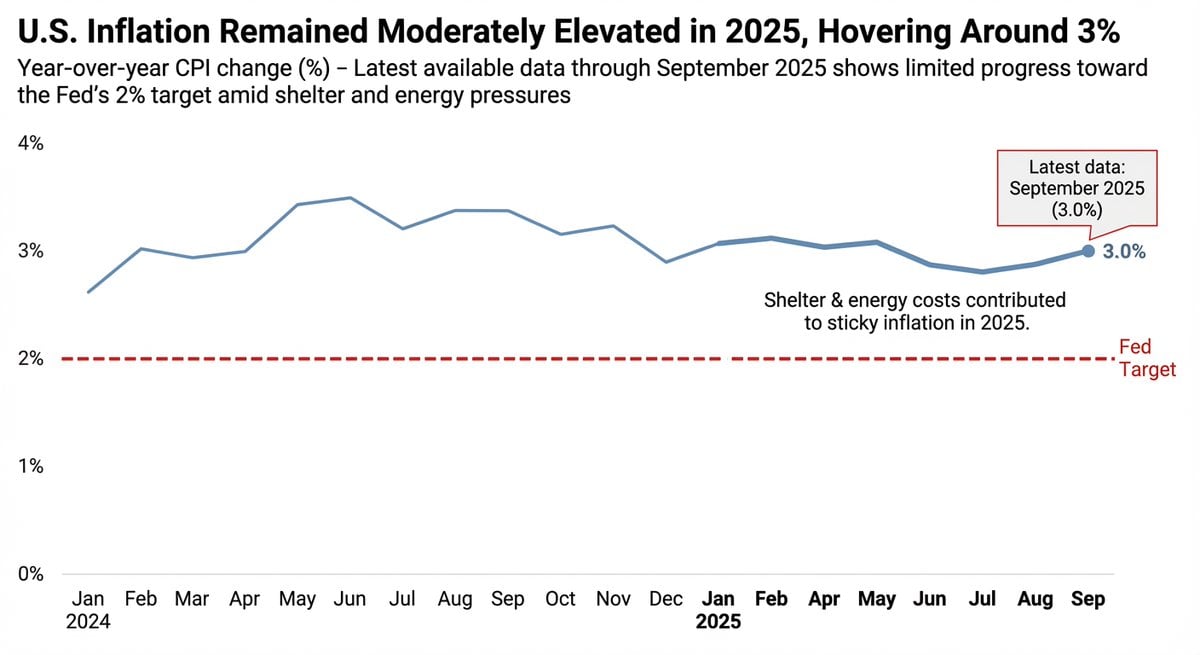
Data Visualization based on Storytelling with Data
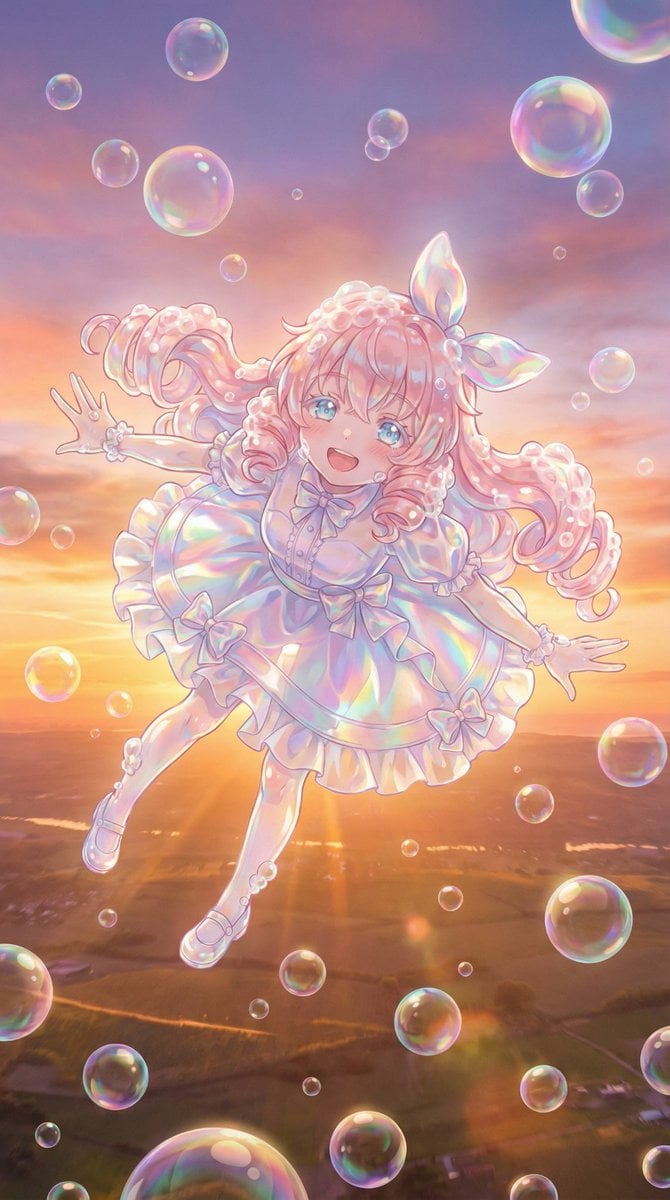
Bubble Transformation Narrative Prompt
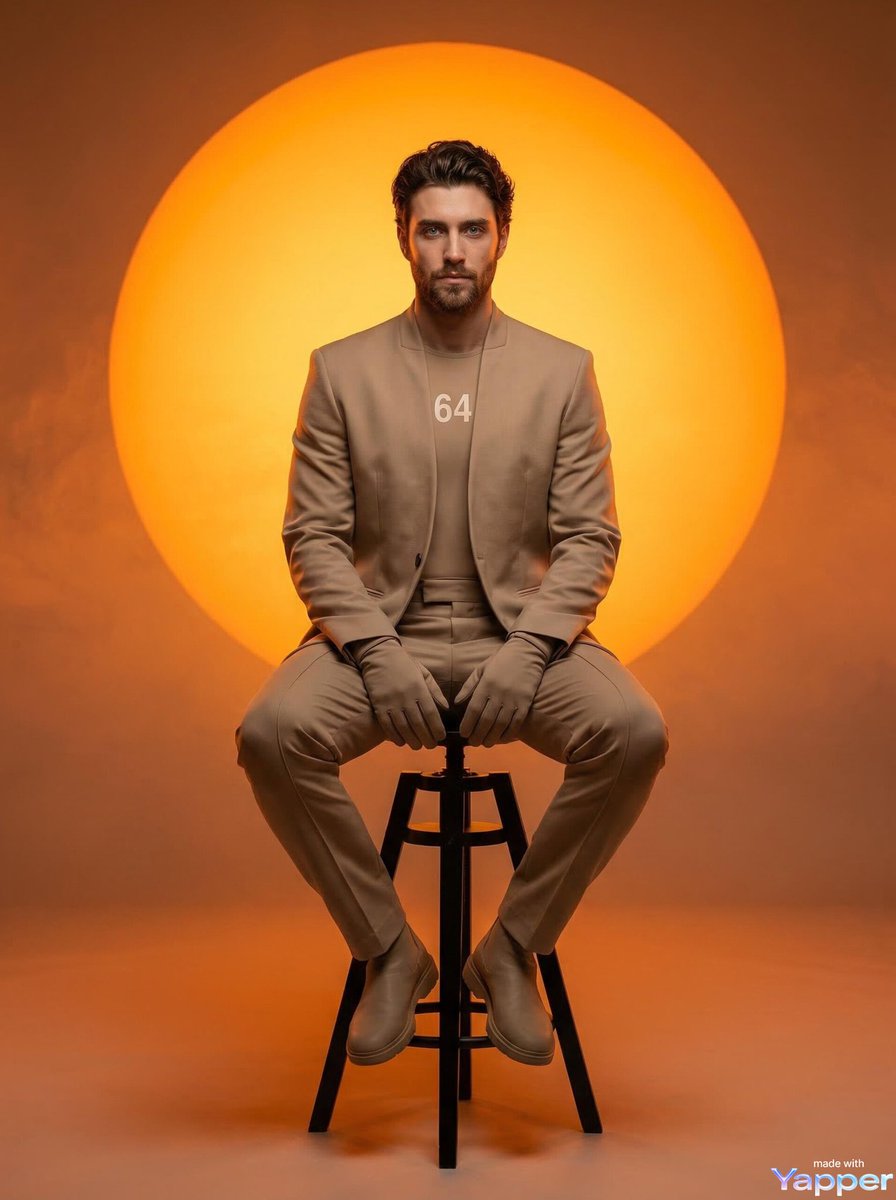
Futuristic Fashion Editorial Prompt for Nano Banana 2
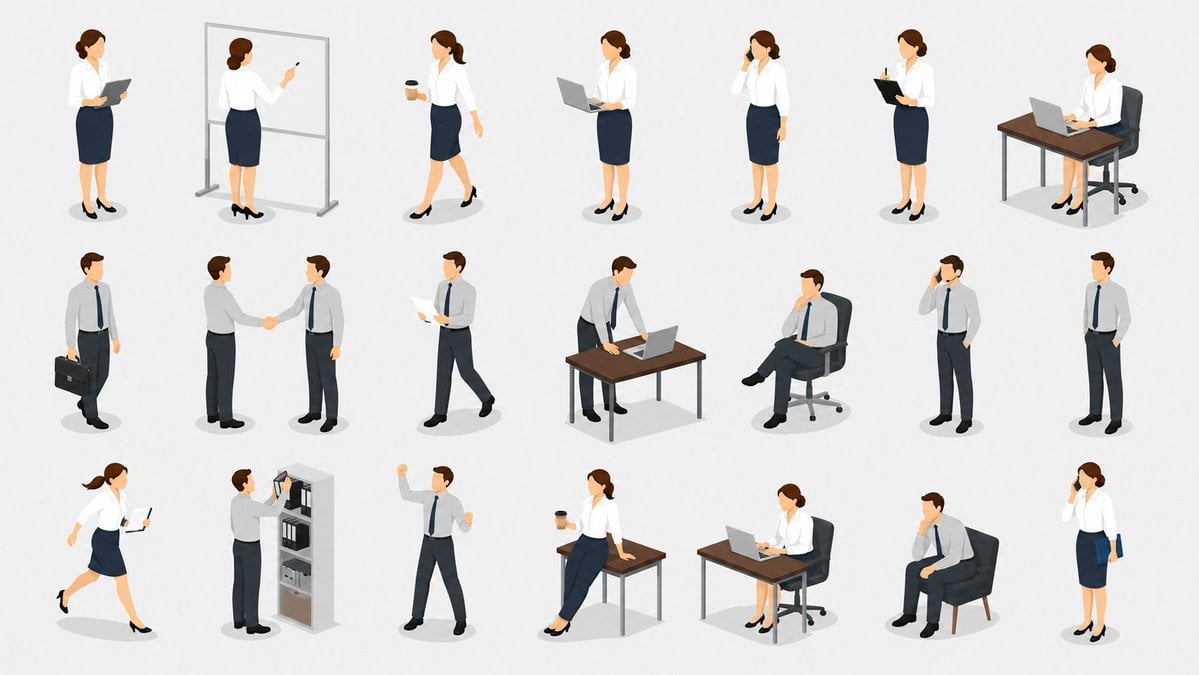
Isometric Business People Asset Sheet
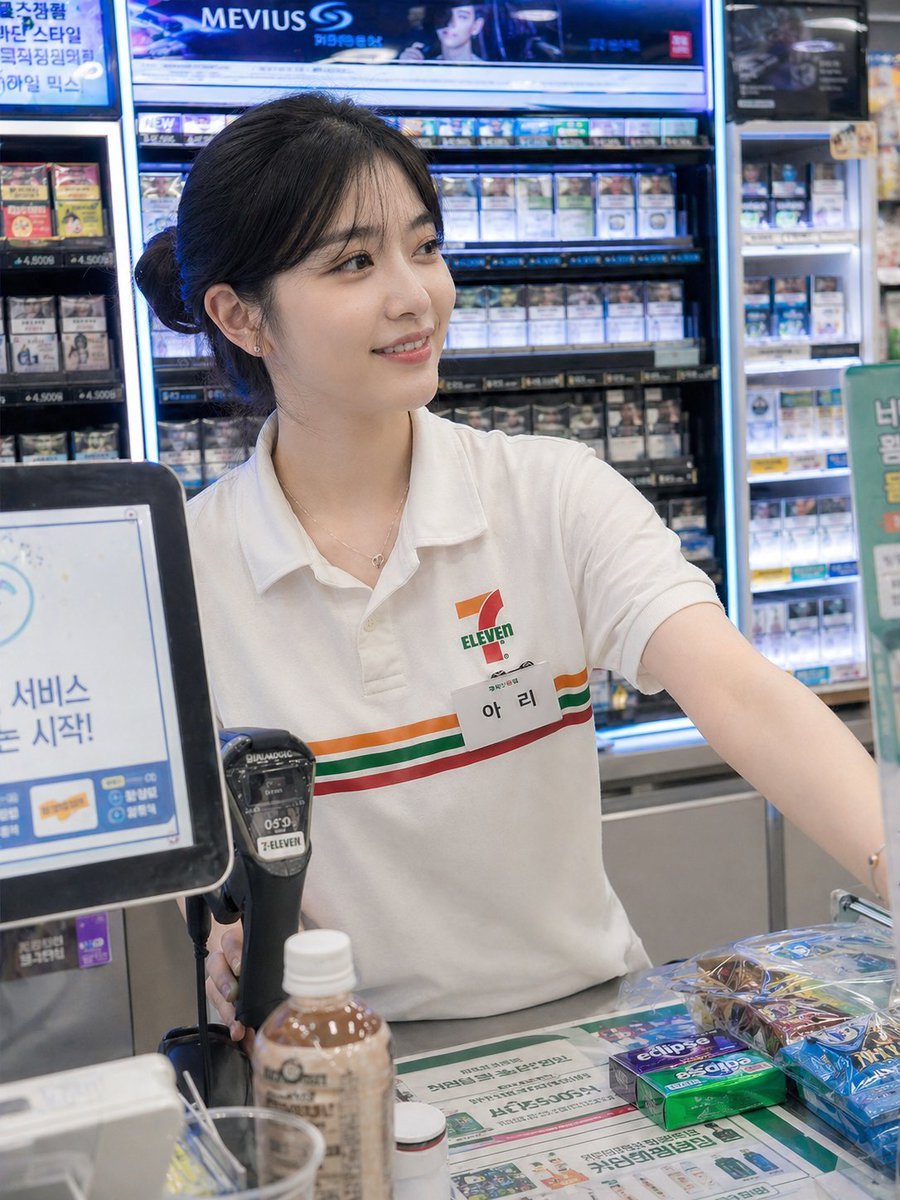
Candid Convenience Store Cashier
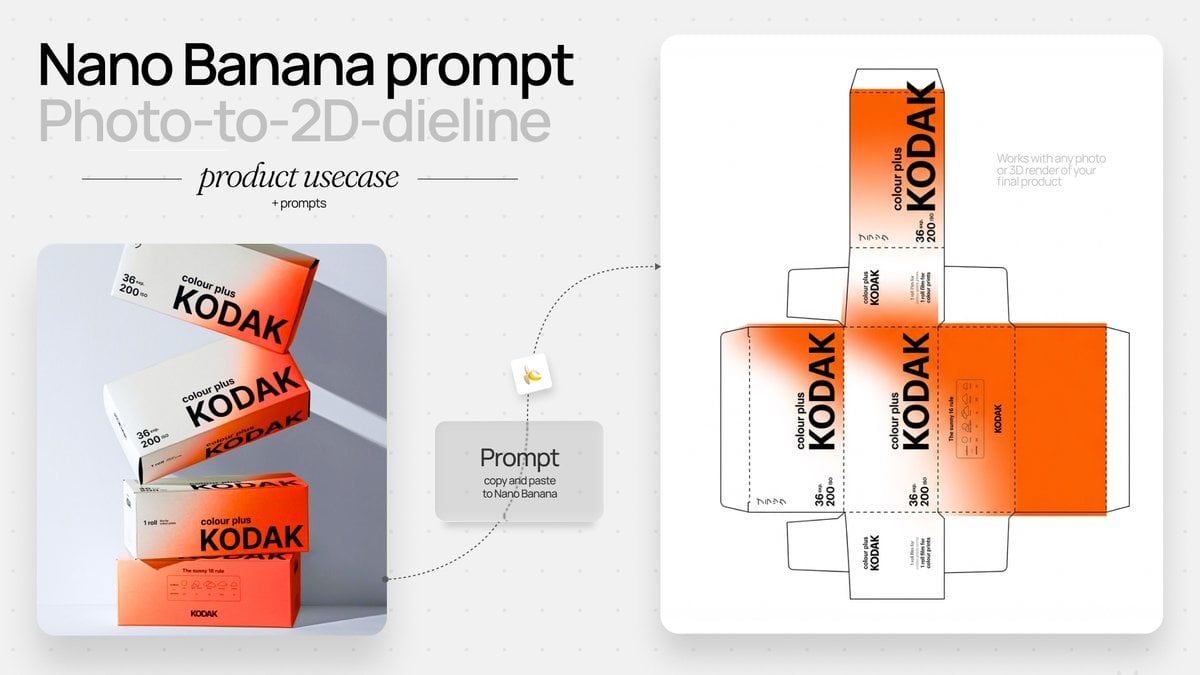
Photo to Product Packaging Dieline Prompt
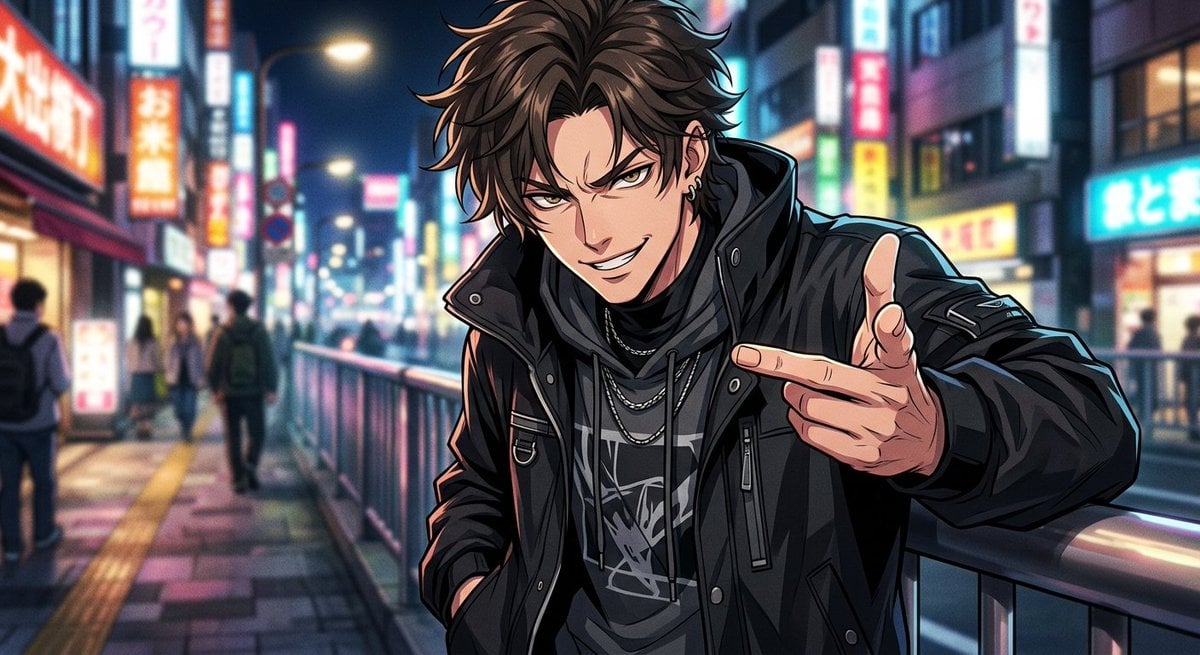
Neon Anime Streetwear Portrait
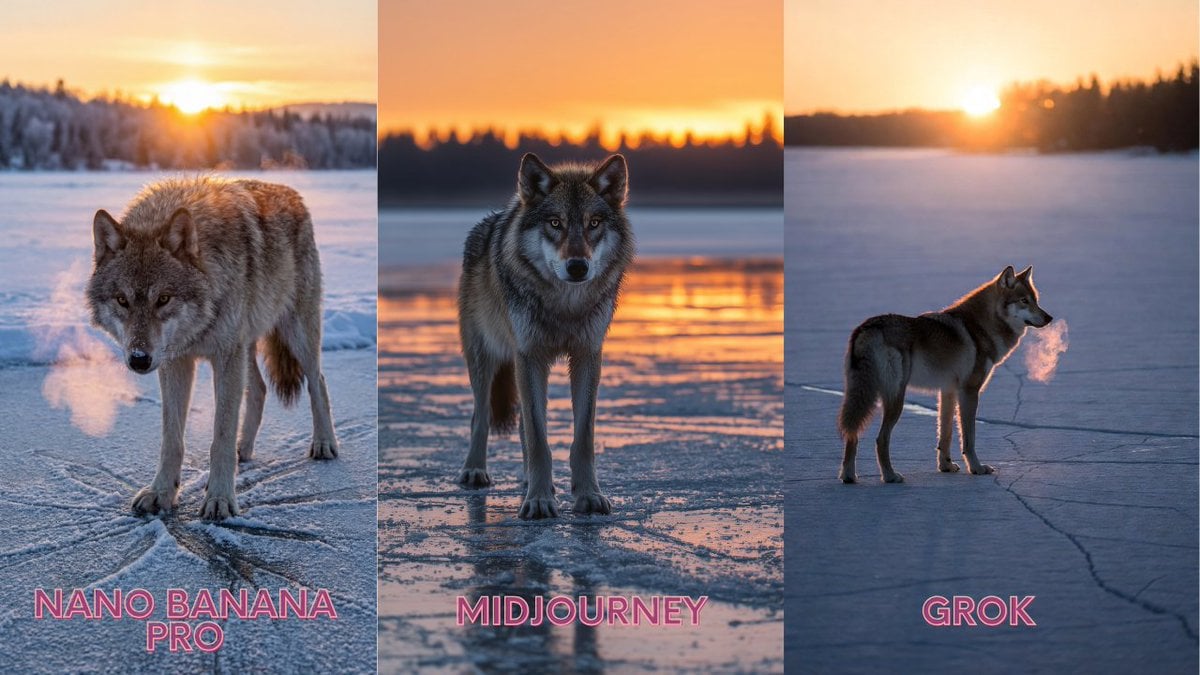
Lone Grey Wolf on Frozen Lake at Dawn

Retro 1970s Editorial Magazine Cover
Browse template categories
Football Teammates at Golden Gate Bridge questions
How do I use the Football Teammates at Golden Gate Bridge template?
Add your photo if the template asks for one, edit the prompt if you like — the template's model and format are already selected — and press Generate. Your version opens in PicX Studio.
Can I customize the Football Teammates at Golden Gate Bridge template?
Yes. You can change the subject, setting, lighting, mood, format, and available model controls before creating your image.
Is the Football Teammates at Golden Gate Bridge template free?
Opening and editing this template is free. Generating uses credits, shown on the Generate button when you are signed in.
Which AI model should I use?
Start with GPT Image 2, which is the model associated with this template. You can compare another compatible model for a different finish.
Looking for something else? Browse all templates.

Your photo, any look
Thousands of ready templates for every top image and video model, from one credit balance.