
Isometric Business People Asset Sheet
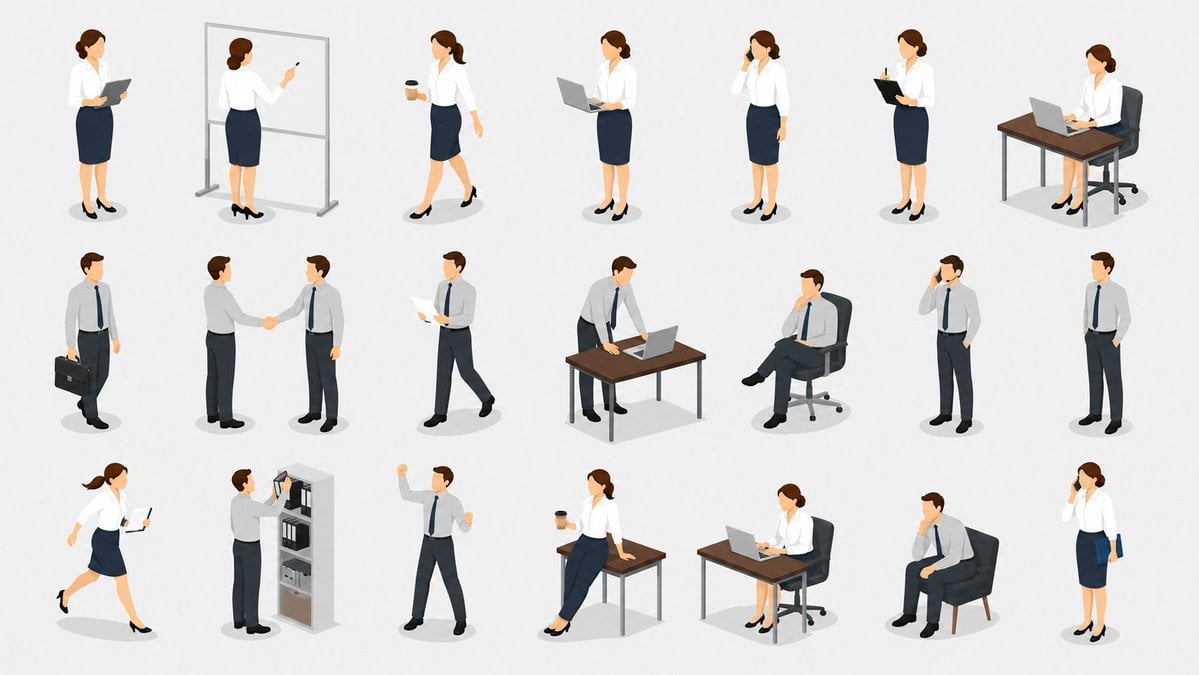
Generates a wide isometric vector sheet of 21 office worker poses and business mini-scenes for presentations, websites, or UI illustrations.
- Prompt included
- Model and format preset
- Free template
The prompt behind this image
Copy the exact prompt behind Isometric Business People Asset Sheet, or open it in the studio and make it yours.
Goal: Create a clean isometric vector illustration sheet showing exactly 21 separate business-person poses and office mini-scenes on one canvas, like a reusable character asset collection. Canvas: Wide 16:9 horizontal canvas, light gray or off-white background, no borders, no title text, no labels, no watermark. Arrange the subjects in a neat 3-row by 7-column grid with generous spacing and soft gray oval shadows under each figure or desk. Visual style: Modern isometric corporate illustration, semi-flat vector rendering with subtle gradients and soft shading, crisp edges, realistic but simplified proportions, neutral professional mood. Use {argument name="background color" default="very light gray"}. Characters wear {argument name="business outfit style" default="white shirts, navy skirts or trousers, dark shoes, simple ties for men"}; women have brown hair tied back, men have short brown hair. Use a restrained palette of white, navy, charcoal, brown wood, gray metal, and black shoes. Layout and exact scene count: Include exactly 21 discrete illustrations, arranged left to right in three rows of seven. Top row, 7 scenes: 1) standing businesswoman holding a dark tablet or clipboard, 2) businesswoman seen from behind writing on a freestanding whiteboard with a marker, 3) businesswoman walking while holding a takeaway coffee cup, 4) businesswoman standing and working on an open laptop, 5) businesswoman standing with one hand to her ear as if talking on a phone, 6) businesswoman standing and writing on a black clipboard, 7) businesswoman seated at a wooden desk using a laptop on an office chair. Middle row, 7 scenes: 1) businessman standing with a black briefcase at his side, 2) two businessmen shaking hands, 3) businessman walking while reading paper documents, 4) businessman leaning over a wooden desk and typing on a laptop, 5) businessman sitting in a black office chair with crossed legs and one hand on his chin, 6) businessman standing and talking on a phone, 7) businessman standing casually with hands in pockets. Bottom row, 7 scenes: 1) businesswoman hurrying or running while holding a tablet and stylus, 2) businessman placing or retrieving binders from a tall gray office shelf, 3) businessman celebrating with both fists raised, 4) businesswoman sitting casually on the edge of a wooden desk while holding a takeaway coffee, 5) businesswoman seated at a wooden desk using a laptop, 6) businessman sitting in a dark lounge chair thinking with one hand near his chin, 7) businesswoman standing and talking on a phone while holding a blue folder. Subject details: Keep all figures small, full-body, three-quarter isometric view with consistent scale. Desks are simple brown tabletops with thin gray legs; chairs are dark office chairs where appropriate; whiteboard has a thin gray frame and legs; shelf is gray with visible binders. Emphasize office work gestures, communication, meetings, walking, thinking, and productivity. Use {argument name="character hair color" default="brown"} and {argument name="primary accent color" default="navy blue"}. Constraints: No text anywhere in the image, no logos, no photorealism, no exaggerated cartoon faces, no background environment beyond the individual props and shadows. Keep the composition airy, evenly spaced, and suitable for business presentation assets.
How to use Isometric Business People Asset Sheet in 3 steps
- 1Upload ImagePNG, JPG or paste
Add your photo
Upload the photo the template builds on. The prompt, model and format are already set.
- 2…a portrait of your subject in softgolden-hour light, 85mm…
Personalize
Edit the subject and creative details for your destination.
- 3Generate
Generate
Press Generate — your image is created in PicX Studio, so you can compare it with the original and refine one variable at a time.
More like this
Templates with the same subject, style or setup. Open one to see its prompt.
Isometric Exploded Urban Asset Sheet
Isometric Office Worker Asset Sheet
Isometric Business People Set
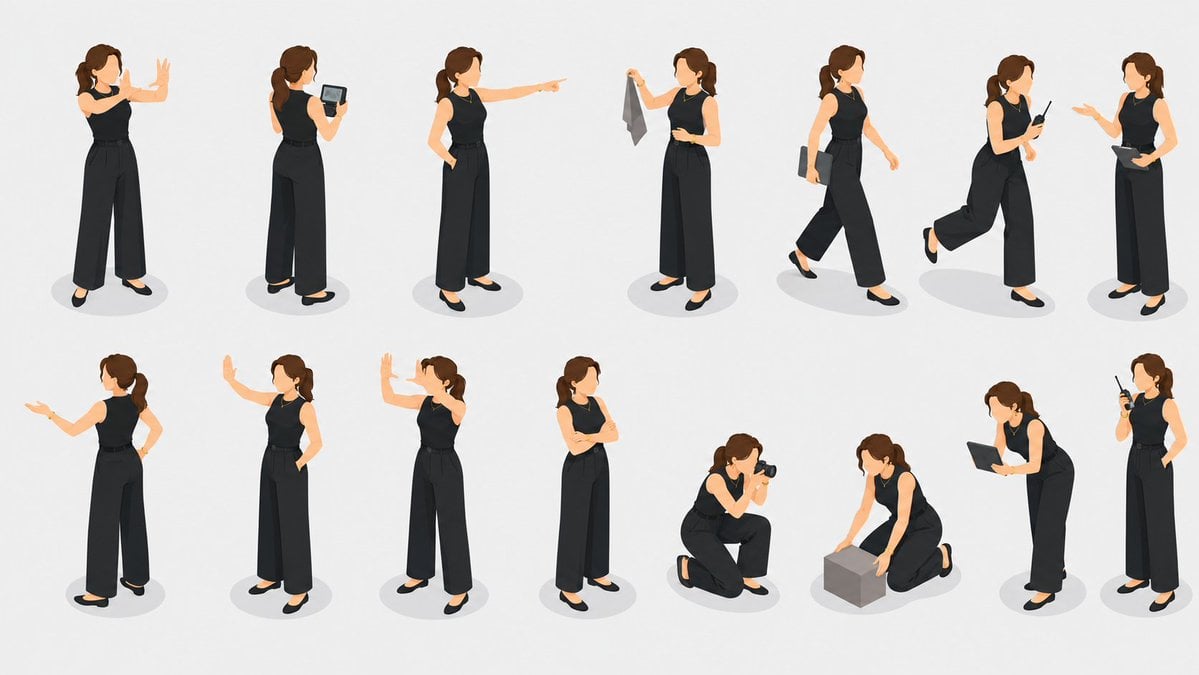
Isometric Businesswoman Pose Sheet
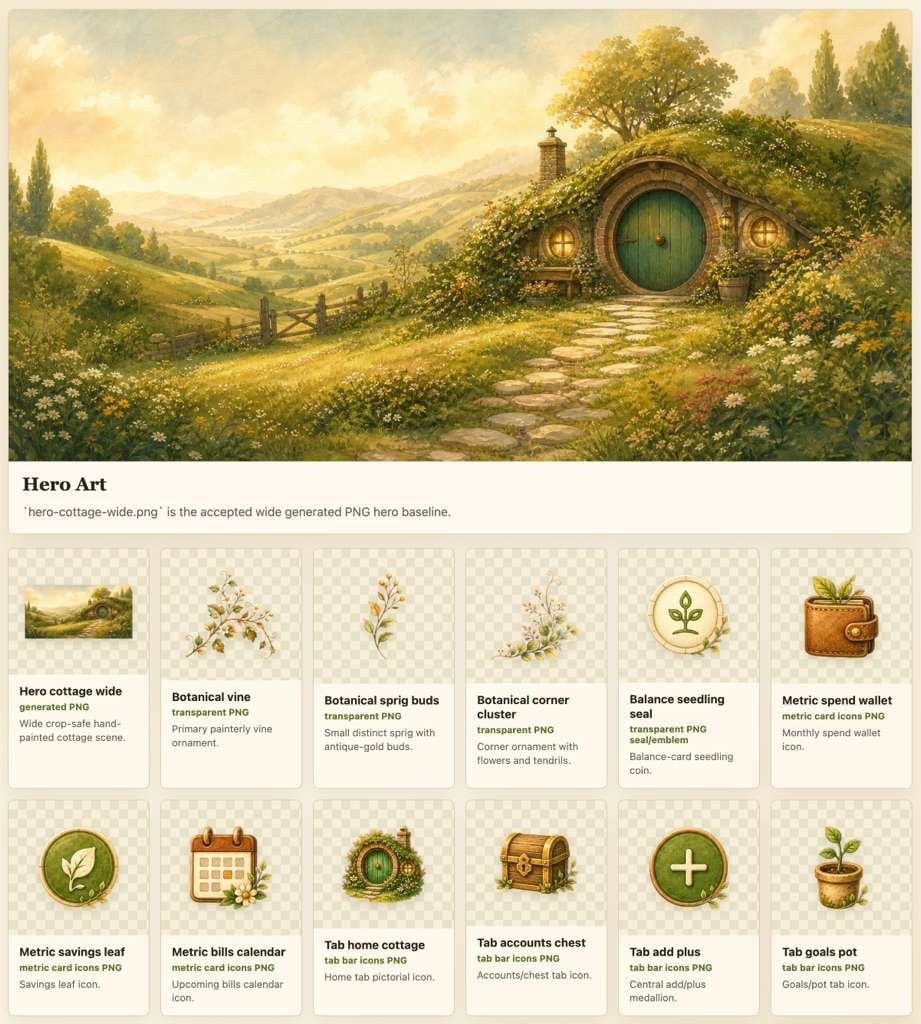
Cozy Hobbit App Asset Sheet

Isometric Process Educational Diorama

Isometric Brand Store Diorama

Isometric Vehicle Teardown Infographic Template
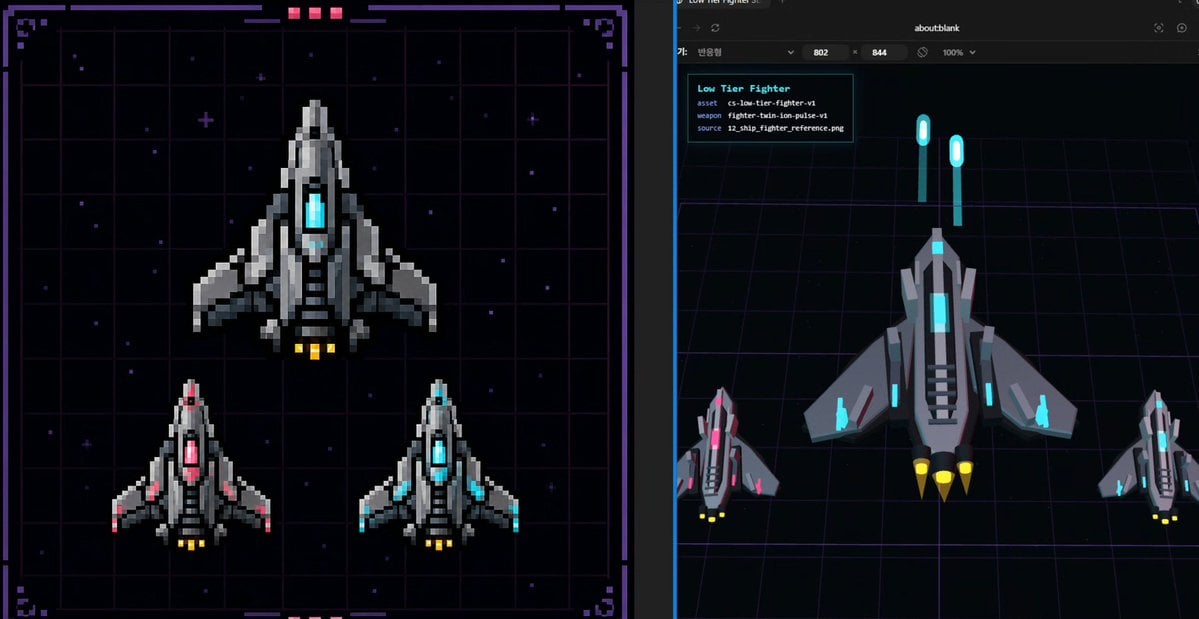
Pixel Fighter to 3D Asset Sheet
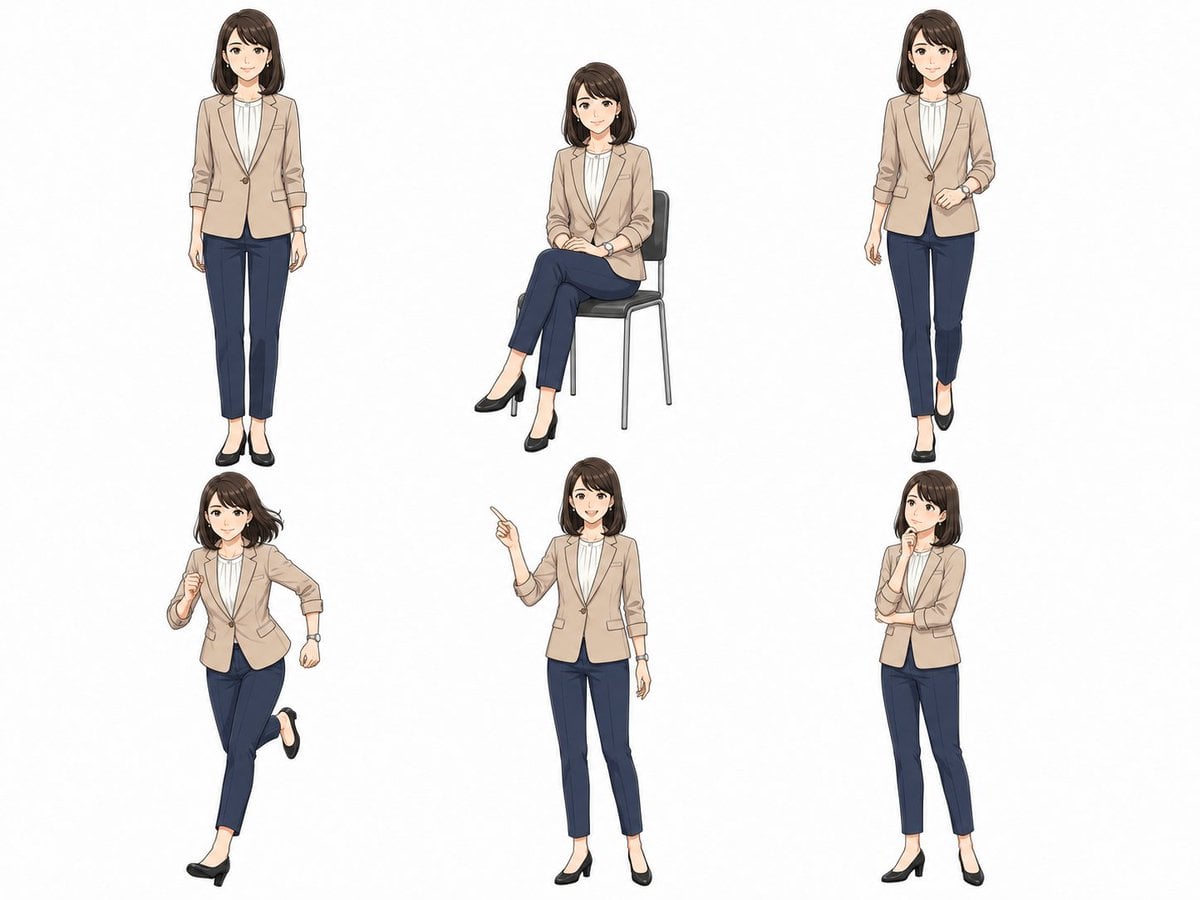
Anime Businesswoman Pose Sheet
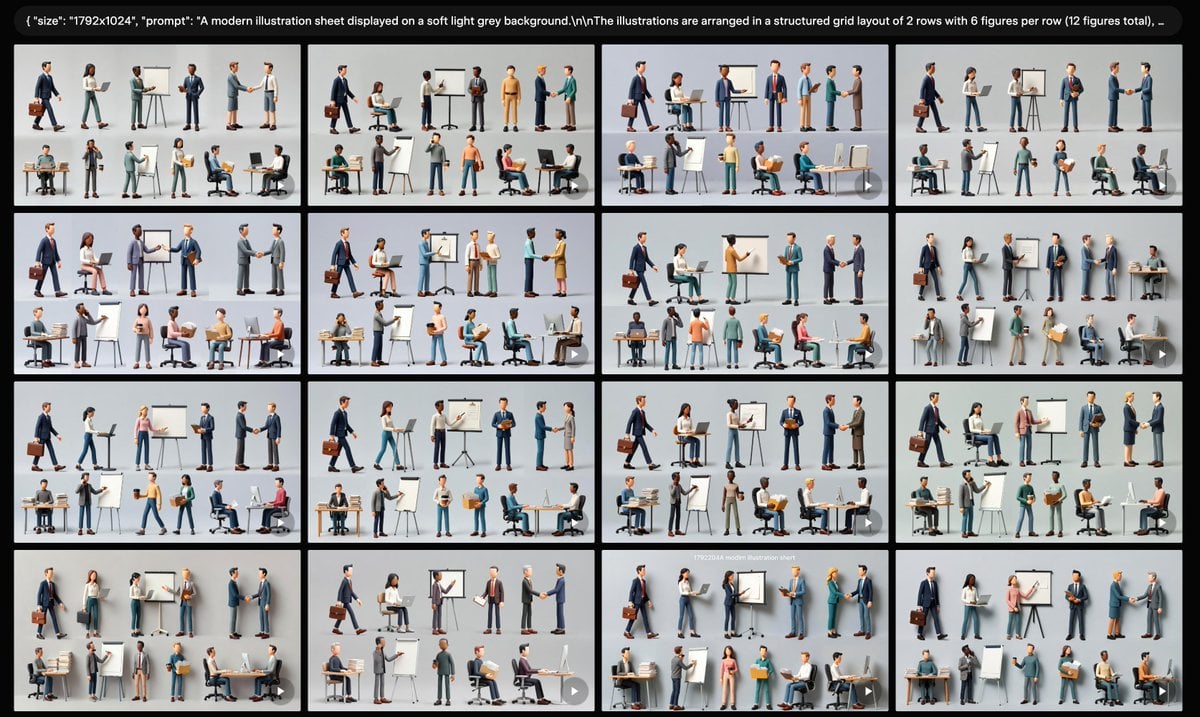
Business Character Sheet Gallery
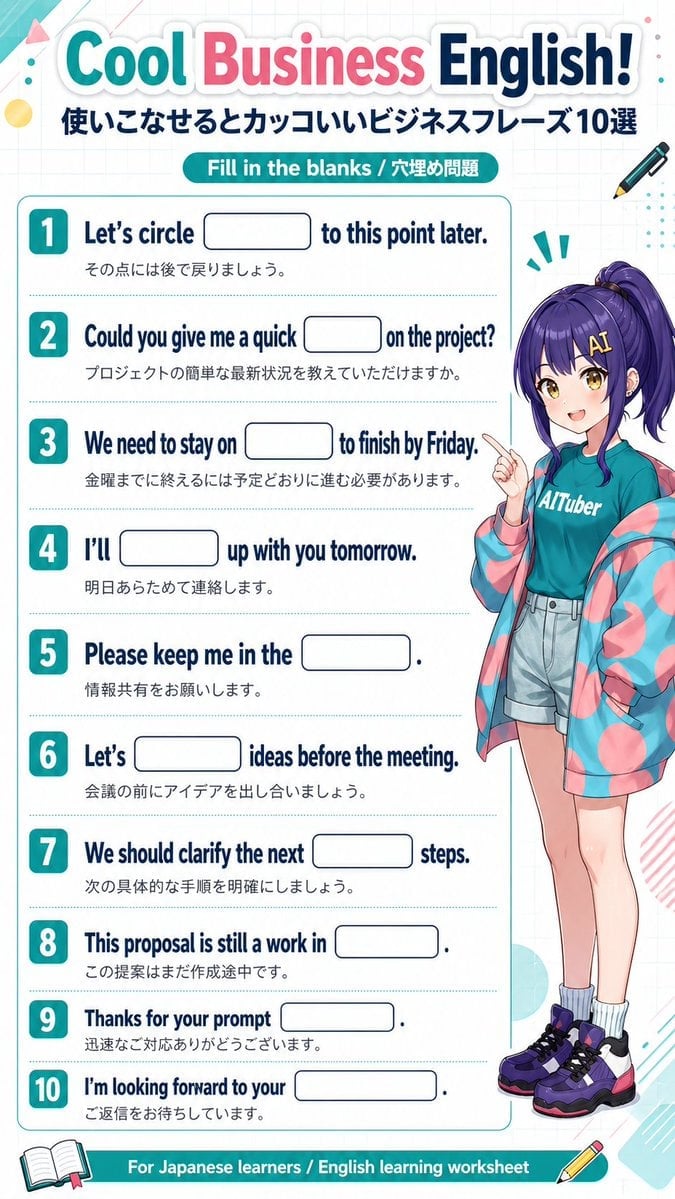
Anime Business English Worksheet
Make it yours
Isometric Business People Asset Sheet works as-is. These are the safest ways to change it without losing the look.
Change one field
Copy a single group, rewrite it, and generate again so you can see what that field is doing.
Keep the frame, change the subject
Hold the composition and light of Isometric Business People Asset Sheet, then swap wardrobe, props or the person for a new take.
| If the result… | Why | Fix |
|---|---|---|
| The result drifts from the preview | Too many fields changed at once. | Reuse Isometric Business People Asset Sheet as-is first, then change one group — subject, light, or setting. |
| The model over-stylizes the scene | The prose prompt leaves finish and camera underspecified. | Add one camera or lighting sentence and stay on GPT Image 2. |
More GPT Image 2 templates
Other prompts made for GPT Image 2.

Six VTuber Japanese Logo Sheet

Realistic Portrait of Woman and Deer

The Vista Modular Condo Poster

AI Model Routing Comparison Infographic

2.5D Anime Art Board

Isometric Productivity Desk Scene

New York Double Exposure Poster

Four-Panel AI Landscape Comparison

Japanese Tatami Lifestyle Magazine Cover

NESCAFÉ Coffee Map Poster
More image prompts
Fresh picks from across the catalog.
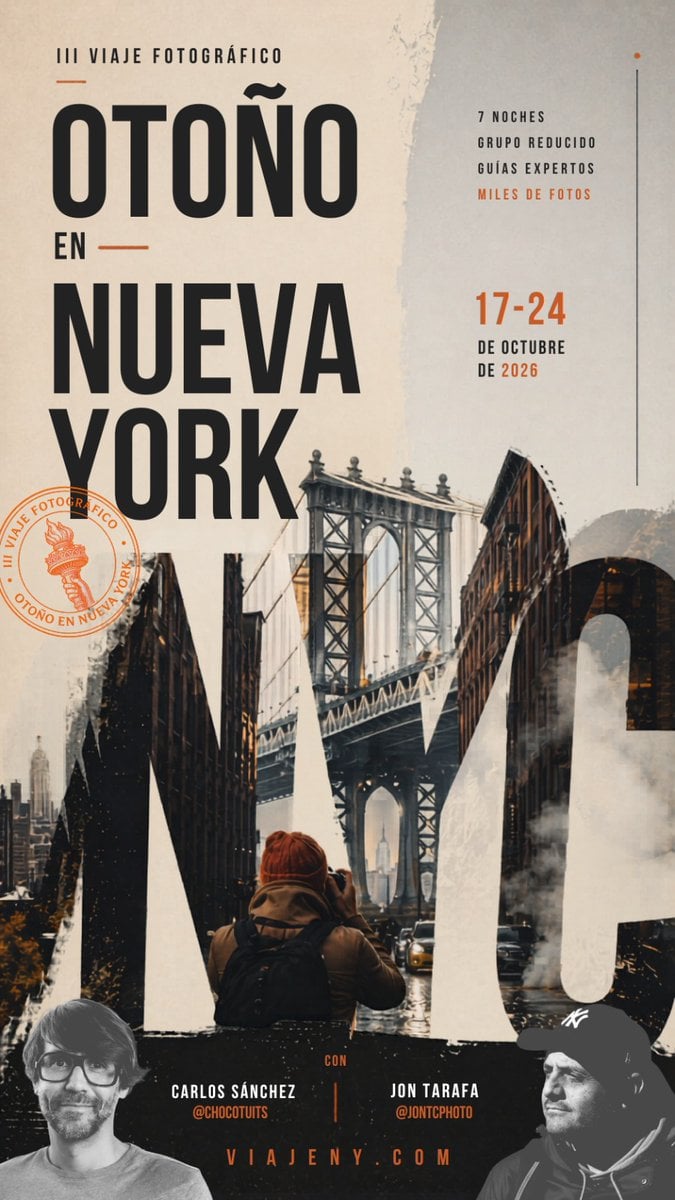
Autumn in New York Travel Poster

Luxury Amber Perfume Ad

Hyper-Realistic Street Style Portrait Prompt

Anonymized Schoolgirl by Classroom Window

Gemini Nano Banana 2 Isometric 3d City D

Monochrome Low-Angle Portrait with Red Glow
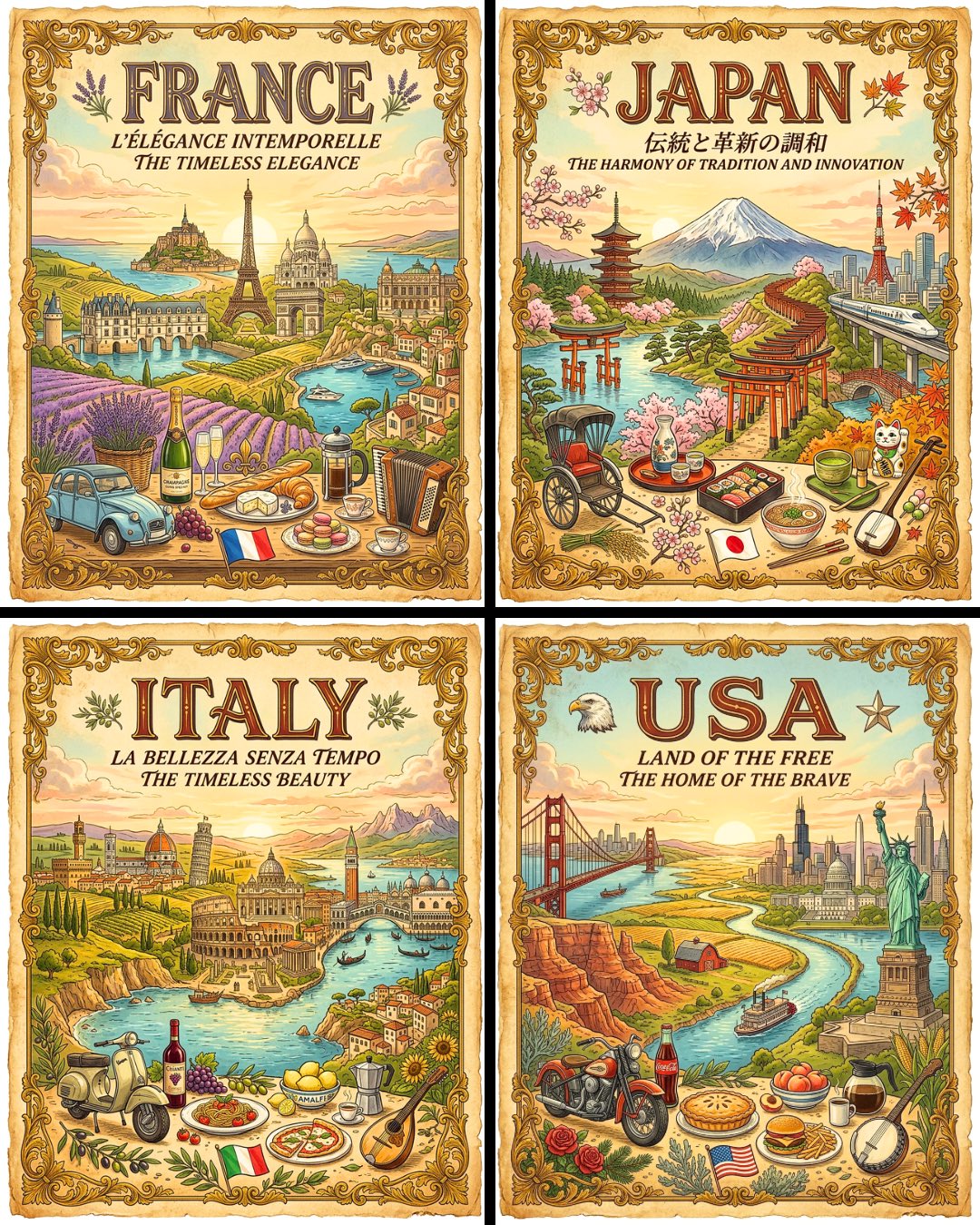
Vintage Travel Posters by Nano Banana 2
Cinematic Falconer Portrait
Harsh Flash Mirror Selfie Prompt (Disposable Camera Aesthetic)
Professional Identity-Preserving Corporate Portrait
Browse template categories
Isometric Business People Asset Sheet questions
How do I use the Isometric Business People Asset Sheet template?
Add your photo if the template asks for one, edit the prompt if you like — the template's model and format are already selected — and press Generate. Your version opens in PicX Studio.
Can I customize the Isometric Business People Asset Sheet template?
Yes. You can change the subject, setting, lighting, mood, format, and available model controls before creating your image.
Is the Isometric Business People Asset Sheet template free?
Opening and editing this template is free. Generating uses credits, shown on the Generate button when you are signed in.
Which AI model should I use?
Start with GPT Image 2, which is the model associated with this template. You can compare another compatible model for a different finish.
Looking for something else? Browse all templates.

Your photo, any look
Thousands of ready templates for every top image and video model, from one credit balance.