
Isometric Businesswoman Pose Sheet
Generates a wide two-row set of 14 consistent isometric businesswoman poses for presentation, workplace, and UI illustration assets.
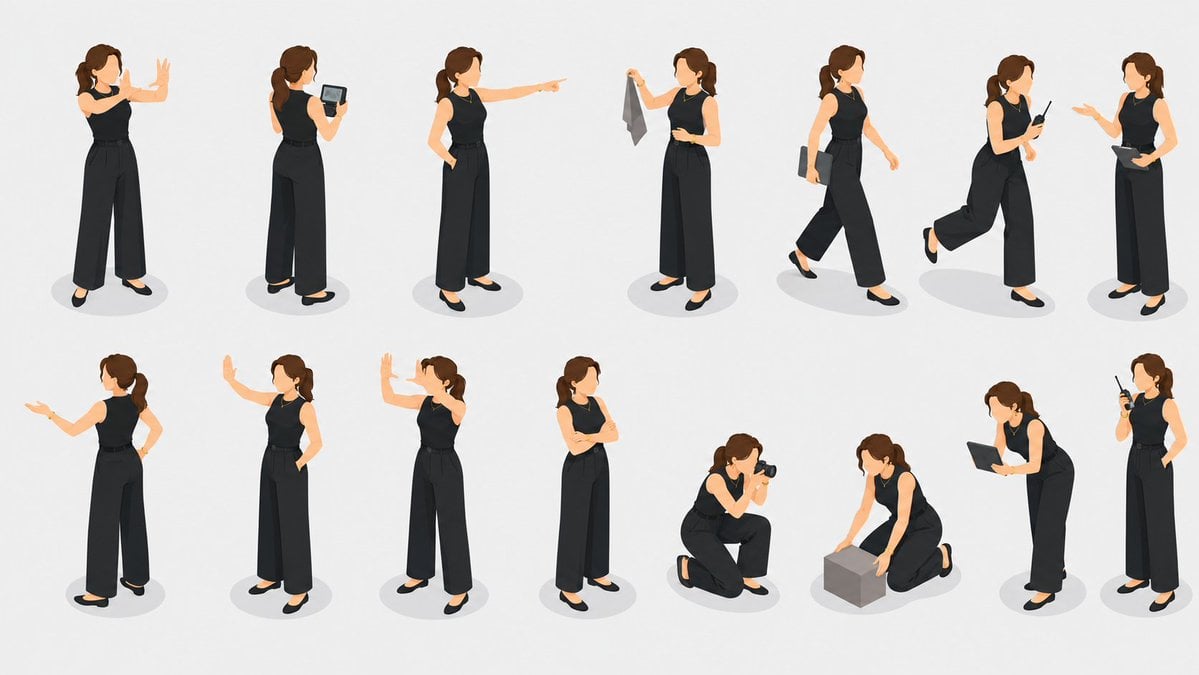
- Prompt included
- Model and format preset
- Free template
The prompt behind this image
Copy the exact prompt behind Isometric Businesswoman Pose Sheet, or open it in the studio and make it yours.
Goal: Create a clean character pose sheet of one consistent isometric businesswoman in many presentation and work scenarios, suitable as a reusable illustration asset set. Canvas: Wide horizontal 16:9 white or very light gray background, plenty of negative space, no borders, no title, no labels, no watermark. Subject details: Show the same adult woman in all poses, with {argument name="hair color" default="medium brown"} hair tied in a ponytail, simplified faceless or minimal facial features, light skin, slim professional build, wearing a sleeveless black top, black high-waisted wide-leg trousers, black flats, a thin belt, and a subtle necklace. Use a modern flat 3D isometric illustration style with soft shadows under each figure. Layout: Arrange exactly 14 separate full-body character illustrations in two neat rows of 7, evenly spaced across the canvas. Each figure should have its own soft oval gray ground shadow and should not overlap the others. Pose count and actions: Include exactly these 14 discrete poses: 1) standing and gesturing with both hands raised as if explaining, 2) standing while holding and looking at a small tablet, 3) standing with one hand in pocket and pointing to the side, 4) standing while holding up a gray cloth or sample fabric, 5) walking forward while carrying a slim folder or notebook, 6) jogging or hurrying while checking a smartphone, 7) standing and presenting with one hand while holding a clipboard or tablet, 8) side-facing presentation gesture with one arm extended, 9) standing with one hand raised in a stop or greeting gesture, 10) standing front-facing with one hand raised near the face, 11) standing with arms crossed confidently, 12) kneeling while taking a photo with a camera, 13) kneeling while placing or inspecting a small gray cube box, 14) bending slightly while writing on a tablet with a stylus and holding a walkie-talkie or handheld radio near the face. Visual style: Soft isometric vector-like 3D, realistic but simplified proportions, consistent character design across all poses, warm skin tones, matte black clothing, subtle highlights and shadows, clean corporate presentation aesthetic. Constraints: Keep all 14 figures consistent as the same person, maintain the exact two-row grid, avoid text, avoid extra props beyond the listed items, avoid background scenery, and keep the overall look polished, minimal, and presentation-ready.
How to use Isometric Businesswoman Pose Sheet in 3 steps
- 1Upload ImagePNG, JPG or paste
Add your photo
Upload the photo the template builds on. The prompt, model and format are already set.
- 2…a portrait of your subject in softgolden-hour light, 85mm…
Personalize
Edit the subject and creative details for your destination.
- 3Generate
Generate
Press Generate — your image is created in PicX Studio, so you can compare it with the original and refine one variable at a time.
More like this
Templates with the same subject, style or setup. Open one to see its prompt.
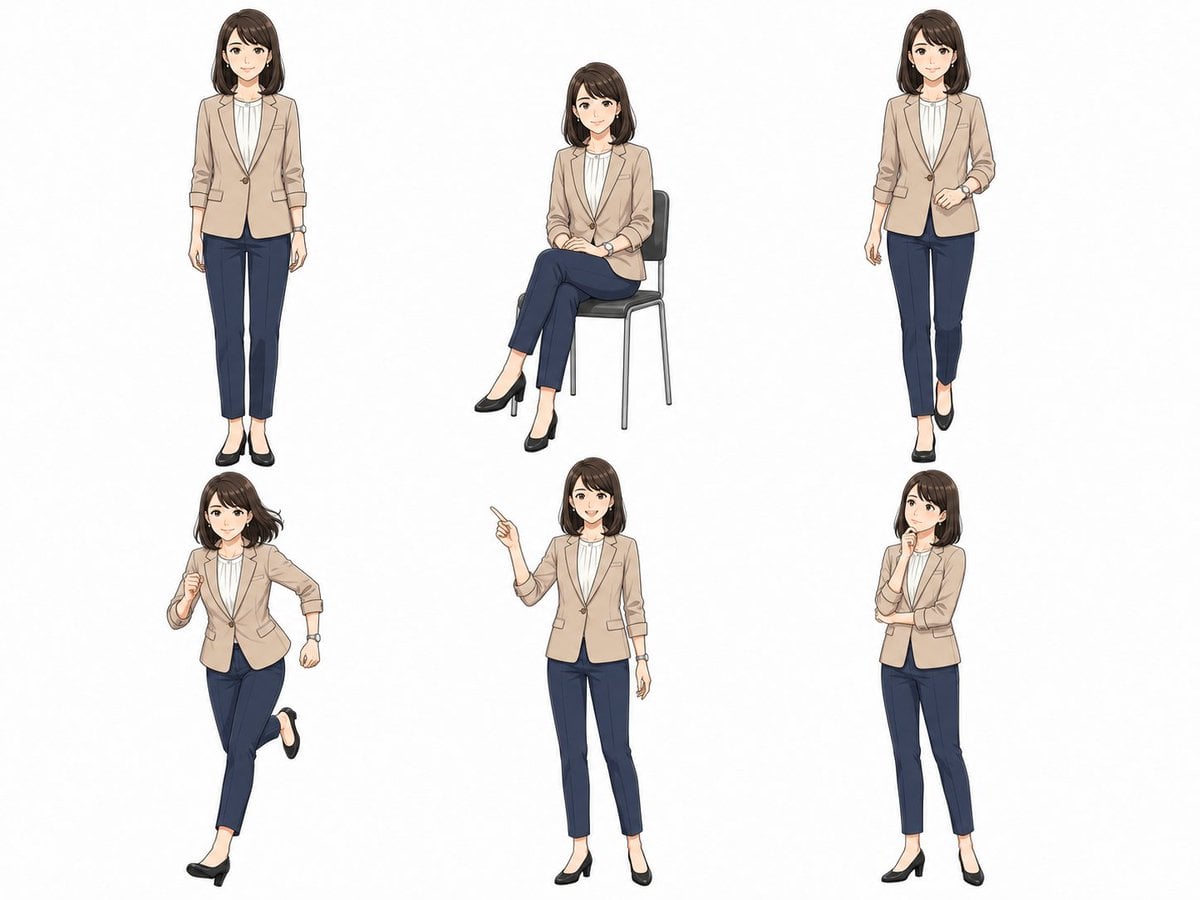
Anime Businesswoman Pose Sheet

Isometric Process Educational Diorama

Isometric Brand Store Diorama

Isometric Vehicle Teardown Infographic Template
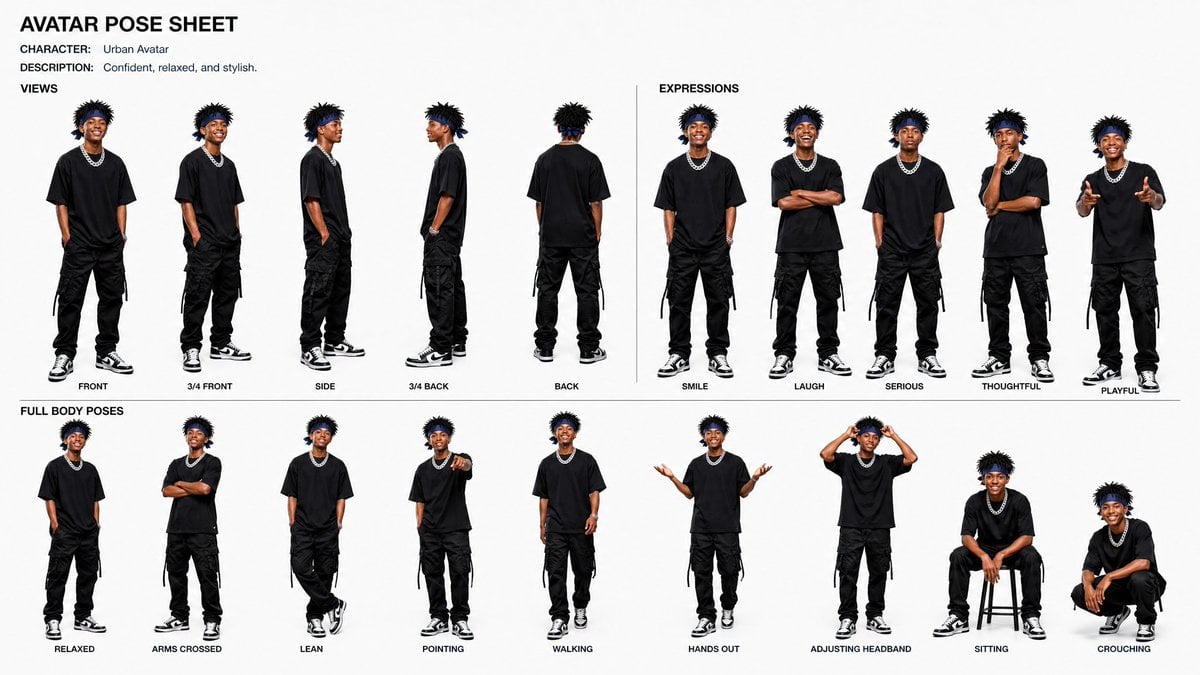
Avatar Character Pose Sheet
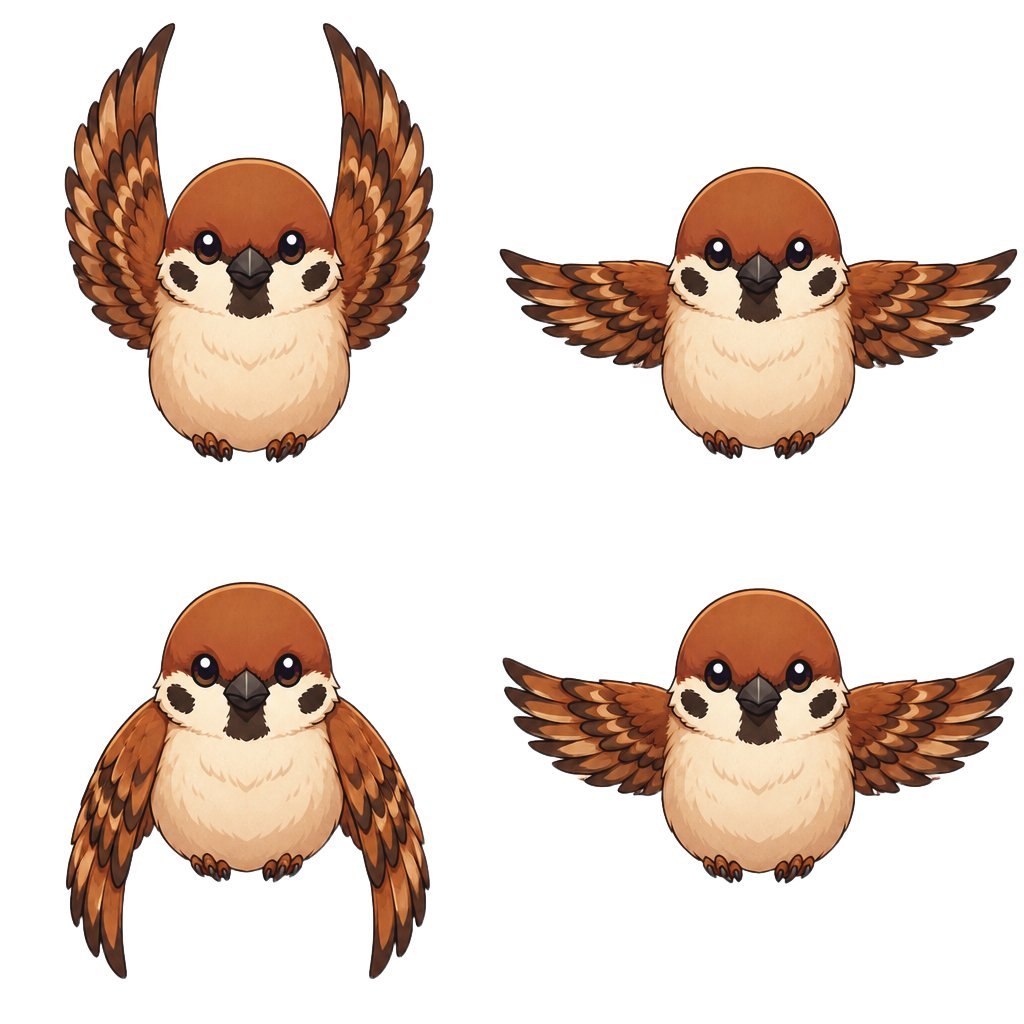
Chibi Sparrow Four-Pose Sheet
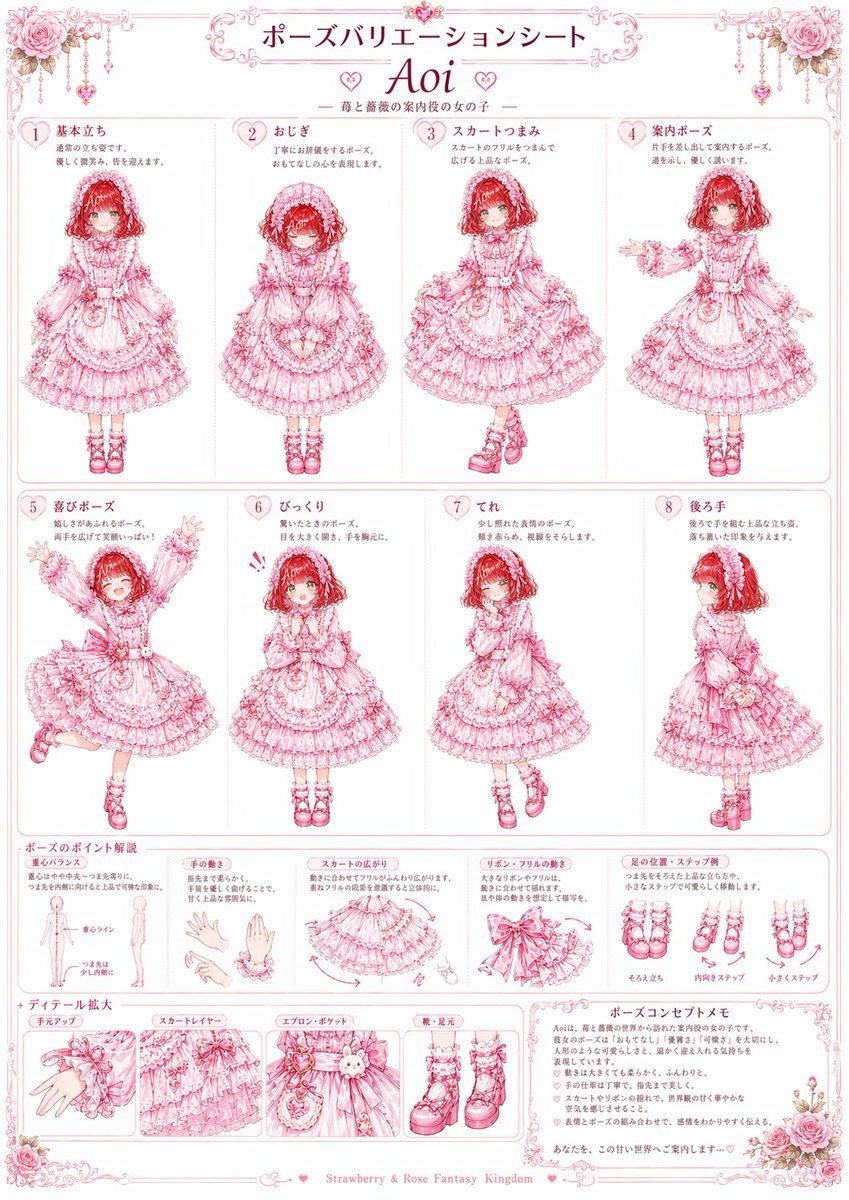
Pink Lolita Pose Variation Sheet
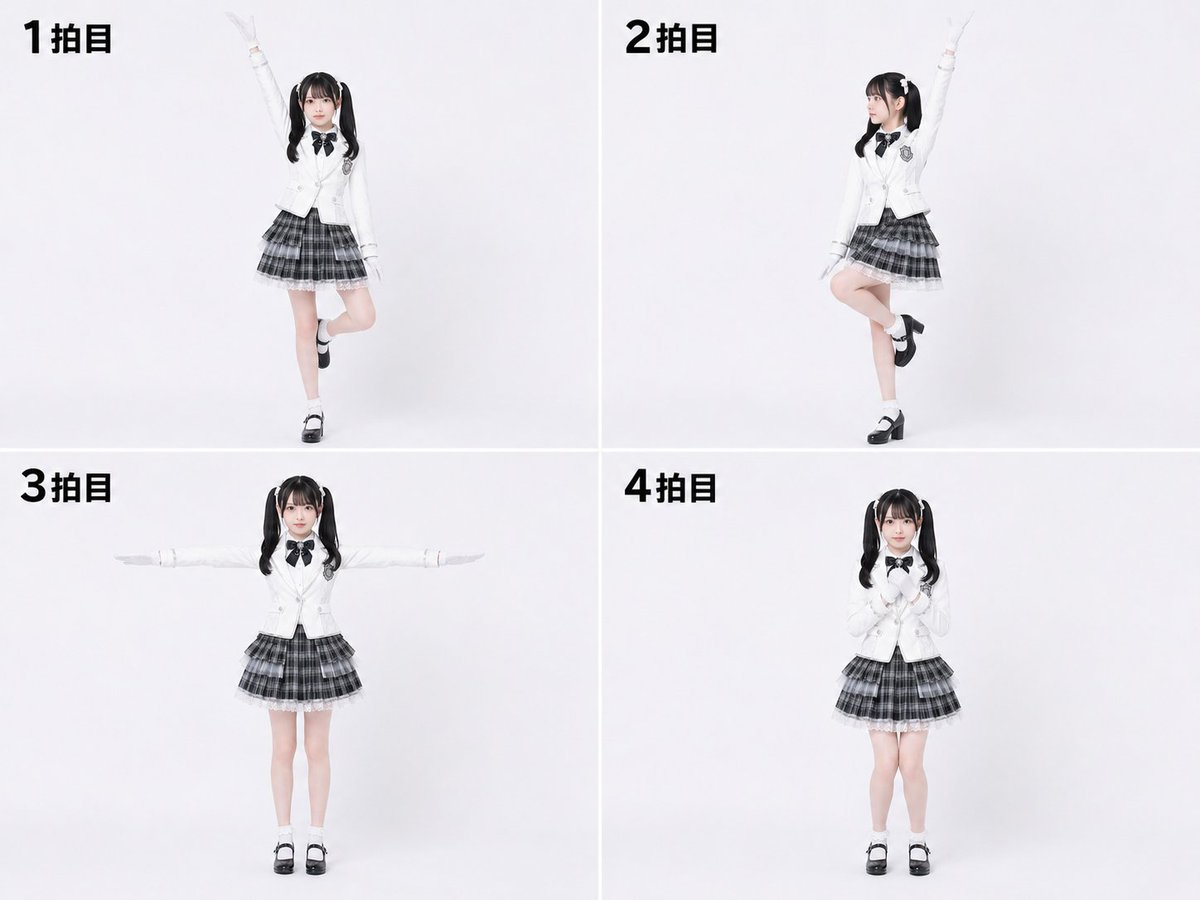
Labanotation to 4-Beat Pose Sheet
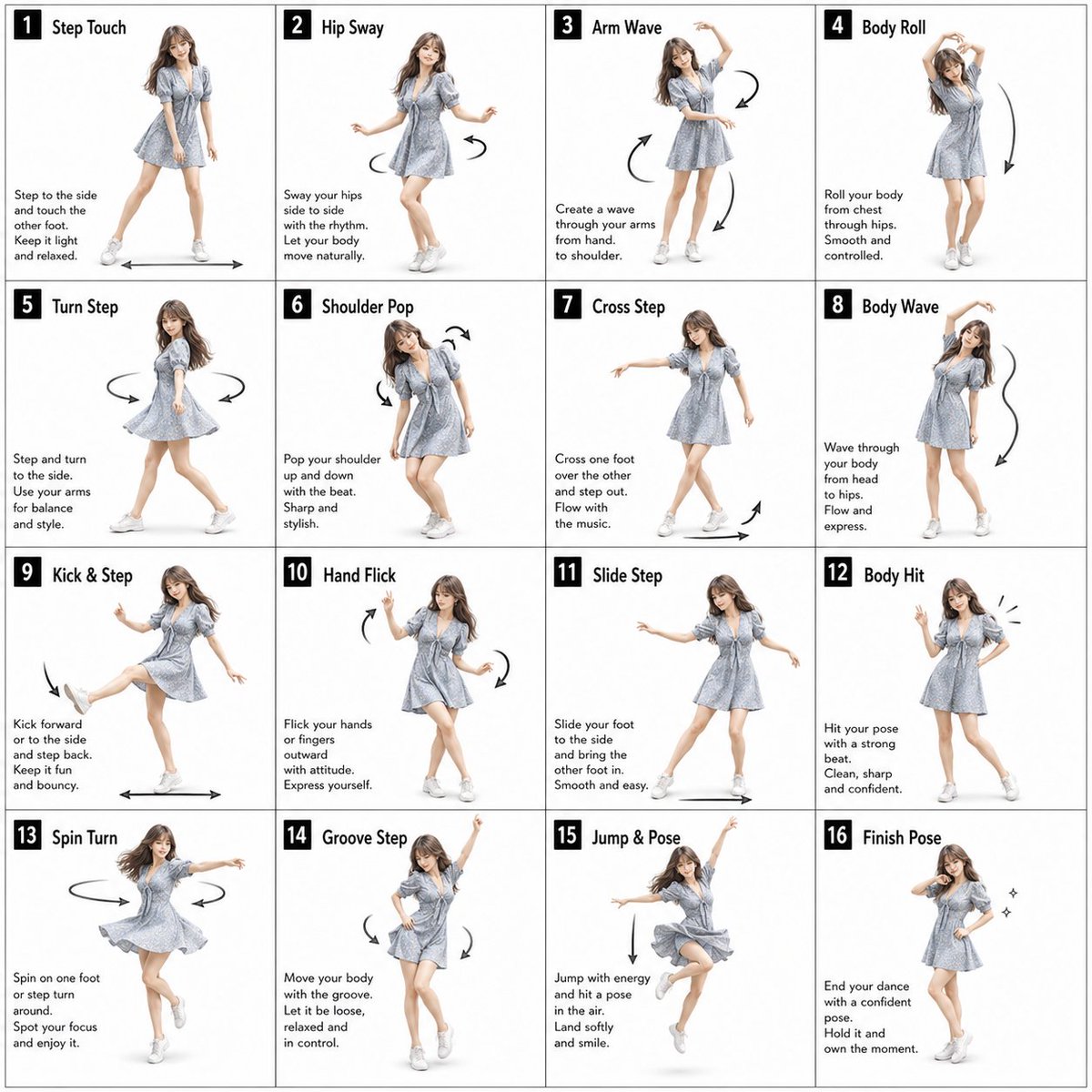
Pose Dance Instruction Sheet

Dancer Character - Four View Reference Sheet

Movement Sheet - Dance Reference (Seedance 2.0)
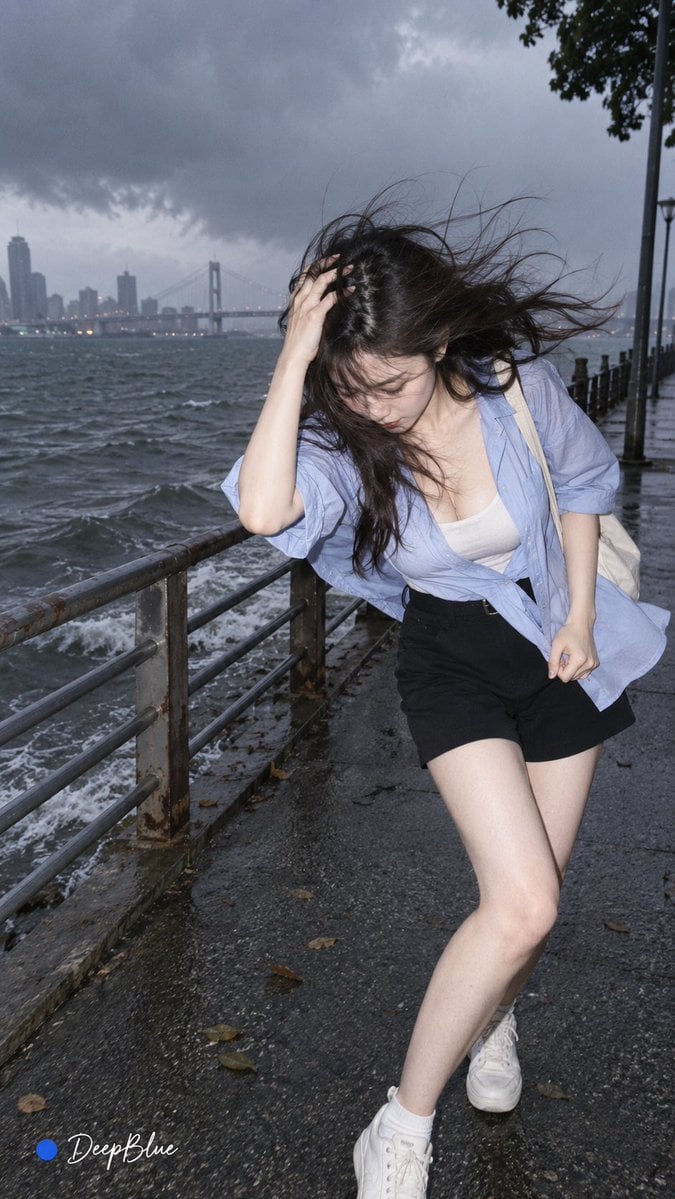
Random Photo Pose Generator
Make it yours
Isometric Businesswoman Pose Sheet works as-is. These are the safest ways to change it without losing the look.
Change one field
Copy a single group, rewrite it, and generate again so you can see what that field is doing.
Keep the frame, change the subject
Hold the composition and light of Isometric Businesswoman Pose Sheet, then swap wardrobe, props or the person for a new take.
| If the result… | Why | Fix |
|---|---|---|
| The result drifts from the preview | Too many fields changed at once. | Reuse Isometric Businesswoman Pose Sheet as-is first, then change one group — subject, light, or setting. |
| The model over-stylizes the scene | The prose prompt leaves finish and camera underspecified. | Add one camera or lighting sentence and stay on GPT Image 2. |
More GPT Image 2 templates
Other prompts made for GPT Image 2.

Realistic Portrait of Woman and Deer

The Vista Modular Condo Poster

AI Model Routing Comparison Infographic

2.5D Anime Art Board

New York Double Exposure Poster

Four-Panel AI Landscape Comparison

Japanese Tatami Lifestyle Magazine Cover

NESCAFÉ Coffee Map Poster

Brutalist Cogito Chinese Typography Poster

Cinematic Luxury Terrace Portrait
More image prompts
Fresh picks from across the catalog.
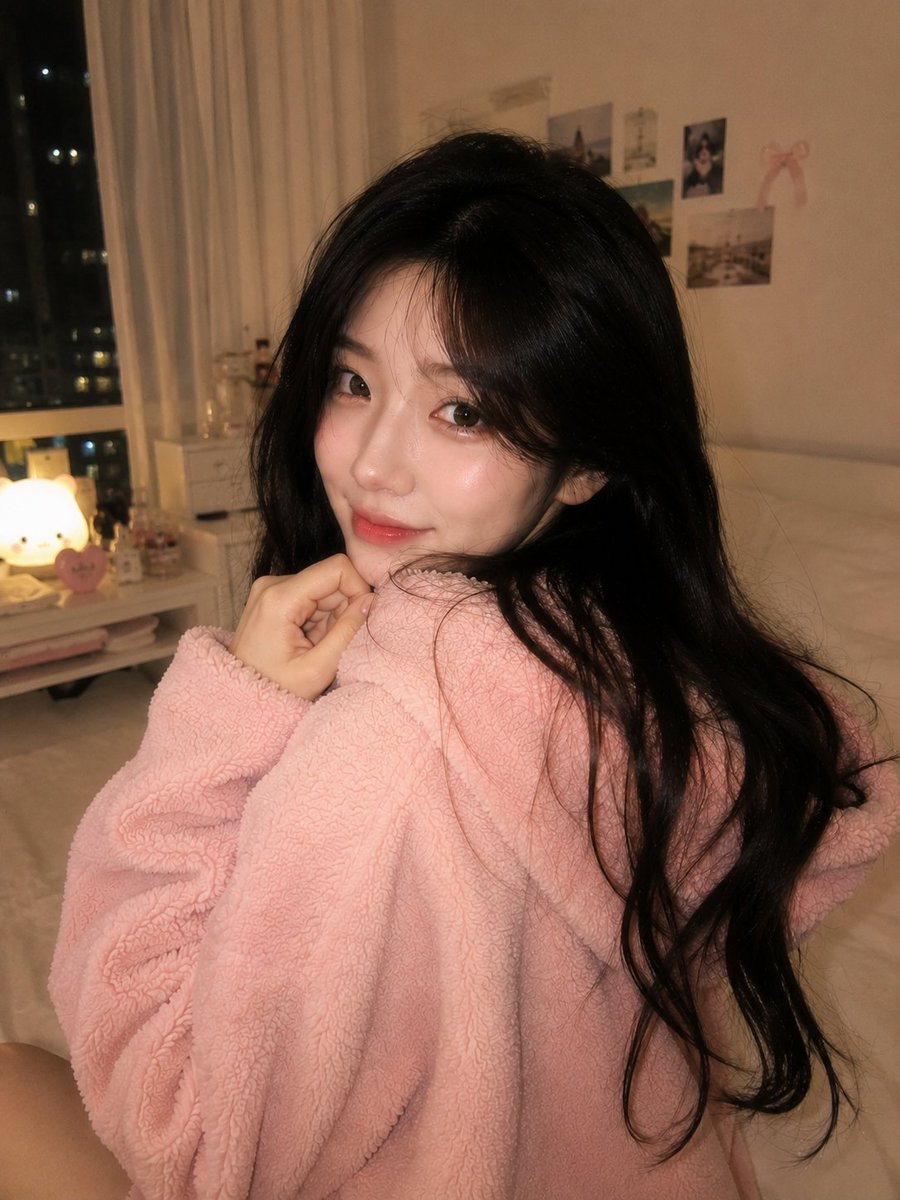
Cozy Late-Night Korean Bedroom
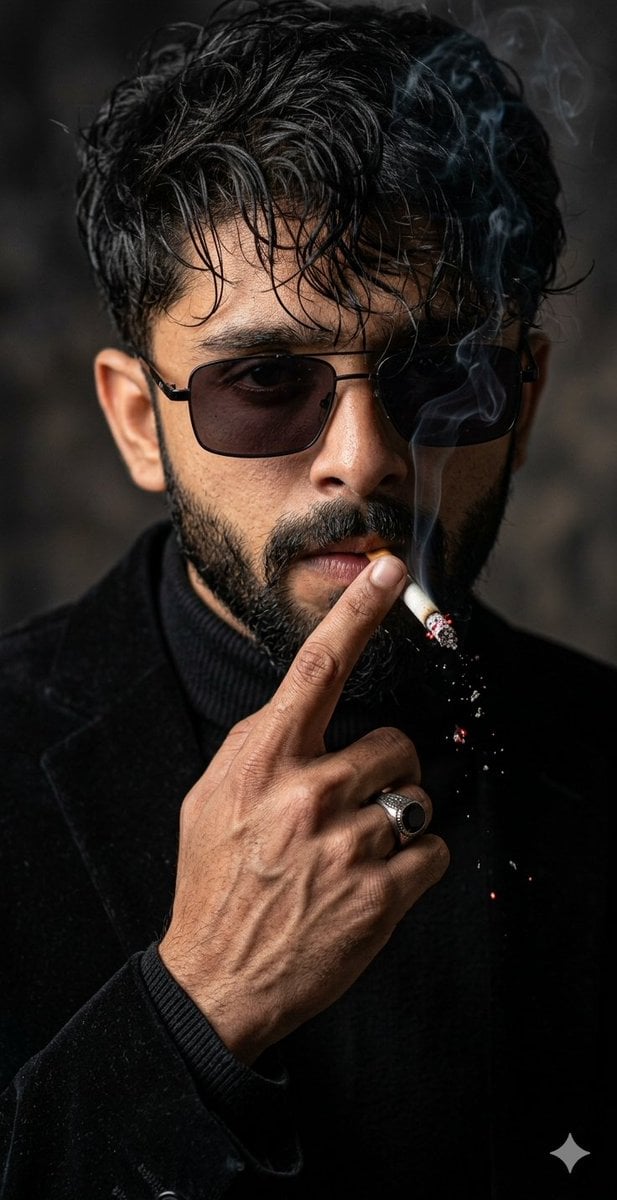
Cinematic Face-Locked Portrait with Cigarette

Candid Night Photo with Explosion Background Prompt

Y2K Grunge Flash Photography Portrait JSON

Dead Orbit Station Board Game Box

Single-slide about advantages of investing in Vietnam
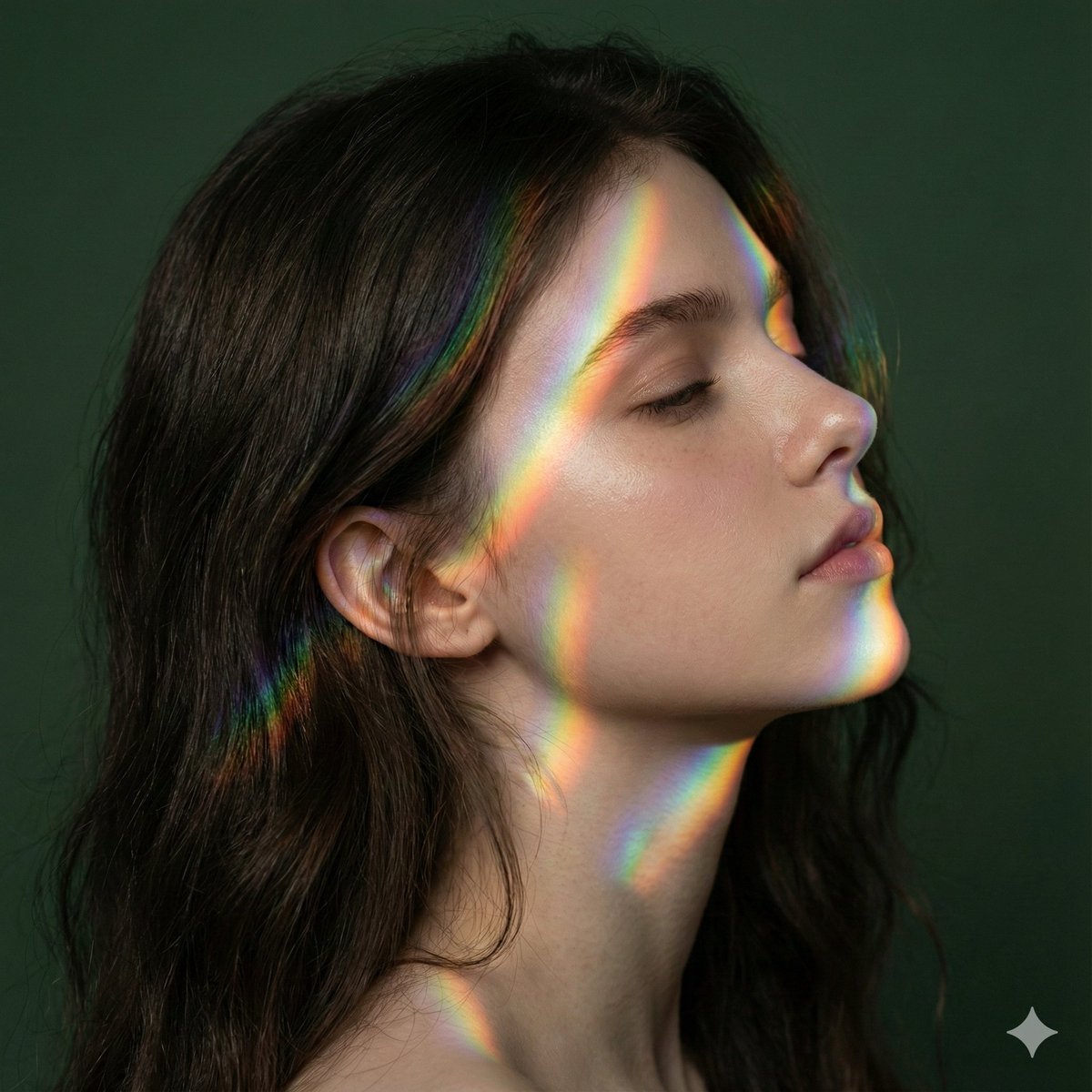
Cinematic Portrait with Identity Preservation and Prism Lighting
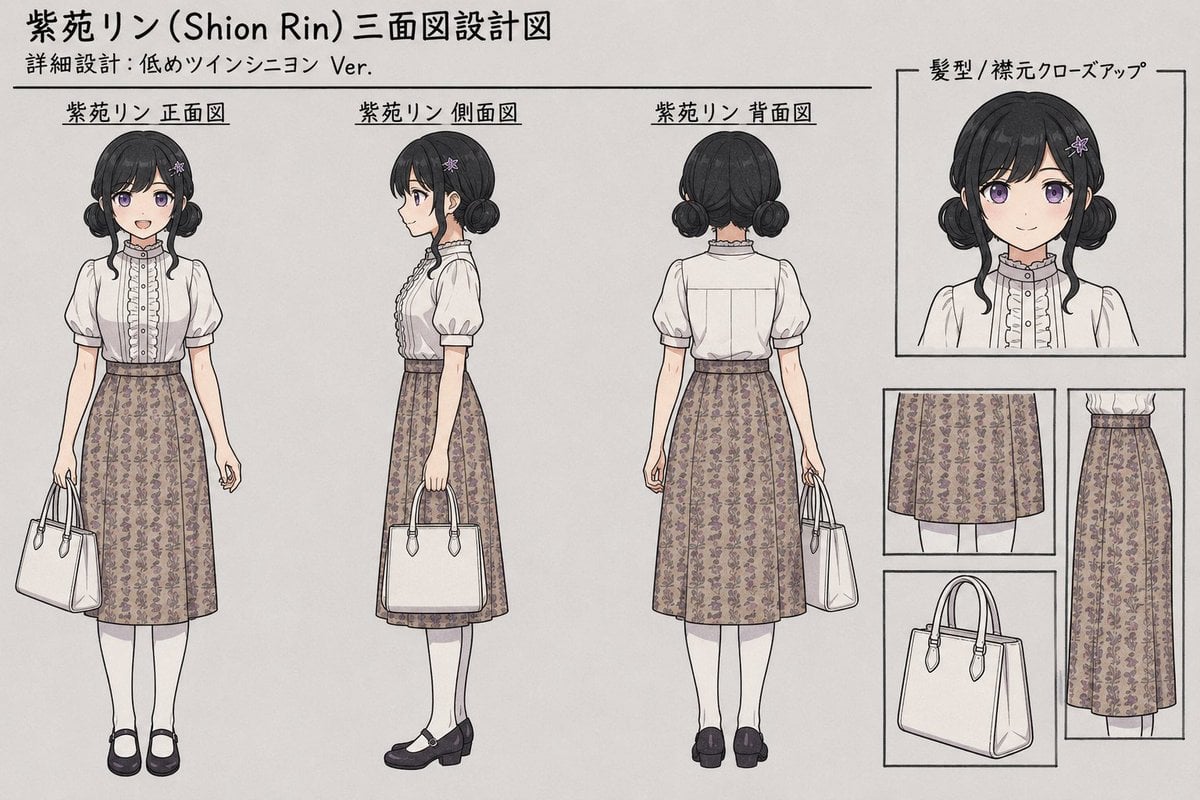
Shion Rin Three-View Design Sheet
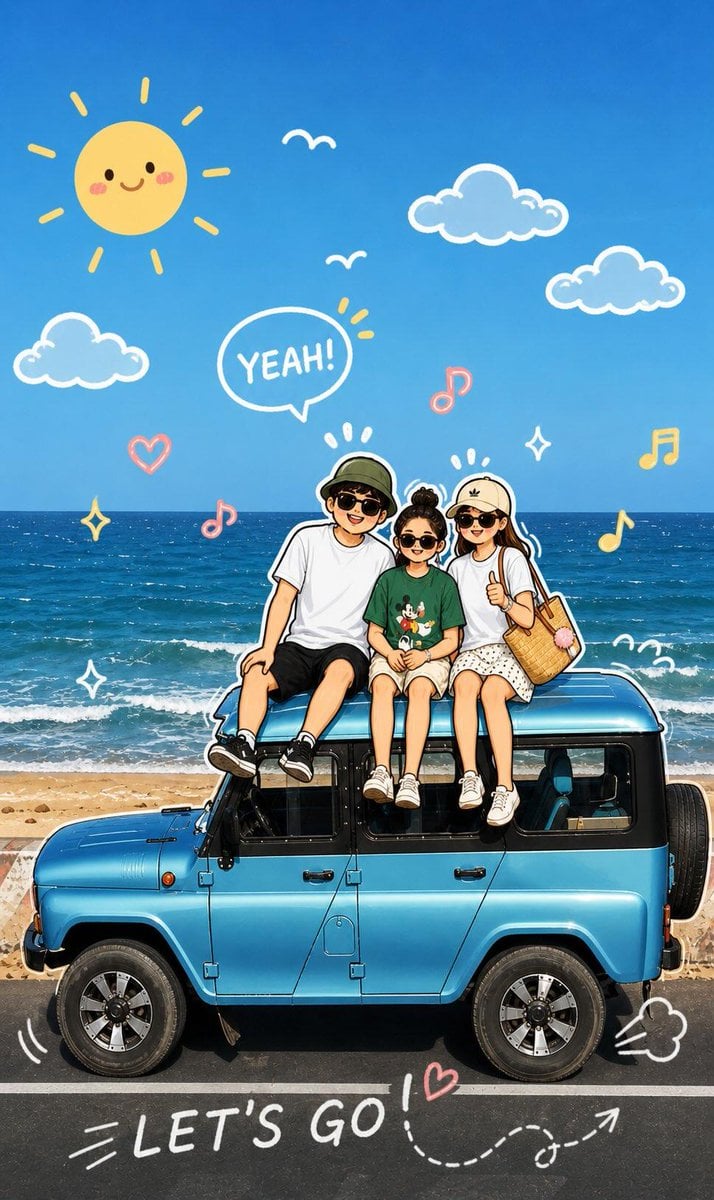
Playful Cartoon Sketch Transformation
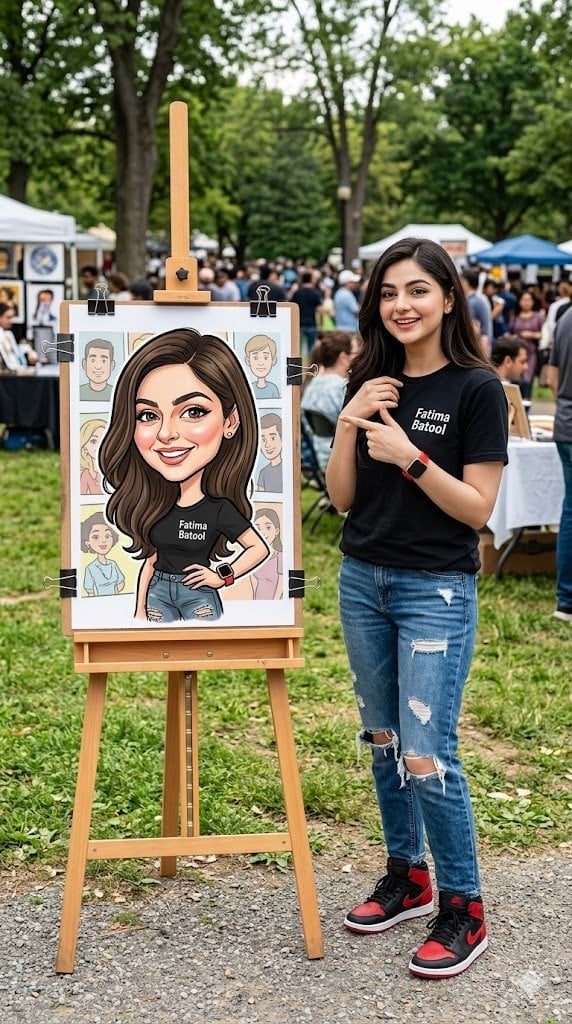
Personalized Vibrant Caricature Art
Browse template categories
Isometric Businesswoman Pose Sheet questions
How do I use the Isometric Businesswoman Pose Sheet template?
Add your photo if the template asks for one, edit the prompt if you like — the template's model and format are already selected — and press Generate. Your version opens in PicX Studio.
Can I customize the Isometric Businesswoman Pose Sheet template?
Yes. You can change the subject, setting, lighting, mood, format, and available model controls before creating your image.
Is the Isometric Businesswoman Pose Sheet template free?
Opening and editing this template is free. Generating uses credits, shown on the Generate button when you are signed in.
Which AI model should I use?
Start with GPT Image 2, which is the model associated with this template. You can compare another compatible model for a different finish.
Looking for something else? Browse all templates.

Your photo, any look
Thousands of ready templates for every top image and video model, from one credit balance.