
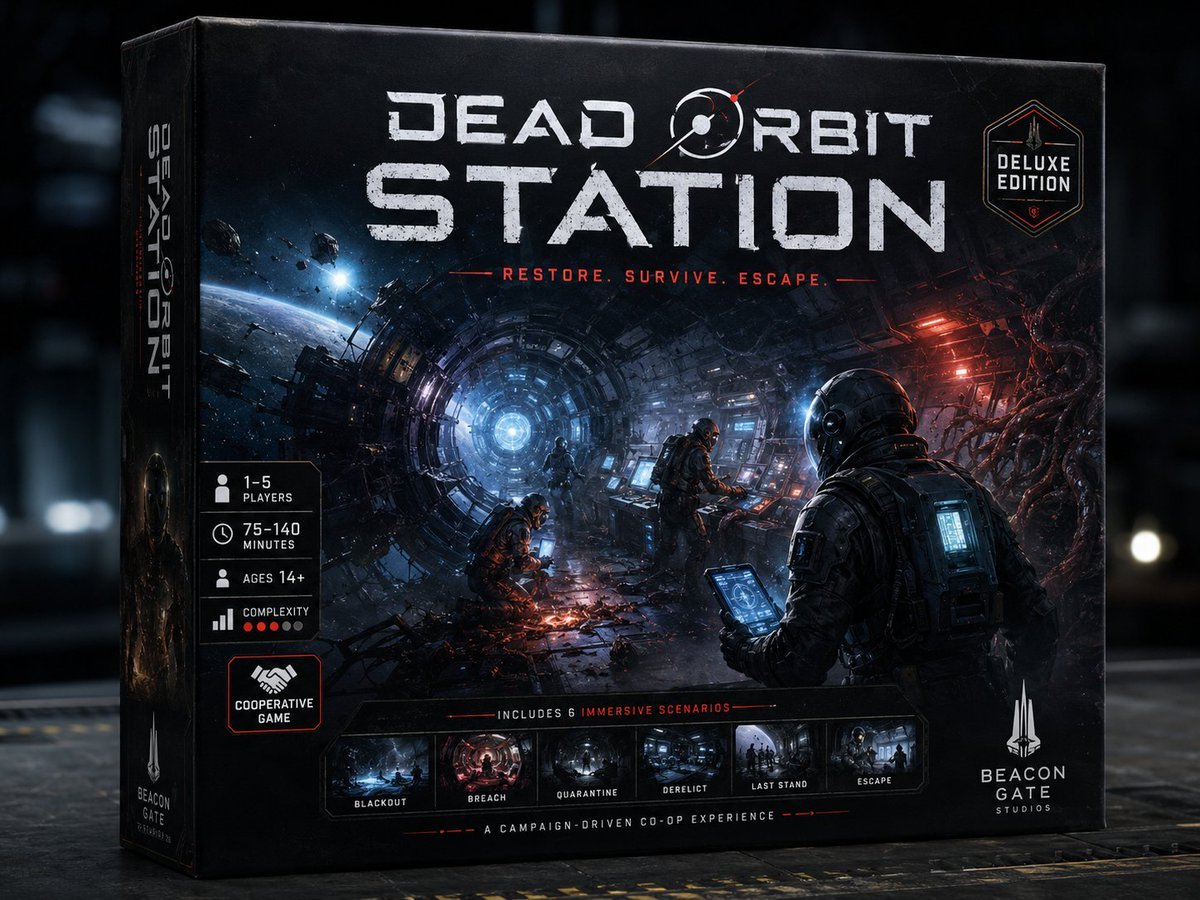
Dead Orbit Station Board Game Box
A structured prompt for generating a realistic deluxe sci-fi horror board game box front with premium product photography styling.
- Prompt included
- Model and format preset
- Free template
The prompt behind this image
Copy the exact prompt behind Dead Orbit Station Board Game Box, or open it in the studio and make it yours.
Goal: Create a premium, highly believable deluxe board game box front for an imaginary sci-fi horror tabletop game titled {argument name="game title" default="DEAD ORBIT STATION"}. Make it look like a real premium hobby-store product: strategic, collectible, cinematic, shelf-worthy, and instantly recognizable. Canvas: Landscape product mockup, 4:3 aspect ratio, photorealistic 3D board game box standing on a dark industrial tabletop. Show the front face large and slightly angled, with the left spine visible. Use dramatic studio lighting, subtle depth of field, worn cardboard edges, matte-black box texture, scuffs, scratches, and realistic print finish. Main artwork: The box cover shows a vast ruined orbital station interior, like a circular tunnel or ring corridor receding toward a glowing blue-white core in the center-left distance. Outside the broken station, show cold space, a curved planet horizon, floating asteroids, and debris. Inside the corridor, use blue emergency light on the left and red warning light on the right. Include exactly 3 astronauts/survivors in dark bulky space suits: one large foreground survivor on the right seen from behind holding a glowing tablet, one standing midground at a control console, and one crouched near sparks or wreckage in the lower center. Add cables, exposed machinery, damaged panels, smoke, sparks, and organic alien tendrils or infestation creeping in from the right side. Title typography: At the top, place a huge distressed white sci-fi title reading {argument name="game title" default="DEAD ORBIT STATION"}. The word “DEAD ORBIT” sits above the much larger word “STATION.” Incorporate a small orbital ring / planet symbol into the title near “ORBIT,” with a tiny red orbital accent. Under the title, add a red tagline reading {argument name="tagline" default="RESTORE. SURVIVE. ESCAPE."} with thin red horizontal lines on both sides. Edition badge and publisher: In the upper-right corner, add a hexagonal premium badge reading {argument name="edition label" default="DELUXE EDITION"}. In the bottom-right corner, add a minimalist white rocket/spire logo and publisher text reading {argument name="publisher name" default="BEACON GATE STUDIOS"}. Left information panel: Along the left side of the front face, create exactly 5 stacked black specification badges with thin borders and white icons/text. The 5 badges must be: 1) “1–5 PLAYERS” with a player icon, 2) “75–140 MINUTES” with a clock icon, 3) “AGES 14+” with a person icon, 4) “COMPLEXITY” with a bar-chart icon and 5 small red rating dots, 5) a larger outlined badge with a handshake icon reading “COOPERATIVE GAME.” Bottom scenario strip: Across the lower front cover, include a dark inset strip labeled “INCLUDES 6 IMMERSIVE SCENARIOS.” Inside the strip, show exactly 6 small cinematic scenario thumbnails with labels beneath them: 1) “BLACKOUT,” 2) “BREACH,” 3) “QUARANTINE,” 4) “DERELICT,” 5) “LAST STAND,” 6) “ESCAPE.” Below this, add a thin red divider and small white text reading “A CAMPAIGN-DRIVEN CO-OP EXPERIENCE.” Spine: On the visible left spine, repeat the vertical game title “DEAD ORBIT STATION,” with a small circular sci-fi emblem and a small publisher mark near the bottom. Visual style: Dark premium sci-fi horror, cinematic realism, ultra-detailed box art, high-contrast blue and red lighting, distressed white typography, subtle red accents, realistic cardboard box construction, hobby board game product photography, sharp front face with slightly blurred dark warehouse background. Constraints: Do not add real brands, barcodes, age-rating logos, price stickers, watermarks, or extra scenario thumbnails. Keep all text legible and aligned like a professionally printed board game box.
How to use Dead Orbit Station Board Game Box in 3 steps
- 1Upload ImagePNG, JPG or paste
Add your photo
Upload the photo the template builds on. The prompt, model and format are already set.
- 2…a portrait of your subject in softgolden-hour light, 85mm…
Personalize
Edit the subject and creative details for your destination.
- 3Generate
Generate
Press Generate — your image is created in PicX Studio, so you can compare it with the original and refine one variable at a time.
More like this
Templates with the same subject, style or setup. Open one to see its prompt.
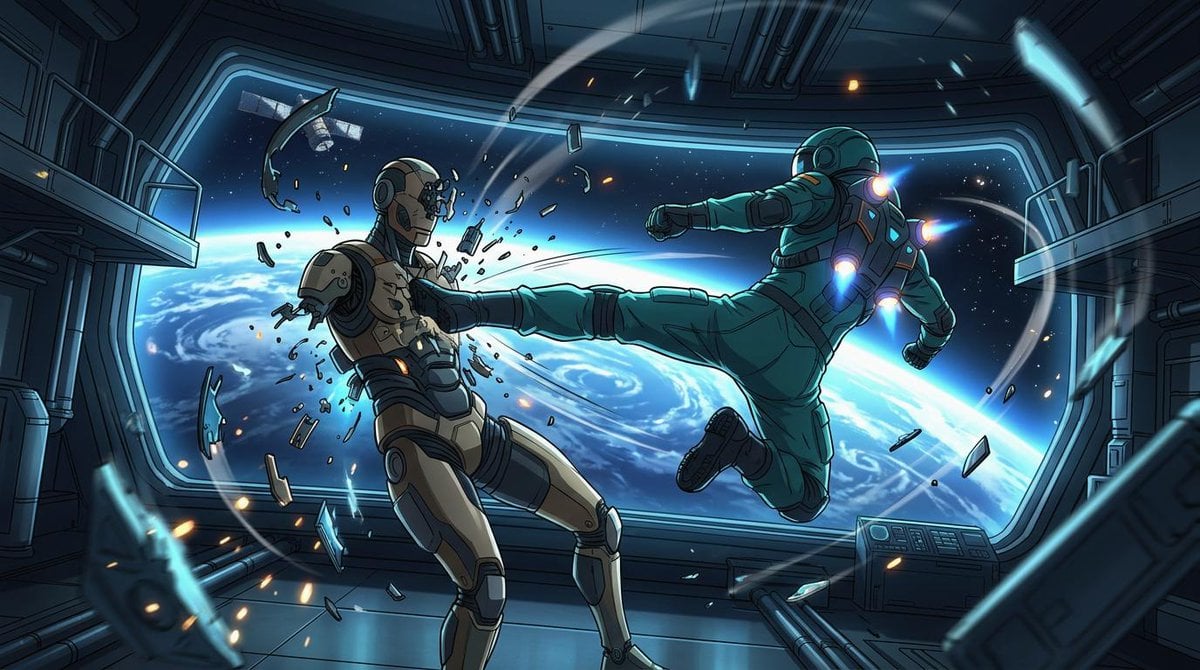
Orbital Station Zero-G Kick
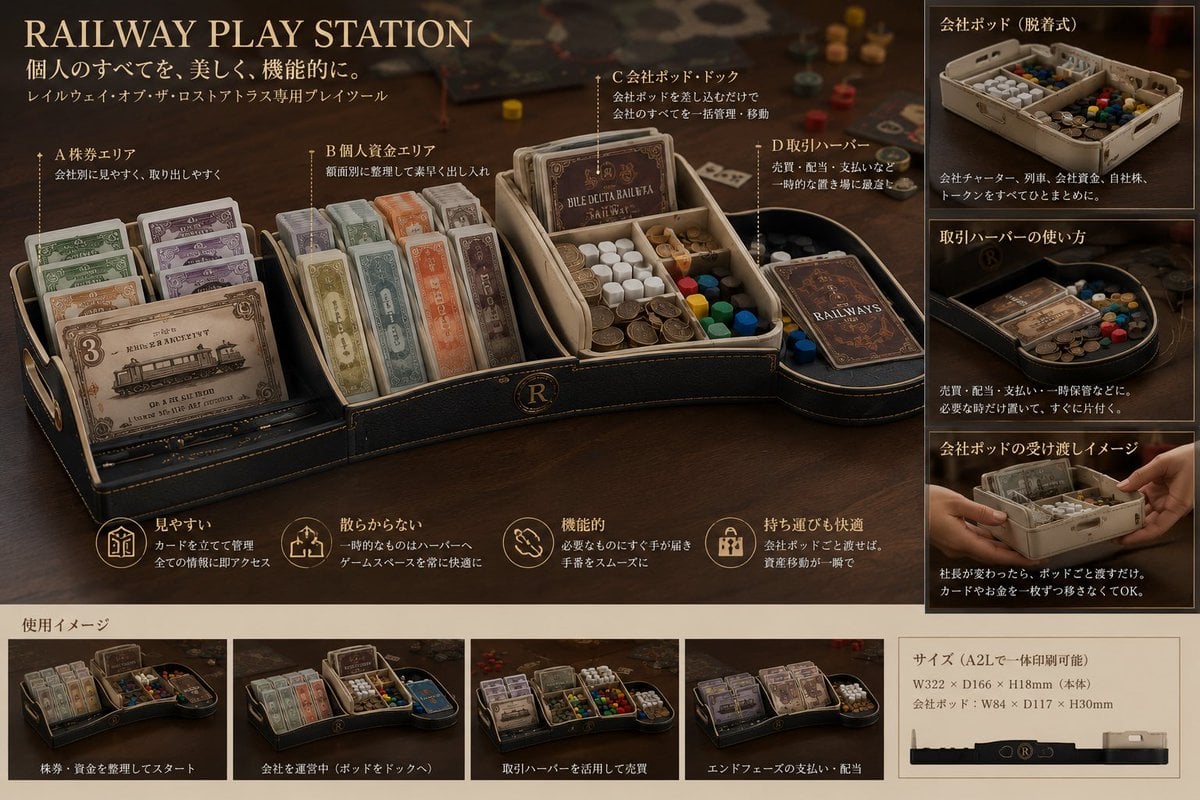
Luxury Railway Board Game Organizer Poster
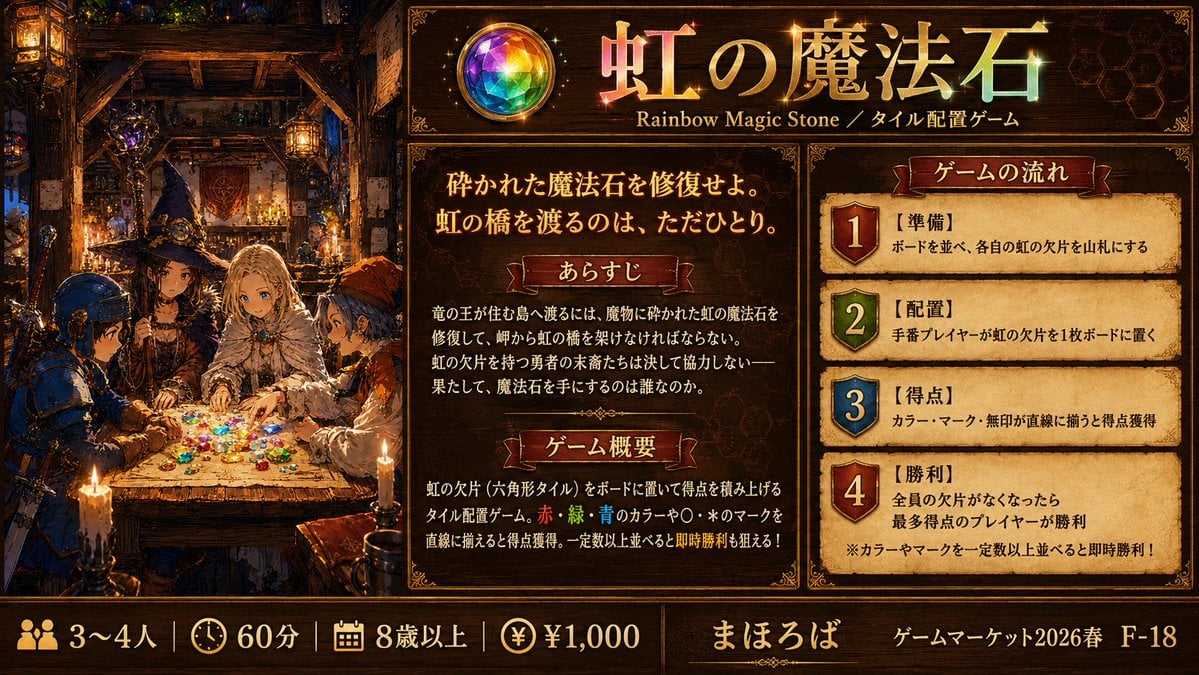
Rainbow Magic Stone Board Game Flyer
Cardboard Box DIY Toy Creation
Cinematic Game Character in Midnight Station
Photography Game Cinematic Capture
Crescent Orbital Megastructure

High Impact Automotive Orbital Poster
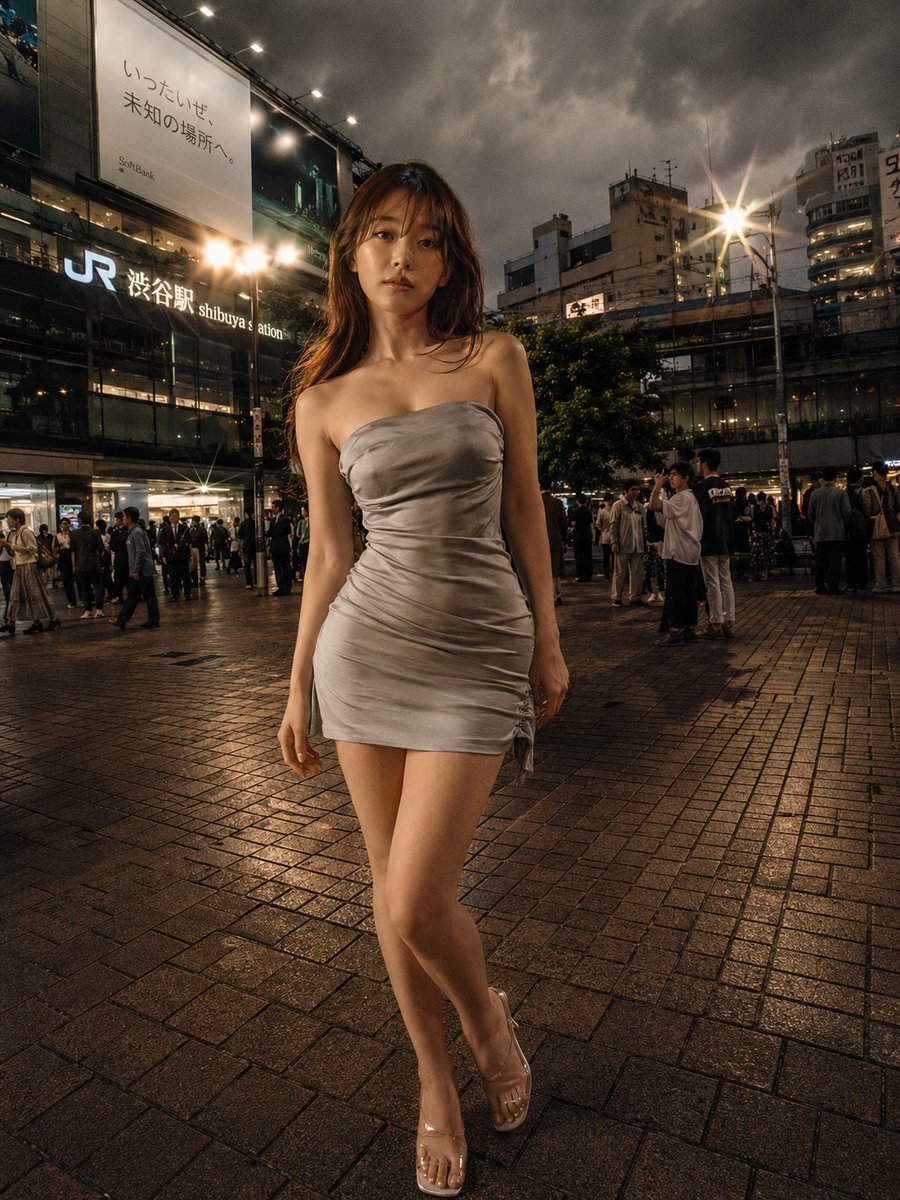
Night Fashion Portrait at Shibuya Station
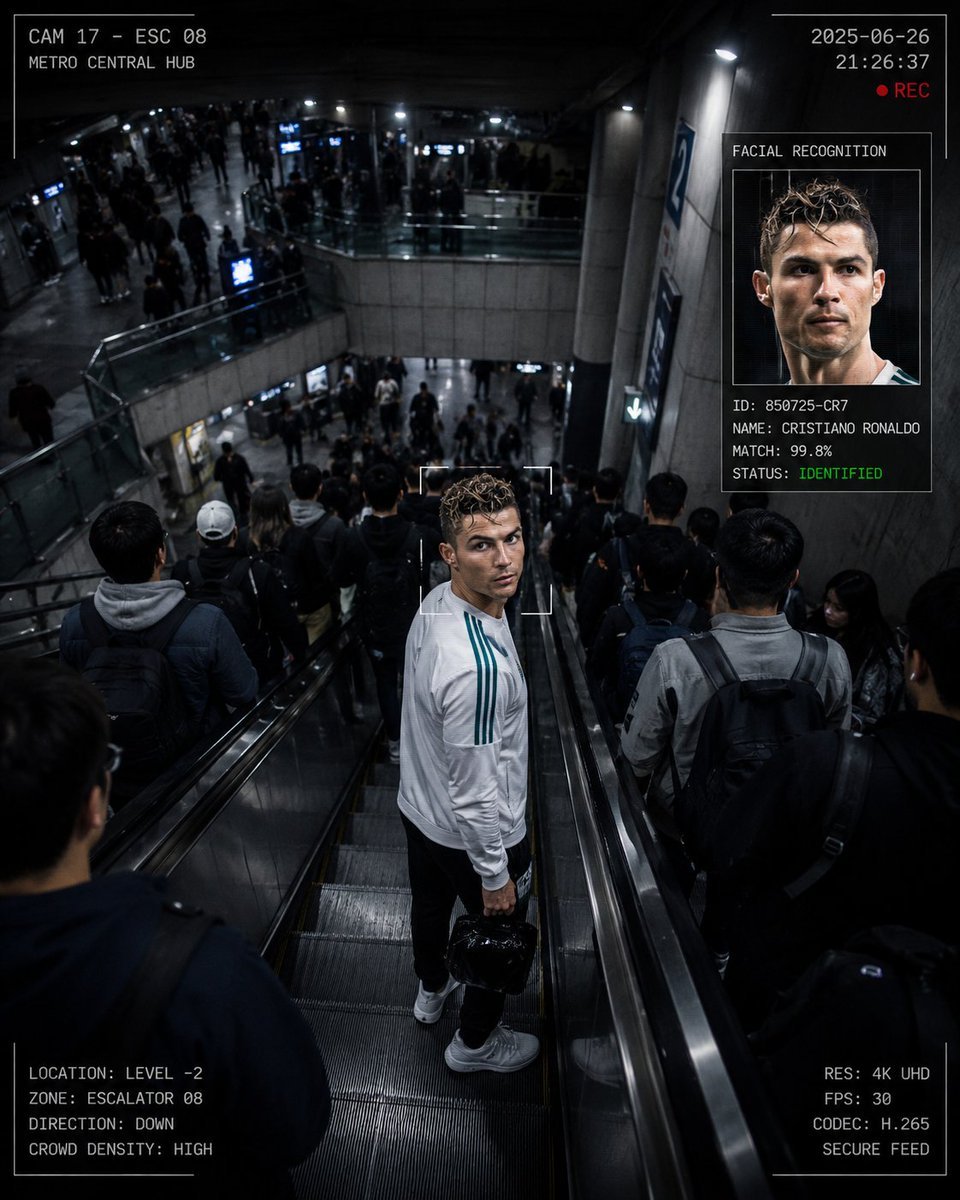
CCTV Surveillance Thriller Metro Station

Modern Korean Fashion Editorial Board

2.5D Anime Art Board
Make it yours
Dead Orbit Station Board Game Box works as-is. These are the safest ways to change it without losing the look.
Change one field
Copy a single group, rewrite it, and generate again so you can see what that field is doing.
Keep the frame, change the subject
Hold the composition and light of Dead Orbit Station Board Game Box, then swap wardrobe, props or the person for a new take.
| If the result… | Why | Fix |
|---|---|---|
| The result drifts from the preview | Too many fields changed at once. | Reuse Dead Orbit Station Board Game Box as-is first, then change one group — subject, light, or setting. |
| The model over-stylizes the scene | The prose prompt leaves finish and camera underspecified. | Add one camera or lighting sentence and stay on GPT Image 2. |
More GPT Image 2 templates
Other prompts made for GPT Image 2.

Six VTuber Japanese Logo Sheet

Realistic Portrait of Woman and Deer

The Vista Modular Condo Poster

AI Model Routing Comparison Infographic

Isometric Productivity Desk Scene

New York Double Exposure Poster

Four-Panel AI Landscape Comparison

Japanese Tatami Lifestyle Magazine Cover

NESCAFÉ Coffee Map Poster

Brutalist Cogito Chinese Typography Poster
More image prompts
Fresh picks from across the catalog.
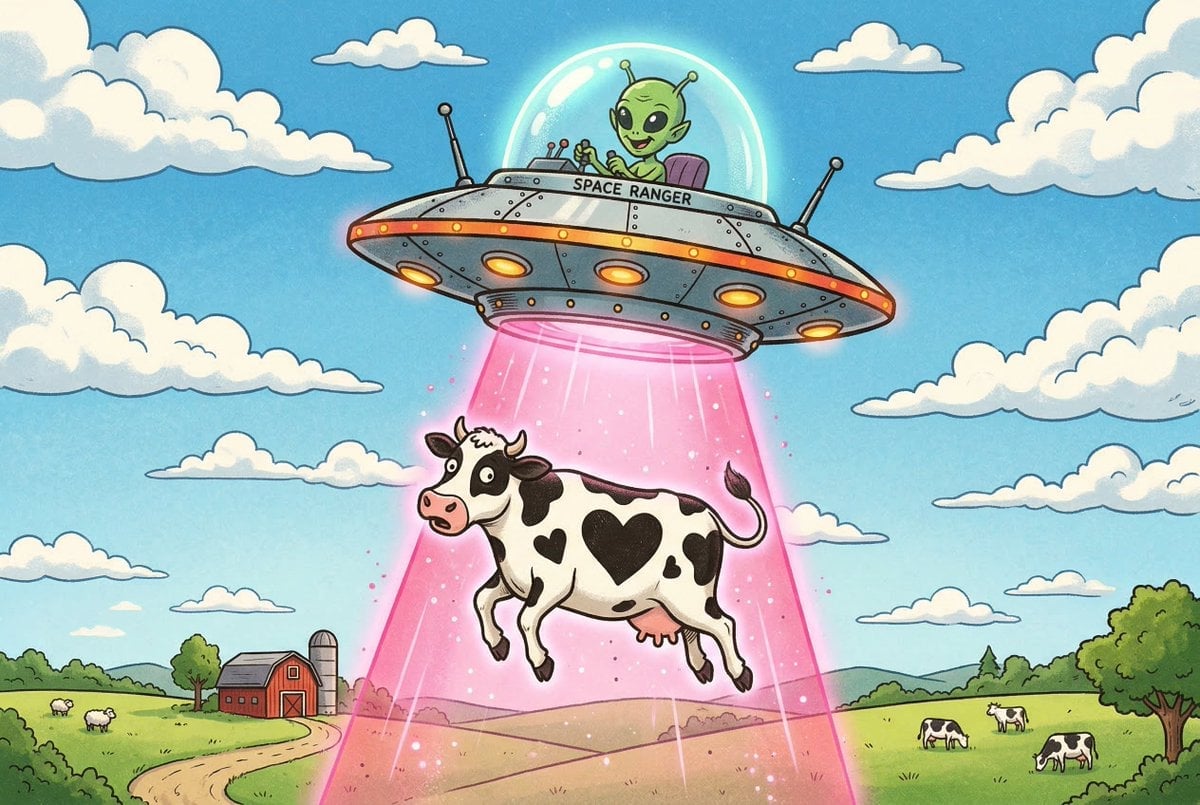
Black and White Cow Abduction by 1950s UFO
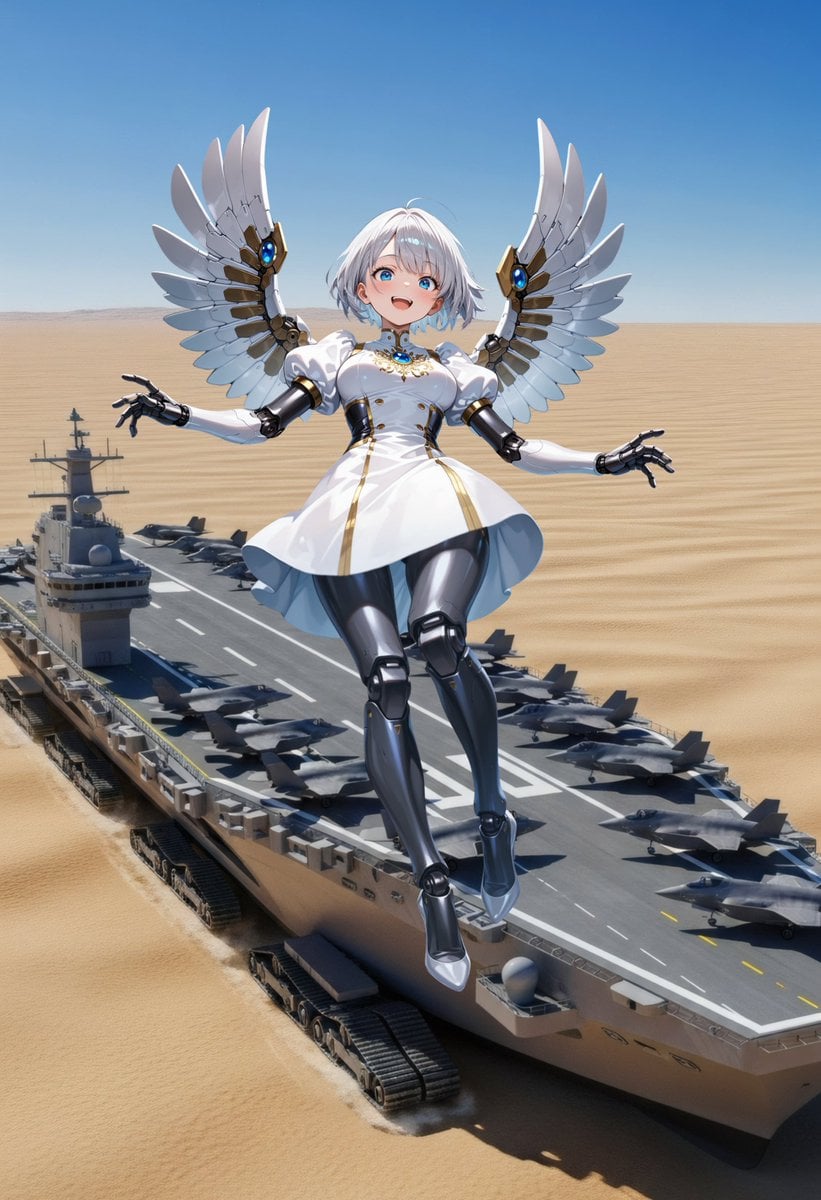
Angelic Android Over Land Aircraft Carrier

Gpt2 Profile Avatar Dreamy Oriental Female Portrait
Luxury Eggs Benedict Diorama Box
2.5D Futuristic Boho Gyaru Fashion Lady
Consistent Character Multi-Angle Studio Shot
UNVOID Glitch Streetwear Poster

Sprite Heat Pause Beverage Ad

Extreme Macro Portrait with Hyper-realistic Skin Texture
Ultra-Realistic Cinematic Street Photograph Prompt
Browse template categories
Dead Orbit Station Board Game Box questions
How do I use the Dead Orbit Station Board Game Box template?
Add your photo if the template asks for one, edit the prompt if you like — the template's model and format are already selected — and press Generate. Your version opens in PicX Studio.
Can I customize the Dead Orbit Station Board Game Box template?
Yes. You can change the subject, setting, lighting, mood, format, and available model controls before creating your image.
Is the Dead Orbit Station Board Game Box template free?
Opening and editing this template is free. Generating uses credits, shown on the Generate button when you are signed in.
Which AI model should I use?
Start with GPT Image 2, which is the model associated with this template. You can compare another compatible model for a different finish.
Looking for something else? Browse all templates.

Your photo, any look
Thousands of ready templates for every top image and video model, from one credit balance.