
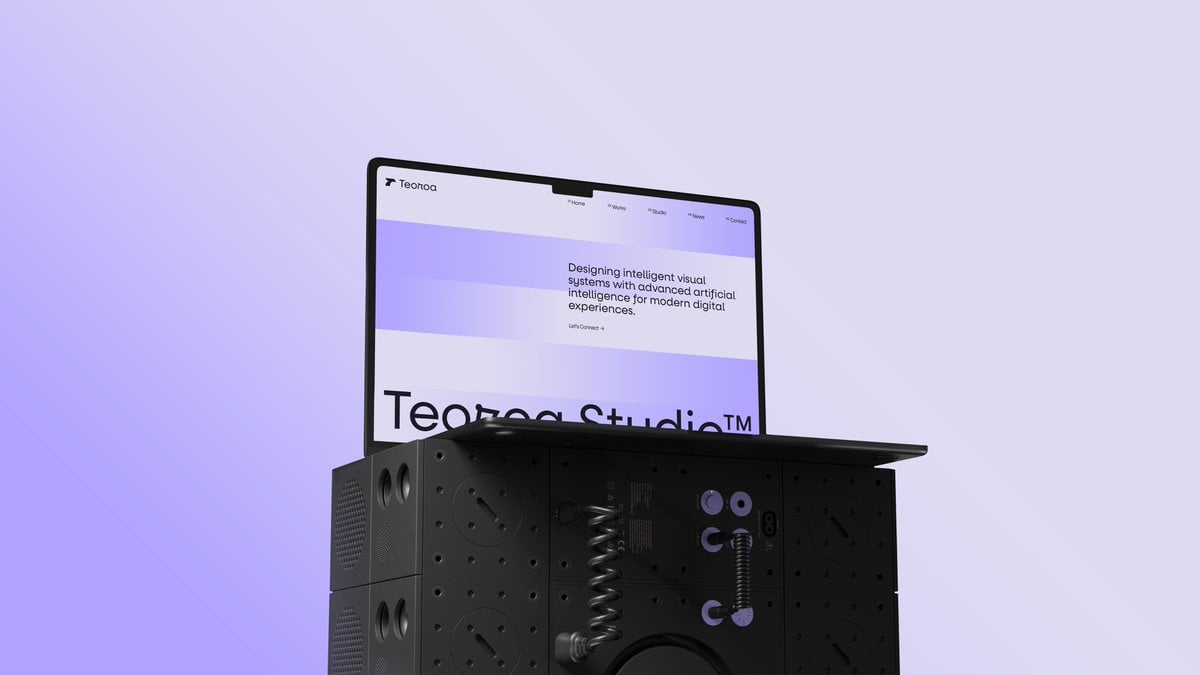
Minimal Laptop on Industrial Pedestal
A sleek editorial-style 3D render of a laptop showing a modern design studio website on top of a futuristic modular black pedestal, ideal for tech branding, portfolio mockups, and AI design showcases.
- Prompt included
- Model and format preset
- Free template
The prompt behind this image
Copy the exact prompt behind Minimal Laptop on Industrial Pedestal, or open it in the studio and make it yours.
A minimalist 3D studio product render of an open laptop resting on top of a modular matte-black industrial cube pedestal, centered slightly left against a clean pale lavender background with a soft purple glow blooming from the lower left. The laptop is shown at a three-quarter angle facing right, with a thin black bezel and slim dark chassis, opened roughly 100 degrees. On the screen, display a minimalist web design portfolio homepage for {argument name="brand name" default="Teoroa"}, with a white interface and wide horizontal lavender gradient bands across the hero area. In the top left is a small abstract bird-like logo followed by the brand name, and across the top navigation are exactly 4 menu items: Home, Works, Studio, News, plus a separate Contact link at the far right. In the hero section, place the headline {argument name="headline text" default="Designing intelligent visual systems with advanced artificial intelligence for modern digital experiences."} in clean modern sans-serif black type on the upper right, with a tiny link beneath reading {argument name="cta text" default="Let's Connect →"}. Along the lower visible portion of the screen, show oversized cropped black typography reading {argument name="large title" default="Teoroo Studio™"}. The pedestal beneath the laptop is a stack of modular speaker-like metal cubes with perforations, circular ports, screws, recessed panels, and grille textures; the front center section is partially transparent glossy black, revealing internal mechanical details including 2 coiled spring elements, 3 lavender circular connector accents, and 2 small dangling cable-like hooks. Add subtle reflections, realistic studio lighting, soft shadows, and a premium futuristic industrial design aesthetic. Composition is sparse and elegant, with lots of negative space, high contrast between the black object and pastel background, and a polished art-directed tech campaign feel.
How to use Minimal Laptop on Industrial Pedestal in 3 steps
- 1Upload ImagePNG, JPG or paste
Add your photo
Upload the photo the template builds on. The prompt, model and format are already set.
- 2…a portrait of your subject in softgolden-hour light, 85mm…
Personalize
Edit the subject and creative details for your destination.
- 3Generate
Generate
Press Generate — your image is created in PicX Studio, so you can compare it with the original and refine one variable at a time.
More like this
Templates with the same subject, style or setup. Open one to see its prompt.

Japanese Architectural Concrete Studio Fashion Campaign

Quiet Luxury Black and White Fashion Editorial Portrait

Premium Editorial Branding Poster Charcoal Green

Premium Vintage Travel Poster Landscape

Japanese Café Sketch Duo Illustration

Delicate Japanese Café Lifestyle Illustration

Soft Shadow Studio Minimalist Product Shot

Minimalist Skincare Product Water Stone Still

Botanical Skincare Minimal Product Advertising

Luxury Sliced Wordmark Player Poster

Legendary Player Fragmented Editorial Poster

Clean Minimalist Player Editorial Poster
Make it yours
Minimal Laptop on Industrial Pedestal works as-is. These are the safest ways to change it without losing the look.
Change one field
Copy a single group, rewrite it, and generate again so you can see what that field is doing.
Keep the frame, change the subject
Hold the composition and light of Minimal Laptop on Industrial Pedestal, then swap wardrobe, props or the person for a new take.
| If the result… | Why | Fix |
|---|---|---|
| The result drifts from the preview | Too many fields changed at once. | Reuse Minimal Laptop on Industrial Pedestal as-is first, then change one group — subject, light, or setting. |
| The model over-stylizes the scene | The prose prompt leaves finish and camera underspecified. | Add one camera or lighting sentence and stay on GPT Image 2. |
More GPT Image 2 templates
Other prompts made for GPT Image 2.

Six VTuber Japanese Logo Sheet

Realistic Portrait of Woman and Deer

The Vista Modular Condo Poster

AI Model Routing Comparison Infographic

2.5D Anime Art Board

Isometric Productivity Desk Scene

New York Double Exposure Poster

Four-Panel AI Landscape Comparison

Japanese Tatami Lifestyle Magazine Cover

NESCAFÉ Coffee Map Poster
More image prompts
Fresh picks from across the catalog.
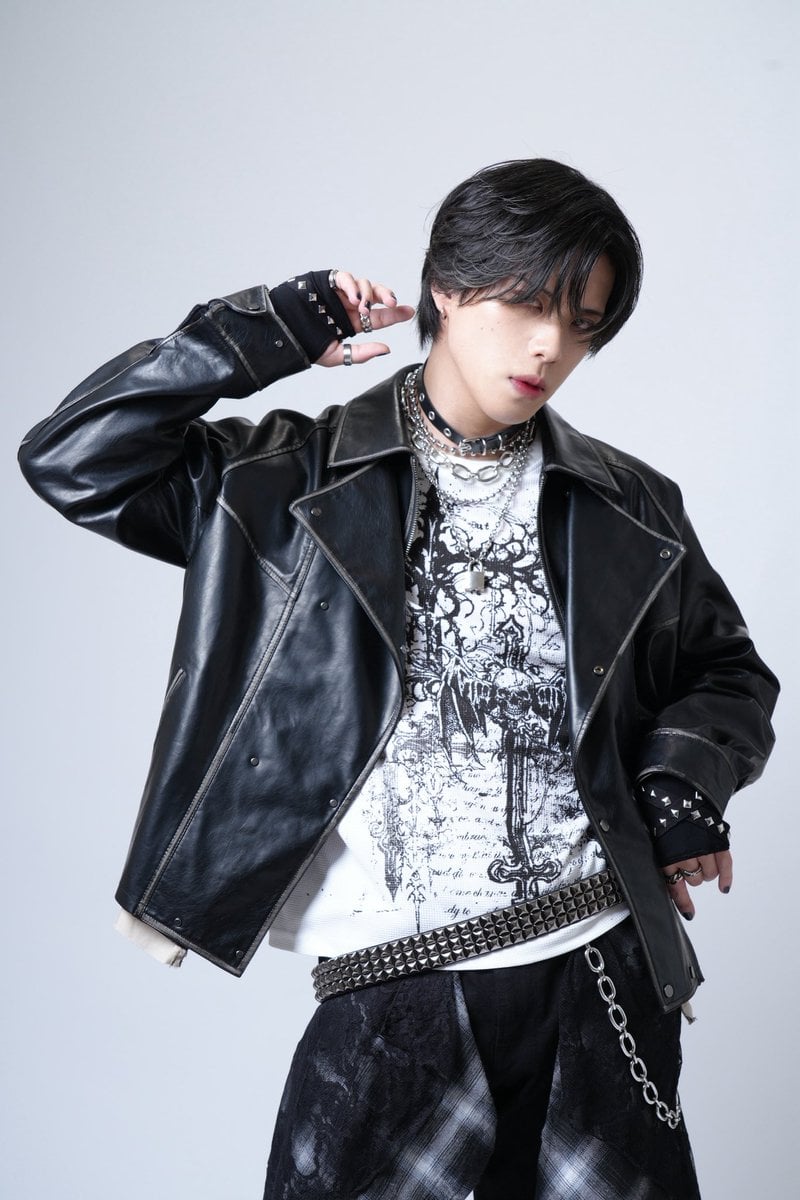
Image Generation Prompt for 'never2never' Character
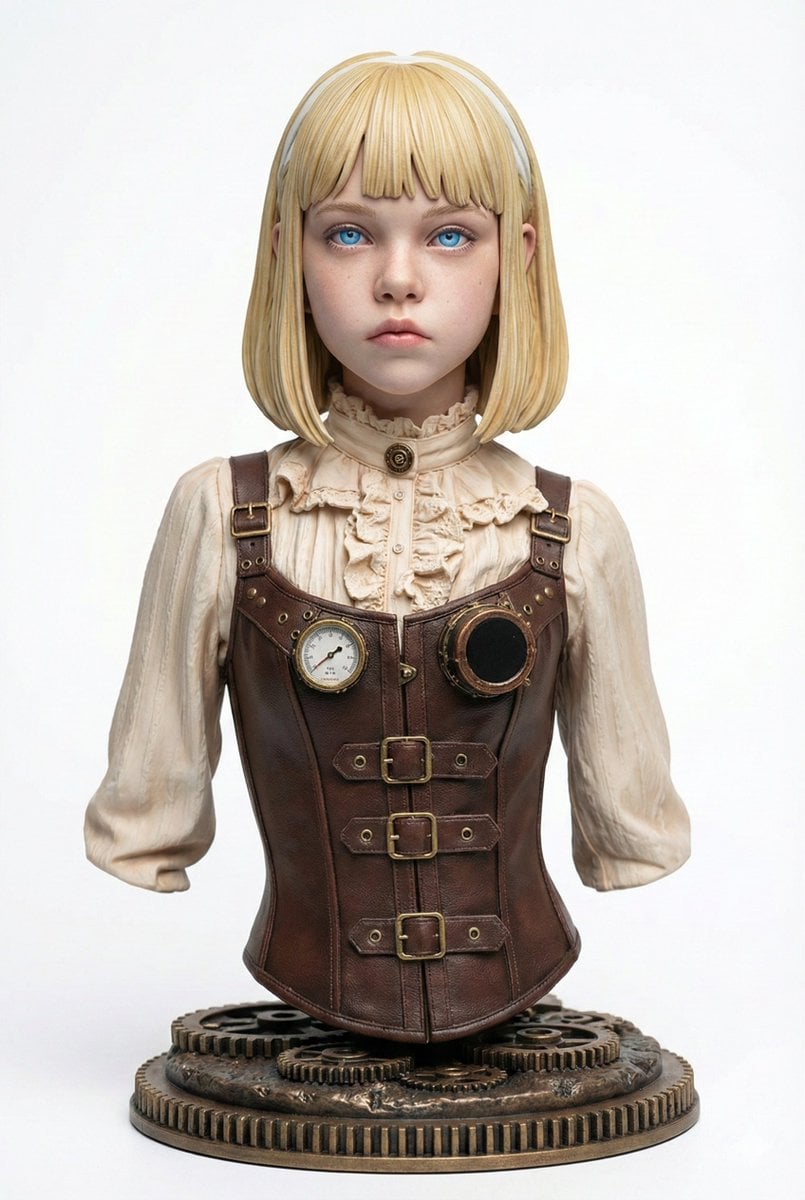
Generating Figure-Style Images from Still Photos
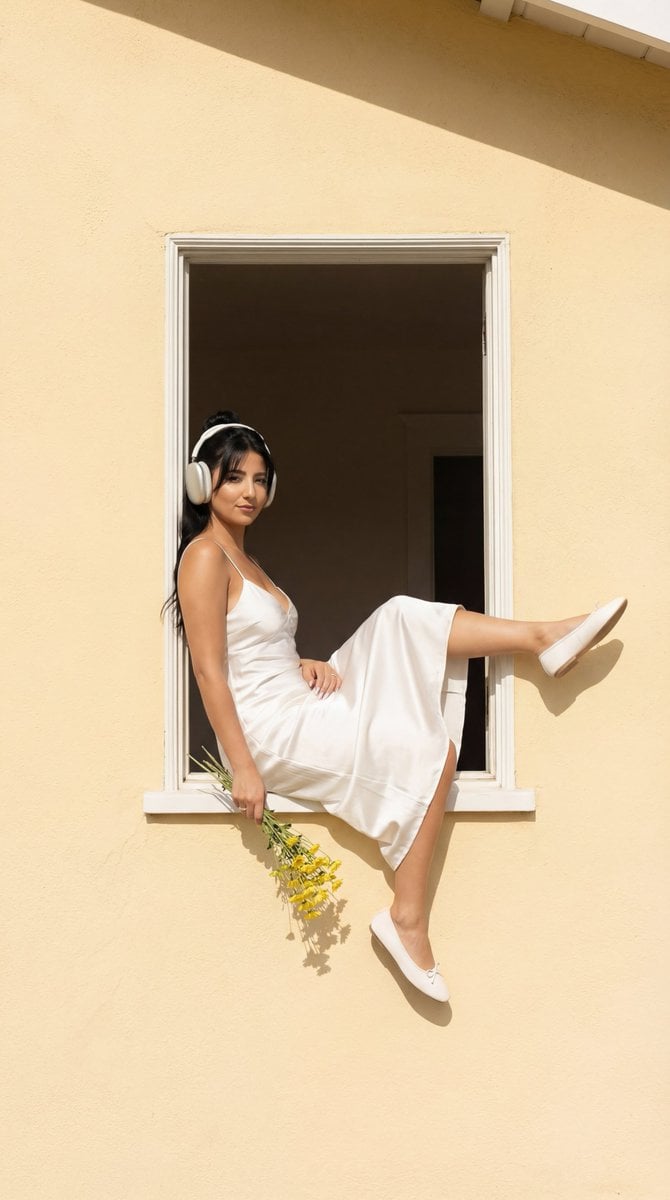
Fashion Editorial: Girl in Yellow House Window
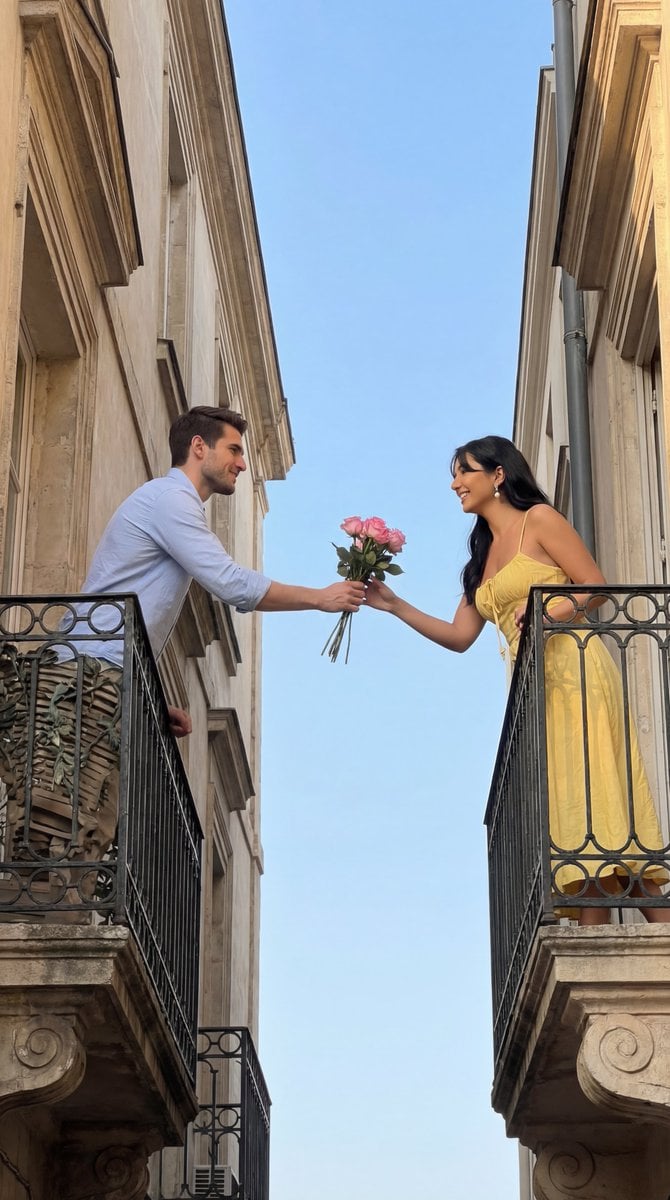
Cinematic Romantic Editorial: Balcony Flower Exchange
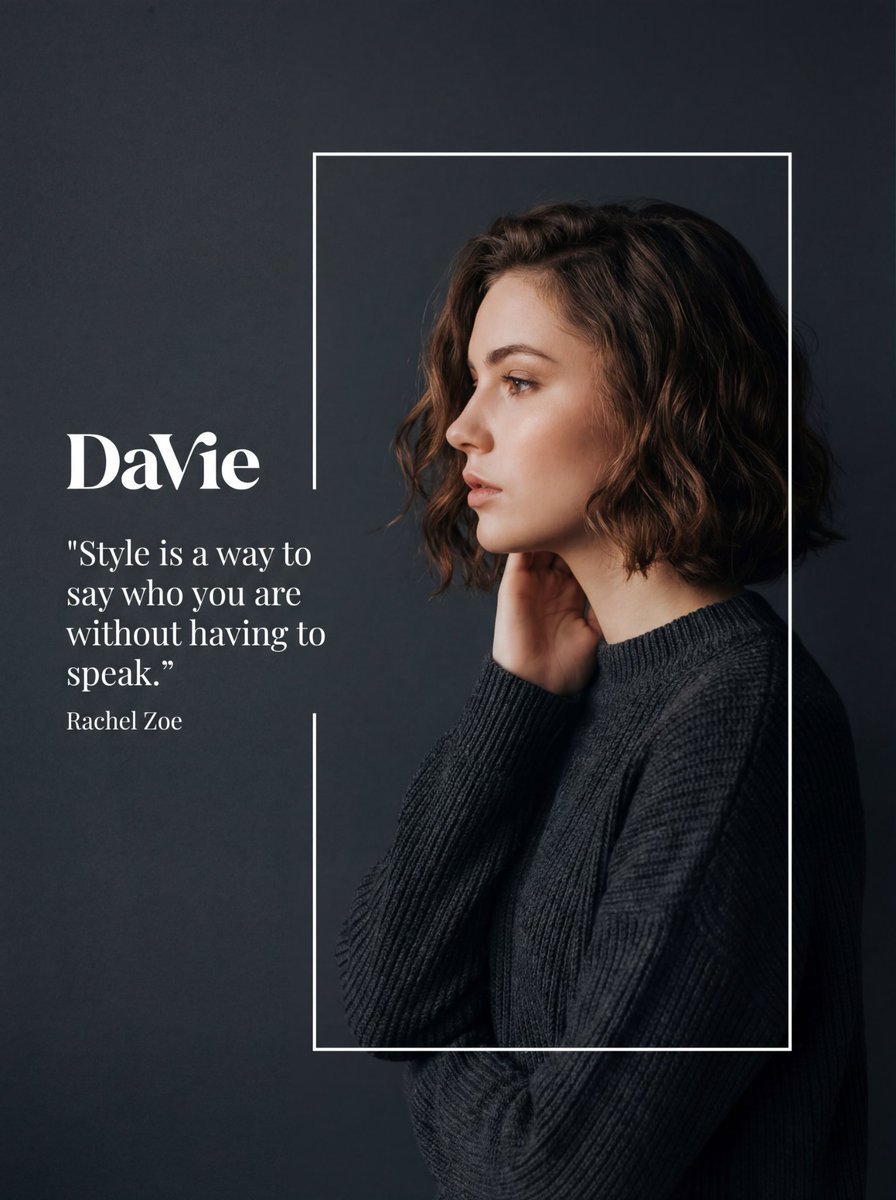
Fashion Editorial Portrait with Graphic Overlay Prompt

Luxury Lipstick Ad Transformation
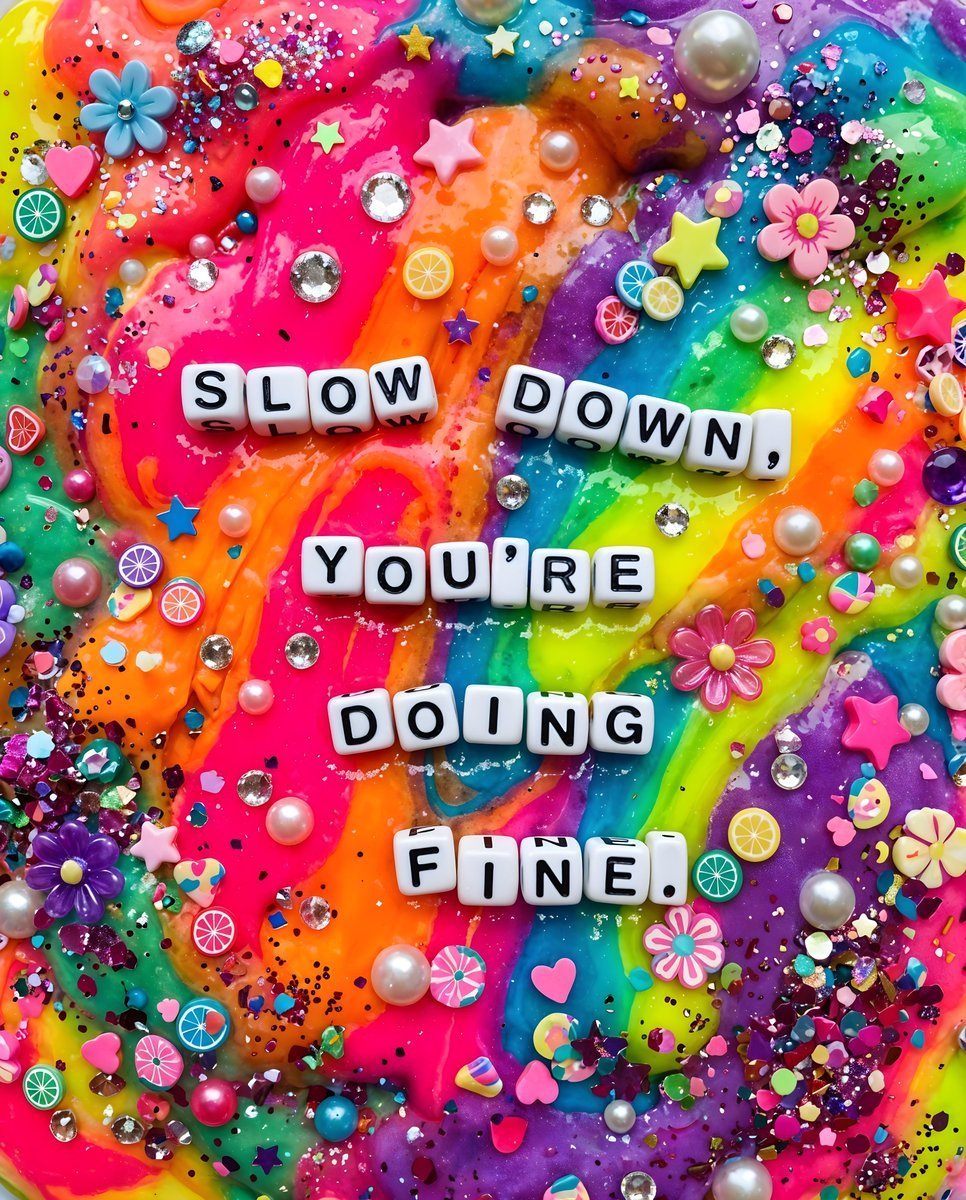
Vibrant Chaotic Slime Collage
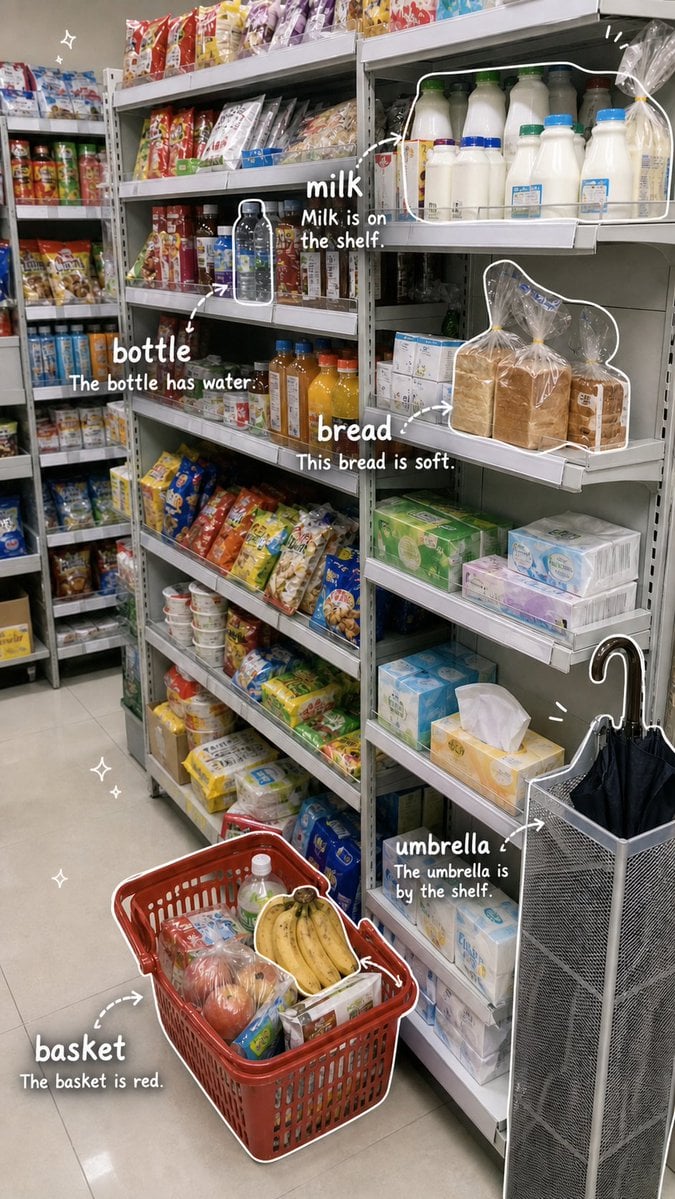
Grocery Vocabulary Notebook Photo
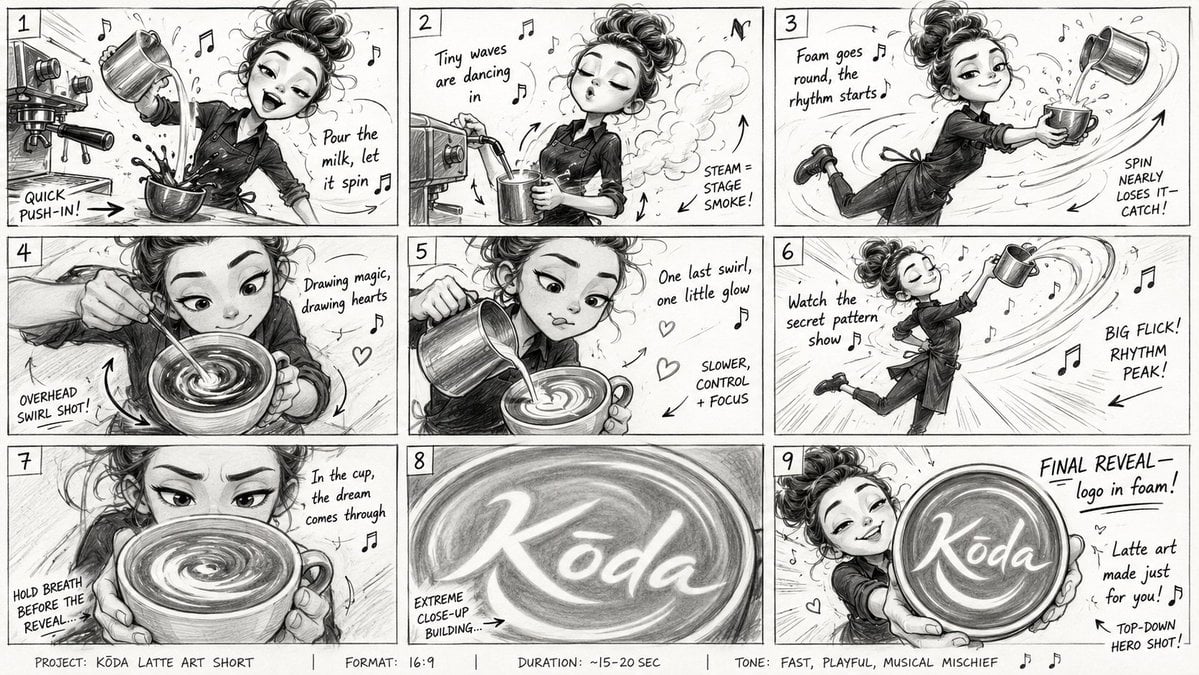
Latte Art Musical Storyboard
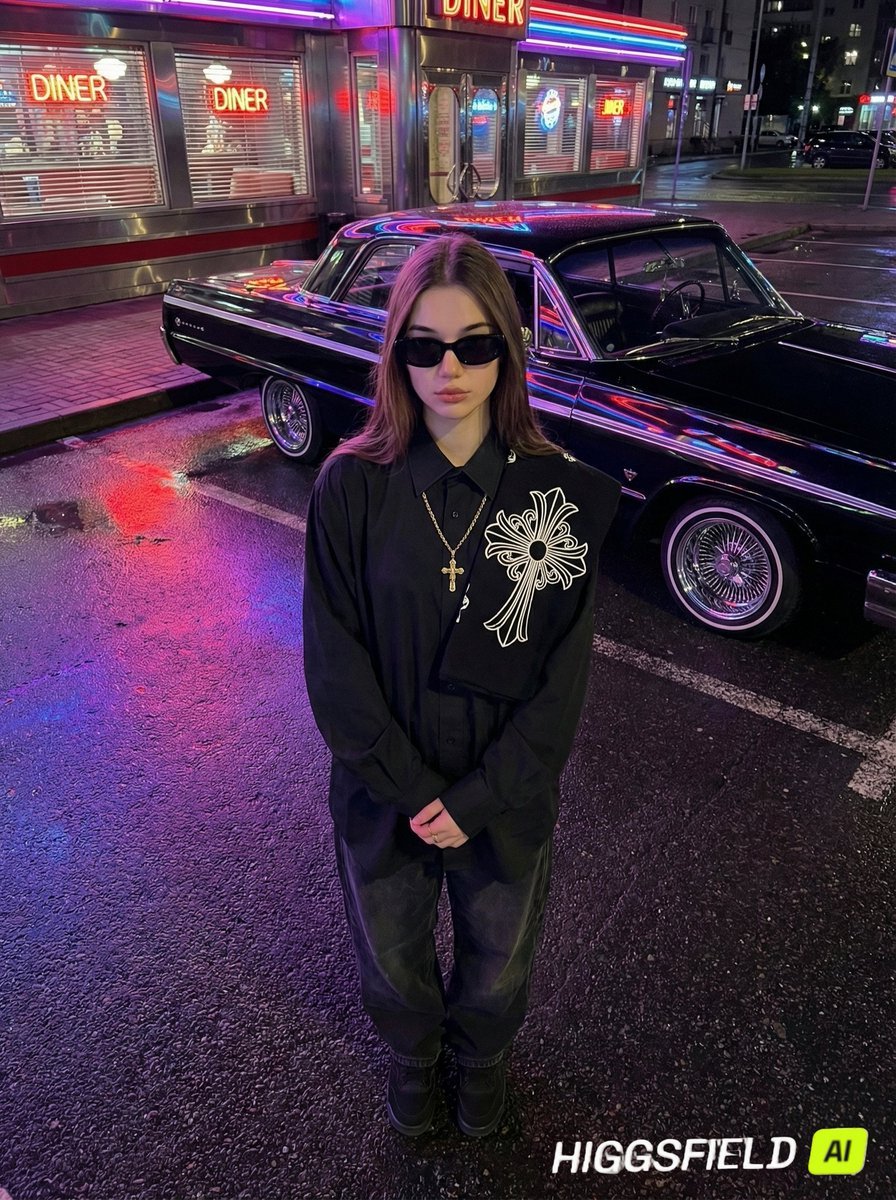
Urban Noir Identity Preservation Prompt
Browse template categories
Minimal Laptop on Industrial Pedestal questions
How do I use the Minimal Laptop on Industrial Pedestal template?
Add your photo if the template asks for one, edit the prompt if you like — the template's model and format are already selected — and press Generate. Your version opens in PicX Studio.
Can I customize the Minimal Laptop on Industrial Pedestal template?
Yes. You can change the subject, setting, lighting, mood, format, and available model controls before creating your image.
Is the Minimal Laptop on Industrial Pedestal template free?
Opening and editing this template is free. Generating uses credits, shown on the Generate button when you are signed in.
Which AI model should I use?
Start with GPT Image 2, which is the model associated with this template. You can compare another compatible model for a different finish.
Looking for something else? Browse all templates.

Your photo, any look
Thousands of ready templates for every top image and video model, from one credit balance.