
Retro PC-98 Adventure Game UI
Generates a nostalgic Japanese PC-98 cyberpunk adventure game screenshot with command menus, stats, map, dialogue box, logo, and a central character scene.
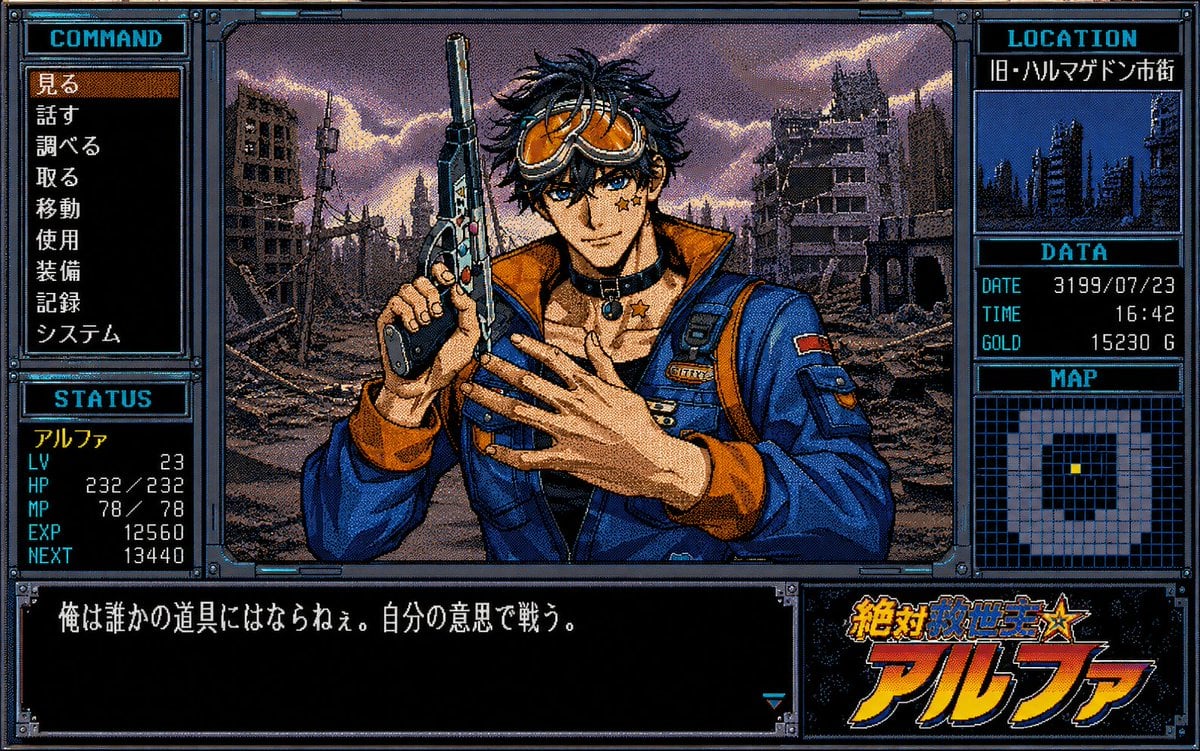
- Prompt included
- Model and format preset
- Free template
The prompt behind this image
Copy the exact prompt behind Retro PC-98 Adventure Game UI, or open it in the studio and make it yours.
- Type
- single-screen retro Japanese PC-98 adventure game mockup
- Style
- late 1980s to early 1990s PC-98 visual novel interface, 16-color dithering, crisp pixel art, CRT-era low resolution, metallic blue cyberpunk window frames with bolts, black panels, cyan headers, white bitmap Japanese text, orange selection highlight
- Main Scene › Position
- center
- Main Scene › Description
- waist-up anime-style male mercenary standing in a ruined futuristic city at dusk, holding a large pistol upright beside his head, wearing a blue tactical jacket with orange lining and straps, fingerless gloves, choker and star pendant, dramatic cloudy purple-orange sky, bombed-out high-rises and rubble behind him
- Main Scene › Character Name
- {argument name="character name" default="アルファ"}
- Main Scene › Face Detail
- the face is intentionally covered by a centered soft-edged square blur censor block while hair and body remain visible
- Main Scene › Weapon
- {argument name="weapon" default="large semi-automatic pistol"}
- Layout › Overall
- 4:3 game screen with thick pixel-art mechanical borders and multiple labeled UI panels
- Layout › Sections › 0 › Title
- COMMAND
- Layout › Sections › 0 › Position
- left upper panel
- Layout › Sections › 0 › Count
- 9
- Layout › Sections › 0 › Labels
- 見る, 話す, 調べる, 取る, 移動, 使用, 装備, 記録, システム
- Layout › Sections › 0 › Selected Label
- 見る
- Layout › Sections › 0 › Selected Style
- brown-orange highlighted bar
- Layout › Sections › 1 › Title
- STATUS
- Layout › Sections › 1 › Position
- left lower panel
- Layout › Sections › 1 › Count
- 6
- Layout › Sections › 1 › Labels
- アルファ, LV 23, HP 232/232, MP 78/78, EXP 12560, NEXT 13440
- Layout › Sections › 2 › Title
- LOCATION
- Layout › Sections › 2 › Position
- right top panel
- Layout › Sections › 2 › Count
- 2
- Layout › Sections › 2 › Labels
- LOCATION, 旧・ハルマゲドン市街
- Layout › Sections › 2 › Thumbnail
- small blue monochrome skyline of ruined towers
- Layout › Sections › 3 › Title
- DATA
Raw JSON
{"type":"single-screen retro Japanese PC-98 adventure game mockup","style":"late 1980s to early 1990s PC-98 visual novel interface, 16-color dithering, crisp pixel art, CRT-era low resolution, metallic blue cyberpunk window frames with bolts, black panels, cyan headers, white bitmap Japanese text, orange selection highlight","main_scene":{"position":"center","description":"waist-up anime-style male mercenary standing in a ruined futuristic city at dusk, holding a large pistol upright beside his head, wearing a blue tactical jacket with orange lining and straps, fingerless gloves, choker and star pendant, dramatic cloudy purple-orange sky, bombed-out high-rises and rubble behind him","character_name":"{argument name=\"character name\" default=\"アルファ\"}","face_detail":"the face is intentionally covered by a centered soft-edged square blur censor block while hair and body remain visible","weapon":"{argument name=\"weapon\" default=\"large semi-automatic pistol\"}"},"layout":{"overall":"4:3 game screen with thick pixel-art mechanical borders and multiple labeled UI panels","sections":[{"title":"COMMAND","position":"left upper panel","count":9,"labels":["見る","話す","調べる","取る","移動","使用","装備","記録","システム"],"selected_label":"見る","selected_style":"brown-orange highlighted bar"},{"title":"STATUS","position":"left lower panel","count":6,"labels":["アルファ","LV 23","HP 232/232","MP 78/78","EXP 12560","NEXT 13440"]},{"title":"LOCATION","position":"right top panel","count":2,"labels":["LOCATION","旧・ハルマゲドン市街"],"thumbnail":"small blue monochrome skyline of ruined towers"},{"title":"DATA","position":"right middle panel","count":3,"labels":["DATE 3199/07/23","TIME 16:42","GOLD 15230 G"]},{"title":"MAP","position":"right lower-middle panel","count":1,"labels":["MAP"],"description":"square grid minimap with pale explored blocks, black unexplored center, and one small yellow player marker"},{"title":"dialogue box","position":"bottom wide panel","count":1,"labels":["俺は誰かの道具にはならねぇ。自分の意思で戦う。"],"description":"large black message window with white Japanese bitmap dialogue and a small cyan triangular page indicator at lower right"},{"title":"game logo","position":"bottom right panel","count":1,"labels":["絶対救世主☆アルファ"],"description":"bold orange-to-yellow Japanese title logo with blue outline and star over a dark starry background"}]},"text_parameters":{"location_text":"{argument name=\"location text\" default=\"旧・ハルマゲドン市街\"}","dialogue_text":"{argument name=\"dialogue text\" default=\"俺は誰かの道具にはならねぇ。自分の意思で戦う。\"}","logo_text":"{argument name=\"logo text\" default=\"絶対救世主☆アルファ\"}"},"rendering_instructions":"Create a convincing screenshot, not a poster: all panels should align to a PC-98 adventure game UI, with visible pixel dithering, limited palette, sharp bitmap fonts, high-contrast cyan borders, and no modern smooth gradients except the deliberate face censor blur."}How to use Retro PC-98 Adventure Game UI in 3 steps
- 1Upload ImagePNG, JPG or paste
Add your photo
Upload the photo the template builds on. The prompt, model and format are already set.
- 2…a portrait of your subject in softgolden-hour light, 85mm…
Personalize
Edit the subject and creative details for your destination.
- 3Generate
Generate
Press Generate — your image is created in PicX Studio, so you can compare it with the original and refine one variable at a time.
More like this
Templates with the same subject, style or setup. Open one to see its prompt.












Make it yours
Retro PC-98 Adventure Game UI works as-is. These are the safest ways to change it without losing the look.
Swap the setting
Keep the rest of the prompt and replace the location block. The current setting is “{argument name="location text" default="旧・ハルマゲドン市街"}”.
Change one field
Copy a single group, rewrite it, and generate again so you can see what that field is doing.
Keep the frame, change the subject
Hold the composition and light of Retro PC-98 Adventure Game UI, then swap wardrobe, props or the person for a new take.
| If the result… | Why | Fix |
|---|---|---|
| The result drifts from the preview | Too many fields changed at once. | Reuse Retro PC-98 Adventure Game UI as-is first, then change one group — subject, light, or setting. |
| GPT Image 2 ignores part of the JSON | Some models flatten or skip nested keys. | Keep the same values and paste them as a short paragraph instead. |
More GPT Image 2 templates
Other prompts made for GPT Image 2.

Six VTuber Japanese Logo Sheet

Realistic Portrait of Woman and Deer

The Vista Modular Condo Poster

AI Model Routing Comparison Infographic

2.5D Anime Art Board

Isometric Productivity Desk Scene

New York Double Exposure Poster

Four-Panel AI Landscape Comparison

Japanese Tatami Lifestyle Magazine Cover

NESCAFÉ Coffee Map Poster
More image prompts
Fresh picks from across the catalog.
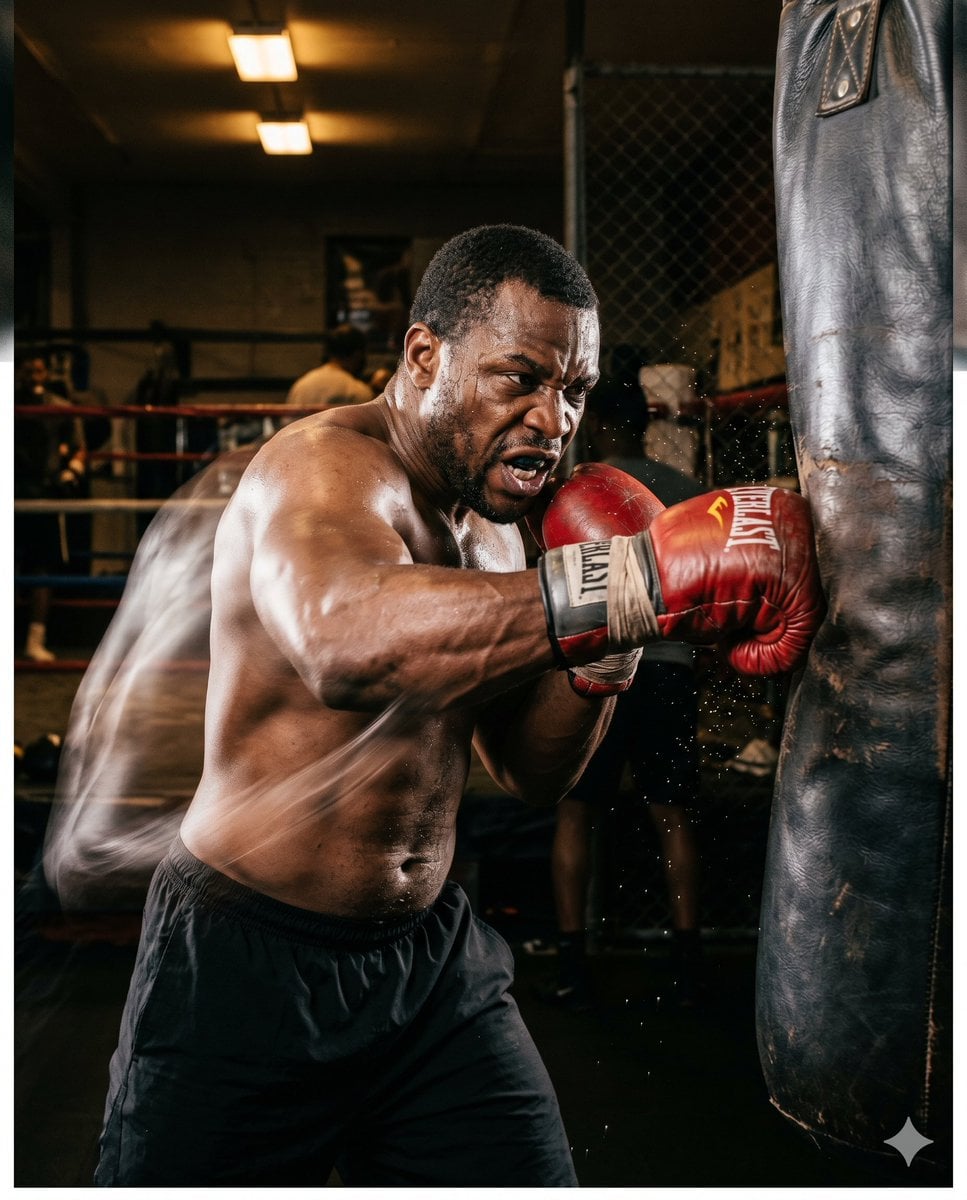
Boxer Training Action Shot

The Ultimate Nano Banana Pro Master Prom
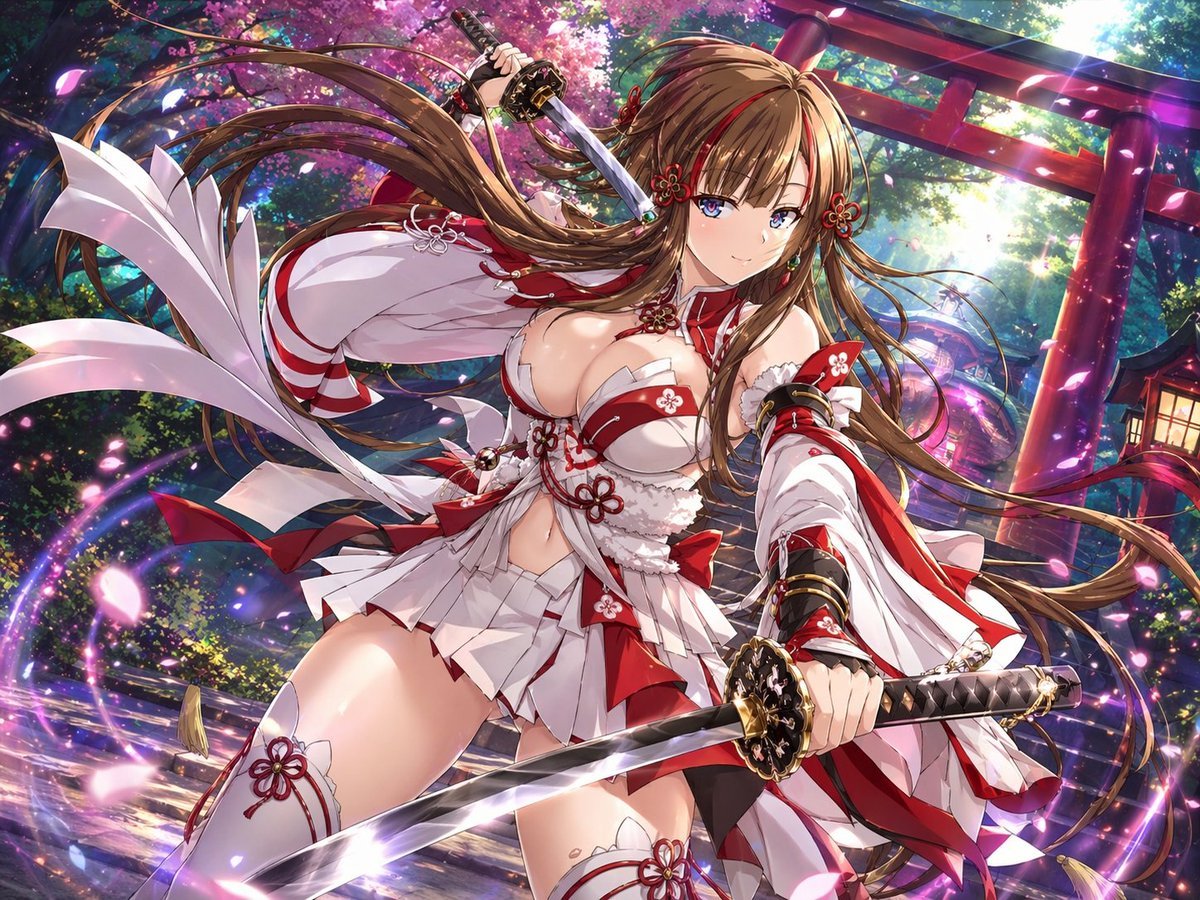
Anime Shrine Maiden Dual Katana
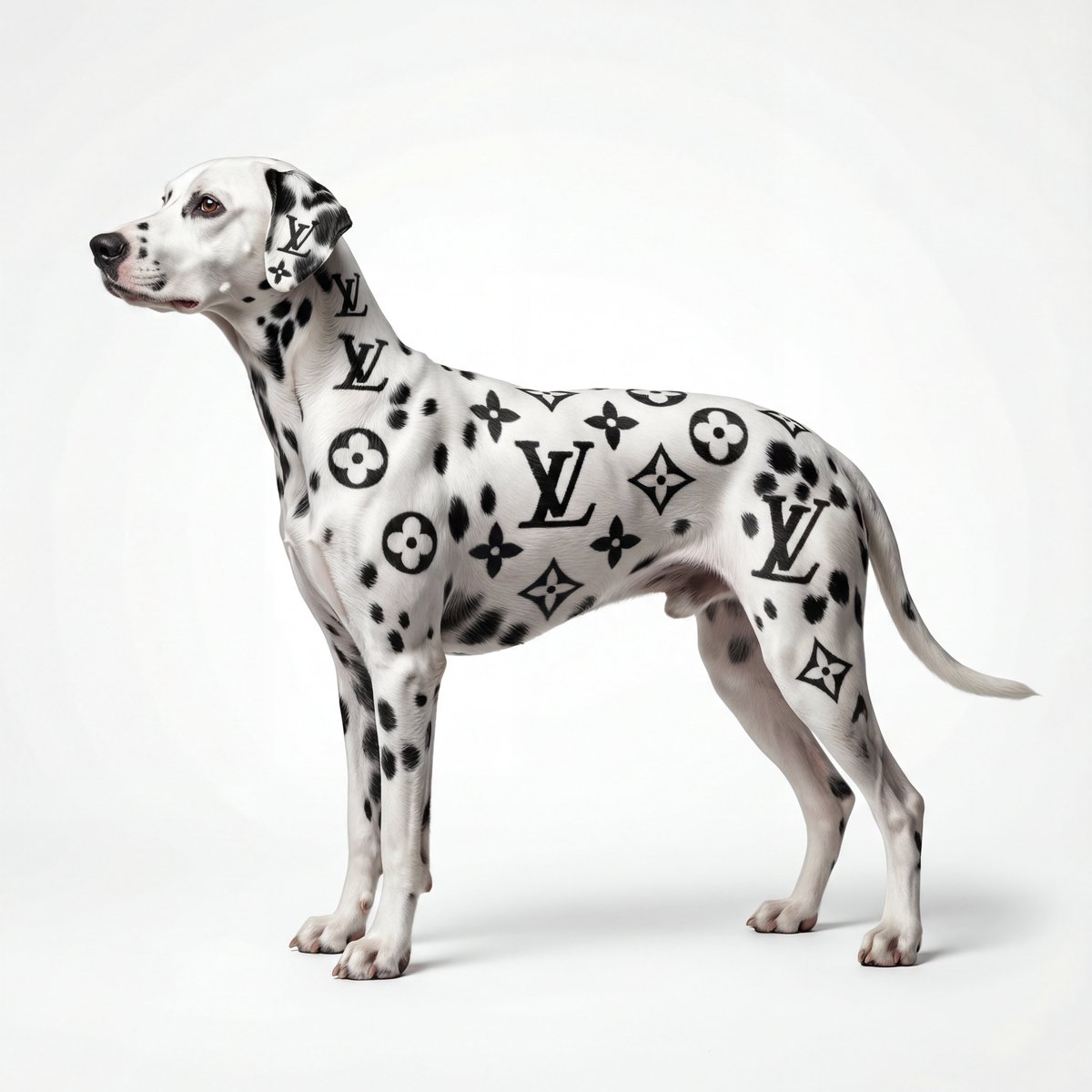
Museum-Quality Animal Portrait with Integrated Luxury Brand Pattern
Censored Family Snapshot

Japanese Journal Style Cat Diary
Soft Blue Anime Girl Portrait
Japanese Woman in Cafe
Culinary Science Diorama: The Chemistry of Chocolate
Natural Sunlight Close-up Portrait Prompt for Nano Banana 2
Browse template categories
Retro PC-98 Adventure Game UI questions
How do I use the Retro PC-98 Adventure Game UI template?
Add your photo if the template asks for one, edit the prompt if you like — the template's model and format are already selected — and press Generate. Your version opens in PicX Studio.
Can I customize the Retro PC-98 Adventure Game UI template?
Yes. You can change the subject, setting, lighting, mood, format, and available model controls before creating your image.
Is the Retro PC-98 Adventure Game UI template free?
Opening and editing this template is free. Generating uses credits, shown on the Generate button when you are signed in.
Which AI model should I use?
Start with GPT Image 2, which is the model associated with this template. You can compare another compatible model for a different finish.
Looking for something else? Browse all templates.

Your photo, any look
Thousands of ready templates for every top image and video model, from one credit balance.