
Censored Family Snapshot
Generates a tilted low-resolution candid apartment photo with three people whose faces are obscured by censor blocks, useful for uncanny realistic AI-image demonstrations.
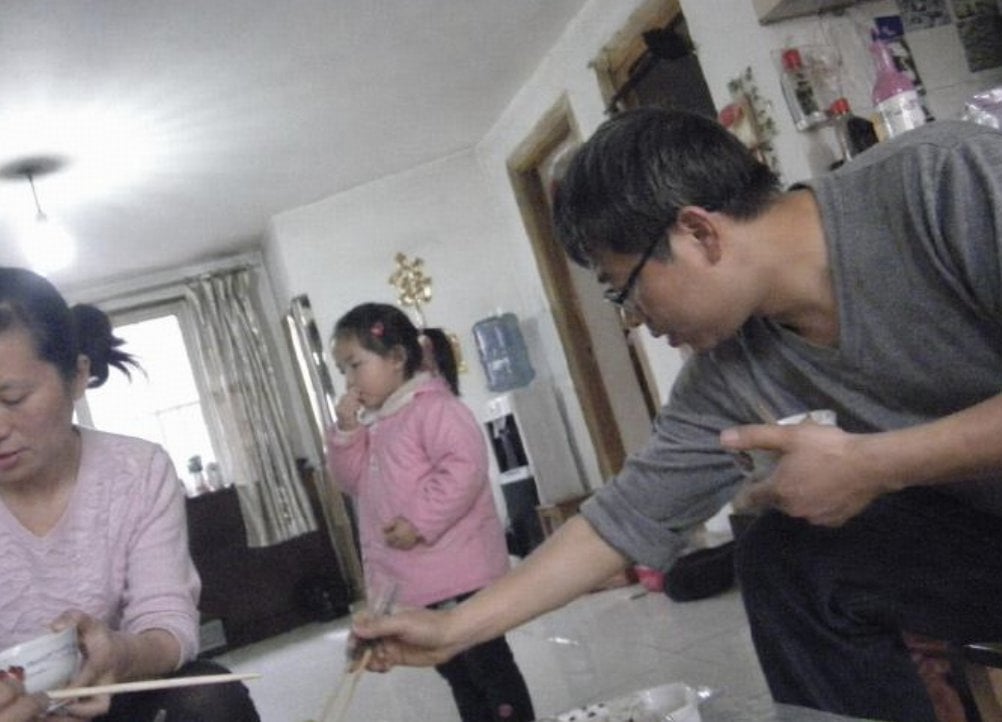
- Prompt included
- Model and format preset
- Free template
The prompt behind this image
Copy the exact prompt behind Censored Family Snapshot, or open it in the studio and make it yours.
Create a low-resolution, candid indoor family snapshot with an unsettling hyper-realistic AI-photo feel, shot at a slight clockwise tilt with a wide-angle phone camera and harsh ceiling-light glare. The scene is a cramped apartment dining/living room with glossy white tile floor, white walls, a bright window with beige curtains in the back left, a dark sofa or cabinet near the window, a wall-mounted water dispenser in the center background, shelves and bottles cluttered in the upper right, and everyday household objects scattered around. Show exactly 3 people: on the left, a seated adult woman in a pale pink long-sleeve top holding a white bowl and chopsticks near the bottom edge; in the center background, a standing child wearing a puffy pink jacket and dark pants, holding something near the mouth; on the right foreground, a leaning adult man in a gray long-sleeve shirt and dark pants, reaching diagonally downward with chopsticks while pointing with his other hand. Cover all 3 faces with opaque rectangular pixelated blur censor blocks in muted brown-gray tones: one tall block over the woman’s face at the far left edge, one smaller block over the child’s face, and one large block over the man’s face. Keep the composition awkward and accidental, with motion blur, compression artifacts, soft focus, noisy shadows, washed-out colors, uneven exposure, and the feeling of an old compressed family photo. Use {argument name="room type" default="small Chinese apartment dining room"}, {argument name="number of people" default="3"}, {argument name="censor style" default="opaque rectangular pixelated blur blocks"}, {argument name="main clothing color" default="pink and gray"}, and {argument name="camera style" default="tilted low-resolution phone snapshot"}. Do not add readable text, logos, watermarks, or extra people.
How to use Censored Family Snapshot in 3 steps
- 1Upload ImagePNG, JPG or paste
Add your photo
Upload the photo the template builds on. The prompt, model and format are already set.
- 2…a portrait of your subject in softgolden-hour light, 85mm…
Personalize
Edit the subject and creative details for your destination.
- 3Generate
Generate
Press Generate — your image is created in PicX Studio, so you can compare it with the original and refine one variable at a time.
More like this
Templates with the same subject, style or setup. Open one to see its prompt.

Nostalgic Digicam Café Afternoon Portrait
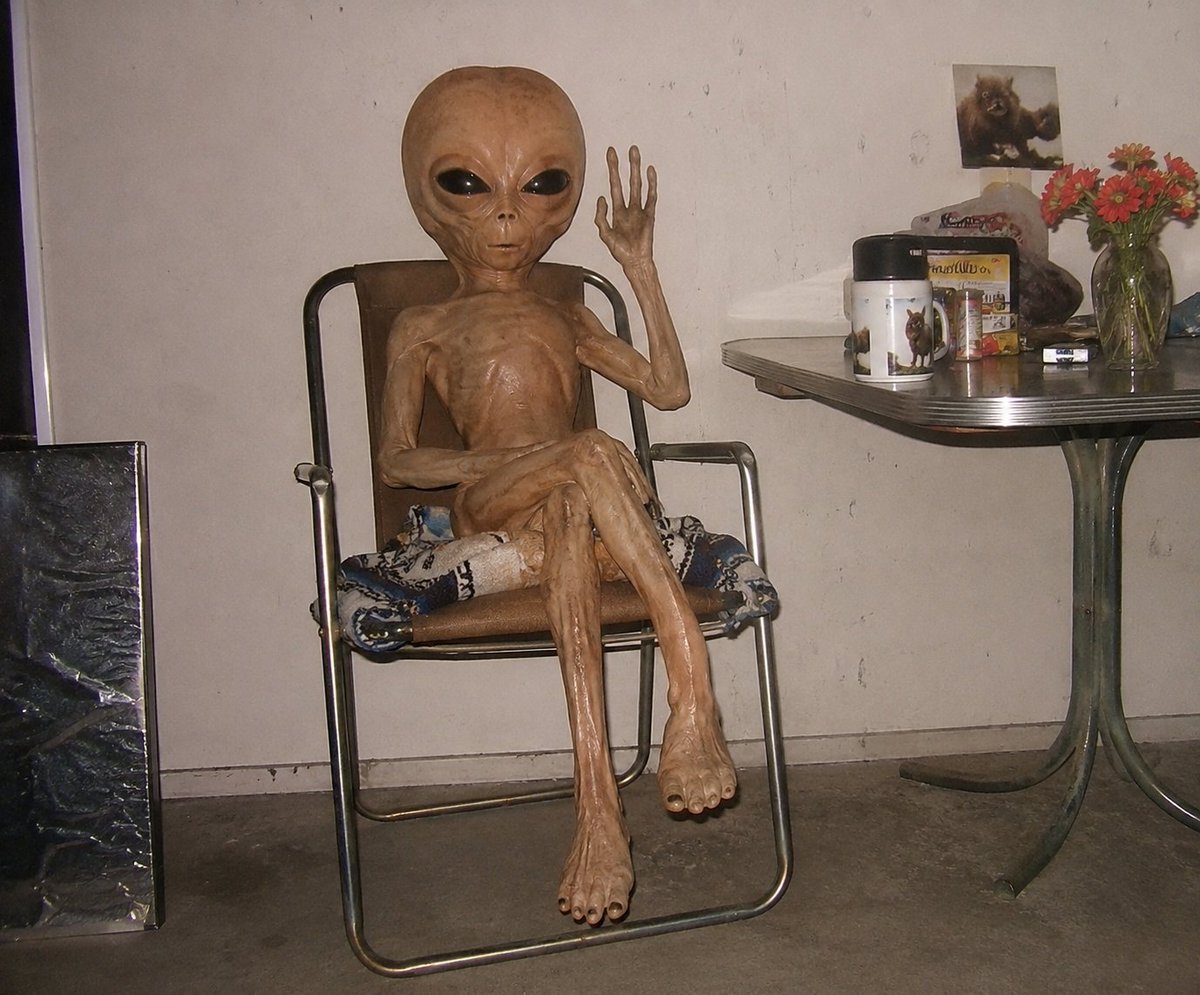
Censored Humanoid Snapshot
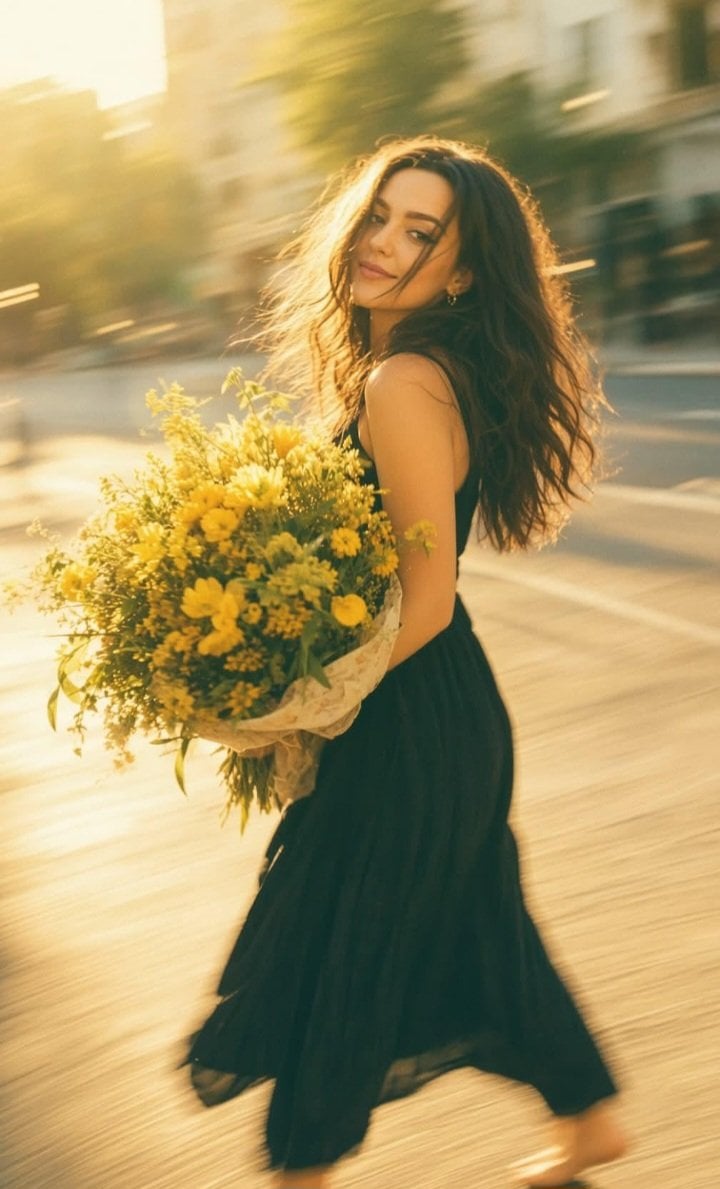
Consistent Series Character Street Snapshot
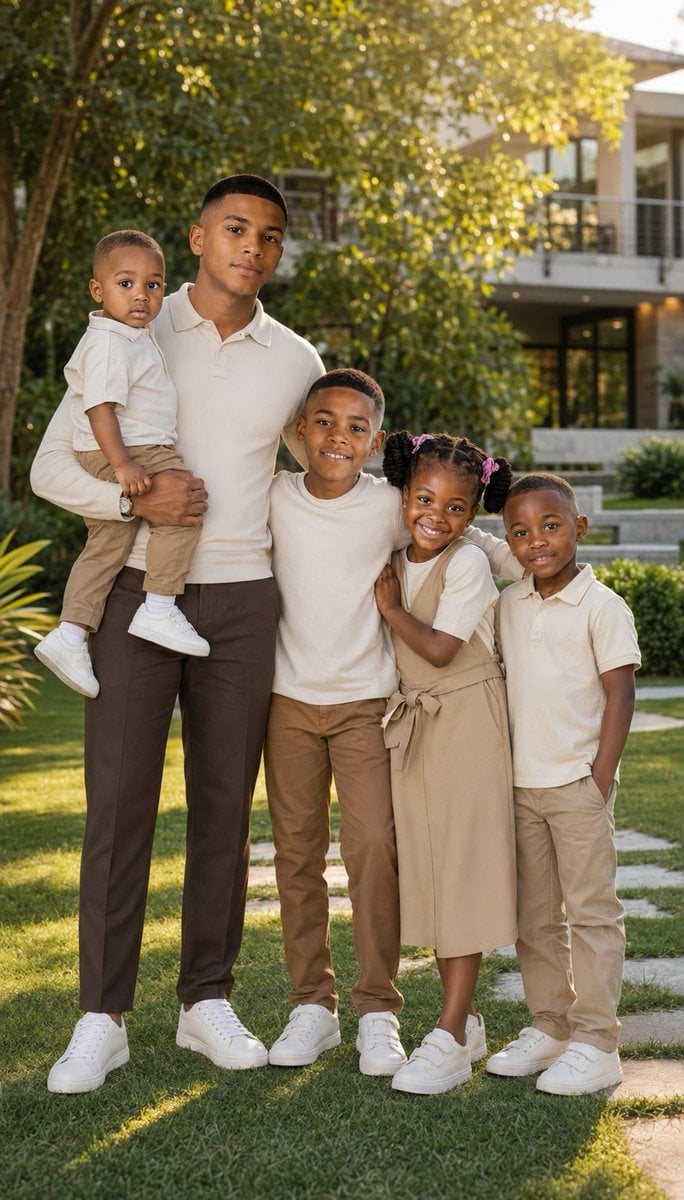
Realistic Family Lifestyle Portrait
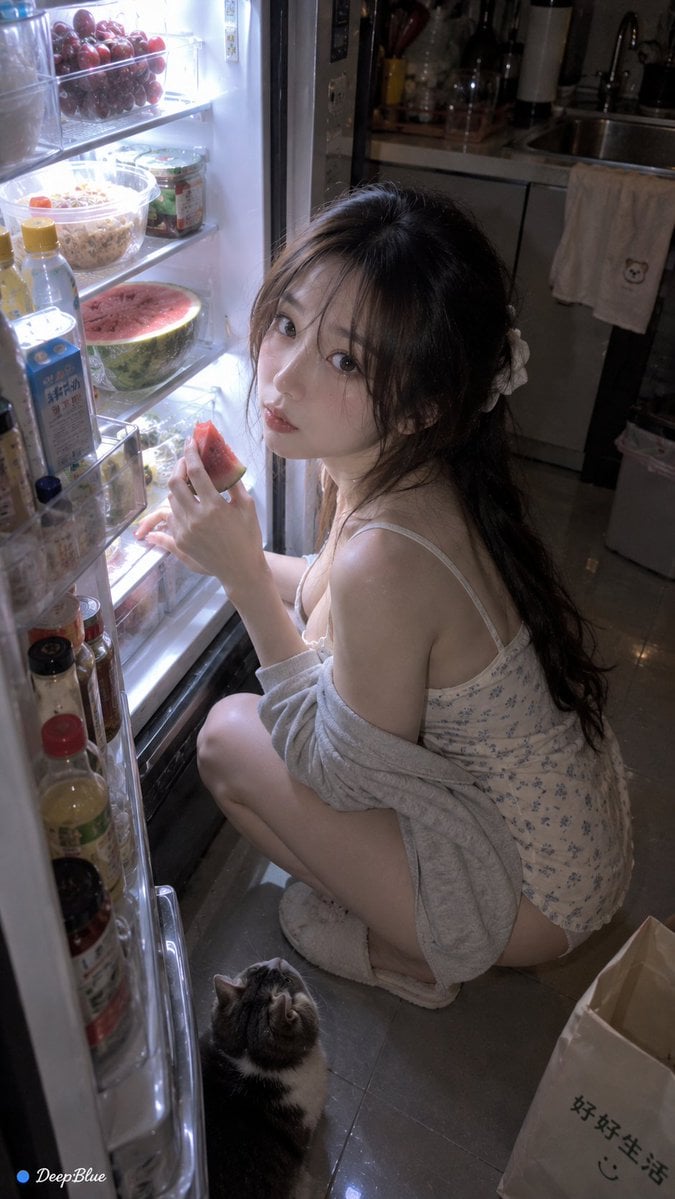
Late Night Fridge Candid Snapshot
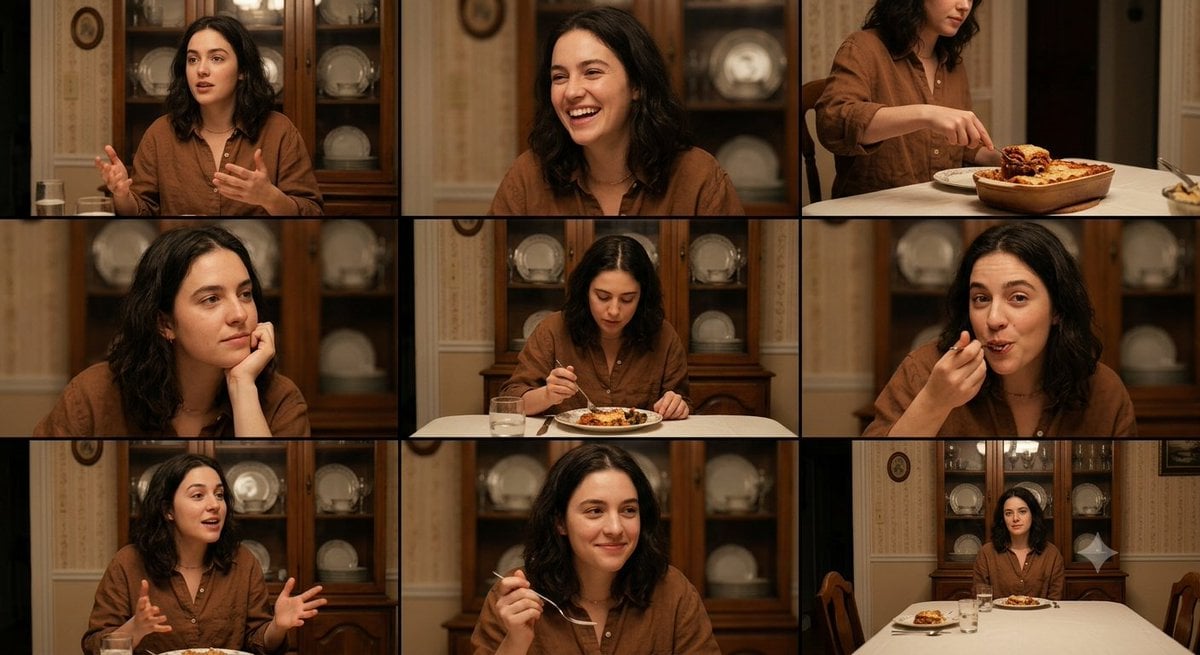
Family Dinner Cinematic Contact Sheet
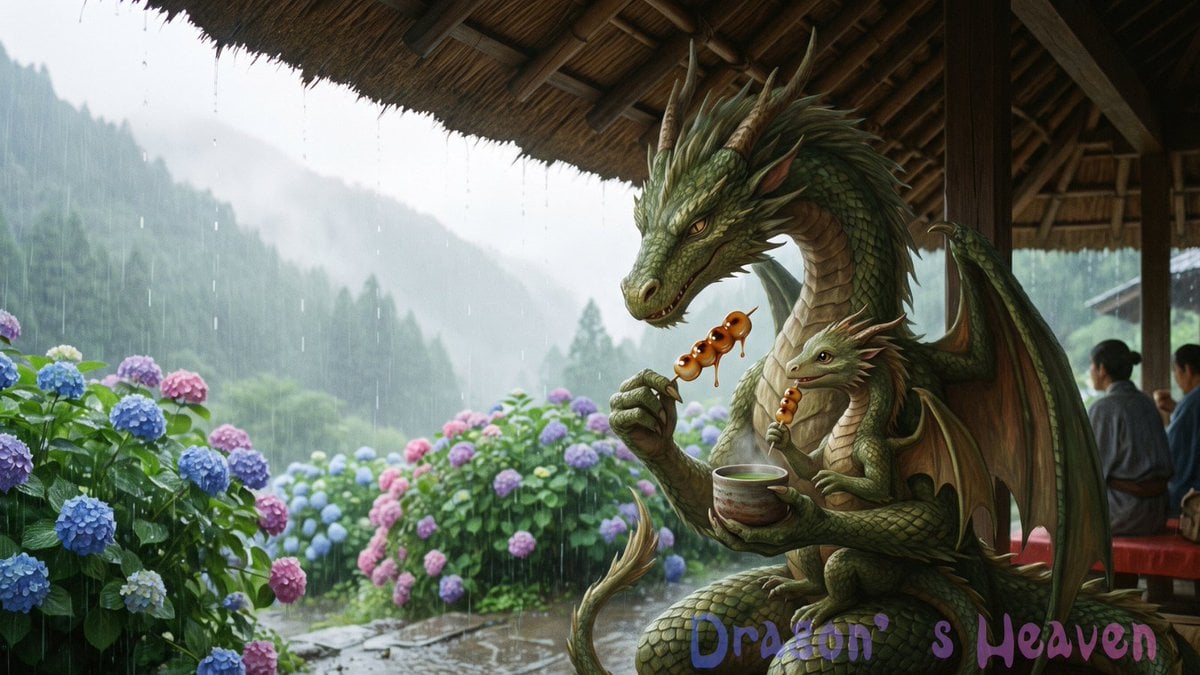
Rainy Dragon Family Eating Dango
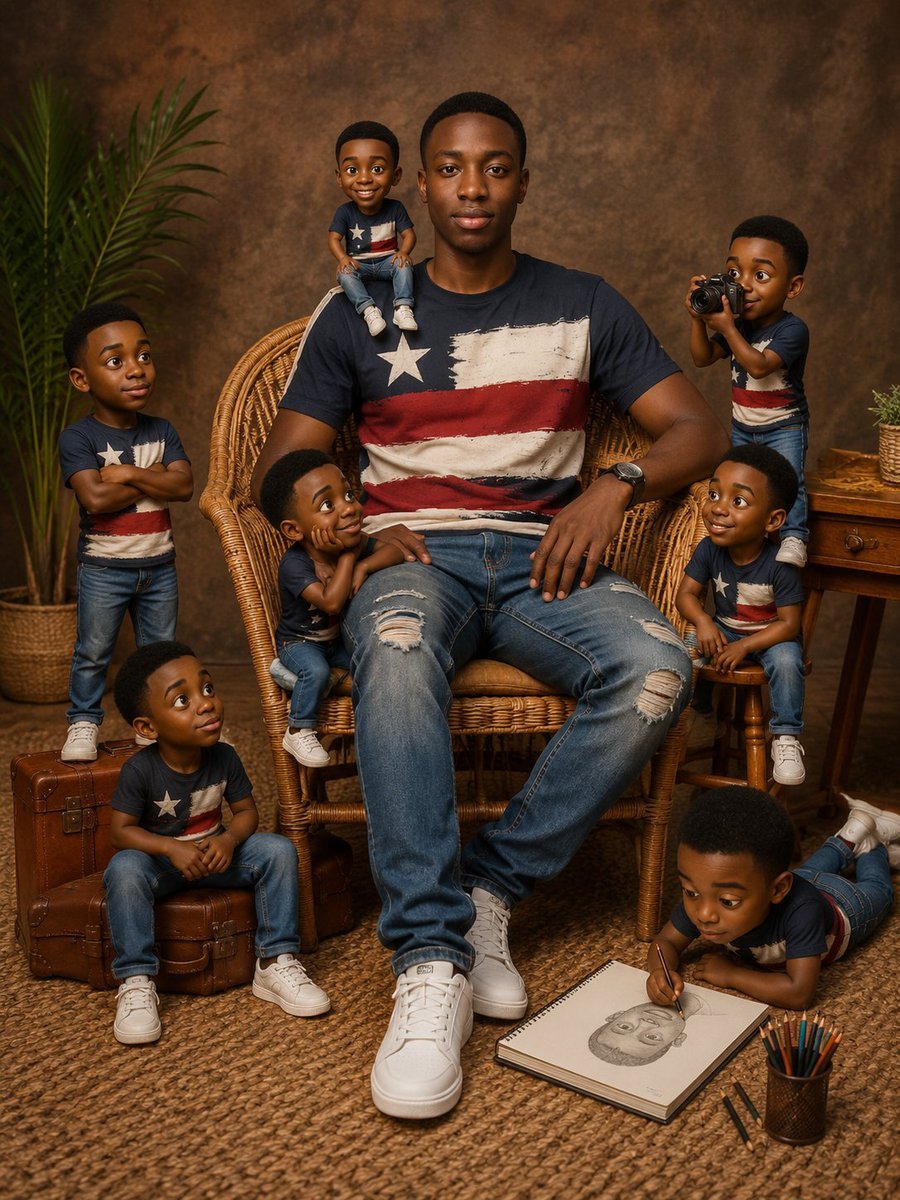
Eight Mini Me Family Portrait
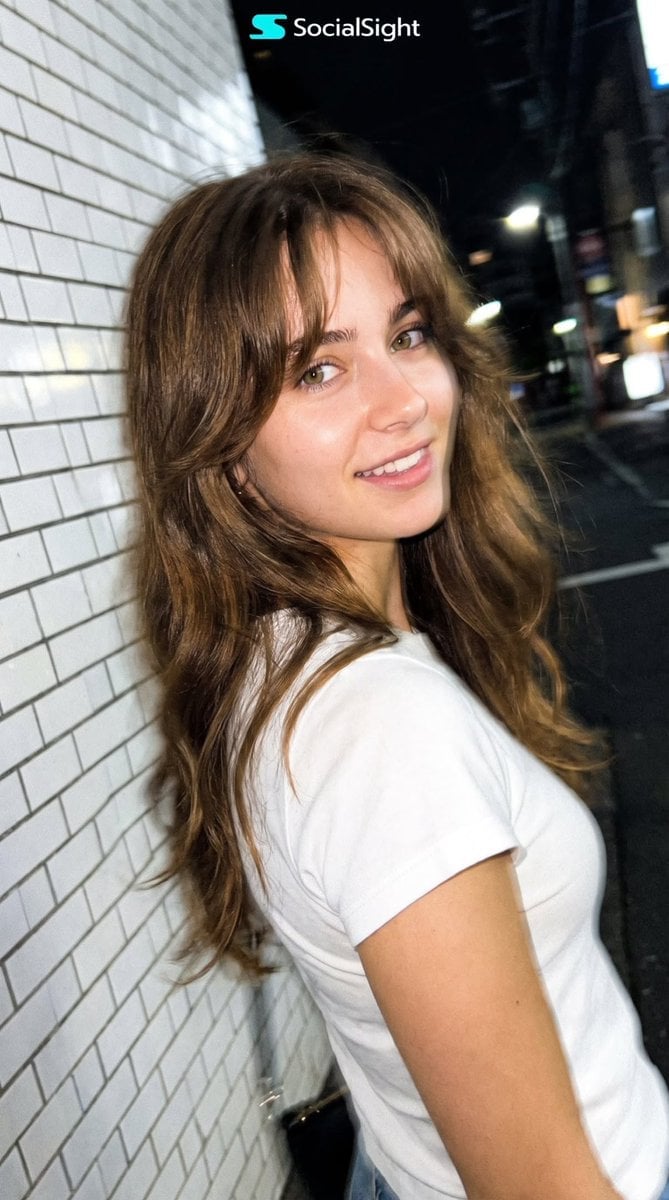
Candid Tokyo Night Smartphone Snapshot
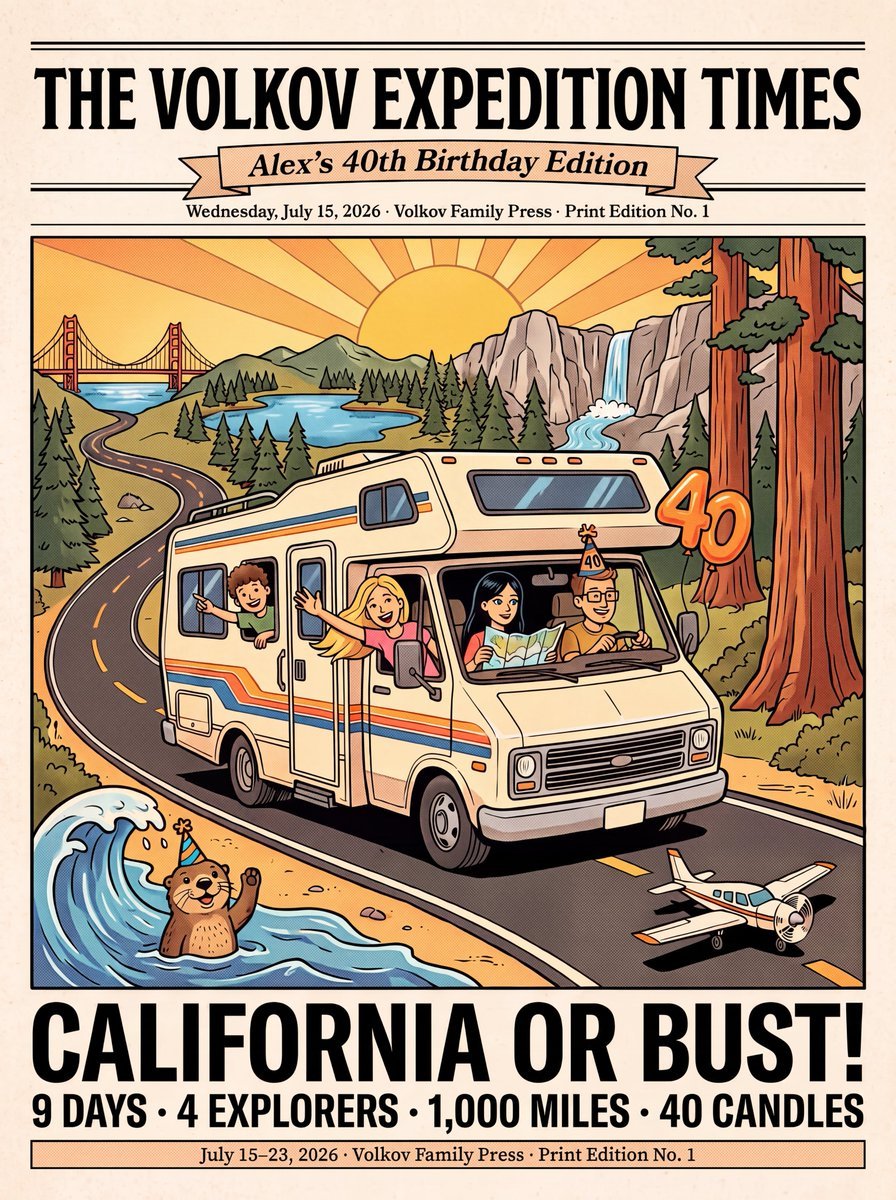
Vintage Family Road Trip Newspaper Poster
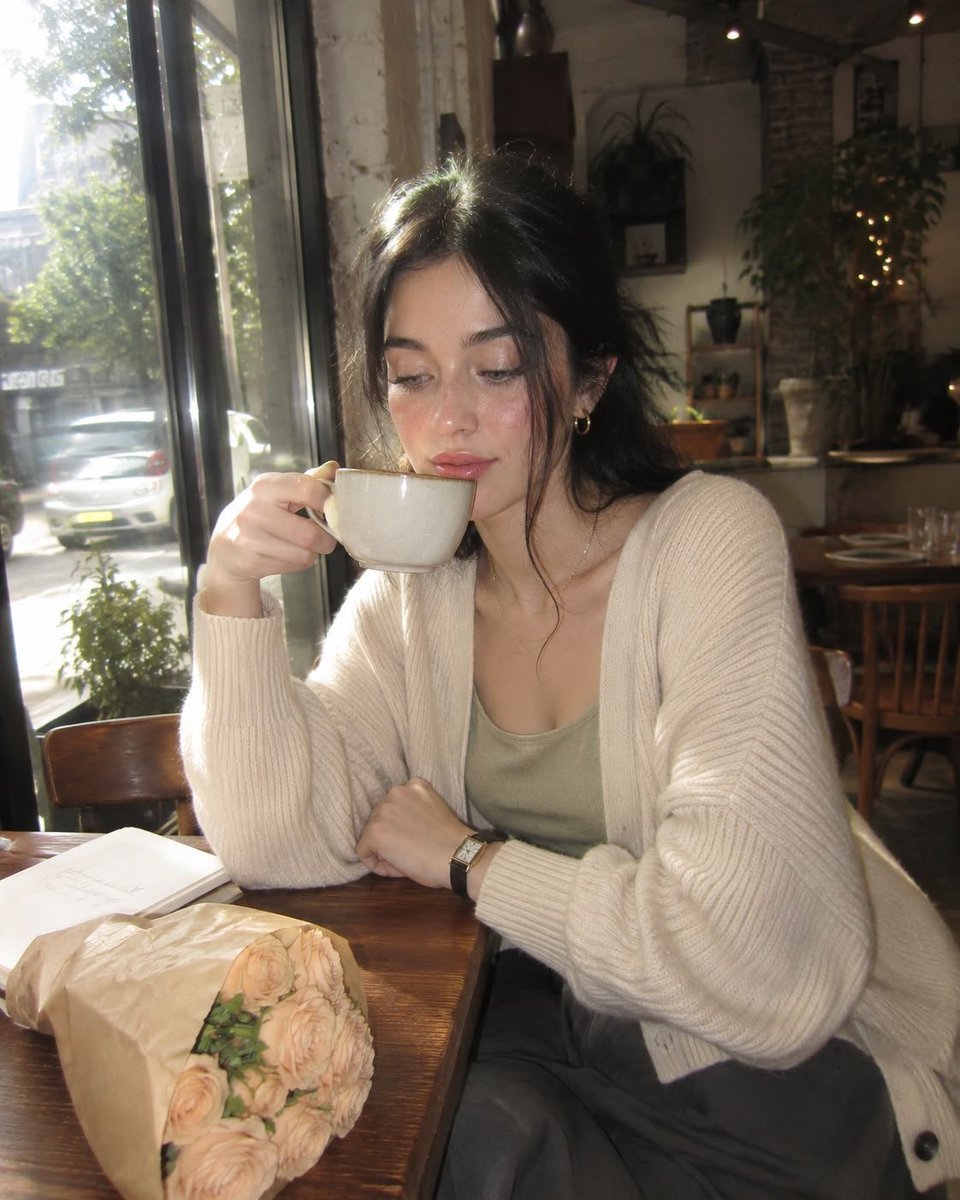
Nostalgic Early-2000s Cafe Snapshot
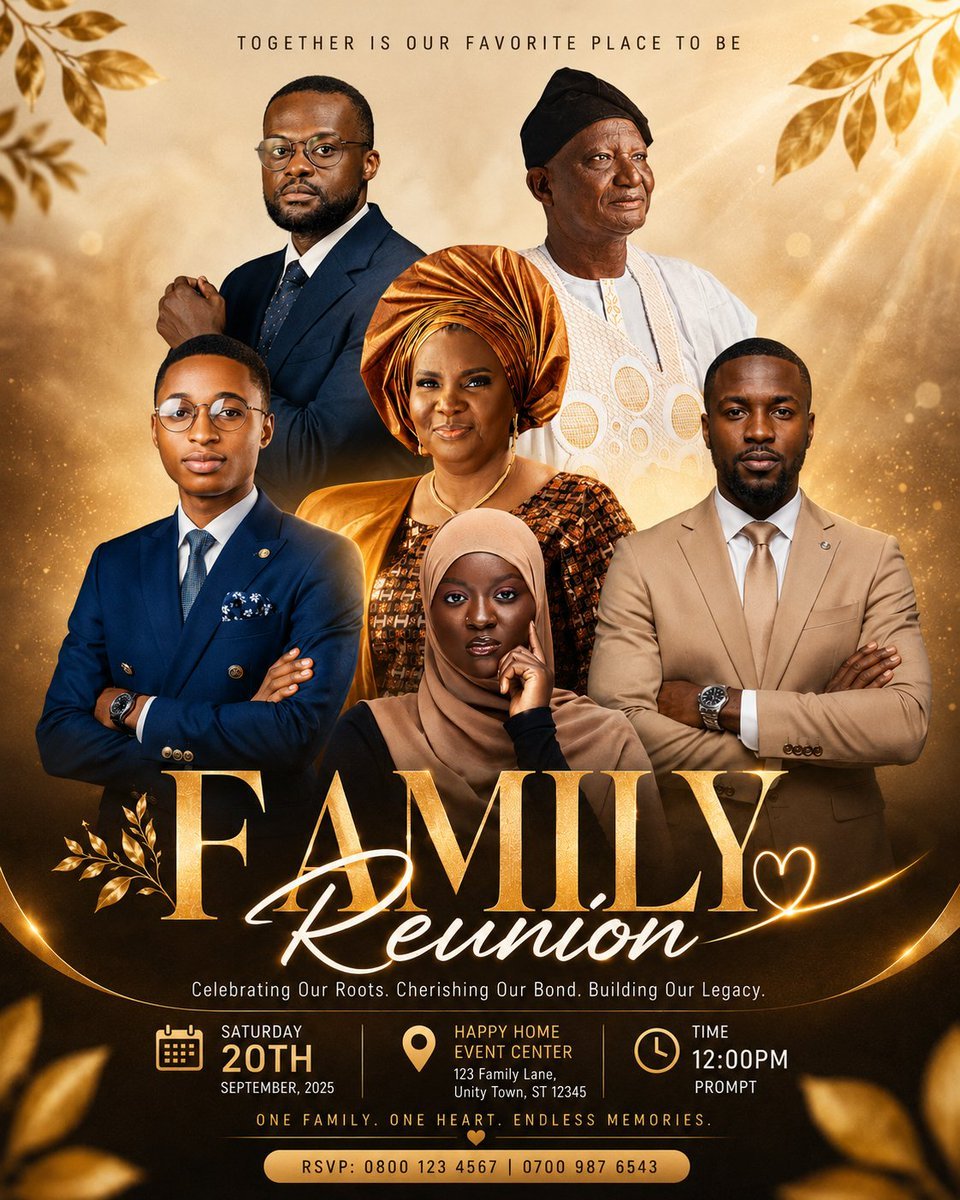
Luxury Family Reunion Poster
Make it yours
Censored Family Snapshot works as-is. These are the safest ways to change it without losing the look.
Change one field
Copy a single group, rewrite it, and generate again so you can see what that field is doing.
Keep the frame, change the subject
Hold the composition and light of Censored Family Snapshot, then swap wardrobe, props or the person for a new take.
| If the result… | Why | Fix |
|---|---|---|
| The result drifts from the preview | Too many fields changed at once. | Reuse Censored Family Snapshot as-is first, then change one group — subject, light, or setting. |
| The model over-stylizes the scene | The prose prompt leaves finish and camera underspecified. | Add one camera or lighting sentence and stay on GPT Image 2. |
More GPT Image 2 templates
Other prompts made for GPT Image 2.

Six VTuber Japanese Logo Sheet

Realistic Portrait of Woman and Deer

The Vista Modular Condo Poster

AI Model Routing Comparison Infographic

2.5D Anime Art Board

Isometric Productivity Desk Scene

New York Double Exposure Poster

Four-Panel AI Landscape Comparison

Japanese Tatami Lifestyle Magazine Cover

NESCAFÉ Coffee Map Poster
More image prompts
Fresh picks from across the catalog.
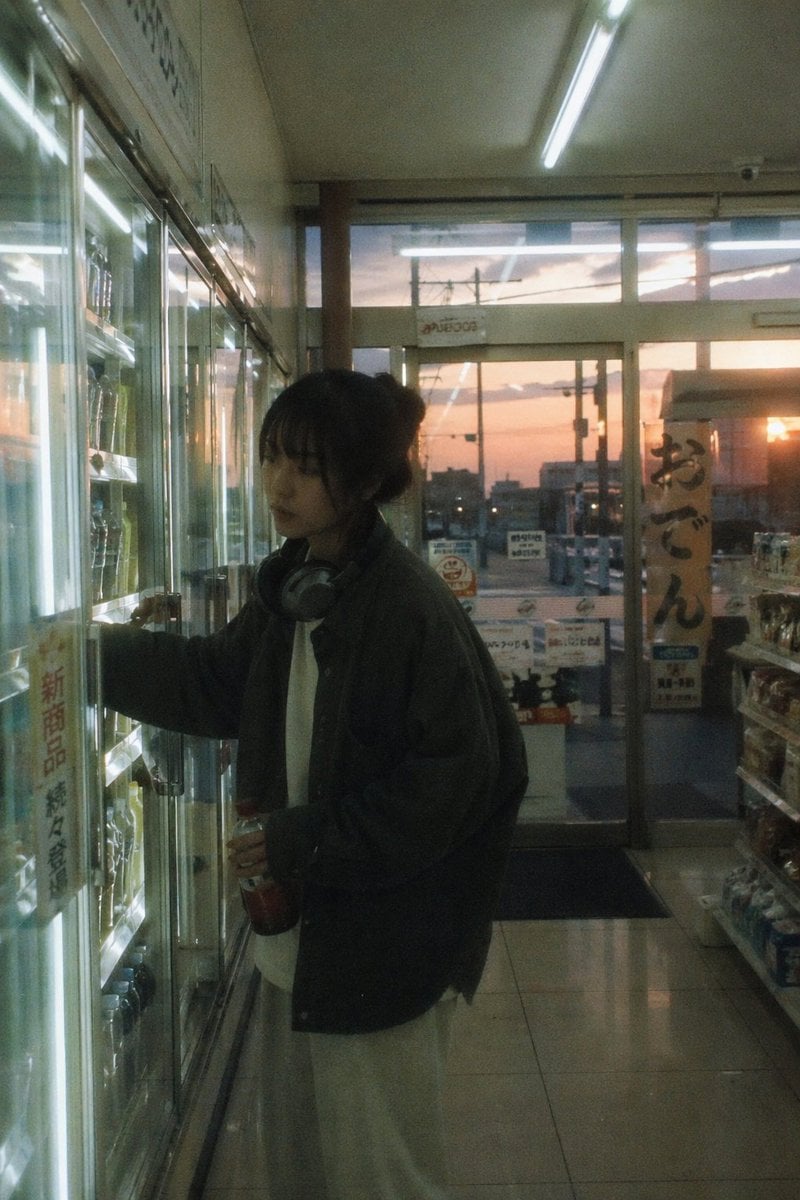
Japanese Negative Film Aesthetic
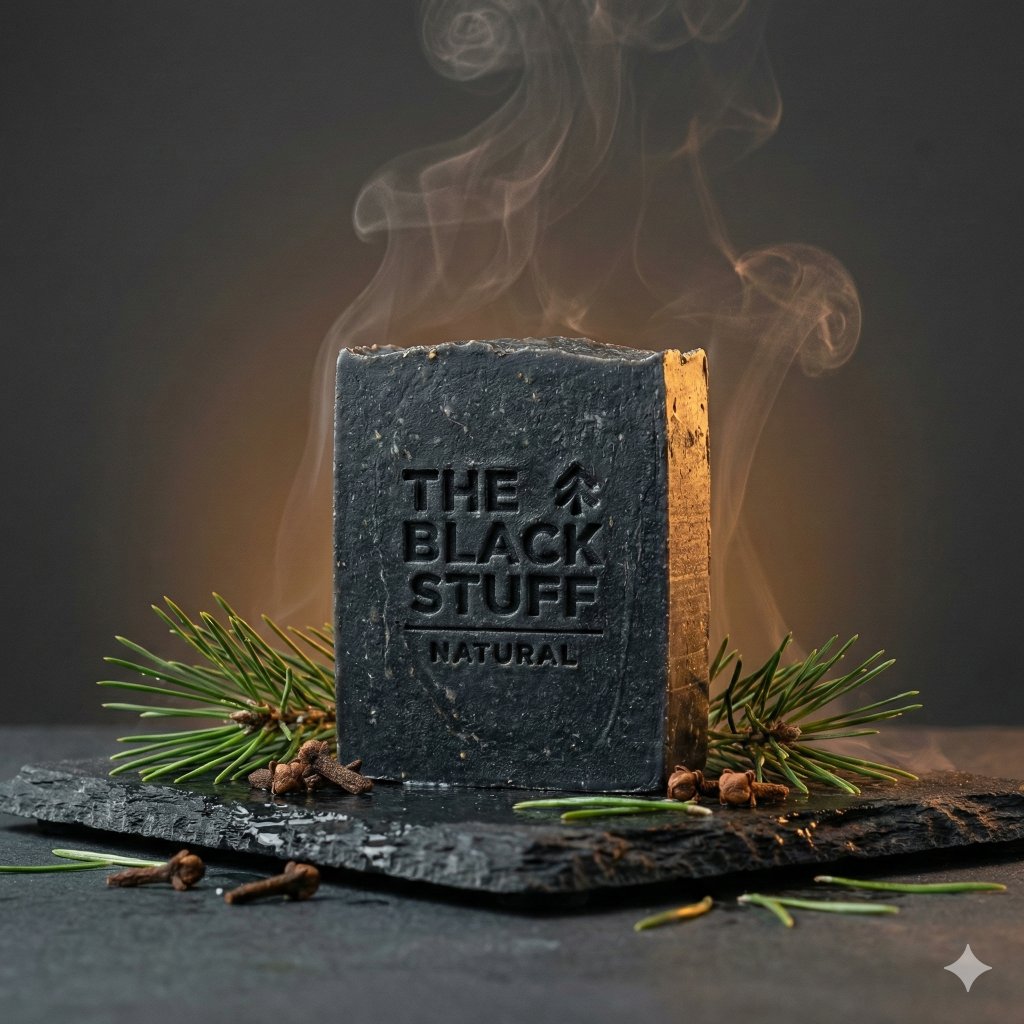
Master Prompt for Premium Minimalist Product Photography
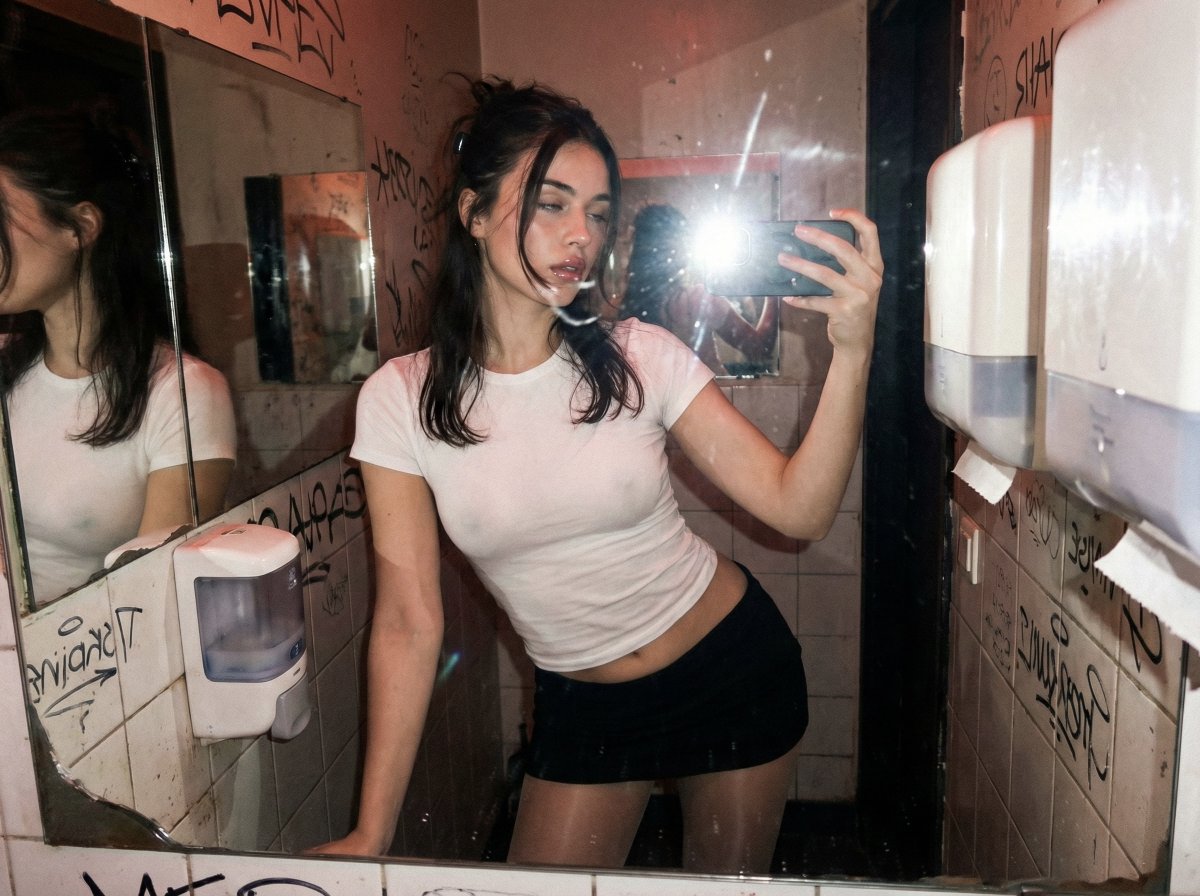
Harsh Flash Mirror Selfie Prompt (Disposable Camera Aesthetic)
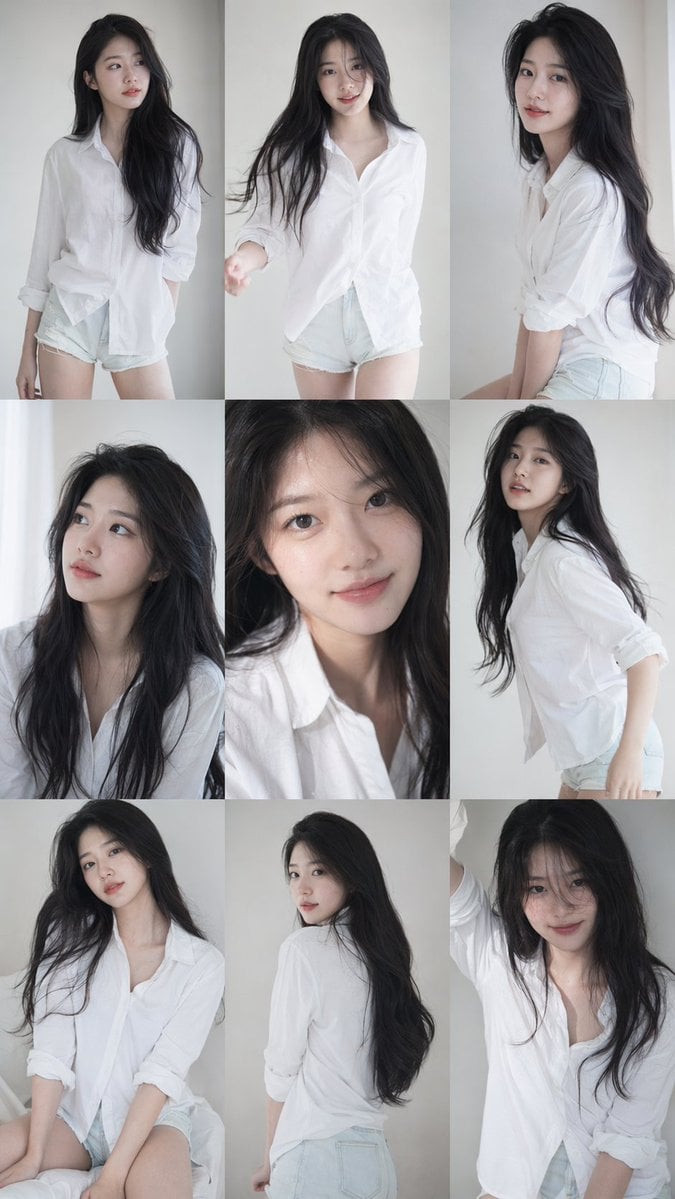
Korean Idol Photocard Grid Collage
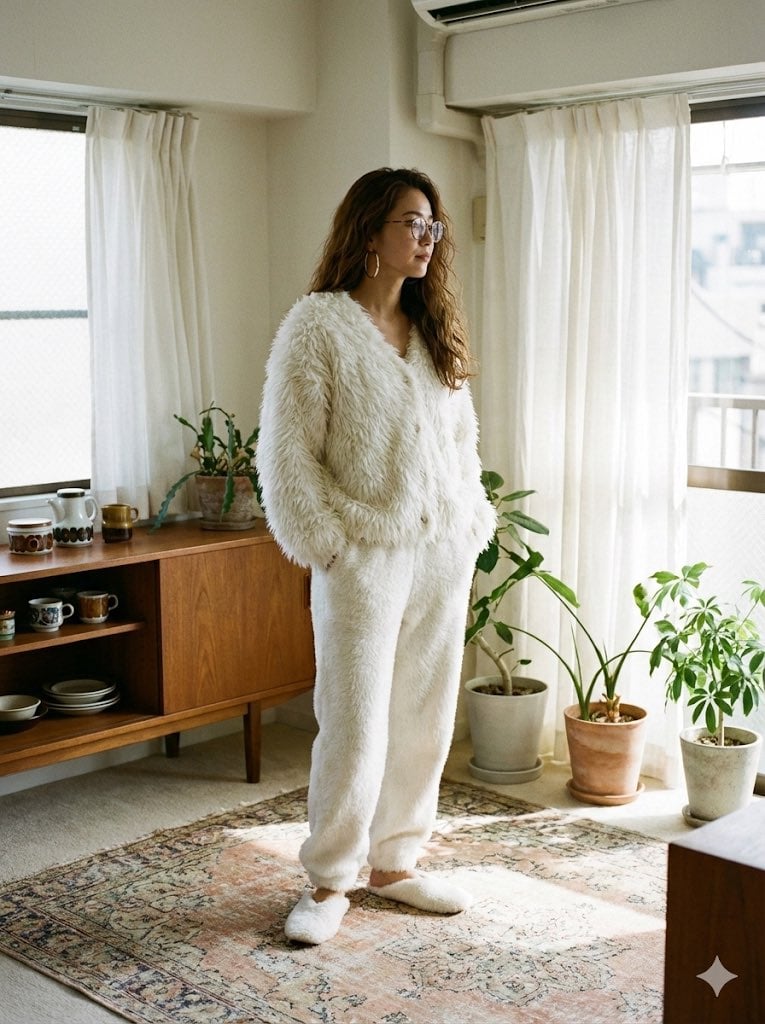
Cozy Retro Loungewear with Shaggy Faux Fur
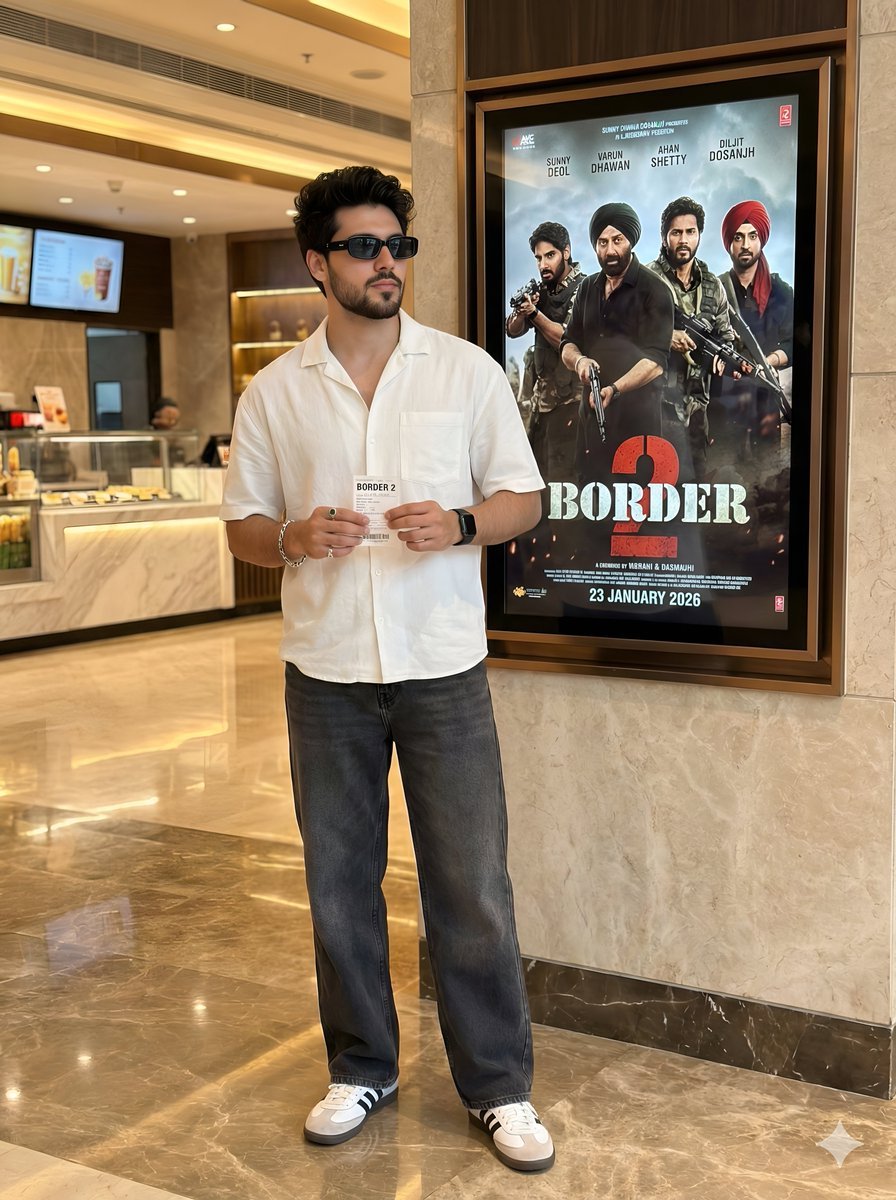
Cinematic Portrait in a Luxury Cinema Lobby
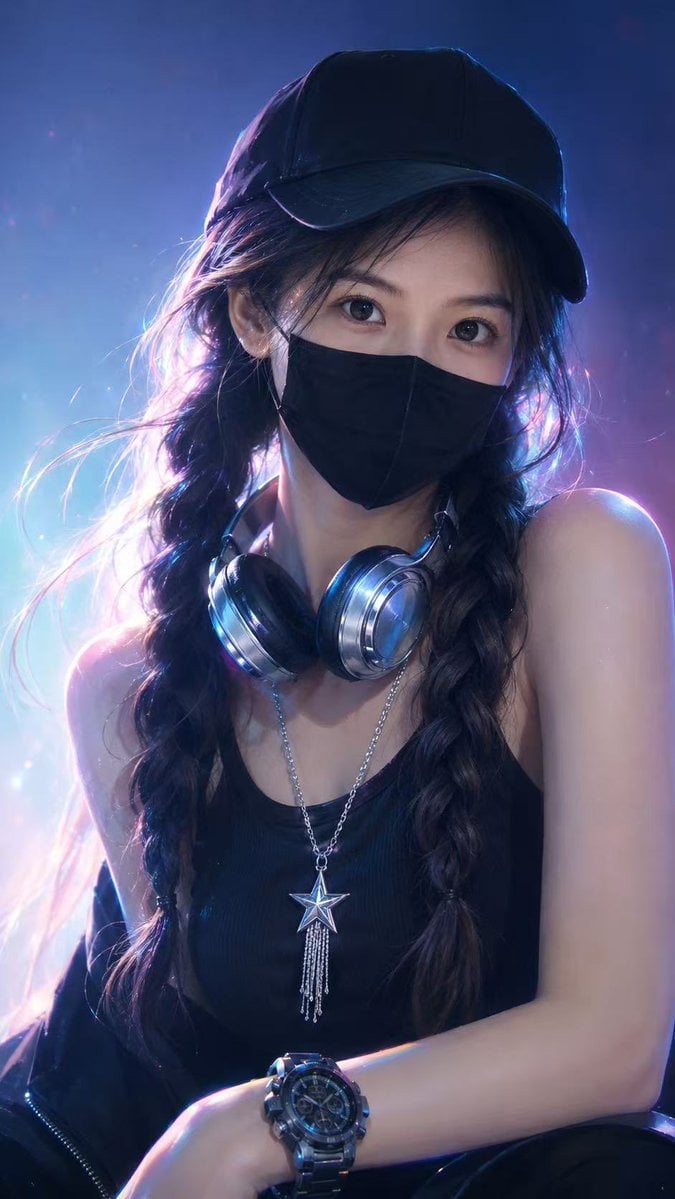
Neon Cyber Streetwear Portrait
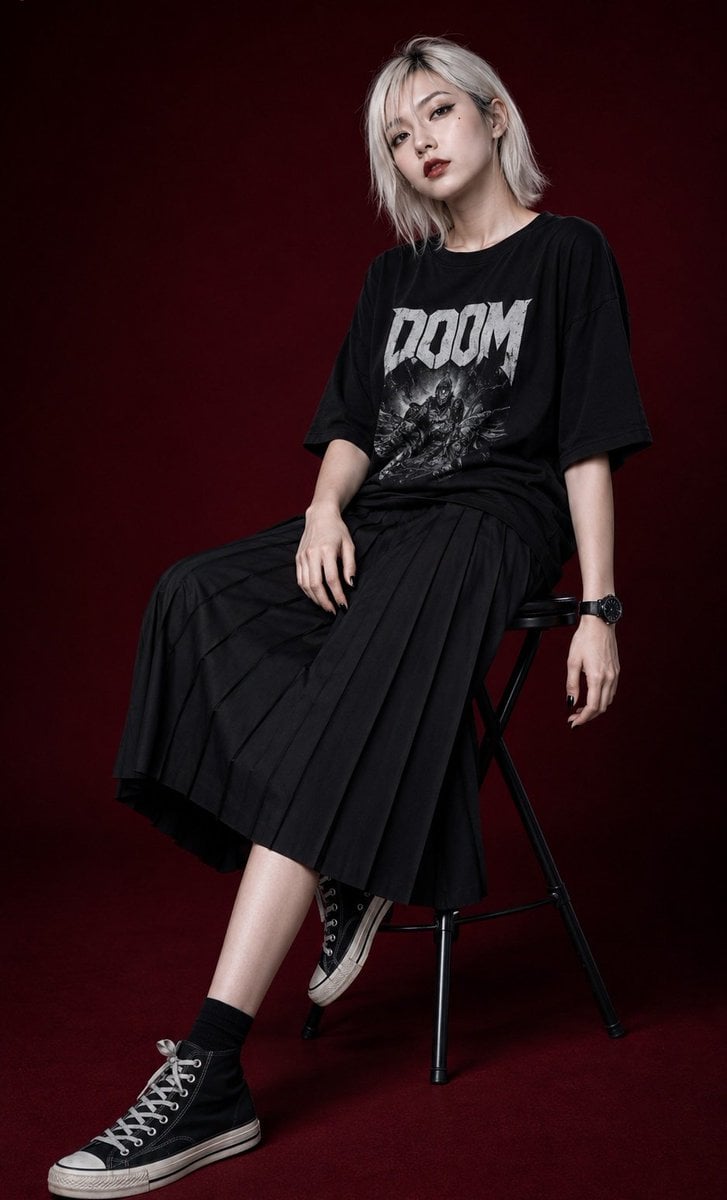
Edgy Asian Fashion Studio Portrait
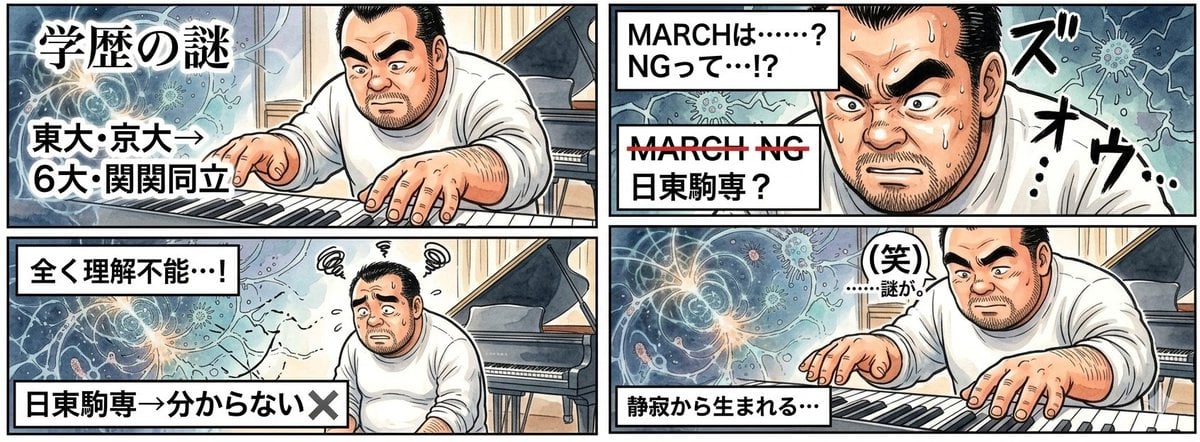
AI Image Generation Prompt for 4-Panel Manga: Academic Silence
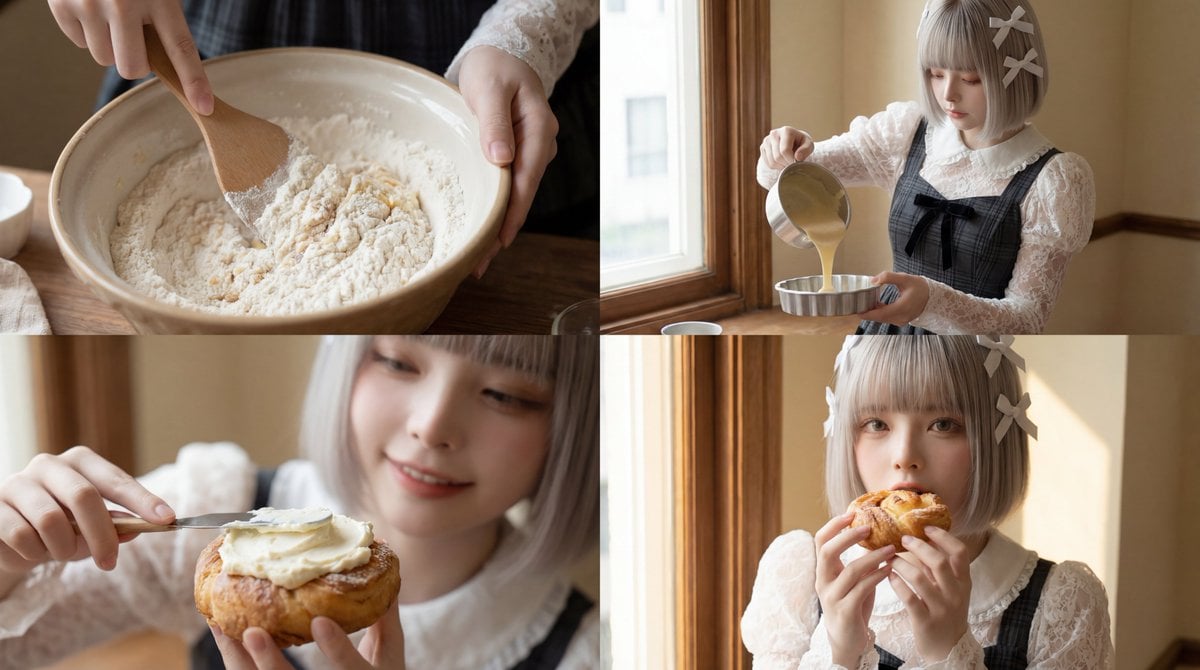
Cinematic Short Video Prompt for Baking Scene
Browse template categories
Censored Family Snapshot questions
How do I use the Censored Family Snapshot template?
Add your photo if the template asks for one, edit the prompt if you like — the template's model and format are already selected — and press Generate. Your version opens in PicX Studio.
Can I customize the Censored Family Snapshot template?
Yes. You can change the subject, setting, lighting, mood, format, and available model controls before creating your image.
Is the Censored Family Snapshot template free?
Opening and editing this template is free. Generating uses credits, shown on the Generate button when you are signed in.
Which AI model should I use?
Start with GPT Image 2, which is the model associated with this template. You can compare another compatible model for a different finish.
Looking for something else? Browse all templates.

Your photo, any look
Thousands of ready templates for every top image and video model, from one credit balance.