
Eight Mini Me Family Portrait
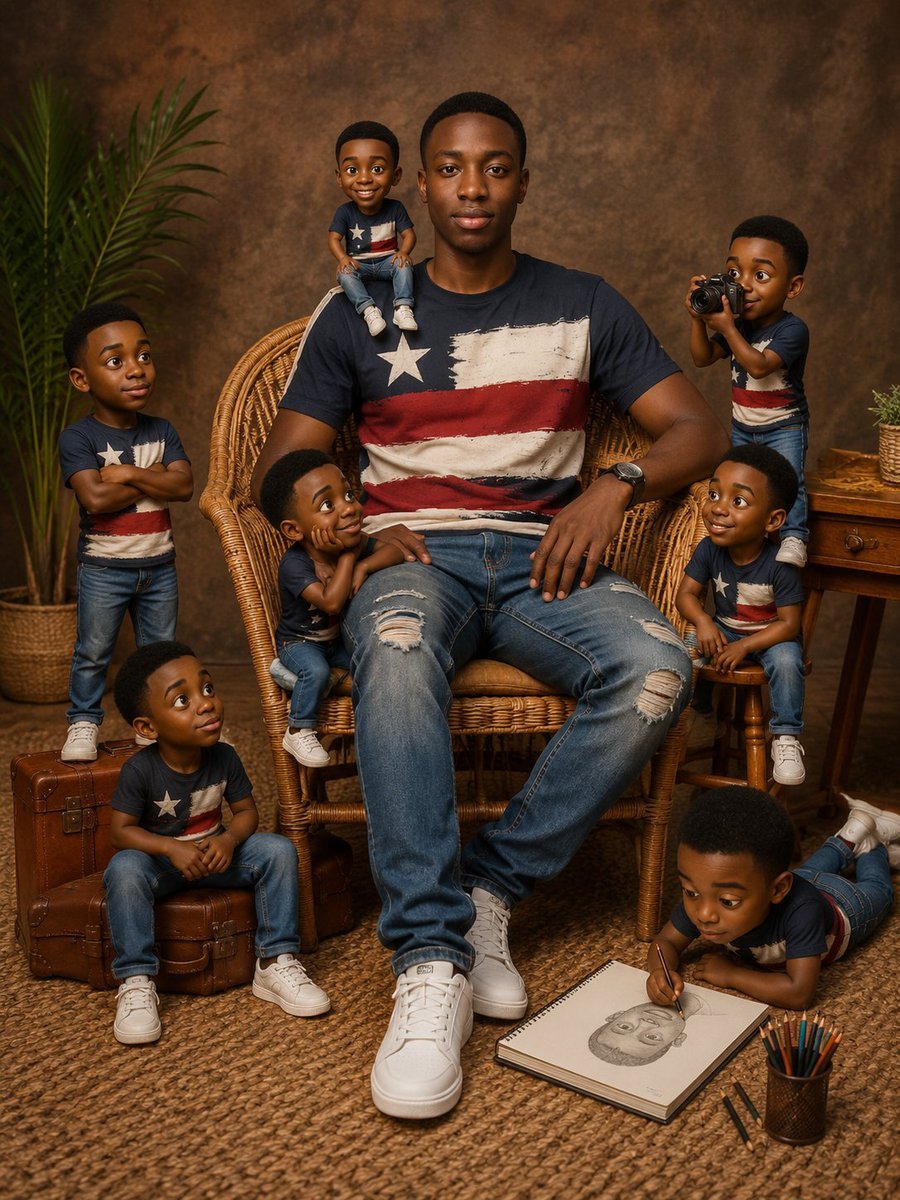
A realistic studio portrait prompt showing one adult subject surrounded by eight playful miniature clones in a warm vintage setting.
- Prompt included
- Model and format preset
- Premium template
The prompt behind this image
Copy the exact prompt behind Eight Mini Me Family Portrait, or open it in the studio and make it yours.
Create an ultra-detailed studio “Mini Me family portrait” featuring one real-looking central person and exactly eight miniature childlike clones of him, all sharing the same facial identity, skin tone, short black haircut, expressive dark eyes, eyebrows, nose, lips, ears, smile shape, and overall facial proportions. The central subject is a young Black man named {argument name="character name" default="the subject"}, seated front-and-center in a wicker peacock chair, facing the camera with a calm neutral expression. He wears a navy T-shirt with a distressed Texas-flag-style design, ripped blue jeans, white high-top sneakers, and a wristwatch. Around him are exactly 8 Mini Me versions: 1) a smiling mini sitting on the top left edge of the chair back, legs dangling; 2) a mini standing at far left near a potted palm with arms crossed and a confident side glance; 3) a mini sitting on stacked vintage brown suitcases at bottom left, looking upward thoughtfully; 4) a mini leaning against the man’s left thigh with chin resting on hands, gazing up admiringly; 5) a mini sitting on a small wooden stool at right, smiling toward the man; 6) a mini standing behind the stool on the right, holding a camera up as if photographing the scene; 7) a mini lying on his stomach on the floor at bottom right, drawing a pencil portrait in a spiral sketchbook; 8) a mini partially perched behind the central subject’s left shoulder/upper chair area, playful and cheerful. Dress every Mini Me in matching navy Texas-flag T-shirts, blue jeans, and white sneakers, scaled proportionally, with cute toddler-like bodies but identical recognizable face and hairstyle. Use a warm professional portrait studio setting with a mottled brown textured backdrop, woven jute rug, wicker chair, potted palm on the left, wooden side table on the right with a small plant, vintage leather suitcases, a pencil cup with colored pencils, and the open sketchbook showing a face drawing. Lighting should be cinematic warm softbox lighting, gentle shadows, high realism, sharp facial detail, rich skin tones, subtle depth of field, cozy earthy color palette, vertical 4:5 composition, no text, no watermark, no extra characters, and make all nine figures feel physically present in the same scene.
How to use Eight Mini Me Family Portrait in 3 steps
- 1Upload ImagePNG, JPG or paste
Add your photo
Upload the photo the template builds on. The prompt, model and format are already set.
- 2…a portrait of your subject in softgolden-hour light, 85mm…
Personalize
Edit the subject and creative details for your destination.
- 3Generate
Generate
Press Generate — your image is created in PicX Studio, so you can compare it with the original and refine one variable at a time.
More like this
Templates with the same subject, style or setup. Open one to see its prompt.
Gemini Nano Banana Portrait

Gemini Nano Banana 2 Isometric 3d City D

Gemini Nano Banana 2

Gemini Nano Banana 2 Logo in Wet Sand Be

Couple Goals from the Google Gemini Nano

Found Photograph: Us, 1970

80s Couple Studio Portrait

80s Bollywood Star

80s Golden Hour Cinema

Me in 1985

1985 Studio Portrait

Hyper-Realistic Minecraft POV Portrait
Make it yours
Eight Mini Me Family Portrait works as-is. These are the safest ways to change it without losing the look.
Change one field
Copy a single group, rewrite it, and generate again so you can see what that field is doing.
Keep the frame, change the subject
Hold the composition and light of Eight Mini Me Family Portrait, then swap wardrobe, props or the person for a new take.
| If the result… | Why | Fix |
|---|---|---|
| The result drifts from the preview | Too many fields changed at once. | Reuse Eight Mini Me Family Portrait as-is first, then change one group — subject, light, or setting. |
| The model over-stylizes the scene | The prose prompt leaves finish and camera underspecified. | Add one camera or lighting sentence and stay on GPT Image 2. |
More GPT Image 2 templates
Other prompts made for GPT Image 2.

Six VTuber Japanese Logo Sheet

Realistic Portrait of Woman and Deer

The Vista Modular Condo Poster

AI Model Routing Comparison Infographic

2.5D Anime Art Board

Isometric Productivity Desk Scene

New York Double Exposure Poster

Four-Panel AI Landscape Comparison

Japanese Tatami Lifestyle Magazine Cover

NESCAFÉ Coffee Map Poster
More image prompts
Fresh picks from across the catalog.
Cosmic Spawn Brand Poster
Emotion Grid with Gradient Backgrounds
Cinematic Moody Lounge Portrait
Fantasy GPTImage2 Skill Banner
Viral TikTok Mirror Selfie Prompt
Anime Shrine Maiden Dual Katana
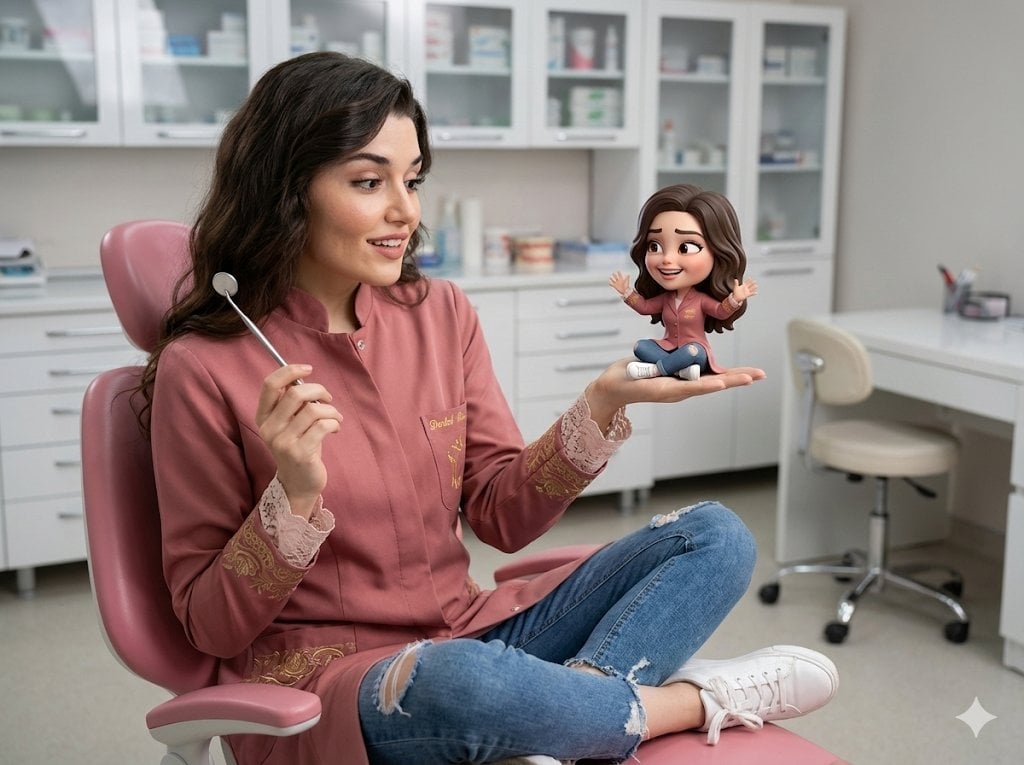
Cinematic Portrait with 3D Chibi Miniature Prompt
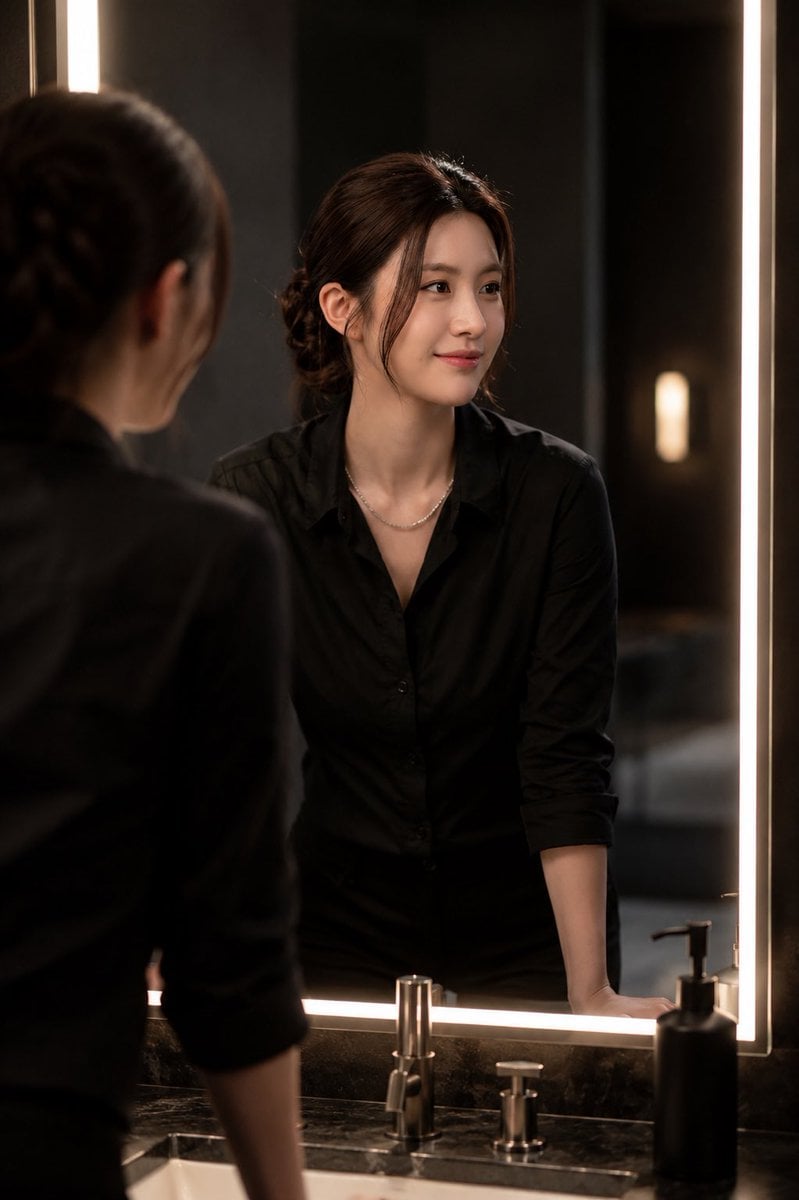
Ultra-Realistic Portrait in Cinematic Bathroom Lighting
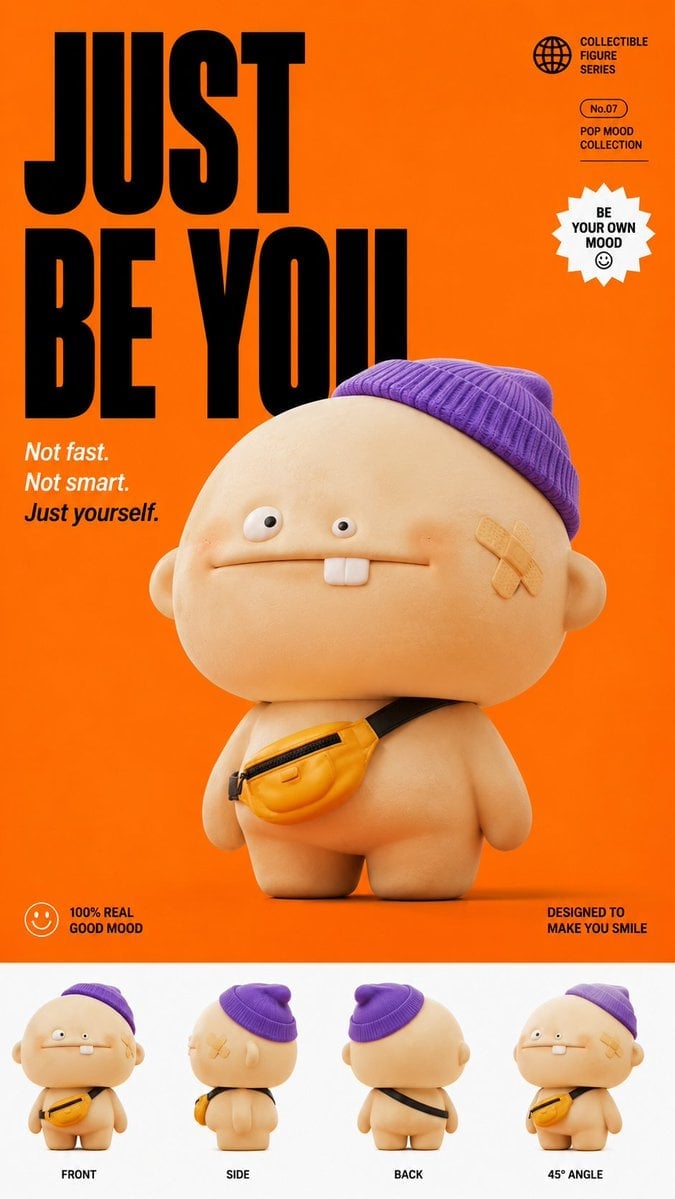
Popmart Style 3D Character Toy
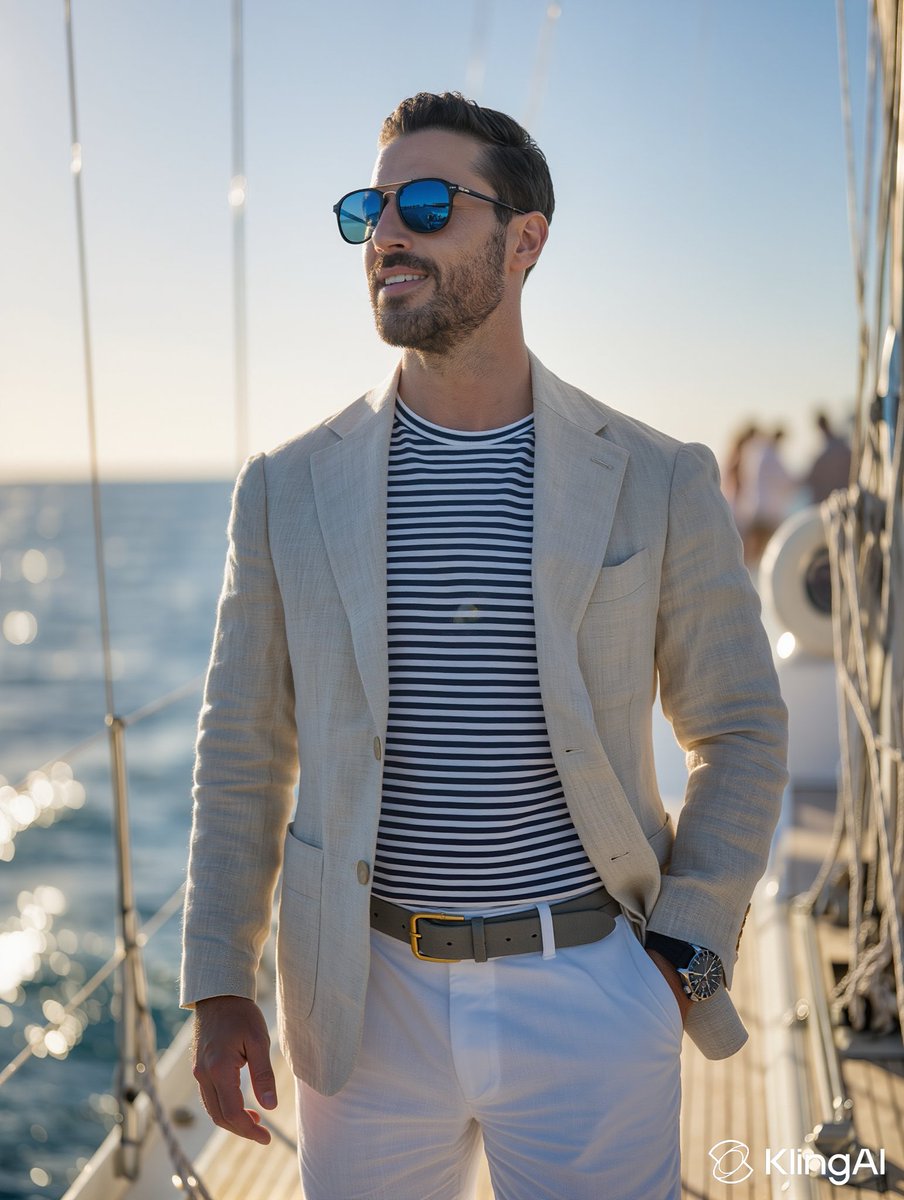
Golden Hour Sailboat Portrait
Browse template categories
Eight Mini Me Family Portrait questions
How do I use the Eight Mini Me Family Portrait template?
Add your photo if the template asks for one, edit the prompt if you like — the template's model and format are already selected — and press Generate. Your version opens in PicX Studio.
Can I customize the Eight Mini Me Family Portrait template?
Yes. You can change the subject, setting, lighting, mood, format, and available model controls before creating your image.
Is the Eight Mini Me Family Portrait template free?
Opening and editing this template is free. Generating uses credits, shown on the Generate button when you are signed in.
Which AI model should I use?
Start with GPT Image 2, which is the model associated with this template. You can compare another compatible model for a different finish.
Looking for something else? Browse all templates.

Your photo, any look
Thousands of ready templates for every top image and video model, from one credit balance.