
Cinematic Portrait with 3D Chibi Miniature Prompt
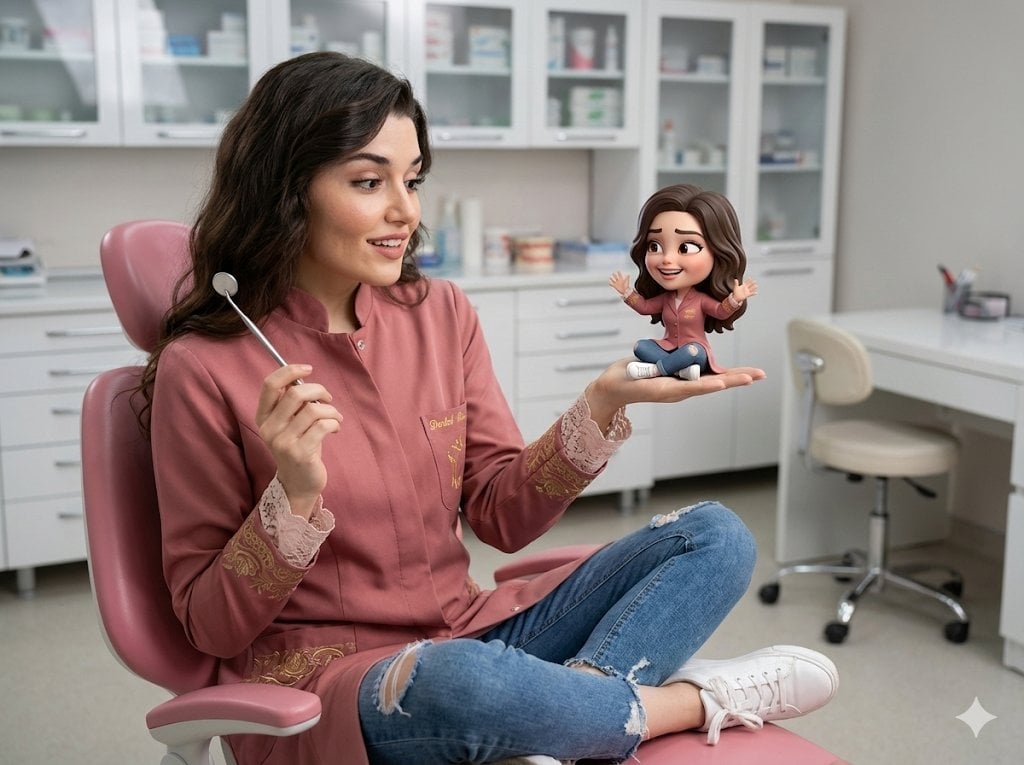
A highly specific prompt for generating an ultra-realistic cinematic portrait of a person in a dental office setting, holding a miniature 3D chibi version of themselves, emphasizing detailed textures, realistic…
- Prompt included
- Model and format preset
- Free template
The prompt behind this image
Copy the exact prompt behind Cinematic Portrait with 3D Chibi Miniature Prompt, or open it in the studio and make it yours.
ME AND MY LITTLE 3D CHIBI IN THE OFFICE Ultra-realistic cinematic portrait of an adult person, with the face fully visible, natural human skin texture with pores and subtle imperfections, and realistic hair strands. The real person is seated in a dental chair in a pink dental office, holding a small 3D miniature of themselves, delicately sitting with crossed legs in a relaxed pose on the palm of one hand. 4:3 horizontal ratio. Features dental office attire with a rose-colored coat and holding a dental mirror in hand. The real person looks at the miniature with clear surprise and slight amusement, raised eyebrows, a soft smile, and expressive eyes. The facial expression appears spontaneous and authentic. The miniature closely resembles the real person in facial structure, hairstyle, and clothing, but rendered in a soft, high-quality 3D chibi style. The miniature has a funny and exaggerated facial expression, lively eyes, and playful moving arms and legs. The stylization is clean and modern, not like a toy, doll, or artificial figure. Both characters wear matching outfits: medium distressed jeans, {argument name="coat color" default="rose-colored"} coat with 3/4 bell sleeves finished with lace on cuffs and hems, embroidered with white lace and golden center details, and light white sneakers. Hair according to reference. Makeup: luminous and well-defined skin, light rosy blush, intense eyeshadow in neutral tones, black mascara on eyelashes, and matte pink lips. The scale difference between the realistic woman and the 3D chibi figure is obvious and visually amusing. The background is a realistic office scene with white cabinets containing painting and creative items, a white desk, and a plastic swivel chair, with slight blur and strong depth of field. Professional cinematic lighting with clear separation of objects, soft highlights on the skin, and subtle rim light around both figures. Ultra-detailed textures for the real person. Clean 3D textures with a realistic style for the miniature. Balanced between realism and humor. No surreal distortions.
How to use Cinematic Portrait with 3D Chibi Miniature Prompt in 3 steps
- 1
Open
The prompt is already in the box next to the preview, with the template's model and format selected.
- 2…a portrait of your subject in softgolden-hour light, 85mm…
Personalize
Edit the subject and creative details for your destination.
- 3Generate
Generate
Press Generate — your image is created in PicX Studio, so you can compare it with the original and refine one variable at a time.
More like this
Templates with the same subject, style or setup. Open one to see its prompt.

Found Photograph: Us, 1970

80s Couple Studio Portrait

80s Bollywood Star

80s Golden Hour Cinema

Me in 1985

1985 Studio Portrait

Hyper-Realistic Minecraft POV Portrait
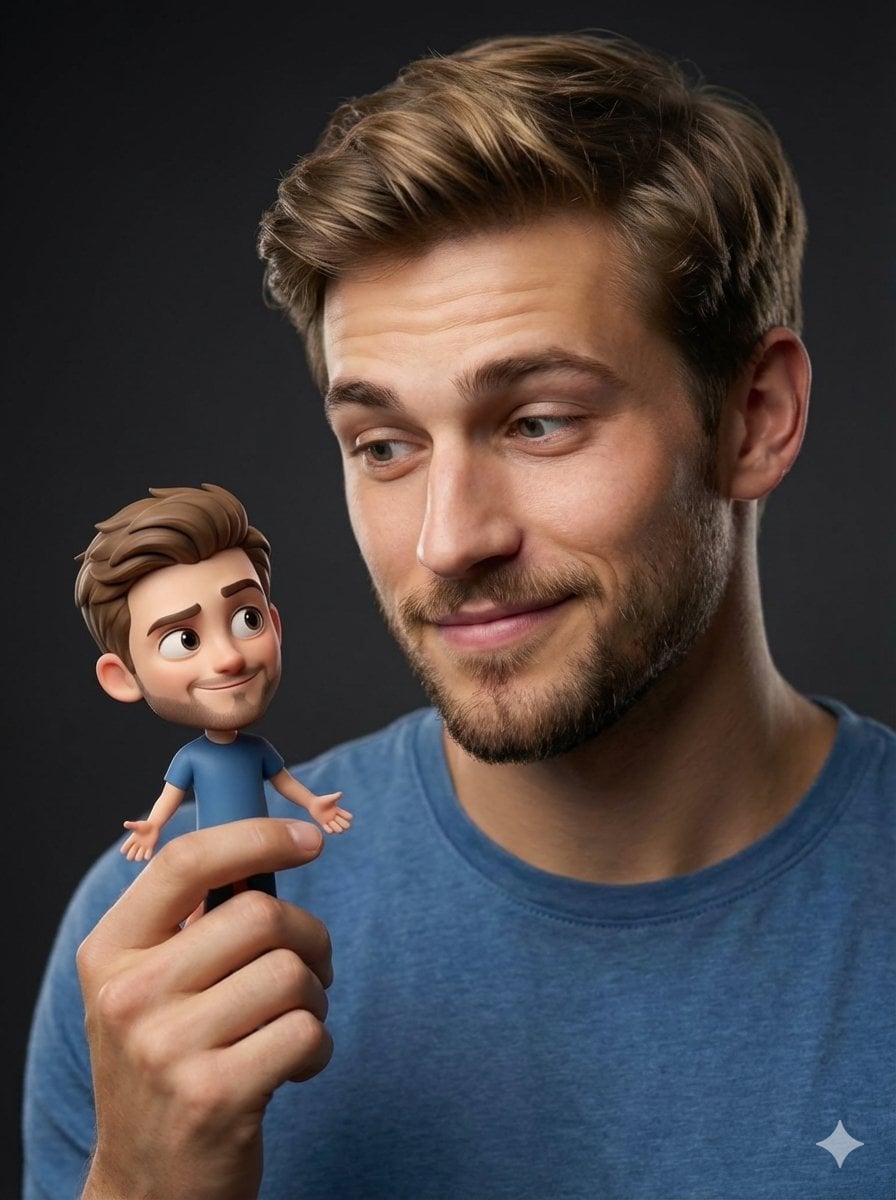
Human with Miniature 3D Self Portrait

Rooftop Fisheye — Cat-Ear Balaclava at Golden Hour
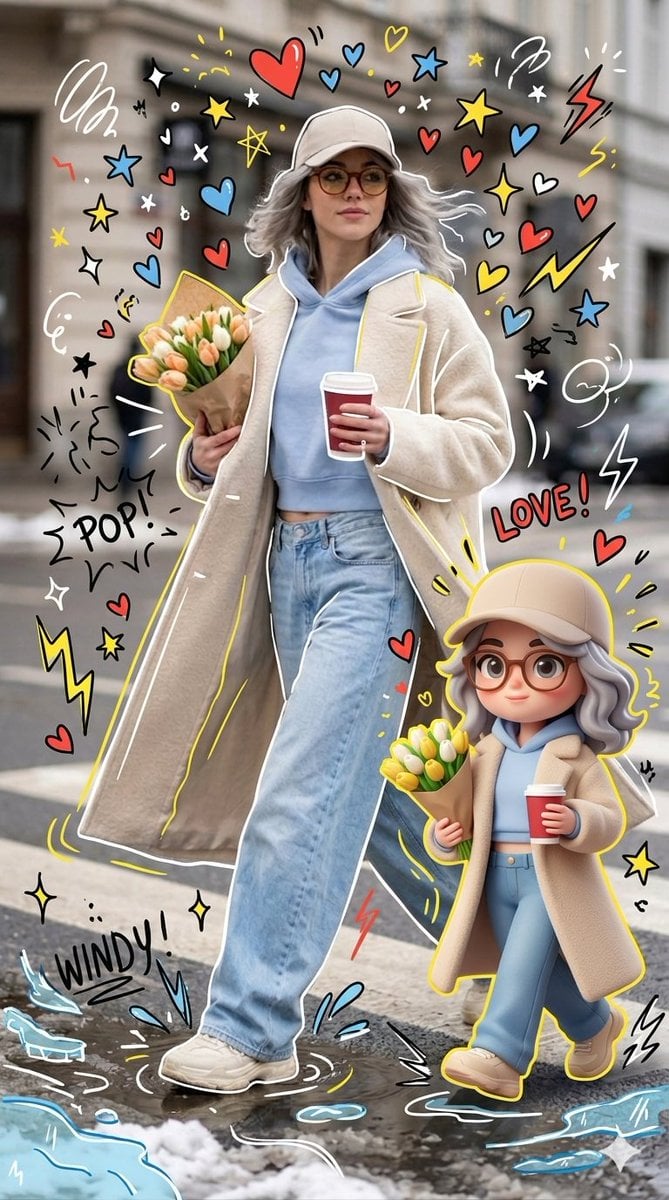
Mixed-media Chibi portrait
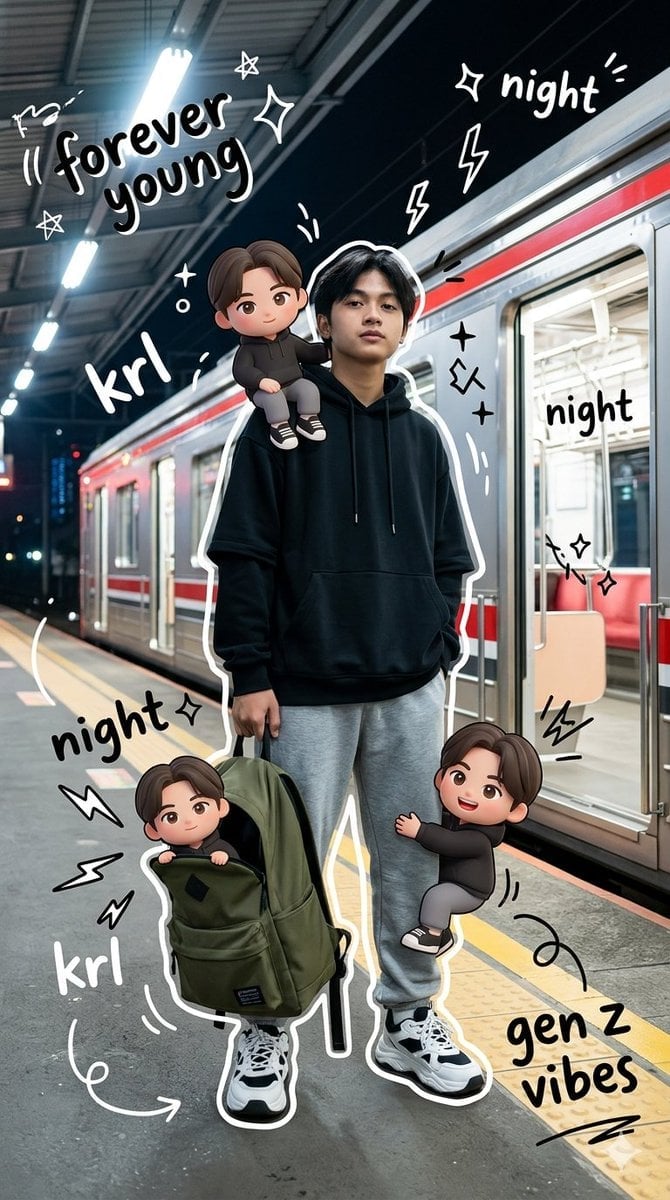
Gen Z Mixed-Media Portrait with Chibi Effects
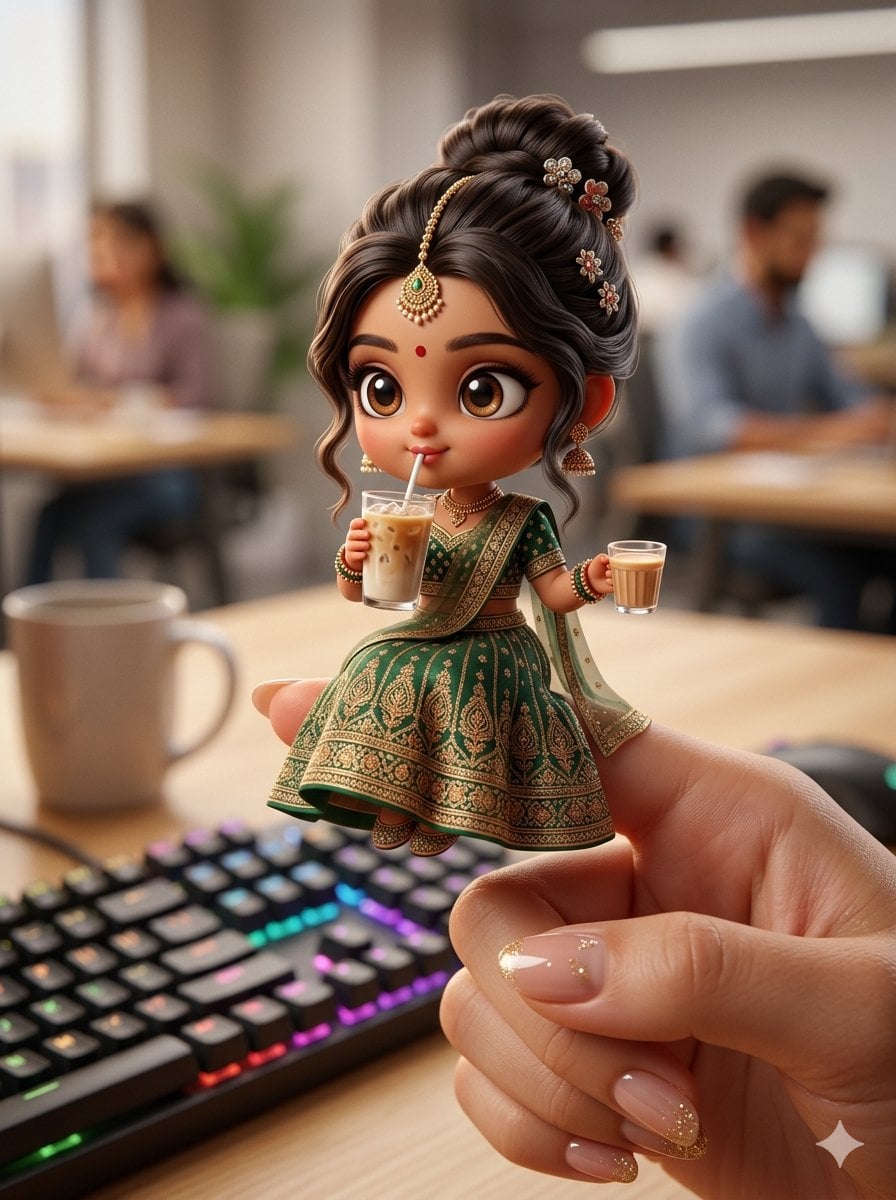
Chibi Doll 3D Miniature Scene
Make it yours
Cinematic Portrait with 3D Chibi Miniature Prompt works as-is. These are the safest ways to change it without losing the look.
Change one field
Copy a single group, rewrite it, and generate again so you can see what that field is doing.
Keep the frame, change the subject
Hold the composition and light of Cinematic Portrait with 3D Chibi Miniature Prompt, then swap wardrobe, props or the person for a new take.
| If the result… | Why | Fix |
|---|---|---|
| The result drifts from the preview | Too many fields changed at once. | Reuse Cinematic Portrait with 3D Chibi Miniature Prompt as-is first, then change one group — subject, light, or setting. |
| The model over-stylizes the scene | The prose prompt leaves finish and camera underspecified. | Add one camera or lighting sentence and stay on Nano Banana 2. |
More Nano Banana 2 templates
Other prompts made for Nano Banana 2.

Photorealistic Leaf Shaped Like a Dragon

K-Pop Idol Portrait Grid for Rapid Selection

Poetic Rain Forest Portrait During Golden Hour

Urban Street Portrait with Cartoon Inner Self Duo

Candid Nighttime Photo with Cat Prompt

High-Concept 3D Diorama Generation Prompt

Cinematic Futuristic Studio Portrait Template

Skincare Editorial Photography Collage Prompt

Hyper-Realistic Commercial Product Photography (Splash Effect)

Hyper-Realistic Nightclub Portrait Prompt
More image prompts
Fresh picks from across the catalog.
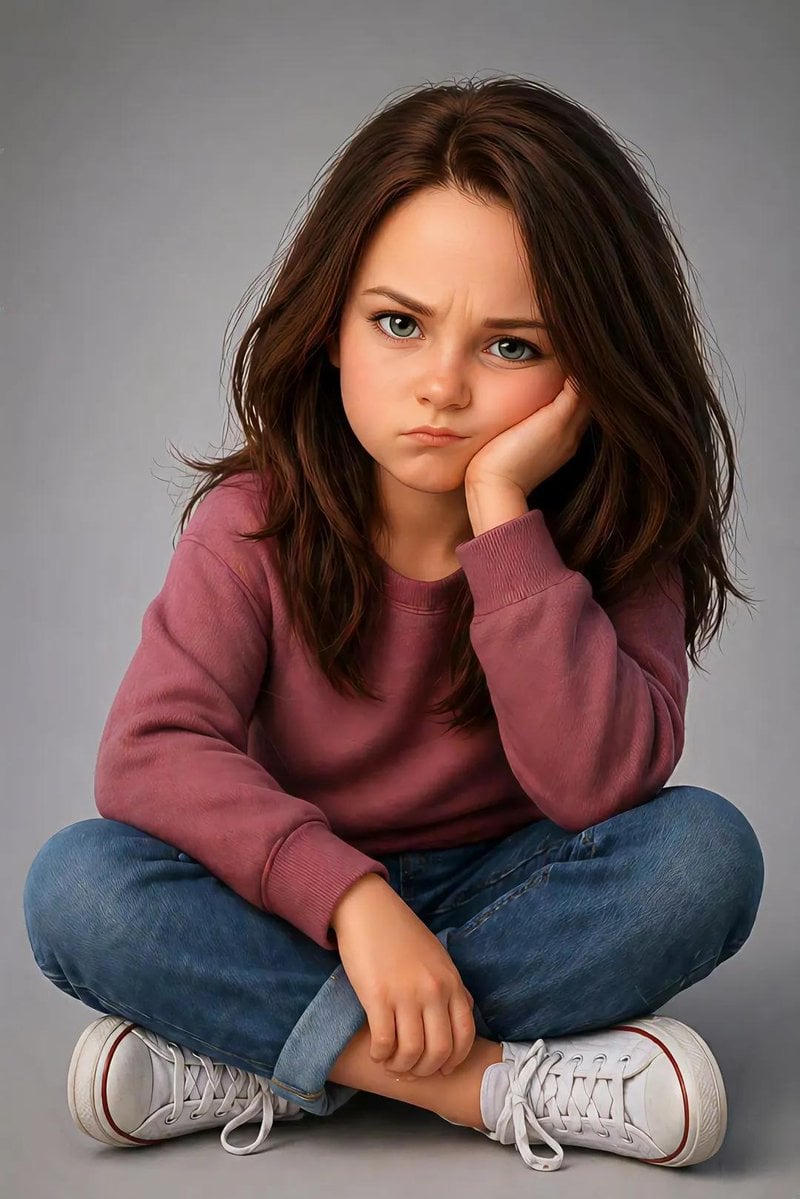
Pixar Style Identity Preservation
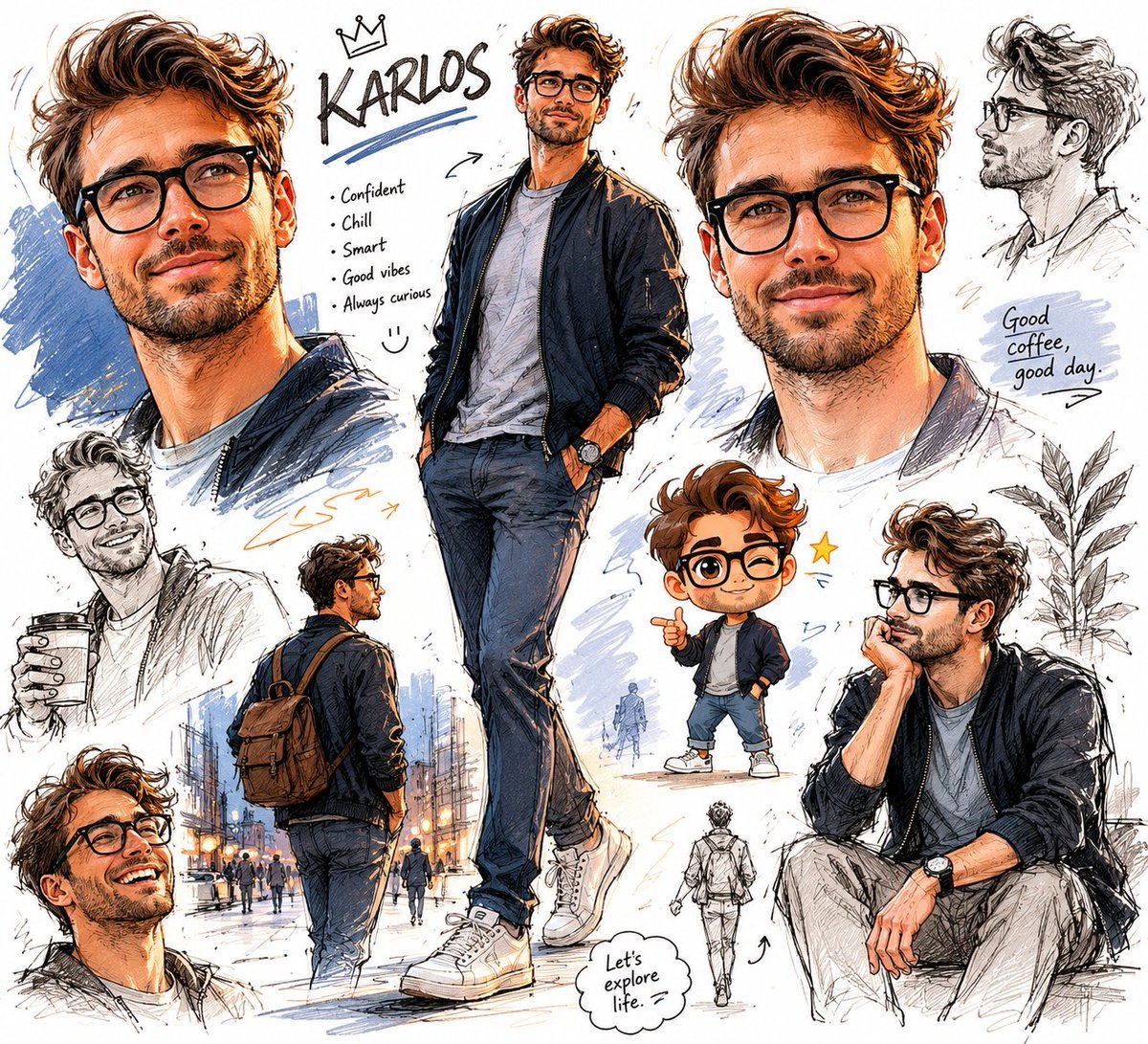
Freeform Character Sketchbook
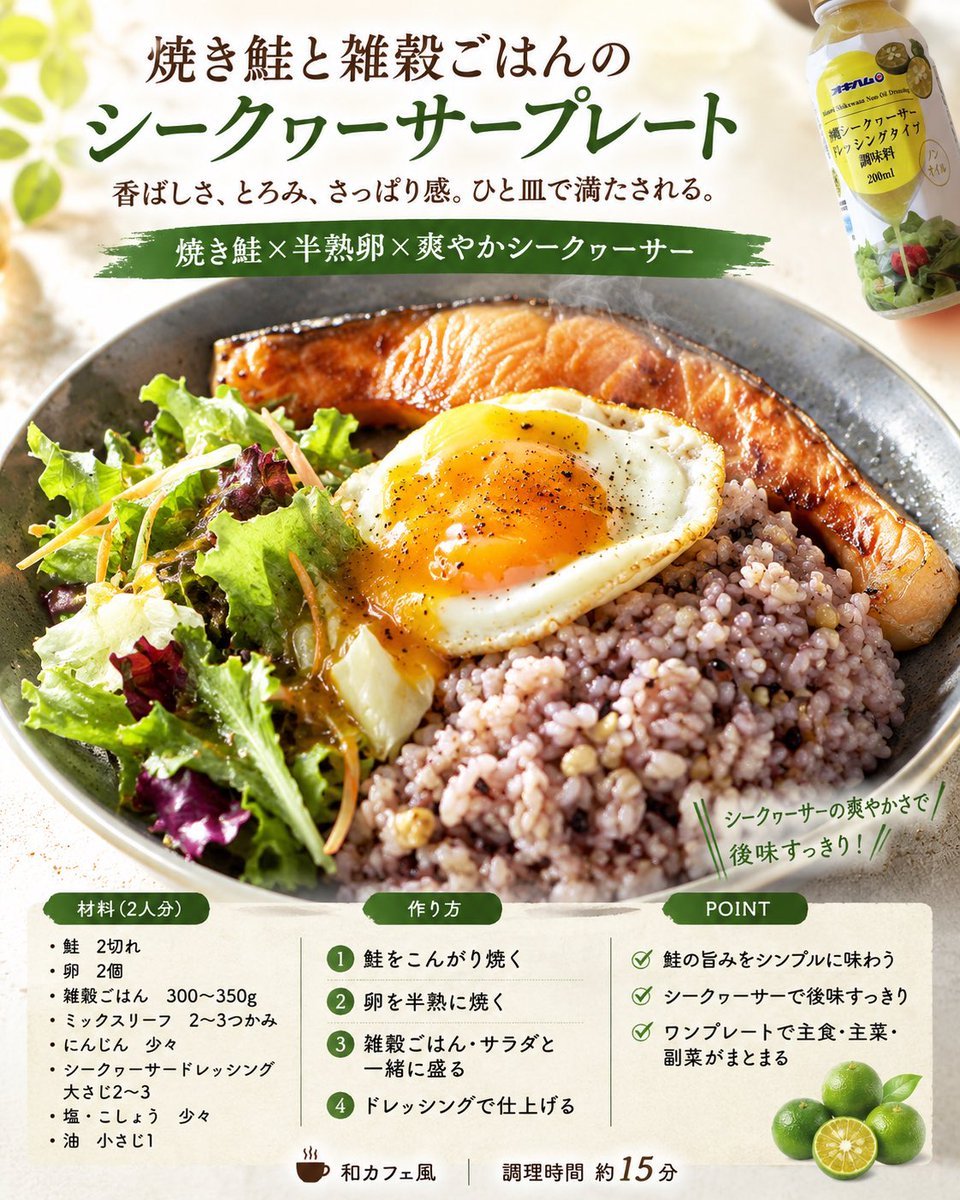
Professional Recipe Card Designer
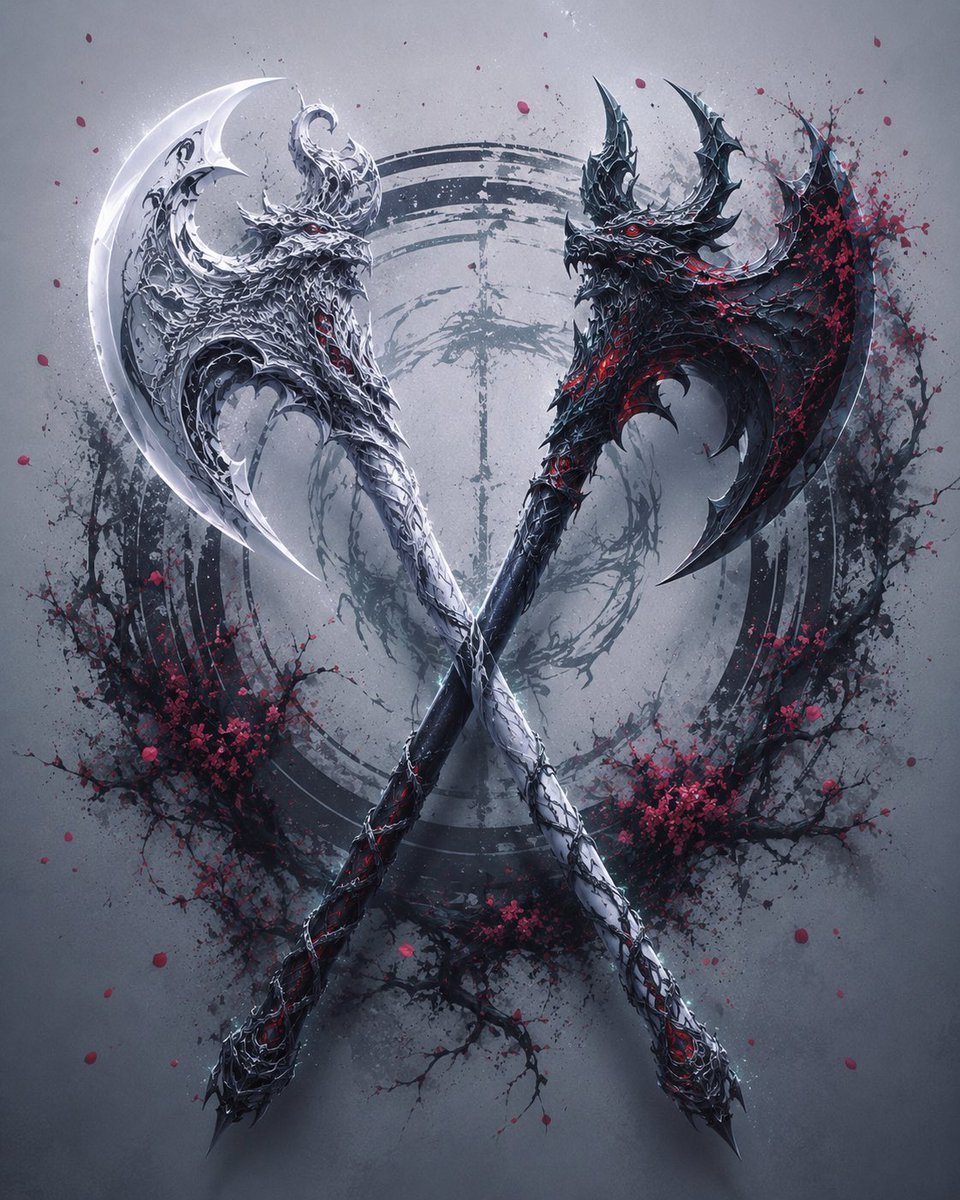
Crossed Dark Eastern Fantasy Halberds

Kawaii Pink Kitten Escape Game Ad
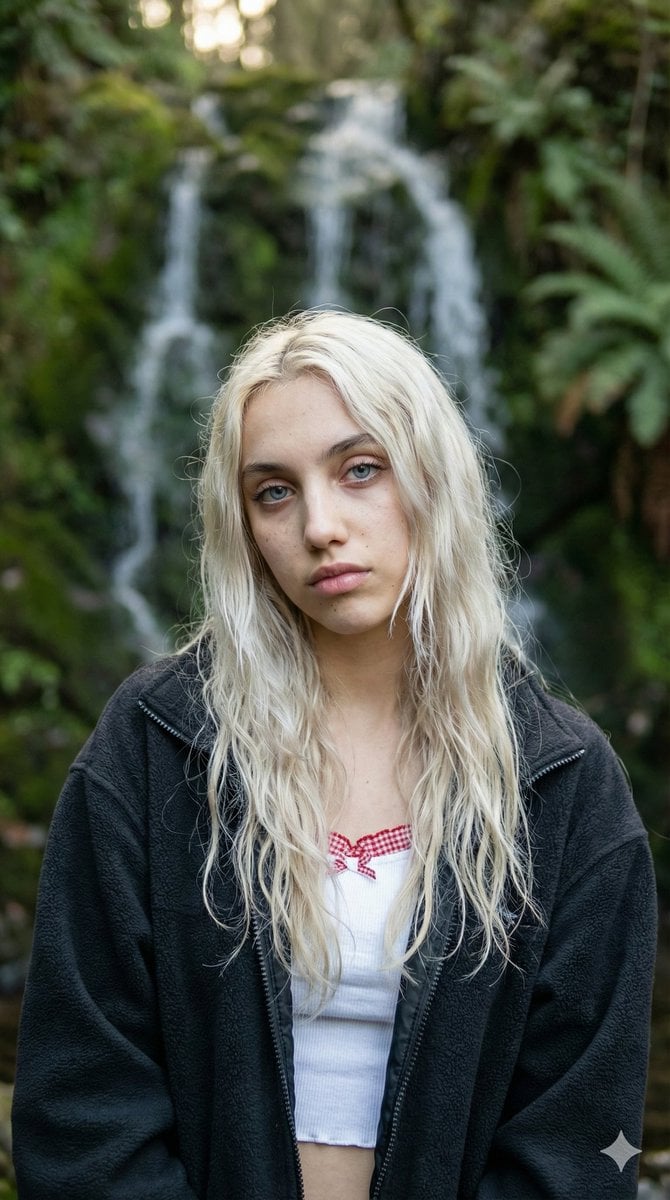
Ethereal Waterfall Selfie Portrait with Natural Imperfections
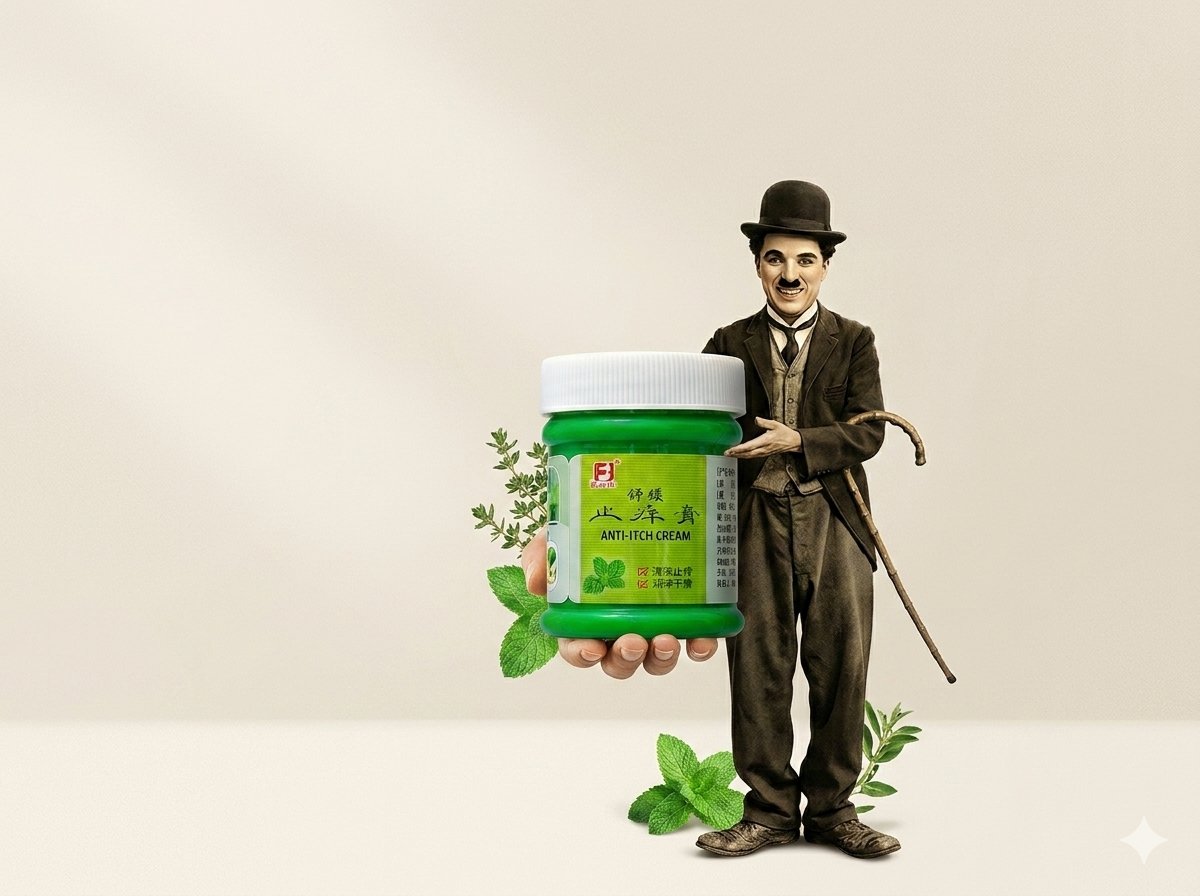
Minimal Anti-Itch Cream Poster
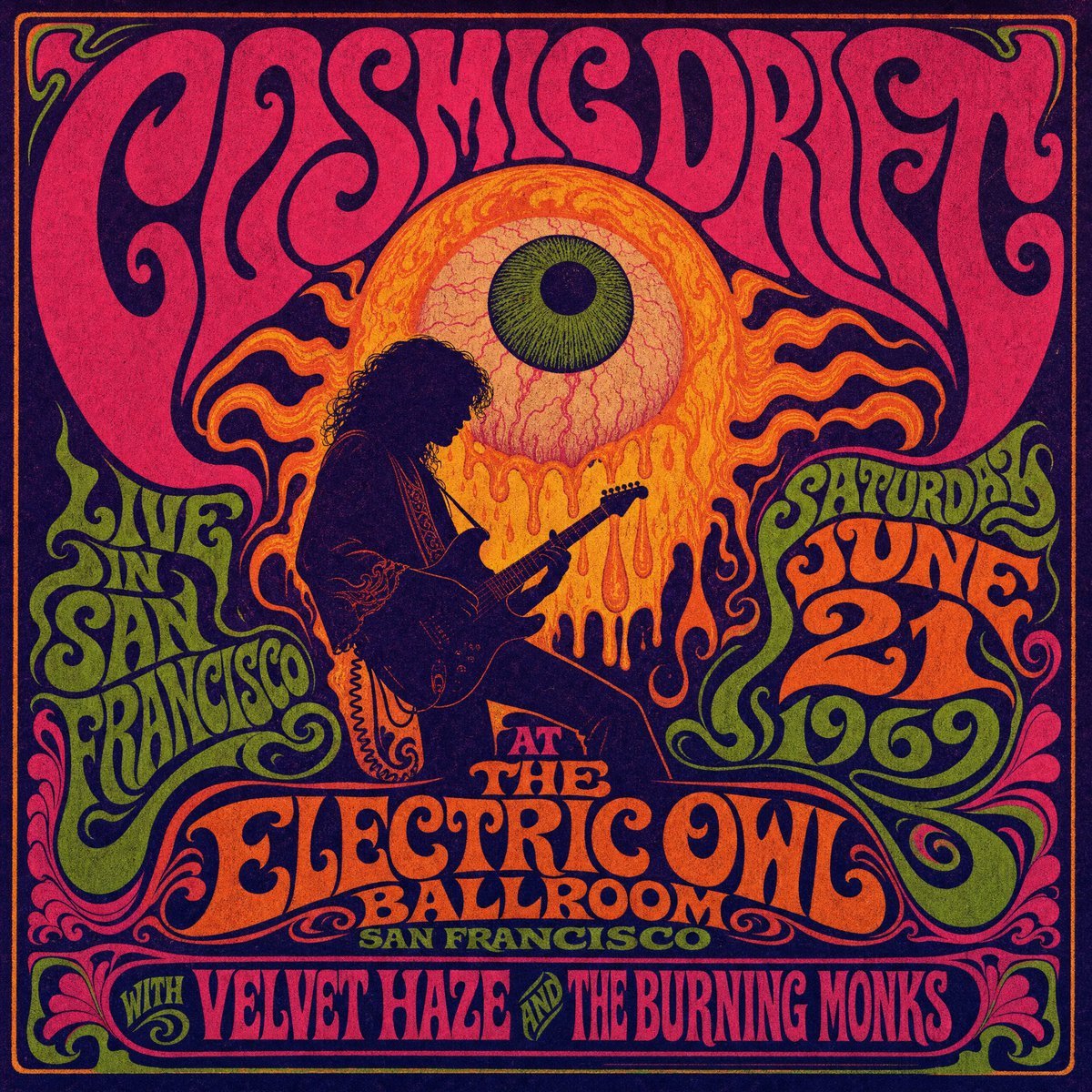
Psychedelic Cosmic Drift Concert Poster
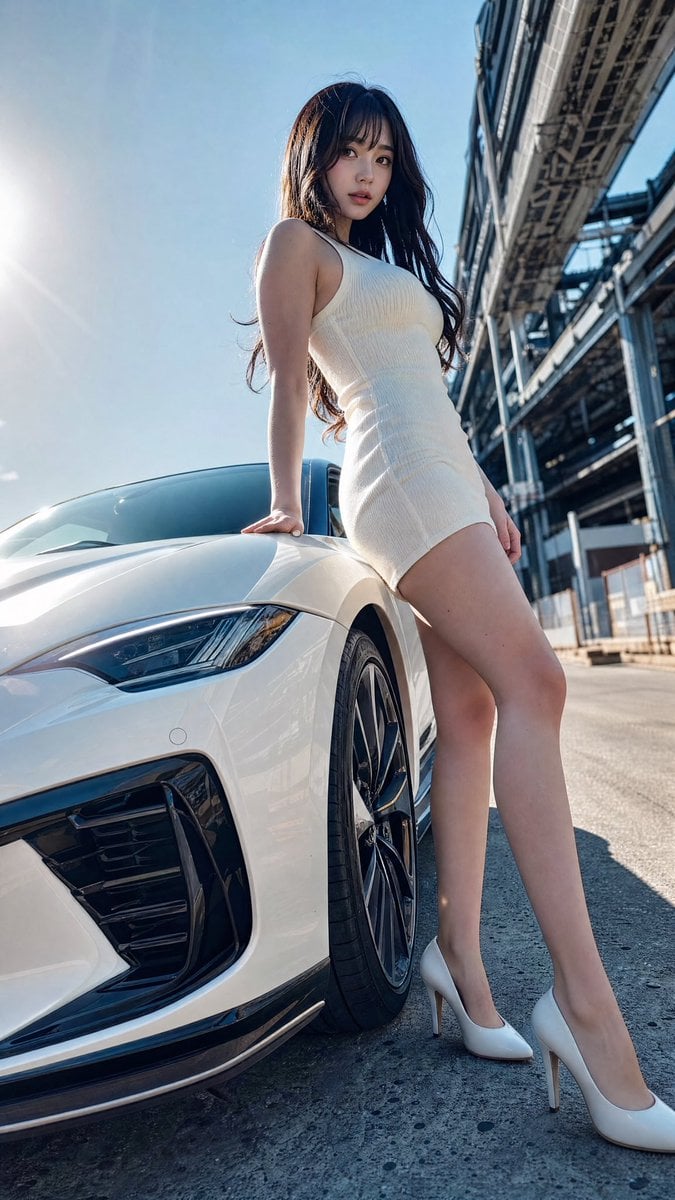
Sports Car Advertisement with Japanese Girl
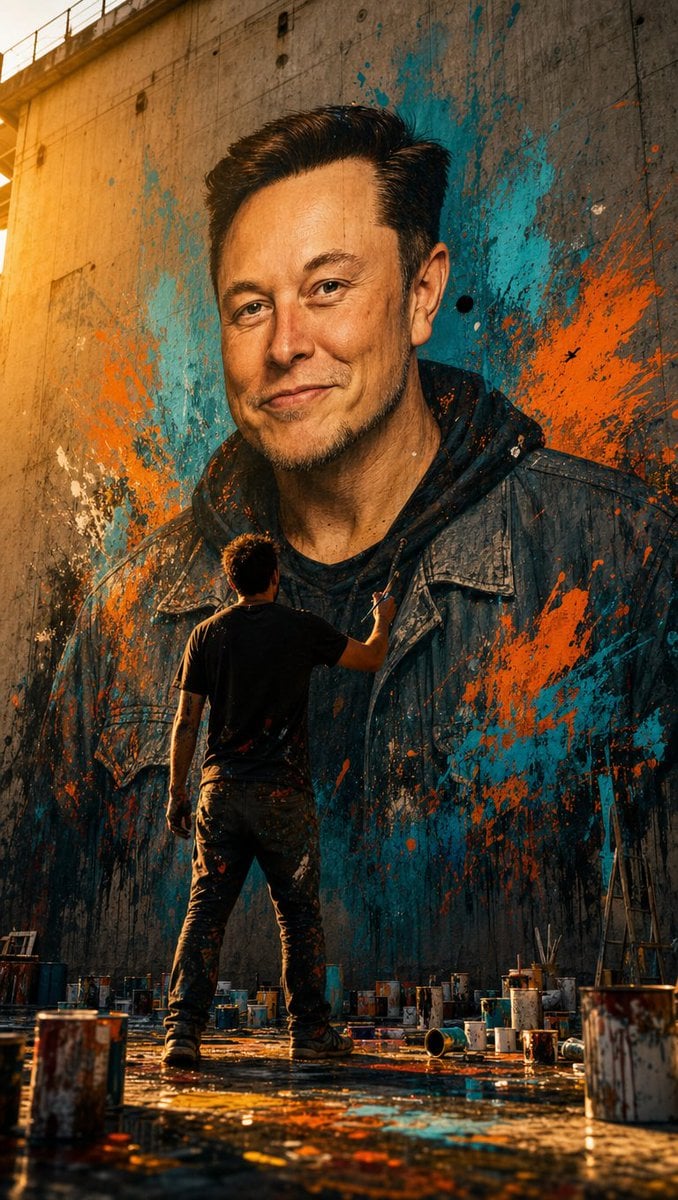
Street Artist Mural Transformation
Browse template categories
Cinematic Portrait with 3D Chibi Miniature Prompt questions
How do I use the Cinematic Portrait with 3D Chibi Miniature Prompt template?
Add your photo if the template asks for one, edit the prompt if you like — the template's model and format are already selected — and press Generate. Your version opens in PicX Studio.
Can I customize the Cinematic Portrait with 3D Chibi Miniature Prompt template?
Yes. You can change the subject, setting, lighting, mood, format, and available model controls before creating your image.
Is the Cinematic Portrait with 3D Chibi Miniature Prompt template free?
Opening and editing this template is free. Generating uses credits, shown on the Generate button when you are signed in.
Which AI model should I use?
Start with Nano Banana 2, which is the model associated with this template. You can compare another compatible model for a different finish.
Looking for something else? Browse all templates.

Your photo, any look
Thousands of ready templates for every top image and video model, from one credit balance.