
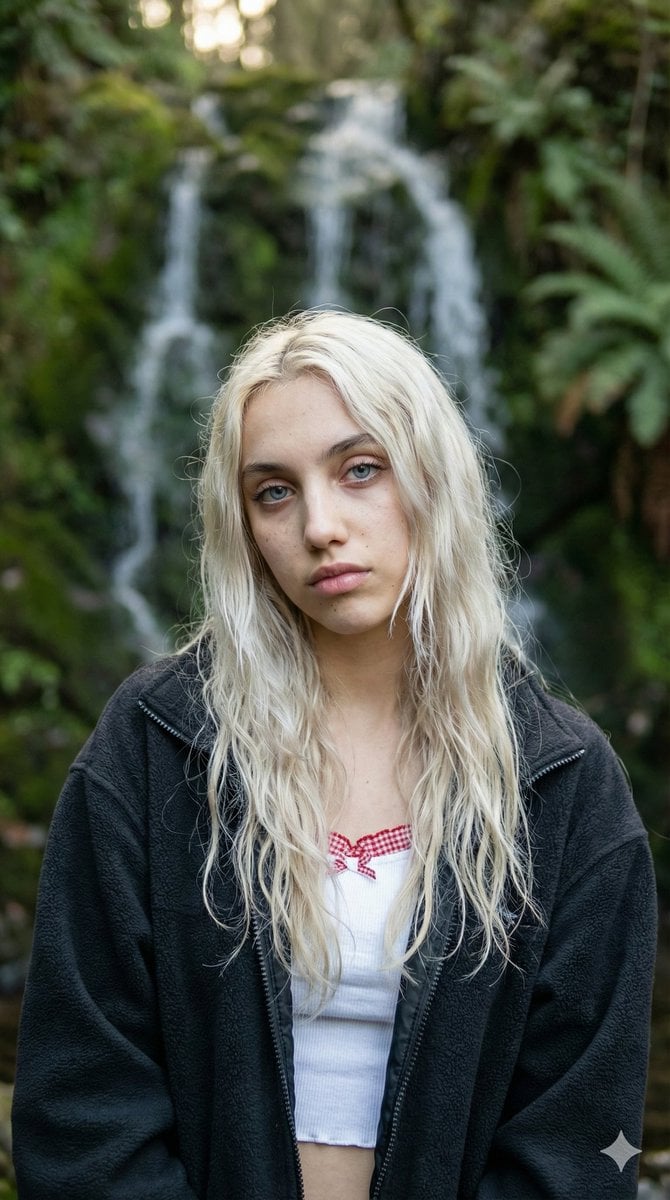
Ethereal Waterfall Selfie Portrait with Natural Imperfections
A detailed JSON prompt for generating a photorealistic fashion portrait of a young woman taking a selfie near a waterfall.
- Prompt included
- Model and format preset
- Free template
The prompt behind this image
Copy the exact prompt behind Ethereal Waterfall Selfie Portrait with Natural Imperfections, or open it in the studio and make it yours.
- Prompt
- Close-up selfie portrait of a young woman, 18-22 years old, ethereal and delicate beauty, very pale porcelain skin with subtle natural freckles, striking icy blue eyes, intense direct gaze straight at camera, soft melancholic expression, full lips with natural pinkish tone slightly parted, long wavy platinum blonde hair with natural messy voluminous texture, strands falling over face and shoulders, golden hour soft diffused natural lighting, shallow depth of field, cinematic bokeh, detailed skin texture with tiny imperfections and pores, realistic photography style, shot on high-end mirrorless camera, 85mm lens, f/1.4, ultra detailed, 8k resolution
- Negative Prompt
- cartoon, anime, drawing, painting, illustration, deformed, blurry, low resolution, overexposed, underexposed, plastic skin, heavy makeup, eyeliner, mascara, lipstick, filters, beauty filter, smooth skin without pores, extra limbs, distorted face, asymmetrical eyes, ugly, bad anatomy, text, watermark, logo, crowded background
- Reference Image › Enabled
- true
- Reference Image › Strength
- 0.75
- Reference Image › Description
- Use the provided reference image as strong style and facial feature guide: young woman with long wavy blonde hair, blue eyes, natural look, outdoor nature waterfall background, black fuzzy jacket over white top with red checkered trim, selfie angle slightly from above
- Style
- photorealistic fashion portrait
- Aspect Ratio
- 9:16
- Lighting
- soft natural daylight, gentle shadows, mossy green and rocky waterfall backdrop
- Camera
- shot with Sony A7R IV, 85mm prime lens at f/1.8, natural ambient light
- Additional Details
- wearing oversized dark charcoal black fleece jacket with visible texture, white cropped top underneath with small red-white gingham checkered frill trim visible at neckline, background: lush green moss-covered rocks, small waterfall cascading down, natural forest stream setting, ferns and greenery, hair: very long, voluminous, slightly wet-looking ends from environment humidity, natural waves and flyaways, expression: calm, slightly serious/introspective, subtle pout, direct eye contact, no heavy editing, keep realistic skin texture and minor imperfections
- Seed
- random or fixed for consistency if needed
- Cfg Scale
- 7.5
- Steps
- 35
Raw JSON
{
  "prompt": "Close-up selfie portrait of a young woman, 18-22 years old, ethereal and delicate beauty, very pale porcelain skin with subtle natural freckles, striking icy blue eyes, intense direct gaze straight at camera, soft melancholic expression, full lips with natural pinkish tone slightly parted, long wavy platinum blonde hair with natural messy voluminous texture, strands falling over face and shoulders, golden hour soft diffused natural lighting, shallow depth of field, cinematic bokeh, detailed skin texture with tiny imperfections and pores, realistic photography style, shot on high-end mirrorless camera, 85mm lens, f/1.4, ultra detailed, 8k resolution",
  "negative_prompt": "cartoon, anime, drawing, painting, illustration, deformed, blurry, low resolution, overexposed, underexposed, plastic skin, heavy makeup, eyeliner, mascara, lipstick, filters, beauty filter, smooth skin without pores, extra limbs, distorted face, asymmetrical eyes, ugly, bad anatomy, text, watermark, logo, crowded background",
  "reference_image": {
    "enabled": true,
    "strength": 0.75,
    "description": "Use the provided reference image as strong style and facial feature guide: young woman with long wavy blonde hair, blue eyes, natural look, outdoor nature waterfall background, black fuzzy jacket over white top with red checkered trim, selfie angle slightly from above"
  },
  "style": "photorealistic fashion portrait",
  "aspect_ratio": "9:16",
  "lighting": "soft natural daylight, gentle shadows, mossy green and rocky waterfall backdrop",
  "camera": "shot with Sony A7R IV, 85mm prime lens at f/1.8, natural ambient light",
  "additional_details": [
    "wearing oversized dark charcoal black fleece jacket with visible texture",
    "white cropped top underneath with small red-white gingham checkered frill trim visible at neckline",
    "background: lush green moss-covered rocks, small waterfall cascading down, natural forest stream setting, ferns and greenery",
    "hair: very long, voluminous, slightly wet-looking ends from environment humidity, natural waves and flyaways",
    "expression: calm, slightly serious/introspective, subtle pout, direct eye contact",
    "no heavy editing, keep realistic skin texture and minor imperfections"
  ],
  "seed": "random or fixed for consistency if needed",
  "cfg_scale": 7.5,
  "steps": 35
}How to use Ethereal Waterfall Selfie Portrait with Natural Imperfections in 3 steps
- 1Upload ImagePNG, JPG or paste
Add your photo
Upload the photo the template builds on. The prompt, model and format are already set.
- 2…a portrait of your subject in softgolden-hour light, 85mm…
Personalize
Edit the subject and creative details for your destination.
- 3Generate
Generate
Press Generate — your image is created in PicX Studio, so you can compare it with the original and refine one variable at a time.
More like this
Templates with the same subject, style or setup. Open one to see its prompt.

Rooftop Fisheye — Cat-Ear Balaclava at Golden Hour
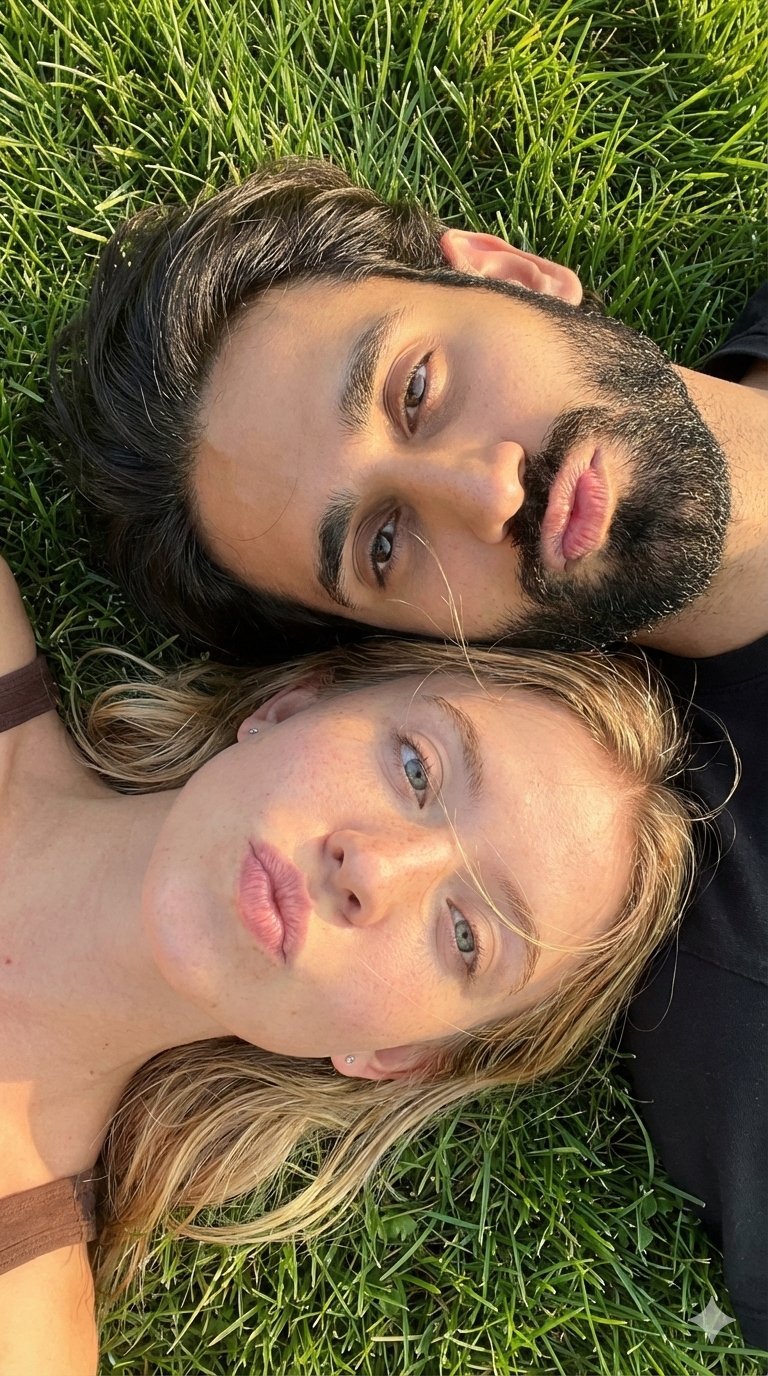
Selfie with Sydney Sweeney and Ana De Ar
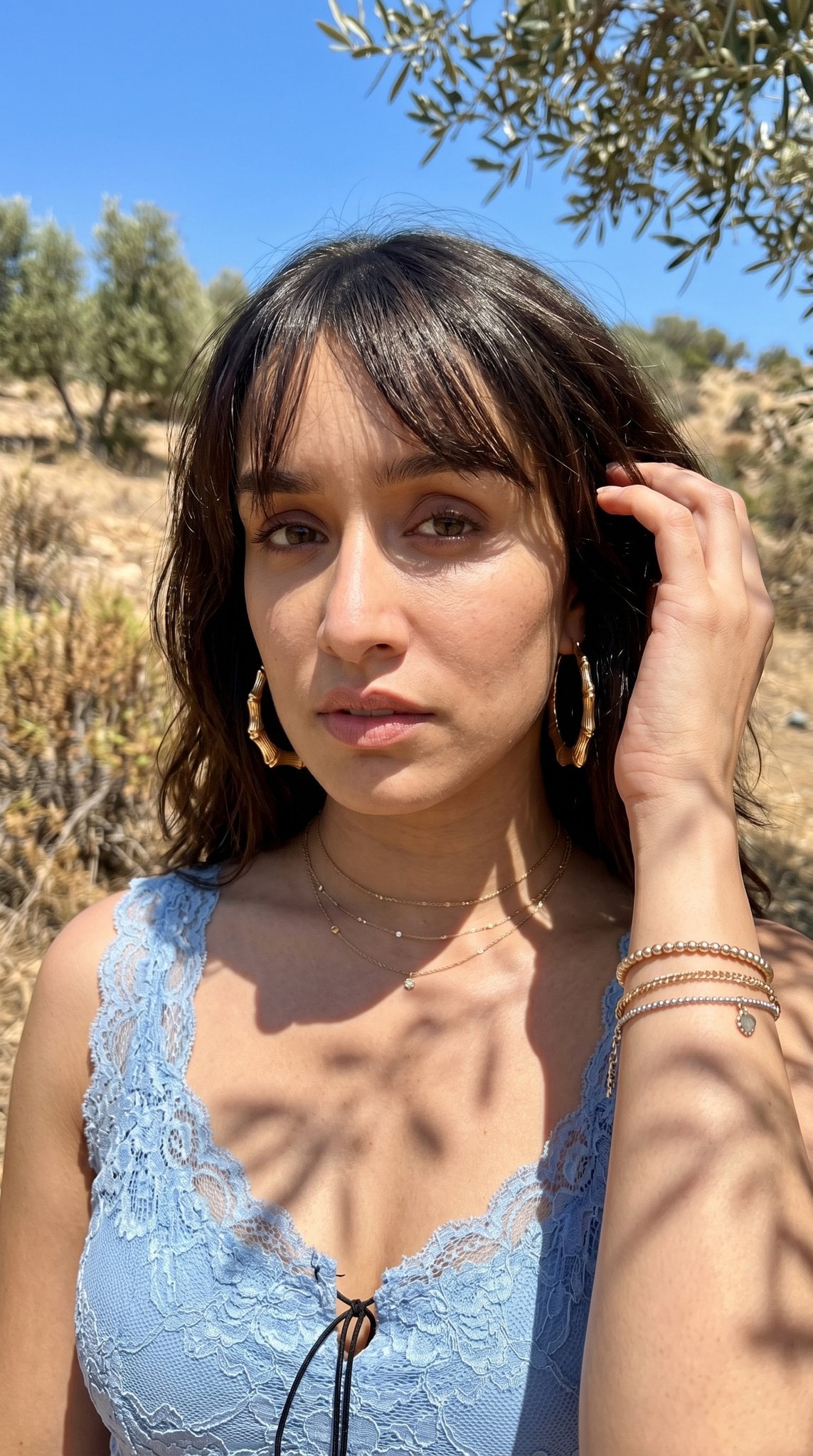
Hyper-Realistic Outdoor Portrait — 35mm Natural Light

Found Photograph: Us, 1970

80s Couple Studio Portrait

80s Bollywood Star

80s Golden Hour Cinema

Me in 1985

1985 Studio Portrait

Hyper-Realistic Minecraft POV Portrait

Felt & Knit 3D Character — Photo-Exact Face, Pixar-Quality Plush Figurine

Surreal Cat Astronaut — Humanoid Face Freefall
Make it yours
Ethereal Waterfall Selfie Portrait with Natural Imperfections works as-is. These are the safest ways to change it without losing the look.
Swap the light
One lighting change is enough to compare takes. Current light: “soft natural daylight, gentle shadows, mossy green and rocky waterfall backdrop”.
Change one field
Copy a single group, rewrite it, and generate again so you can see what that field is doing.
Keep the frame, change the subject
Hold the composition and light of Ethereal Waterfall Selfie Portrait with Natural Imperfections, then swap wardrobe, props or the person for a new take.
| If the result… | Why | Fix |
|---|---|---|
| The result drifts from the preview | Too many fields changed at once. | Reuse Ethereal Waterfall Selfie Portrait with Natural Imperfections as-is first, then change one group — subject, light, or setting. |
| Nano Banana 2 ignores part of the JSON | Some models flatten or skip nested keys. | Keep the same values and paste them as a short paragraph instead. |
More Nano Banana 2 templates
Other prompts made for Nano Banana 2.

Photorealistic Leaf Shaped Like a Dragon

K-Pop Idol Portrait Grid for Rapid Selection

Poetic Rain Forest Portrait During Golden Hour

Urban Street Portrait with Cartoon Inner Self Duo

Candid Nighttime Photo with Cat Prompt

High-Concept 3D Diorama Generation Prompt

Cinematic Futuristic Studio Portrait Template

Skincare Editorial Photography Collage Prompt

Hyper-Realistic Commercial Product Photography (Splash Effect)

Hyper-Realistic Nightclub Portrait Prompt
More image prompts
Fresh picks from across the catalog.
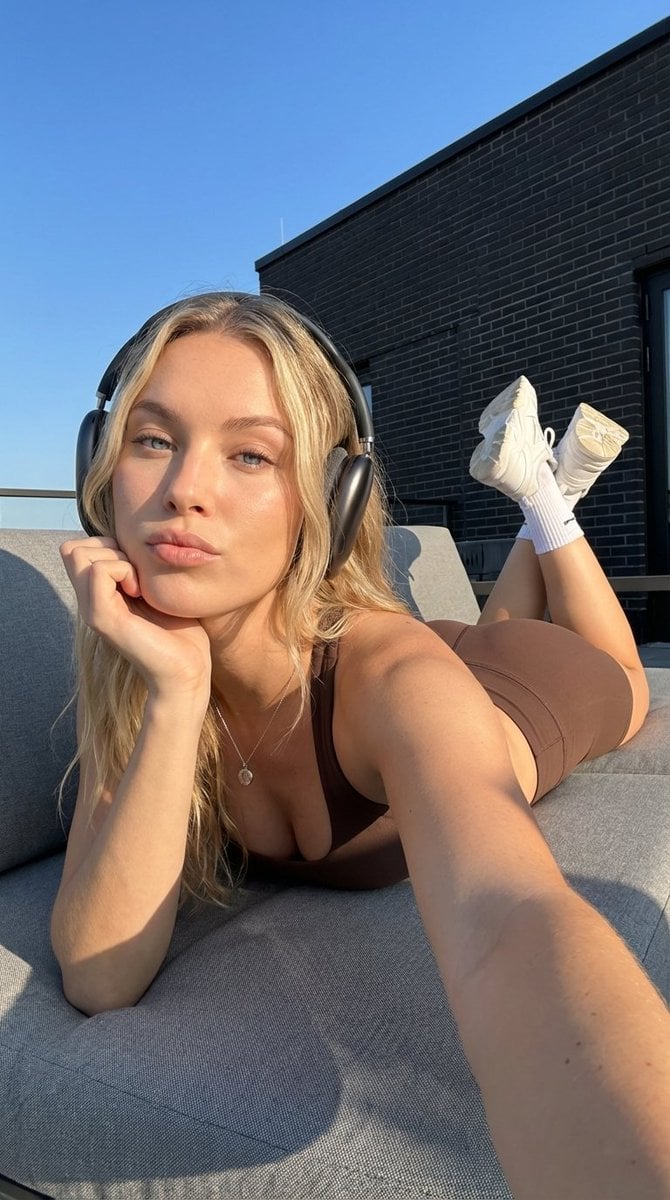
Rooftop Athletic Lifestyle Portrait Prompt
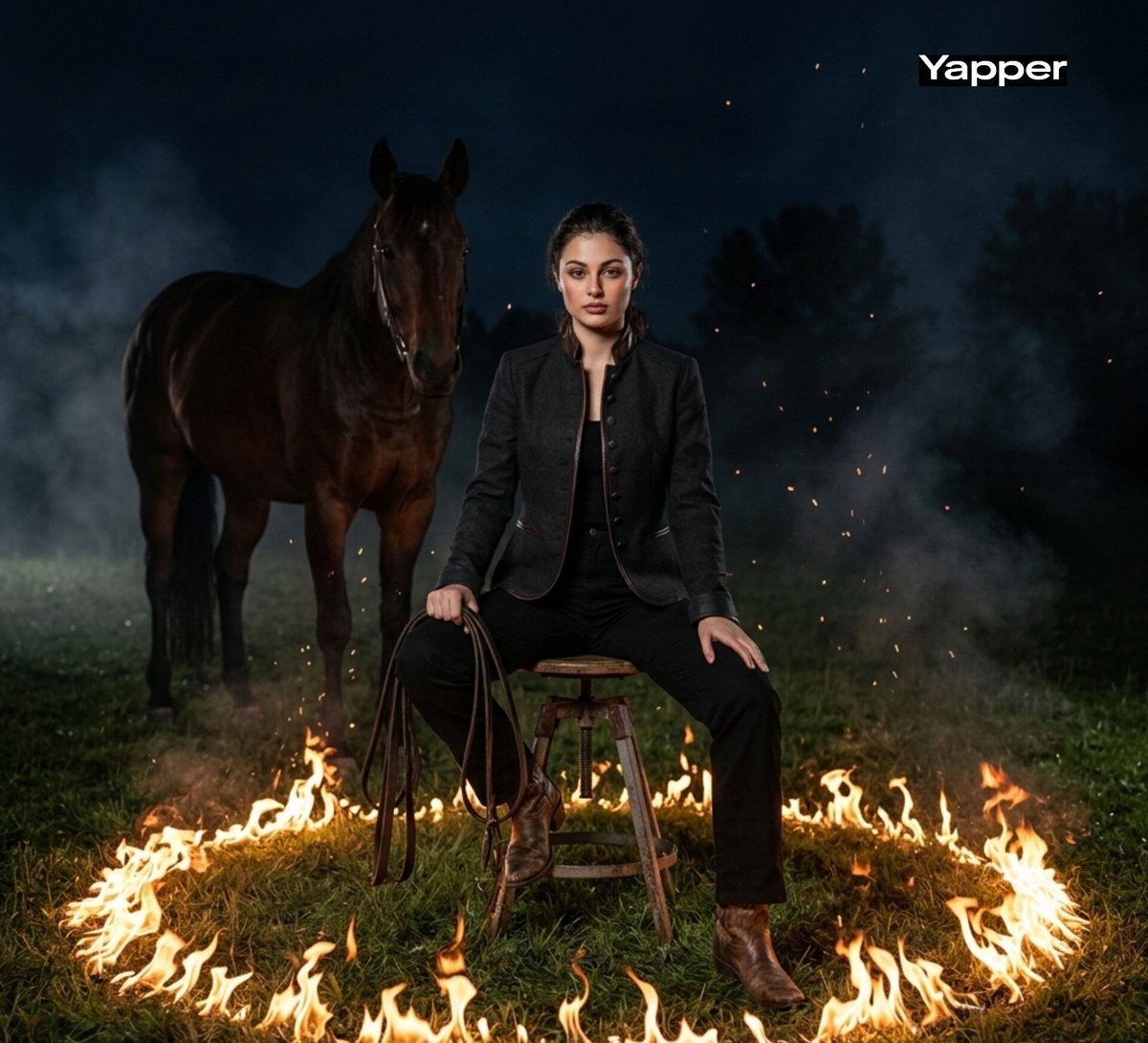
Cinematic Dark Western Portrait with Fire
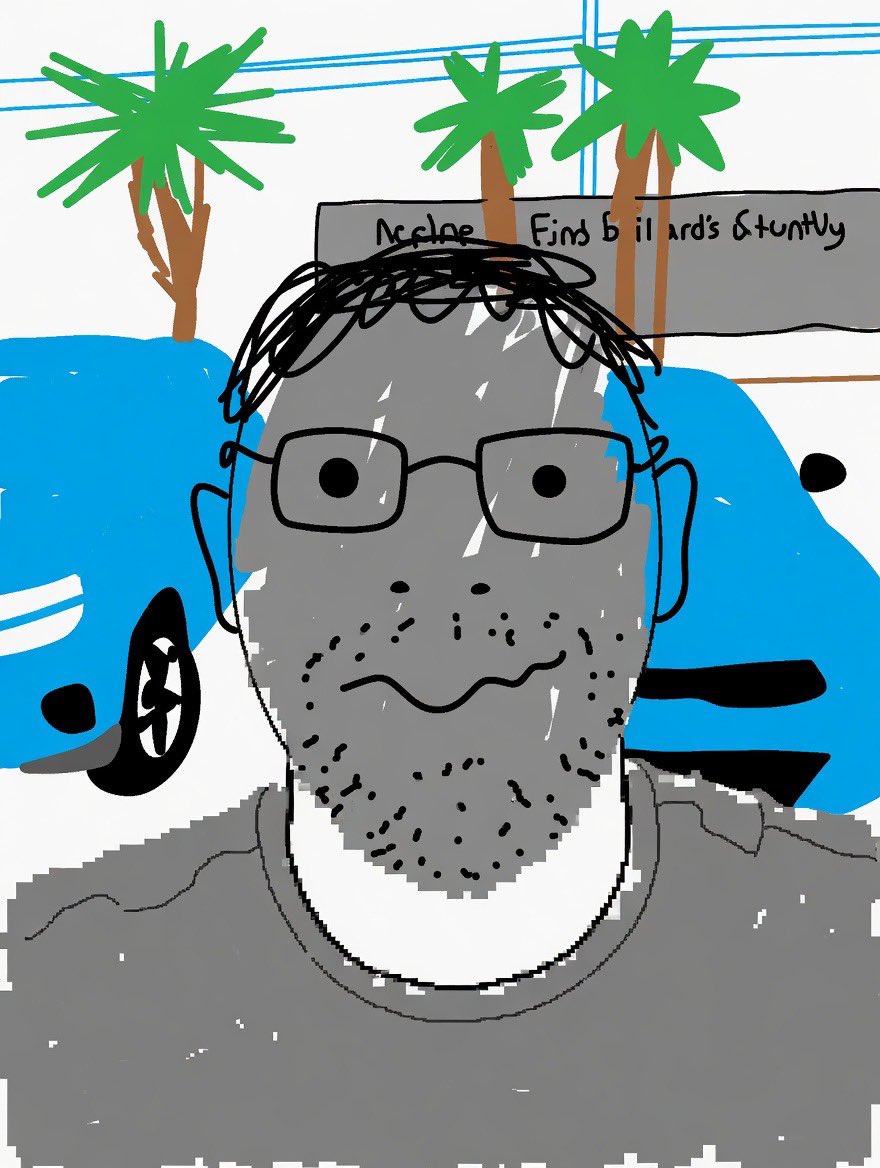
Clumsy MS Paint Style Redraw
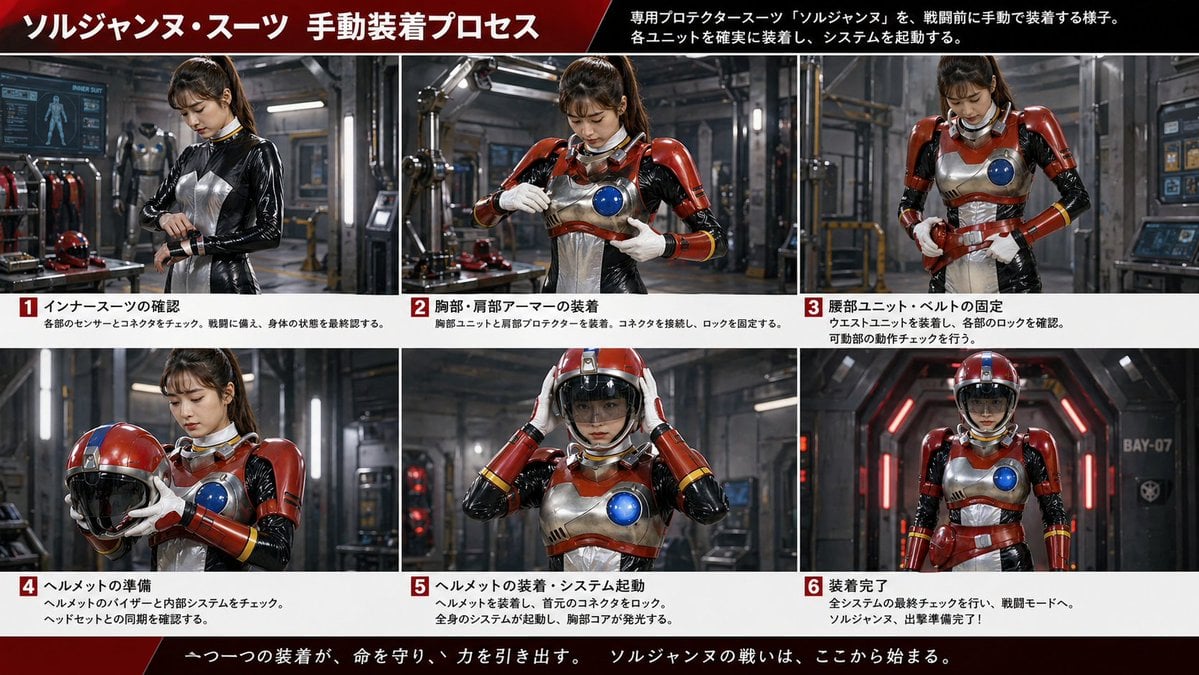
Japanese Sci-Fi Suit-Up Process Board
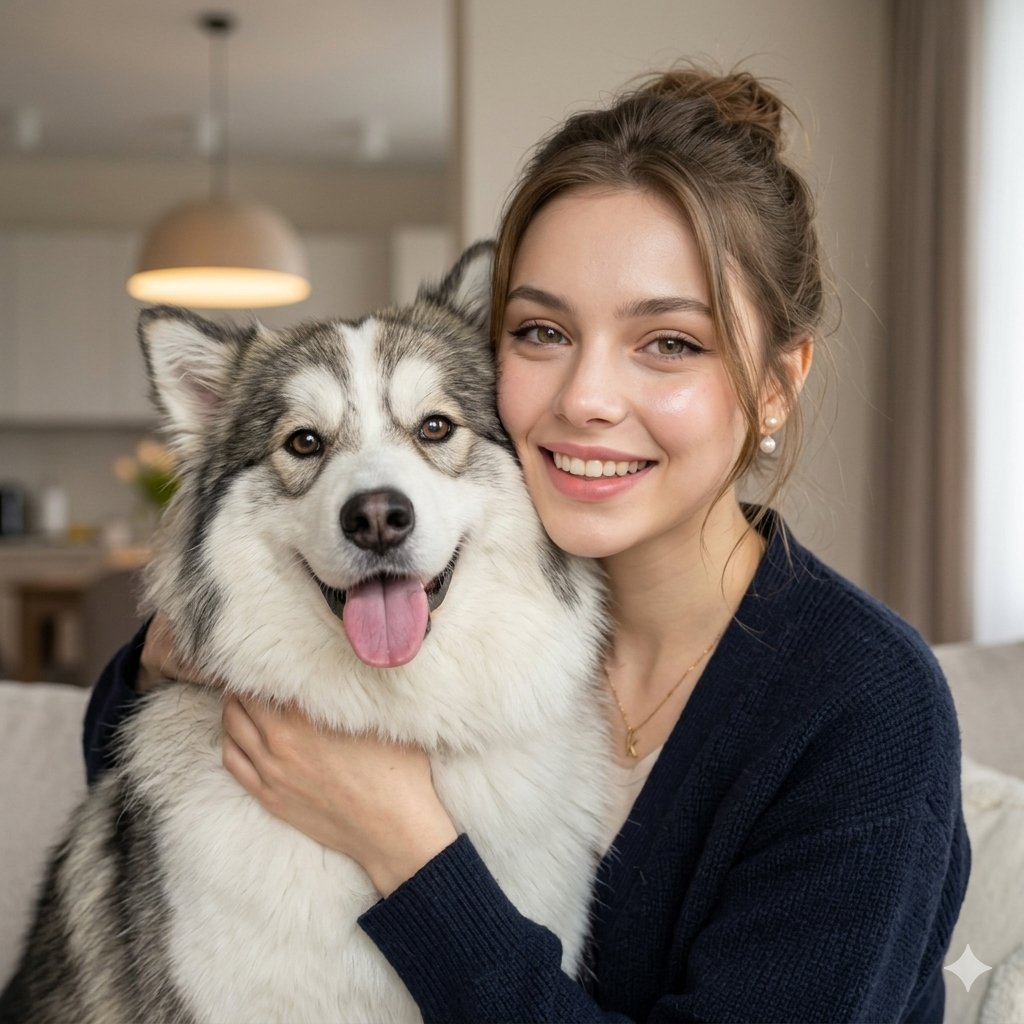
Nano Banana Pet Portrait Dog
Deathstalker Arachne Personification
Hyper-Chaotic Japanese Digicam Snapshot

GPT Image 2 Cooking Prompt Banner
Cinematic Paper Tear South Asian Portrait

Humorous Temple Signboard with Goofy Monk
Browse template categories
Ethereal Waterfall Selfie Portrait with Natural Imperfections questions
How do I use the Ethereal Waterfall Selfie Portrait with Natural Imperfections template?
Add your photo if the template asks for one, edit the prompt if you like — the template's model and format are already selected — and press Generate. Your version opens in PicX Studio.
Can I customize the Ethereal Waterfall Selfie Portrait with Natural Imperfections template?
Yes. You can change the subject, setting, lighting, mood, format, and available model controls before creating your image.
Is the Ethereal Waterfall Selfie Portrait with Natural Imperfections template free?
Opening and editing this template is free. Generating uses credits, shown on the Generate button when you are signed in.
Which AI model should I use?
Start with Nano Banana 2, which is the model associated with this template. You can compare another compatible model for a different finish.
Looking for something else? Browse all templates.

Your photo, any look
Thousands of ready templates for every top image and video model, from one credit balance.