
Japanese Sci-Fi Suit-Up Process Board
A cinematic six-panel Japanese infographic showing a female hero manually putting on a red-and-silver combat suit, suitable for tokusatsu-style promotional art or fictional equipment manuals.
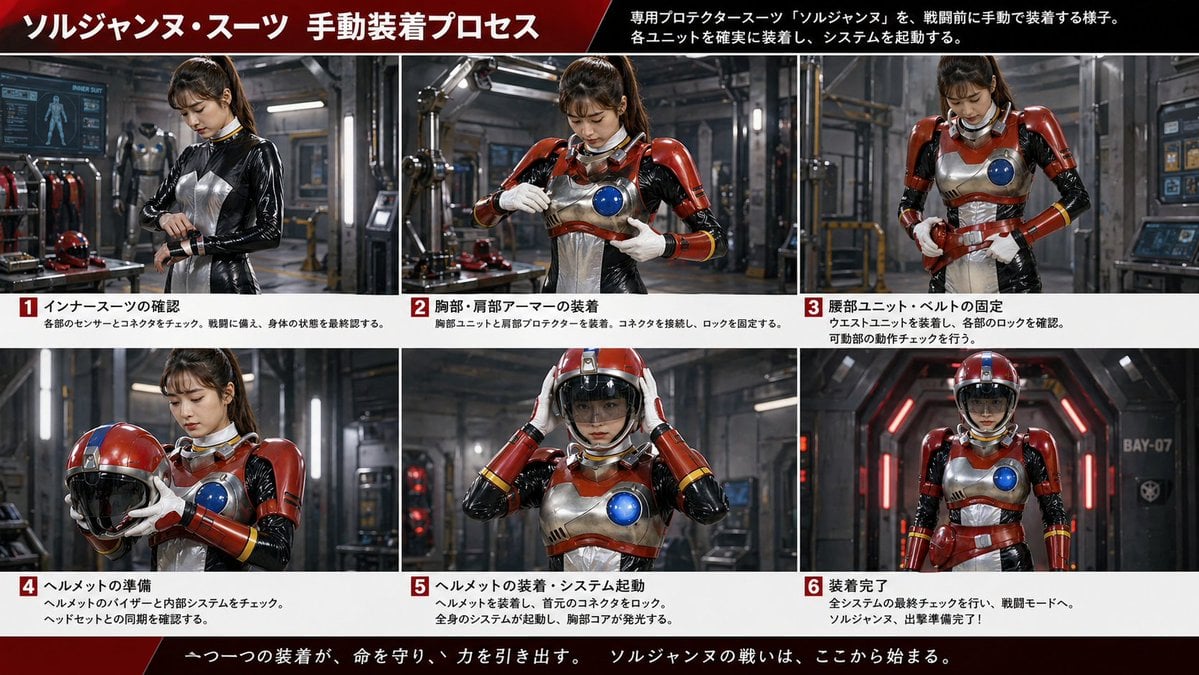
- Prompt included
- Model and format preset
- Free template
The prompt behind this image
Copy the exact prompt behind Japanese Sci-Fi Suit-Up Process Board, or open it in the studio and make it yours.
- Type
- Japanese sci-fi armor dressing-process infographic
- Style
- cinematic live-action tokusatsu-inspired promotional board, realistic industrial lighting, polished metal surfaces, sharp photographic detail
- Theme
- manual pre-battle suit-up sequence for a female hero in a red, silver, black, and blue protector suit
- Subject › Character › Gender
- female
- Subject › Character › Age
- young adult
- Subject › Character › Identity
- helmetless heroine during assembly, face intentionally obscured or anonymized in every unhelmeted panel
- Subject › Character › Hair
- dark brown to black hair tied in a high ponytail with bangs
- Subject › Character › Undersuit
- glossy black skintight inner suit with silver chest panel and white neck ring
- Subject › Character › Armor
- retro-futuristic protector armor with red shoulder and arm plates, silver breastplate and torso plating, circular blue chest core, red waist unit, white gloves, red forearm guards with yellow stripe accents
- Subject › Character › Helmet
- round red-and-silver helmet with black visor
- Subject › Environment › Location
- high-tech industrial hangar or armor bay
- Subject › Environment › Background Elements
- metal framework, robotic equipment, tool benches, armor racks, computer monitors, workshop lighting, bay corridor marked BAY-07 in final panel
- Layout › Header › Count
- 2
- Layout › Header › Labels
- ソルジャンヌ・スーツ 手動装着プロセス, 専用プロテクタースーツ『ソルジャンヌ』を、戦闘前に手動で装着する様子。各ユニットを確実に装着し、システムを起動する。
- Layout › Header › Design
- wide black-to-red gradient banner across top, large bold white Japanese text, diagonal red accent
- Layout › Sections › 0 › Title
- 1 インナースーツの確認
- Layout › Sections › 0 › Position
- top-left
- Layout › Sections › 0 › Count
- 1
- Layout › Sections › 0 › Labels
- 各部のセンサーとコネクタをチェック。戦闘に備え、身体の状態を最終認する。
- Layout › Sections › 0 › Image
- three-quarter view of the heroine in only the black glossy inner suit, looking down while checking or tightening a wrist connector
- Layout › Sections › 1 › Title
- 2 胸部・肩部アーマーの装着
- Layout › Sections › 1 › Position
- top-center
- Layout › Sections › 1 › Count
- 1
- Layout › Sections › 1 › Labels
- 胸部ユニットと肩部プロテクターを装着。コネクタを接続し、ロックを固定する。
Raw JSON
{"type":"Japanese sci-fi armor dressing-process infographic","style":"cinematic live-action tokusatsu-inspired promotional board, realistic industrial lighting, polished metal surfaces, sharp photographic detail","theme":"manual pre-battle suit-up sequence for a female hero in a red, silver, black, and blue protector suit","subject":{"character":{"gender":"female","age":"young adult","identity":"helmetless heroine during assembly, face intentionally obscured or anonymized in every unhelmeted panel","hair":"dark brown to black hair tied in a high ponytail with bangs","undersuit":"glossy black skintight inner suit with silver chest panel and white neck ring","armor":"retro-futuristic protector armor with red shoulder and arm plates, silver breastplate and torso plating, circular blue chest core, red waist unit, white gloves, red forearm guards with yellow stripe accents","helmet":"round red-and-silver helmet with black visor"},"environment":{"location":"high-tech industrial hangar or armor bay","background elements":["metal framework","robotic equipment","tool benches","armor racks","computer monitors","workshop lighting","bay corridor marked BAY-07 in final panel"]}},"layout":{"header":{"count":2,"labels":["ソルジャンヌ・スーツ 手動装着プロセス","専用プロテクタースーツ『ソルジャンヌ』を、戦闘前に手動で装着する様子。各ユニットを確実に装着し、システムを起動する。"],"design":"wide black-to-red gradient banner across top, large bold white Japanese text, diagonal red accent"},"sections":[{"title":"1 インナースーツの確認","position":"top-left","count":1,"labels":["各部のセンサーとコネクタをチェック。戦闘に備え、身体の状態を最終認する。"],"image":"three-quarter view of the heroine in only the black glossy inner suit, looking down while checking or tightening a wrist connector"},{"title":"2 胸部・肩部アーマーの装着","position":"top-center","count":1,"labels":["胸部ユニットと肩部プロテクターを装着。コネクタを接続し、ロックを固定する。"],"image":"mid shot with chest armor and red shoulder plates installed, heroine fastening the front torso area with both hands"},{"title":"3 腰部ユニット・ベルトの固定","position":"top-right","count":1,"labels":["ウエストユニットを装着し、各部のロックを確認。可動部の動作チェックを行う。"],"image":"mid shot with torso armor completed, heroine tightening or checking the waist belt and side locks"},{"title":"4 ヘルメットの準備","position":"bottom-left","count":1,"labels":["ヘルメットのバイザーと内部システムをチェック。ヘッドセットとの同期を確認する。"],"image":"heroine holding the red helmet in both hands at chest height, showing the glossy black visor"},{"title":"5 ヘルメットの装着・システム起動","position":"bottom-center","count":1,"labels":["ヘルメットを装着し、直上のコネクタをロック。全身のシステムが起動し、胸部コアが発光する。"],"image":"heroine placing the helmet onto her head with both hands; blue chest core glowing brightly"},{"title":"6 装着完了","position":"bottom-right","count":1,"labels":["全システムの最終チェックを行い、戦闘モードへ。ソルジャンヌ、出撃準備完了!"],"image":"full-body frontal hero pose in a futuristic corridor, fully suited with helmet on, arms relaxed at sides"}],"footer":{"count":1,"labels":["一つ一つの装着が、命を守り、力を引き出す。 ソルジャンヌの戦いは、ここから始まる。"],"design":"dark red cinematic footer strip with centered white Japanese slogan"},"grid":{"rows":2,"columns":3,"panel_count":6,"panel_borders":"thin white dividers","number_badges":6}},"text_rendering":{"language":"Japanese","font":"bold sans-serif headline with smaller sans-serif body text","colors":"white text on black, red, and white info bars; red numbered squares with white numerals"},"composition":"16:9 wide infographic board, six equal photo panels arranged in a 3-by-2 grid, each panel captioned below with a red numbered box from 1 to 6","lighting":"moody workshop lighting with metallic reflections and red accent lights, realistic shadows, cinematic sci-fi atmosphere"}How to use Japanese Sci-Fi Suit-Up Process Board in 3 steps
- 1Upload ImagePNG, JPG or paste
Add your photo
Upload the photo the template builds on. The prompt, model and format are already set.
- 2…a portrait of your subject in softgolden-hour light, 85mm…
Personalize
Edit the subject and creative details for your destination.
- 3Generate
Generate
Press Generate — your image is created in PicX Studio, so you can compare it with the original and refine one variable at a time.
More like this
Templates with the same subject, style or setup. Open one to see its prompt.

Gpt2 Infographic Edu Visual Japanese Sci Fi Suit Up Process Board

Minecraft Japanese Research Lab Exploration
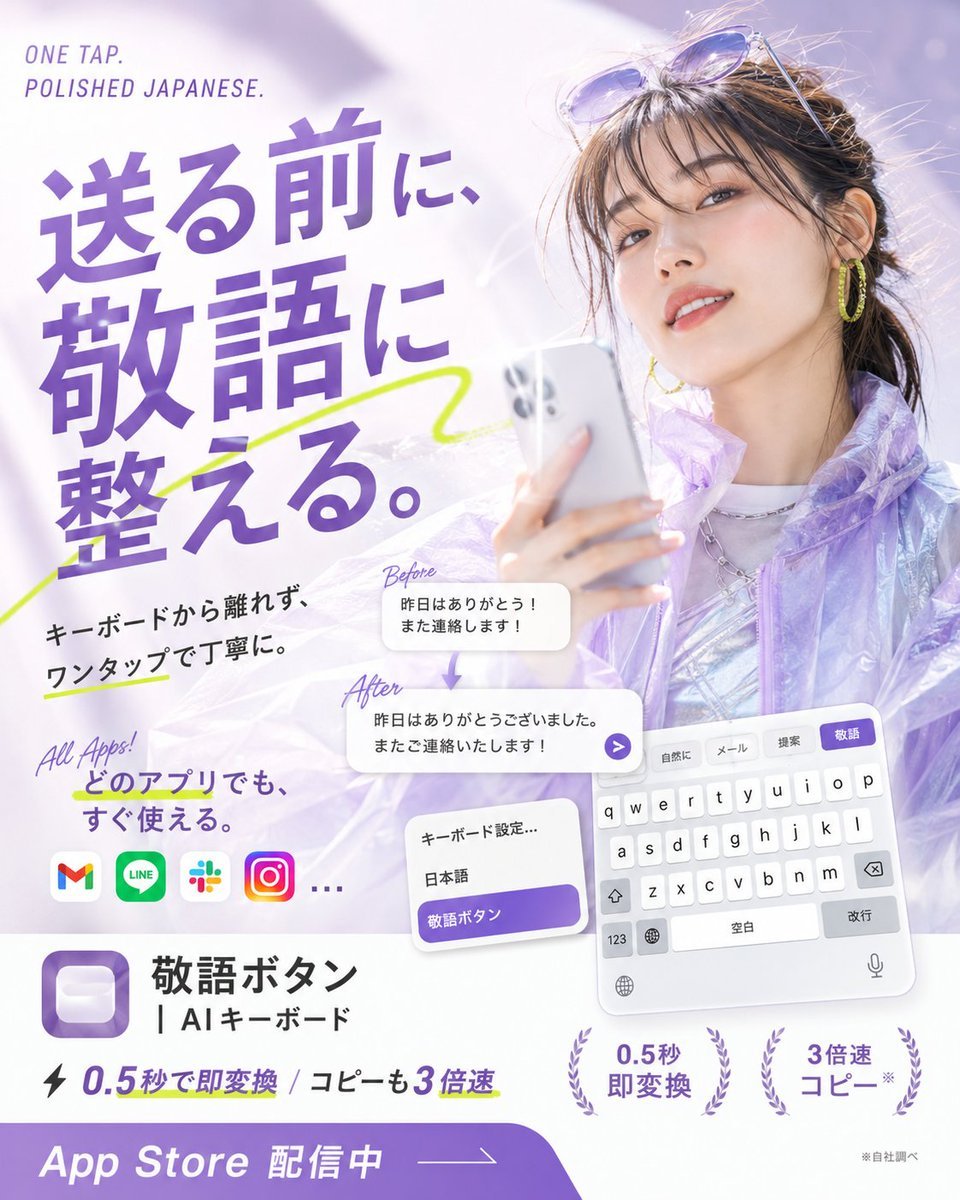
Japanese AI Keyboard App Poster
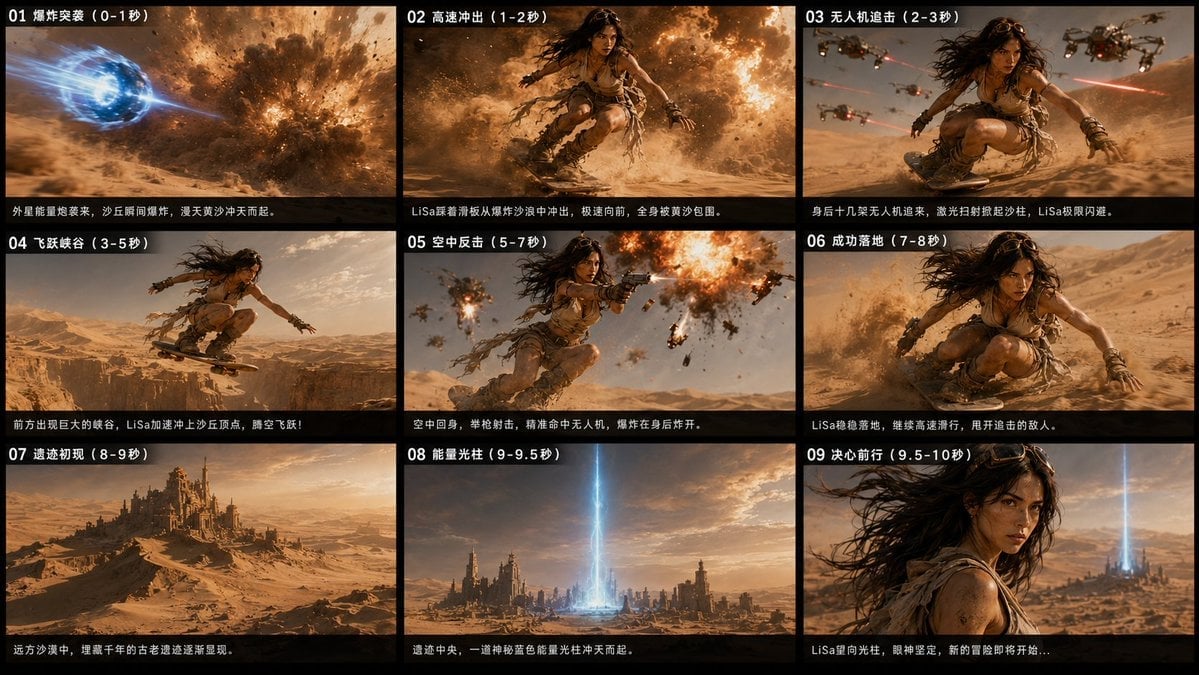
Desert Sci-Fi Action Storyboard

Japanese Architectural Concrete Studio Fashion Campaign

Japanese Minimalist Concrete Studio Fashion Editorial

Blue Backdrop Luxury Fashion Portrait Campaign

Cyberpunk Neon Profile Fashion Portrait
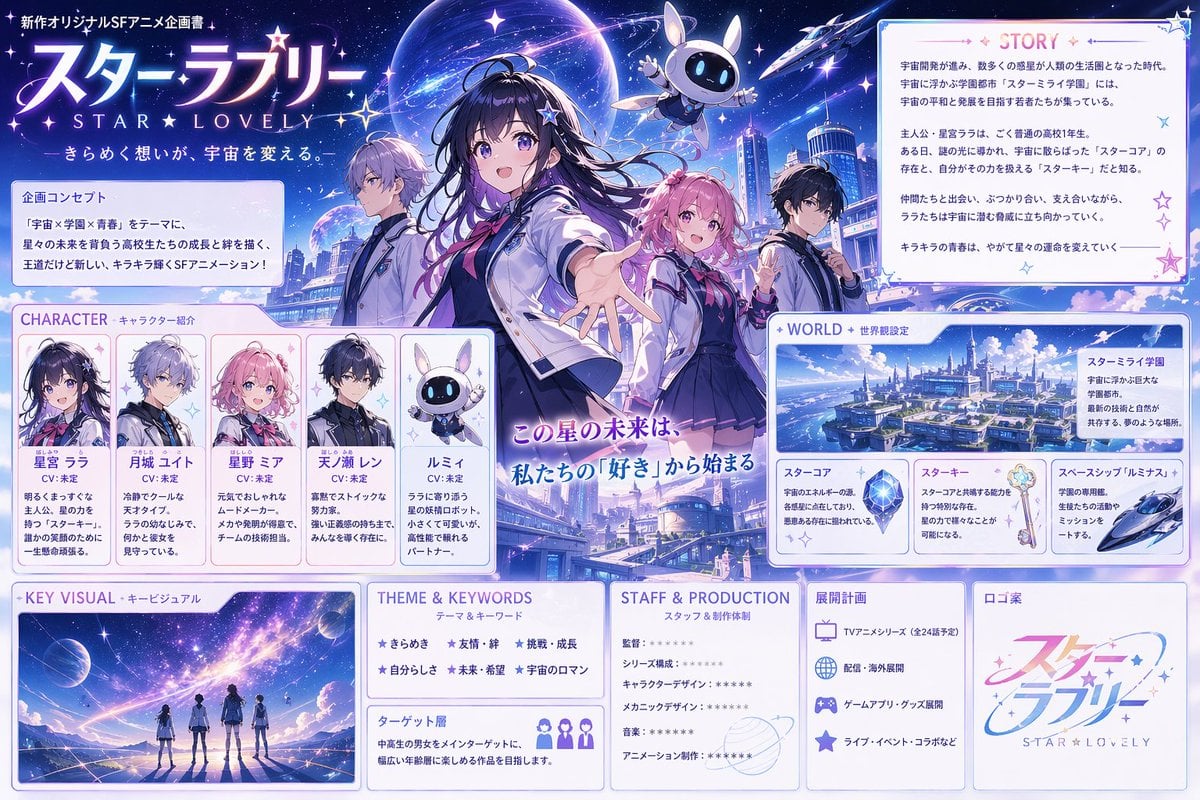
Anime Sci-Fi School Proposal Board
Scientific Process Infographic
Artisan Craft Process Board for Handmade Objects

Japanese Film Reflection Idol
Make it yours
Japanese Sci-Fi Suit-Up Process Board works as-is. These are the safest ways to change it without losing the look.
Swap the setting
Keep the rest of the prompt and replace the location block. The current setting is “high-tech industrial hangar or armor bay”.
Swap the light
One lighting change is enough to compare takes. Current light: “moody workshop lighting with metallic reflections and red accent lights, realist”.
Change one field
Copy a single group, rewrite it, and generate again so you can see what that field is doing.
| If the result… | Why | Fix |
|---|---|---|
| The result drifts from the preview | Too many fields changed at once. | Reuse Japanese Sci-Fi Suit-Up Process Board as-is first, then change one group — subject, light, or setting. |
| GPT Image 2 ignores part of the JSON | Some models flatten or skip nested keys. | Keep the same values and paste them as a short paragraph instead. |
More GPT Image 2 templates
Other prompts made for GPT Image 2.

Realistic Portrait of Woman and Deer

The Vista Modular Condo Poster

AI Model Routing Comparison Infographic

Isometric Productivity Desk Scene

New York Double Exposure Poster

Four-Panel AI Landscape Comparison

Japanese Tatami Lifestyle Magazine Cover

NESCAFÉ Coffee Map Poster

Brutalist Cogito Chinese Typography Poster

Cinematic Luxury Terrace Portrait
More image prompts
Fresh picks from across the catalog.
2026 Year of the Horse Poster Design Prompt
Surreal hyper-detailed totem stack prompt
Consistent Product Kit Photography
Chibi Mini Versions Photo Edit
Nano Banana used for background and character design

Extreme Close-Up Laughing Couple Portrait

High-Contrast Flash Photography Nightlife Portrait
Industrial Humanoid Robot Blueprint
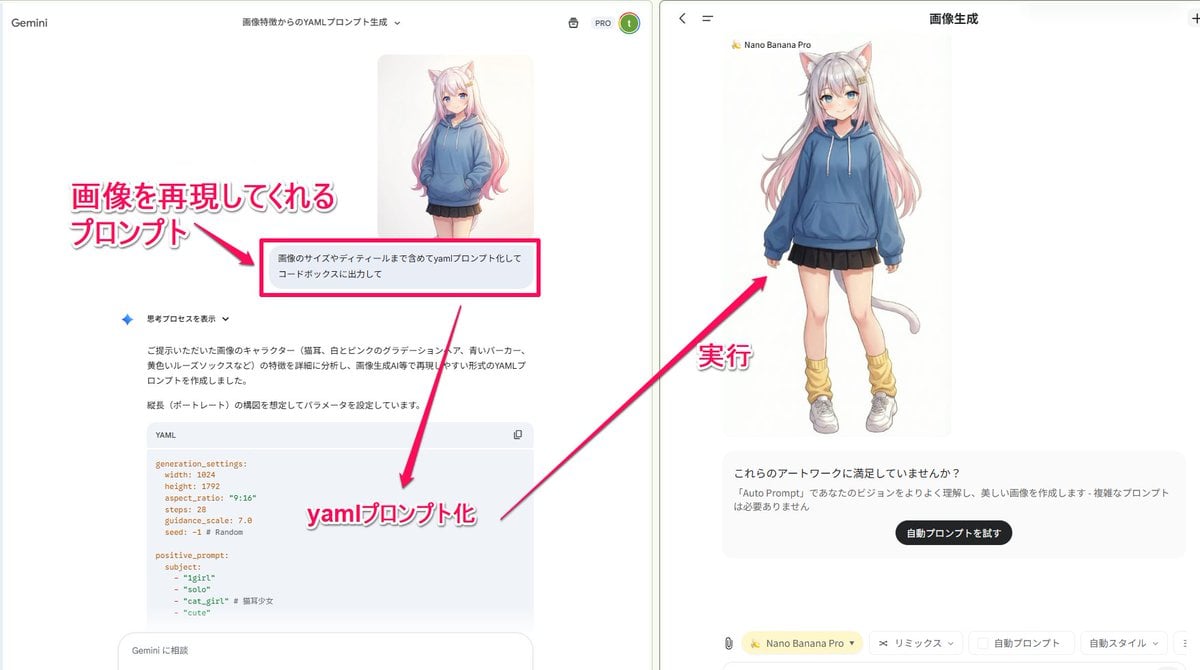
YAML prompt conversion for images and diagrams
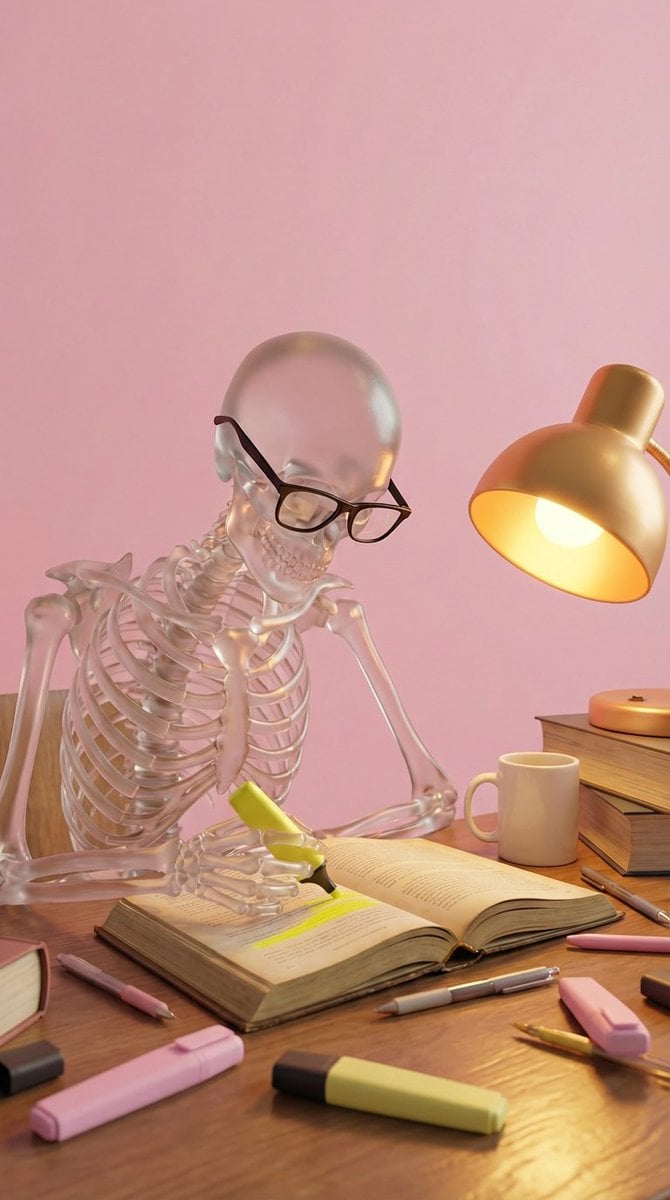
Stylized 3D Glass Skeleton Render Prompt
Browse template categories
Japanese Sci-Fi Suit-Up Process Board questions
How do I use the Japanese Sci-Fi Suit-Up Process Board template?
Add your photo if the template asks for one, edit the prompt if you like — the template's model and format are already selected — and press Generate. Your version opens in PicX Studio.
Can I customize the Japanese Sci-Fi Suit-Up Process Board template?
Yes. You can change the subject, setting, lighting, mood, format, and available model controls before creating your image.
Is the Japanese Sci-Fi Suit-Up Process Board template free?
Opening and editing this template is free. Generating uses credits, shown on the Generate button when you are signed in.
Which AI model should I use?
Start with GPT Image 2, which is the model associated with this template. You can compare another compatible model for a different finish.
Looking for something else? Browse all templates.

Your photo, any look
Thousands of ready templates for every top image and video model, from one credit balance.