
Humorous Temple Signboard with Goofy Monk
Generates a photograph of a goofy monk standing next to a 9-panel wooden signboard featuring humorous illustrated teachings.
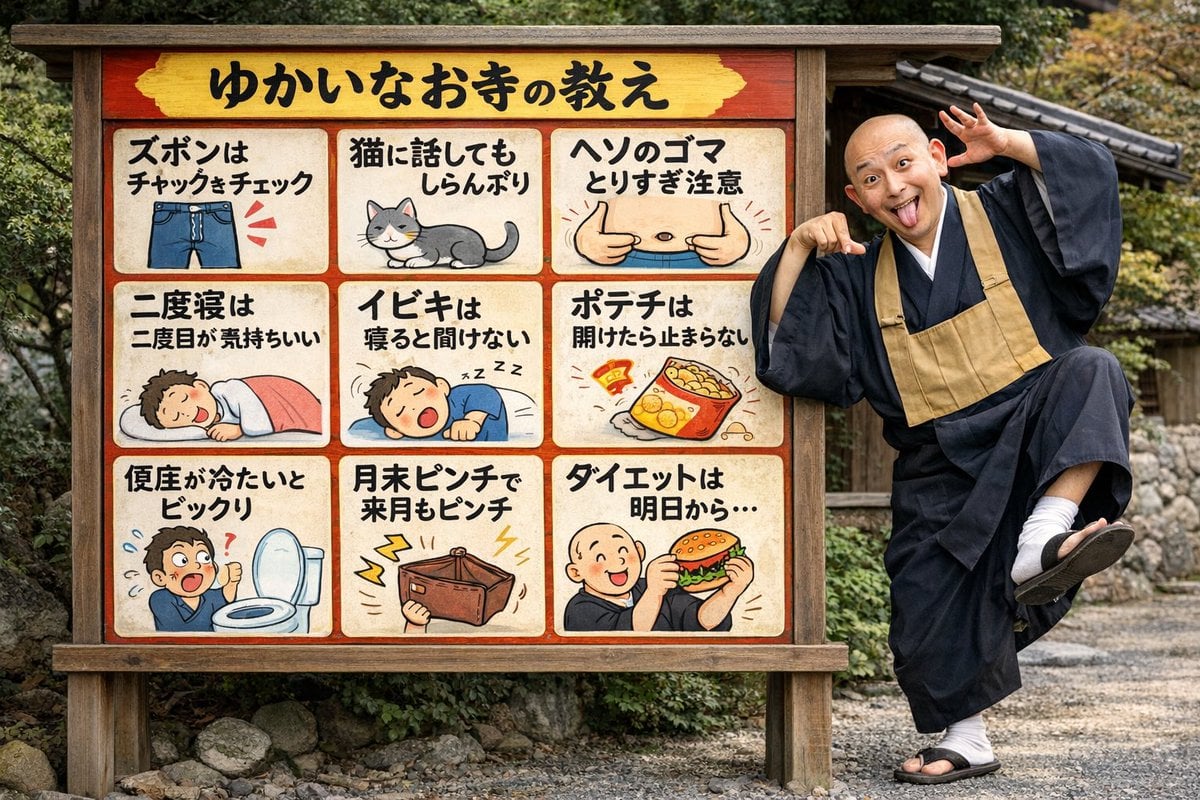
- Prompt included
- Model and format preset
- Free template
The prompt behind this image
Copy the exact prompt behind Humorous Temple Signboard with Goofy Monk, or open it in the studio and make it yours.
- Type
- photograph
- Setting
- outdoor temple grounds with gravel and foliage
- Subjects › 0 › Type
- signboard
- Subjects › 0 › Material
- wood with red border and yellow header
- Subjects › 0 › Header Text
- {argument name="header text" default="ゆかいなお寺の教え"}
- Subjects › 0 › Layout
- 3x3 grid
- Subjects › 0 › Panel Count
- 9
- Subjects › 0 › Panels › 0 › Position
- top-left
- Subjects › 0 › Panels › 0 › Text
- ズボンはチャックをチェック
- Subjects › 0 › Panels › 0 › Illustration
- blue jeans with zipper
- Subjects › 0 › Panels › 1 › Position
- top-center
- Subjects › 0 › Panels › 1 › Text
- 猫に話してもしらんぷり
- Subjects › 0 › Panels › 1 › Illustration
- grey and white cat
- Subjects › 0 › Panels › 2 › Position
- top-right
- Subjects › 0 › Panels › 2 › Text
- ヘソのゴマとりすぎ注意
- Subjects › 0 › Panels › 2 › Illustration
- belly with thumbs pointing at navel
- Subjects › 0 › Panels › 3 › Position
- mid-left
- Subjects › 0 › Panels › 3 › Text
- 二度寝は二度目が気持ちいい
- Subjects › 0 › Panels › 3 › Illustration
- person sleeping under pink blanket
- Subjects › 0 › Panels › 4 › Position
- mid-center
- Subjects › 0 › Panels › 4 › Text
- イビキは寝ると聞けない
- Subjects › 0 › Panels › 4 › Illustration
- person snoring
- Subjects › 0 › Panels › 5 › Position
- mid-right
- Subjects › 0 › Panels › 5 › Text
- ポテチは開けたら止まらない
Raw JSON
{
  "type": "photograph",
  "setting": "outdoor temple grounds with gravel and foliage",
  "subjects": [
    {
      "type": "signboard",
      "material": "wood with red border and yellow header",
      "header_text": "{argument name=\"header text\" default=\"ゆかいなお寺の教え\"}",
      "layout": "3x3 grid",
      "panel_count": 9,
      "panels": [
        { "position": "top-left", "text": "ズボンはチャックをチェック", "illustration": "blue jeans with zipper" },
        { "position": "top-center", "text": "猫に話してもしらんぷり", "illustration": "grey and white cat" },
        { "position": "top-right", "text": "ヘソのゴマとりすぎ注意", "illustration": "belly with thumbs pointing at navel" },
        { "position": "mid-left", "text": "二度寝は二度目が気持ちいい", "illustration": "person sleeping under pink blanket" },
        { "position": "mid-center", "text": "イビキは寝ると聞けない", "illustration": "person snoring" },
        { "position": "mid-right", "text": "ポテチは開けたら止まらない", "illustration": "open bag of potato chips" },
        { "position": "bottom-left", "text": "便座が冷たいとビックリ", "illustration": "shocked person next to toilet" },
        { "position": "bottom-center", "text": "月末ピンチで来月もピンチ", "illustration": "empty wallet with lightning bolts" },
        { "position": "bottom-right", "text": "{argument name=\"bottom right text\" default=\"ダイエットは明日から...\"}", "illustration": "{argument name=\"bottom right illustration\" default=\"monk eating a hamburger\"}" }
      ]
    },
    {
      "type": "monk",
      "description": "bald Japanese Buddhist monk in black robes, white tabi socks, and sandals",
      "pose": "standing on one leg, leaning on sign",
      "expression": "{argument name=\"monk expression\" default=\"goofy, tongue out, wide eyes, hands framing face\"}"
    }
  ]
}Reference images included
Humorous Temple Signboard with Goofy Monk needs input media to work. They load alongside the prompt when you open it in the studio.
How to use Humorous Temple Signboard with Goofy Monk in 3 steps
- 1Upload ImagePNG, JPG or paste
Add your photo
Upload the photo the template builds on. The prompt, model and format are already set.
- 2…a portrait of your subject in softgolden-hour light, 85mm…
Personalize
Edit the subject and creative details for your destination.
- 3Generate
Generate
Press Generate — your image is created in PicX Studio, so you can compare it with the original and refine one variable at a time.
More like this
Templates with the same subject, style or setup. Open one to see its prompt.

Ancient Temple Portrait — White Dress Nano Banana
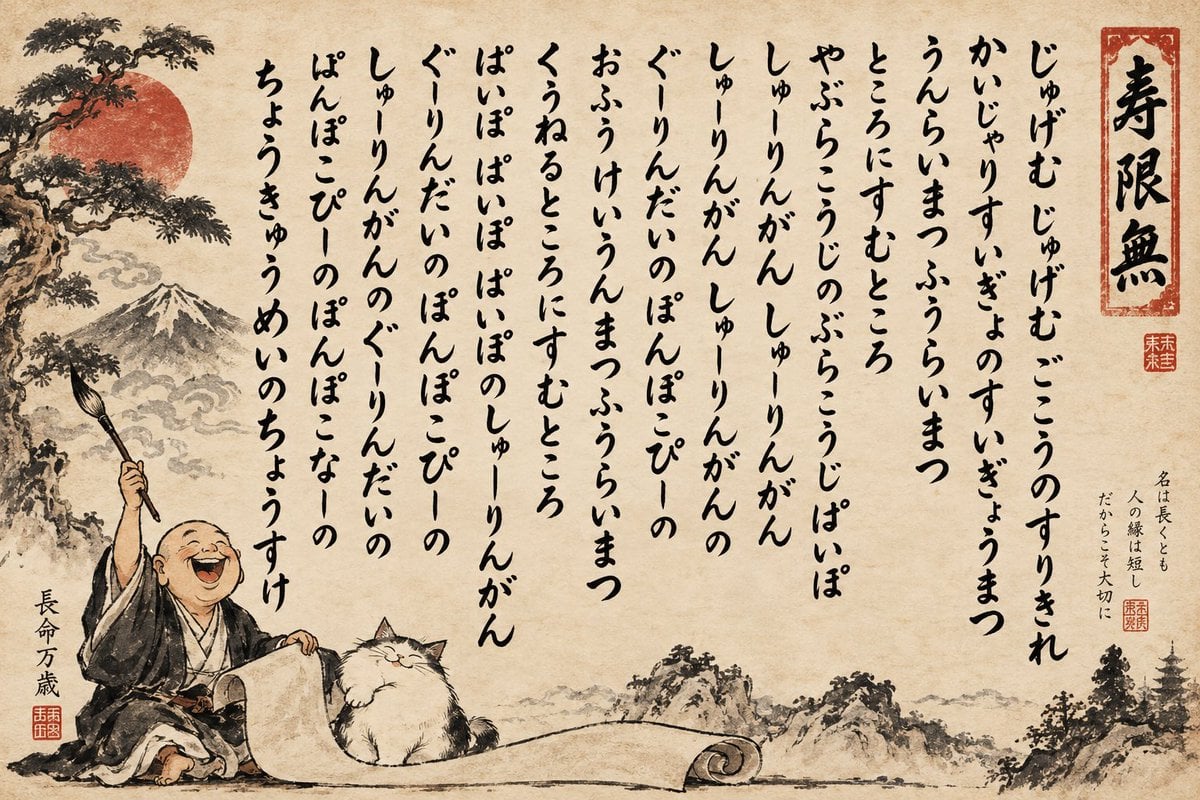
Humorous Sumi-e Jugemu Calligraphy Poster
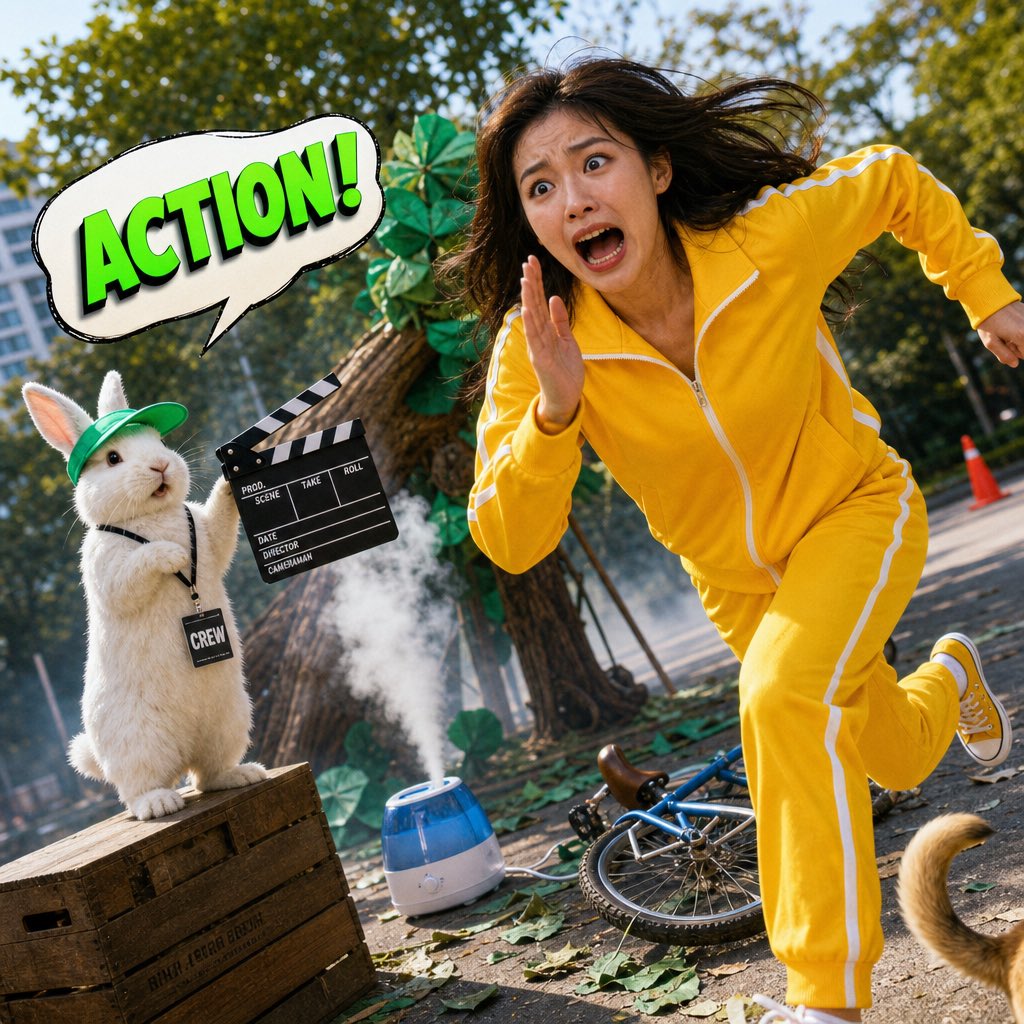
Humorous Hamster Director Scene

Cyberpunk Android Monk Sky City
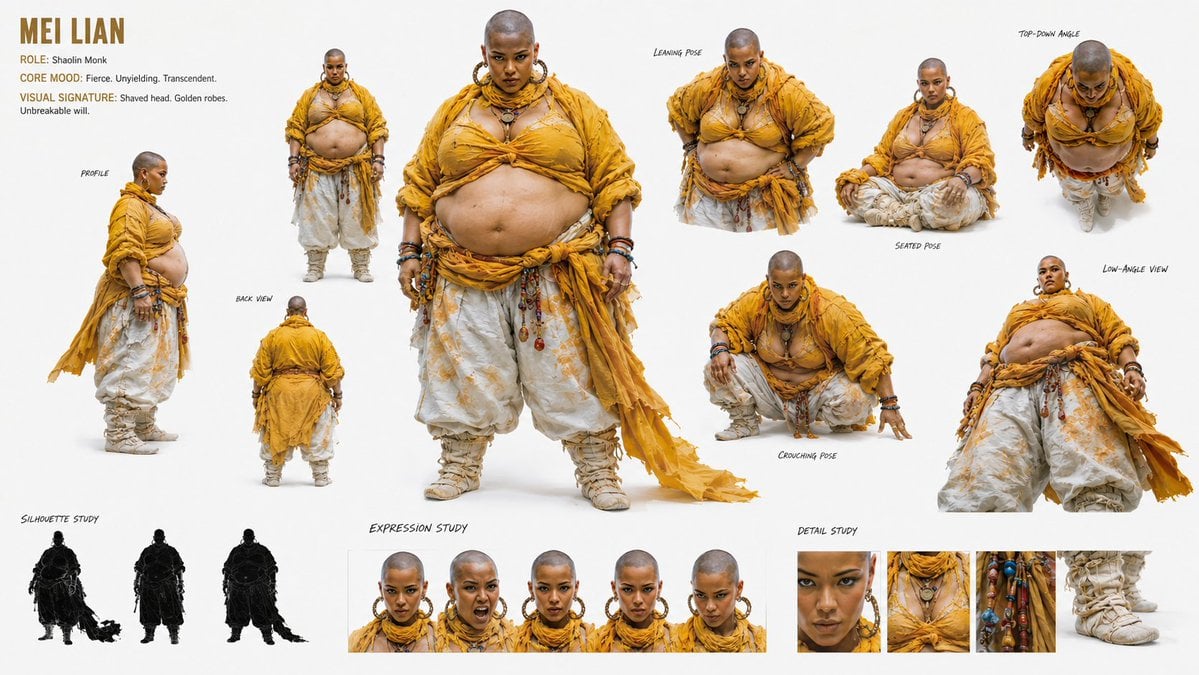
Shaolin Monk Character Sheet
Humorous Cat and Human Studio Portrait
Cyber Spiritualism Digital Monk

Humorous Dog Handstand Prompt
Ascetic Monk Cleaning Neon Tokyo
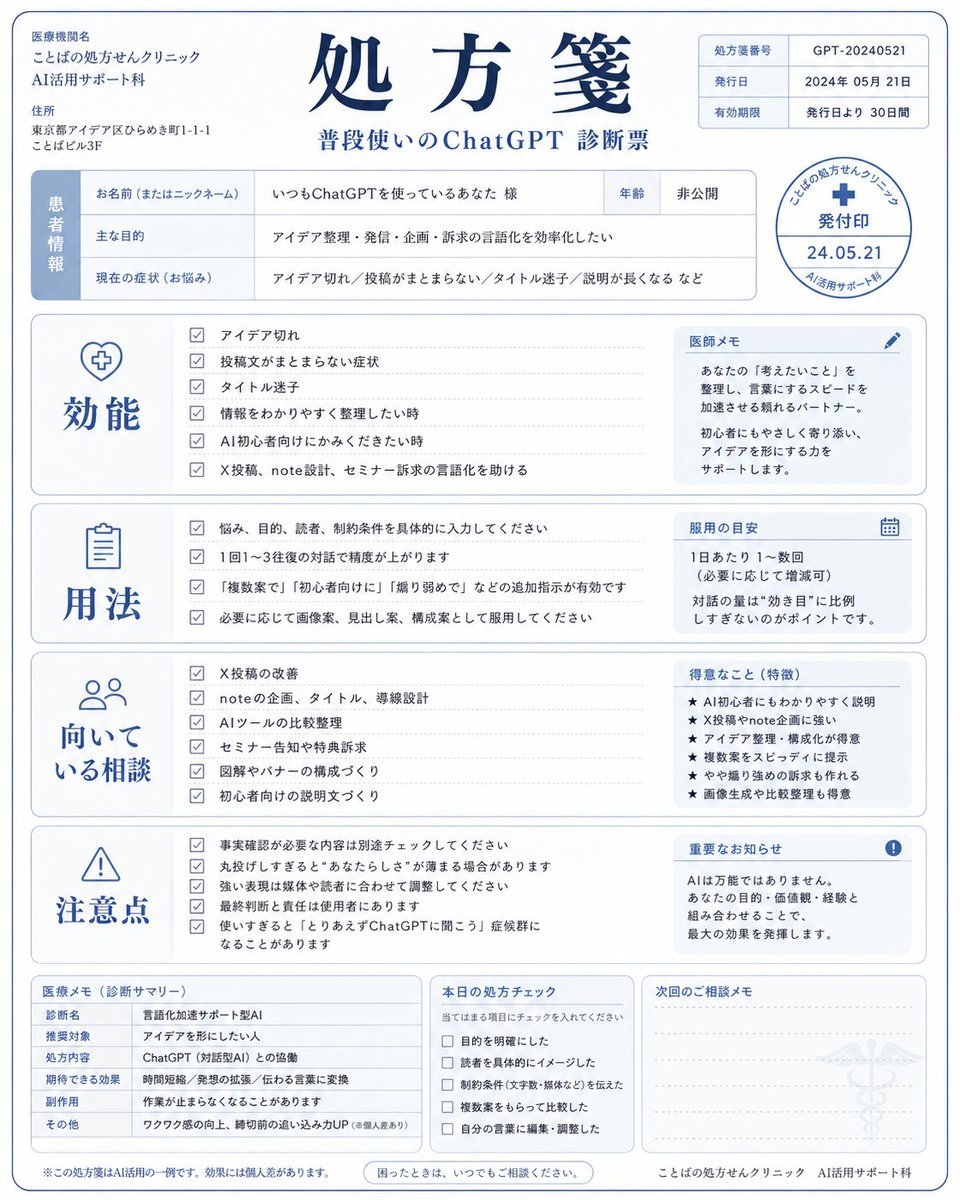
Humorous AI Medical Prescription Design
Dark Fantasy Wounded Monk Portrait

Humorous AI Resume Generator
Make it yours
Humorous Temple Signboard with Goofy Monk works as-is. These are the safest ways to change it without losing the look.
Swap the setting
Keep the rest of the prompt and replace the location block. The current setting is “outdoor temple grounds with gravel and foliage”.
Change one field
Copy a single group, rewrite it, and generate again so you can see what that field is doing.
Keep the frame, change the subject
Hold the composition and light of Humorous Temple Signboard with Goofy Monk, then swap wardrobe, props or the person for a new take.
| If the result… | Why | Fix |
|---|---|---|
| The result drifts from the preview | Too many fields changed at once. | Reuse Humorous Temple Signboard with Goofy Monk as-is first, then change one group — subject, light, or setting. |
| GPT Image 2 ignores part of the JSON | Some models flatten or skip nested keys. | Keep the same values and paste them as a short paragraph instead. |
More GPT Image 2 templates
Other prompts made for GPT Image 2.

Six VTuber Japanese Logo Sheet

Realistic Portrait of Woman and Deer

The Vista Modular Condo Poster

AI Model Routing Comparison Infographic

2.5D Anime Art Board

Isometric Productivity Desk Scene

New York Double Exposure Poster

Four-Panel AI Landscape Comparison

Japanese Tatami Lifestyle Magazine Cover

NESCAFÉ Coffee Map Poster
More image prompts
Fresh picks from across the catalog.
Surreal upside-down face portrait
Anime Characters in Real Izakaya Photo
Soft Natural Photography Portrait Prompt
Photorealistic Full-Length Selfie with Identity Preservation (JSON)
Magical Fantasy Book Diorama Grid

Surreal Violet Sports Ad Poster
Image Generation Prompt: Internal Structure of a Robot
Winter Cabin Scene with Frosted Window and Coca-Cola Can

Streetwear Pop Portrait
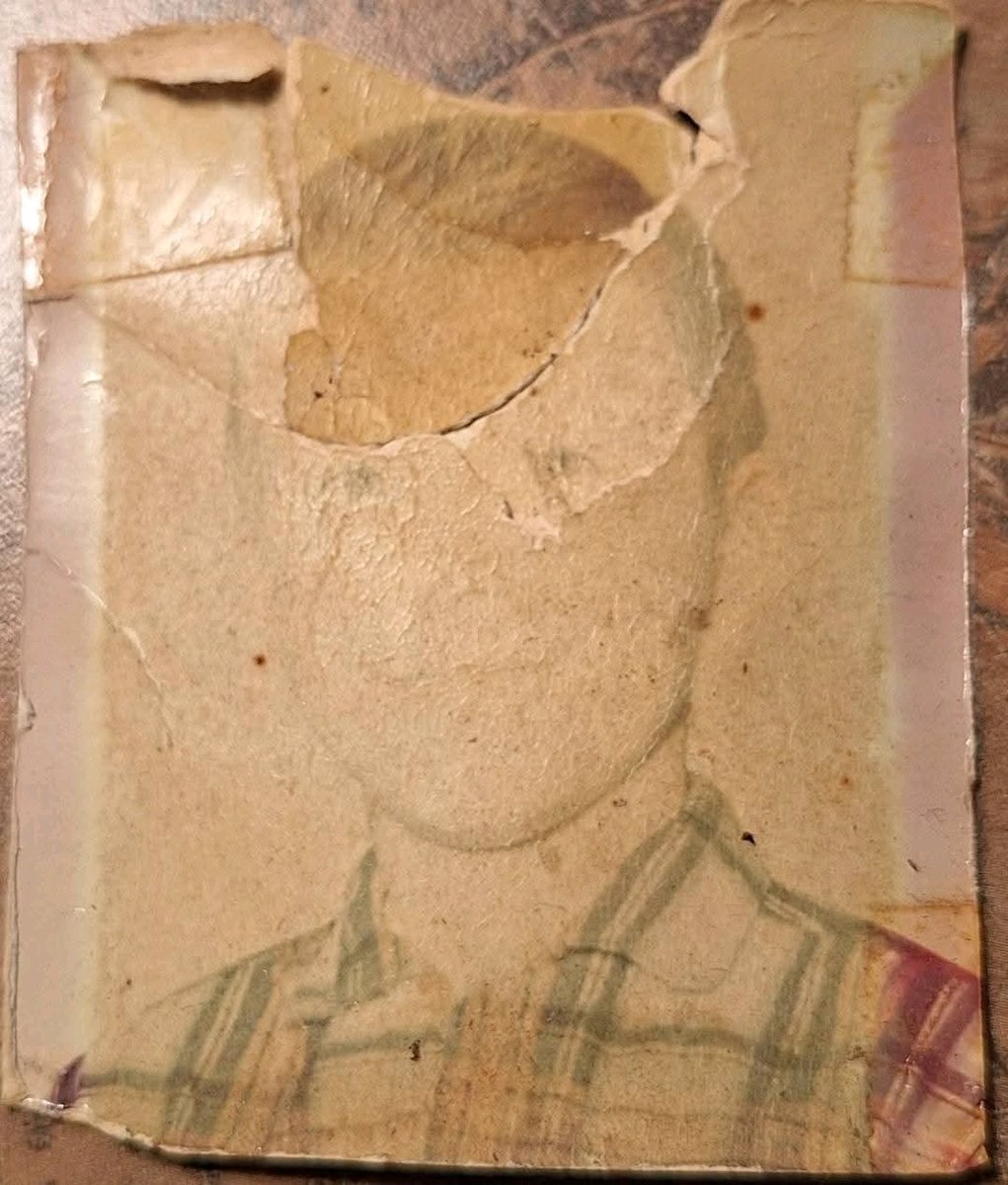
Old Photo Restoration to DSLR-Quality Portrait
Browse template categories
Humorous Temple Signboard with Goofy Monk questions
How do I use the Humorous Temple Signboard with Goofy Monk template?
Add your photo if the template asks for one, edit the prompt if you like — the template's model and format are already selected — and press Generate. Your version opens in PicX Studio.
Can I customize the Humorous Temple Signboard with Goofy Monk template?
Yes. You can change the subject, setting, lighting, mood, format, and available model controls before creating your image.
Is the Humorous Temple Signboard with Goofy Monk template free?
Opening and editing this template is free. Generating uses credits, shown on the Generate button when you are signed in.
Which AI model should I use?
Start with GPT Image 2, which is the model associated with this template. You can compare another compatible model for a different finish.
Looking for something else? Browse all templates.

Your photo, any look
Thousands of ready templates for every top image and video model, from one credit balance.